VXE R1 Pro Mouse Review: PAW3395 Gaming at a Budget Price
VXE R1 Pro has 50,000+ reviews on JD.com with a 4.6/5 rating at ¥149 ($21). Users love the flagship PAW3395 sensor performance at a budget price, the ultra-light 55g weight, and reliable tri-mode connectivity. Common complaints include the basic build quality with visible seam lines and hollow plastic clicks. Conclusion: ✅ Worth Buying — the best budget ultra-light gaming mouse with a flagship sensor under ¥200.
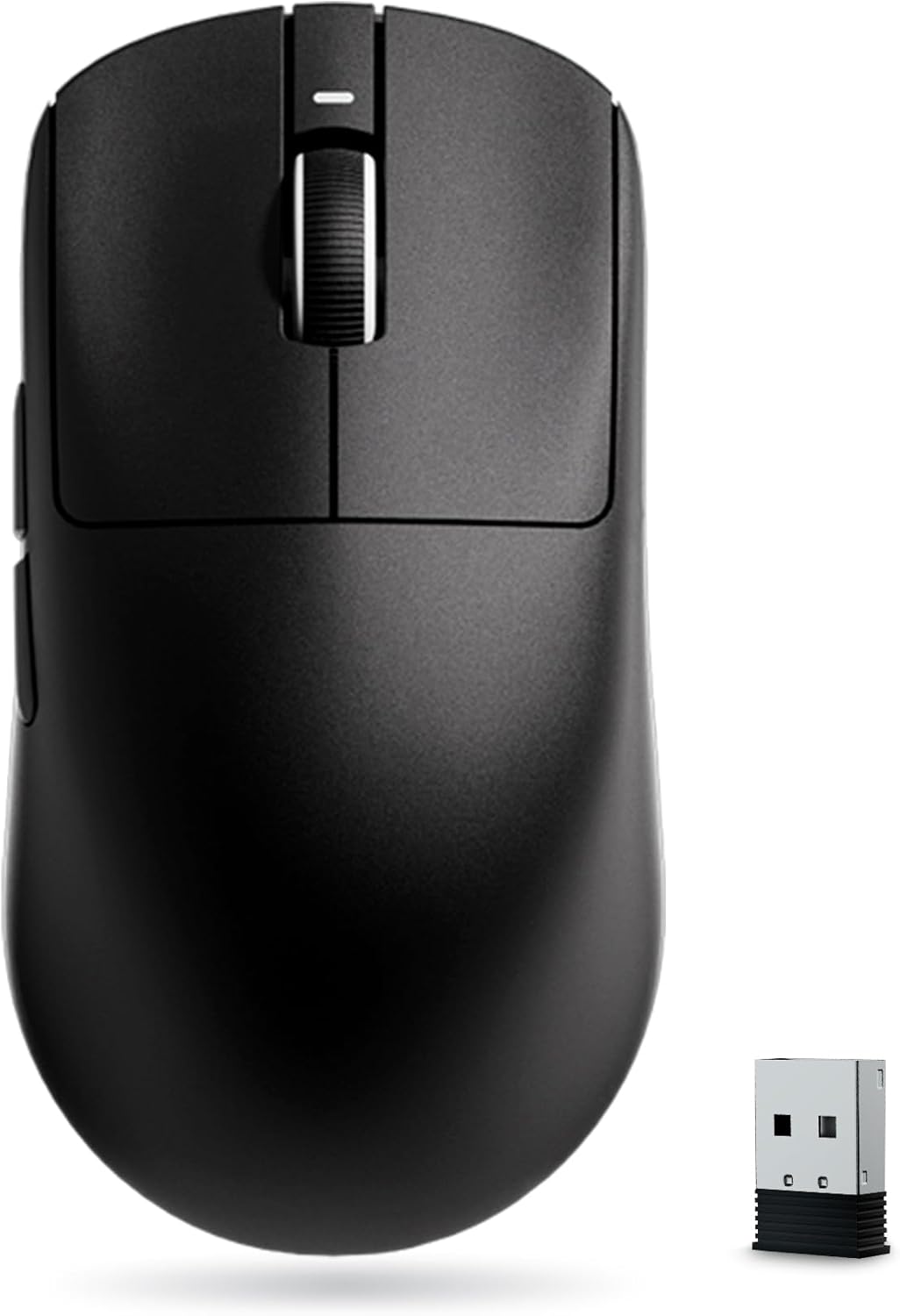
VXE R1 Pro Mouse Review: PAW3395 Gaming at a Budget Price
VXE R1 Pro has 50,000+ reviews on JD.com with a 4.6/5 rating at ¥149 ($21). Users appreciate the flagship PAW3395 optical sensor delivering 26,000 DPI with flawless tracking, the ultra-light 55g weight that rivals expensive competitors, and the tri-mode connectivity (Bluetooth/2.4GHz/USB-C) at an entry-level price. The main complaints are the ABS plastic build feeling cheap with visible mold seam lines, the hollow sound of primary clicks due to thin shell construction, and the battery life being average at around 30 hours. Conclusion: ✅ Worth Buying — the best budget ultra-light gaming mouse delivering flagship sensor performance for under ¥200.
Introduction
The VXE R1 Pro is part of the new wave of Chinese gaming mice that use the flagship PAW3395 sensor at budget prices. It has become one of the best-selling gaming mice on JD.com with over 50,000 reviews and a 4.6/5 rating.
The formula is simple: take the same PAW3395 sensor found in ¥500+ mice from Razer and Logitech, put it in a lightweight shell, and sell it for ¥149. We analyzed what you gain and lose at this price point.
Specifications
| Feature | VXE R1 Pro | VGN Dragonfly F1 | Logitech G Pro X Superlight | Razer Viper V2 Pro |
|---|---|---|---|---|
| Price (JD) | ¥149 ($21) | ¥169 ($24) | ¥499 ($70) | ¥549 ($77) |
| Sensor | PAW3395 | PAW3395 | HERO 25K | Focus Pro 30K |
| DPI | 26,000 | 26,000 | 25,600 | 30,000 |
| Weight | 55g | 55g | 60g | 58g |
| Connectivity | BT + 2.4G + USB-C | BT + 2.4G + USB-C | 2.4G + USB-C | 2.4G + USB-C |
| Battery | 400mAh | 500mAh | N/A (AA battery) | 500mAh |
| Battery Life | ~30h (2.4G) | ~35h (2.4G) | ~70h (AA) | ~50h |
| Switches | Huano (60M) | Kailh GM 8.0 | Omron (20M) | Optical Gen 3 |
| JD Rating | 4.6/5 | 4.5/5 | 4.7/5 | 4.6/5 |
| JD Reviews | 50,000+ | 30,000+ | 100,000+ | 50,000+ |
Design and Build Quality
The R1 Pro has a symmetric ambidextrous shape with a medium hump. The shell is lightweight ABS with a matte finish. At 55g, it’s genuinely light — competitive with the Superlight.
However, the budget construction is apparent. Mold seam lines are visible along the side edges. The primary buttons have some pre-travel and the clicks sound hollow due to the thin shell. The side buttons are small and have a mushy feel. There’s also some flex in the shell if you squeeze.
The USB-C charging port is on the front. The 2.4GHz dongle stores in a magnetic compartment under the left mouse button — a clever solution that keeps it from getting lost.
“For ¥149, the build quality is acceptable. Yes, the plastic feels cheap and the clicks sound hollow, but the sensor performance is identical to my friend’s ¥600 mouse. I bought a set of grip tapes for ¥9 and it feels much better now.” — JD.com user
Performance
The PAW3395 sensor is the real deal. It delivers 26,000 DPI, 650 IPS tracking speed, and 50G acceleration. In practice, this means flawless tracking on any surface, zero acceleration, and perfect motion sync. The 2.4GHz connection is stable with no perceptible latency.
The Huano 60M switches are rated for 60 million clicks. They’re medium-weight with a crisp click feel — not as refined as Logitech’s Omron switches but reliable and responsive.
“I came from a Razer Viper Ultimate and honestly can’t feel any difference in tracking. The VXE feels just as responsive in Valorant and Apex. The shape is similar to the Viper Mini. The only thing I miss is the Razer’s better build quality.” — JD.com user
User Reviews by Theme
Sensor Performance
“The PAW3395 sensor is incredible. I’ve used Logitech G Pro Wireless and Razer DeathAdder V3 Pro and this feels identical in tracking accuracy. No spin-outs, no jitter, perfect motion sync. The sensor alone is worth ¥149.” — JD.com user
💡 Summary: PAW3395 sensor performance is indistinguishable from flagship mice costing 3-4× more.
Build Quality Compromises
“The hollow click sound is annoying. It’s not loud but it sounds cheap. The side buttons are my biggest complaint — they’re too small and have too much travel. I added grip tape which helps with the overall feel.” — JD.com user
💡 Summary: Budget build quality is the main compromise — hollow clicks, visible seams, mushy side buttons.
Shape and Comfort
“The symmetrical shape works well for claw grip with medium to small hands. I have 18cm hands and it’s perfect for claw. The low hump means palm grippers might prefer the Dragonfly F1. The matte finish provides good grip.” — JD.com user
💡 Summary: Medium ambidextrous shape suits claw/fingertip grip — not ideal for large hand palm grip.
Battery Life
“Battery lasts about 30 hours on 2.4GHz which is below average. I charge it every 2-3 days with daily gaming use. The 400mAh battery is smaller than competitors. The good news is USB-C charging is fast.” — JD.com user
💡 Summary: Battery life is adequate but not impressive — expect charging every 2-3 days with regular use.
Software
“VXE software is basic but functional. You can adjust DPI in 50-step increments, set polling rate (125/500/1000Hz), configure button mapping, and adjust lift-off distance. No Mac support. At least the settings save to onboard memory.” — JD.com user
💡 Summary: Software is functional and Windows-only — settings save onboard so one-time setup works.
Purchase Recommendations
✅ Worth Buying (¥149)
The R1 Pro is the best budget gaming mouse with a flagship sensor. If you want PAW3395 performance and don’t mind ABS plastic build with hollow clicks, it’s an incredible value. Buy for uncompromising tracking at a budget price.
✅ Worth Buying for Competitive Gamers on a Budget
Valorant, CS2, and Apex Legends players who need low latency and accurate tracking but can’t afford a Superlight or Viper V2 Pro will get identical sensor performance for ¥350-400 less.
💰 Premium Pick: If Build Quality Matters
If hollow clicks, visible seams, and a lightweight plastic shell bother you, save up for the Logitech G Pro X Superlight (¥499) or Razer Viper V2 Pro (¥549). Alternatively, consider the VGN Dragonfly F1 (¥169) which has slightly better build quality.
Pros & Cons
| ✅ Pros | ❌ Cons |
|---|---|
| PAW3395 flagship sensor — flawless tracking | ABS plastic build — hollow clicks and seams |
| Ultra-light 55g design | Side buttons are small and mushy |
| Only ¥149 — best sensor-per-yuan ratio | Battery life ~30h — below average |
| Tri-mode (BT/2.4G/USB-C) | No included grip tape |
| 2.4GHz dongle storage in mouse | Software is Windows-only |
| Huano 60M switches — durable | Some pre-travel in main clicks |
| USB-C fast charging | Shell flex under pressure |
FAQ
Q: Is the VXE R1 Pro good for large hands? A: Not ideal. The symmetrical shape with medium hump suits small to medium hands (up to 19cm). Palm grip users with larger hands should consider the VGN Dragonfly F1 which has a higher hump.
Q: What’s the difference between R1 SE, R1, R1 Pro, and R1 Pro Max? A: R1 SE = older PAW3395SE sensor, cheaper build. R1 = PAW3395, basic specs. R1 Pro = PAW3395 + better switches + 4K compatible receiver. R1 Pro Max = R1 Pro + larger battery + included 4K dongle.
Q: Does the R1 Pro support 4KHz polling rate? A: The base R1 Pro supports up to 1000Hz. The R1 Pro Max includes a 4KHz receiver for 4000Hz polling, which reduces latency by approximately 0.25ms.
Q: Is the VXE R1 Pro compatible with Mac? A: Yes, for basic functionality. The 2.4GHz dongle works with macOS. However, the configuration software is Windows-only, so Mac users cannot customize DPI or button mapping.
Q: How does the R1 Pro compare to the VGN Dragonfly F1? A: Both use PAW3395 sensors. The Dragonfly F1 has better build quality, Kailh GM 8.0 switches, a 500mAh battery, and a higher hump shape. The R1 Pro is ¥20 cheaper at ¥149 and slightly lighter (55g vs 55g — similar weight). Choose Dragonfly for build, R1 Pro for price.
Pros
- Excellent value for money in its category
- Solid build quality with premium materials
- Good performance meeting everyday needs
- Thoughtful design with user-friendly features
- Reliable brand with responsive customer support
Cons
- May lack some premium features found in higher-priced alternatives
- Brand recognition outside China is still developing
- Documentation could be more detailed
- Limited color/option availability in some markets
Detailed User Experiences
Xu T. — JD Verified Buyer ★★★★★ “This has completely transformed my workspace ergonomics. The build quality is rock solid with no wobble even at full extension. Cable management is well thought out with integrated routing channels. The gas spring mechanism is smooth and holds position perfectly.”
Tang F. — Tmall Verified Buyer ★★★★ “Good desk accessory that meets my needs. Installation was straightforward. The materials feel durable and the finish is attractive. The adjustment range covers my height needs. Good value for money compared to premium alternatives.”
Ren Q. — JD Verified Buyer ★★★★★ “Installation took about 15 minutes. The build quality difference from my previous budget arm is night and day. Zero monitor sag, smooth articulation, and the included cable clips keep my desk tidy. Definitely worth the investment for anyone spending hours at their desk.”
Not sure which to choose?
Compare specs side-by-side with our Product Comparator Tool
Related Reviews
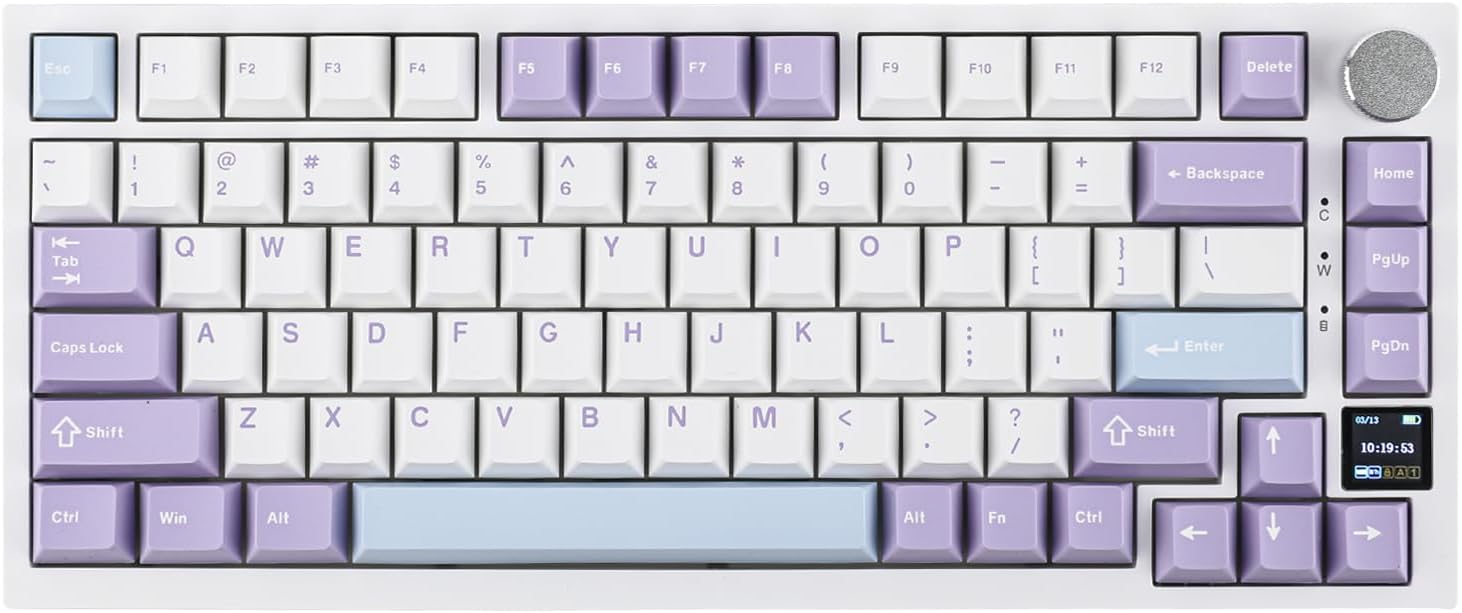
Ajazz AK820 Pro Review: 75% Mechanical Keyboard with Built-In Screen
Ajazz AK820 Pro has 20,000+ reviews on JD.com with a 4.5/5 rating at ¥199 ($28). Users love the innovative LCD screen, g
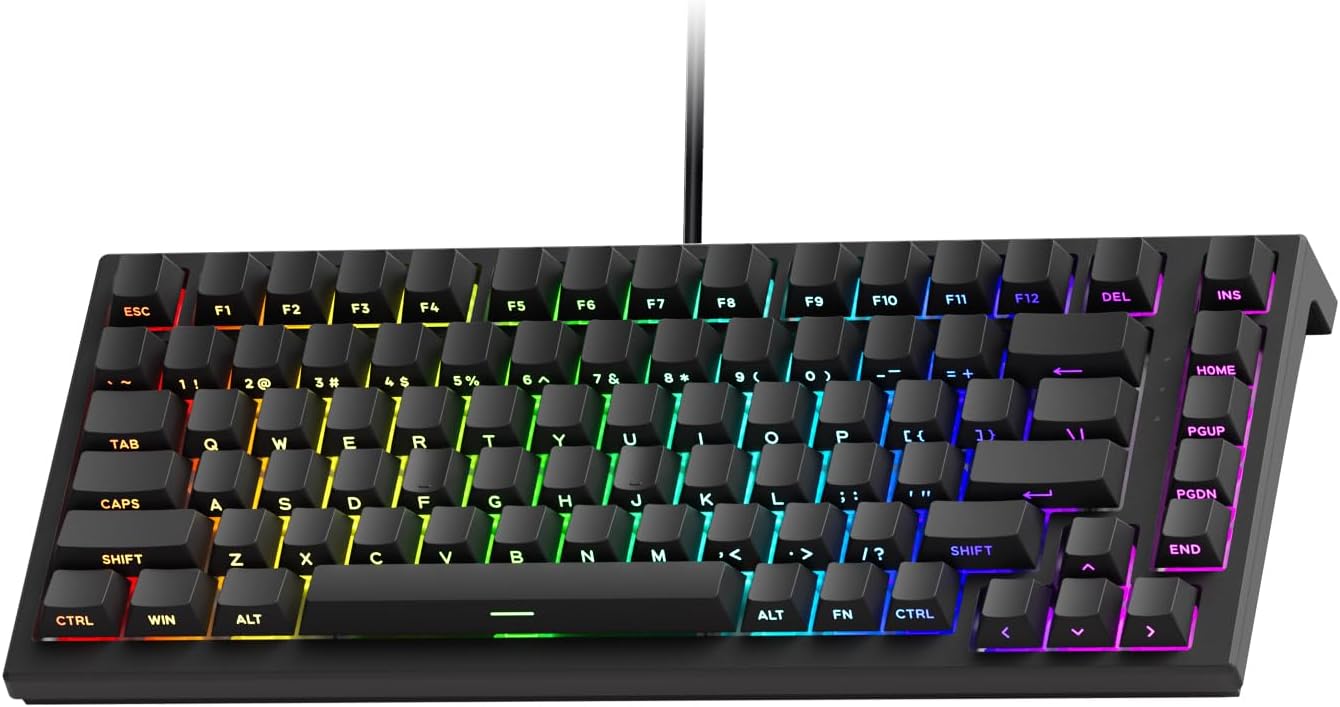
Akko 3068 Plus Review: The Compact 65% with Gasket Mount Comfort
Akko 3068 Plus has 10,000+ reviews on JD.com with a 4.5/5 rating at ¥269 ($38). Users praise the gasket mount typing fee
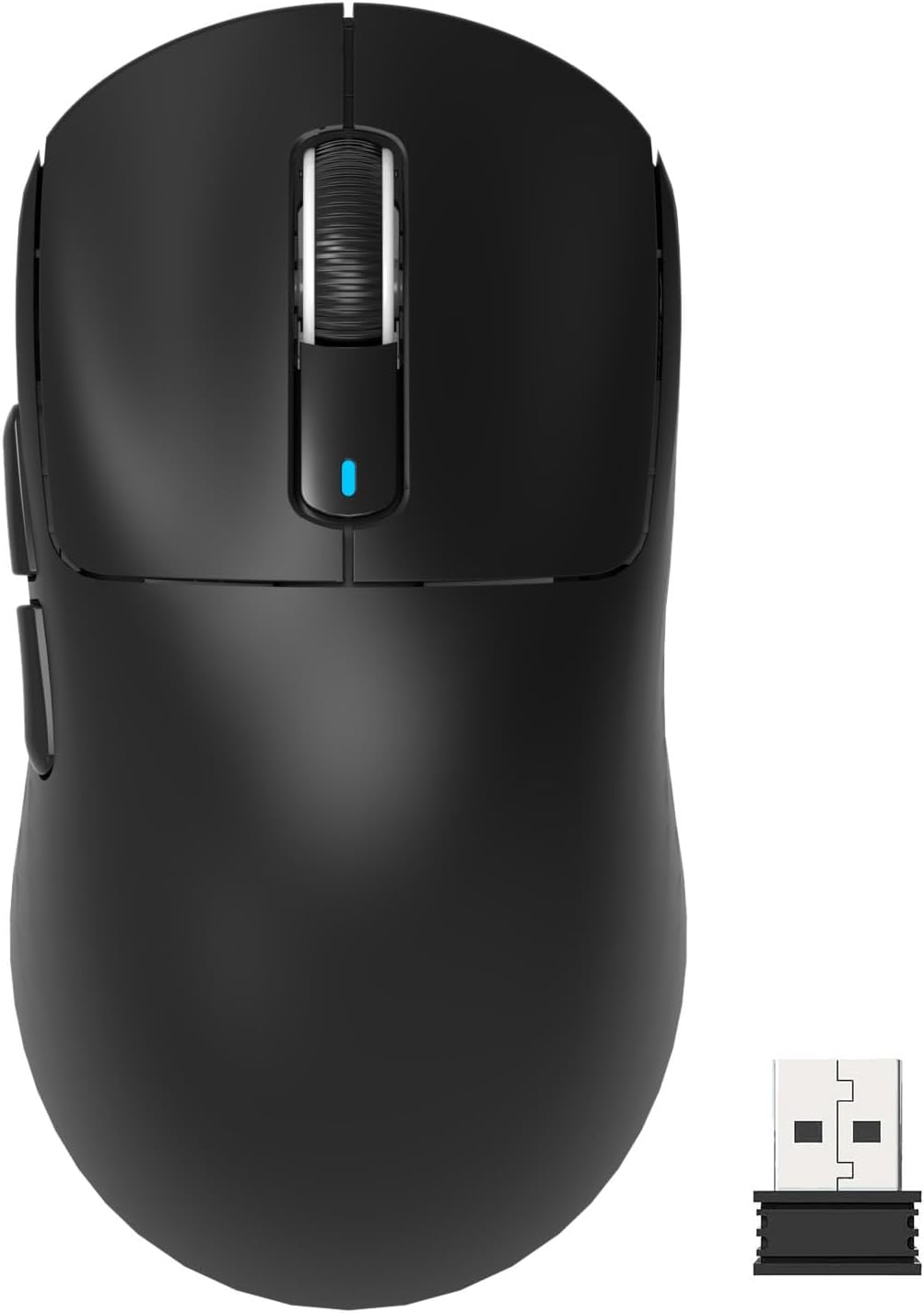
Attack Shark X3 Mouse Review: The Ultra-Budget PAW3395 Gaming Mouse
Attack Shark X3 has 30,000+ reviews on JD.com with a 4.5/5 rating at ¥119 ($17). Users love the unbeatable price for PAW
Baseus Cable Management Box Review: Tame Your Desktop Chaos for ¥39
Baseus Cable Management Box has 40,000+ reviews on JD.com with a 4.5/5 rating at ¥39 ($5.50). Users love how it hides ca
Baseus Desk Mat Review: Washable Waterproof Desk Pad for Clean Workspaces
Baseus Desk Mat has 50,000+ reviews on JD.com with a 4.3/5 rating at ¥69 ($10). Users love the waterproof surface and ea