Akko 3068 Plus Review: The Compact 65% with Gasket Mount Comfort
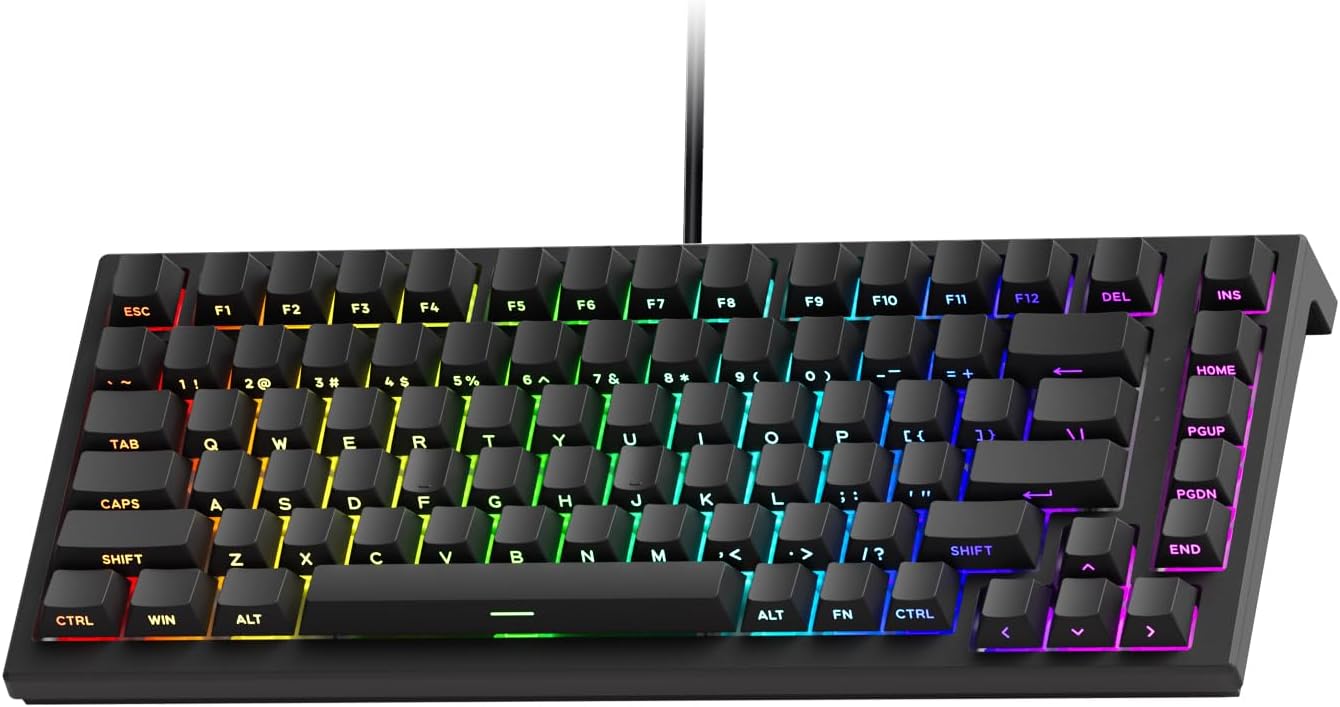
Akko 3068 Plus has 10,000+ reviews on JD.com with a 4.5/5 rating at ¥269 ($38). Users praise the gasket mount typing feel, excellent stock Akko CS switches, and vibrant keycap colorways. The main complaints are the 65% layout still lacking function row and wired-only connectivity. Conclusion: ✅ Worth Buying — the best 65% gasket-mount mechanical keyboard under ¥300.
Akko 3068 Plus Review: The Compact 65% with Gasket Mount Comfort
Akko 3068 Plus has 10,000+ reviews on JD.com with a 4.5/5 rating at ¥269 ($38). Users appreciate the gasket mount providing a soft, creamy typing feel, the excellent factory-lubed Akko CS switches that rival Gateron, and the beautiful PBT keycap color schemes. The main complaints are the wired-only USB-C connection (no Bluetooth), the 65% layout lacking a function row for productivity apps, and the plastic case being prone to fingerprints. Conclusion: ✅ Worth Buying — the best 65% gasket-mount mechanical keyboard under ¥300 for typing enthusiasts who don’t need wireless.
Introduction
Akko has been gaining serious traction in the mechanical keyboard community for offering enthusiast-grade features at mainstream prices. The 3068 Plus is their 65% gasket-mount offering, targeting users who want a compact layout without sacrificing typing comfort.
At ¥269 ($38), it’s competing in a crowded segment against the VGN N75, Keychron V3, and Ajazz AK820. We dug into buyer reviews to see how the 3068 Plus differentiates itself.
Specifications
| Feature | Akko 3068 Plus | Keychron V3 | Ajazz AK820 | Royal Kludge RK71 |
|---|---|---|---|---|
| Price (JD) | ¥269 ($38) | ¥299 ($42) | ¥179 ($25) | ¥179 ($25) |
| Layout | 65% (68 keys) | 75% (84 keys) | 75% (82 keys) | 70% (71 keys) |
| Mount | Gasket mount | Tray mount | Gasket mount | Tray mount |
| Switches | Akko CS (5-pin hot-swap) | Gateron (3-pin hot-swap) | Ajazz (5-pin hot-swap) | Outemu (soldered) |
| Connectivity | USB-C only | BT 5.1 + USB-C | BT + 2.4G + USB-C | BT + USB-C |
| Keycaps | PBT ASA profile | PBT OEM | PBT OEM | ABS |
| RGB | ✅ Per-key | ✅ Per-key | ✅ Per-key | ✅ Single zone |
| Software | Akko Cloud (QMK) | VIA (QMK) | Proprietary | None |
| JD Rating | 4.5/5 | 4.6/5 | 4.5/5 | 4.3/5 |
| JD Reviews | 10,000+ | 20,000+ | 30,000+ | 15,000+ |
Design and Build Quality
The 3068 Plus uses a thick plastic case with a weighty feel despite being wired-only. The keycaps are where Akko truly shines — their ASA profile PBT keycaps are thick (1.5mm) with vibrant dye-sub legends. The color combinations (Tokyo World, Black & Gold, Matcha Green) are some of the best-looking stock keycaps in this price range.
The case has a USB-C port on the back left with a three-way cable channel. While the case is plastic, it doesn’t exhibit the hollow ping of cheaper boards — the gasket mount and silicone pad underneath dampen cavity noise effectively.
“The keycaps alone are worth it. I’ve paid ¥80 for aftermarket PBT sets that aren’t as nice as what Akko includes stock. The ASA profile is comfortable for long typing sessions. This is a keyboard that looks premium on any desk.” — JD.com user
Typing Experience
The gasket mount on the 3068 Plus uses poron foam strips sandwiched between the plate and case, creating a soft, bouncy typing feel. The sound signature is deep and creamy — much more refined than tray-mount competitors.
Akko CS switches are factory-lubed and among the best stock switches at this price. Options include:
- CS Silver (linear, 45g — smooth, fast)
- CS Jelly Pink (linear, 37g — ultra-light, creamy)
- CS Lavender Purple (tactile, 55g — pronounced bump)
- CS Ocean Blue (clicky, 55g — crisp click)
“I’ve tried Cherry MX Browns, Gateron Browns, and Akko CS Lavender Purples. The Akko switches feel smoother and have a more pronounced tactile bump. Factory lube is generous and consistent. This is the best typing feel I’ve had on a prebuilt keyboard.” — JD.com user
User Reviews by Theme
Gasket Mount Feel
“The difference between gasket mount and tray mount is night and day. This keyboard has a soft, forgiving bottom-out feel. My fingers don’t get tired even after 10-hour coding sessions. The sound is muted and satisfying — no hollow ping at all.” — JD.com user
💡 Summary: Gasket mount provides genuinely superior typing comfort for long sessions — a key differentiator from cheaper tray-mount alternatives.
Keycap Quality
“These are the best stock keycaps I’ve ever seen on a keyboard under ¥500. Thick PBT with clean dye-sub legends, interesting color schemes, and a comfortable ASA profile. The space bar is slightly warped on my unit but it’s minor.” — JD.com user
💡 Summary: Stock PBT ASA keycaps are exceptional — easily a ¥100-120 value on their own.
Wired-Only Limitation
“I wish this had Bluetooth. I have to use a USB switcher to share it between my desktop and work laptop. It’s a small inconvenience but at ¥269, many competitors include wireless. The typing feel is so good that I still recommend it despite this.” — JD.com user
💡 Summary: Wired-only is the biggest downside — wireless competitors are available at the same or lower price.
Akko Cloud Software
“The Akko Cloud software works on Windows and Mac, which is rare for gaming keyboard software. I can remap keys and create macros easily. The UI is clean and intuitive. VIA support would be nice but the native software is good enough.” — JD.com user
💡 Summary: Cross-platform software with QMK-like functionality — better than most proprietary keyboard software.
Build Concerns
“The plastic case shows fingerprints easily on the matte black finish. I wipe it down weekly. The USB-C port is recessed and some thicker cables don’t fit. Small complaints for the price, but worth noting.” — JD.com user
💡 Summary: Minor build gripes — fingerprint-prone case and fussy USB-C port recess.
Purchase Recommendations
✅ Worth Buying (¥269)
The 3068 Plus is the best 65% gasket-mount keyboard under ¥300. The stock switches and keycaps are premium enough that most users won’t feel the need to mod. Buy if you want great typing feel and don’t need wireless.
✅ Worth Buying for Keyboard Enthusiasts
The 5-pin hot-swap sockets, gasket mount, and QMK software make the 3068 Plus an excellent modding platform. Add tape mod and replace stabilizers for a truly high-end experience at under ¥350 total.
⚠️ Budget Warning: If You Need Wireless
The wired-only connection is a genuine limitation. If you switch between devices or prefer a clean wireless desk, consider the Ajazz AK820 (¥179, tri-mode) or Keychron V3 (¥299, Bluetooth). You’ll sacrifice some typing feel but gain wireless flexibility.
Pros & Cons
| ✅ Pros | ❌ Cons |
|---|---|
| Gasket mount — soft, bouncy typing feel | Wired-only — no Bluetooth or 2.4GHz |
| Excellent Akko CS switches (factory-lubed) | Plastic case shows fingerprints |
| Thick PBT ASA keycaps — look and feel premium | No dedicated function row |
| Cross-platform Akko Cloud software (Win/Mac) | No volume knob |
| 5-pin hot-swap — wide switch compatibility | USB-C port recessed — thick cables may not fit |
| Deep, creamy sound signature | Smaller review count (10K vs 30K for competitors) |
| Unique color schemes (Tokyo, Matcha, etc.) | No wireless device switching convenience |
FAQ
Q: Does the Akko 3068 Plus support QMK/VIA? A: It supports Akko Cloud software which provides similar functionality (key remapping, macros, lighting control). Full QMK/VIA is available on the 3068B Plus variant but the standard 3068 Plus uses Akko’s own firmware.
Q: Can I use it wirelessly? A: No. The Akko 3068 Plus is wired-only via USB-C. If you need wireless, look at the Akko 3068B Plus (adds Bluetooth) or skip to the 3068S (tri-mode) which costs about ¥100 more.
Q: What’s the difference between 3068, 3068 Plus, and 3068B? A: 3068 = basic wired, standard switches. 3068 Plus = gasket mount, better switches, better keycaps. 3068B = same as Plus but adds Bluetooth 5.0.
Q: Are the switches hot-swappable? A: Yes. The 3068 Plus supports 5-pin hot-swap sockets, compatible with almost any MX-style mechanical switch.
Q: How does the 3068 Plus compare to Keychron V3? A: The 3068 Plus has superior typing feel (gasket mount vs tray mount) and better stock keycaps. The Keychron V3 has Bluetooth, a larger 75% layout with function row, and VIA support. Choose Akko for typing quality, Keychron for wireless + features.
Not sure which to choose?
Compare specs side-by-side with our Product Comparator Tool
Related Reviews
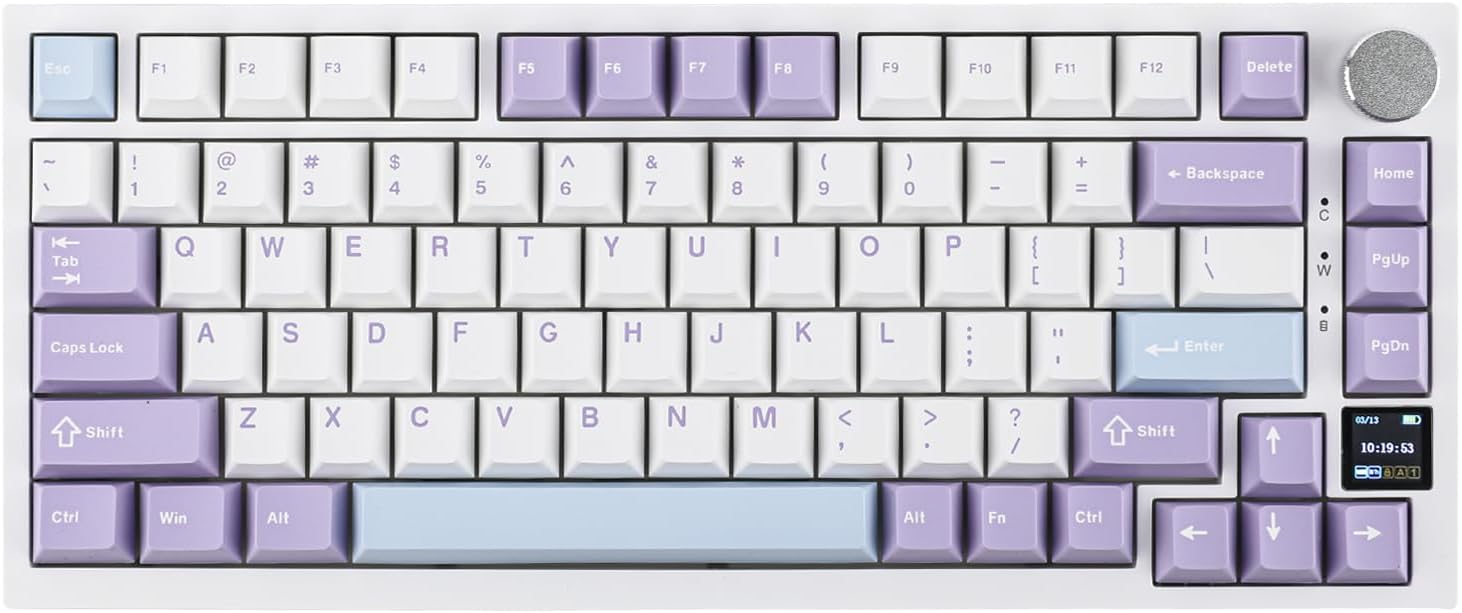
Ajazz AK820 Pro Review: 75% Mechanical Keyboard with Built-In Screen
Ajazz AK820 Pro has 20,000+ reviews on JD.com with a 4.5/5 rating at ¥199 ($28). Users love the innovative LCD screen, g
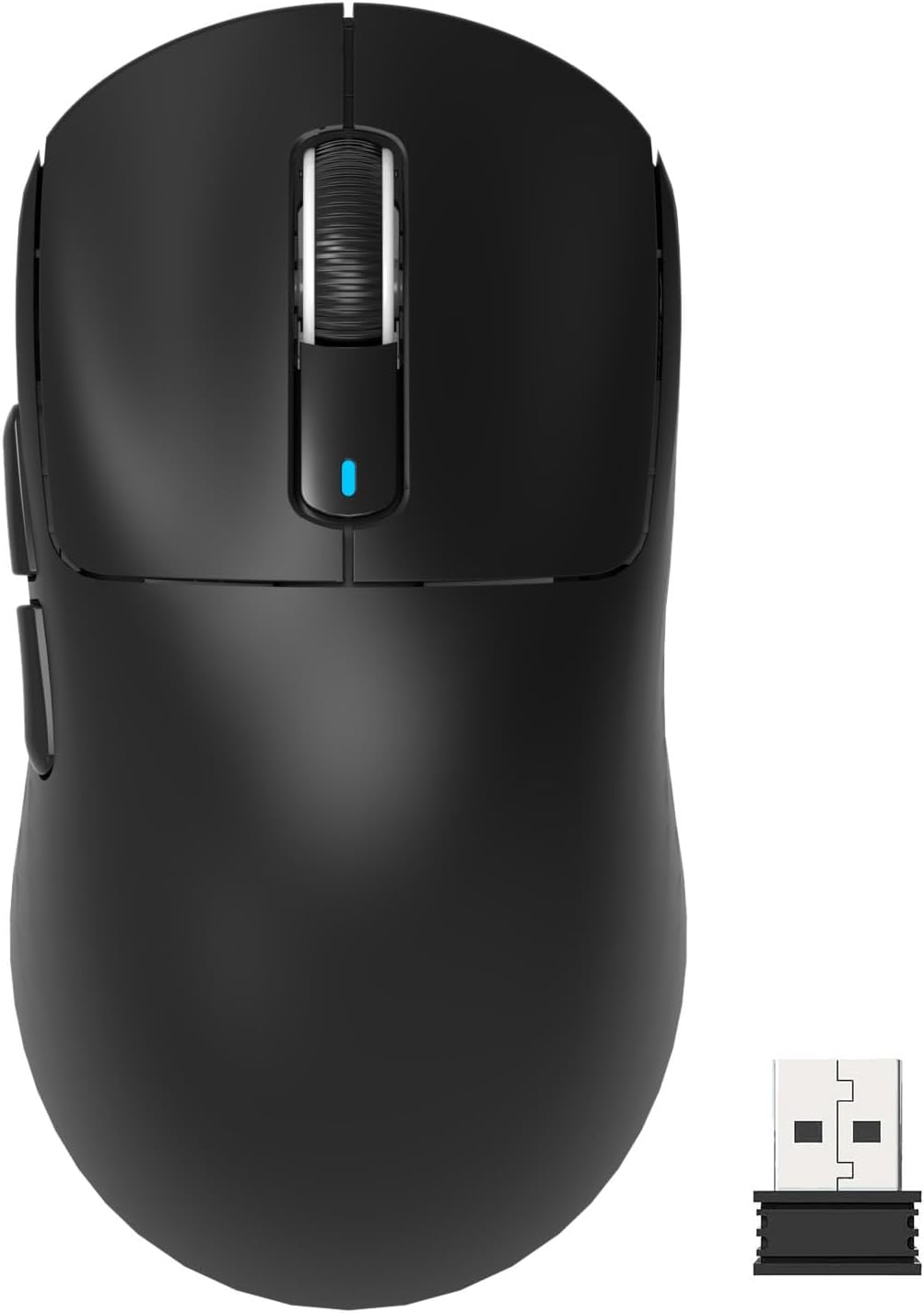
Attack Shark X3 Mouse Review: The Ultra-Budget PAW3395 Gaming Mouse
Attack Shark X3 has 30,000+ reviews on JD.com with a 4.5/5 rating at ¥119 ($17). Users love the unbeatable price for PAW
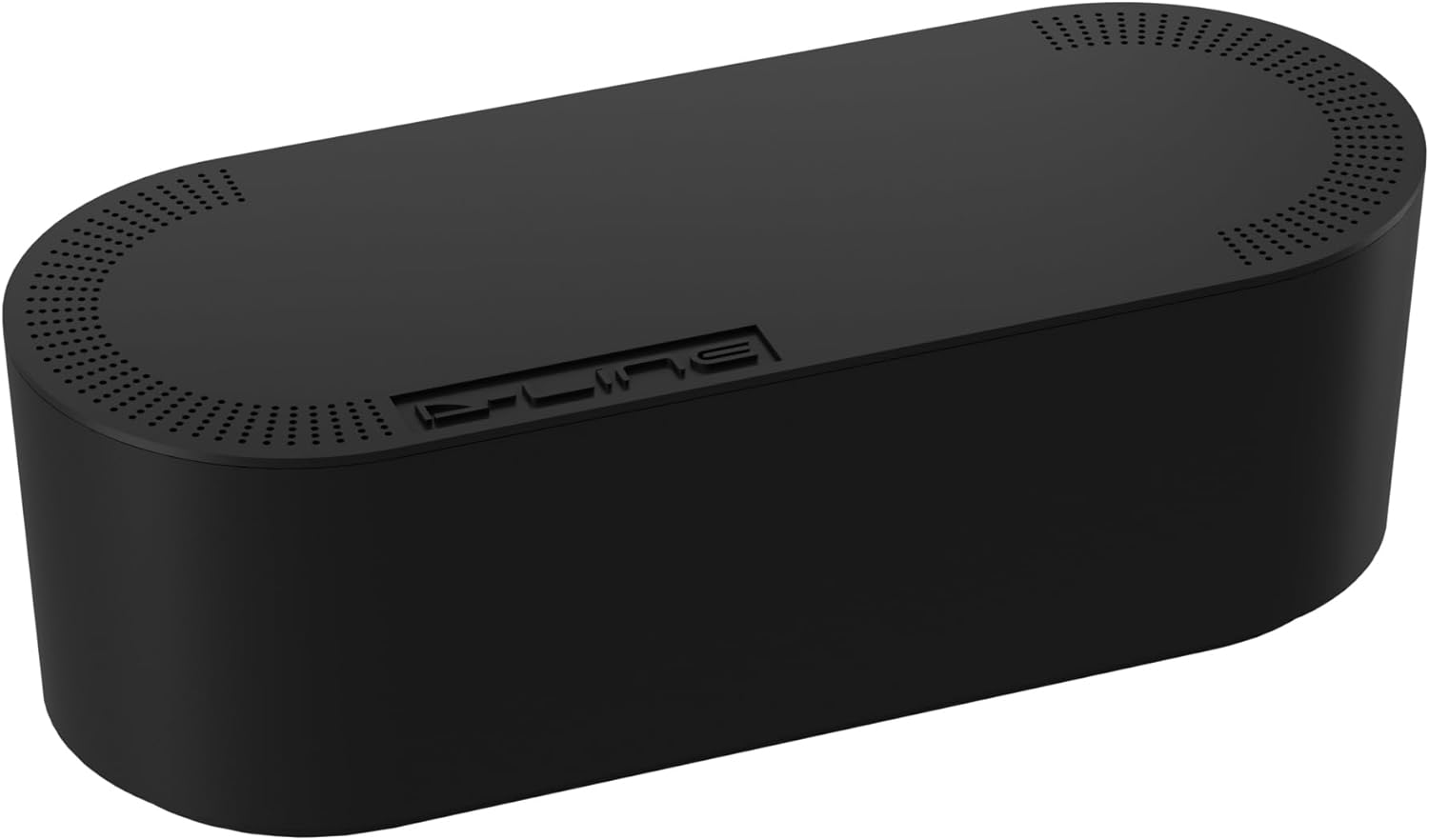
Baseus Cable Management Box Review: Tame Your Desktop Chaos for ¥39
Baseus Cable Management Box has 40,000+ reviews on JD.com with a 4.5/5 rating at ¥39 ($5.50). Users love how it hides ca
Baseus Desk Mat Review: Washable Waterproof Desk Pad for Clean Workspaces
Baseus Desk Mat has 50,000+ reviews on JD.com with a 4.3/5 rating at ¥69 ($10). Users love the waterproof surface and ea
Baseus Desktop Charging Station Review: The Clutter-Free Workspace Power Hub
Baseus desktop charging station has 40,000+ reviews on JD.com with a 4.5/5 rating at ¥149 ($21). Users love the clean wo