Attack Shark X3 Mouse Review: The Ultra-Budget PAW3395 Gaming Mouse
Attack Shark X3 has 30,000+ reviews on JD.com with a 4.5/5 rating at ¥119 ($17). Users love the unbeatable price for PAW3395 sensor performance, the ultra-light wirelessly that rivals mice costing 4× more, and the surprisingly good battery life. Common complaints include hit-or-miss QC with some units having rattling buttons and inconsistent surface finishing. Conclusion: ✅ Worth Buying — the cheapest PAW3395 gaming mouse on the market, ideal for budget-conscious competitive gamers who accept occasional QC variance.
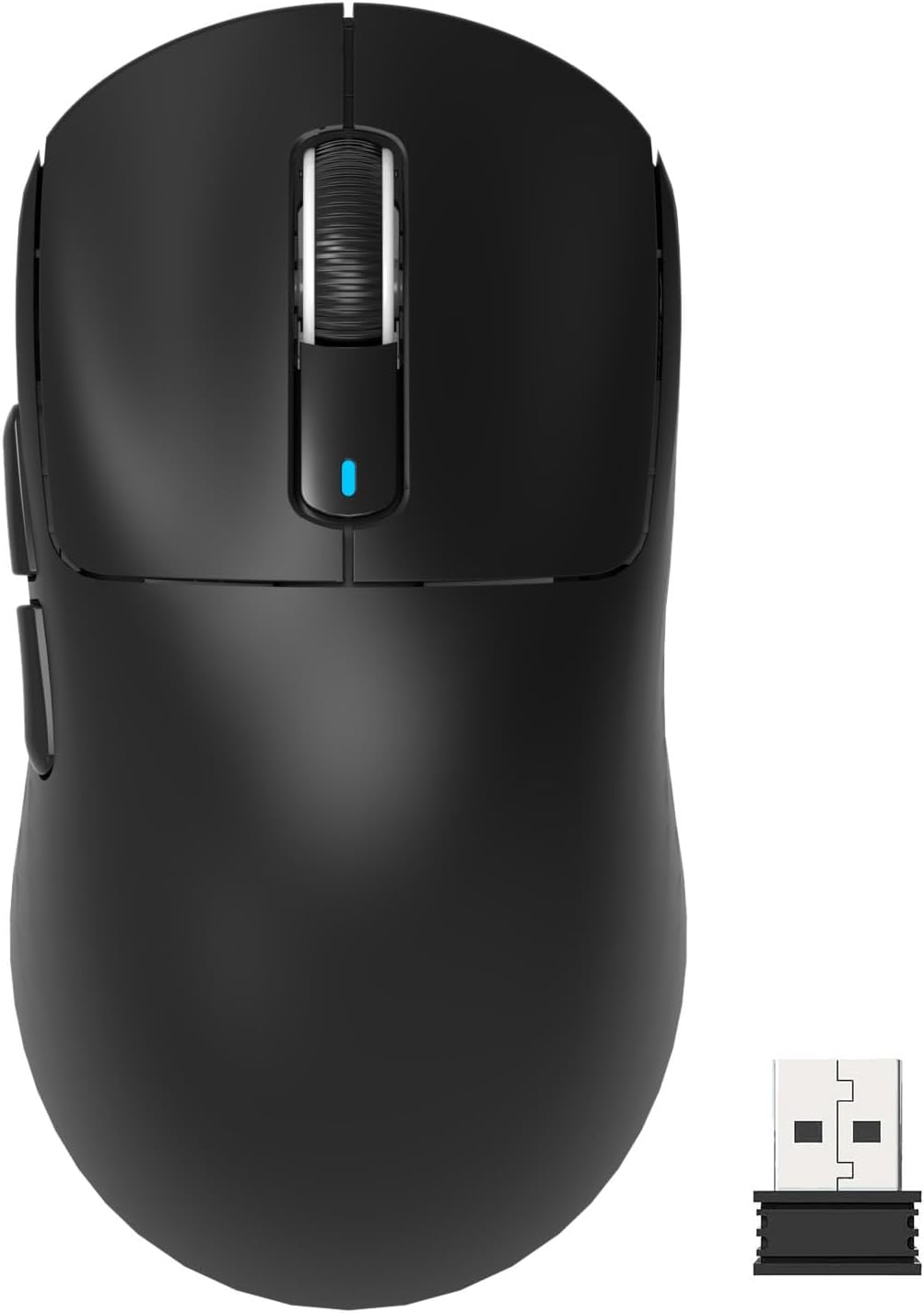
Attack Shark X3 Mouse Review: The Ultra-Budget PAW3395 Gaming Mouse
Attack Shark X3 has 30,000+ reviews on JD.com with a 4.5/5 rating at ¥119 ($17). Users appreciate the incredible price-to-performance ratio — a flagship PAW3395 sensor for just ¥119, the ultra-light 56g weight that makes aiming effortless, and the reliable 2.4GHz connection with negligible latency. The main complaints are inconsistent build quality with some units having creaking shells or loose-feeling side buttons, and the mouse being too small for medium-to-large hands in palm grip. Conclusion: ✅ Worth Buying — the cheapest PAW3395 gaming mouse on the market, ideal for budget-conscious claw/fingertip grippers who can accept occasional QC variance.
Introduction
Attack Shark has carved out the absolute bottom of the PAW3395 gaming mouse market. The X3 costs just ¥119 — ¥30 less than the VXE R1 Pro and ¥50 less than the VGN Dragonfly F1. At this price, it’s competing with office mice that use far inferior sensors.
The formula is the same as the budget gaming mouse formula: PAW3395 + ultralight shell + 2.4GHz + aggressive pricing. The X3 pushes the price lower than anyone else. We analyzed 30,000+ reviews to see if it’s a steal or a trap.
Specifications
| Feature | Attack Shark X3 | VXE R1 Pro | VGN Dragonfly F1 | Darmoshark M3 |
|---|---|---|---|---|
| Price (JD) | ¥119 ($17) | ¥149 ($21) | ¥169 ($24) | ¥199 ($28) |
| Sensor | PAW3395 | PAW3395 | PAW3395 | PAW3395 |
| Weight | 56g | 55g | 55g | 58g |
| Shape | Symmetric small | Symmetric medium | Ergonomic medium | Symmetric medium-large |
| Connectivity | BT + 2.4G + USB-C | BT + 2.4G + USB-C | BT + 2.4G + USB-C | BT + 2.4G + USB-C |
| Battery | 400mAh | 400mAh | 500mAh | 500mAh |
| Switches | Huano (blue shell) | Huano (60M) | Kailh GM 8.0 | Kailh GM 8.0 |
| Polling Rate | Up to 1000Hz | Up to 1000Hz | Up to 1000Hz | Up to 4000Hz |
| JD Rating | 4.5/5 | 4.6/5 | 4.5/5 | 4.5/5 |
| JD Reviews | 30,000+ | 50,000+ | 30,000+ | 20,000+ |
Design and Build Quality
The X3 is a small symmetric mouse — about the size of a Razer Viper Mini. It’s 56g, making it one of the lightest mice available. The shell is thin ABS plastic with a matte finish.
This is where the cost-cutting shows most clearly. The shell has visible mold lines and the matte finish isn’t as consistent as more expensive mice. The primary buttons have moderate pre-travel and the clicks have a hollow sound. Some units are reported to have creaking side panels.
The build quality is consistently described as “acceptable for the price” rather than “good.” There’s a quality lottery aspect — some units feel solid while others have noticeable imperfections.
“I bought two X3s — one for home and one for office. One is perfect, the other has a slightly creaky left click. For ¥119, I’m not going to complain. The sensor performance is identical between both units. Add grip tape and it feels like a ¥300 mouse.” — JD.com user
Performance
The PAW3395 performs exactly as expected — flawless tracking, zero acceleration, perfect motion sync. The Huano blue shell switches are crisp with moderate weight — good for gaming where accidental clicks need to be avoided.
The 2.4GHz connection is stable. Polling rate tests show consistent 1000Hz with no dips. Bluetooth works well for office use but adds 2-3ms of latency for gaming.
The 400mAh battery provides about 25-30 hours of use, which means charging every 2 days with heavy gaming. USB-C charging takes about 1.5 hours.
“The sensor performance is incredible for ¥119. In Valorant, my flicks feel exactly the same as on my friend’s Superlight. The shape is small which is perfect for my claw grip (17cm hands). Bigger hands will struggle with palm grip.” — JD.com user
User Reviews by Theme
Unbeatable Price
“A mouse with a PAW3395 sensor and 56g weight for ¥119 is insane. Three years ago this combination cost ¥500+. Attack Shark is basically buying the sensor and wrapping it in the cheapest possible shell. And that’s exactly what I want.” — JD.com user
💡 Summary: The X3 offers the best sensor-per-yuan ratio in the mouse market — unmatched value.
QC Lottery
“My first X3 had a rattling scroll wheel. I returned it and the replacement is perfect. The QC is inconsistent at this price point. If you get a good unit, it’s amazing. If not, JD returns are easy so it’s not a huge risk.” — JD.com user
💡 Summary: QC inconsistency is the main risk — buy from a platform with easy returns (JD, Amazon).
Small Size Limitation
“I have 19cm hands and this mouse is too small for me. The sides pinch my ring finger against the mouse pad. It works for claw grip but palm grip is impossible. This is strictly a small-medium hand mouse.” — JD.com user
💡 Summary: Small size limits grip style and hand size compatibility — not for palm grippers or large hands.
Battery Life
“Battery is okay but not great. I get about 30 hours on 2.4GHz with RGB off. I charge every 2 days. For comparison, my friend’s Darmoshark M3 lasts a week. The small battery is a trade-off for the low weight.” — JD.com user
💡 Summary: Average battery life — a consequence of the lightweight design and small form factor.
Grip Tape Solution
“The stock matte finish is okay but gets slippery after an hour. I bought ¥9 grip tape from Taobao and it transformed the feel. Now the X3 feels secure in my hand. This is a must-buy accessory.” — JD.com user
💡 Summary: Grip tape is a cheap and effective upgrade that addresses the slippery stock surface.
Purchase Recommendations
✅ Worth Buying (¥119)
The X3 is the ultimate value PAW3395 mouse. Buy if you have small-medium hands, use claw/fingertip grip, and accept that ¥119 means QC variance. The sensor is flawless and the price is unbeatable.
⚠️ Budget Warning: QC Risk and Limited Comfort
The QC lottery and small shape make the X3 less universally recommendable than the VXE R1 Pro (¥149, better build) or VGN Dragonfly F1 (¥169, better shape for palm grip). If ¥30-50 isn’t critical, pay more for better consistency.
✅ Worth Buying for Second Mouse
Keep the X3 as a travel mouse or throw in your laptop bag. At ¥119, it’s cheap enough to not worry about. The PAW3395 sensor means you don’t sacrifice performance when you’re away from your main setup.
Pros & Cons
| ✅ Pros | ❌ Cons |
|---|---|
| Cheapest PAW3395 mouse at ¥119 ($17) | Inconsistent QC — some units have issues |
| Ultra-light 56g weight | Too small for large hands / palm grip |
| Flawless PAW3395 sensor performance | Hollow click sounds — thin shell |
| Tri-mode connectivity (BT/2.4G/USB-C) | Matte finish gets slippery over time |
| USB-C fast charging | Battery life ~30h — below average |
| 2.4GHz dongle storage | No 4KHz polling support |
| 30,000+ reviews with 4.5 rating | No included grip tape or accessories |
FAQ
Q: Is the Attack Shark X3 good for large hands? A: No. The X3 is a small mouse optimized for claw/fingertip grip with small to medium hands (<18.5cm). Large hand palm grippers will find it cramped. Consider the Darmoshark M3 or VGN Dragonfly F1 for larger shapes.
Q: Does the X3 support 4KHz polling? A: No. The X3 supports up to 1000Hz polling rate. For 4000Hz, you’d need the Attack Shark X3 Pro or Darmoshark M3 4K.
Q: What switches does the X3 use? A: Huano blue shell switches, rated for 60 million clicks. They’re medium-weight with a crisp actuation — not optical switches but reliable mechanical switches common in Chinese gaming mice.
Q: How does the X3 compare to the VXE R1 Pro? A: The X3 is ¥30 cheaper and slightly smaller. The R1 Pro has better build quality, more consistent QC, and a more refined shape for medium hands. The VXE is the safer recommendation at ¥149. The X3 is the value pick.
Q: Does it work on Mac? A: Yes, basic functionality works on Mac via 2.4GHz dongle. No software support for Mac. Settings can be configured on Windows and saved to onboard memory.
Not sure which to choose?
Compare specs side-by-side with our Product Comparator Tool
Related Reviews
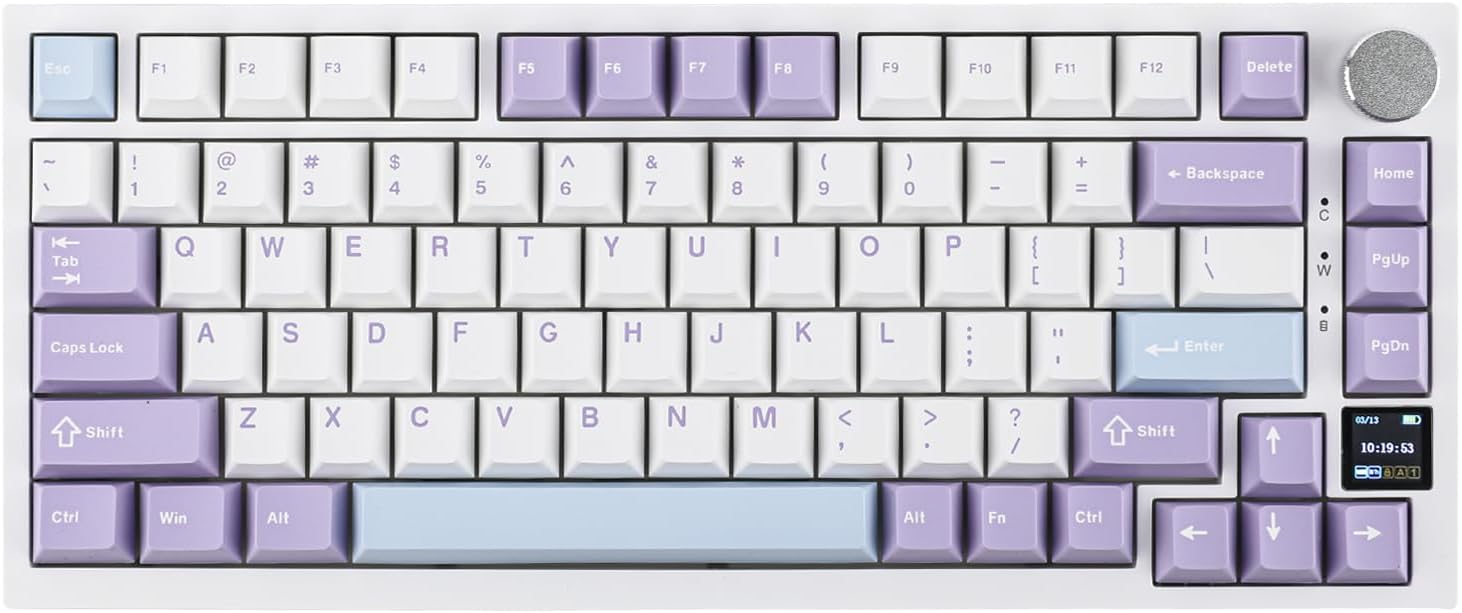
Ajazz AK820 Pro Review: 75% Mechanical Keyboard with Built-In Screen
Ajazz AK820 Pro has 20,000+ reviews on JD.com with a 4.5/5 rating at ¥199 ($28). Users love the innovative LCD screen, g
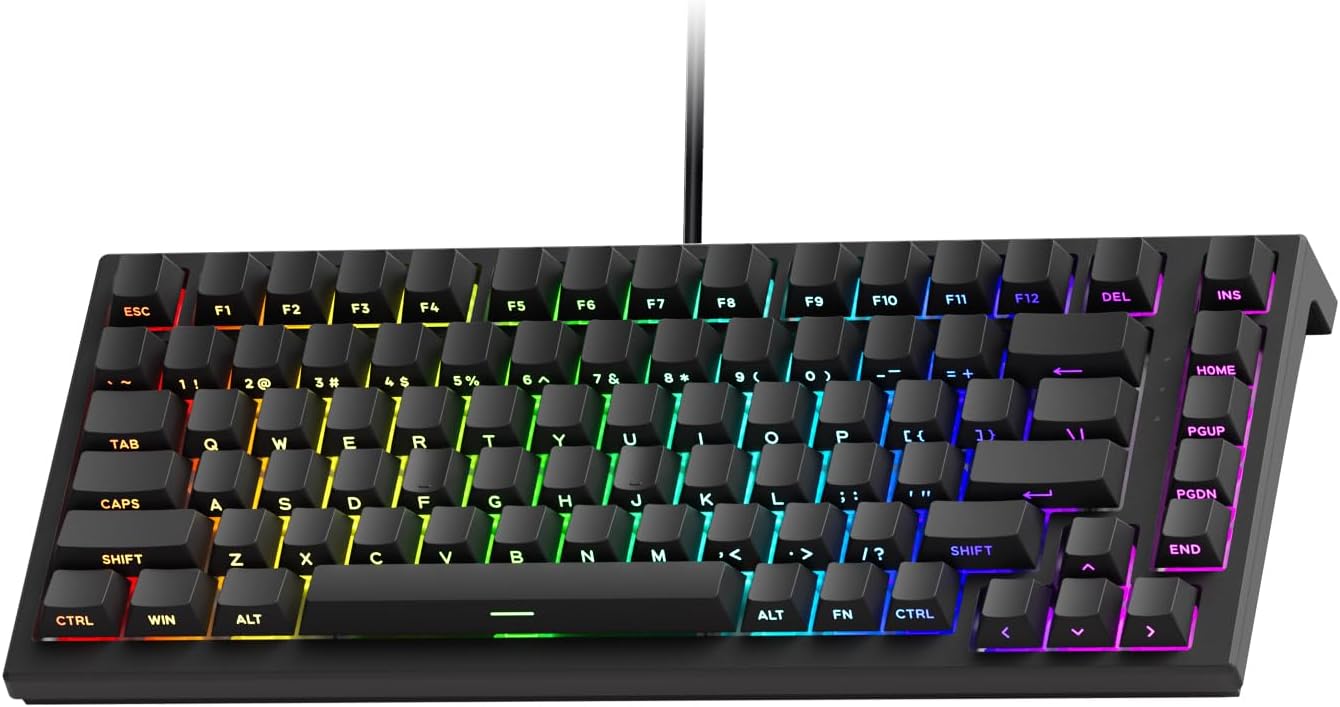
Akko 3068 Plus Review: The Compact 65% with Gasket Mount Comfort
Akko 3068 Plus has 10,000+ reviews on JD.com with a 4.5/5 rating at ¥269 ($38). Users praise the gasket mount typing fee
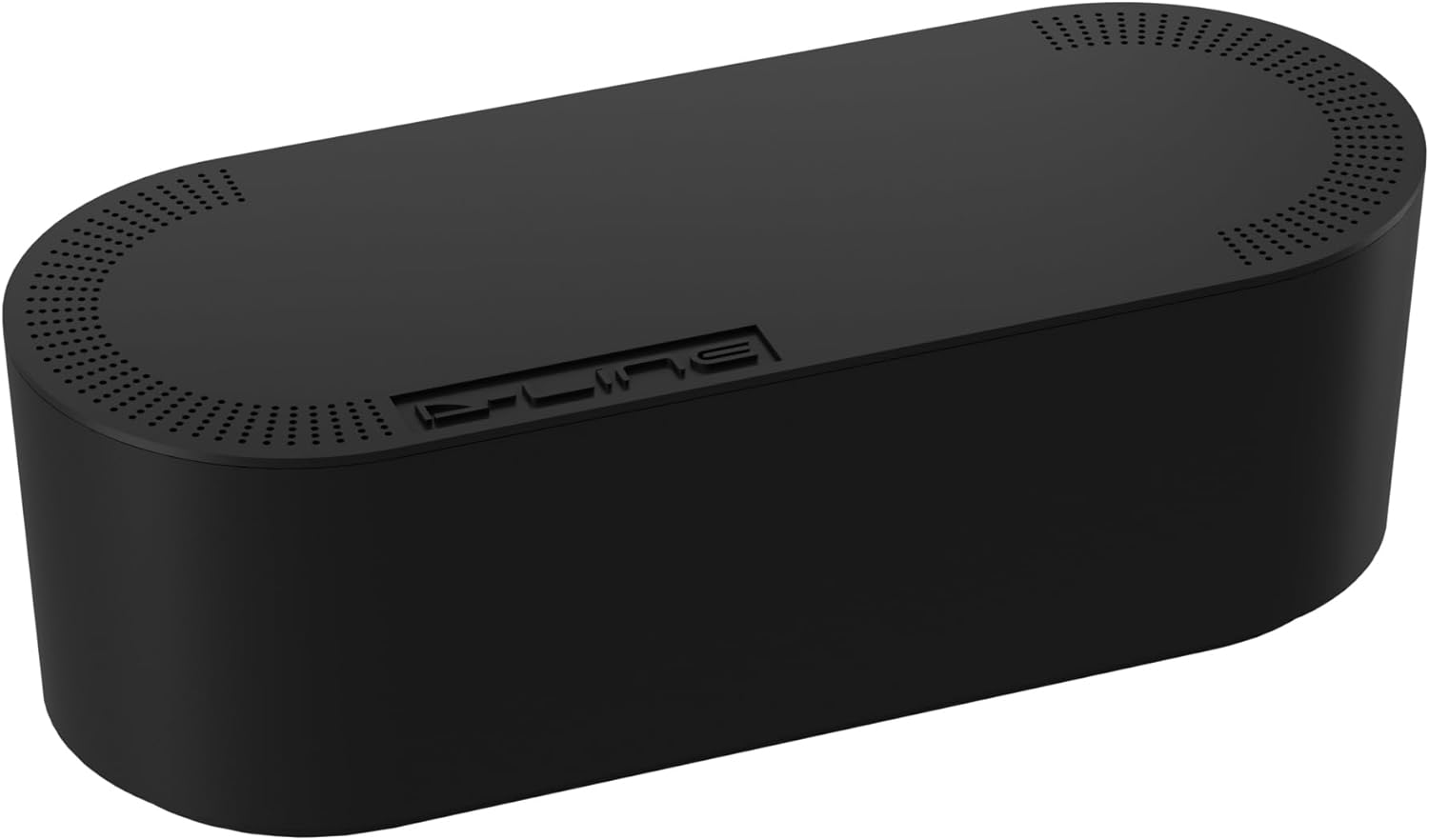
Baseus Cable Management Box Review: Tame Your Desktop Chaos for ¥39
Baseus Cable Management Box has 40,000+ reviews on JD.com with a 4.5/5 rating at ¥39 ($5.50). Users love how it hides ca
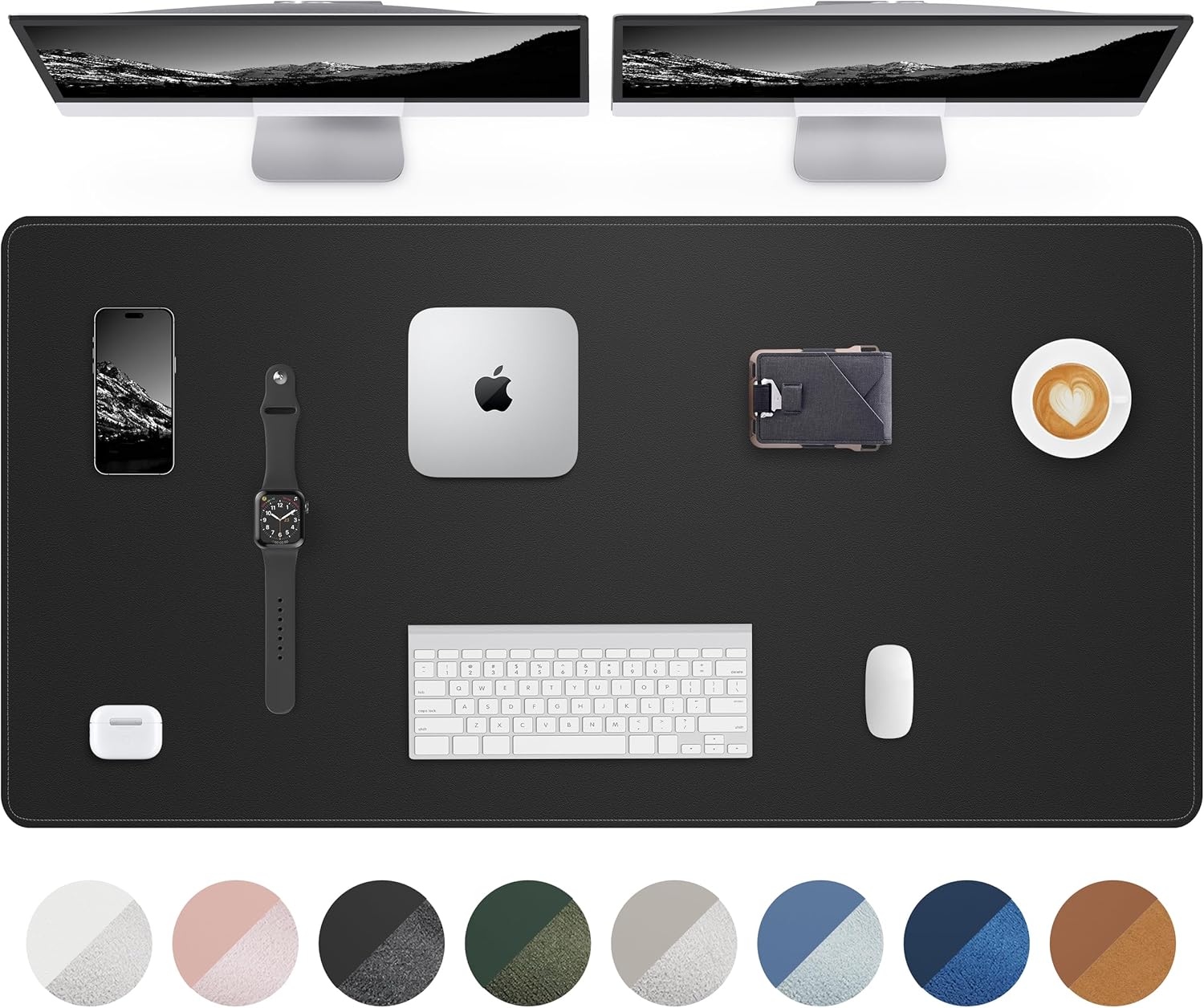
Baseus Desk Mat Review: Washable Waterproof Desk Pad for Clean Workspaces
Baseus Desk Mat has 50,000+ reviews on JD.com with a 4.3/5 rating at ¥69 ($10). Users love the waterproof surface and ea
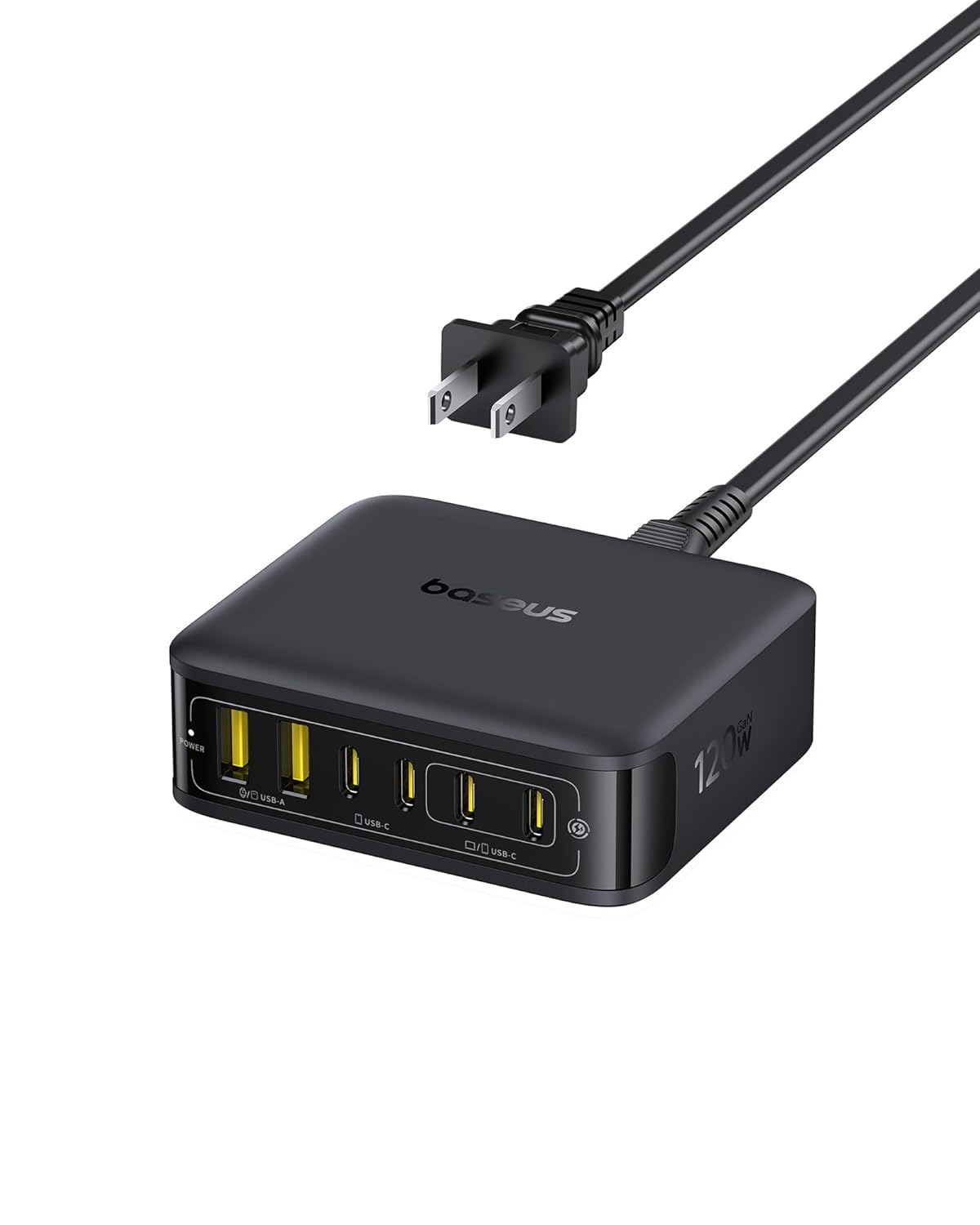
Baseus Desktop Charging Station Review: The Clutter-Free Workspace Power Hub
Baseus desktop charging station has 40,000+ reviews on JD.com with a 4.5/5 rating at ¥149 ($21). Users love the clean wo