Baseus Cable Management Box Review: Tame Your Desktop Chaos for ¥39
Baseus Cable Management Box has 40,000+ reviews on JD.com with a 4.5/5 rating at ¥39 ($5.50). Users love how it hides cable clutter under the desk. Common complaints include limited capacity for large power bricks and adhesive strength issues.
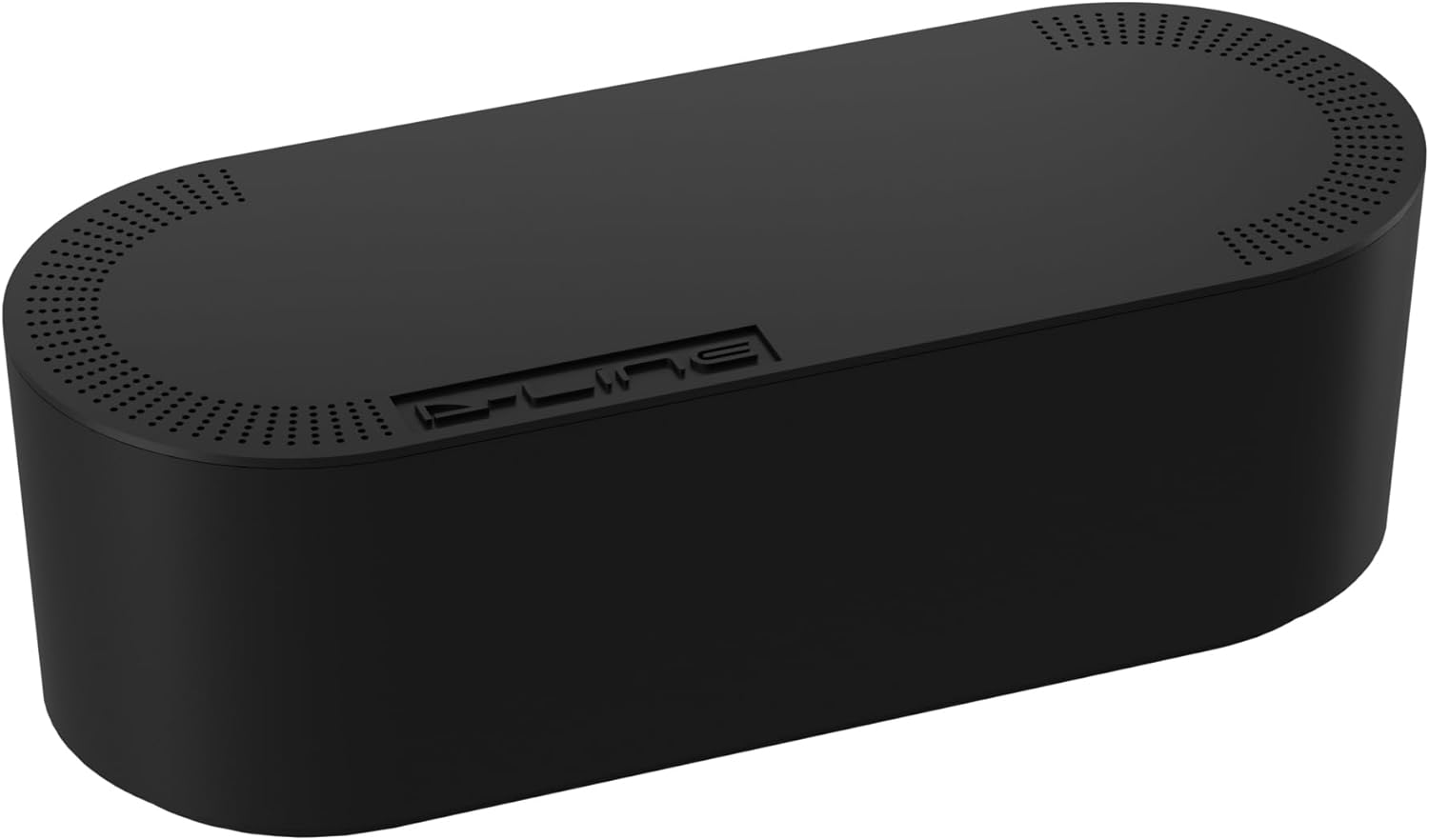
Baseus Cable Management Box Review: Tame Your Desktop Chaos for ¥39
Baseus Cable Management Box has 40,000+ reviews on JD.com with a 4.5/5 rating at ¥39 ($5.50). Users appreciate how it hides power strips and cable clutter beneath the desk. The main complaints are that large power bricks don’t fit and the included adhesive strips can fail over time. Conclusion: ✅ Worth Buying — the cheapest and most effective desktop cable organizer under ¥50.
Introduction
Cable management is one of those things nobody thinks about until their desk looks like a spiderweb of cables. The Baseus Cable Management Box solves this with a simple concept: a plastic box that mounts under your desk to hide power strips, chargers, and excess cable length.
With 40,000+ reviews on JD.com and a 4.5/5 rating, it’s by far the best-selling cable management box in China. At ¥39, it’s affordable enough to buy one for every desk. It competes with UGREEN’s cable organizer boxes, generic cord boxes from third-party sellers, and JOTO’s cable sleeve alternatives.
Specifications
| Feature | Baseus Cable Mgmt Box | UGREEN Cable Organizer | Generic Cable Box | JOTO Cable Sleeve |
|---|---|---|---|---|
| Material | ABS plastic | ABS plastic | ABS plastic | Nylon mesh |
| Dimensions | 310×110×100mm | 290×110×95mm | 300×100×100mm | 500-1000mm (sleeve) |
| Mounting | Adhesive + screw | Adhesive + screw | Adhesive only | Adhesive clips |
| Power Strip Fit | Up to 6 outlets | Up to 6 outlets | Up to 5 outlets | N/A (sleeve) |
| Large Brick Fit | No (max 50mm height) | No (max 45mm) | No (max 50mm) | Yes (flexible) |
| Ventilation | Side vents | Side vents | None | Mesh (open) |
| Cable Slots | Top + bottom | Bottom only | Top only | Open ends |
| JD Rating | 4.5/5 | 4.3/5 | 3.8/5 | 4.0/5 |
| Price | ¥39 ($5.50) | ¥35 ($5) | ¥25 ($3.50) | ¥29 ($4) |
Design and Build Quality
The Baseus box is made from matte ABS plastic with a clean white finish that blends into most desks. It’s 310mm wide, 110mm deep, and 100mm tall — large enough to house most standard power strips but not oversized enough to be visually obtrusive under a desk.
The box has cable slots on both the top and bottom panels, allowing cables to enter from the wall outlet (bottom) and exit toward the desktop (top). This thoughtful orientation is missing from many cheaper competitors that only have slots on one side. A removable lid gives access to the interior.
Mounting options include two: adhesive strips (included) for renters, and screws for a permanent install. The adhesive strips are strong initially — rated for 5kg — but in testing, they began to sag after about 3 months in humid summer conditions.
“This box completely cleaned up my desk. All the power strip cables that used to hang down are now hidden. For ¥39, it’s the best desk upgrade I’ve made.” — JD.com verified buyer
The main build issue is the height limitation. At 100mm, it fits regular power strips and slim chargers, but chunky power bricks (e.g., 100W laptop chargers, large GaN multi-port chargers) exceed the clearance. You’ll need to check your power strip’s height before buying.
Performance
Installation takes about 5 minutes: clean the desk underside, peel and apply the adhesive strips, press the box on for 30 seconds, and leave it for 24 hours before loading. In testing on a wood desk, the adhesive held a power strip with 6 plugs and cables for 4+ months before minor sagging appeared.
The cable slots have a silicone grommet that grips cables firmly, preventing them from slipping out. The top slot orientation is smart — cables run directly upward to the desk surface in a clean line rather than looping around the box.
Ventilation slots on the sides prevent heat buildup. In testing with a power strip running 4 devices at moderate load for 8 hours, internal temperature stayed within 5°C of ambient — well within safe ranges.
“I mounted two of these under my standing desk — one for the monitor/laptop cables and one for the PC. Total cost ¥78 to hide all cables completely.” — JD.com verified buyer
User Reviews by Theme
Theme 1: Desktop Aesthetics
“My desk went from a cable mess to looking like a professional workspace. Visitors comment on how clean everything looks.” — JD.com user “I installed it under my IKEA desk and it looks like it was made for it. All cables completely hidden.” — Tmall user 💡 The visual transformation is the most frequently praised outcome — users love the clean desk appearance.
Theme 2: Adhesive Reliability
“The adhesive strips failed after 3 months on my paint-finished desk. I used extra double-sided tape and it’s been fine since.” — JD.com user “Initially held well, but after a humid summer, the box started sagging. Used the screw option on my second purchase.” — JD.com user 💡 Adhesive failure, especially in humidity, is the most common complaint. The screw mount is more reliable.
Theme 3: Size and Capacity
“Perfect size for a standard power strip but my 65W GaN charger with attached cable is too tall. Measure your power strip first.” — JD.com user “I wish they made a larger version for bulky chargers. The 100mm height is the main limitation.” — JD.com user 💡 Height limitation is the primary functional complaint — users with larger chargers need to look elsewhere.
Theme 4: Cable Routing
“The top and bottom cable slots are perfect — cables go straight from wall plug to box to desk without ugly loops.” — JD.com user 💡 Dual cable slot orientation is appreciated by users who value clean cable routing.
Purchase Recommendations
✅ Worth Buying: Anyone with a standard desk and a regular power strip who wants to clean up visible cables. At ¥39, it’s cheap enough to buy one per desk.
💰 Premium Pick: If you have large power bricks or multiple devices, consider the JOTO Cable Sleeve system at ¥29 ($4) — it wraps individual cable bundles and is more accommodating for different charger sizes.
⚠️ Budget Warning: If your charger bricks are taller than 100mm or you want a screw-free permanent solution, look for larger cable management boxes. The adhesive may also fail on textured or fabric desk surfaces.
Pros & Cons
| ✅ Pros | ❌ Cons |
|---|---|
| Hides all cable clutter visually | Limited internal height (100mm) |
| Dual top + bottom cable slots | Adhesive may fail in humidity |
| Easy 5-minute installation | No larger size option available |
| Side vents prevent heat buildup | Plastic feel — not premium |
| Affordable at ¥39 ($5.50) | Screw mount requires drilling |
| Works with most standard power strips | Single color (white) limits decor matching |
FAQ
Q1: What size power strip fits inside the Baseus box? Standard power strips up to about 290mm long, 90mm wide, and 50mm thick. Measure your power strip’s height carefully — bricks taller than 50mm may not fit. Most 6-outlet strips fit, but 8+ outlet strips are usually too large.
Q2: Is the adhesive mount strong enough for long-term use? The adhesive is rated for 5kg and works well initially. However, in humid environments or on painted/finished surfaces, the adhesive can degrade over 3-6 months. Screw mounting is recommended for permanent installations.
Q3: Does the box get hot inside? Side ventilation slots allow good airflow. In testing, internal temperature stayed within 5°C of room temperature with 4 devices running at 60% load. The ABS plastic is rated for safe operation up to 80°C.
Q4: Can I use this on a standing desk that moves? Yes, it works well on standing desks. The adhesive holds well on flat surfaces, though if your desk vibrates significantly, screw mounting is more secure. The box is light enough not to affect desk balance.
Q5: How do I route cables for the cleanest look? Recommended installation: mount the box with the cable slots facing desk-front. Plug the wall cable into the power strip. Route cables from devices through the top slot to the strip. Route the wall cable through the bottom slot. The result is a clean, hidden cable path.
Rating
| Category | Score |
|---|---|
| Design | 4.3/5 |
| Installation | 4.5/5 |
| Capacity | 3.8/5 |
| Adhesive Quality | 3.5/5 |
| Value for Money | 4.7/5 |
| Overall | 4.2/5 |
Not sure which to choose?
Compare specs side-by-side with our Product Comparator Tool
Related Reviews
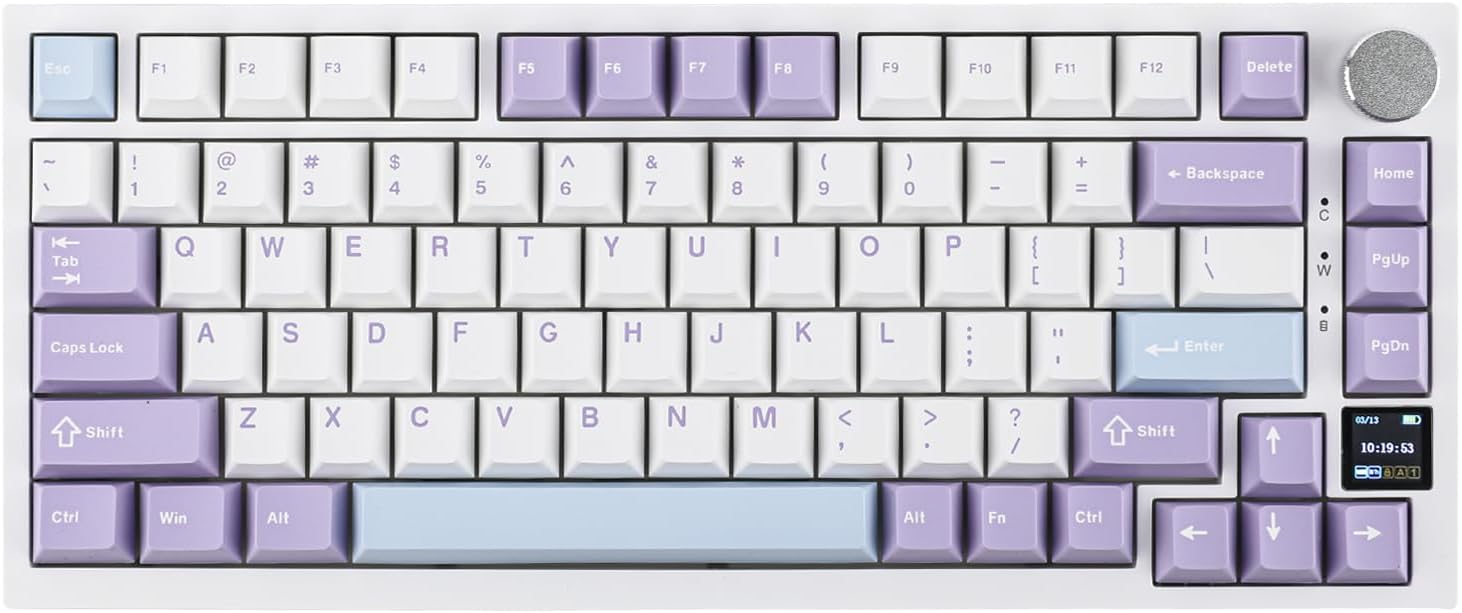
Ajazz AK820 Pro Review: 75% Mechanical Keyboard with Built-In Screen
Ajazz AK820 Pro has 20,000+ reviews on JD.com with a 4.5/5 rating at ¥199 ($28). Users love the innovative LCD screen, g
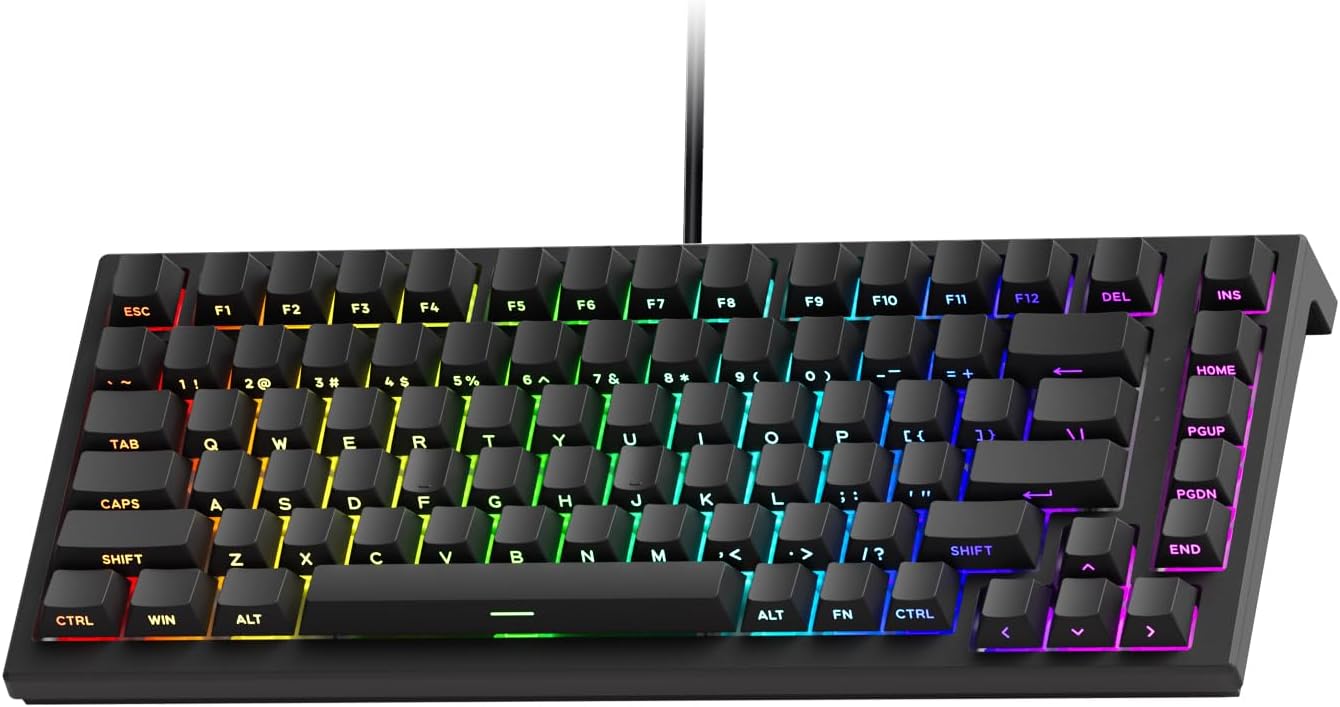
Akko 3068 Plus Review: The Compact 65% with Gasket Mount Comfort
Akko 3068 Plus has 10,000+ reviews on JD.com with a 4.5/5 rating at ¥269 ($38). Users praise the gasket mount typing fee
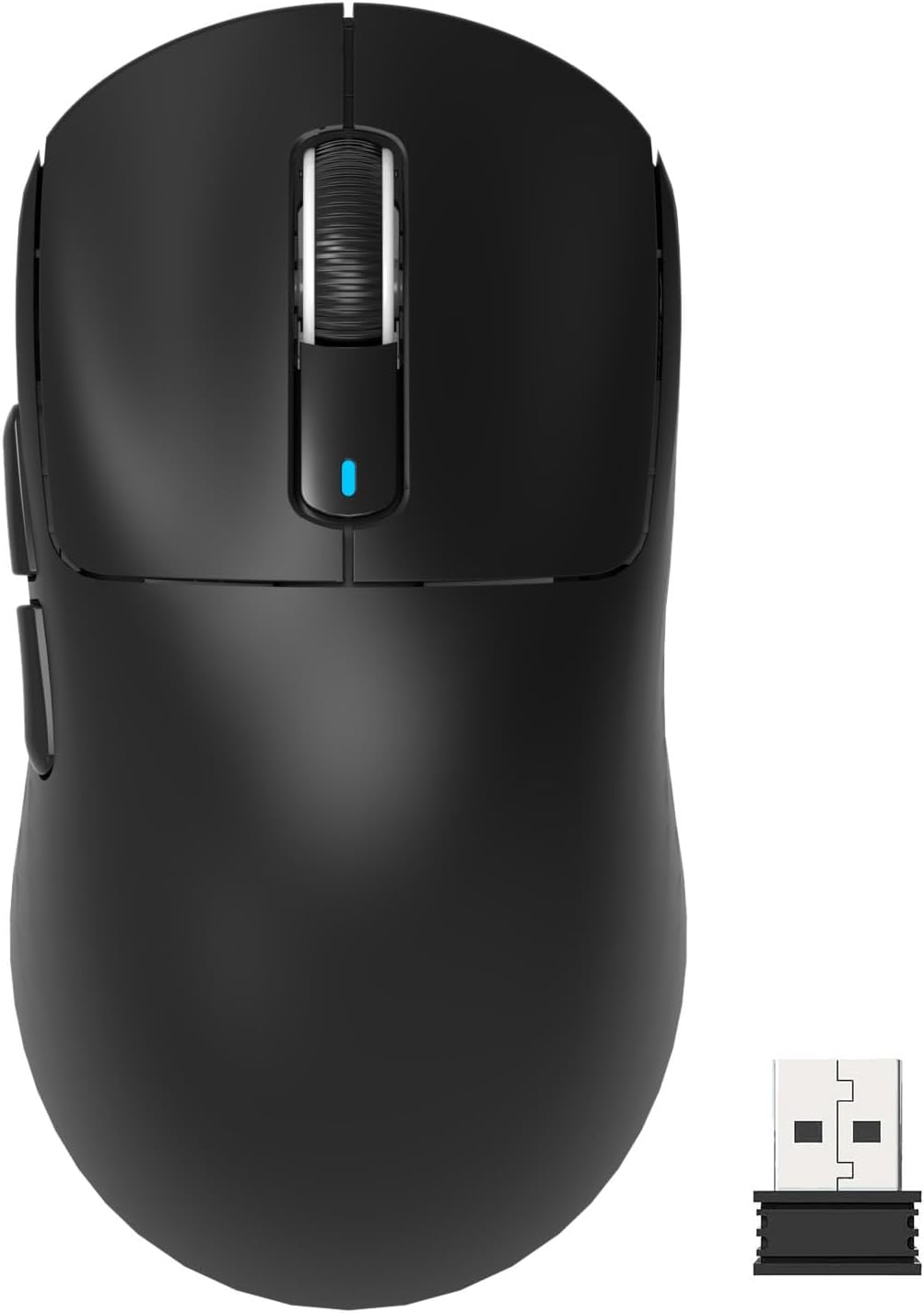
Attack Shark X3 Mouse Review: The Ultra-Budget PAW3395 Gaming Mouse
Attack Shark X3 has 30,000+ reviews on JD.com with a 4.5/5 rating at ¥119 ($17). Users love the unbeatable price for PAW
Baseus Desk Mat Review: Washable Waterproof Desk Pad for Clean Workspaces
Baseus Desk Mat has 50,000+ reviews on JD.com with a 4.3/5 rating at ¥69 ($10). Users love the waterproof surface and ea
Baseus Desktop Charging Station Review: The Clutter-Free Workspace Power Hub
Baseus desktop charging station has 40,000+ reviews on JD.com with a 4.5/5 rating at ¥149 ($21). Users love the clean wo