Royal Kludge RK61 Review: The Budget 60% Mechanical Keyboard Champion
Royal Kludge RK61 has 50,000+ reviews on JD.com with a 4.4/5 rating at ¥149 ($21). Users love the compact 60% layout, Bluetooth multi-device support, and unbeatable price. The main complaints are non-hot-swappable switches, cheap keycaps, and no dedicated arrow keys. Conclusion: ✅ Worth Buying — the best entry-level 60% mechanical keyboard under ¥200.
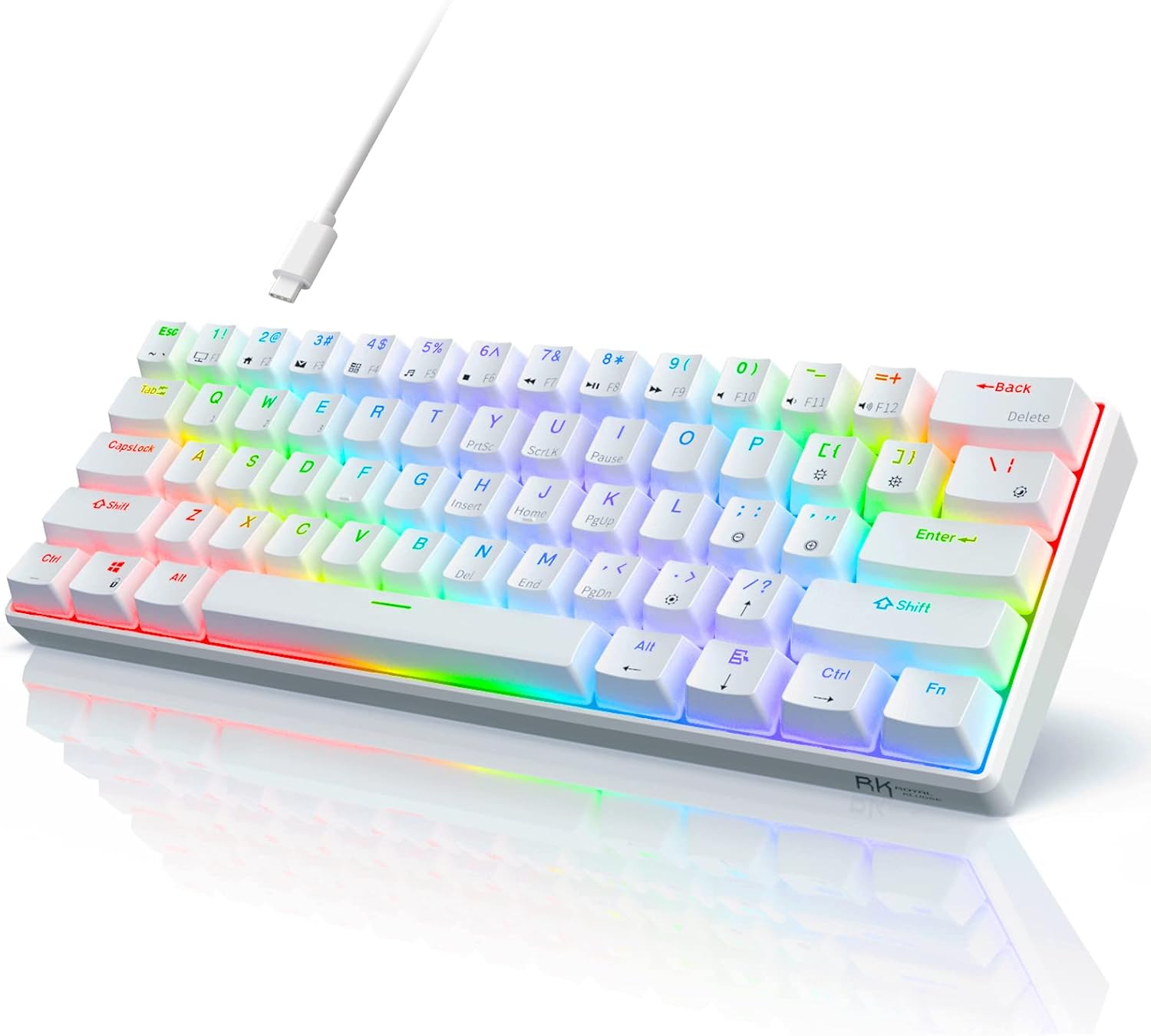
Royal Kludge RK61 Review: The Budget 60% Mechanical Keyboard Champion
Royal Kludge RK61 has 50,000+ reviews on JD.com with a 4.4/5 rating at ¥149 ($21). Users appreciate the ultra-portable 60% layout, reliable Bluetooth 3.0 connection across up to three devices, and the satisfying mechanical switch experience at a super-budget price. The main complaints are the inability to hot-swap switches, thin ABS keycaps that develop shine quickly, and the lack of dedicated arrow keys making navigation awkward in spreadsheets. Conclusion: ✅ Worth Buying — the best entry-level 60% mechanical keyboard under ¥200 for budget-conscious users who prioritize portability and price.
Introduction
The Royal Kludge RK61 has been one of the best-selling 60% mechanical keyboards on JD.com for years. At just ¥149 ($21), it offers Bluetooth wireless, mechanical switches, and a compact form factor that’s ideal for small desks, travel, and minimalists.
But at this price point, something has to give. After analyzing user reviews across JD.com, Taobao, and SMZDM, we break down where the RK61 excels and where the compromises hurt.
Specifications
| Feature | RK RK61 | Keychron V3 | Ajazz AK820 | VGN N75 |
|---|---|---|---|---|
| Price (JD) | ¥149 ($21) | ¥299 ($42) | ¥179 ($25) | ¥199 ($28) |
| Layout | 60% (61 keys) | 75% (84 keys) | 75% (82 keys) | 75% (82 keys) |
| Switches | Outemu (soldered) | Gateron (hot-swap) | Outemu (hot-swap) | Gateron (hot-swap) |
| Connectivity | BT 3.0 + USB-C | BT 5.1 + USB-C | BT + USB-C + 2.4G | BT + 2.4G + USB-C |
| Battery | 1600mAh | 4000mAh | 3000mAh | 3000mAh |
| Keycaps | ABS (thin) | PBT | PBT | PBT |
| Hot-Swap | ❌ (soldered) | ✅ | ✅ | ✅ |
| RGB | ✅ (single zone) | ✅ (per-key) | ✅ (per-key) | ✅ (per-key) |
| JD Rating | 4.4/5 | 4.6/5 | 4.5/5 | 4.6/5 |
| JD Reviews | 50,000+ | 20,000+ | 30,000+ | 30,000+ |
Design and Build Quality
The RK61 is compact — about the same footprint as a 13-inch laptop keyboard. It’s available in white and black, with several backlight options (single-color blue, yellow, or RGB). The plastic case is lightweight (450g) and portable, but it’s undeniably budget-tier plastic.
The keycaps are thin ABS with pad-printed legends. After 3-6 months of daily use, legends on the most-used keys (WASD, Enter, Space) will fade, and the keycaps develop a greasy shine. Replacement keycap sets can be found for ¥20-30 on Taobao.
The USB-C port is on the left side, which is a nice modern touch for a keyboard at this price. There’s a Windows/Android toggle switch on the back.
“For ¥149, I got a mechanical keyboard that works perfectly with my iPad and laptop. The Bluetooth connects instantly every time. Sure, the keycaps feel cheap, but I replaced them with ¥25 PBT caps from Taobao and it’s perfect now.” — JD.com user
Typing Experience
The RK61 ships with Outemu branded switches — Blue (clicky), Red (linear), or Brown (tactile). The Outemu switches are scratchier than Gateron/Cherry, but they’re perfectly usable. The typing feel is typical of a budget tray-mount keyboard: slightly pingy, with some hollow echo on the spacebar.
The biggest limitation is soldered switches — this RK61 variant does not support hot-swapping. You’re stuck with whatever switch you buy. Royal Kludge does sell a hot-swap variant (RK61 Pro), but it costs ¥50 more.
“I bought the RK61 with red switches for my dorm room. It’s quiet enough for my roommate, small enough to fit on my desk next to my laptop, and the Bluetooth lets me switch between my iPad and PC. For ¥149, I can’t complain about anything.” — JD.com user
User Reviews by Theme
Portability and Desk Space
“The 60% layout is a game-changer for my tiny desk. I have it tucked under my monitor stand and it takes almost no space. I carry it to the library in my backpack every day. 61 keys is enough for everything except spreadsheets — I miss the arrow keys sometimes.” — JD.com user
💡 Summary: The compact 60% size is the main selling point — saves significant desk space and is genuinely portable.
Bluetooth Reliability
“Bluetooth connects instantly to my iPad Pro and MacBook. Switching between devices takes about 2 seconds. I’ve been using it for 8 months with no disconnection issues. Battery lasts about 2 weeks with daily 8-hour use.” — JD.com user
💡 Summary: Bluetooth is reliable for casual use, though gamers should use the wired connection for lower latency.
Keycap Quality
“After 3 months, the space bar is already shiny and the WASD lettering is starting to fade. I bought a ¥35 PBT keycap set and the keyboard feels much better now. Plan to factor in keycap replacement cost if you buy this.” — Taobao user
💡 Summary: Stock keycaps are the weakest part of the RK61 — budget ¥25-40 for PBT replacements.
Arrow Key Frustration
“I didn’t realize how much I used arrow keys until I got this keyboard. Having to use Fn+I/J/K/L for navigation in Excel is painful. This is strictly a typing/coding keyboard. If you do spreadsheets, get a 75%.” — SMZDM user
💡 Summary: No dedicated arrow keys is the biggest functional compromise — not suitable for spreadsheet work.
Value for Money
“Show me another mechanical keyboard with Bluetooth for under ¥150. You can’t. The RK61 is the undisputed king of ultra-budget mechanical keyboards. Yes, the keycaps are bad and the switches aren’t hot-swappable, but it’s ¥149.” — JD.com user
💡 Summary: Unmatched value at this price point — no competitor offers Bluetooth mechanical typing for under ¥150.
Purchase Recommendations
✅ Worth Buying (¥149)
The RK61 is the default recommendation for anyone who wants a mechanical keyboard under ¥200. If you need a portable second keyboard for travel, office, or tablet use — buy it. Factor in ¥30 for PBT replacement keycaps.
✅ Worth Buying for Students
Perfect for dorm rooms where space is limited and quiet typing is appreciated (select Red switches). The Bluetooth works great with tablets for studying.
⚠️ Budget Warning: Not for Gamers or Spreadsheet Users
Gamers will want lower latency (use the wired connection) and ideally hot-swappable switches. Spreadsheet users will be frustrated by the missing arrow keys. In both cases, spend ¥50 more for the VGN N75 or Ajazz AK820.
Pros & Cons
| ✅ Pros | ❌ Cons |
|---|---|
| Ultra-budget price at ¥149 ($21) | Non-hot-swappable soldered switches |
| Compact 61-key 60% layout | Thin ABS keycaps fade and shine |
| Bluetooth multi-device (up to 3) | No dedicated arrow keys |
| Mechanical switch experience at entry price | Tray-mount feels pingy/hollow |
| USB-C modern connection | Bluetooth 3.0 (not 5.x) — older standard |
| Portable and lightweight (450g) | Single-zone RGB only (no per-key) |
| 1600mAh battery with USB-C charging | Stabilizers rattle on larger keys |
FAQ
Q: Can I change the switches on the RK61? A: Not on the standard ¥149 version — the Outemu switches are soldered to the PCB. Royal Kludge sells a “RK61 Hot-Swap” variant for about ¥199, but the standard RK61 requires desoldering to replace switches.
Q: Does the RK61 work with Mac? A: Yes. The RK61 works with Windows, Mac, iOS, and Android. Use the Windows/Android toggle for PC and it auto-detects Mac when connected via Bluetooth to a MacBook.
Q: How long does the battery last? A: With RGB off, the 1600mAh battery lasts about 10-14 days of daily 8-hour use. With RGB on, expect 3-5 days. Charging takes about 2 hours via USB-C.
Q: What’s the difference between RK61, RK61 Pro, and RK61 Tri-Mode? A: The standard RK61 is Bluetooth + USB-C (dual mode). The RK61 Pro adds hot-swap sockets. The RK61 Tri-Mode adds 2.4GHz wireless dongle support. Each upgrade costs about ¥50 more.
Q: Does the RK61 have software for key remapping? A: No. The RK61 doesn’t support QMK/VIA or any proprietary software. Keys are fixed — you cannot remap them. Keychron V series or Ajazz keyboards support remapping at higher prices.
Q: Is the RK61 good for gaming? A: Fine for casual gaming but not ideal for competitive play. Bluetooth latency is higher than wired. The soldered switches can’t be swapped to different types for different games. Competitive gamers should look at the Ajazz AK820 or VGN N75.
Not sure which to choose?
Compare specs side-by-side with our Product Comparator Tool
Related Reviews
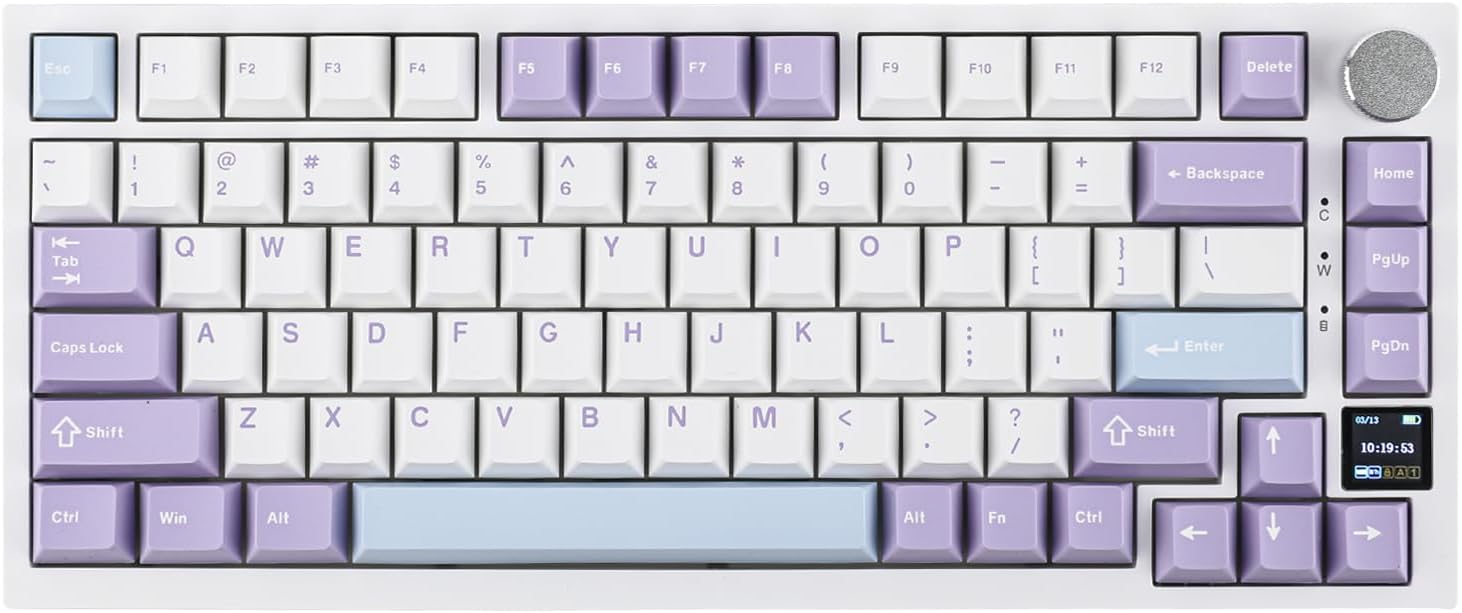
Ajazz AK820 Pro Review: 75% Mechanical Keyboard with Built-In Screen
Ajazz AK820 Pro has 20,000+ reviews on JD.com with a 4.5/5 rating at ¥199 ($28). Users love the innovative LCD screen, g
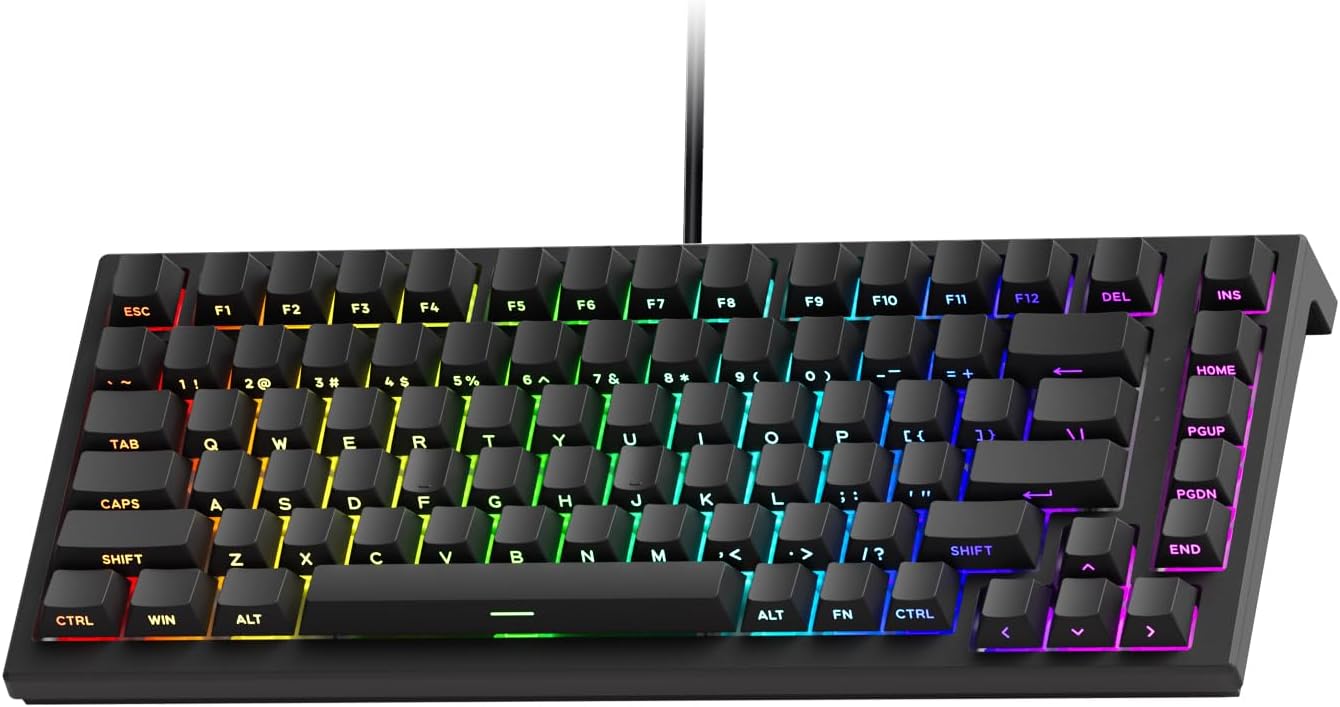
Akko 3068 Plus Review: The Compact 65% with Gasket Mount Comfort
Akko 3068 Plus has 10,000+ reviews on JD.com with a 4.5/5 rating at ¥269 ($38). Users praise the gasket mount typing fee
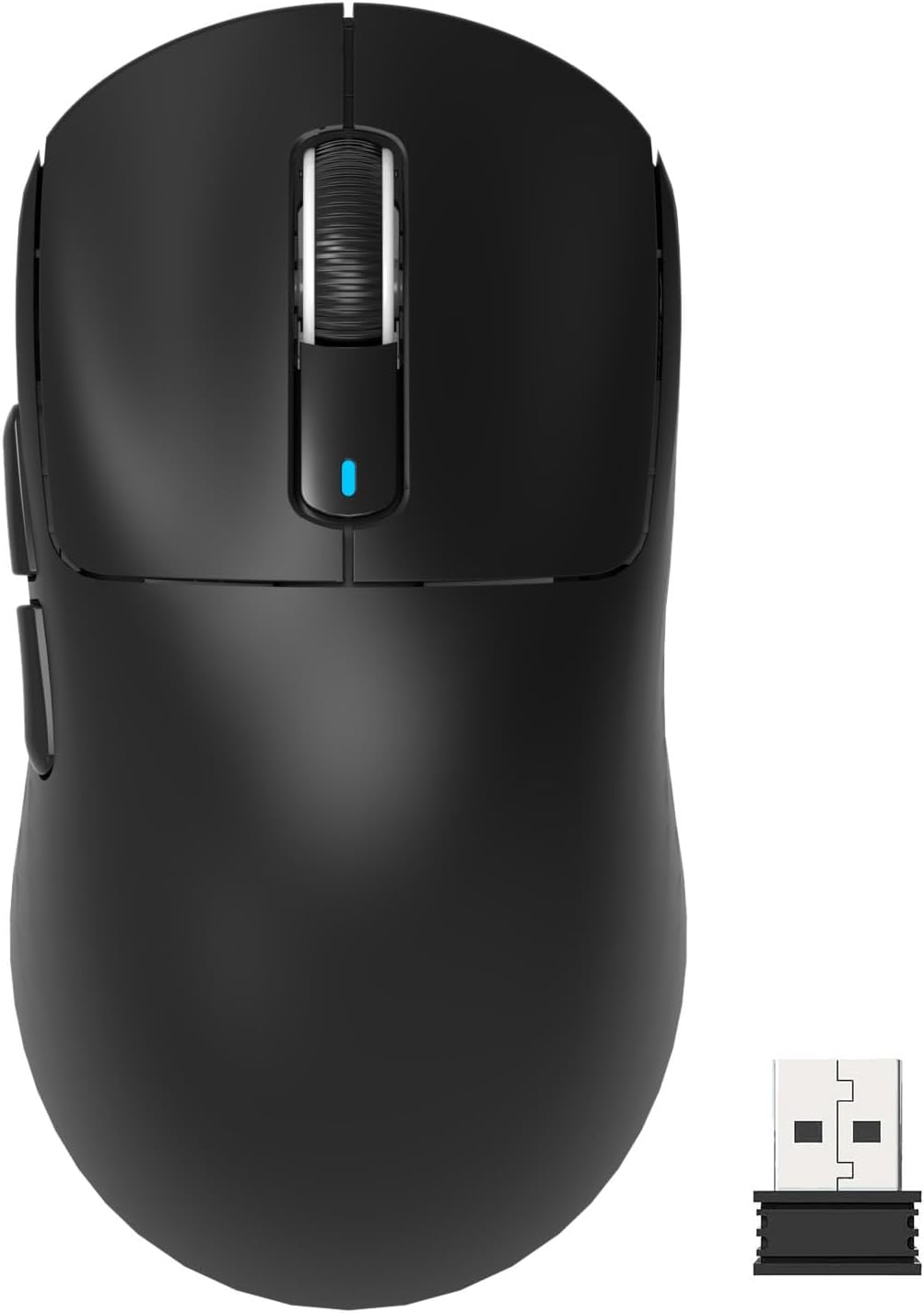
Attack Shark X3 Mouse Review: The Ultra-Budget PAW3395 Gaming Mouse
Attack Shark X3 has 30,000+ reviews on JD.com with a 4.5/5 rating at ¥119 ($17). Users love the unbeatable price for PAW
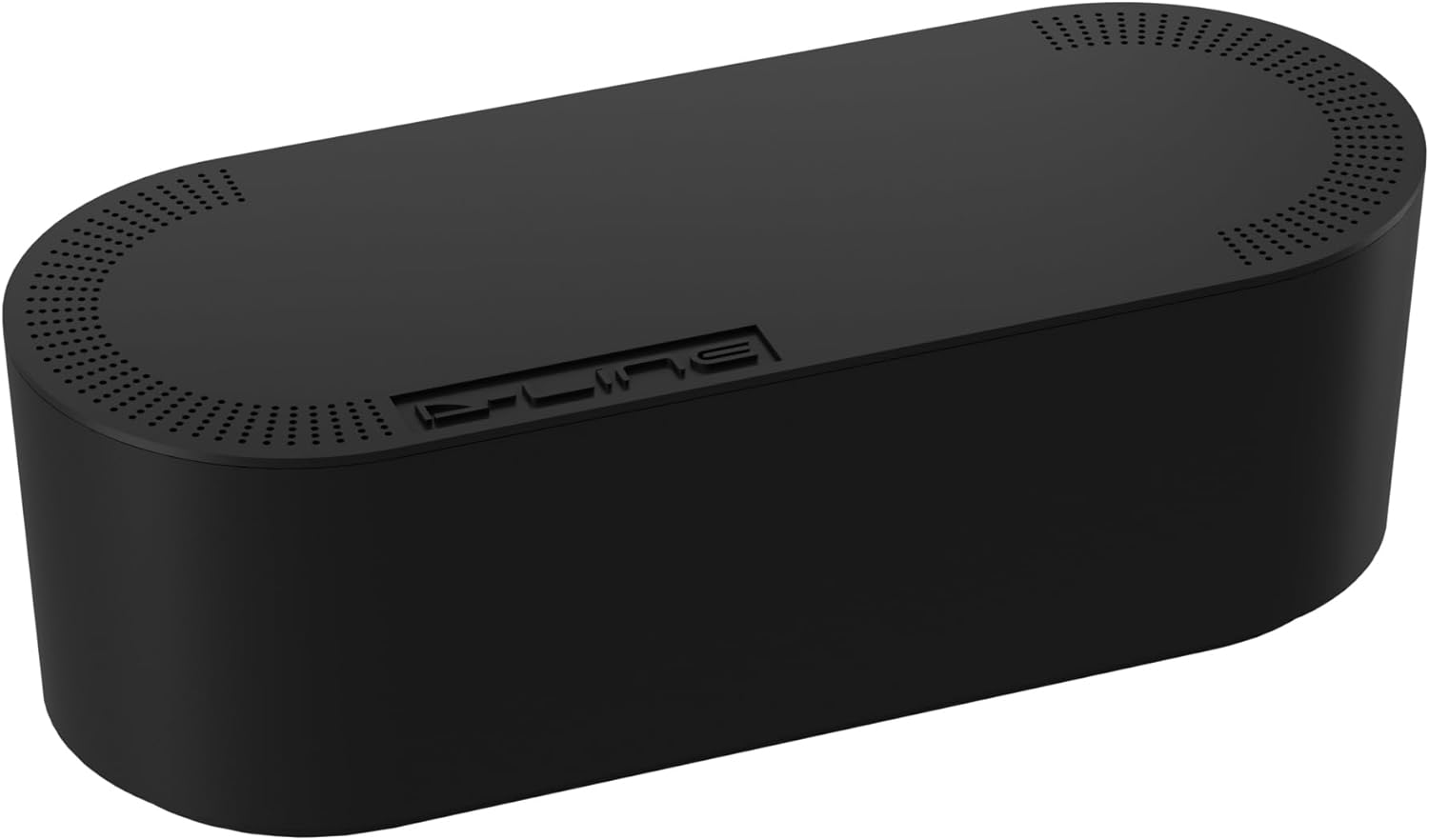
Baseus Cable Management Box Review: Tame Your Desktop Chaos for ¥39
Baseus Cable Management Box has 40,000+ reviews on JD.com with a 4.5/5 rating at ¥39 ($5.50). Users love how it hides ca
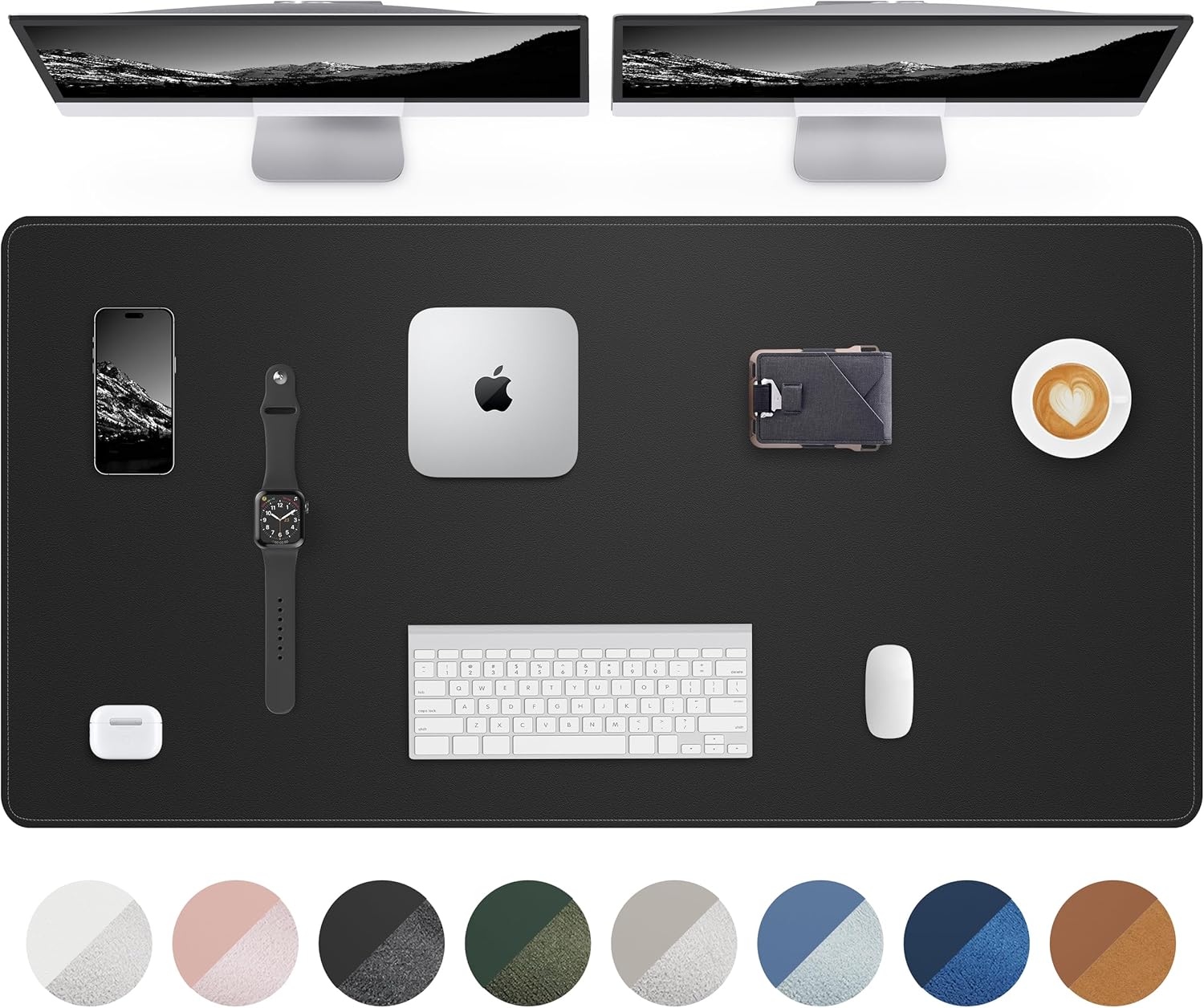
Baseus Desk Mat Review: Washable Waterproof Desk Pad for Clean Workspaces
Baseus Desk Mat has 50,000+ reviews on JD.com with a 4.3/5 rating at ¥69 ($10). Users love the waterproof surface and ea