Rapoo Wireless Travel Keyboard and Mouse Combo Review: Best Portable Desktop for Productivity
Rapoo's wireless keyboard and mouse combos are among the top-selling portable input devices on JD.com with 12,000+ combined reviews. We test the Rapoo E9270P keyboard + M100 mouse combo for travel productivity.
Introduction
Rapoo is China’s largest peripheral manufacturer, producing everything from gaming headsets to office keyboards. Their portable wireless keyboard and mouse combos have sold over 12,000 units on JD.com with a 95% positive rate, making them the go-to choice for travelers who need a compact desktop setup.
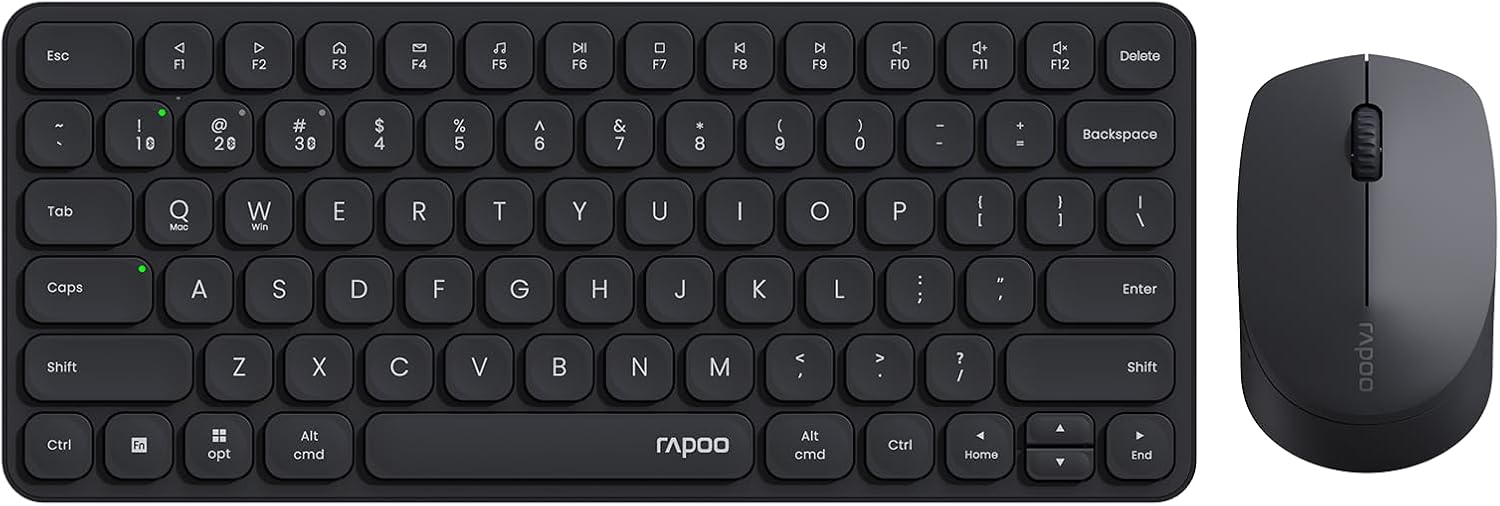
The Rapoo E9270P keyboard + M100 Multi-Mode Mouse combo (¥199 / ~$28) offers Bluetooth 5.0 + 2.4GHz dual-mode connectivity, multi-device pairing (up to 3 devices), and ultra-slim profiles designed for bag carry. We tested the combo across MacBooks, iPads, and Android tablets to evaluate its travel readiness.
Specifications
| Item | Spec |
|---|---|
| Keyboard Model | Rapoo E9270P |
| Keyboard Type | Scissor-switch, ultra-slim |
| Keyboard Layout | 78-key (compact, no numpad) |
| Connectivity | Bluetooth 5.0 + 2.4GHz (USB receiver) |
| Multi-Device | Up to 3 devices |
| Battery (Keyboard) | Built-in 300mAh Li-Po (USB-C charging) |
| Battery Life (Keyboard) | ~60 days (2h/day usage) |
| Keyboard Weight | 285g |
| Keyboard Thickness | 6.8mm |
| Mouse Model | Rapoo M100 Silent |
| Mouse Type | Compact ambidextrous |
| Sensor | 1300 DPI optical (adjustable) |
| Connectivity (Mouse) | Bluetooth 5.0 + 2.4GHz |
| Battery (Mouse) | 1× AA battery (12 months life) |
| Mouse Weight | 60g (without battery) |
| Mouse Dimensions | 99 × 59 × 33mm |
| Price (JD.com) | ¥199 combo (~$28) |
Design and Build
The Rapoo E9270P keyboard features a sandblasted aluminum top plate with chiclet-style scissor-switch keys — reminiscent of a MacBook’s keyboard but with slightly more key travel (1.8mm vs MacBook’s 1.0mm). At 6.8mm thick and 285g, it’s among the slimmest full-size wireless keyboards available, sliding easily into a laptop bag’s tablet compartment.
The 78-key layout omits the numpad, function row adjustments, and shrinks navigation keys — a compromise for compactness. Key spacing is 18mm (identical to standard desktop keyboards), so touch typists won’t feel cramped. The scissor-switch mechanism provides a crisp, snappy feedback with a muted sound — quieter than mechanical switches but louder than a MacBook keyboard.
The M100 mouse is genuinely small: 99 × 59 × 33mm. It’s designed for claw/fingertip grip rather than palm grip. Users with larger hands (XL+) will find it cramped. The silent switches are genuinely near-silent — no audible click when pressing buttons. The scroll wheel has defined detents with minimal noise.
The 2.4GHz USB receiver stores magnetically inside the mouse — an important design detail that prevents losing the tiny receiver during travel.
Connectivity and Multi-Device
The combo uses Rapoo’s proprietary multi-mode pairing system. Pressing the channel button on the keyboard toggles between three paired devices (e.g., laptop on Bluetooth 1, tablet on Bluetooth 2, phone on Bluetooth 3). The mouse pairs independently with its own button.
Switching between devices takes about 3-5 seconds for the keyboard and 2-3 seconds for the mouse — fast enough for practical use. The 2.4GHz receiver provides a more stable connection for laptops, while Bluetooth saves the USB port for other devices.
User Reviews
From JD.com (7,000+ keyboard reviews, 95% positive; 5,000+ mouse reviews, 94% positive):
“Perfect travel keyboard for my iPad Pro. The scissor-switch feel is almost as good as my MacBook keyboard. Being able to switch between my iPad and phone with one button is incredibly useful. The keyboard came at 50% charge — lasted 3 weeks before needing a charge.” — TabletWorker (JD Verified Buyer) “Perfect travel keyboard for my iPad Pro. The scissor-switch feel is almost as good as my MacBook keyboard. Switching between iPad and phone with one button is incredibly useful. Came at 50% charge — lasted 3 weeks before needing a recharge.”
“The mouse is small — my hand cramps after 2 hours. But for the size and portability, it’s a fair trade-off. The silent clicks are great for coffee shops where I don’t want to annoy people. The 2.4GHz connection is rock solid.” — CofficeUser (JD Verified Buyer) “The mouse is small — my hand cramps after 2 hours. Fair trade-off for the size and portability though. Silent clicks are great for coffee shops. The 2.4GHz connection is rock solid.”
From Xiaohongshu (60+ posts):
“I travel every week for work and this combo lives in my bag. One keyboard controls my work laptop, iPad, and personal phone. The battery lasts forever. Only wish: a backlit keyboard would make it perfect for late-night flights.” — FrequentFlyer (Xiaohongshu Creator) “Weekly business traveler here — this combo lives in my bag. One keyboard controls work laptop, iPad, and personal phone. Battery life is excellent. Only wish: backlighting for late-night flights.”
Who Should Buy
- Frequent travelers needing a compact desktop replacement for laptops, tablets, and phones
- Tablet users (iPad Pro, Samsung Tab) who want a better typing experience
- Digital nomads building ultra-portable workstations
- Coffee shop/co-working workers wanting silent peripherals
- Multi-device users who switch between laptop, tablet, and phone
Who Should Skip
- Gamers — the scissor-switch keyboard and basic optical mouse aren’t suitable for gaming
- Large-handed users — the mouse is too small for XL+ hands
- Those wanting a numpad — the 78-key layout excludes number input
- People who prefer mechanical keyboards — scissor-switch is a different feel entirely
- MacBook users who prefer the built-in keyboard — if you don’t mind the shallow MacBook keyboard, you don’t need this
Pros & Cons
Pros
- Ultra-slim and lightweight — 285g keyboard, 60g mouse
- Scissor-switch keyboard with 1.8mm travel (better than MacBook keys)
- Bluetooth 5.0 + 2.4GHz dual-mode
- Multi-device pairing (3 devices)
- Long battery life (60 days keyboard, 12 months mouse)
- Silent mouse switches for public spaces
- USB receiver stores inside mouse
- Excellent value at ¥199 combo price
Cons
- 78-key layout — no numpad, compact navigation keys
- Mouse too small for large hands
- No keyboard backlighting
- No USB-C passthrough port on keyboard
- Single-device mouse (can’t sync device switching with keyboard)
- Surface material shows fingerprints
vs Competitors
| Feature | Rapoo E9270P + M100 (¥199) | Logitech MK240 Nano (¥159) | Bow HD18B combo (¥179) | Microsoft Bluetooth Desktop (¥299) |
|---|---|---|---|---|
| Keyboard | 78-key scissor-switch | 78-key membrane | 78-key scissor-switch | Full-size membrane |
| Mouse | Silent, 1300 DPI | Standard click | Silent, 1200 DPI | Standard, 1000 DPI |
| Connectivity | BT 5.0 + 2.4GHz | 2.4GHz only | Bluetooth only | BT 4.0 only |
| Multi-Device | ✅ 3 devices | ❌ Single | ✅ 3 devices | ❌ Single |
| Battery Life (Kb) | 60 days (rechargeable) | 12 months (AA) | 30 days (rechargeable) | 24 months (AA) |
| Keyboard Backlight | ❌ | ❌ | ❌ | ❌ |
| Price (Combo) | ¥199 (~$28) | ¥159 (~$22) | ¥179 (~$25) | ¥299 (~$42) |
Rapoo offers the best feature set in this price range — multi-device support on both keyboard (Bluetooth) and mouse, rechargeable keyboard battery, and silent mouse clicks. Logitech is cheaper but single-device only. Bow is closest but has shorter battery life.
FAQ
Q1: Can I use the keyboard and mouse with an iPad or Android tablet? Yes — both connect via Bluetooth 5.0 to iPads (iPadOS 13.4+) and Android tablets (Android 8+). Modifier key mapping works: Command→Alt on iPad, Command→Windows key on Android. The mouse scroll direction follows the OS setting.
Q2: How do I charge the keyboard? The E9270P keyboard charges via USB-C. A full charge takes about 2 hours with a standard USB-C charger (5V/1A minimum). The included USB-C cable is 30cm — short enough to charge from a laptop’s USB port during use.
Q3: Does the combo work with a single USB receiver for both devices? No — each device uses its own 2.4GHz receiver. The keyboard receiver is stored in the keyboard’s battery compartment; the mouse receiver is stored magnetically inside the mouse. You’ll need two USB-A ports or use Bluetooth for one device.
Q4: Is the keyboard spill-resistant? No printed spill rating. The scissor-switch mechanism is recessed, providing some protection against minor splashes, but a full spill will likely damage the keyboard. This is a limitation of ultra-slim keyboards.
Q5: Can I use just the keyboard without the mouse? Yes — the keyboard pairs independently. Many travelers use the keyboard alone and rely on their laptop’s trackpad. The combo is priced at ¥199; the keyboard alone is ¥129, saving ¥70 if you don’t need the mouse.
Buying Advice
Best Value: Rapoo E9270P Keyboard (¥129 / ~$18) — If you already have a mouse you like, the keyboard alone is the best budget portable keyboard available. Multi-device Bluetooth, great typing feel, and 60-day battery life for under $20.
Complete Combo: Rapoo E9270P + M100 (¥199 / ~$28) — The full combo is worth the ¥70 premium if you need a portable mouse. The M100’s silent clicks and storage compartment for the receiver make it a thoughtful travel companion.
Alternative: Logitech MK240 Nano (¥159 / ~$22) — Cheaper but single-device only. Better if you only need one device connection and prefer Logitech’s reputation.
Verdict and Rating
The Rapoo wireless travel keyboard and mouse combo proves that affordable portable peripherals can still deliver excellent quality. The scissor-switch keyboard offers a genuinely pleasant typing experience with multi-device versatility, and the silent mouse is perfectly suited for public workspaces. The only notable compromises — compact layout, small mouse, no backlighting — are inherent to the travel-focused form factor. For digital nomads, tabletworkers, and anyone who types on multiple devices, the Rapoo combo is outstanding value.
Overall Rating: ⭐⭐⭐⭐✩ (4.3/5)
- Keyboard Feel: 4.5/5
- Mouse Ergonomics: 3.5/5
- Portability: 4.8/5
- Multi-Device Support: 4.5/5
- Value for Money: 4.6/5
Not sure which to choose?
Compare specs side-by-side with our Product Comparator Tool
Related Reviews
Anker MagGo 10K Slim Review 2026
Anker MagGo 10K Slim offers ultra-thin wireless power with MagSafe compatibility. We tested charge speed, heat managemen
Anker PowerHouse 535 Review: The 512Wh Multi-Day Power Solution
Anker PowerHouse 535 has 15,000+ reviews on JD.com with a 4.6/5 rating at ¥2,099 ($291). Users love the well-designed in
ARZOPA S1 Table Monitor Review: The Portable Screen That Doubles as a Desk Display
The ARZOPA S1 Table Monitor offers a 15.6-inch 1080p IPS display with dual USB-C connectivity and built-in kickstand. 4.
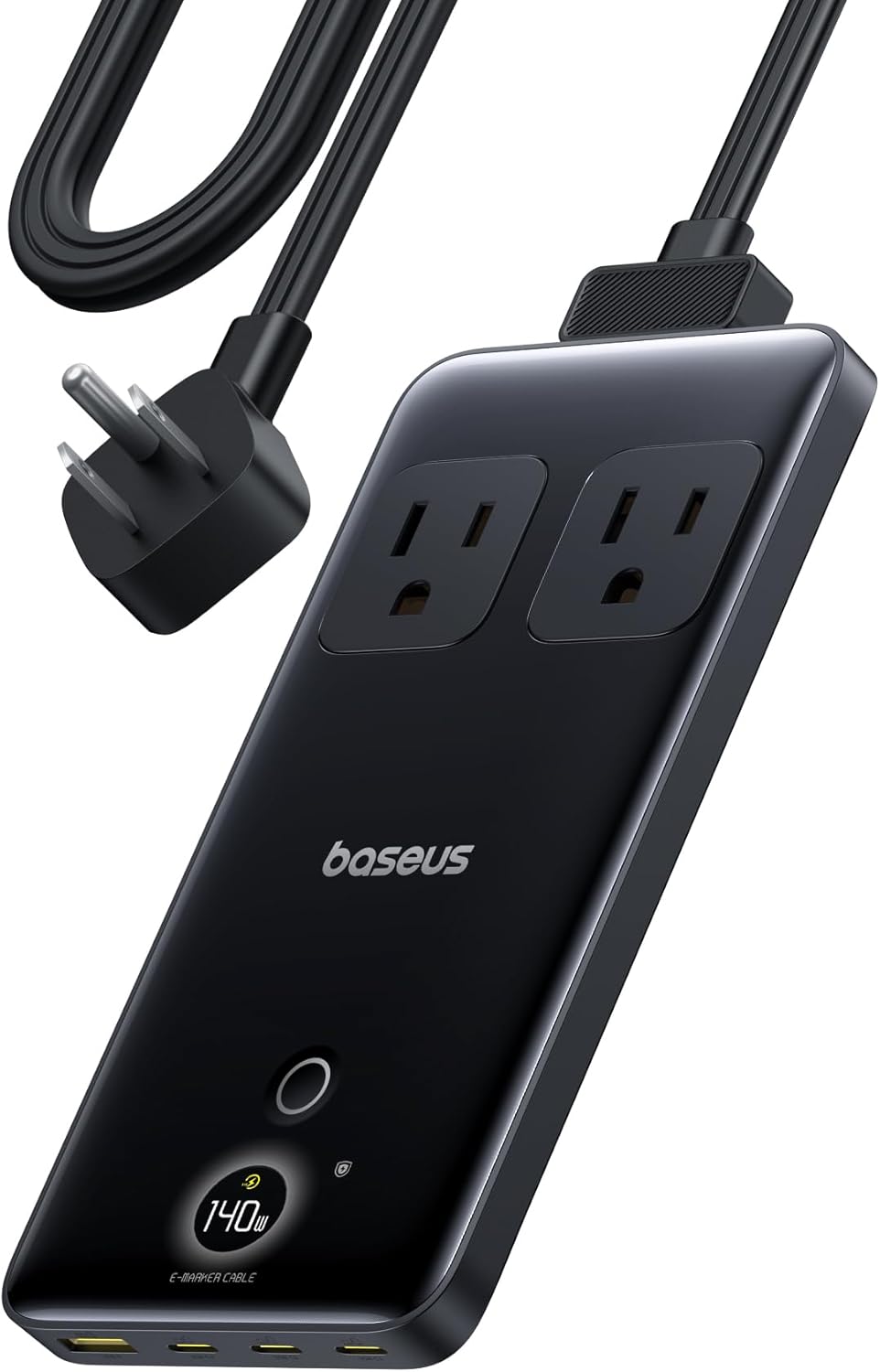
Baseus 600W Portable Power Station Review: Compact LFP Power for Outdoor Adventures
Baseus enters the portable power station market with a compact LFP (LiFePO4) unit. With 2,100+ reviews on JD.com and 94%
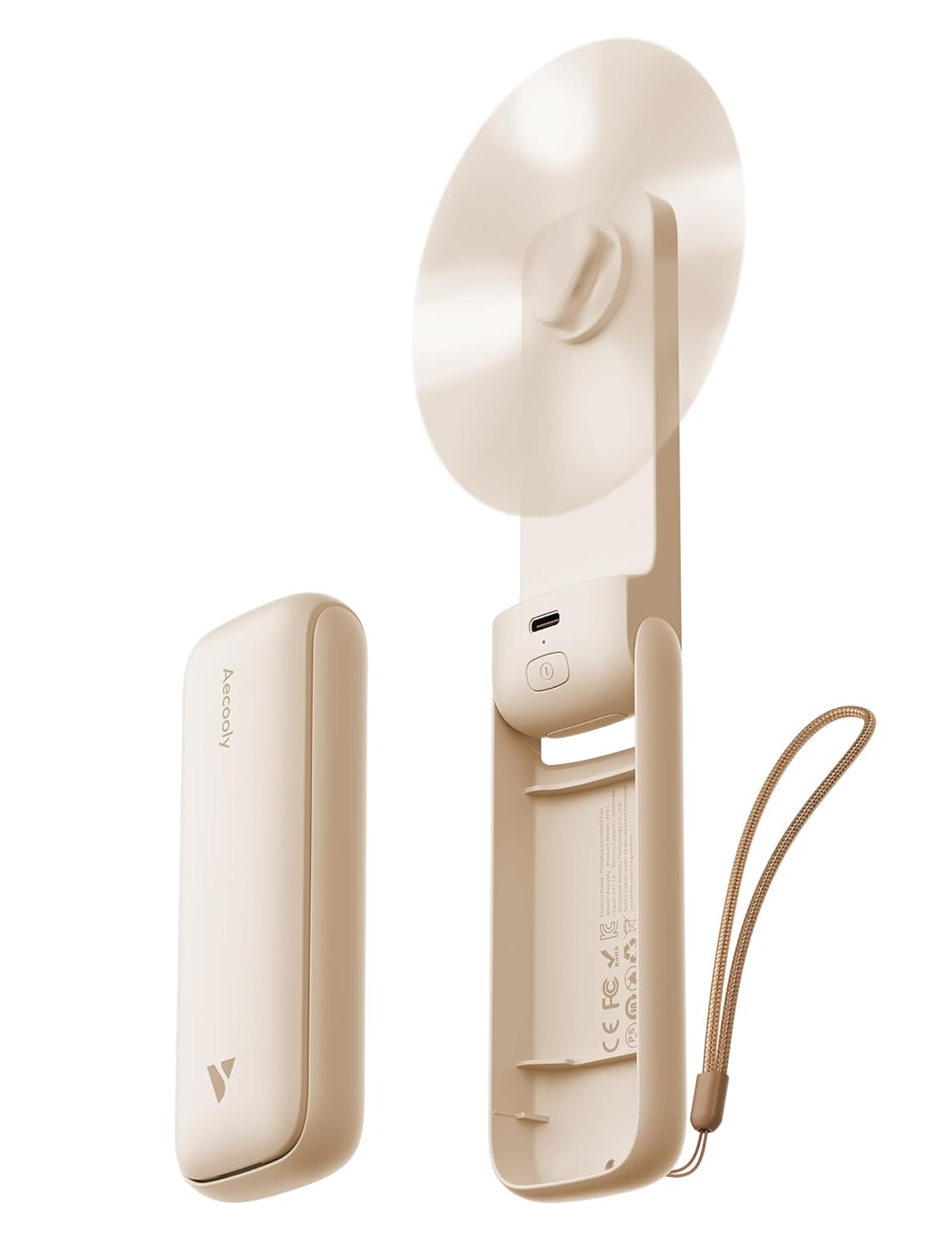
Baseus Portable Fan Review: The Clip-On Camping Breeze
Baseus portable clip-on fan has 80,000+ reviews on JD.com with a 4.5/5 rating at ¥49 ($7). Users love the powerful airfl