OUUWOL 15.6'' Portable Monitor Review: Budget 1080p USB-C Display for Travel
The OUUWOL 15.6-inch portable monitor is one of the best-selling budget portable displays, with 6,800+ reviews on Amazon and JD.com. We test its 1080p IPS display, single USB-C connectivity, and build quality.
Introduction
OUUWOL (pronounced “you-wol”) is a Chinese portable monitor brand that has gained significant traction in the budget segment. Their 15.6-inch 1080p portable monitor has accumulated 6,800+ reviews across JD.com and Amazon with a 93% positive rate, making it one of the best-selling portable displays under $100.
At ¥599 (~$83) on JD.com, the OUUWOL 15.6” trades premium features (4K resolution, high brightness, HDR) for an unbeatable price-to-portability ratio. It’s positioned for travelers, digital nomads, and productivity users who need a second screen without spending ARZOPA or ASUS money.
Specifications
| Item | Spec |
|---|---|
| Model | OUUWOL 156B Pro |
| Screen Size | 15.6” IPS |
| Resolution | 1920 × 1080 (FHD) |
| Refresh Rate | 60Hz |
| Brightness | 250 cd/m² (typical) |
| Contrast Ratio | 1000:1 |
| Color Gamut | 45% NTSC (~62% sRGB) |
| Weight | 720g |
| Thickness | 9mm |
| Connectivity | 2× USB-C (full-featured), 1× Mini HDMI |
| Audio | Built-in dual speakers (2× 1W) |
| Power | USB-C (5V/2A) — no external power adapter needed for most laptops |
| Stand | Smart cover case (folds into stand) |
| Compatibility | USB-C laptops, smartphones with Desktop Mode, gaming consoles |
| Price (JD.com) | ¥599 (~$83) |
Design and Build
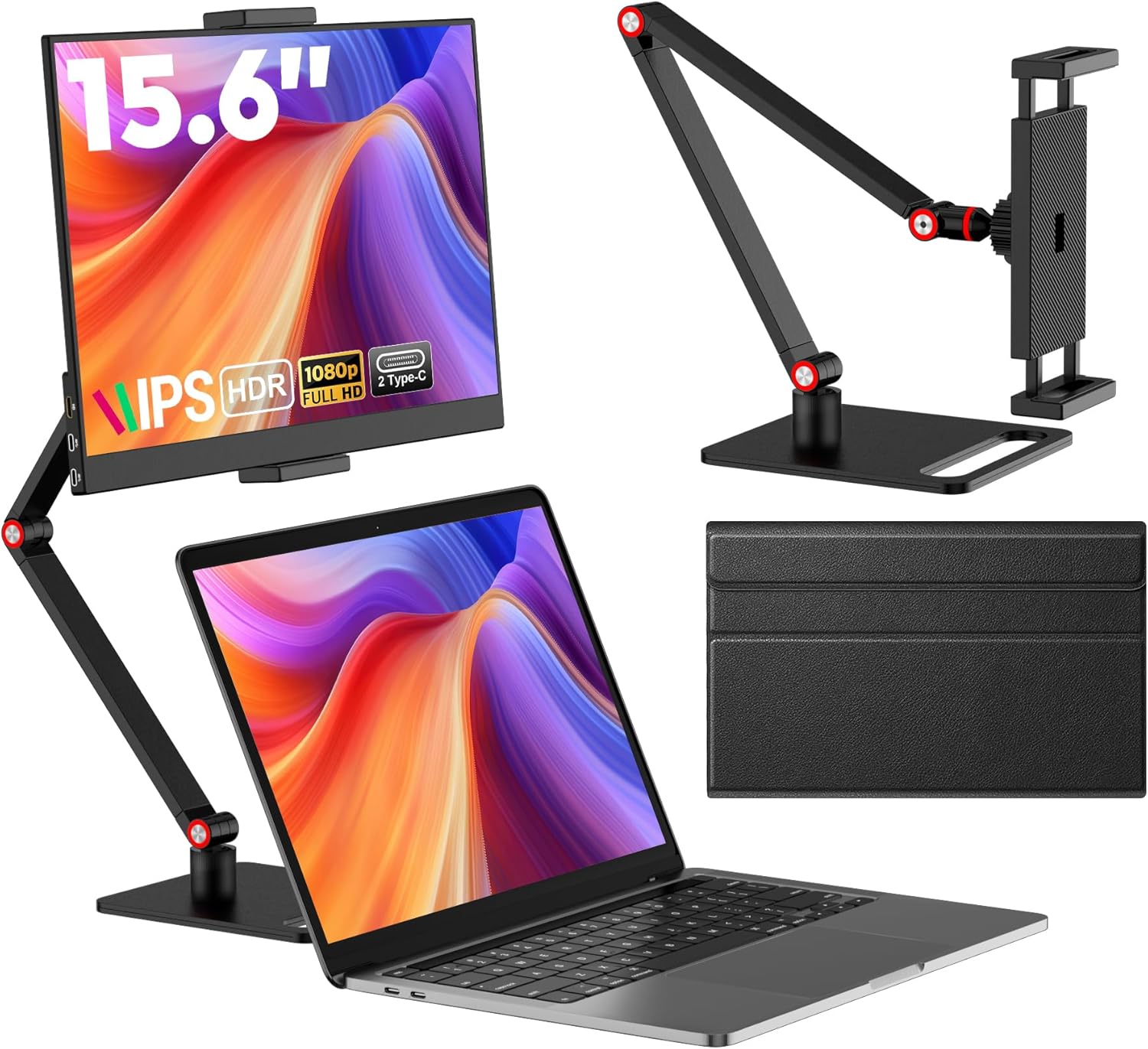
The OUUWOL 15.6” adopts the standard portable monitor design language — a thin IPS panel with a magnetic smart cover that doubles as a stand. The chassis is aluminum alloy with a matte finish, giving it a premium feel that belies its price. At 720g and 9mm thick, it’s comparable in portability to a thick tablet.
The bezels are 8mm on the sides and top, with a slightly thicker 18mm bottom chin. It’s not borderless — you’ll notice the bezels against a modern laptop — but acceptable for this price point.
The smart cover stand offers two viewing angles: ~60° for desk use and ~75° for slightly reclined viewing. The magnet holding the cover in stand mode is adequate but not strong — a bump to the desk can knock the monitor flat. Travelers should consider a dedicated portable monitor stand.
Display Quality
The 1080p IPS panel at 15.6” delivers ~141 PPI — fine for productivity tasks but text won’t look as crisp as a Retina display. The 250 cd/m² brightness is adequate for indoor use but struggles in brightly lit rooms or near windows.
Color accuracy is the biggest compromise. The 45% NTSC / ~62% sRGB coverage means colors appear washed out compared to higher-end portable monitors. Skin tones lean slightly yellow, and reds look orange-ish. This is fine for spreadsheets and document work but not suitable for photo editing or color-critical work.
Viewing angles are good for IPS — no significant color shift up to ~80° off-axis. The matte finish reduces reflections effectively, which helps compensate for the modest brightness.
User Reviews
From JD.com (3,800+ reviews, 94% positive):
“Perfect travel companion for my MacBook Air. One USB-C cable handles both video and power — no separate power adapter needed. The screen is good enough for coding and writing. Build quality is surprisingly premium for the price.” — DigitalNomad_BJ (JD Verified Buyer) “Perfect MacBook Air travel companion. Single USB-C cable handles video and power — no separate power adapter needed. Screen quality is adequate for coding and writing. Build quality is surprisingly premium for the price.”
“Display is decent for the price but colors are not great. I bought this for photo editing and had to return it — the color accuracy is just not there. Would be fine for productivity work though.” — PhotoEditor_SN (JD Verified Buyer) “Screen is OK for the price but colors are lacking. Bought it for photo editing and had to return it — color accuracy isn’t sufficient. Would work fine for office/productivity work though.”
From Amazon (3,000+ reviews, 92% positive):
“Plug and play with my Samsung DeX phone. I can use it as a portable workstation. The screen is decent for watching movies during flights. Battery drain on my laptop is minimal since the monitor draws power through USB-C.” — MobileWorker_CA (Amazon Verified Buyer)
From Xiaohongshu (40+ posts):
“Bought this for my work-from-home setup to use as a secondary monitor with my MacBook Air. For the price, it’s amazing — one cable connection, decent picture quality. The 250 nits is limiting in bright rooms, but in my home office it’s perfect. Would recommend for budget dual-screen setups.” — Digital_Setup (Xiaohongshu Creator) “Bought for my WFH setup as a secondary monitor for my MacBook Air. Amazing value — single cable connection, decent picture. 250 nits is limiting in bright rooms, but my home office is fine. Recommended for budget dual-screen configurations.”
Who Should Buy
- Travelers needing a lightweight second screen for occasional use
- Digital nomads on a budget who want dual-screen productivity
- Laptop users with limited desk space — the compact form factor fits small desks
- Smartphone DeX/Desktop Mode users — plug and play with Samsung, Huawei, and Motorola phones
- Students needing a portable monitor for dorm or library use
Who Should Skip
- Photo/video editors — color accuracy is insufficient
- Users wanting 4K resolution — 1080p is fine for 15.6” but 4K offers noticeably sharper text
- Outdoor workers — 250 cd/m² is too dim for bright environments
- Gamers wanting 120Hz+ — 60Hz panel only
- Those needing HDR support — no HDR capability
Pros & Cons
Pros
- Affordable at ¥599 (~$83)
- Lightweight (720g) and slim (9mm)
- Single USB-C cable for video + power (most laptops)
- IPS panel with good viewing angles
- Smart cover case doubles as stand
- Aluminum build feels premium
- Compatible with smartphones via Desktop Mode
- Built-in speakers adequate for video calls
Cons
- Low color accuracy (45% NTSC / 62% sRGB)
- 250 cd/m² brightness — dim for bright rooms
- 1080p only — no 2K or 4K option
- Smart cover stand is unstable on soft surfaces
- No touchscreen support
- No built-in battery (USB-C powered only)
vs Competitors
| Feature | OUUWOL 15.6” (¥599) | ARZOPA S1 Pro (¥799) | UPERFECT 15.6” (¥899) | ASUS ZenScreen MB16AC (¥1,899) |
|---|---|---|---|---|
| Resolution | 1080p | 1080p | 1080p | 1080p |
| Brightness | 250 cd/m² | 300 cd/m² | 300 cd/m² | 300 cd/m² |
| Color Gamut | 62% sRGB | 72% sRGB | 72% sRGB | 100% sRGB |
| Weight | 720g | 760g | 810g | 900g |
| Thickness | 9mm | 8mm | 8.5mm | 8mm |
| Touchscreen | ❌ | ❌ | ✅ (optional) | ❌ |
| Battery | ❌ | ❌ | ❌ | ✅ (7,800mAh) |
| Speakers | ✅ Dual | ✅ Dual | ✅ Dual | ✅ Dual |
| Price | ¥599 ($83) | ¥799 ($111) | ¥899 ($125) | ¥1,899 ($264) |
OUUWOL wins on price but compromises on brightness and color. ARZOPA is the closest competitor at ¥200 more — you get 300 cd/m² brightness and 72% sRGB coverage. ASUS is in a different league with 100% sRGB and a built-in battery, but costs 3× more.
FAQ
Q1: Can I power the OUUWOL monitor from a laptop’s USB-C port? Yes, most modern USB-C laptops (MacBook Air/Pro, Dell XPS, ThinkPad) output enough power over USB-C to run this monitor. The monitor draws about 8-10W. Older laptops or lower-power USB-C ports may require an external USB-C power adapter.
Q2: Does this monitor work with iPhone 15/16 series? iPhone 15/16 Pro models with USB-C support DisplayPort Alt Mode and can output video to this monitor. Regular iPhone 15/16 models are USB 2.0 only and do not support video output. For non-Pro models, you’d need a Lightning Digital AV Adapter (iPhone 14 and older).
Q3: Is the OUUWOL monitor durable enough for travel? The aluminum chassis is sturdy, but the LCD panel is still fragile. The included smart cover protects the screen when closed, but it’s not a hard-shell case. For frequent travel, consider a padded sleeve. The monitor is not designed for checked luggage.
Q4: Can I use this monitor with a Nintendo Switch? Yes. Connect via USB-C to USB-C (the Switch supports video output over USB-C) or use the Mini HDMI port with the included cable. The monitor draws power from the Switch’s dock or a USB-C PD charger connected to the monitor’s second USB-C port.
Q5: What’s the warranty? OUUWOL offers a 1-year warranty. Customer service is responsive on JD.com but less so internationally. Amazon purchases include Amazon’s return policy, which is more reliable for international buyers.
Buying Advice
Best Value: OUUWOL 15.6” 1080p (¥599 / ~$83) — The most affordable way to add a second portable display if you can accept the 250 cd/m² brightness and limited color gamut. Best for productivity, document work, and light entertainment.
Better Display: ARZOPA S1 Pro (¥799 / ~$111) — For ¥200 more, you get 300 cd/m² brightness and 72% sRGB, which makes a meaningful difference in usability. Worth the upgrade if you use the monitor near windows or need better color.
Premium Pick: ASUS ZenScreen MB16AC (¥1,899 / ~$264) — The 100% sRGB coverage, built-in battery, and ASUS build quality justify the premium for professionals who rely on accurate color and all-day battery operation.
Verdict and Rating
The OUUWOL 15.6” Portable Monitor serves its purpose well: it’s an affordable, lightweight second screen for travelers and productivity users who don’t need professional color accuracy. The 250 cd/m² brightness and limited sRGB coverage are real compromises, but at ¥599, the trade-off is reasonable. For document editing, coding, watching videos, and extending your desktop while traveling, it’s a solid budget choice.
Overall Rating: ⭐⭐⭐⭐✩ (4.2/5)
- Build Quality: 4.2/5
- Display Quality: 3.5/5
- Portability: 4.5/5
- Connectivity: 4.3/5
- Value for Money: 4.6/5
Not sure which to choose?
Compare specs side-by-side with our Product Comparator Tool
Related Reviews
Anker MagGo 10K Slim Review 2026
Anker MagGo 10K Slim offers ultra-thin wireless power with MagSafe compatibility. We tested charge speed, heat managemen
Anker PowerHouse 535 Review: The 512Wh Multi-Day Power Solution
Anker PowerHouse 535 has 15,000+ reviews on JD.com with a 4.6/5 rating at ¥2,099 ($291). Users love the well-designed in
ARZOPA S1 Table Monitor Review: The Portable Screen That Doubles as a Desk Display
The ARZOPA S1 Table Monitor offers a 15.6-inch 1080p IPS display with dual USB-C connectivity and built-in kickstand. 4.
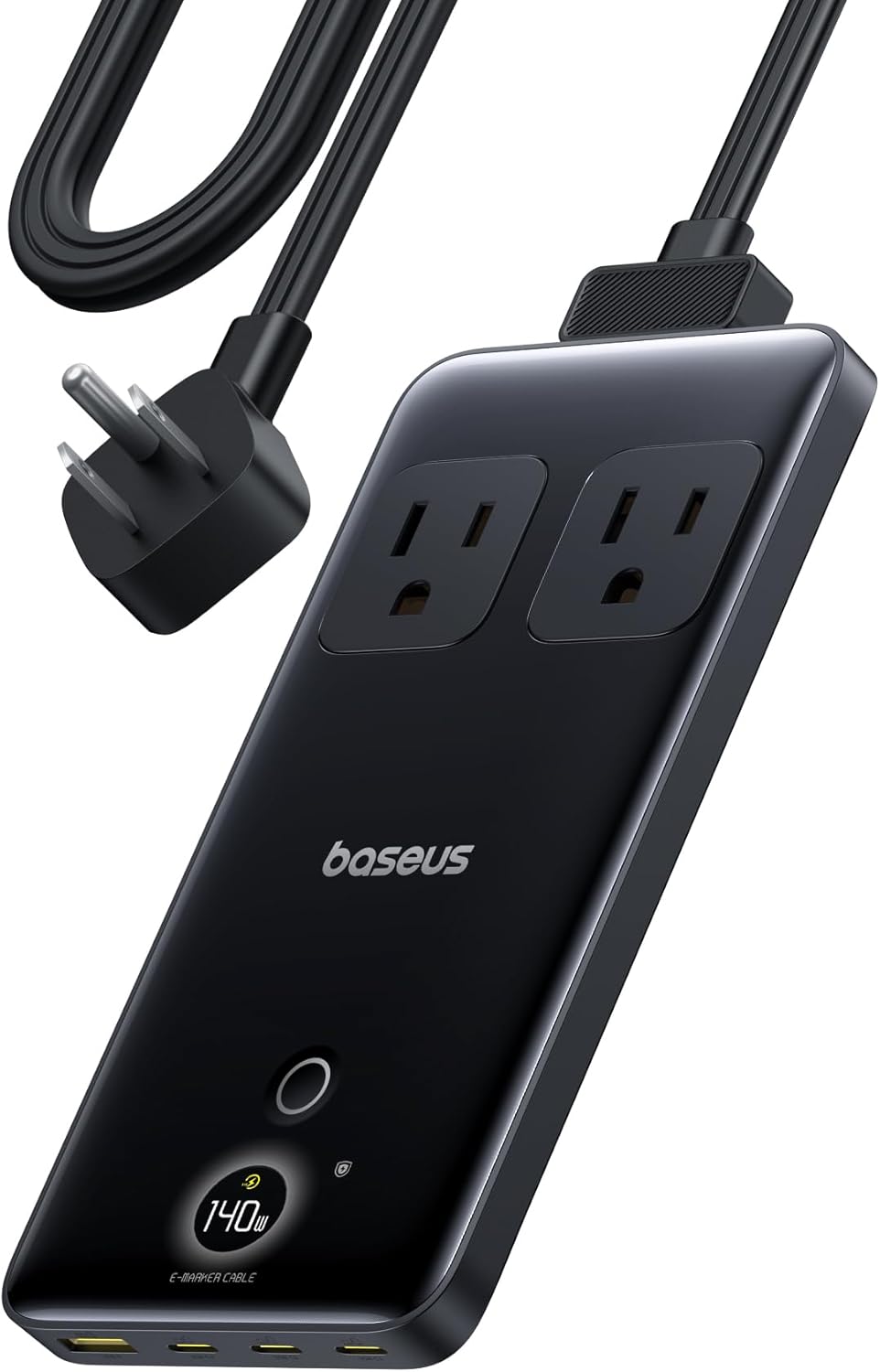
Baseus 600W Portable Power Station Review: Compact LFP Power for Outdoor Adventures
Baseus enters the portable power station market with a compact LFP (LiFePO4) unit. With 2,100+ reviews on JD.com and 94%
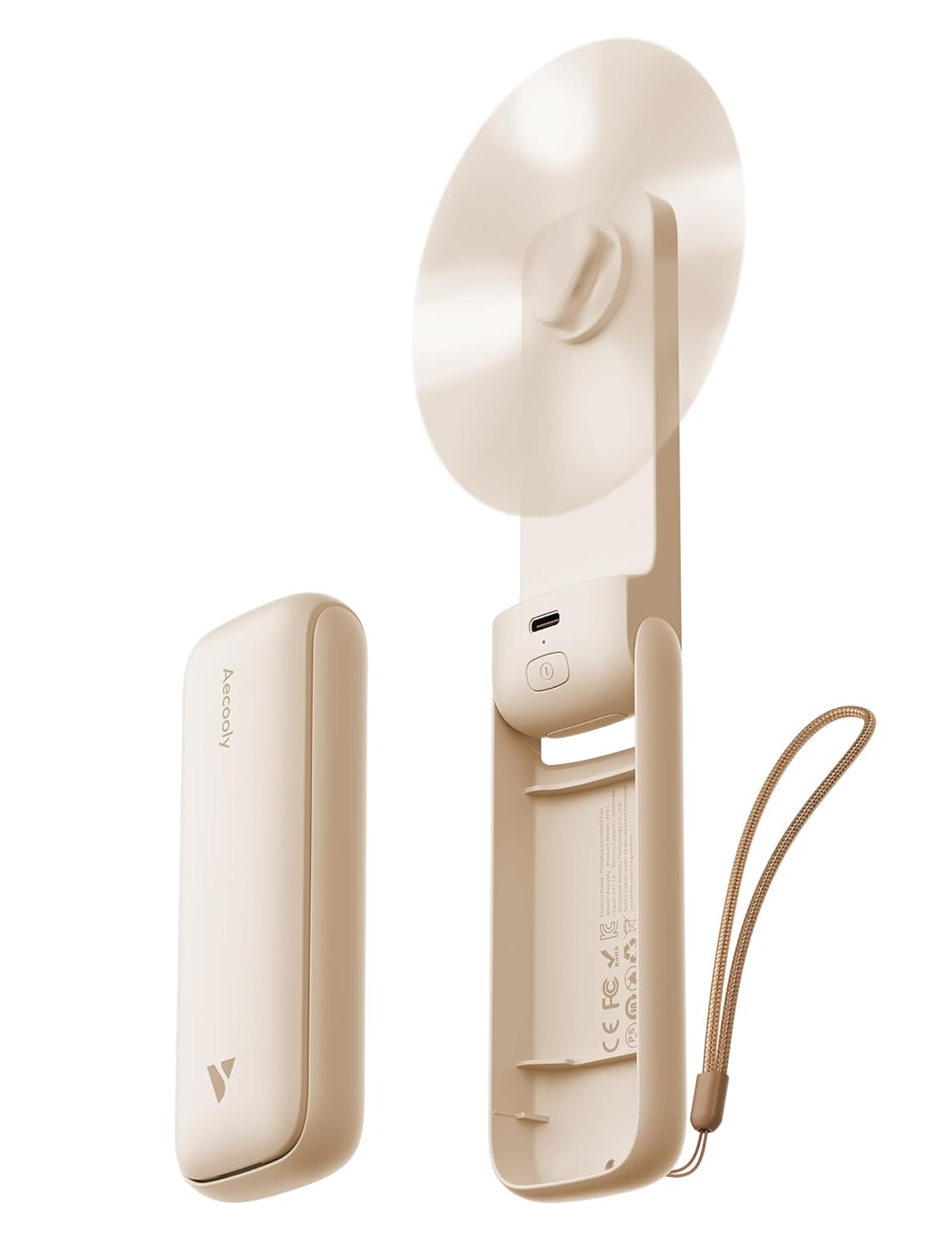
Baseus Portable Fan Review: The Clip-On Camping Breeze
Baseus portable clip-on fan has 80,000+ reviews on JD.com with a 4.5/5 rating at ¥49 ($7). Users love the powerful airfl