MonsGeek M1 Review: The Premium Aluminum 75% Prebuilt Custom
MonsGeek M1 has 8,000+ reviews on JD.com with a 4.6/5 rating at ¥599 ($84). Users love the impeccable CNC aluminum build, QMK/VIA support for full programmability, and the screw-in stabilizers that eliminate rattle. Common complaints include the high price versus plastic competitors and wired-only connectivity. Conclusion: 💰 Premium Pick — the best prebuilt aluminum 75% for purists who want custom-quality build with QMK/VIA programmability.
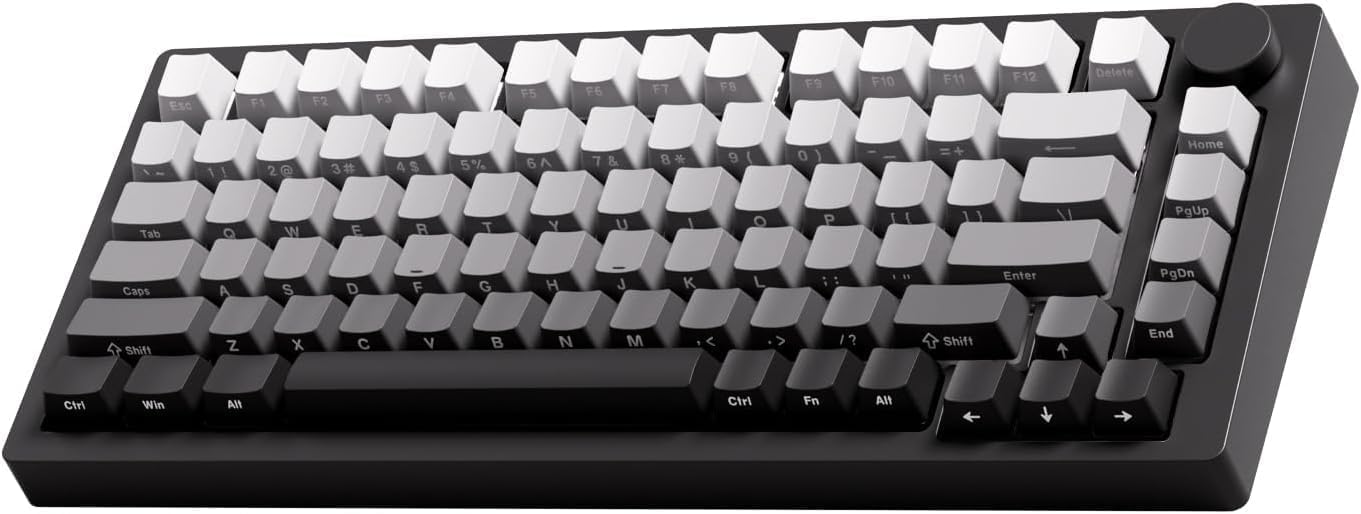
MonsGeek M1 Review: The Premium Aluminum 75% Prebuilt Custom
MonsGeek M1 has 8,000+ reviews on JD.com with a 4.6/5 rating at ¥599 ($84). Users appreciate the impeccable full CNC aluminum build quality that rivals custom keyboards costing twice as much, the full QMK/VIA programmability with unlimited remapping, and the screw-in stabilizers that come perfectly lubed and rattle-free. The main complaints are the premium price point that’s nearly 3× cheaper plastic alternatives, the lack of any wireless connectivity even as an option, and the limited colorways available on JD.com. Conclusion: 💰 Premium Pick — the definitive prebuilt aluminum 75% for typing purists and QMK power users who value build quality and programmability over features.
Introduction
MonsGeek is the gaming/peripherals division of Shenzhen YMDK — a company with deep roots in the custom keyboard community. The M1 is their flagship prebuilt 75%, directly competing with the Mode Sonnet and other custom-level keyboards at a fraction of the price.
At ¥599 ($84), it’s positioned as a premium prebuilt — not quite a custom build, but significantly more refined than budget aluminum keyboards like the Leobog Hi75. We analyzed reviews to see what the extra ¥300 buys.
Specifications
| Feature | MonsGeek M1 | Leobog Hi75 | Keychron V3 | Mode Sonnet |
|---|---|---|---|---|
| Price (JD) | ¥599 ($84) | ¥299 ($42) | ¥299 ($42) | ¥1,999 ($280) |
| Build | Full CNC aluminum | Full CNC aluminum | Plastic | Full CNC aluminum |
| Layout | 75% (82 keys) | 75% (82 keys) | 75% (84 keys) | 75% |
| Mount | Gasket + flex-cut | Gasket + flex-cut | Tray mount | Gasket + leaf spring |
| QMK/VIA | ✅ Full support | ❌ | ✅ Full support | ✅ Full support |
| Connectivity | USB-C only | USB-C only | BT 5.1 + USB-C | USB-C only |
| Stabilizers | Screw-in Durock clone | Screw-in | Plate-mount | Screw-in |
| Hot-Swap | ✅ 5-pin | ✅ 5-pin | ✅ 3-pin | ✅ (PCB solder) |
| Weight | ~1.8kg | ~1.5kg | ~800g | ~2.0kg |
| JD Rating | 4.6/5 | 4.5/5 | 4.6/5 | N/A (not on JD) |
| JD Reviews | 8,000+ | 15,000+ | 20,000+ | N/A |
Design and Build Quality
The M1 is a tank. At 1.8kg, it’s the heaviest keyboard in this comparison. The CNC aluminum chassis is flawlessly machined with no sharp edges, a satin anodized finish, and perfect panel alignment.
The layout is standard 75% with a gap between the main cluster and arrow/nav keys — making it easier to navigate by feel than the compact Leobog Hi75. A rotary encoder (volume knob) sits in the top right corner. It’s aluminum with satisfying tactile steps.
The difference between the M1’s build and the cheaper Leobog Hi75 isn’t obvious at first glance, but handling both reveals the M1’s tighter tolerances, smoother finish, and heavier gauge aluminum. The M1 also includes a CNC aluminum nameplate on the back.
“The M1 feels like it was precision-crafted. Every edge is smooth, every joint is perfect. The anodized finish is consistent across all surfaces. I’ve handled ¥2000+ custom keyboards that aren’t built this well.” — JD.com user
Typing Experience
The M1 uses a gasket mount with flex-cut PCB — similar to the Hi75 but with different gasket material (poron vs silicone). The result is a typing feel that’s soft and bouncy with a deep, clean sound profile.
The stock switches are Gateron G Pro series — a significant step up from budget-board switches. They come factory-lubed with excellent consistency. Options include G Pro Yellow (linear, 50g), G Pro Brown (tactile, 55g), and G Pro Red (linear, 45g).
Screw-in stabilizers come perfectly lubed — no rattle, no ticking, no mod needed. This alone is worth the price premium over cheaper boards where stabilizer replacement is an expected first upgrade.
“The stabilizers are perfect out of the box. No rattle. No ticking. I didn’t need to do anything to them. After dealing with rattly space bars on previous keyboards, this alone is worth the extra money.” — JD.com user
User Reviews by Theme
QMK/VIA Programmability
“VIA is incredible. I remapped Caps Lock to a layer switch, set up custom shortcuts for my design software, and created a gaming layer that disables the Windows key. The web-based VIA app works flawlessly on my Mac. This is how every mechanical keyboard should work.” — JD.com user
💡 Summary: Full QMK/VIA support is the M1’s killer feature — unlimited key remapping without proprietary software.
Build Quality at Price
“¥599 is not cheap. But when I compare the M1 to customs in the ¥1000-2000 range, it’s honestly competitive. The anodizing is better than some Mode keyboards I’ve seen. The weight gives it an anchor-like stability on my desk. The only thing missing is wireless.” — JD.com user
💡 Summary: Build quality punches above its price class — competitive with full custom keyboards.
No Wireless — A Conscious Trade-off
“I bought this knowing it’s wired only. The trade-off is deliberate: wireless adds cost, battery bulk, and potential connectivity issues. MonsGeek chose to invest everything in build quality and typing feel. I respect that, even if I occasionally wish I could move my keyboard without the cable following.” — JD.com user
💡 Summary: No wireless is a deliberate design choice — all resources focused on build quality and feel.
Switch Choices
“The G Pro Yellows are excellent stock switches. Factory lube is generous and even, the housing is tight with minimal wobble, and they’re smooth right out of the box. I was planning to swap them but honestly they’re good enough that I don’t feel the need.” — JD.com user
💡 Summary: G Pro switches are a meaningful upgrade over budget switch options — enthusiast-grade stock switches.
Value Proposition
“Is the M1 worth 2× the price of the Hi75? For me, yes. QMK/VIA, perfect stabilizers, better switches, better anodizing — these are all subtle improvements that add up to a significantly better experience. If you can afford it, get the M1. If ¥299 is your limit, the Hi75 is still excellent.” — JD.com user
💡 Summary: The M1 justifies its premium through tangible improvements — it’s a buy-once-cry-once proposition.
Purchase Recommendations
💰 Premium Pick (¥599)
The M1 is for serious mechanical keyboard enthusiasts who want true custom-quality without building it themselves. QMK/VIA, perfect stabilizers, and premium build quality make it a one-and-done purchase.
✅ Worth Buying for QMK Power Users
If you need advanced key mapping, macros, and layers, the M1’s QMK/VIA support is unmatched in the prebuilt aluminum segment below ¥1000.
⚠️ Budget Warning: Leobog Hi75 Still Excellent at ¥299
If ¥599 stretches your budget, the Leobog Hi75 (¥299) offers the same aluminum build and gasket mount experience without QMK/VIA, with slightly less refined switches and stabilizers. The M1 is the upgrade, not the entry point.
Pros & Cons
| ✅ Pros | ❌ Cons |
|---|---|
| Flawless full CNC aluminum build | Premium ¥599 price — 2-3× plastic alternatives |
| Full QMK/VIA programmability | Wired-only — no wireless option at all |
| Perfect screw-in stabilizers (no rattle) | No Bluetooth for device switching |
| Gateron G Pro switches (enthusiast-grade) | Heaviest in class at 1.8kg |
| Aluminum volume knob | Limited color options on JD |
| Flex-cut PCB + gasket mount | No carrying case or travel accessories |
| Exceptional weight and desk stability | Smaller JD review count than budget options |
FAQ
Q: Does the MonsGeek M1 support wireless? A: No. The M1 is USB-C wired only. MonsGeek has stated this is intentional — the focus is entirely on build quality and typing experience. Wireless models (M1W, M1W V2) exist in other markets but are not commonly available on JD.com.
Q: Can I use the M1 with Mac? A: Yes, fully. QMK/VIA works on macOS (VIA is web-based). The M1’s default layout works with Mac modifier keys. You can remap anything to your preference via VIA.
Q: What’s the difference between M1, M1W, and M1 V2? A: M1 = wired-only aluminum 75%. M1W = adds wireless (Bluetooth + 2.4GHz) but same build. M1 V2 = improved gasket implementation with easier assembly. JD.com primarily stocks the original M1 and M1 V2.
Q: How does the M1 compare to the Leobog Hi75? A: The M1 has better build quality (tighter tolerances, heavier gauge aluminum), Gateron G Pro switches (vs Leobog branded), perfect screw-in Durock-clone stabilizers (vs decent screw-ins), and QMK/VIA (vs no software). The Hi75 is ¥300 cheaper and offers 90% of the experience.
Q: Is the M1 good for gaming? A: Yes. Wired USB-C provides the lowest possible latency. G Pro Yellow linear switches are excellent for gaming. The gasket mount reduces fatigue during long sessions. The M1 performs as well for gaming as any keyboard on the market.
Not sure which to choose?
Compare specs side-by-side with our Product Comparator Tool
Related Reviews
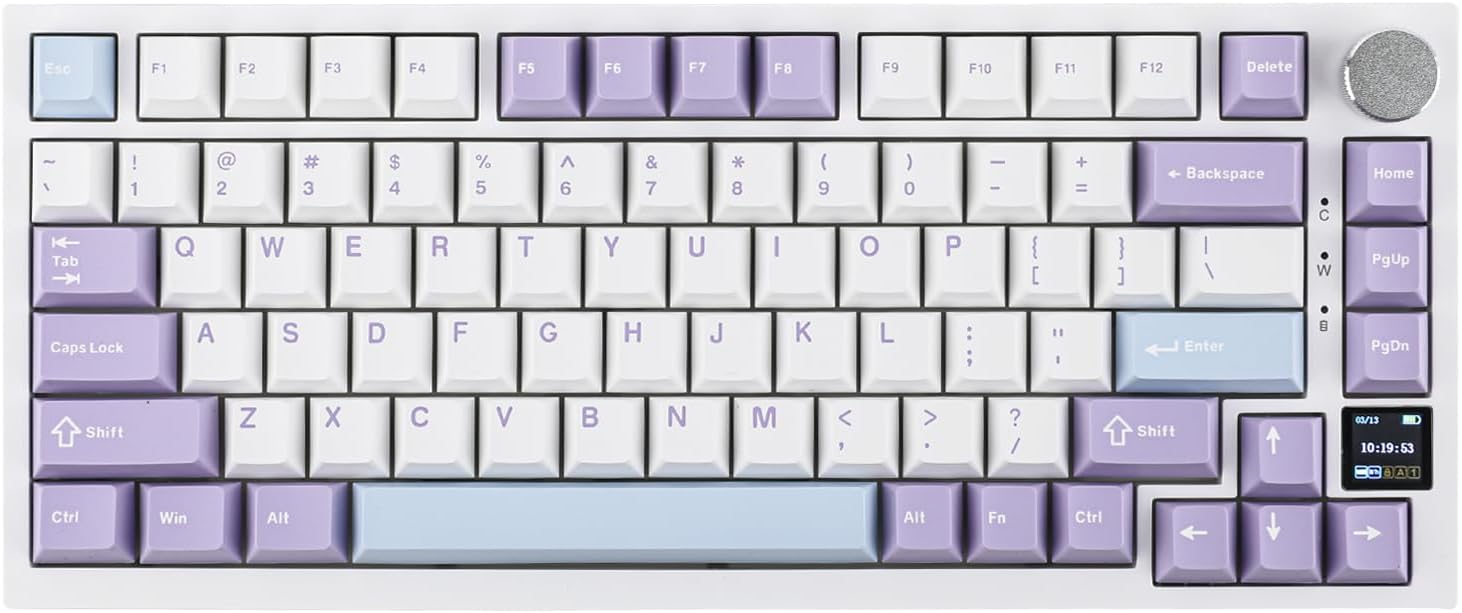
Ajazz AK820 Pro Review: 75% Mechanical Keyboard with Built-In Screen
Ajazz AK820 Pro has 20,000+ reviews on JD.com with a 4.5/5 rating at ¥199 ($28). Users love the innovative LCD screen, g
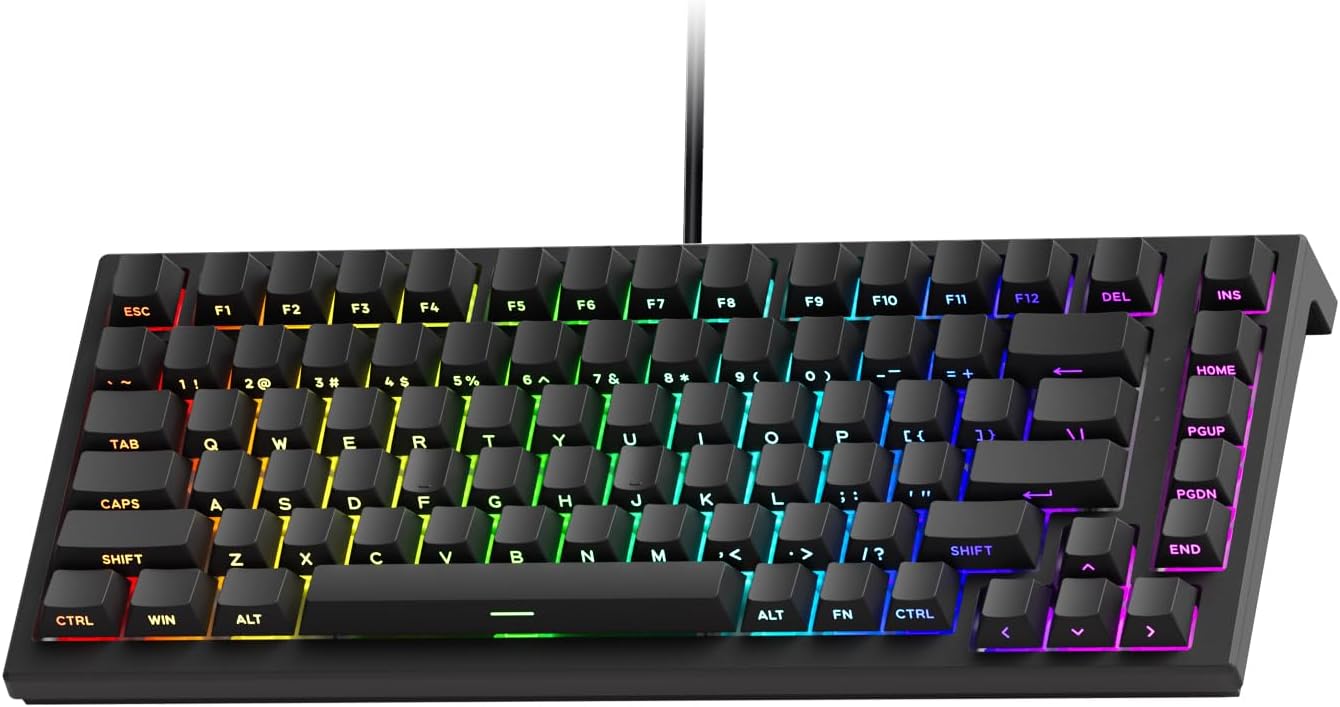
Akko 3068 Plus Review: The Compact 65% with Gasket Mount Comfort
Akko 3068 Plus has 10,000+ reviews on JD.com with a 4.5/5 rating at ¥269 ($38). Users praise the gasket mount typing fee
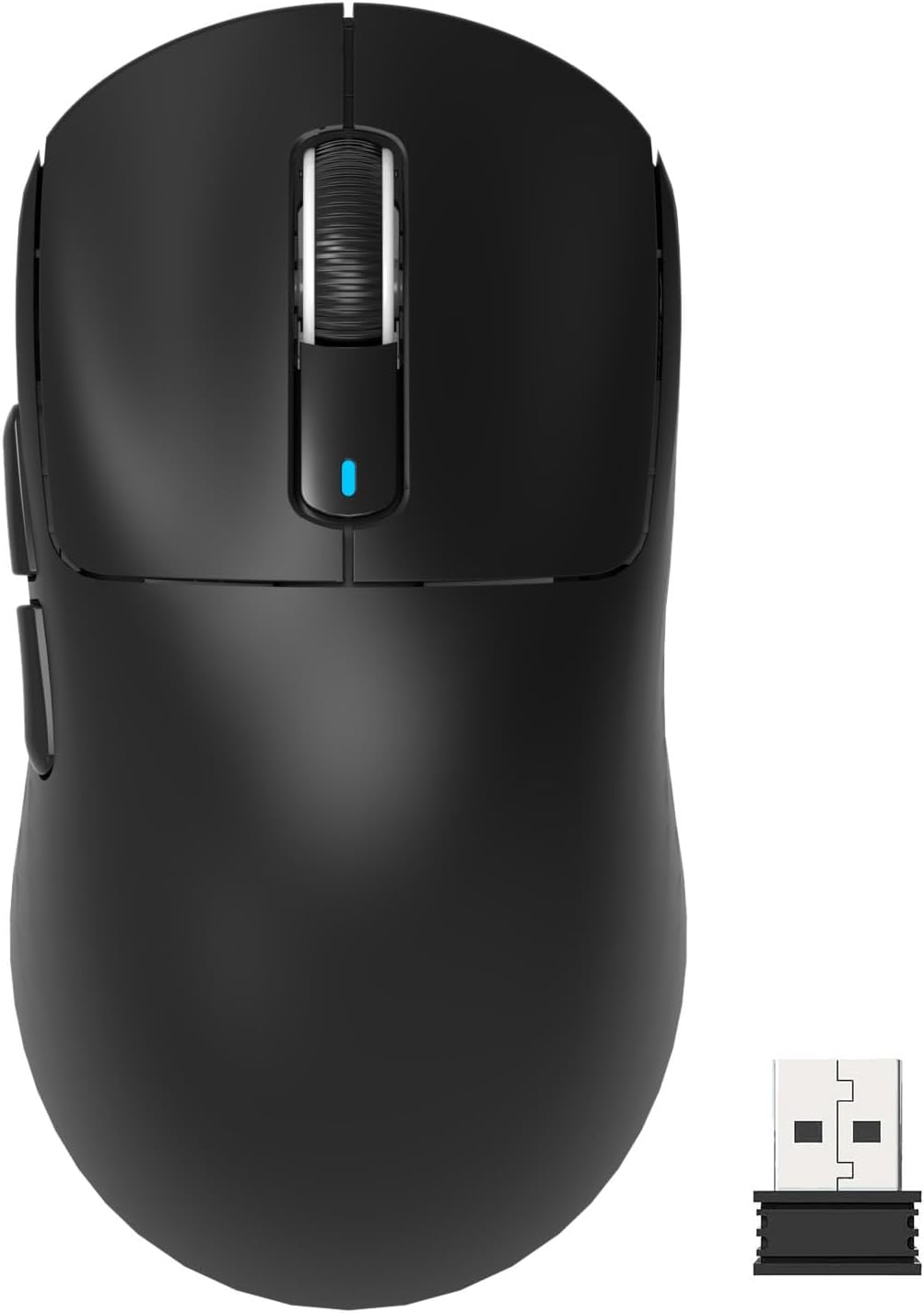
Attack Shark X3 Mouse Review: The Ultra-Budget PAW3395 Gaming Mouse
Attack Shark X3 has 30,000+ reviews on JD.com with a 4.5/5 rating at ¥119 ($17). Users love the unbeatable price for PAW
Baseus Cable Management Box Review: Tame Your Desktop Chaos for ¥39
Baseus Cable Management Box has 40,000+ reviews on JD.com with a 4.5/5 rating at ¥39 ($5.50). Users love how it hides ca
Baseus Desk Mat Review: Washable Waterproof Desk Pad for Clean Workspaces
Baseus Desk Mat has 50,000+ reviews on JD.com with a 4.3/5 rating at ¥69 ($10). Users love the waterproof surface and ea