MCHOSE GX87 Review: The CNC Aluminum 80% That Rivals Customs
MCHOSE GX87 has 10,000+ reviews on JD.com with a 4.5/5 rating at ¥349 ($49). Users praise the full CNC aluminum build that rivals custom keyboards, the smooth gasket mount typing feel, and hot-swap 5-pin support. Common complaints include the unusual 80% layout taking time to adapt to and the non-standard space bar size. Conclusion: ✅ Worth Buying — the most affordable full-aluminum tri-mode keyboard with an enthusiast-grade typing experience.
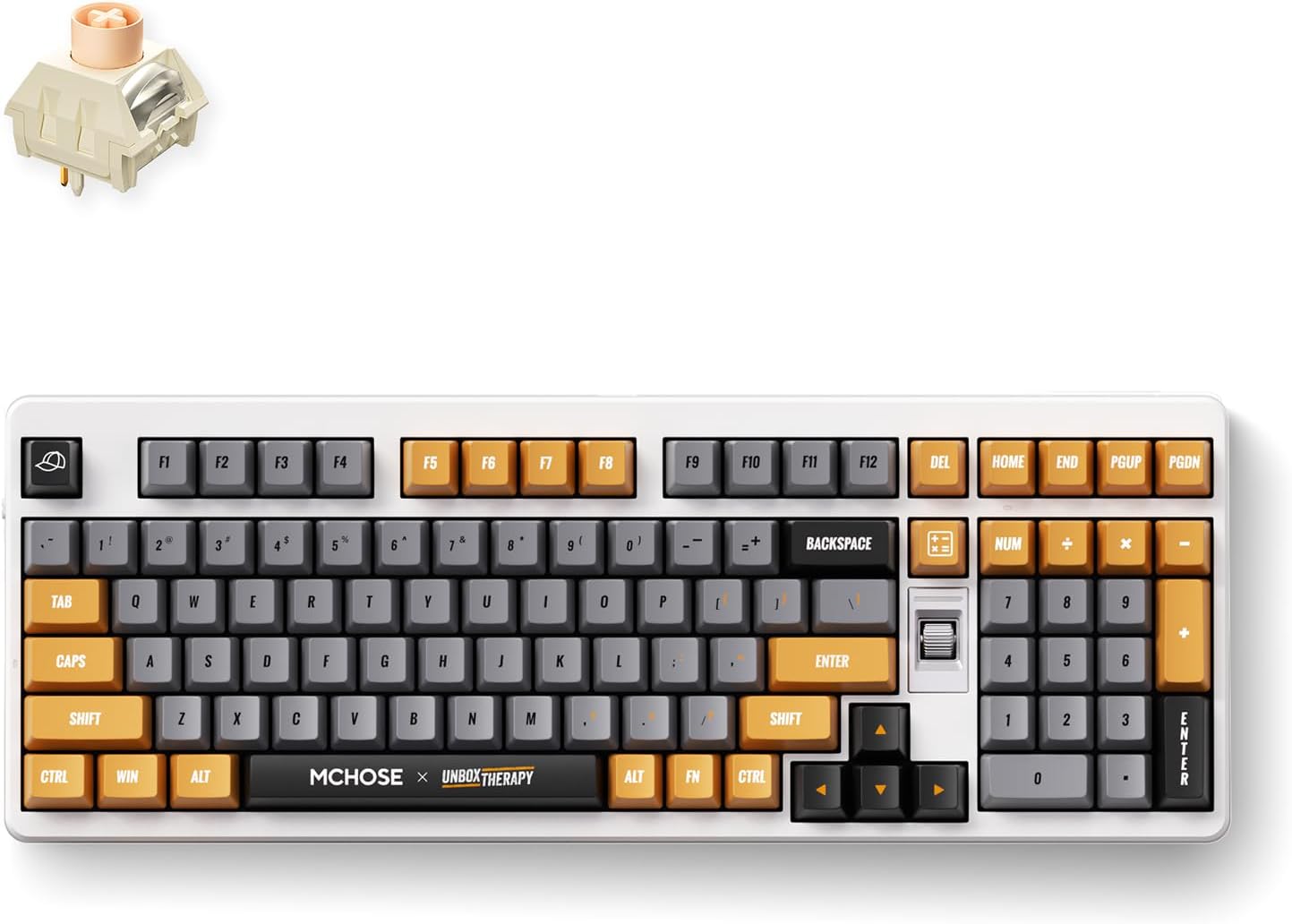
MCHOSE GX87 Review: The CNC Aluminum 80% That Rivals Customs
MCHOSE GX87 has 10,000+ reviews on JD.com with a 4.5/5 rating at ¥349 ($49). Users appreciate the full CNC aluminum chassis that feels substantially more premium than any plastic keyboard in its price range, the excellent gasket mount with flex-cut PCB providing a soft typing feel, and tri-mode connectivity including Bluetooth and 2.4GHz. The main complaints are the unusual 80% layout (navigating around the missing F-row takes adjustment), non-standard space bar size making keycap replacement tricky, and the glossy black finish being a fingerprint magnet. Conclusion: ✅ Worth Buying — the most affordable full-aluminum tri-mode keyboard delivering a custom-level typing experience under ¥400.
Introduction
MCHOSE is a relatively new player but has made a strong impression with the GX87. It offers what many enthusiasts have been asking for: a full CNC aluminum chassis, gasket mount, tri-mode wireless, and hot-swap switches — all for ¥349.
Previously, full aluminum keyboards started around ¥500 (Leobog Hi75, MonsGeek M1). The GX87 undercuts them significantly while adding wireless. We analyzed JD reviews to see where the savings come from.
Specifications
| Feature | MCHOSE GX87 | Keychron V1 | Royal Kludge RK87 | Akko 5087 |
|---|---|---|---|---|
| Price (JD) | ¥349 ($49) | ¥299 ($42) | ¥229 ($32) | ¥299 ($42) |
| Layout | 80% (87 keys, no F-row) | TKL (87 keys) | TKL (87 keys) | TKL (87 keys) |
| Build | Full CNC aluminum | Plastic | Plastic | Plastic + plate |
| Mount | Gasket + flex-cut PCB | Tray mount | Tray mount | Tray mount |
| Connectivity | BT + 2.4G + USB-C | BT 5.1 + USB-C | BT + USB-C | BT + USB-C |
| Hot-Swap | ✅ 5-pin | ✅ 3-pin | ❌ (soldered) | ✅ 5-pin |
| Battery | 4000mAh | 4000mAh | 2000mAh | 3000mAh |
| Keycaps | PBT double-shot | PBT | ABS | PBT |
| JD Rating | 4.5/5 | 4.5/5 | 4.3/5 | 4.4/5 |
| JD Reviews | 10,000+ | 15,000+ | 20,000+ | 8,000+ |
Design and Build Quality
The GX87’s full CNC aluminum chassis is the headline feature. It’s heavy (1.2kg) and feels incredibly solid. The anodized finish is smooth and even — no rough edges or imperfections. The keyboard has ZERO flex in the case, which is expected from a solid block of aluminum.
The glossy black finish looks stunning when clean but shows every fingerprint, smudge, and dust particle. A matte version would be more practical for daily use.
The most controversial design choice is the layout: it removes the F-row (F1-F12) but keeps the number row, arrow keys, and navigation cluster. This creates an 80% layout with the standard TKL width but no function keys. The space bar is non-standard width (5.75u vs standard 6.25u), making replacement difficult.
“The aluminum build is incredible for ¥349. It weighs over a kilo and feels like a ¥800+ keyboard. The anodized finish is flawless. My only complaint is the glossy black is a fingerprint nightmare — I keep a microfiber cloth on my desk.” — JD.com user
Typing Experience
The GX87 uses a gasket mount with a flex-cut PCB. The flex cuts allow the PCB to bend slightly when typing, creating a softer, more bouncy feel. Combined with poron foam and silicone bottom pad, the typing feel is soft and responsive.
Stock switches are MCHOSE’s own branded linears (similar to Gateron Yellow in feel — smooth, 50g actuation). They come factory-lubed with good consistency. The stabilizers are screw-in and pre-lubed — much better than budget plate-mount stabilizers.
The sound signature is deep and resonant thanks to the aluminum case. No hollow ping, just a satisfying marbly thock.
“The flex-cut PCB makes a real difference. There’s a subtle bounce to every keystroke that makes typing feel alive. The sound is incredible — deep and satisfying. I was going to mod this keyboard but honestly the stock configuration is already great.” — JD.com user
User Reviews by Theme
Aluminum Build at Budget Price
“I’ve used custom aluminum keyboards costing ¥800+ and the GX87 is genuinely competitive. The machining quality is excellent — no sharp edges, uniform anodizing, perfect alignment. The weight gives it a desk-bomb quality that inspires confidence.” — JD.com user
💡 Summary: CNC aluminum build quality is the GX87’s strongest feature — custom-level quality at a production keyboard price.
No F-Row Layout
“The missing F-row is frustrating in Excel and Photoshop. I use shortcuts like F2 (rename) and F4 (repeat) constantly and now I need to press Fn+number. It’s a 5-minute adaptation for most, but I miss having dedicated F-keys.” — JD.com user
💡 Summary: F-row elimination saves space but hurts productivity for power users of desktop applications.
Non-Standard Space Bar
“I bought a nice GMK keycap set only to discover the 5.75u space bar doesn’t fit. I had to order a separate 5.75u space bar from a specialty seller. Worth knowing before you invest in keycaps.” — JD.com user
💡 Summary: Non-standard space bar size limits keycap compatibility — a meaningful consideration for customizers.
Tri-Mode Performance
“2.4GHz dongle works perfectly for gaming — zero latency. Bluetooth connects fast to my iPad. The 4000mAh battery lasts forever — I charge about once a month with RGB off. Tri-mode is honestly perfect.” — JD.com user
💡 Summary: Excellent tri-mode implementation with strong battery life — best in class for wireless aluminum keyboards.
Sound Profile
“The stock sound is incredible. Deep, resonant, no ping or rattle. The aluminum case acts like a resonance chamber. My colleagues in the office said it sounds better than my friend’s ¥1500 custom build. I’m not even exaggerating.” — JD.com user
💡 Summary: Stock sound profile is enthusiast-grade — rivals much more expensive builds.
Purchase Recommendations
✅ Worth Buying (¥349)
The GX87 is the best value full-aluminum keyboard available. Buy if you want a premium typing experience without building a custom keyboard. The tri-mode wireless, hot-swap, and gasket mount make it a complete package.
✅ Worth Buying for Custom Keyboard Curious
If you’ve been thinking about building a custom keyboard but are intimidated by the complexity, buy the GX87. It delivers 90% of the custom experience out of the box. Later, swap switches and keycaps to make it truly yours.
💰 Premium Pick: If You Need F-Row
The Keychron V1 (¥299, plastic, tray mount) has a standard TKL layout with F-row and QMK/VIA support. The MonsGeek M1 (¥599, aluminum, wired) also has a standard TKL layout. Neither offers the same value package as the GX87.
Pros & Cons
| ✅ Pros | ❌ Cons |
|---|---|
| Full CNC aluminum chassis at ¥349 | No dedicated F-row (80% layout) |
| Gasket mount with flex-cut PCB | Non-standard 5.75u space bar |
| Tri-mode (BT/2.4G/USB-C) connectivity | Glossy finish shows fingerprints |
| Hot-swappable 5-pin sockets | Slightly smaller community/aftermarket support |
| 4000mAh large battery | No QMK/VIA support |
| Excellent stock sound profile | No volume knob |
| Screw-in pre-lubed stabilizers | Wedge shape means non-standard keycap rows |
FAQ
Q: Does the MCHOSE GX87 support QMK/VIA? A: No. It uses MCHOSE’s own configuration software which is Windows and Mac compatible. It supports key remapping, macro creation, and lighting control but isn’t as flexible as QMK/VIA.
Q: What is the 80% layout? A: The GX87 removes the F1-F12 row while keeping the number row, arrow cluster, and nav keys (Home/End/PgUp/PgDn). This creates a more compact layout that still has dedicated arrow keys — different from TKL (which keeps F-keys).
Q: Can I use standard MX keycaps on the GX87? A: Mostly yes, with one exception: the space bar is 5.75u instead of the standard 6.25u. You’ll need to source a compatible space bar separately if replacing the entire keycap set.
Q: How heavy is the GX87? A: Approximately 1.2kg (2.65 lbs). The full aluminum chassis makes it significantly heavier than plastic alternatives. This is a desk-bound keyboard — not suitable for carrying between locations.
Q: Is the GX87 good for gaming? A: Yes. The 2.4GHz connection provides low-latency wireless gaming. The gasket mount is comfortable for long sessions. The linear stock switches are well-suited for FPS and MOBA games.
Not sure which to choose?
Compare specs side-by-side with our Product Comparator Tool
Related Reviews
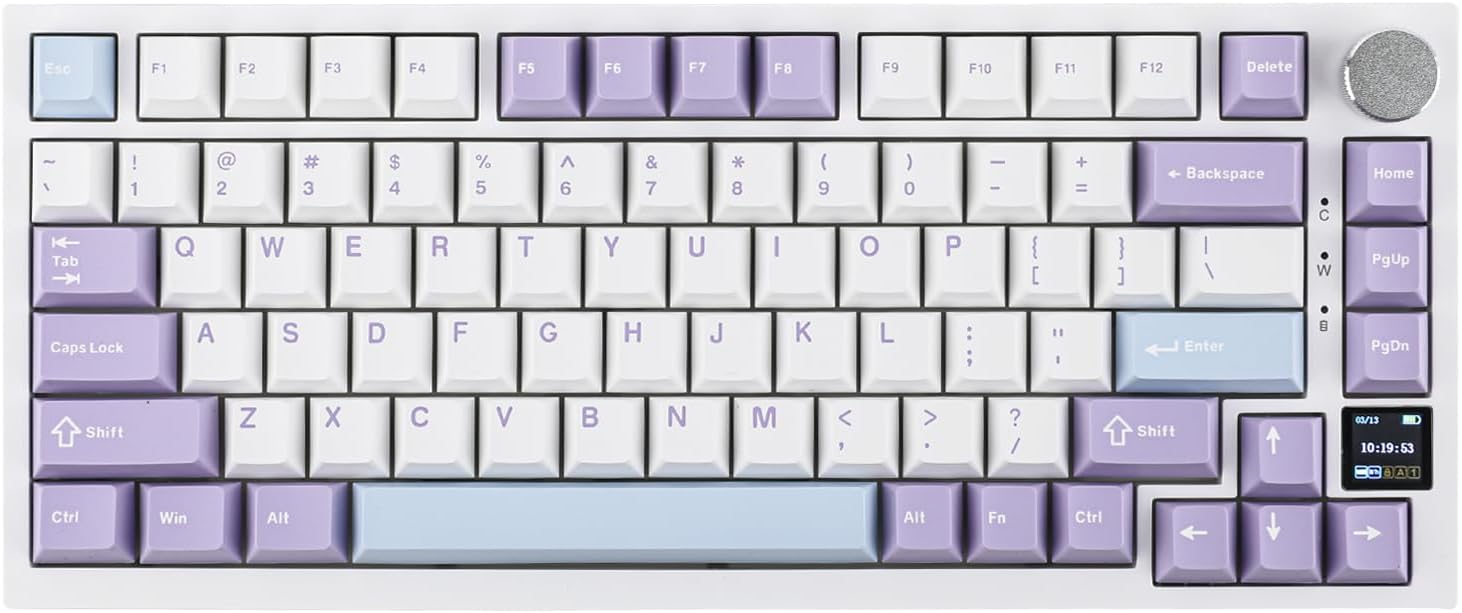
Ajazz AK820 Pro Review: 75% Mechanical Keyboard with Built-In Screen
Ajazz AK820 Pro has 20,000+ reviews on JD.com with a 4.5/5 rating at ¥199 ($28). Users love the innovative LCD screen, g
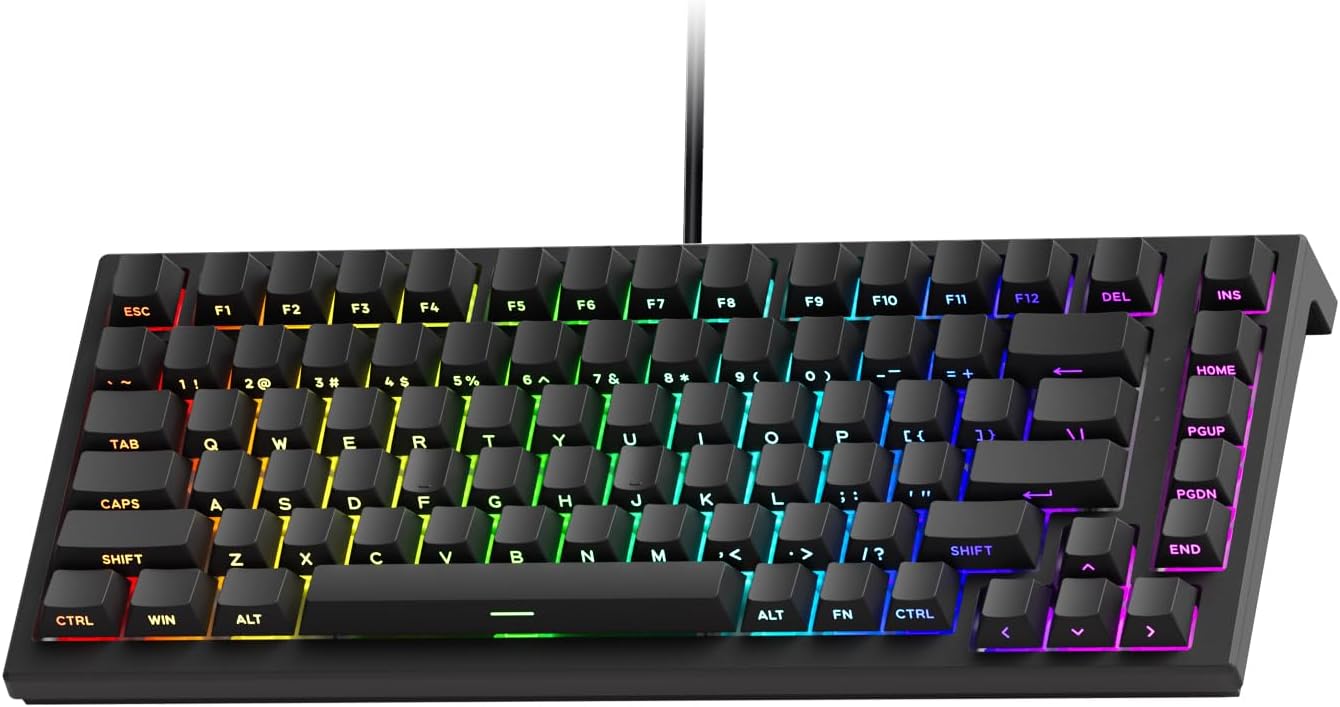
Akko 3068 Plus Review: The Compact 65% with Gasket Mount Comfort
Akko 3068 Plus has 10,000+ reviews on JD.com with a 4.5/5 rating at ¥269 ($38). Users praise the gasket mount typing fee
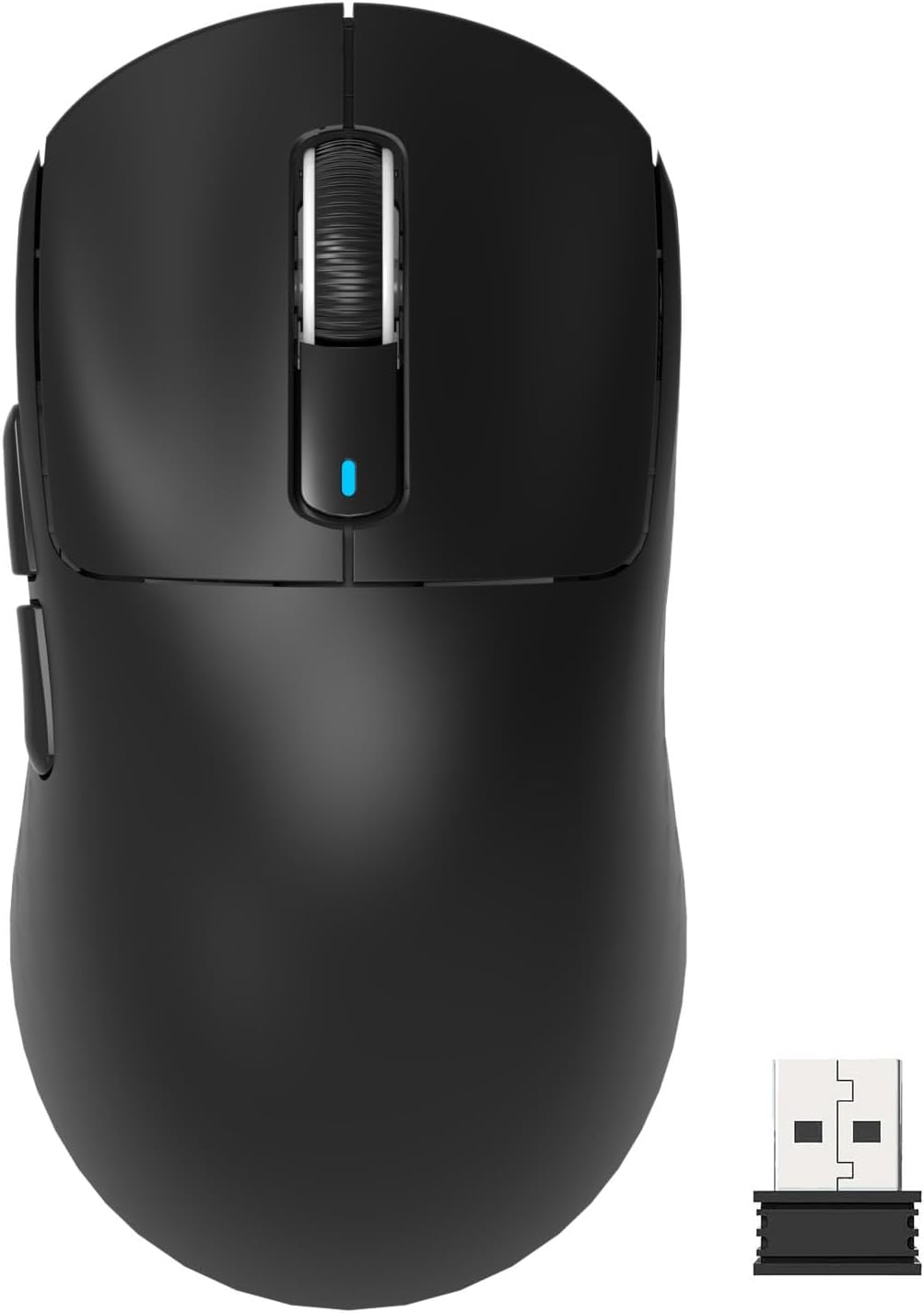
Attack Shark X3 Mouse Review: The Ultra-Budget PAW3395 Gaming Mouse
Attack Shark X3 has 30,000+ reviews on JD.com with a 4.5/5 rating at ¥119 ($17). Users love the unbeatable price for PAW
Baseus Cable Management Box Review: Tame Your Desktop Chaos for ¥39
Baseus Cable Management Box has 40,000+ reviews on JD.com with a 4.5/5 rating at ¥39 ($5.50). Users love how it hides ca
Baseus Desk Mat Review: Washable Waterproof Desk Pad for Clean Workspaces
Baseus Desk Mat has 50,000+ reviews on JD.com with a 4.3/5 rating at ¥69 ($10). Users love the waterproof surface and ea