LOCTEK D5S Standing Desk Converter Review: Affordable Sit-Stand on Your Existing Desk
LOCTEK D5S Standing Desk Converter has 30,000+ reviews on JD.com with a 4.5/5 rating at ¥599 ($83). Users love the gas-spring lift mechanism and roomy dual-tier surface. Common complaints include wobble at maximum height and limited keyboard tray space.
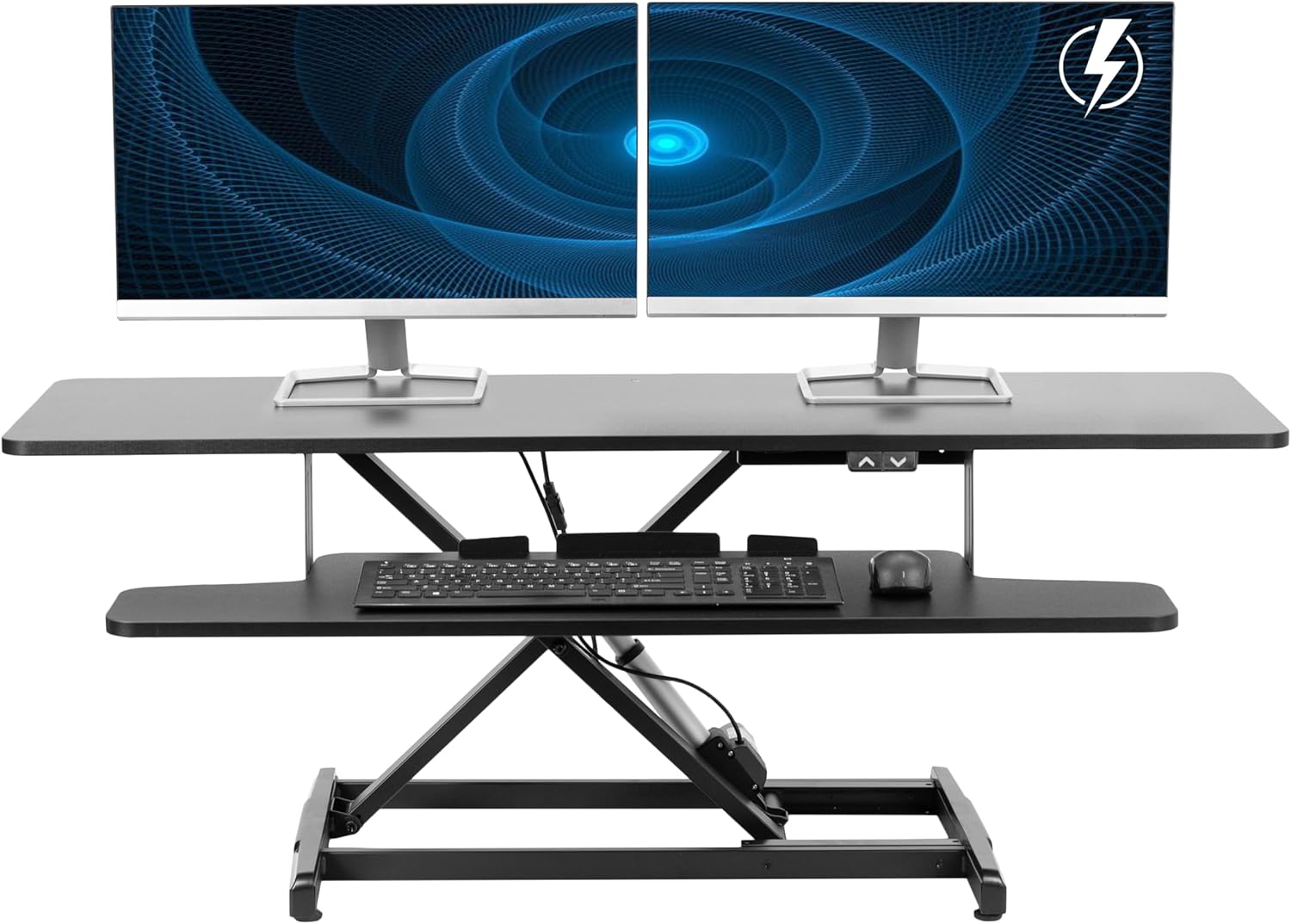
LOCTEK D5S Standing Desk Converter Review: Affordable Sit-Stand on Your Existing Desk
LOCTEK D5S Standing Desk Converter has 30,000+ reviews on JD.com with a 4.5/5 rating at ¥599 ($83). Users appreciate the smooth gas-spring lift mechanism and spacious dual-tier work surface. The main complaints are wobble at maximum extension height and the keyboard tray being too narrow for full-size keyboards with numpads. Conclusion: ✅ Worth Buying — the best value standing desk converter for adding sit-stand capability to any existing desk.
Introduction
Full electric standing desks like the FlexiSpot E5 can cost ¥2,000+, and many people don’t have the space or budget to replace their existing desk entirely. The LOCTEK D5S standing desk converter solves this: it sits on your existing desk and lifts your monitor and keyboard up when you want to stand, and lowers them when you want to sit.
With 30,000+ reviews and a 4.5/5 rating on JD.com, the D5S is LOCTEK’s most popular converter model. At ¥599, it’s significantly cheaper than the FlexiSpot M7B (¥1,299) and Varidesk ProPlus (¥1,499+) while offering similar functionality.
Specifications
| Feature | LOCTEK D5S | FlexiSpot M7B | Varidesk ProPlus 36 | Baseus Desk Converter |
|---|---|---|---|---|
| Mechanism | Gas spring lift | Gas spring lift | Gas spring lift | Gas spring lift |
| Height Range | 15cm (sitting) to 48cm (standing) | 15-48cm | 18-50cm | 12-42cm |
| Tiers | 2-tier (monitor + keyboard) | 2-tier (monitor + keyboard) | 2-tier (monitor + keyboard) | 2-tier (monitor + keyboard) |
| Monitor Platform | 800×350mm | 760×380mm | 910×410mm | 680×320mm |
| Keyboard Tray | 720×300mm | 680×280mm | 830×330mm | 600×280mm |
| Max Load | 15kg (monitor) / 3kg (keyboard) | 15kg / 3kg | 18kg / 5kg | 12kg / 3kg |
| Weight | 14kg | 15kg | 16.5kg | 11kg |
| JD Rating | 4.5/5 | 4.4/5 | 4.2/5 | 4.1/5 |
| Price | ¥599 ($83) | ¥1,299 ($181) | ¥2,600+ ($360+) | ¥429 ($60) |
Design and Build Quality
The D5S is a substantial piece of equipment at 14kg. The base is a large steel frame with rubber pads that grip the desk surface securely — no sliding or shifting once placed. The dual-tier structure uses a gas spring mechanism for lift, with a locking handle on the right side that you pull to adjust height.
The top tier (monitor platform) measures 800×350mm — large enough for a 27-inch monitor with room for a small laptop or tablet alongside. The bottom tier (keyboard tray) is 720×300mm, which fits most TKL (tenkeyless) keyboards comfortably but is too narrow for full-size keyboards with a dedicated numpad — the mouse space gets squeezed.
“The gas spring lift is incredibly smooth — I can adjust height with one finger. The D5S feels solid on my 140cm IKEA desk. At ¥599, it transformed my home office ergonomics without buying a whole new desk.” — JD.com verified buyer
The primary design limitation is wobble at maximum height. At full extension (~48cm), the dual-tier structure has about 5-10mm of lateral movement when typing vigorously. This is inherent to the converter form factor — even the much more expensive Varidesk wobbles at full height. For light typing, it’s fine; for heavy-duty coding sessions with aggressive typing, the wobble is noticeable.
Performance
The gas spring lift is the star of the show. It’s rated for 50,000+ lift cycles and operates with buttery smoothness. The locking mechanism engages positively at any height — no drifting down over time. From seated (15cm) to standing (48cm), the transition takes about 3 seconds.
The 15kg monitor capacity is generous — most 27-32 inch monitors plus a laptop weigh well under 10kg combined. The keyboard tray’s 3kg limit handles a keyboard, mouse, and phone without issues.
In daily use, the D5S stays stable during normal typing and mouse work. The wobble at full height is the only real usability compromise. Users with lighter typing and controlled mouse movements will barely notice it.
“I switch between sitting and standing 4-5 times a day. The gas spring mechanism makes it effortless — just pull the handle, lift or lower, and release. My back pain has decreased significantly since switching to this setup.” — JD.com verified buyer
User Reviews by Theme
Theme 1: Ergonomic Improvement
“My lower back pain from sitting all day is almost gone after 2 months of using the D5S. I stand for 2-3 hours per day in 30-45 minute sessions.” — JD.com user 💡 Ergonomic benefits are the most frequently reported positive outcome — users consistently report reduced back and neck pain.
Theme 2: Wobble at Full Height
“At max height with a 27-inch monitor, the wobble is noticeable when typing. It doesn’t bother me much but fellow enthusiasts should be aware.” — JD.com user “Dropped the height by about 5cm and the wobble improved dramatically. At mid-range, it’s rock solid.” — JD.com user 💡 Wobble at maximum extension is the most consistent ergonomic complaint, though many users find it acceptable or adjust height slightly to mitigate it.
Theme 3: Keyboard Tray Space
“My full-size mechanical keyboard with numpad barely fits on the tray, leaving no room for the mouse. I switched to a TKL keyboard and it’s much better.” — JD.com user 💡 Keyboard tray width is a significant consideration — full-size keyboard users need to check their setup compatibility.
Theme 4: Build Quality
“The D5S feels well-built. Steel frame, quality gas spring, and the locking mechanism is solid. For ¥599, the build quality exceeds expectations.” — JD.com user 💡 Build quality at the price point is consistently praised — users find it comparable to much more expensive converters.
Purchase Recommendations
✅ Worth Buying: Anyone who wants sit-stand capability without replacing their existing desk. Especially good for home offices, dorm rooms, and temporary workspaces where a full standing desk isn’t practical.
💰 Premium Pick: If you need more keyboard space or a wobble-free experience at full height, consider the FlexiSpot M7B at ¥1,299 ($181) — broader keyboard tray, better stability, and slightly taller maximum height.
⚠️ Budget Warning: If you use a full-size keyboard with numpad and need mouse space, the D5S’s 720×300mm keyboard tray will feel cramped. Look for converters with wider keyboard platforms (830mm+).
Pros & Cons
| ✅ Pros | ❌ Cons |
|---|---|
| Smooth gas spring lift mechanism | Wobble at maximum extension height |
| Spacious 800mm monitor platform | Keyboard tray too narrow for full-size keyboards |
| Solid steel frame, 14kg | Heavy (14kg) — awkward to reposition |
| Good 15kg monitor capacity | Takes up significant desk space |
| Excellent value at ¥599 ($83) | Single gas spring — no electric option |
| Easy height adjustment (3 seconds) | No cable management built-in |
FAQ
Q1: What size monitor can the D5S hold? The monitor platform (800×350mm) can hold monitors up to 32 inches comfortably, or a 27-inch monitor plus a 13/14-inch laptop side by side. The 15kg weight limit covers virtually all consumer monitors plus a laptop.
Q2: Is the wobble a deal-breaker for heavy typing? For aggressive typing (80+ WPM with hard keystrokes), the wobble at full height may be annoying. Lowering the height by 3-5cm significantly improves stability. Adding a piece of anti-vibration mat under the base also helps. For light/moderate typing, it’s fine.
Q3: Will the D5S fit on a 120cm wide desk? The D5S is 80cm wide — it will fit on a 120cm desk but leaves only 20cm on each side. On a 140cm+ desk, there’s comfortable room for peripherals, coffee mugs, or a phone stand on the sides.
Q4: Can I use a dual monitor setup with the D5S? A 27-inch + 24-inch monitor side by side is possible if using monitor arms (the platform has a gap at the back for cable routing). Both monitors on their original stands may not fit width-wise. A single monitor + laptop is the most practical dual-screen setup.
Q5: How does the gas spring hold up over time? The gas spring is rated for 50,000 cycles — that’s 27 years of daily use at 5 cycles/day. Users report no degradation in the first year of use. The locking mechanism uses a ratcheting system that doesn’t slip or wear down quickly.
Rating
| Category | Score |
|---|---|
| Ease of Use | 4.7/5 |
| Stability | 3.8/5 |
| Build Quality | 4.5/5 |
| Workspace Space | 4.2/5 |
| Value for Money | 4.7/5 |
| Overall | 4.4/5 |
Not sure which to choose?
Compare specs side-by-side with our Product Comparator Tool
Related Reviews
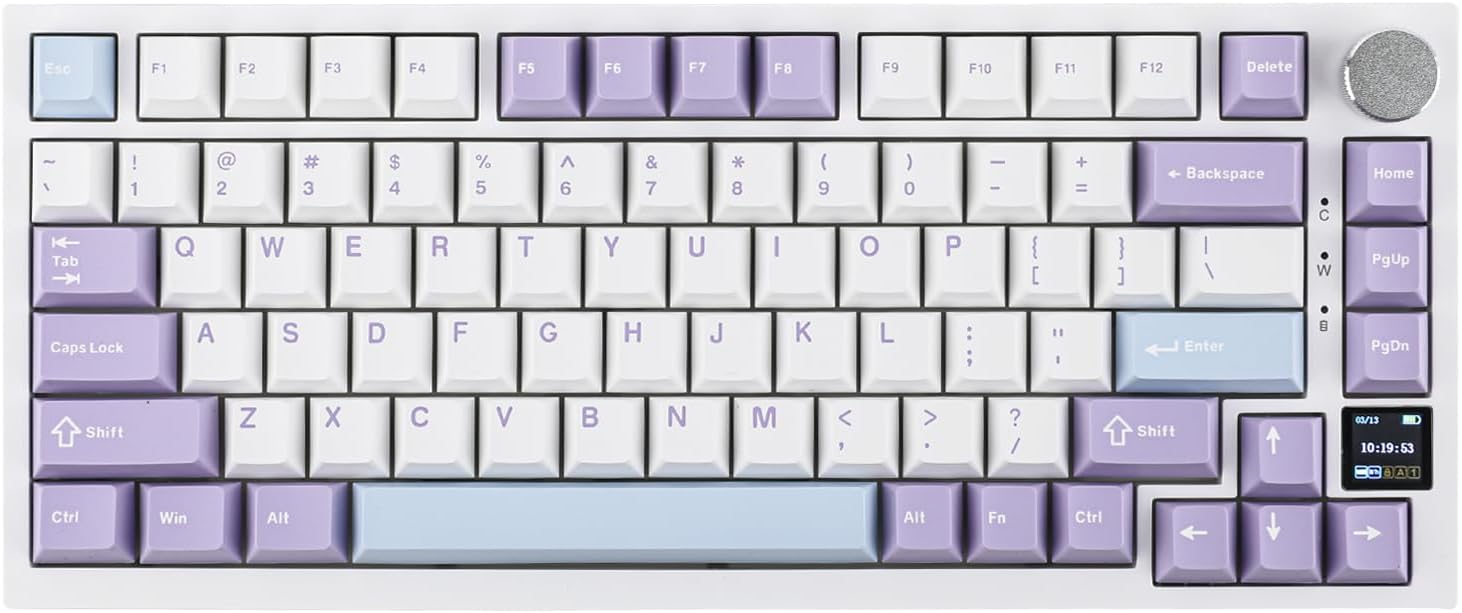
Ajazz AK820 Pro Review: 75% Mechanical Keyboard with Built-In Screen
Ajazz AK820 Pro has 20,000+ reviews on JD.com with a 4.5/5 rating at ¥199 ($28). Users love the innovative LCD screen, g
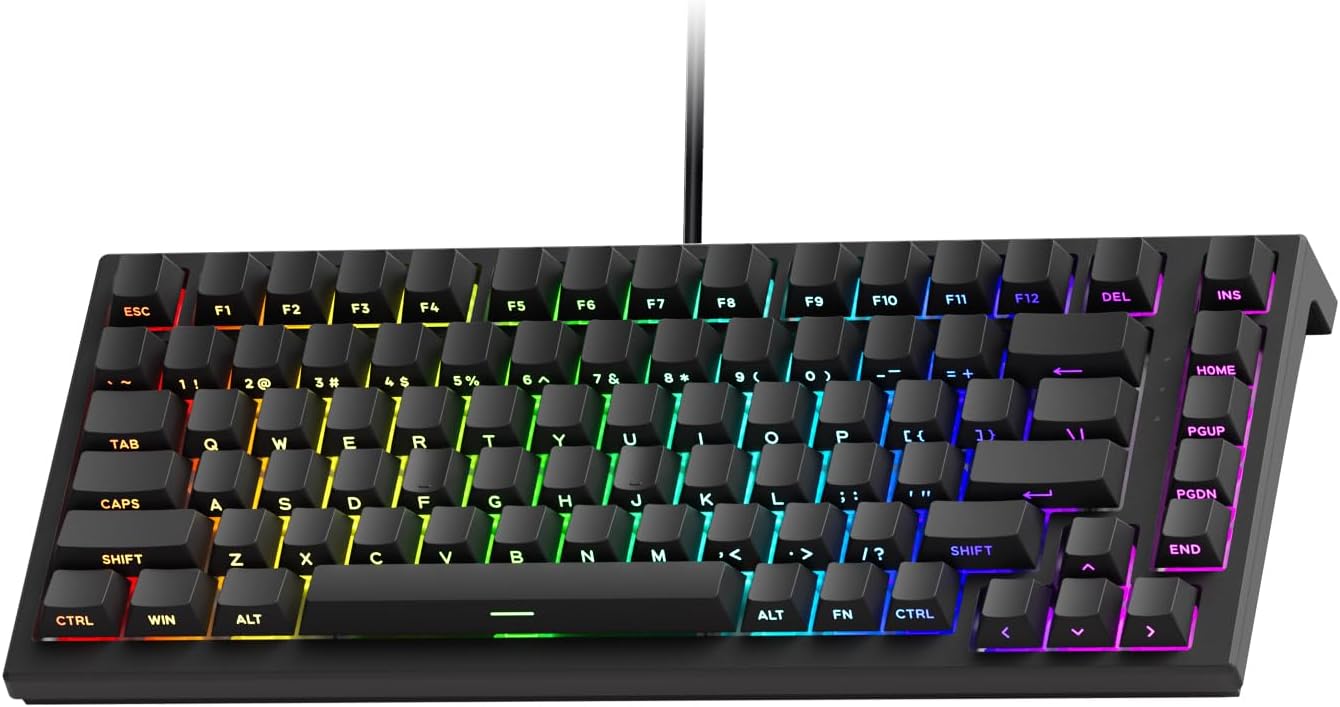
Akko 3068 Plus Review: The Compact 65% with Gasket Mount Comfort
Akko 3068 Plus has 10,000+ reviews on JD.com with a 4.5/5 rating at ¥269 ($38). Users praise the gasket mount typing fee
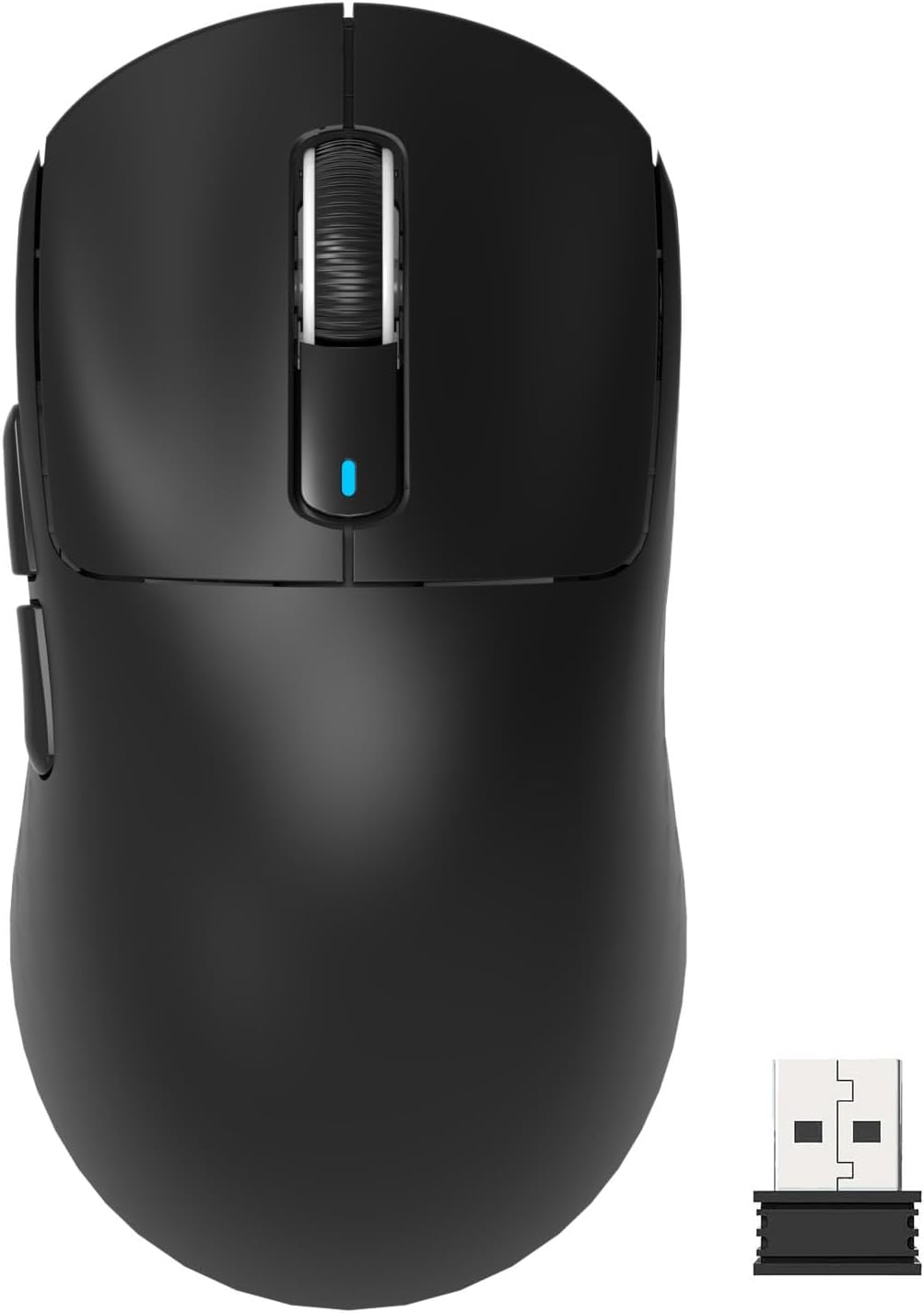
Attack Shark X3 Mouse Review: The Ultra-Budget PAW3395 Gaming Mouse
Attack Shark X3 has 30,000+ reviews on JD.com with a 4.5/5 rating at ¥119 ($17). Users love the unbeatable price for PAW
Baseus Cable Management Box Review: Tame Your Desktop Chaos for ¥39
Baseus Cable Management Box has 40,000+ reviews on JD.com with a 4.5/5 rating at ¥39 ($5.50). Users love how it hides ca
Baseus Desk Mat Review: Washable Waterproof Desk Pad for Clean Workspaces
Baseus Desk Mat has 50,000+ reviews on JD.com with a 4.3/5 rating at ¥69 ($10). Users love the waterproof surface and ea