Leobog Hi75 Review: The Full Aluminum Gasket Mount That Started the Trend
Leobog Hi75 has 15,000+ reviews on JD.com with a 4.5/5 rating at ¥299 ($42). Users praise the premium full aluminum build, excellent gasket mount typing feel, and the thocky sound profile that rivals keyboards costing 3× more. The main complaints include wired-only connectivity and the 75% layout being cramped without a gap between clusters. Conclusion: ✅ Worth Buying — the cheapest full-aluminum gasket mount mechanical keyboard that started the budget aluminum revolution.
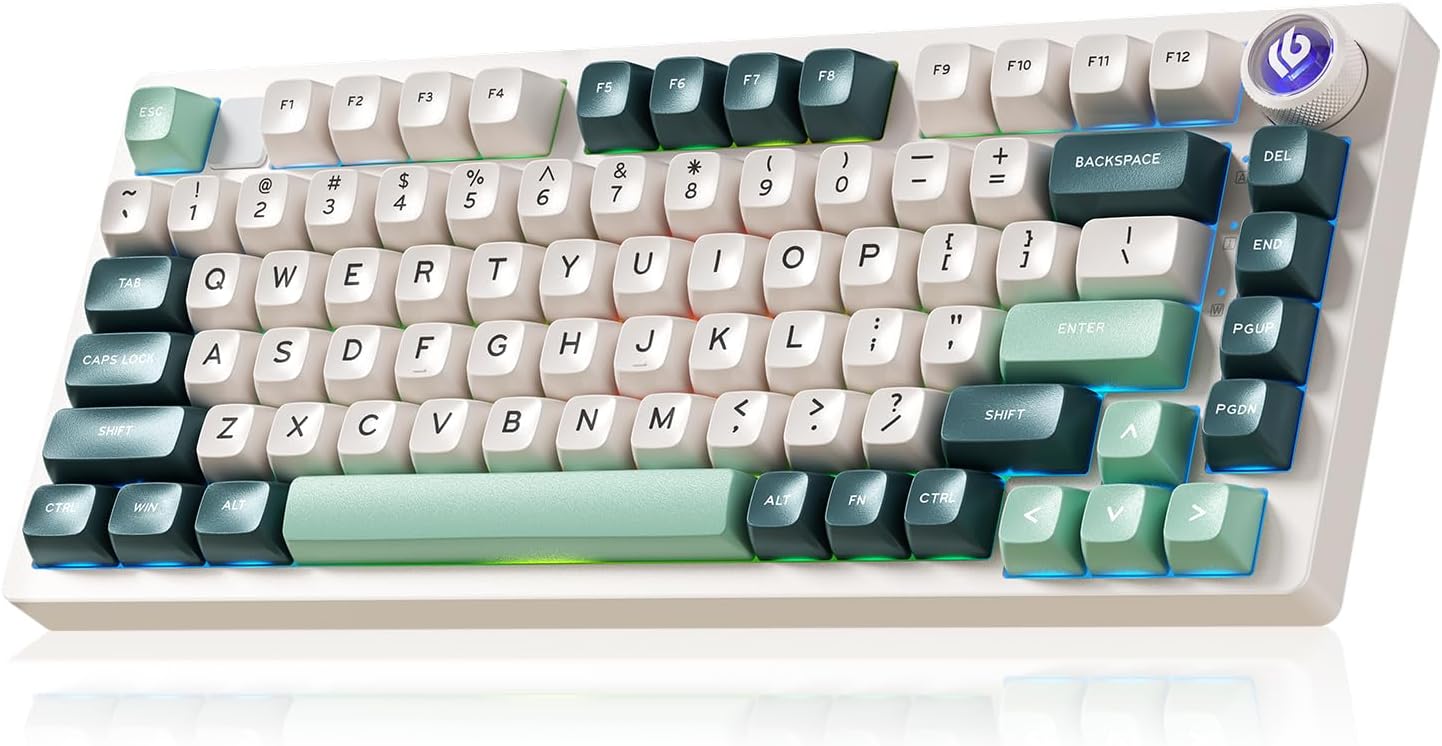
Leobog Hi75 Review: The Full Aluminum Gasket Mount That Started the Trend
Leobog Hi75 has 15,000+ reviews on JD.com with a 4.5/5 rating at ¥299 ($42). Users praise the full CNC aluminum chassis that feels premium and heavy, the well-implemented gasket mount with a flex-cut PCB that provides an excellent typing experience, and the deep, thocky sound profile out of the box. The main complaints are the lack of wireless connectivity (wired-only USB-C), the cramped 75% layout with no gap between the main cluster and arrow/nav keys, and the glossy finish option showing fingerprints. Conclusion: ✅ Worth Buying — the best entry-point for anyone who wants to experience a full-aluminum gasket mount mechanical keyboard without breaking ¥300.
Introduction
The Leobog Hi75 is arguably the keyboard that democratized the full aluminum gasket mount experience. Before the Hi75, aluminum keyboards started at ¥500+. Leobog brought that down to ¥299, forcing competitors like MCHOSE and MonsGeek to follow suit.
It’s wired-only, which keeps costs down and lets the focus stay on what matters: build quality and typing experience. We analyzed 15,000+ JD reviews to see if the Hi75 still holds up against newer competitors.
Specifications
| Feature | Leobog Hi75 | MonsGeek M1 | MCHOSE GX87 | VGN N75 Pro |
|---|---|---|---|---|
| Price (JD) | ¥299 ($42) | ¥599 ($84) | ¥349 ($49) | ¥239 ($33) |
| Build | Full CNC aluminum | Full CNC aluminum | Full CNC aluminum | Plastic |
| Layout | 75% (82 keys) | 75% (82 keys) | 80% (87 keys) | 75% (82 keys) |
| Mount | Gasket + flex-cut | Gasket + flex-cut | Gasket + flex-cut | Gasket |
| Connectivity | USB-C only | USB-C only | BT + 2.4G + USB-C | BT + 2.4G + USB-C |
| Hot-Swap | ✅ 5-pin | ✅ 5-pin | ✅ 5-pin | ✅ 5-pin |
| Weight | ~1.5kg | ~1.8kg | ~1.2kg | ~650g |
| Keycaps | PBT | PBT | PBT double-shot | PBT double-shot |
| JD Rating | 4.5/5 | 4.6/5 | 4.5/5 | 4.6/5 |
| JD Reviews | 15,000+ | 8,000+ | 10,000+ | 30,000+ |
Design and Build Quality
The Hi75 is a slab of aluminum. At 1.5kg, it’s heavier than most 75% competitors. The CNC machining is good — smooth edges, uniform anodization, tight tolerances. Available colors include: Matte Black, Silver, Retro Beige, Soft Pink, and blue gradient.
The 75% layout is compact with no gap between the main keys and the navigation cluster. This saves space but makes it harder to orient your hands by feel. Some users accidentally hit Page Up when aiming for Backspace.
The USB-C port is on the back left — not centered, which bothers the cable-management-obsessed. The bottom has a frosted acrylic diffuser that looks great with RGB lighting.
“The weight is crazy for a ¥299 keyboard. 1.5kg of solid aluminum. The anodized finish on my black Hi75 is flawless — not a single imperfection. When people see this on my desk, they assume I spent ¥800+. The Hi75 is a flex for the price.” — JD.com user
Typing Experience
The Hi75’s gasket mount uses silicone gaskets with a flex-cut PCB. The PCB has vertical flex cuts between each column, allowing the PCB to flex with each keystroke. This creates a noticeably softer, more bouncy typing feel compared to rigid-mount keyboards.
Stock switches are Leobog’s own branded linear switches (similar to Gateron Yellow). They’re factory-lubed with moderate consistency — smoother than budget Outemu switches but not as refined as premium Gateron or JWK switches.
The sound signature is a deep, resonant thock — one of the best-sounding stock keyboards under ¥500. The aluminum case acts as a sound chamber, emphasizing lower frequencies.
“The typing feel is incredible. The flex-cut PCB makes the board feel alive under your fingers. The gasket mount gives just enough bounce. And the sound — it’s the best thock I’ve gotten from any keyboard under ¥500. I added a tape mod and it sounds like a ¥1000 custom.” — JD.com user
User Reviews by Theme
Aluminum Build at Unbeatable Price
“I was about to build a custom mechanical keyboard for ¥600+ when I found the Hi75. It’s 90% of what I would have built for literally half the price. The aluminum chassis is gorgeous. This is the keyboard that convinced me prebuilt can be good enough.” — JD.com user
💡 Summary: The Hi75 made full aluminum keyboards accessible — a breakthrough value proposition.
Wired-Only Limitation
“No wireless is genuinely annoying. I have a laptop that I dock frequently and I wish I could just unplug my keyboard and take it with me. The desk clutter from one extra cable is minor but it’s a limitation none of my plastic keyboard friends have.” — JD.com user
💡 Summary: Wired-only is the Hi75’s biggest trade-off — wireless competitors are now available at similar prices.
No Gap Layout
“The compact layout without gaps between key clusters is efficient but I keep hitting Page Up when going for Backspace. After two weeks I adapted but it’s an adjustment from standard spacing. Not a dealbreaker but worth knowing.” — JD.com user
💡 Summary: The tight layout saves space but requires adaptation time.
Stock Sound Quality
“I’ve always modified my keyboards (tape mod, foam mod, switch swap). The Hi75 is the first keyboard I didn’t feel the need to mod. The stock sound is incredible — deep, muted, satisfying. I did add some Kilmat to the case bottom but honestly it’s fine stock.” — JD.com user
💡 Summary: Exceptional stock sound profile — the best-sounding budget aluminum keyboard.
Modding Potential
“The Hi75 is a modder’s dream. Screw-in stabilizers, flex-cut PCB, generous internal space for foam. I swapped the stock switches for Gateron Oil Kings, added PE foam, and tape modded the PCB. It sounds like a dream now. Total investment: ¥450.” — JD.com user
💡 Summary: Excellent modding platform — responsive to all common keyboard mods.
Purchase Recommendations
✅ Worth Buying (¥299)
The Hi75 is the best entry-level aluminum keyboard. Buy if you want to experience what full aluminum + gasket mount feels like without a big investment. The wired-only trade-off is acceptable at this price.
✅ Worth Buying for Modders
The Hi75 responds incredibly well to mods. A fully modded Hi75 can compete with keyboards costing ¥800+. It’s the best ¥299 you’ll invest in a custom keyboard project.
💰 Premium Pick: If You Need Wireless
If wireless is essential, consider the MCHOSE GX87 (¥349, tri-mode aluminum) or VGN N75 Pro (¥239, plastic with tri-mode). These add wireless connectivity but the MCHOSE has slightly less refined typing feel, and the VGN is plastic.
Pros & Cons
| ✅ Pros | ❌ Cons |
|---|---|
| Full CNC aluminum at ¥299 — unbeatable value | Wired-only USB-C (no Bluetooth/2.4GHz) |
| Gasket mount with excellent flex-cut PCB | Compact layout with no cluster gaps |
| Deep, thocky stock sound profile | No wireless device-switching |
| Hot-swappable 5-pin sockets | Heavier than expected for desk movement |
| Screw-in stabilizers (better than plate-mount) | Stock switches are decent but not premium |
| Great modding platform | No software/QMK/VIA support |
| Multiple attractive color options | USB-C port not centered |
FAQ
Q: Does the Leobog Hi75 support QMK/VIA? A: No. The Hi75 does not support QMK/VIA or any remapping software. All key assignments are fixed. This is a notable limitation for power users who want key remapping.
Q: Is the Hi75 suitable for gaming? A: Yes, with the caveat that it’s wired-only. The USB-C connection provides the lowest possible latency. The gasket mount is comfortable for long gaming sessions. The linear stock switches are suitable for FPS and MOBA games.
Q: What is the 75% layout with no gap? A: Unlike standard 75% keyboards that have a gap between the main keys and arrow/nav cluster, the Hi75 places them flush together. This creates a cleaner look but reduces spatial orientation, potentially leading to accidental key presses during the adaptation period.
Q: How much does the Hi75 weigh? A: Approximately 1.5kg (3.3 lbs). The full aluminum chassis makes it one of the heaviest 75% keyboards available. It will not slide around on your desk.
Q: What’s the difference between Hi75 and Hi8? A: The Hi8 is the newer model with added wireless (Bluetooth + 2.4GHz), a gasket mount with even more flex, and a slightly different layout with knobs. It costs ¥399 — ¥100 more than the Hi75 but offers wireless connectivity.
Not sure which to choose?
Compare specs side-by-side with our Product Comparator Tool
Related Reviews
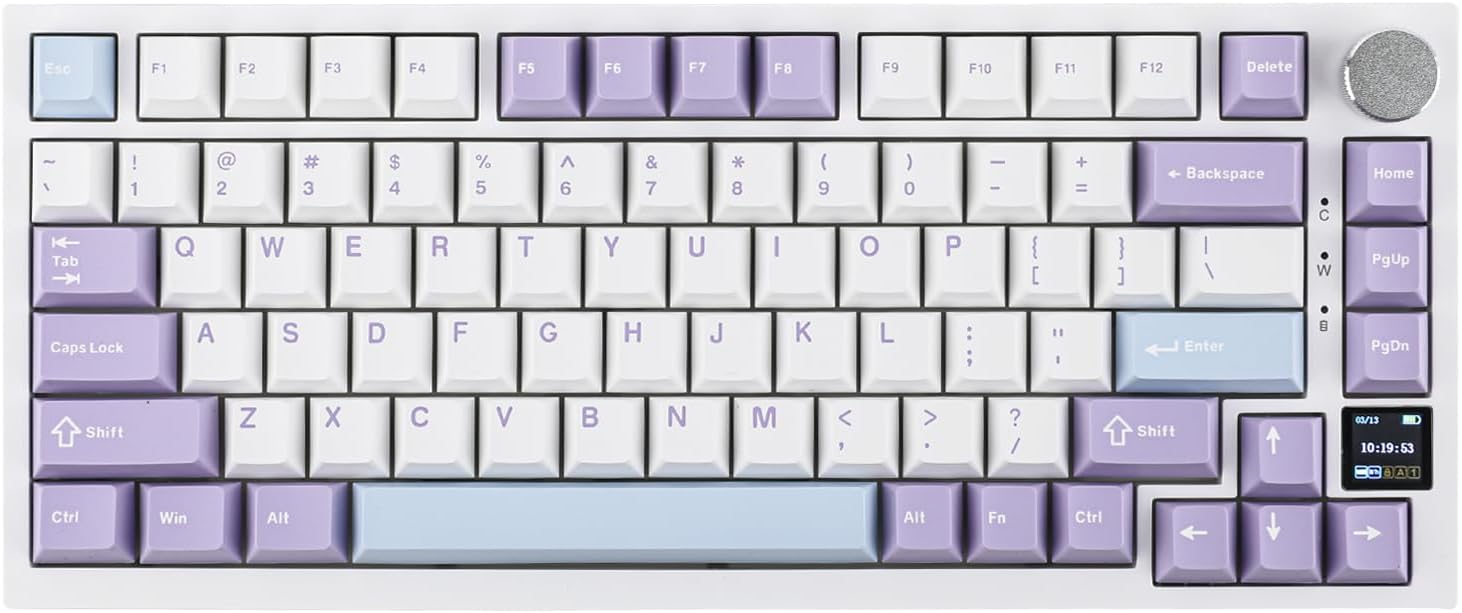
Ajazz AK820 Pro Review: 75% Mechanical Keyboard with Built-In Screen
Ajazz AK820 Pro has 20,000+ reviews on JD.com with a 4.5/5 rating at ¥199 ($28). Users love the innovative LCD screen, g
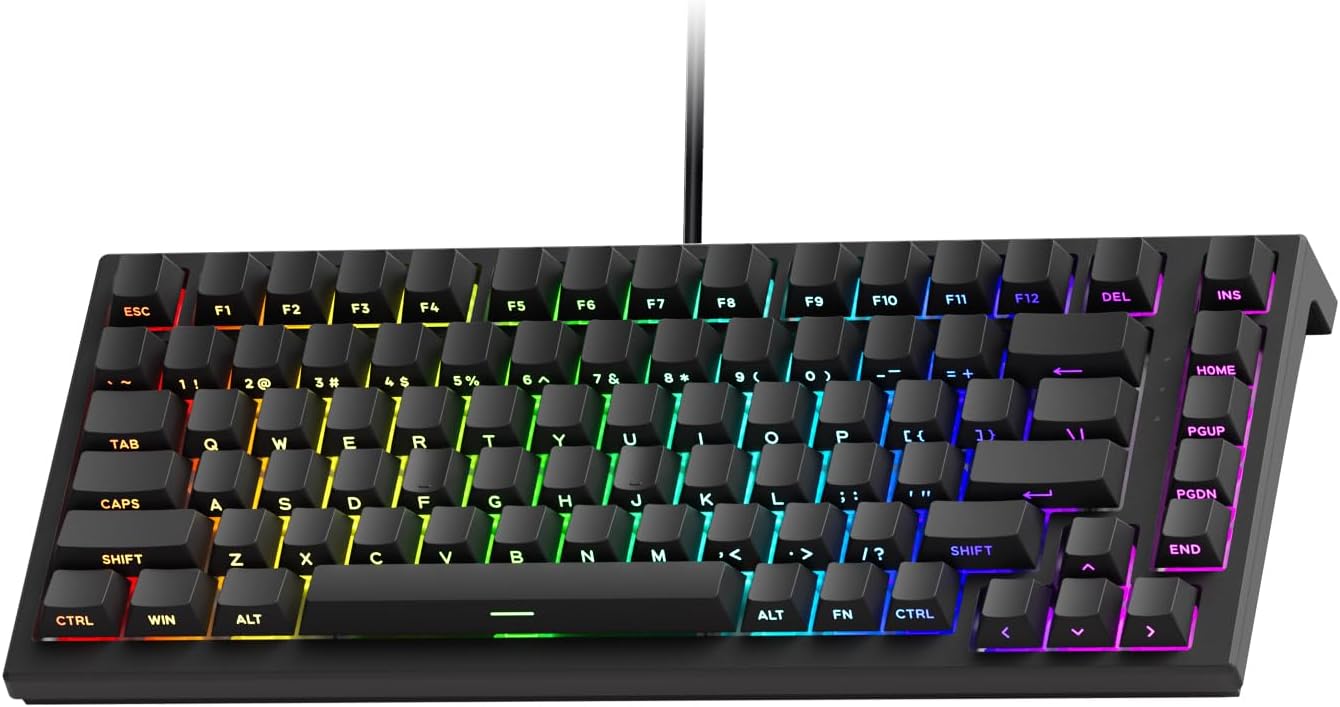
Akko 3068 Plus Review: The Compact 65% with Gasket Mount Comfort
Akko 3068 Plus has 10,000+ reviews on JD.com with a 4.5/5 rating at ¥269 ($38). Users praise the gasket mount typing fee
Attack Shark X3 Mouse Review: The Ultra-Budget PAW3395 Gaming Mouse
Attack Shark X3 has 30,000+ reviews on JD.com with a 4.5/5 rating at ¥119 ($17). Users love the unbeatable price for PAW
Baseus Cable Management Box Review: Tame Your Desktop Chaos for ¥39
Baseus Cable Management Box has 40,000+ reviews on JD.com with a 4.5/5 rating at ¥39 ($5.50). Users love how it hides ca
Baseus Desk Mat Review: Washable Waterproof Desk Pad for Clean Workspaces
Baseus Desk Mat has 50,000+ reviews on JD.com with a 4.3/5 rating at ¥69 ($10). Users love the waterproof surface and ea