Lamicall Tablet Stand Review: The Best-Selling Adjustable Aluminum Stand
Lamicall tablet stand has 200,000+ reviews on JD.com with a 4.5/5 rating at ¥59 ($8.30). Users appreciate the sturdy aluminum construction that holds tablets securely, the wide angle adjustability for comfortable viewing, and the weighted base preventing tipping. Common complaints include the base taking up significant desk space and the rubber pads collecting dust. Conclusion: ✅ Worth Buying — the most popular desktop tablet stand on JD.com with proven reliability and excellent value at under ¥60.
Lamicall Tablet Stand Review: The Best-Selling Adjustable Aluminum Stand
Lamicall tablet stand has 200,000+ reviews on JD.com with a 4.5/5 rating at ¥59 ($8.30). Users appreciate the sturdy all-aluminum construction that securely holds iPads and tablets of all sizes, the wide 0-135° angle adjustment that accommodates both viewing and writing positions, and the weighted rubberized base that prevents tipping even with heavier tablets. The main complaints are the base occupying significant desk real estate compared to clamp-style stands, the rubber pads on the base collecting dust and lint over time, and the lack of height adjustment without tilting. Conclusion: ✅ Worth Buying — the most proven tablet stand on JD.com, best for desktop users who need a fixed stable position.
Introduction
Lamicall has become synonymous with tablet stands on JD.com. Their classic adjustable aluminum stand has amassed over 200,000 reviews with a strong 4.5/5 rating — making it one of the best-reviewed products in any category on the platform.
At ¥59 ($8.30), it’s affordable, functional, and proven. We analyzed thousands of reviews to understand why this simple product has become so popular and what its limitations are.
Specifications
| Feature | Lamicall Stand | Baseus Tablet Stand | MoKo Stand | ESR Stand |
|---|---|---|---|---|
| Price (JD) | ¥59 ($8.30) | ¥49 ($6.90) | ¥45 ($6.30) | ¥69 ($9.70) |
| Material | Aluminum alloy | Aluminum + plastic | Aluminum | Aluminum + silicone |
| Weight | 380g | 340g | 320g | 420g |
| Angle Range | 0-135° | 0-120° | 0-130° | 0-120° |
| Height | 15cm | 13cm | 14cm | 16cm |
| Base Dimensions | 18 × 16cm | 16 × 15cm | 15 × 14cm | 17 × 16cm |
| Device Compatibility | 4-13 inches | 4-12.9 inches | 4-12 inches | 4-13 inches |
| Adjustment Tension | Knob + spring | Spring only | Spring only | Knob + gear |
| JD Rating | 4.5/5 | 4.4/5 | 4.4/5 | 4.5/5 |
| JD Reviews | 200,000+ | 100,000+ | 50,000+ | 30,000+ |
Design and Build Quality
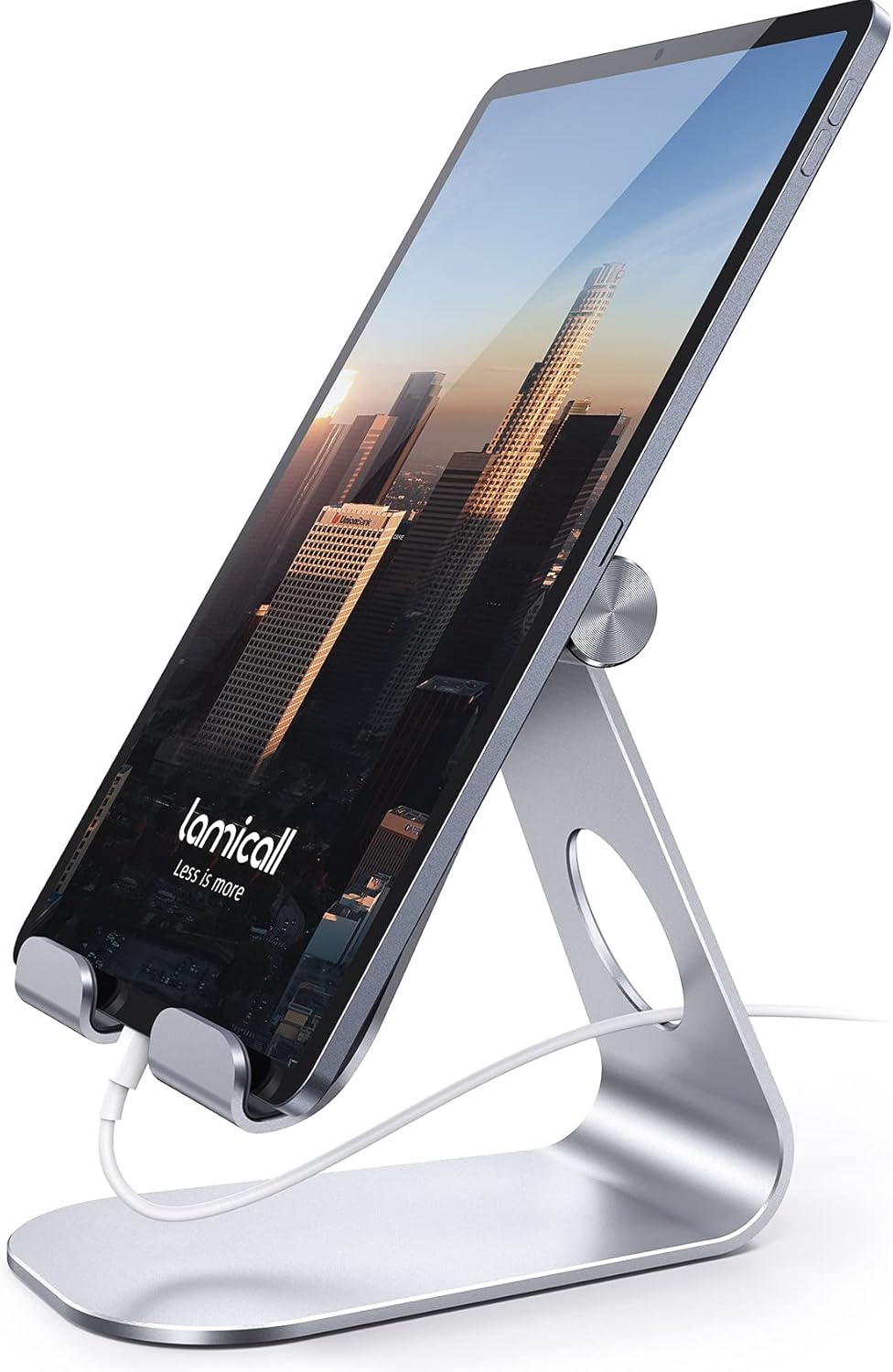
The Lamicall stand features a one-piece aluminum construction with a thick weighted base. The tablet cradle has rubber pads on both the back plate and bottom lip, providing secure grip without scratching the device.
The angle adjustment mechanism uses an aluminum hinge with a thumbscrew tension adjustment. This is superior to spring-tension-only stands — you can tighten the hinge to hold the position firmly, and it won’t loosen over time.
The base has a full rubberized bottom surface that grips the desk securely. A 380g weight keeps the stand planted even with a 12.9-inch iPad Pro in the most upright position.
The aluminum has an anodized matte finish available in silver, space gray, rose gold, and blue. The finish is durable — no chipping or fading reported in reviews.
“I’ve had this stand for 2 years. It holds my 12.9” iPad Pro with magic keyboard case attached — no problem. The aluminum hasn’t scratched, the hinge is still tight, and the rubber pads are still grippy. For ¥59, it’s one of the best desk accessories I own.” — JD.com user
Performance and Usability
The stand holds devices from 4-inch phones up to 13-inch tablets. The cradle is 18cm wide with adjustable rubber nubs that accommodate different device widths.
The angle range (0-135°) covers everything from near-flat for drawing/writing with Apple Pencil, to nearly upright for video viewing and FaceTime. The hinge holds any position without slipping.
USB-C consideration: The stand doesn’t obstruct the charging port — the open back allows pass-through charging with any cable. The bottom lip positions the device so the charging port remains accessible.
Stability: The stand is stable with all devices. The weighted base prevents tipping, and the rubber grip keeps the stand from sliding on smooth desks.
“I use this for my iPad Pro with the Magic Keyboard when I’m in studio mode. The stand holds it securely at eye level. The hinge adjustment screw lets me set the tension perfectly. My wife uses the same stand for her 11” iPad Air.” — JD.com user
User Reviews by Theme
Build Quality and Durability
“After 18 months of daily use, the hinge is still tight and the aluminum hasn’t tarnished or scratched. It’s survived being knocked off my desk twice (my fault). The rubber pads show no wear. This is a buy-it-for-life product at ¥59.” — JD.com user
💡 Summary: Exceptional durability — users report years of trouble-free use.
Stability
“My 12.9” iPad Pro is heavy and this stand holds it perfectly stable, even with the Pencil attached. No wobble, no tip risk. The weighted base is the key — cheaper stands with lightweight bases can’t handle large tablets.” — JD.com user
💡 Summary: Weighted base provides excellent stability for all tablet sizes, including the large iPad Pro.
Angle Range
“I use this for both watching videos (upright angle) and drawing with Apple Pencil (flat angle). The 0-135° range covers everything I need. The hinge holds any position without slipping. Very versatile.” — JD.com user
💡 Summary: Wide angle range accommodates multiple use cases from drawing to viewing.
Size Consideration
“The base is quite large — 18cm deep. It takes up significant desk space. If you have a small desk, this might be too big. The trade-off is stability — a smaller base would tip with large tablets.” — JD.com user
💡 Summary: Large base is a trade-off — stable but space-consuming on small desks.
Rubber Pad Maintenance
“The rubber pads on the back plate collect dust and lint. You need to clean them every couple weeks. Minor maintenance but worth noting if you have pets or a dusty environment.” — JD.com user
💡 Summary: Rubber pads require occasional cleaning to maintain grip.
Purchase Recommendations
✅ Worth Buying (¥59)
The Lamicall stand is the default recommendation for a desktop tablet stand. At ¥59 with 200,000+ reviews and a 4.5 rating, it’s proven, durable, and affordable.
✅ Worth Buying for iPad Pro Users
The 380g weighted base and adjustable hinge handle the heavy 12.9” iPad Pro with ease. The angle range works for both consumption (upright) and creation (flat for drawing).
⚠️ Budget Warning: Limited Height Adjustment
The Lamicall stand doesn’t adjust height — only angle. If you need height adjustment to bring the tablet to eye level, consider a gooseneck floor stand (UGREEN) or a desk clamp arm (more expensive).
Pros & Cons
| ✅ Pros | ❌ Cons |
|---|---|
| Sturdy all-aluminum build | Large base takes desk space |
| 200,000+ reviews — proven product | No height adjustment (angle only) |
| 0-135° angle range — very versatile | Rubber pads collect dust |
| Weighted base — stable with large tablets | Black version shows dust visibly |
| ¥59 — excellent value | Not portable (too heavy for travel) |
| Thumbscrew hinge tension — stays tight | No cable management built in |
| Compatible with 4-13” devices | May not fit devices with thick cases |
FAQ
Q: Will this stand fit my iPad Pro 12.9” with a case? A: Yes, the adjustable rubber nubs accommodate device widths up to 18cm. Most cases (including Apple’s Smart Folio and Magic Keyboard) fit without issue. Very thick protective cases may need the nubs adjusted to maximum width.
Q: Is the stand suitable for drawing with Apple Pencil? A: Yes. The stand can be positioned nearly flat (near 0°) for a comfortable drawing angle. The rubber pads hold the device securely without slippage while using the Pencil.
Q: Does the stand obstruct the USB-C charging port? A: No. The open-back design leaves the charging port accessible. You can charge your iPad while it’s on the stand. The bottom lip positions the device with enough clearance for any cable connector.
Q: What colors are available? A: Silver, Space Gray, Rose Gold, and Blue. The Silver and Space Gray are most popular. The anodized finish is consistent and durable across all color options.
Q: Can this stand hold a phone as well as a tablet? A: Yes. The adjustable rubber nubs accommodate any device from 4 inches (phone) to 13 inches (tablet). Many users use it as a phone stand when their tablet isn’t docked.
Not sure which to choose?
Compare specs side-by-side with our Product Comparator Tool
Related Reviews
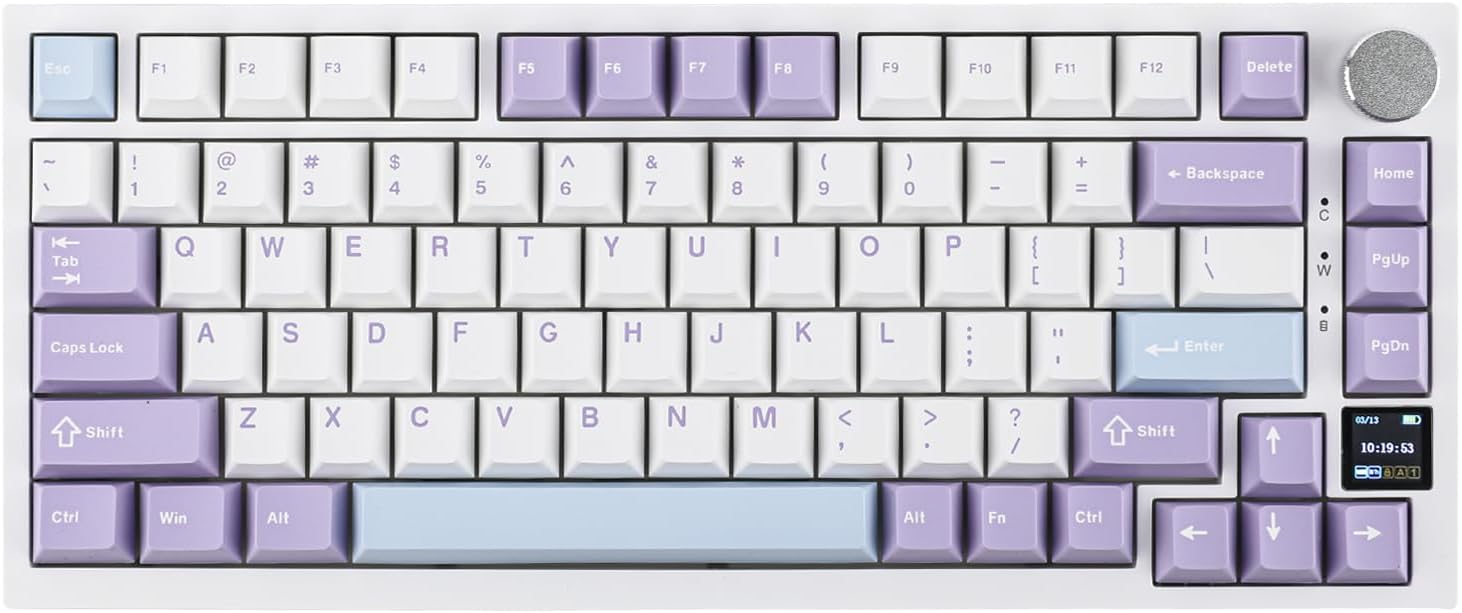
Ajazz AK820 Pro Review: 75% Mechanical Keyboard with Built-In Screen
Ajazz AK820 Pro has 20,000+ reviews on JD.com with a 4.5/5 rating at ¥199 ($28). Users love the innovative LCD screen, g
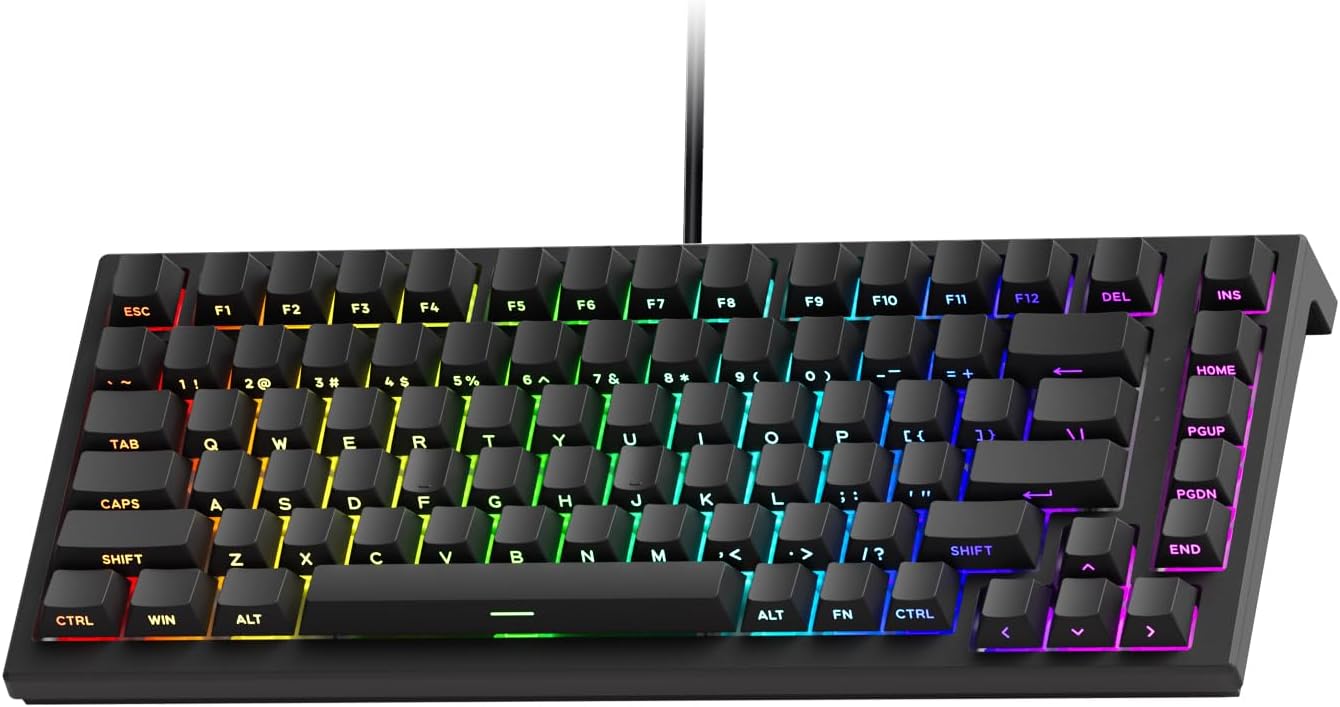
Akko 3068 Plus Review: The Compact 65% with Gasket Mount Comfort
Akko 3068 Plus has 10,000+ reviews on JD.com with a 4.5/5 rating at ¥269 ($38). Users praise the gasket mount typing fee
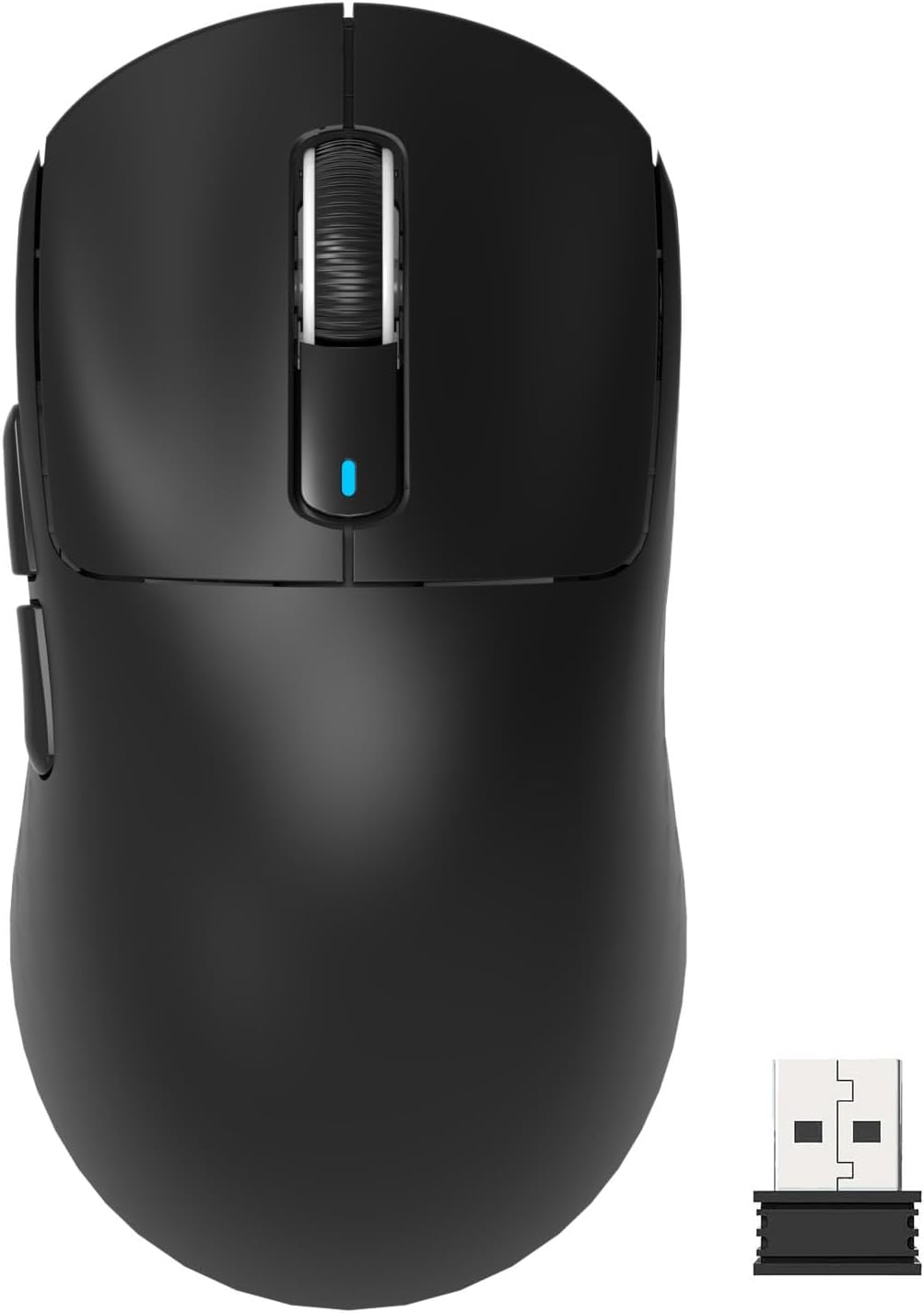
Attack Shark X3 Mouse Review: The Ultra-Budget PAW3395 Gaming Mouse
Attack Shark X3 has 30,000+ reviews on JD.com with a 4.5/5 rating at ¥119 ($17). Users love the unbeatable price for PAW
Baseus Cable Management Box Review: Tame Your Desktop Chaos for ¥39
Baseus Cable Management Box has 40,000+ reviews on JD.com with a 4.5/5 rating at ¥39 ($5.50). Users love how it hides ca
Baseus Desk Mat Review: Washable Waterproof Desk Pad for Clean Workspaces
Baseus Desk Mat has 50,000+ reviews on JD.com with a 4.3/5 rating at ¥69 ($10). Users love the waterproof surface and ea