Durgod Taurus K320 Review: The No-Fuss TKL Workhorse
Durgod Taurus K320 has 5,000+ reviews on JD.com with a 4.4/5 rating at ¥399 ($56). Users appreciate the rock-solid build quality, Cherry MX switches at a reasonable price, and standard TKL layout with no bloated software. Common complaints include the lack of hot-swap support, no USB-C (micro USB), and the minimal design feeling dated. Conclusion: ⚠️ Decent but dated — built like a tank but lacks modern features that cheaper competitors now offer.
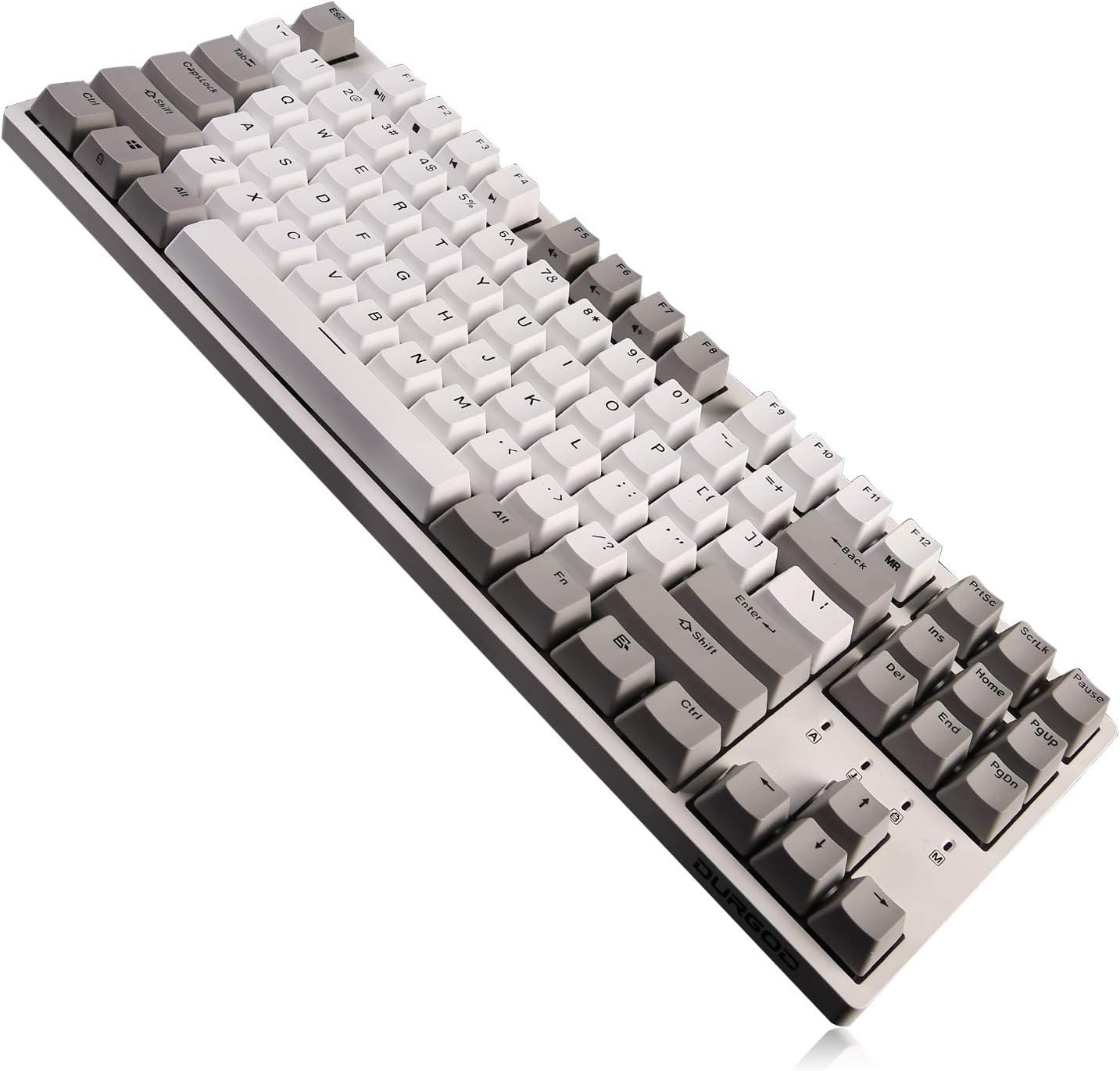
Durgod Taurus K320 Review: The No-Fuss TKL Workhorse
Durgod Taurus K320 has 5,000+ reviews on JD.com with a 4.4/5 rating at ¥399 ($56). Users appreciate the rock-solid build quality with a steel-reinforced case that’s virtually indestructible, genuine Cherry MX switches offering the classic German switch experience, and the standard TKL layout that works perfectly for office use without RGB or gimmicks. The main complaints are the lack of hot-swap switch sockets (soldered-only), the use of micro-USB instead of USB-C, and the overall design feeling distinctly old-school compared to modern gasket-mount alternatives. Conclusion: ⚠️ Decent but dated — a reliable workhorse TKL that’s been eclipsed by cheaper, more feature-rich competitors.
Introduction
The Durgod Taurus K320 is a TKL mechanical keyboard that represents an era when “premium” meant Cherry switches, steel reinforcement, and understated professionalism — not gasket mounts, flex-cut PCBs, or tri-mode wireless.
At ¥399 ($56), it occupies an awkward middle ground: more expensive than budget 75% boards with more features, but less expensive than enthusiast aluminum boards. We analyzed reviews to see if its reputation for rock-solid reliability still justifies the price.
Specifications
| Feature | Durgod K320 | Keychron V1 | Leopold FC750R | Filco Majestouch 2 |
|---|---|---|---|---|
| Price (JD) | ¥399 ($56) | ¥299 ($42) | ¥799 ($112) | ¥899 ($126) |
| Layout | TKL (87 keys) | TKL (87 keys) | TKL (87 keys) | TKL (87 keys) |
| Build | Plastic + steel plate | Plastic | Plastic + steel | Plastic + steel |
| Mount | Tray mount | Tray mount | Tray mount | Tray mount |
| Switches | Cherry MX (soldered) | Gateron (hot-swap) | Cherry MX (soldered) | Cherry MX (soldered) |
| Hot-Swap | ❌ | ✅ (3-pin) | ❌ | ❌ |
| Connectivity | USB-C (some versions) | BT 5.1 + USB-C | USB-C | Micro-USB |
| Keycaps | PBT double-shot | PBT | PBT | ABS |
| Software | Durgod Zeus | VIA (QMK) | None | None |
| JD Rating | 4.4/5 | 4.5/5 | 4.5/5 | 4.5/5 |
| JD Reviews | 5,000+ | 15,000+ | 3,000+ | 2,000+ |
Design and Build Quality
The K320 is built like a tank. The plastic case is thick and rigid, reinforced by a steel plate that adds weight (about 1.0kg) and prevents any chassis flex. You could probably run over this keyboard and it would survive.
The aesthetic is minimal to the point of plainness: a rectangular slab with a small Durgod logo above the arrow keys. No floating key design, no RGB (unless you buy the RGB version), no volume knob. It’s a keyboard that’s designed to be invisible — just a reliable typing tool.
The K320 uses a USB-C port on the newer versions (thankfully), with a three-way cable routing channel on the back. Rubber feet are large and grippy. The keyboard stays planted.
“This keyboard will outlast my PC. The build quality is absurd for ¥399 — it’s a solid slab of plastic and steel. Cherry MX Blues are as crisp as ever after a year of heavy use. If you want a keyboard that works perfectly and never breaks, this is it.” — JD.com user
Typing Experience
The K320 ships with genuine Cherry MX switches — the original German switch. Options include MX Red (linear), MX Brown (tactile), MX Blue (clicky), and MX Speed Silver (linear, short actuation).
Cherry MX switches are the benchmark but they’re no longer the best. Modern Gateron, Kailh, and Akko switches are smoother, have less wobble, and come factory-lubed. Cherry switches have a characteristic scratchiness that enthusiasts either love (authentic feel) or hate (rough compared to modern alternatives).
The tray-mount typing feel is firm with minimal flex. The steel plate provides a solid, crisp bottom-out feel that’s very different from the soft gasket mount experience. Typing sound is higher-pitched and more metallic than modern deep-thock boards.
“Cherry MX Browns are exactly what I expected — classic tactile feel with the slight Cherry scratchiness. Steel plate gives a crisp, responsive bottom-out. This isn’t a keyboard for sound enthusiasts but it’s incredibly satisfying in a no-nonsense way.” — JD.com user
User Reviews by Theme
Duraibility
“I’ve had the K320 for two years. It’s been dropped, had coffee spilled on it, traveled in a backpack weekly. Still works perfectly. The PBT keycaps show zero shine. The Cherry MX switches are as crisp as day one. This keyboard is indestructible.” — JD.com user
💡 Summary: Exceptional durability — the K320’s main selling point is longevity and reliability.
No Hot-Swap
“I bought this before hot-swap became standard. Today, paying ¥399 for a soldered keyboard feels wrong. If a switch fails or if I want to try different switches, I need to desolder everything. My friend’s ¥199 keyboard lets him swap switches in seconds.” — JD.com user
💡 Summary: Soldered switches are the biggest drawback — hot-swap is now standard even at half the price.
Classic Typing Feel
“I’ve tried gasket-mount keyboards and they’re nice, but I prefer the crisp, responsive feel of this steel-plate tray mount. There’s a precision and consistency that I don’t get from soft bouncy modern boards. This is a keyboard for serious typists.” — JD.com user
💡 Summary: The classic tray-mount + steel plate feel is still preferred by some typists over soft gasket mounts.
Media Key Frustration
“There are no dedicated media keys. Pause/Play, Volume, Skip — all locked behind Fn layers. The Fn key is in an awkward spot (right side). I’ve accidentally hit Pause when reaching for Delete more times than I can count.” — JD.com user
💡 Summary: No dedicated media keys and awkward Fn placement are ergonomic drawbacks.
Software Experience
“Durgod Zeus software is usable but basic. Works on Windows only. You can remap keys and set macros but the UI is dated. At least you set everything once and save to onboard memory. Mac users have no software support at all.” — JD.com user
💡 Summary: Proprietary software is functional but limited — no Mac support and no QMK/VIA.
Purchase Recommendations
⚠️ Decent but Dated (¥399)
The K320 is a reliable TKL for users who want Cherry MX switches and will never mod their keyboard. The build quality is exceptional and it will last for years. However, ¥399 is too much for a soldered, tray-mount keyboard in 2026.
✅ Worth Buying for Die-Hard Cherry Fans
If you specifically want Cherry MX switches and a traditional typing feel, the K320 is your best value option at ¥399.
💰 Premium Pick: Better Value Alternatives
The Keychron V1 (¥299, hot-swap, QMK/VIA, Bluetooth) offers more features for less money. The Leobog Hi75 (¥299, full aluminum, gasket mount) offers a dramatically better typing experience at ¥100 less. Both are better purchases for most users.
Pros & Cons
| ✅ Pros | ❌ Cons |
|---|---|
| Tank-like build quality (steel reinforced) | Soldered switches — no hot-swap |
| Genuine Cherry MX switches | More expensive than feature-rich competitors |
| Standard TKL layout — no clutter | No software support for Mac |
| PBT double-shot keycaps | Minimal design feels dated vs modern options |
| Three-way cable routing | No rotary encoder or media keys |
| Heavy and stable on desk (1.0kg) | Tray mount feels stiff compared to gasket |
| No driver needed for basic use | Fingerprint magnet on glossy logo area |
FAQ
Q: Does the Durgod K320 support hot-swap? A: No. All switches are soldered directly to the PCB. Changing switches requires desoldering and soldering. This is the K320’s biggest weakness against modern competitors.
Q: Is the K320 suitable for gaming? A: Yes, with wired USB connectivity and Cherry MX switches. The tray-mount steel plate provides consistent, responsive keystrokes. The Speed Silver variant is excellent for competitive gaming with its 1.2mm actuation.
Q: Does the K320 work with Mac? A: Yes, the keyboard works with macOS via USB-C (or USB-A with adapter). However, the Durgod Zeus software is Windows-only, so Mac users cannot remap keys or update firmware.
Q: What’s the difference between K320 and K310? A: The K320 is the TKL version (87 keys, no numpad). The K310 is the full-size version (104 keys with numpad). Both share identical build quality, switch options, and limitations.
Q: How does the K320 compare to Leopold FC750R? A: Both are premium TKL keyboards from established brands. The Leopold has better keycaps (thicker PBT, better profile), slightly better stabilizers, and a more refined overall feel. The Durgod is ¥400 cheaper and offers similar durability. Choose Durgod for value, Leopold for the ultimate prebuilt TKL experience.
Not sure which to choose?
Compare specs side-by-side with our Product Comparator Tool
Related Reviews
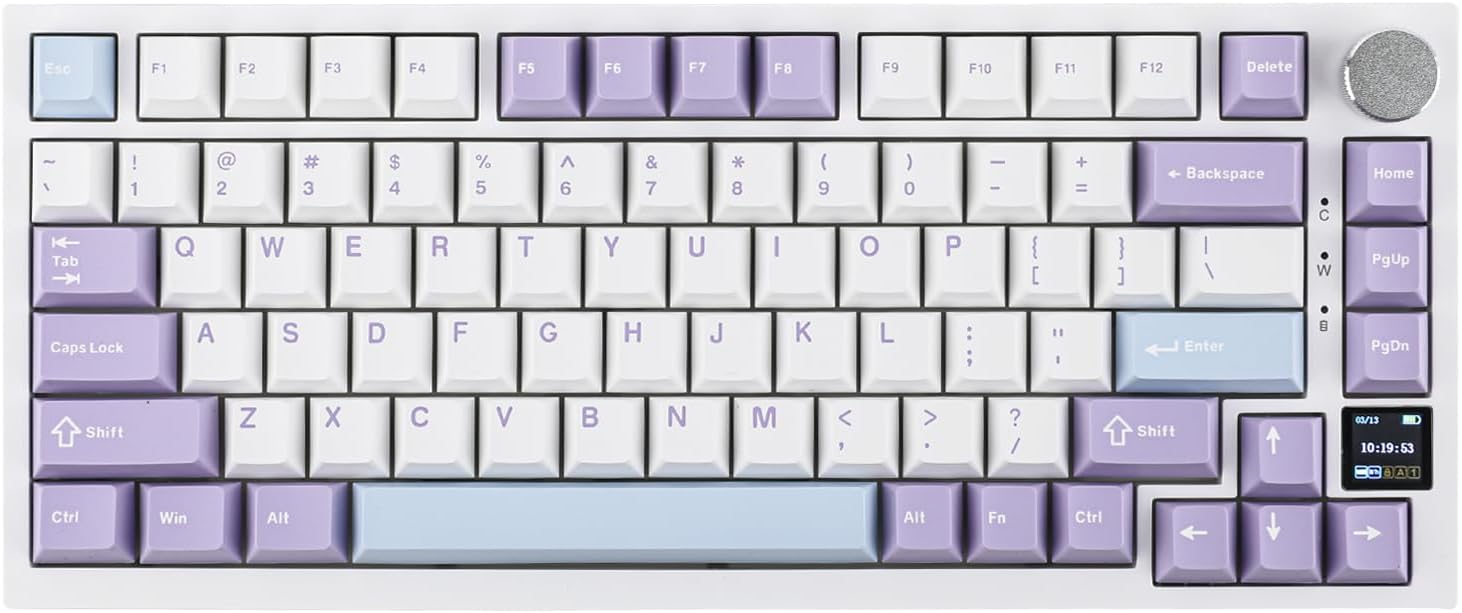
Ajazz AK820 Pro Review: 75% Mechanical Keyboard with Built-In Screen
Ajazz AK820 Pro has 20,000+ reviews on JD.com with a 4.5/5 rating at ¥199 ($28). Users love the innovative LCD screen, g
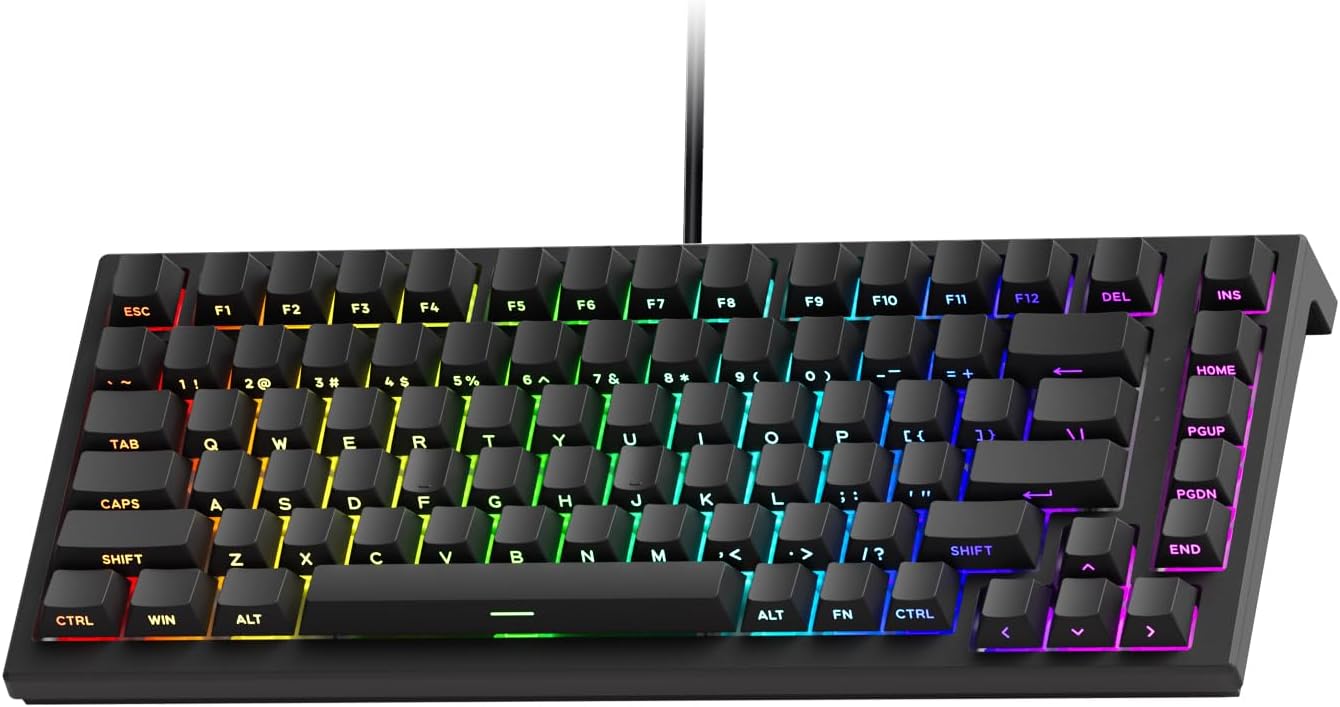
Akko 3068 Plus Review: The Compact 65% with Gasket Mount Comfort
Akko 3068 Plus has 10,000+ reviews on JD.com with a 4.5/5 rating at ¥269 ($38). Users praise the gasket mount typing fee
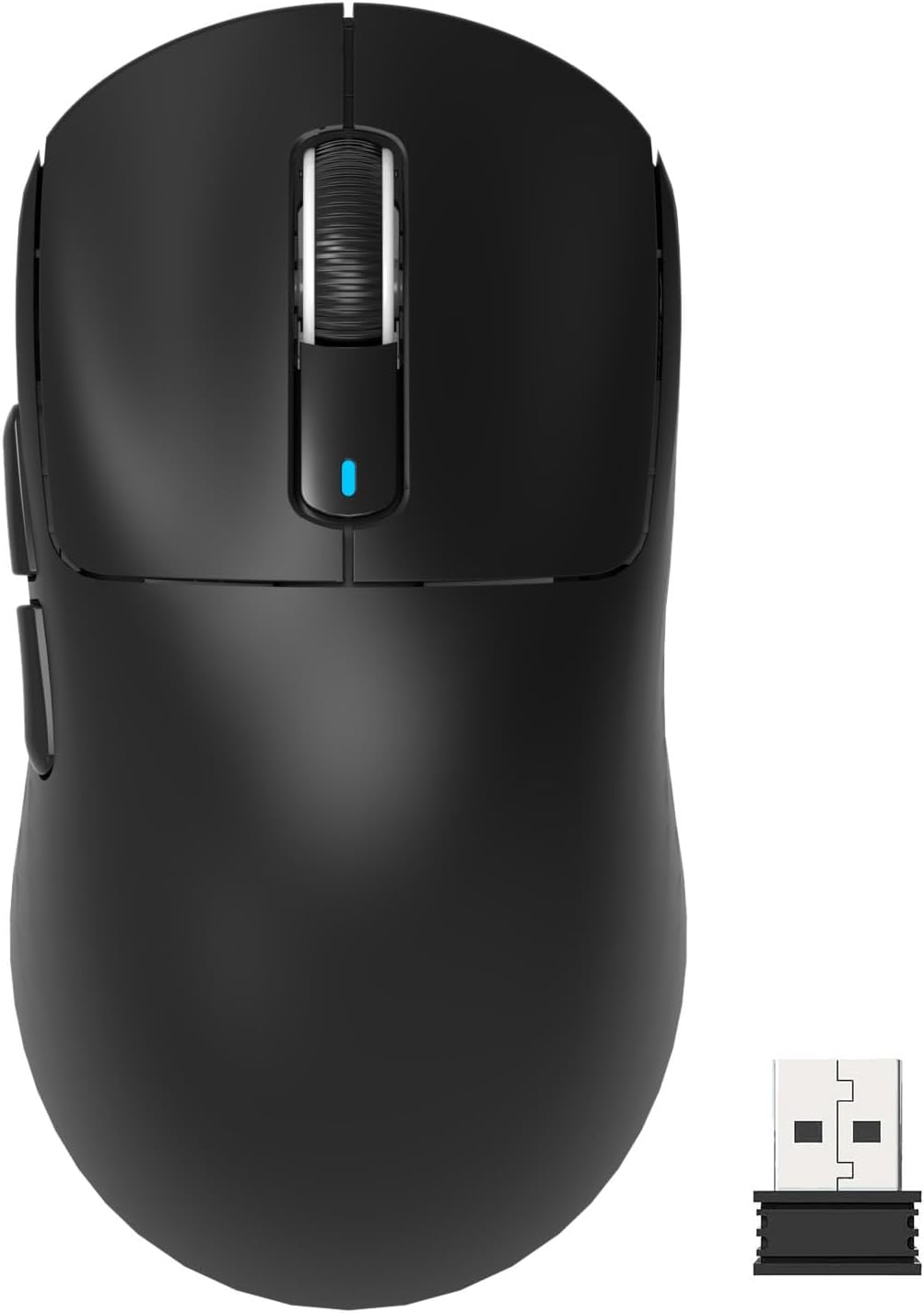
Attack Shark X3 Mouse Review: The Ultra-Budget PAW3395 Gaming Mouse
Attack Shark X3 has 30,000+ reviews on JD.com with a 4.5/5 rating at ¥119 ($17). Users love the unbeatable price for PAW
Baseus Cable Management Box Review: Tame Your Desktop Chaos for ¥39
Baseus Cable Management Box has 40,000+ reviews on JD.com with a 4.5/5 rating at ¥39 ($5.50). Users love how it hides ca
Baseus Desk Mat Review: Washable Waterproof Desk Pad for Clean Workspaces
Baseus Desk Mat has 50,000+ reviews on JD.com with a 4.3/5 rating at ¥69 ($10). Users love the waterproof surface and ea