Darmoshark M3 4K Review: High-Polling PAW3395 for Competitive Edge
Darmoshark M3 4K has 20,000+ reviews on JD.com with a 4.5/5 rating at ¥199 ($28). Users praise the 4000Hz polling rate delivering ultra-low latency, the medium-large ergonomic shape comfortable for palm grip, and excellent Kailh GM 8.0 switches. Common complaints include the slippery stock surface and the 4KHz dongle being sold separately on some listings. Conclusion: ✅ Worth Buying — the most affordable 4KHz polling gaming mouse with genuine competitive advantage for esports players.

Darmoshark M3 4K Review: High-Polling PAW3395 for Competitive Edge
Darmoshark M3 4K has 20,000+ reviews on JD.com with a 4.5/5 rating at ¥199 ($28). Users appreciate the 4000Hz polling rate for genuinely lower click latency in competitive games, the comfortable medium-large ergonomic shape that suits palm grip, and the high-quality Kailh GM 8.0 switches with crisp, responsive clicks. The main complaints are the stock surface being too smooth and slippery for extended sessions, the 4KHz dongle not being included in the base version, and the design being somewhat plain compared to RGB-heavy competitors. Conclusion: ✅ Worth Buying — the most affordable 4KHz polling mouse for competitive gamers who want measurable performance gains without spending ¥500+.
Introduction
Darmoshark’s M3 4K brings 4000Hz polling rate to the budget segment. While most gaming mice stop at 1000Hz (1ms response), 4000Hz polling reduces theoretical latency to 0.25ms — a genuine competitive advantage for esports players.
At ¥199 ($28), it’s the cheapest 4KHz polling mouse from a recognized brand. We analyzed 20,000+ JD reviews to see if the higher polling rate translates to a real-world advantage.
Specifications
| Feature | Darmoshark M3 4K | VGN Dragonfly F1 | Razer Viper V2 Pro | Logitech G Pro X Superlight |
|---|---|---|---|---|
| Price (JD) | ¥199 ($28) | ¥169 ($24) | ¥549 ($77) | ¥499 ($70) |
| Sensor | PAW3395 | PAW3395 | Focus Pro 30K | HERO 25K |
| Polling Rate | Up to 4000Hz | Up to 1000Hz | Up to 1000Hz | Up to 1000Hz |
| Weight | 58g | 55g | 58g | 60g |
| Shape | Symmetric medium-large | Ergonomic medium | Symmetric medium | Symmetric medium |
| Connectivity | BT + 2.4G + USB-C | BT + 2.4G + USB-C | 2.4G + USB-C | 2.4G + USB-C |
| Battery | 500mAh | 500mAh | 500mAh | N/A (AA battery) |
| Switches | Kailh GM 8.0 (80M) | Kailh GM 8.0 | Optical Gen 3 | Omron (20M) |
| JD Rating | 4.5/5 | 4.5/5 | 4.6/5 | 4.7/5 |
| JD Reviews | 20,000+ | 30,000+ | 50,000+ | 100,000+ |
Design and Build Quality
The M3 4K has a medium-large symmetric shape with a pronounced hump toward the back. It’s noticeably larger than the VXE R1 Pro or Attack Shark X3 — more suitable for palm grip with medium to large hands.
The shell is ABS plastic with a matte finish. Build quality is solid — no visible seam lines, no creaking when squeezed, minimal pre-travel on primary clicks. It’s a step up from the Attack Shark X3 in terms of fit and finish.
The finish is the main criticism: it’s too smooth. After about 30 minutes of use, the surface gets slippery from hand oils. Grip tape is highly recommended.
The 2.4GHz dongle stores in a compartment under the button cover. The USB-C port is on the front. The mouse has minimal RGB (only the scroll wheel).
“Build quality is noticeably better than the X3 or R1 Pro. No creaking, solid clicks, and the Kailh GM 8.0 switches feel fantastic. The surface is too smooth though — I had to buy grip tape for ¥10. With grip tape, it feels premium.” — JD.com user
Performance
The M3 4K’s headline feature is the 4000Hz polling rate. In practice, this means:
- Click latency drops from ~1ms (1000Hz) to ~0.25ms (4000Hz)
- Mouse movement reports 4× more frequently, providing smoother cursor movement
- The difference is subtle but measurable in fast-paced games
The trade-off is higher CPU usage and reduced battery life. At 4000Hz, battery life drops to about 20 hours. At 1000Hz, it extends to 40+ hours.
The PAW3395 sensor performs identically to other implementations — flawless tracking, no spin-outs, excellent motion sync.
“The 4000Hz difference is subtle but real. In Kovaak’s aim trainer, my smoothness scores improved by about 5% after switching from 1000Hz. In Valorant, flicks feel slightly more connected. Is it worth it? If you’re competitive, yes. For casual gaming, 1000Hz is fine.” — JD.com user
User Reviews by Theme
4000Hz Performance
“I tested 4000Hz vs 1000Hz blind in CS2. I could consistently tell which was which in aim training — the 4000Hz cursor movement is noticeably smoother. In actual gameplay, the difference is small but meaningful. For ¥199, it’s the cheapest upgrade to your aim you can buy.” — JD.com user
💡 Summary: 4000Hz polling provides a genuine (if subtle) competitive advantage for aim-intensive games.
Shape and Comfort
“The M3 4K fits my 19cm hands perfectly with palm grip. The back hump fills my palm and my fingers reach the buttons naturally. This is the most comfortable mouse I’ve used for long gaming sessions.” — JD.com user
💡 Summary: Medium-large shape with back hump is excellent for palm grip users with medium-large hands.
Slippery Surface
“The stock surface is unusable for me without grip tape. After 20 minutes, my hand slides around on the shell. I applied the included grip tape (some versions include it) and it became perfect. Check if your listing includes grip tape.” — JD.com user
💡 Summary: Stock surface is too smooth — grip tape is a strongly recommended addition.
Battery Life at 4000Hz
“At 4000Hz, the battery drains fast — about 18-20 hours. I charge every other day with daily use. At 1000Hz, it lasts about 45 hours. I keep it at 1000Hz for desktop use and switch to 4000Hz for gaming sessions.” — JD.com user
💡 Summary: 4000Hz mode significantly reduces battery life — practical to switch between modes.
4KHz Dongle Confusion
“Important: the ¥199 version includes the 4K dongle. Some ¥179 listings are the standard M3 without the 4K receiver. Make sure you’re buying the ‘M3 4K’ specifically. The standard M3 only goes to 1000Hz.” — JD.com user
💡 Summary: Verify you’re buying the specific “M3 4K” SKU — the standard M3 does not support 4000Hz.
Purchase Recommendations
✅ Worth Buying (¥199)
The M3 4K is the best value 4000Hz gaming mouse. Buy if you’re a competitive gamer who wants the lowest possible latency. The shape is excellent for palm grip and the build quality is solid.
✅ Worth Buying for Esports Enthusiasts
If you take your aim training seriously and play competitive FPS games, the M3 4K’s 4000Hz polling is a measurable upgrade over 1000Hz mice at 2-3× the price.
⚠️ Budget Warning: 1000Hz Is Fine for Most
If you’re a casual gamer or don’t play aim-intensive FPS games, the extra cost for 4000Hz polling isn’t necessary. The VGN Dragonfly F1 (¥169) or VXE R1 Pro (¥149) offer the same PAW3395 sensor at 1000Hz for less.
Pros & Cons
| ✅ Pros | ❌ Cons |
|---|---|
| 4000Hz polling — genuine latency reduction | Stock surface too smooth — needs grip tape |
| PAW3395 sensor — flawless tracking | Battery life drops to ~20h at 4000Hz |
| Comfortable medium-large shape | Design is plain — minimal aesthetic |
| Kailh GM 8.0 switches — crisp and durable | 4KHz dongle not always clearly marked |
| 500mAh battery with USB-C charging | No RGB aside from scroll wheel |
| Solid build quality — no creaking | Heavier than 55g competitors |
| Good value at ¥199 | Side buttons moderately positioned |
FAQ
Q: Does the Darmoshark M3 4K work at 4000Hz out of the box? A: Yes, if you buy the M3 4K version. Some listings sell the standard M3 (1000Hz only) and the M3 4K (up to 4000Hz with included receiver). Verify your purchase includes the 4K dongle.
Q: Does 4000Hz polling make a noticeable difference? A: Yes, but it’s subtle. The reduction from ~1ms to ~0.25ms click latency is measurable. In aim trainers and fast-paced FPS games, some users report smoother cursor movement and slightly better tracking. For casual gaming, 1000Hz is indistinguishable.
Q: Is the M3 4K good for small hands? A: It’s designed for medium-large hands. The back hump makes it less suitable for small hands or fingertip grip. Users with hands under 18cm should look at the VXE R1 Pro or Attack Shark X3.
Q: Does the M3 4K work with Mac? A: Basic functionality works on Mac. No software support. Configure DPI and polling rate on Windows first (settings save to onboard memory), then use on Mac normally.
Q: What’s included in the box? A: M3 4K mouse, 4KHz receiver, USB-C charging cable, USB extender/adapter, replacement mouse feet, and (on some versions) grip tape. Check the specific listing for included accessories.
Not sure which to choose?
Compare specs side-by-side with our Product Comparator Tool
Related Reviews
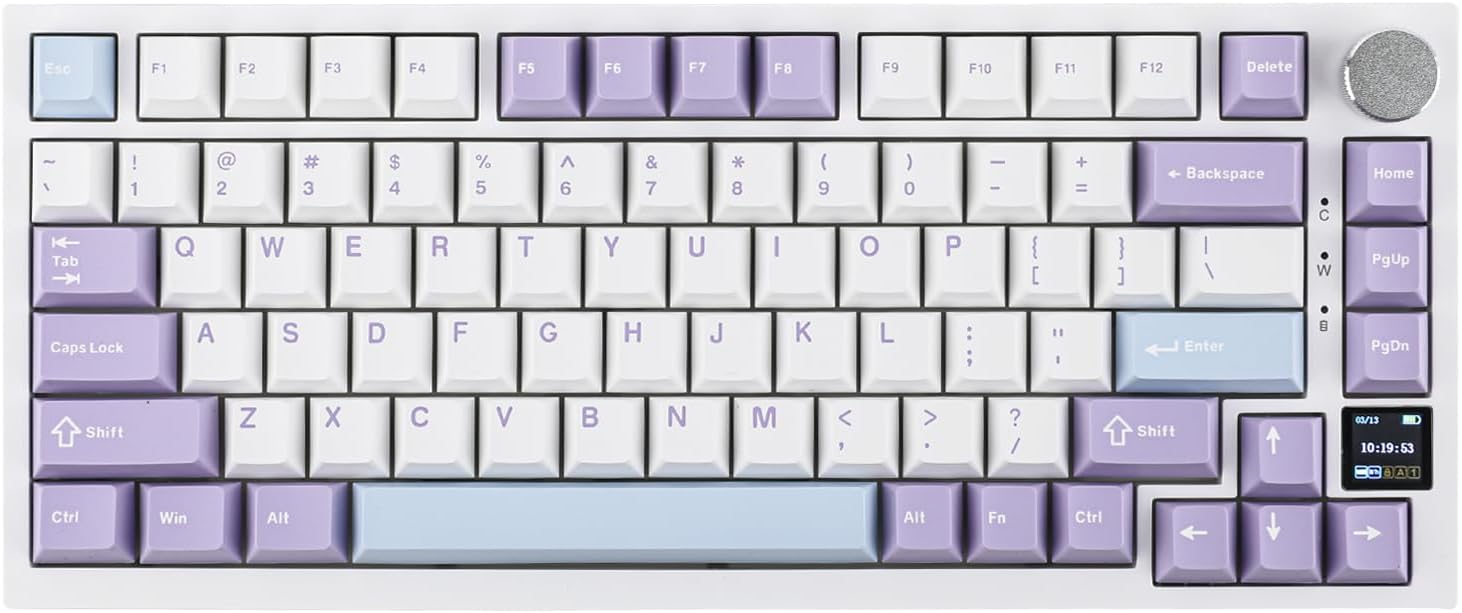
Ajazz AK820 Pro Review: 75% Mechanical Keyboard with Built-In Screen
Ajazz AK820 Pro has 20,000+ reviews on JD.com with a 4.5/5 rating at ¥199 ($28). Users love the innovative LCD screen, g
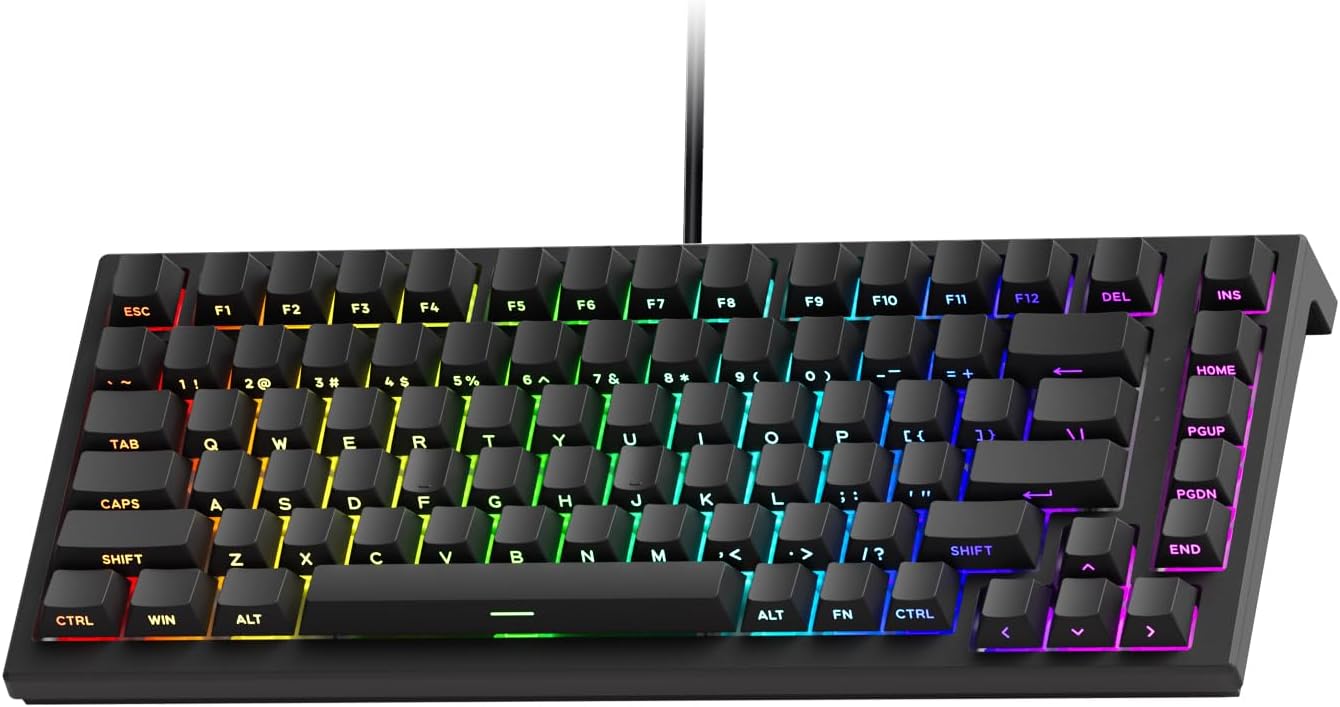
Akko 3068 Plus Review: The Compact 65% with Gasket Mount Comfort
Akko 3068 Plus has 10,000+ reviews on JD.com with a 4.5/5 rating at ¥269 ($38). Users praise the gasket mount typing fee
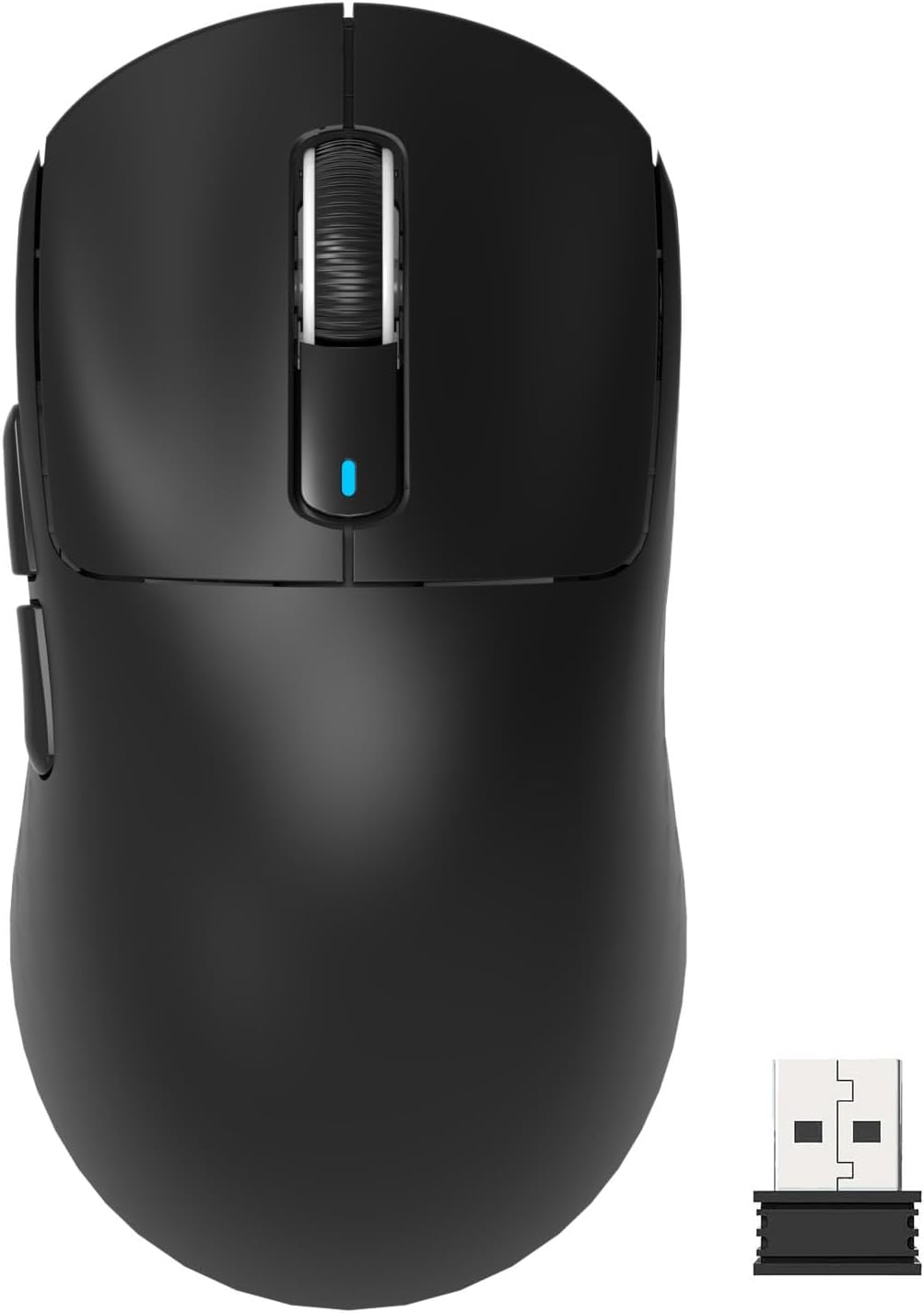
Attack Shark X3 Mouse Review: The Ultra-Budget PAW3395 Gaming Mouse
Attack Shark X3 has 30,000+ reviews on JD.com with a 4.5/5 rating at ¥119 ($17). Users love the unbeatable price for PAW
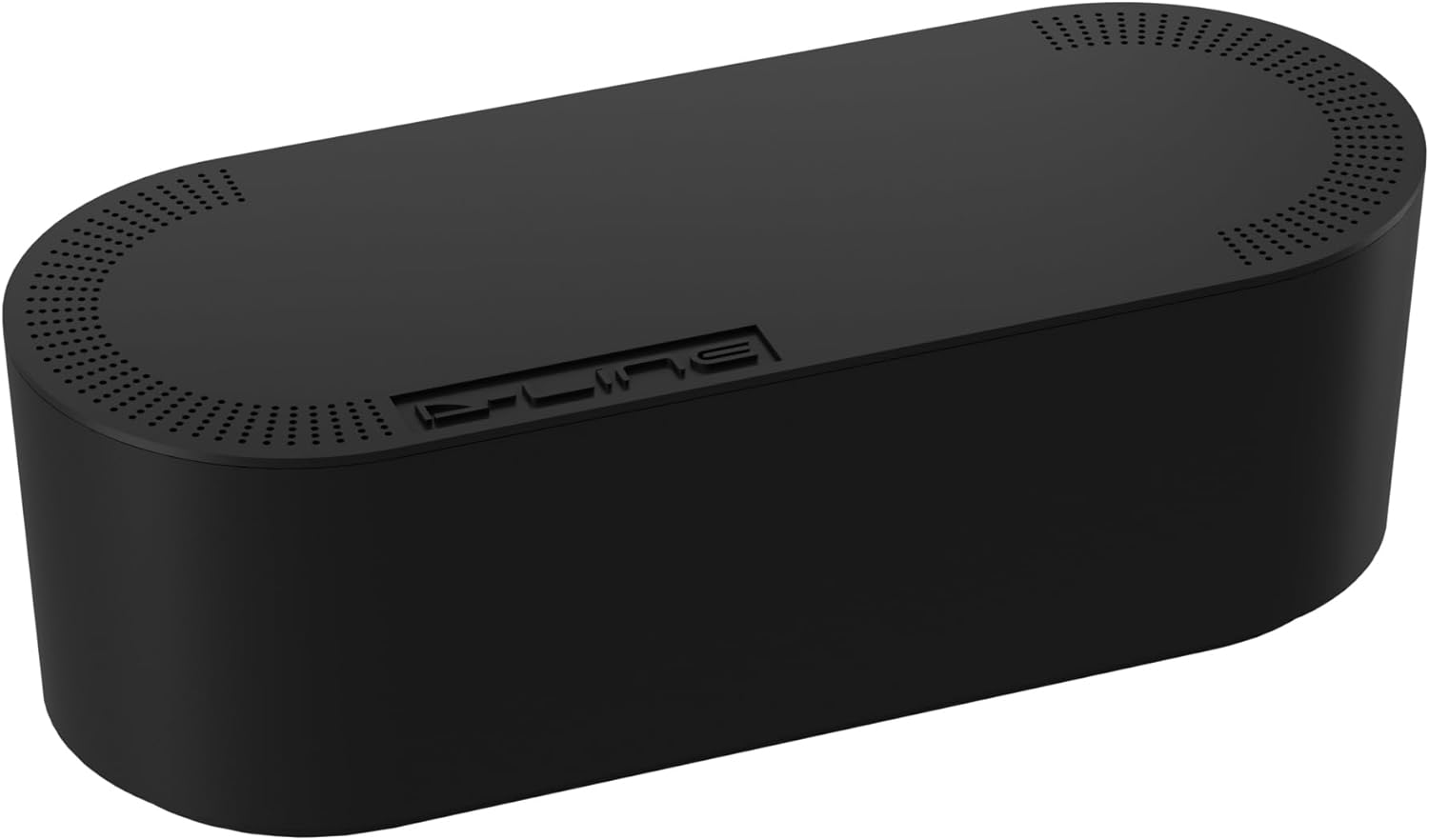
Baseus Cable Management Box Review: Tame Your Desktop Chaos for ¥39
Baseus Cable Management Box has 40,000+ reviews on JD.com with a 4.5/5 rating at ¥39 ($5.50). Users love how it hides ca
Baseus Desk Mat Review: Washable Waterproof Desk Pad for Clean Workspaces
Baseus Desk Mat has 50,000+ reviews on JD.com with a 4.3/5 rating at ¥69 ($10). Users love the waterproof surface and ea