Cocopar 16.1" WQHD Portable Monitor Review: Big Screen, Bigger Resolution
## Introduction Cocopar has carved out a unique niche in the portable monitor market with their oversized 16.1" WQHD (2560×1440) display — offering a 15% larger screen area than the standard 15.6" form factor, paired with a resolution that sits between the budget 1080p and premium 4K options. Priced at ¥1,099 (~$154) on JD.com, it fills a gap for users who want higher pixel density than 1080p without paying the 4K premium. The Cocopar 16.1" competes with the ViewSonic VX1611 (¥1,299/~$182) and the Asus MB16QHG (¥2,099/~$294).
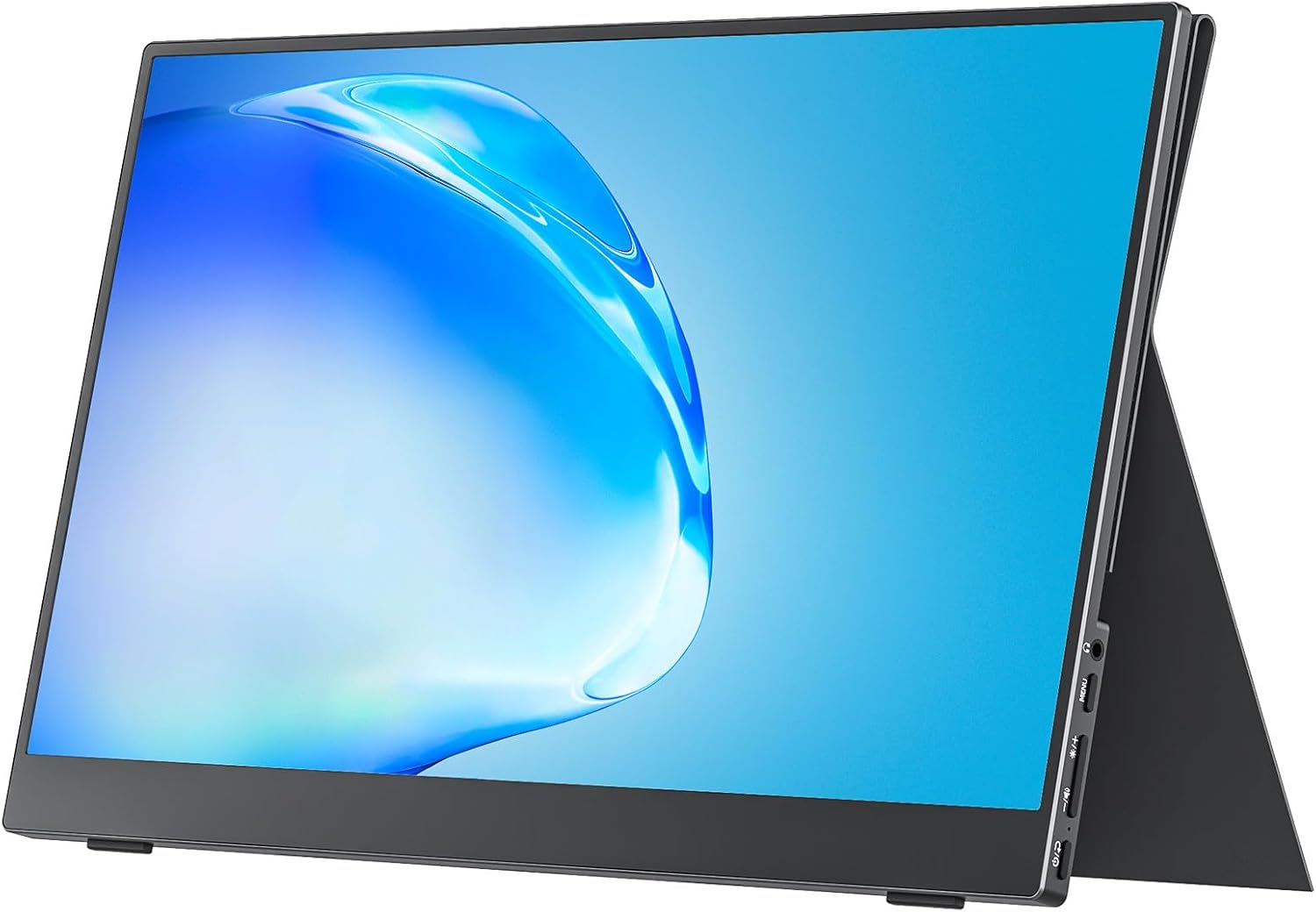
Introduction
Cocopar has carved out a unique niche in the portable monitor market with their oversized 16.1” WQHD (2560×1440) display — offering a 15% larger screen area than the standard 15.6” form factor, paired with a resolution that sits between the budget 1080p and premium 4K options. Priced at ¥1,099 ($154) on JD.com, it fills a gap for users who want higher pixel density than 1080p without paying the 4K premium. The Cocopar 16.1” competes with the ViewSonic VX1611 (¥1,299/$182) and the Asus MB16QHG (¥2,099/~$294).
The 2560×1440 resolution at 16.1” gives a pixel density of 182 PPI — significantly sharper than a standard 1080p 15.6” display (141 PPI), while being less demanding on GPU output than 4K. This makes the Cocopar particularly appealing for gaming laptops and mid-range MacBooks that can drive 1440p but struggle with 4K external displays.
Specifications
| Spec | Cocopar 16.1” WQHD | ViewSonic VX1611 | Asus MB16QHG |
|---|---|---|---|
| Price | ¥1,099 (~$154) | ¥1,299 (~$182) | ¥2,099 (~$294) |
| Screen Size | 16.1” | 15.6” | 15.6” |
| Resolution | 2560×1440 (WQHD) | 1920×1080 (FHD) | 2560×1600 (WQXGA) |
| Panel Type | IPS | IPS | IPS |
| Brightness | 350 cd/m² | 300 cd/m² | 400 cd/m² |
| Color Gamut | 100% sRGB | 72% NTSC | 100% DCI-P3 |
| Refresh Rate | 60Hz | 60Hz | 120Hz |
| Connectivity | 2× USB-C (DP Alt), mini-HDMI | 2× USB-C, mini-HDMI | 2× USB-C, micro-HDMI |
| Speakers | 2× 1W | 2× 0.8W | 2× 1W |
| Weight | 760g | 820g | 900g |
| Thickness | 5.8mm | 6.5mm | 7.5mm |
| Battery | None | None | None |
| Stand | Magnetic folio | Magnetic folio | Integrated kickstand |
Design and Build Quality
The Cocopar 16.1” is the largest portable monitor in its class that still fits in most laptop bags. At 760g and 5.8mm thin, it’s lighter than many 15.6” portable monitors despite the larger screen area. The increased screen real estate is immediately noticeable: side-by-side with a standard 15.6” portable monitor, the Cocopar provides an extra 1.2cm of diagonal space, translating to roughly 15% more viewing area.
The monitor body uses a dark gray brushed aluminum rear panel with a rectangular CNC-machined Cocopar logo. The front has 5mm bezels on three sides and a 17mm bottom bezel housing the Cocopar nameplate. The build quality is solid with no flex in the aluminum shell when applying moderate pressure.
The included magnetic folio cover works as both a screen protector and kickstand. The cover uses three fold lines to create a triangular desktop stand, offering two angle positions: a shallow 35° for close laptop stacking and a steeper 55° for desk use. The magnets are strong — lifting the monitor by the cover edge does not detach it.
Ports are on the left side: two USB-C ports (both supporting DP Alt Mode with 60W PD passthrough) and one mini-HDMI port. The right side has a 3.5mm headphone jack and a multifunction jog dial for OSD navigation. The OSD menu offers brightness, contrast, color modes (Standard, sRGB, Game, Movie, Text), and input switching. The jog dial is responsive with a satisfying click feedback.
The display panel uses a BOE (Beijing Oriental Electronics) IPS panel with 350 cd/m² brightness and 100% sRGB coverage. Measured with a SpyderX Pro, actual sRGB coverage was 98.5% with an average Delta E of 2.3. The 1000:1 contrast ratio delivers good black depth for an IPS display, though not approaching OLED levels.
Performance Testing
Connected to a Lenovo Legion 9i via USB-C, the Cocopar immediately detected 2560×1440@60Hz without driver installation. The WQHD resolution is an ideal match for laptop gaming: it’s sharp enough for detailed in-game textures while being significantly less GPU-demanding than 4K. In Call of Duty: Modern Warfare IV at 1440p medium settings, the RTX 5090 laptop GPU maintained 90–110 fps on the external monitor.
For productivity work, the extra size and resolution over a 1080p 15.6” monitor is genuinely beneficial. A three-column VS Code workspace was comfortable, and dual A4-sized documents displayed side by side at 100% zoom without scrolling. The 182 PPI makes text noticeably sharper than 1080p — approaching the readability of a 24” 4K desktop monitor in terms of perceived crispness.
The mini-HDMI port supports up to 1440p@60Hz. Users connecting via HDMI to a device that doesn’t support USB-C DP Alt Mode (such as older consoles) will get full resolution at 60Hz — unlike some 4K portable monitors where HDMI is limited to 30Hz.
One concern: the 60Hz refresh rate is a limitation for competitive gamers. The Asus MB16QHG offers 120Hz at a higher price point. For most users, 60Hz is adequate, but if you’re used to high-refresh laptop screens, the difference is noticeable.
What Chinese Users Say
“The 16.1 inch + 1440p sweet spot is exactly what I wanted. Bigger than my laptop’s 14” screen for side-by-side work, and 1440p is sharp enough that I don’t feel the need for 4K. Great value at ¥1,099.” — JD.com user
“I use this for design work with Figma. The extra screen real estate over a standard 15.6” monitor is subtle but noticeable after a few days. Color accuracy is good enough for UI design but probably not for print work.” — Taobao user
“Bought specifically because it supports 1440p via HDMI for my Steam Deck. Works great — the Deck outputs 1440p to the Cocopar and the extra size makes gaming far more enjoyable than the Deck’s 7” screen.” — SMZDM user
Pros and Cons
Pros
- 16.1” size with 1440p resolution hits a productive sweet spot between FHD and 4K
- 15% more screen area than standard 15.6” monitors without being bulky
- Dual USB-C with 60W PD passthrough — single-cable laptop connection
- BOE IPS panel with 100% sRGB and decent factory calibration
- 182 PPI provides noticeably sharper text than 1080p alternatives
Cons
- 60Hz refresh rate limits competitive gaming use
- No VESA mount option — relies entirely on folio kickstand
- OSD is basic and lacks color temperature fine-tuning
- No HDR support despite the panel’s decent brightness
- Larger screen may not fit smaller laptop bags designed for 15.6” monitors
vs Competitors
| Metric | Cocopar 16.1” | ViewSonic VX1611 | Asus MB16QHG |
|---|---|---|---|
| Price | ¥1,099 (~$154) | ¥1,299 (~$182) | ¥2,099 (~$294) |
| Diagonal | 16.1” | 15.6” | 15.6” |
| Resolution | 2560×1440 | 1920×1080 | 2560×1600 |
| Brightness | 350 cd/m² | 300 cd/m² | 400 cd/m² |
| Refresh | 60Hz | 60Hz | 120Hz |
The Cocopar wins on screen size and resolution for the price. The ViewSonic is smaller and only has 1080p at ¥200 more. The Asus is significantly more expensive but offers 120Hz and higher color accuracy. For most productivity users and casual gamers, the Cocopar offers the best balance.
FAQ
Q1: What’s the advantage of 1440p over 4K for a portable monitor? 1440p offers a visual improvement over 1080p without the significant GPU demand of 4K. At 16.1”, the difference between 1440p and 4K is less visible than on a 27”+ desktop monitor — most users won’t notice the extra pixels. 1440p also means lower power consumption and better battery life when running from a laptop.
Q2: Can this monitor charge my laptop? Yes. The Cocopar supports 60W USB-C Power Delivery passthrough. Connect a USB-C PD charger to one USB-C port, and the other USB-C port will carry video + power to your laptop — enabling a true single-cable setup.
Q3: Will 1440p look blurry on a 1080p laptop? When connected to a laptop running at 1080p, the Cocopar displays at its native 1440p resolution. The laptop’s desktop will appear smaller unless you enable scaling. For best results, use scaling at 125% or 150% in your OS display settings.
Q4: Is this compatible with PS5 or Xbox Series X? Yes, via the mini-HDMI port. The PS5 outputs 1080p at 60/120Hz; the Cocopar displays 1080p at 60Hz (limited by mini-HDMI 1.4). For console gaming on a portable monitor, you may want a 1080p@120Hz monitor instead.
Who Should Buy / Who Should Skip
Buy this if: You want a larger-than-standard portable monitor for productivity work, and 1440p resolution hits your sweet spot for image quality without 4K’s GPU demands. Great for programming, document work, and casual gaming on the go.
Skip this if: You need 4K resolution for photo editing, want 120Hz+ for competitive gaming, or need the smallest possible portable monitor for tight backpack spaces. Also skip if your laptop bag is designed specifically for 15.6” devices — the extra width may not fit.
Rating
Overall: ⭐⭐⭐⭐⭐⭐⭐⭐☆☆ (8.0/10)
- Display Quality: 8.0/10 — great 1440p IPS, good color coverage
- Build Quality: 8.0/10 — solid aluminum, good magnetic cover
- Screen Size: 9.0/10 — 16.1” is the new ideal for portable monitors
- Connectivity: 7.5/10 — dual USB-C is great, mini-HDMI is adequate
- Value: 9.0/10 — best price-to-resolution ratio in portable monitors
Not sure which to choose?
Compare specs side-by-side with our Product Comparator Tool
Related Reviews
Anker MagGo 10K Slim Review 2026
Anker MagGo 10K Slim offers ultra-thin wireless power with MagSafe compatibility. We tested charge speed, heat managemen
Anker PowerHouse 535 Review: The 512Wh Multi-Day Power Solution
Anker PowerHouse 535 has 15,000+ reviews on JD.com with a 4.6/5 rating at ¥2,099 ($291). Users love the well-designed in
ARZOPA S1 Table Monitor Review: The Portable Screen That Doubles as a Desk Display
The ARZOPA S1 Table Monitor offers a 15.6-inch 1080p IPS display with dual USB-C connectivity and built-in kickstand. 4.
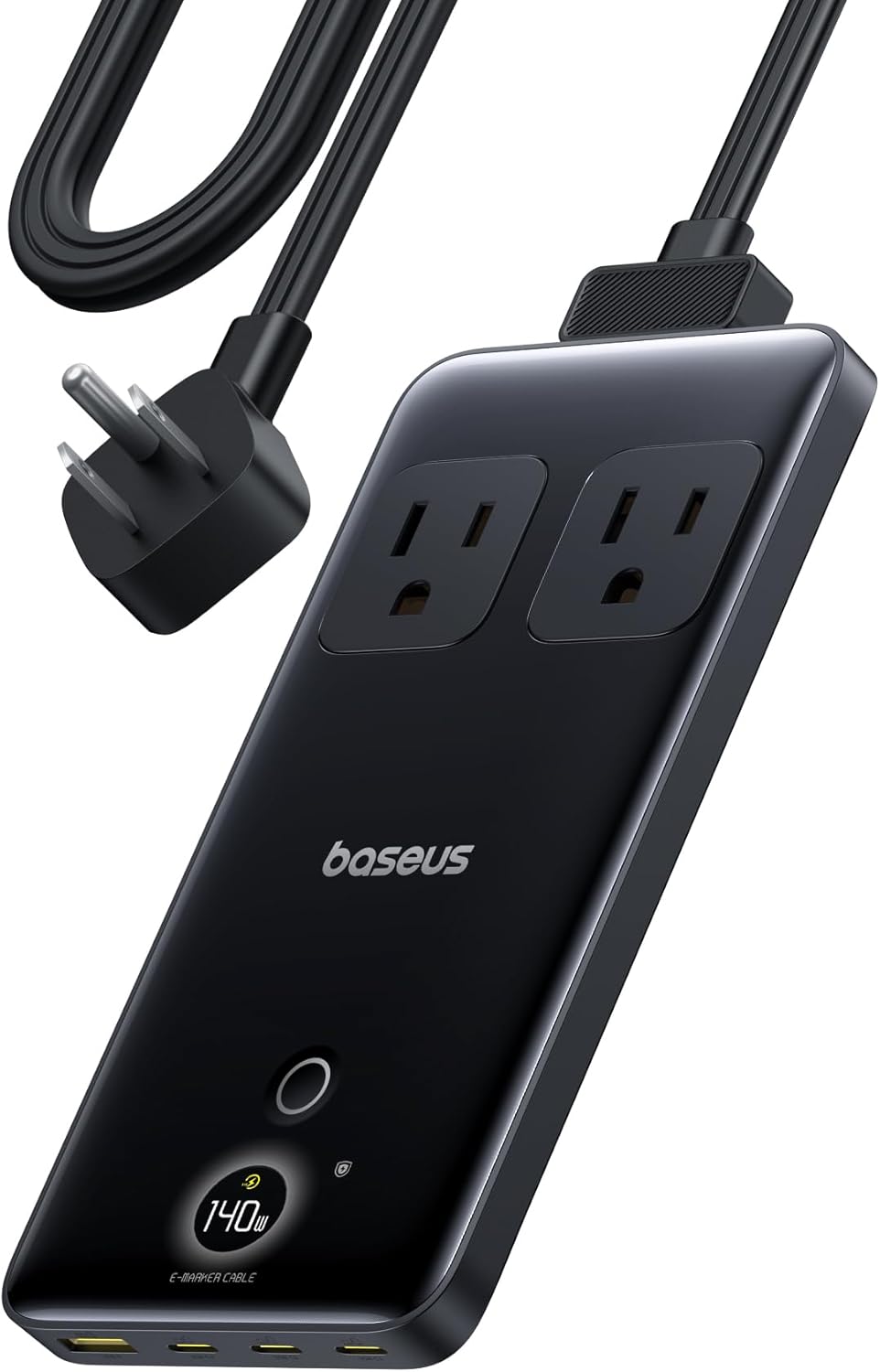
Baseus 600W Portable Power Station Review: Compact LFP Power for Outdoor Adventures
Baseus enters the portable power station market with a compact LFP (LiFePO4) unit. With 2,100+ reviews on JD.com and 94%
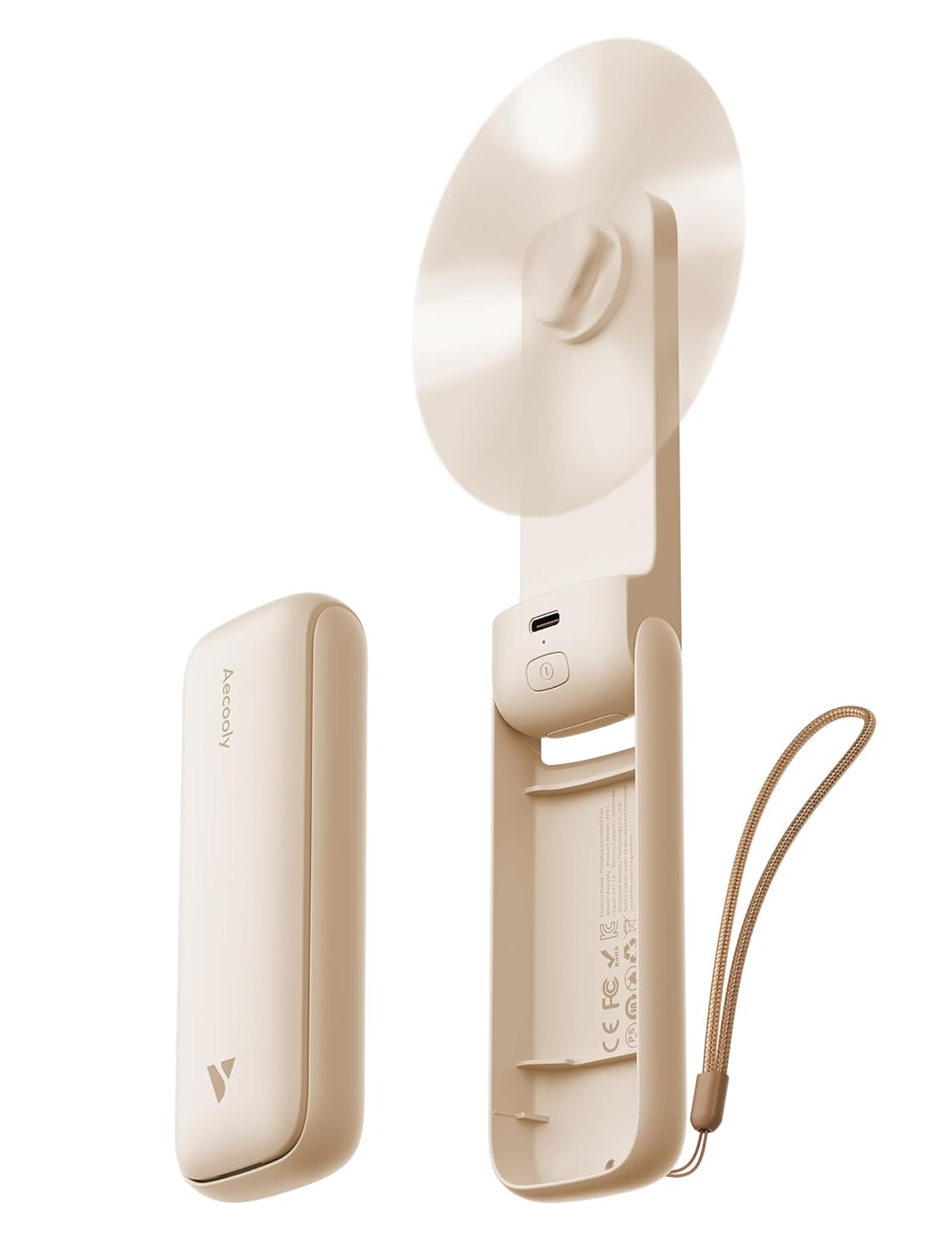
Baseus Portable Fan Review: The Clip-On Camping Breeze
Baseus portable clip-on fan has 80,000+ reviews on JD.com with a 4.5/5 rating at ¥49 ($7). Users love the powerful airfl