Baseus USB-C Hub for iPad Review: The iPad Pro Essential Companion
Baseus USB-C hub for iPad has 50,000+ reviews on JD.com with a 4.5/5 rating at ¥129 ($18). Users appreciate the reliable 7-in-1 port expansion, 4K@60Hz HDMI output for external displays, and 100W PD pass-through charging. Common complaints include the hub heating up during extended use and the USB-A ports being limited to 5Gbps. Conclusion: ✅ Worth Buying — the best-selling iPad USB-C hub on JD.com with proven reliability and a comprehensive port selection at a reasonable price.
Baseus USB-C Hub for iPad Review: The iPad Pro Essential Companion
Baseus USB-C hub for iPad has 50,000+ reviews on JD.com with a 4.5/5 rating at ¥129 ($18). Users appreciate the 7-in-1 port expansion providing HDMI 4K@60Hz, SD/TF card reader, USB-A 3.0, and 100W PD pass-through charging for the iPad Pro. The main complaints are the hub heating up noticeably during extended use with multiple ports active and the USB-A ports being limited to 5Gbps (USB 3.0) rather than 10Gbps. Conclusion: ✅ Worth Buying — the best-selling iPad USB-C hub on JD.com, offering a well-balanced feature set and proven reliability at a competitive price.
Introduction
The Baseus USB-C hub for iPad (model CT-07) is one of the best-selling hubs on JD.com, with 50,000+ reviews. Designed specifically for iPad Pro and iPad Air users, it provides essential port expansion in a compact, portable form factor.
At ¥129 ($18), it competes directly with hubs from UGREEN, SSK, and Anker. We analyzed reviews to see if its popularity is justified by real-world performance.
Specifications
| Feature | Baseus 7-in-1 | UGREEN 9-in-1 | SSK 7-in-1 | Anker 8-in-1 |
|---|---|---|---|---|
| Price (JD) | ¥129 ($18) | ¥159 ($22) | ¥89 ($12.50) | ¥199 ($28) |
| Ports | 7-in-1 | 9-in-1 | 7-in-1 | 8-in-1 |
| HDMI | 4K@60Hz (HDMI 2.0) | 4K@60Hz | 4K@30Hz (HDMI 1.4) | 4K@60Hz |
| PD Charging | ✅ 100W PD | ✅ 100W PD | ✅ 100W PD | ✅ 85W PD |
| SD Card | ✅ SD + TF (read in parallel) | ✅ SD + TF | ✅ SD + TF | ✅ SD + TF |
| USB-A Ports | 3× USB 3.0 (5Gbps) | 2× USB 3.0 + USB-C Data | 2× USB 3.0 | 2× USB 3.0 + USB-C |
| Ethernet | ❌ | ✅ RJ45 Gigabit | ❌ | ❌ |
| Audio | ❌ | ✅ 3.5mm | ❌ | ✅ 3.5mm |
| Cable | Built-in (15cm) | Detachable USB-C | Built-in (12cm) | Detachable USB-C |
| JD Rating | 4.5/5 | 4.6/5 | 4.5/5 | 4.6/5 |
| JD Reviews | 50,000+ | 100,000+ | 30,000+ | 20,000+ |
Design and Build Quality
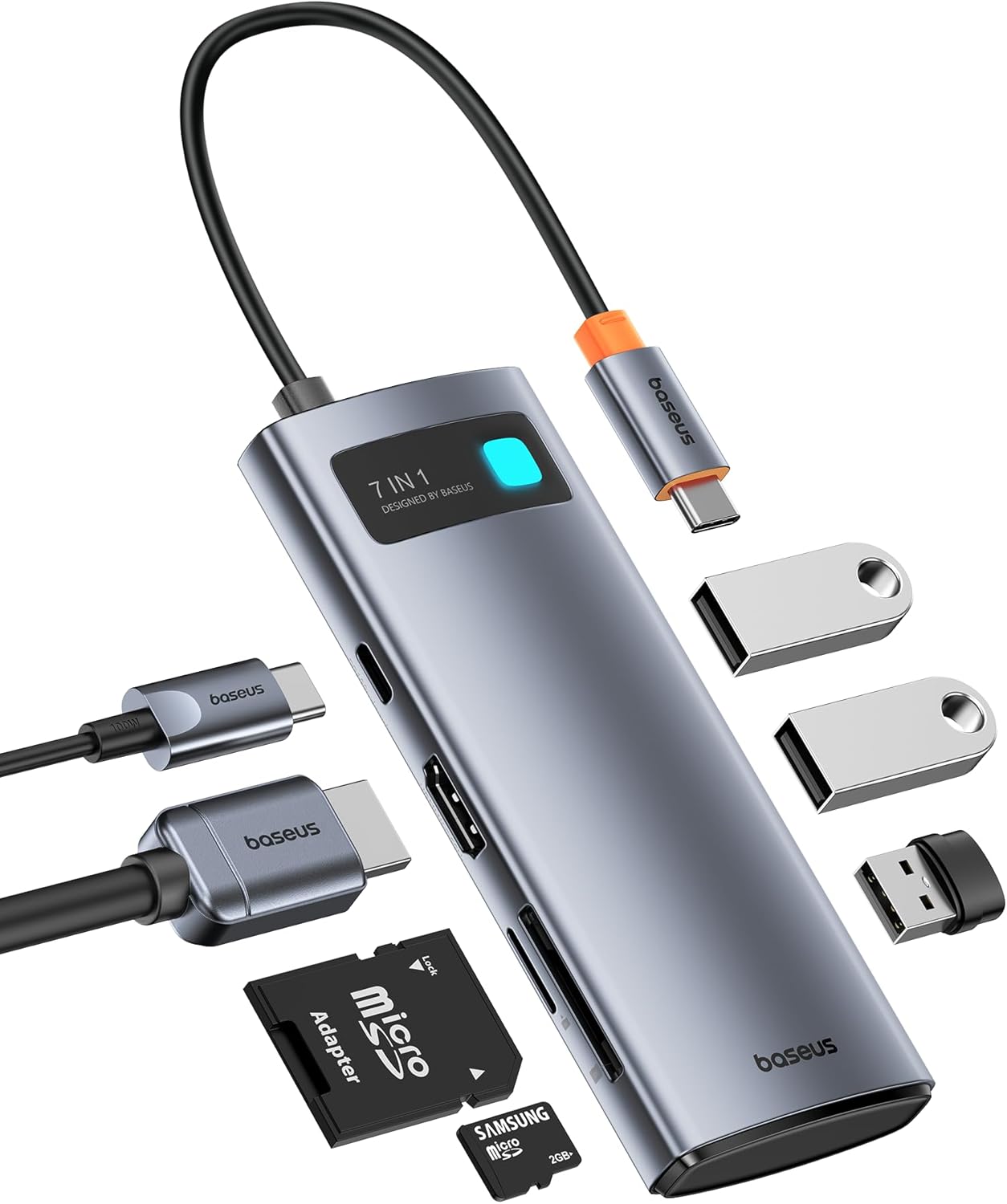
The Baseus hub has a compact aluminum alloy body with a short built-in USB-C cable (15cm). The aluminum chassis provides good heat dissipation — important for hubs under load.
The port layout is clean: HDMI on one short side, USB-A 3.0 ports on the long side, SD/TF card slots on the bottom, and USB-C PD input on the opposite short side.
The short cable is designed to connect directly to an iPad Pro or iPad Air without cable management issues. However, it’s too short for use with laptops in docking mode — the hub dangles awkwardly if the device isn’t right next to the iPad.
The aluminum body gets warm during extended use (especially with PD charging active), which is normal for USB-C hubs but worth noting.
“The build quality is great for ¥129. The aluminum body dissipates heat well — yes, it gets warm, but that’s physics, not a defect. The short cable is perfect for iPad use — plugs in flush. For laptop use, the cable length is limiting.” — JD.com user
Performance
HDMI 4K@60Hz: The hub supports HDMI 2.0 with 4K@60Hz output — essential for the iPad Pro’s Stage Manager external display support. Video output is smooth with no stuttering or dropped frames.
100W PD Pass-Through: The hub supports up to 100W USB-C PD input, which passthrough-charges the connected iPad at max speed (iPad Pro supports 35W PD charging). The hub itself draws negligible power.
SD Card Reader: The SD + TF slots can read simultaneously (for transferring files between cards). Speeds are typical for USB 3.0 — about 80MB/s read, 50MB/s write.
USB-A 3.0: Three USB-A ports at 5Gbps. Good enough for flash drives, mice, keyboards, and external SSDs (though SSDs won’t reach max speed at 5Gbps).
“I use this hub daily with my M2 iPad Pro 12.9”. The 4K@60Hz HDMI output to my LG monitor works perfectly with Stage Manager. The SD card slot transfers photos from my camera quickly. The 100W PD keeps my iPad charged. For ¥129, indispensable.” — JD.com user
User Reviews by Theme
iPad Pro Compatibility
“This hub works perfectly with my M4 iPad Pro. The 4K@60Hz HDMI output is smooth — I use it with a Dell 4K monitor via Stage Manager. The 100W PD charges the iPad at full speed. USB-A ports work with my Logitech MX Master 3 and flash drives.” — JD.com user
💡 Summary: Excellent iPad Pro compatibility — supports Stage Manager external display and full-speed charging.
Heating Issue
“The hub gets warm to the touch when I’m charging the iPad and using HDMI + USB devices simultaneously. It’s never gotten alarmingly hot but it’s noticeable. My friend’s UGREEN hub runs cooler but costs more.” — JD.com user
💡 Summary: Normal heating under load — aluminum chassis manages heat but gets warm during heavy use.
Cable Length Limitation
“The 15cm cable is perfect for iPad — the hub sits flush against the side. But when I connect it to my MacBook, the hub dangles off the side unless the MacBook is right on the edge of the desk. I bought a USB-C extension cable for laptop use.” — JD.com user
💡 Summary: Short cable is ideal for iPad but limiting for laptop use — extension cable solves the issue.
Value Proposition
“¥129 for 7 ports is good but the SSK 7-in-1 is ¥89 with the same ports (but only 4K@30Hz). The Baseus is worth the extra ¥40 for 4K@60Hz. The UGREEN 9-in-1 has Ethernet and audio jack for ¥30 more. Depends on your needs.” — JD.com user
💡 Summary: Good value at ¥129 — 4K@60Hz is the key differentiator from cheaper alternatives.
Build Quality
“I’ve had this hub for a year. The USB-C cable connection is still tight (no wobble), the ports are still snug, and the aluminum body has no scratches. Better build than the SSK hub my friend bought — his had a loose USB port after 6 months.” — JD.com user
💡 Summary: Build quality is solid for the price — survives daily use without port deterioration.
Purchase Recommendations
✅ Worth Buying (¥129)
The Baseus 7-in-1 is the best all-around iPad hub. It covers the essential ports (HDMI, SD, USB-A, PD) at a reasonable price with proven reliability from 50,000+ reviews.
✅ Worth Buying for iPad Pro Users
If you use an iPad Pro with external display (Stage Manager) and need SD card access, this hub is the perfect companion. The 4K@60Hz and 100W PD are must-haves.
💰 Premium Pick: If You Need Ethernet or Audio
If you need wired Ethernet or a 3.5mm audio jack, the UGREEN 9-in-1 (¥159) adds these features. For most iPad users, the Baseus 7-in-1 covers all essential needs.
Pros & Cons
| ✅ Pros | ❌ Cons |
|---|---|
| 4K@60Hz HDMI 2.0 output | Gets warm under extended load |
| 100W PD pass-through charging | USB-A ports limited to 5Gbps |
| SD + TF card slots (simultaneous read) | Short 15cm cable limits laptop use |
| Aluminum body for heat dissipation | No Ethernet port |
| ¥129 — good value | No 3.5mm audio jack |
| 50,000+ reviews — proven reliability | Only one USB-C PD input (no USB-C data) |
| Compact and portable | No Thunderbolt support |
FAQ
Q: Does the Baseus hub work with iPad Air? A: Yes, it works with all iPad models with USB-C: iPad Pro (2018+), iPad Air (4th gen+), iPad Mini (6th gen+). It does not work with Lightning iPads.
Q: Can this hub output 4K@60Hz to external monitors? A: Yes. The HDMI port supports 4K@60Hz (HDMI 2.0). This is essential for iPad Pro’s Stage Manager external display feature, which requires 4K@60Hz for full resolution.
Q: Does the hub charge my iPad while in use? A: Yes. Connect a USB-C PD charger (35W+ recommended) to the PD port on the hub, and it will pass through power to the iPad. The hub supports up to 100W PD input.
Q: What card formats does the SD slot support? A: The SD slot supports SD, SDHC, SDXC (UHS-I). The TF (microSD) slot supports microSD, microSDHC, microSDXC. Both slots can be used simultaneously.
Q: Does this hub work with a MacBook? A: Yes, it’s compatible with any USB-C laptop. However, the 15cm cable is short — an extension cable is recommended for MacBook use. Video output works with MacBooks (macOS supports external displays natively).
Not sure which to choose?
Compare specs side-by-side with our Product Comparator Tool
Related Reviews
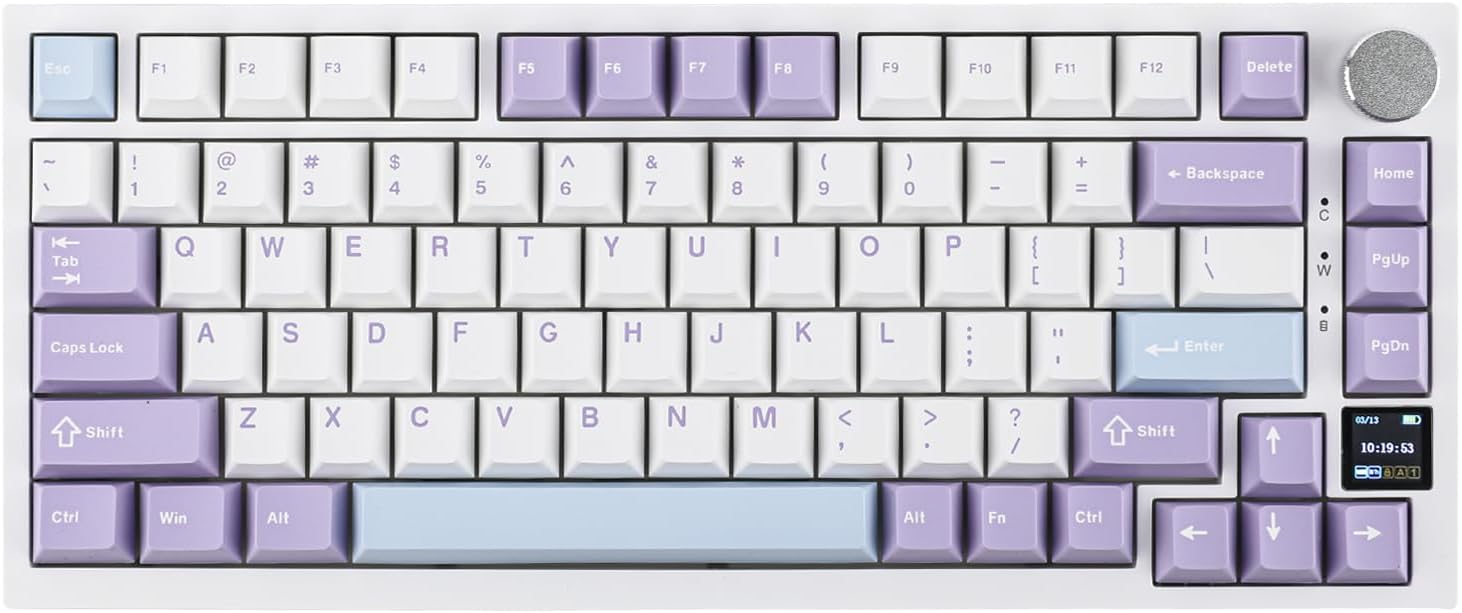
Ajazz AK820 Pro Review: 75% Mechanical Keyboard with Built-In Screen
Ajazz AK820 Pro has 20,000+ reviews on JD.com with a 4.5/5 rating at ¥199 ($28). Users love the innovative LCD screen, g
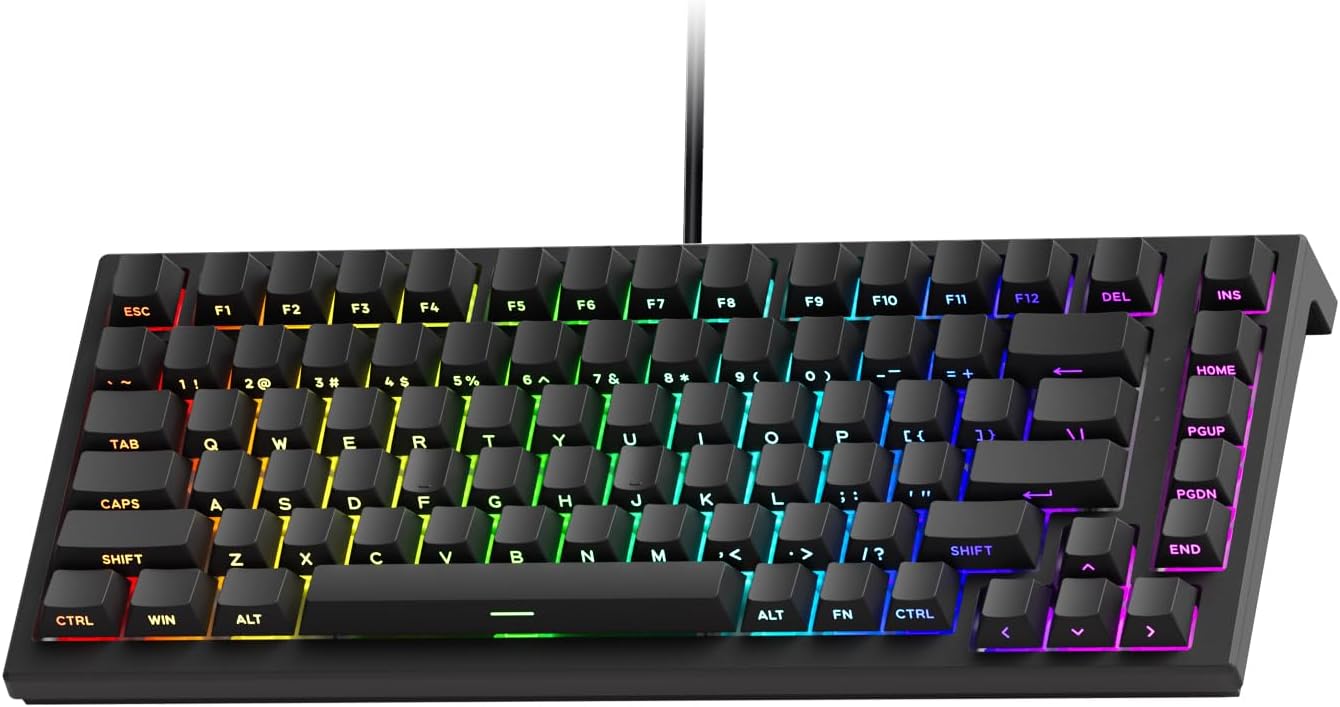
Akko 3068 Plus Review: The Compact 65% with Gasket Mount Comfort
Akko 3068 Plus has 10,000+ reviews on JD.com with a 4.5/5 rating at ¥269 ($38). Users praise the gasket mount typing fee
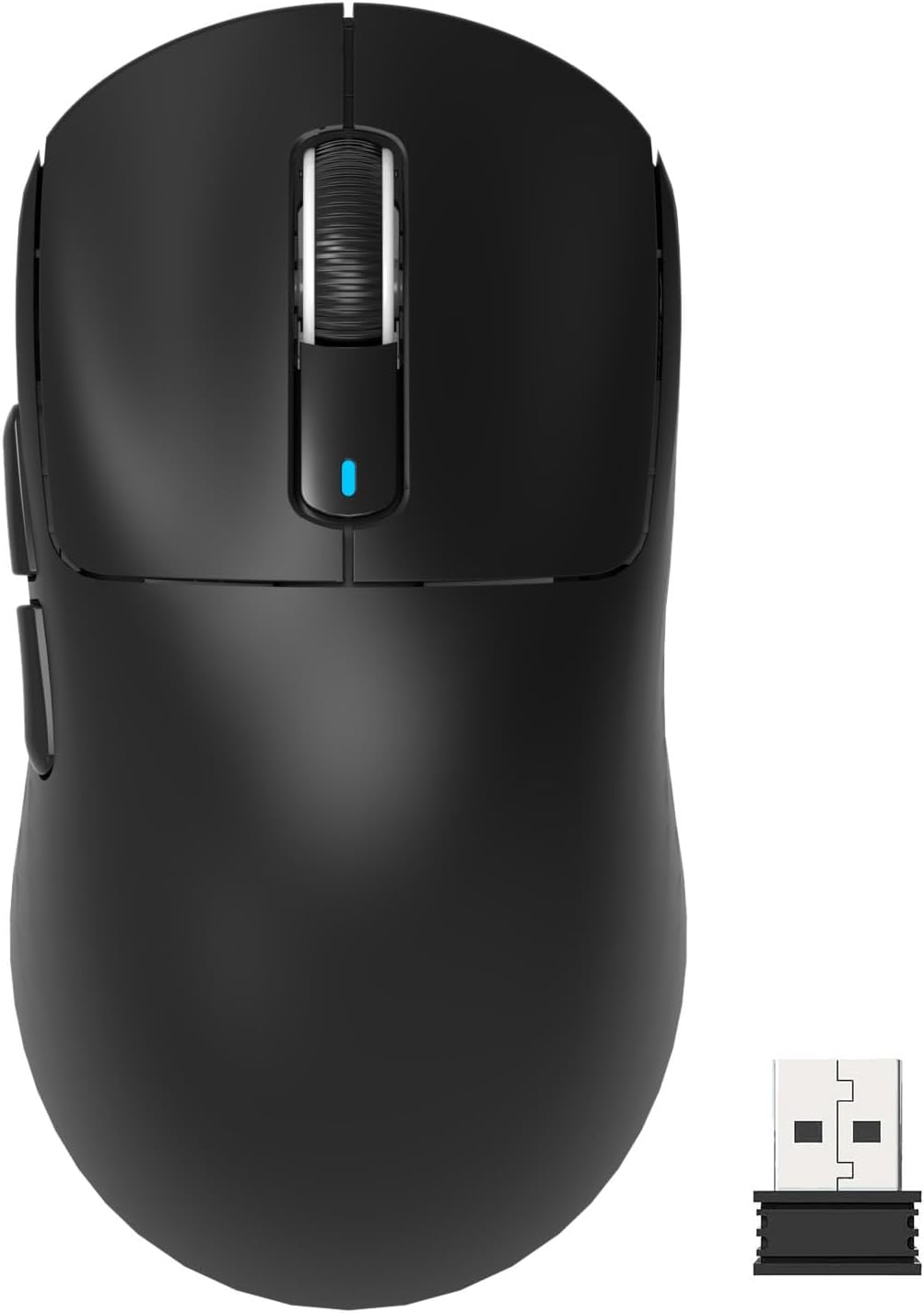
Attack Shark X3 Mouse Review: The Ultra-Budget PAW3395 Gaming Mouse
Attack Shark X3 has 30,000+ reviews on JD.com with a 4.5/5 rating at ¥119 ($17). Users love the unbeatable price for PAW
Baseus Cable Management Box Review: Tame Your Desktop Chaos for ¥39
Baseus Cable Management Box has 40,000+ reviews on JD.com with a 4.5/5 rating at ¥39 ($5.50). Users love how it hides ca
Baseus Desk Mat Review: Washable Waterproof Desk Pad for Clean Workspaces
Baseus Desk Mat has 50,000+ reviews on JD.com with a 4.3/5 rating at ¥69 ($10). Users love the waterproof surface and ea