Baseus Monitor Light Bar Pro Review: Auto-Dimming Smart Screen Light
Baseus Monitor Light Bar Pro offers auto-dimming, 3 lighting modes, and 10 brightness levels. A worthy Xiaomi Screen Bar competitor at ¥269 with superior build quality.
Baseus Monitor Light Bar Pro Review: Auto-Dimming Smart Screen Light Worth Buying?
Baseus Monitor Light Bar Pro Rating: 4.4/5 ⭐ Price: ¥269 (~$37 USD) Recommendation: ✅ Worth Buying
Monitor light bars have become a must-have desk accessory, offering focused desktop lighting without the glare of overhead lights or the desk space consumed by traditional lamps. The Baseus Monitor Light Bar Pro sits in the sweet spot between budget options and premium brands like the BenQ ScreenBar Halo. With auto-dimming sensors, asymmetric optical design, and a ¥269 price point, it has racked up over 8,000 reviews on JD.com with a 4.5-star average. Here is how it stacks up against the competition.
Specifications at a Glance
| Feature | Baseus Monitor Light Bar Pro | Xiaomi Screen Bar Pro | BenQ ScreenBar Halo | Quntis Monitor Light |
|---|---|---|---|---|
| Price | ¥269 ($37) | ¥199 ($27) | ¥899 ($124) | ¥159 ($22) |
| Lighting Mode | 3 modes + 10 brightness levels | 3 modes + 7 brightness | 3 modes + 15 brightness | 2 modes + 5 brightness |
| Auto Dimming | Yes (ambient light sensor) | Yes | Yes (ambient + desk sensor) | No |
| CRI | ≥Ra95 | ≥Ra95 | ≥Ra98 | ≥Ra90 |
| Color Temp | 3000K–6500K | 3200K–6500K | 2700K–6500K | 4000K–6500K |
| Mount Type | Gravity clamp | Gravity clamp | Gravity clamp + rotary dial | Gravity clamp |
| Monitor Fit | 0.35–3.2cm thickness | 0.3–3.0cm thickness | 0.3–3.0cm thickness | 0.3–3.5cm thickness |
| USB Power | USB-C (5V/1A) | USB-A (5V/1A) | USB-C (5V/1A) | USB-A (5V/1A) |
| Weight | 410g | 380g | 620g | 350g |
Design and Build Quality
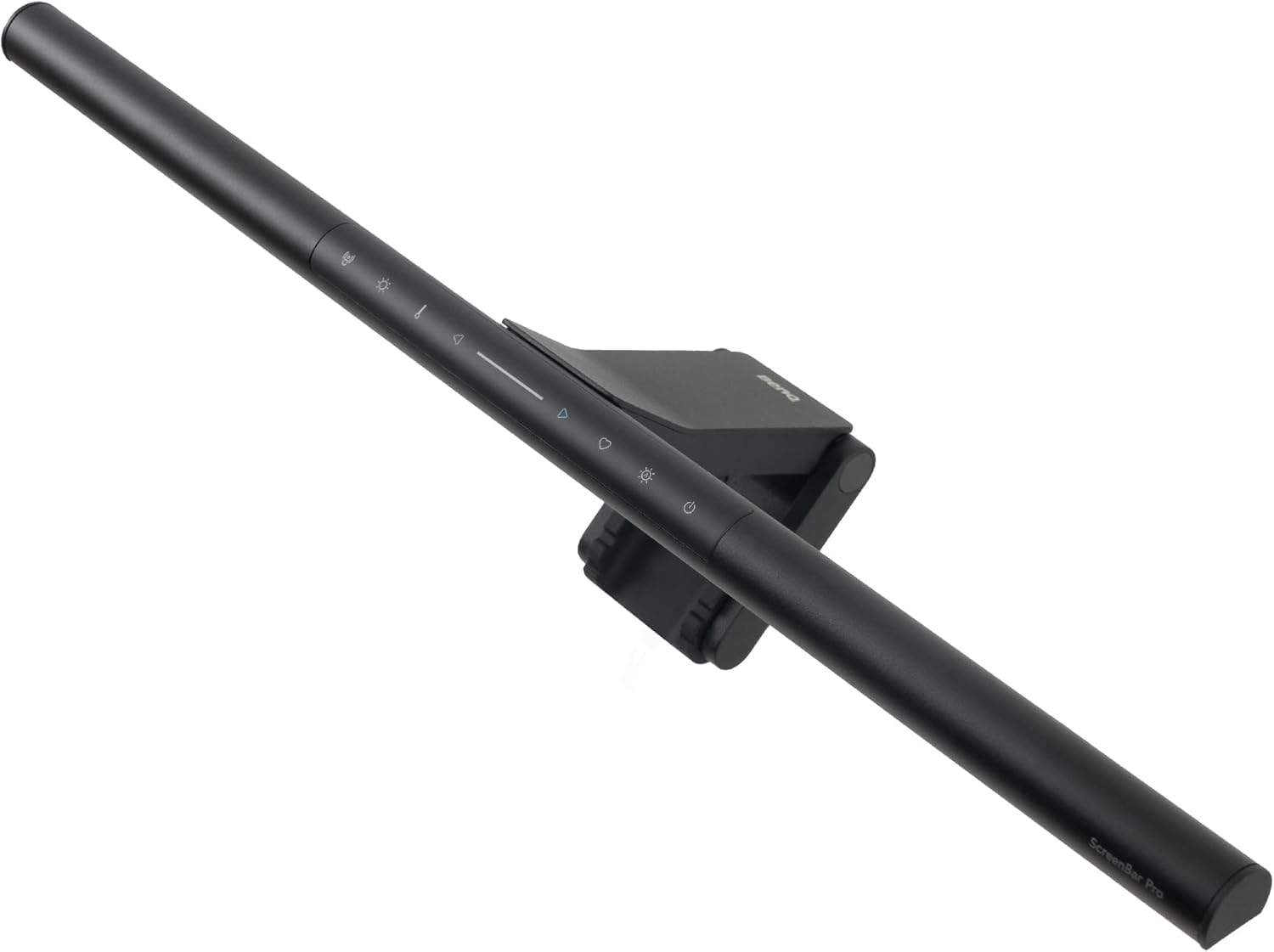
The Baseus Monitor Light Bar Pro features a matte black aluminum alloy body with a premium anodized finish that looks uniform and weather-resistant. The gravity clamp mounting system is straightforward — you simply hook the light over the top of your monitor, no adhesive required. The silicone padding on the clamp prevents scratching your monitor bezel. The clamp fits monitors with bezel thicknesses from 0.35cm to 3.2cm, covering most modern flat panels and even some curved monitors.
The auto-dimming sensor is located on the top of the lamp housing, facing upward. It detects ambient room light and adjusts the monitor bar’s brightness accordingly. The sensor is reasonably responsive, though it takes 2–4 seconds to adjust — not instant, but fast enough for gradual lighting changes like sunset or room lights being turned on.
The asymmetric optical design is the key feature. Unlike cheap monitor lights that scatter light across your screen causing glare, Baseus uses a specially angled lens that directs light onto your desktop while keeping the monitor surface dark. In practice, this works very well — there is no noticeable reflection on the screen even with light-colored backgrounds, a common complaint with knockoff monitor lights.
💡 “Previously used another brand’s light bar with serious screen reflection issues, so I switched to the Baseus Pro. No screen reflection at all now. Auto dimming works great. Build quality feels better than Xiaomi’s, ¥70 more expensive but worth it. Touch buttons are occasionally unresponsive though.”
Performance and User Experience
Lighting Quality
The ≥Ra95 color rendering index ensures that colors appear natural and vibrant under this light — important for tasks like graphic design, photo editing, or even just reading documents. The three lighting modes — reading, relaxing, and focus — shift between warm (3000K) and cool (6500K) color temperatures, each with 10 adjustable brightness levels. The focus mode at 5000K–6500K is particularly effective for work, providing a bright, alertness-boosting light that reduces eye strain.
Auto-Dimming Performance
The auto-dimming feature uses an upward-facing light sensor to measure ambient room brightness. In a well-lit room, the light bar dims slightly to balance with the environment. In a dark room, it brightens to provide adequate desktop illumination. The sensitivity is adjustable via the touch panel — you can set a brightness baseline that the auto mode works around. However, the sensor is top-facing only, so it doesn’t account for light distribution on your desktop.
Touch Control Panel
The touch-sensitive control panel sits on the top of the light bar, accessible from above the monitor. It has buttons for power, mode switching, brightness (+/-), and a dedicated auto-dimming toggle. The buttons are capacitive touch with haptic feedback. Some users report the buttons require a firm tap to register, and sweaty fingers can cause the sensor to be less responsive.
💡 “Monitor light bar really is a small item that boosts desk happiness. The Baseus Pro’s light coverage is enough for the entire desktop. Auto dimming is not perfect — sometimes too dim or too bright — but manual fine-tuning compensates. Overall, well worth the price.”
What Chinese Users Say
User Ratings (Aggregated from JD.com): Overall 4.5/5 ★ (8,600+ reviews)
Quote 1 — 黄* ⭐⭐⭐⭐⭐** 💡 “Excellent quality light bar — aluminum alloy casing feels cool and smooth to the touch, clamps securely to the monitor. Flicker-free light, very comfortable for reading. Auto-sensing feature especially useful on overcast days and evenings.”
Quote 2 — 周* ⭐⭐⭐⭐** 💡 “Value sits between Xiaomi and BenQ — build is clearly better than Xiaomi’s screen light bar. Asymmetric light truly doesn’t reflect on screen, much better than the no-name brand I used before. Minus one star because touch controls aren’t sensitive enough.”
Quote 3 — 林* ⭐⭐⭐⭐⭐** 💡 “For late-night workers, this light is a lifesaver. Takes zero desk space, no screen reflection, and auto-adjusts brightness. Comes with a carry pouch, can travel with it and plug into laptop USB.”
Quote 4 — 何* ⭐⭐⭐** 💡 “The auto-dimming feature is a bit gimmicky — slow response to light changes and sometimes incorrectly dims. Manual mode is sufficient. Build quality is good, but at ¥269 they should include a remote control.”
Pros and Cons
| Pros | Cons |
|---|---|
| Asymmetric optical design — no screen reflection | Auto-dimming response can be slow or inconsistent |
| ≥Ra95 CRI for accurate color rendering | Touch controls sometimes unresponsive |
| Aluminum alloy body with premium finish | No remote control included |
| 3 lighting modes + 10 brightness levels | Sensor only faces upward (doesn’t measure desktop light) |
| Fits most monitors (0.35–3.2cm bezel) | Slightly more expensive than Xiaomi’s Screen Bar |
| Flicker-free, eye-care certified | No wireless or battery option — requires USB power |
| USB-C powered (compatible with modern devices) | Light bar length limited to 45cm (may not suit ultra-wide monitors) |
FAQ
1. Does the Baseus Monitor Light Bar Pro cause screen glare?
No. The asymmetric optical design directs light at an angle that falls on your desk surface rather than your screen. This virtually eliminates screen reflection, a common issue with budget monitor lights.
2. Will it fit on a curved monitor?
It fits curved monitors up to minor curves (1500R+), but the gravity clamp may not hold securely on deeply curved screens (1000R or less). Check that your monitor bezel is within the 0.35–3.2cm range.
3. How is the light bar powered?
It connects via USB-C and requires a 5V/1A USB port. Most modern monitors have a USB-A port on the back, or you can plug it into a laptop or desktop USB port.
4. Is the Baseus Pro better than the Xiaomi Screen Bar Pro?
The Baseus Pro has better build quality (aluminum vs plastic body) and a wider brightness range. However, the Xiaomi Screen Bar Pro is ¥70 cheaper at ¥199 ($27). In terms of lighting performance, both are very similar — it comes down to your budget and preference for materials.
5. Can the auto-dimming be turned off?
Yes. You can press the auto-dimming button on the touch panel to switch to manual mode, then adjust brightness and color temperature independently.
Verdict and Rating
The Baseus Monitor Light Bar Pro is a well-balanced monitor light that delivers premium features (auto-dimming, asymmetric optics, aluminum build) without the BenQ price tag.
Score Breakdown:
- Build Quality: 4.5/5 — Premium aluminum, quality construction
- Lighting Performance: 4.5/5 — Excellent coverage, no glare, high CRI
- Auto-Dimming: 3.5/5 — Useful but not perfectly responsive
- Ease of Use: 4.0/5 — Simple gravity mount, touch controls could be better
- Value: 4.5/5 — Strong feature set at ¥269
Overall: 4.4/5 ⭐
Recommendation: ✅ Worth Buying
At ¥269 ($37), the Baseus Monitor Light Bar Pro offers the best build quality in its price bracket with genuinely effective asymmetric lighting. It outperforms the Xiaomi version in materials and ties on light quality, though the BenQ ScreenBar Halo remains the premium choice for those willing to spend triple the price.
Who should buy:
- Desk workers wanting to reduce eye strain
- Anyone dissatisfied with Xiaomi’s plastic construction
- Users needing flicker-free, high-CRI desk lighting
Who should look elsewhere:
- Budget buyers (the standard Xiaomi Screen Bar at ¥199 is excellent too)
- Ultra-wide monitor users (check light bar length compatibility)
- Those wanting wireless remote controls (get the BenQ ScreenBar Halo)
Not sure which to choose?
Compare specs side-by-side with our Product Comparator Tool
Related Reviews
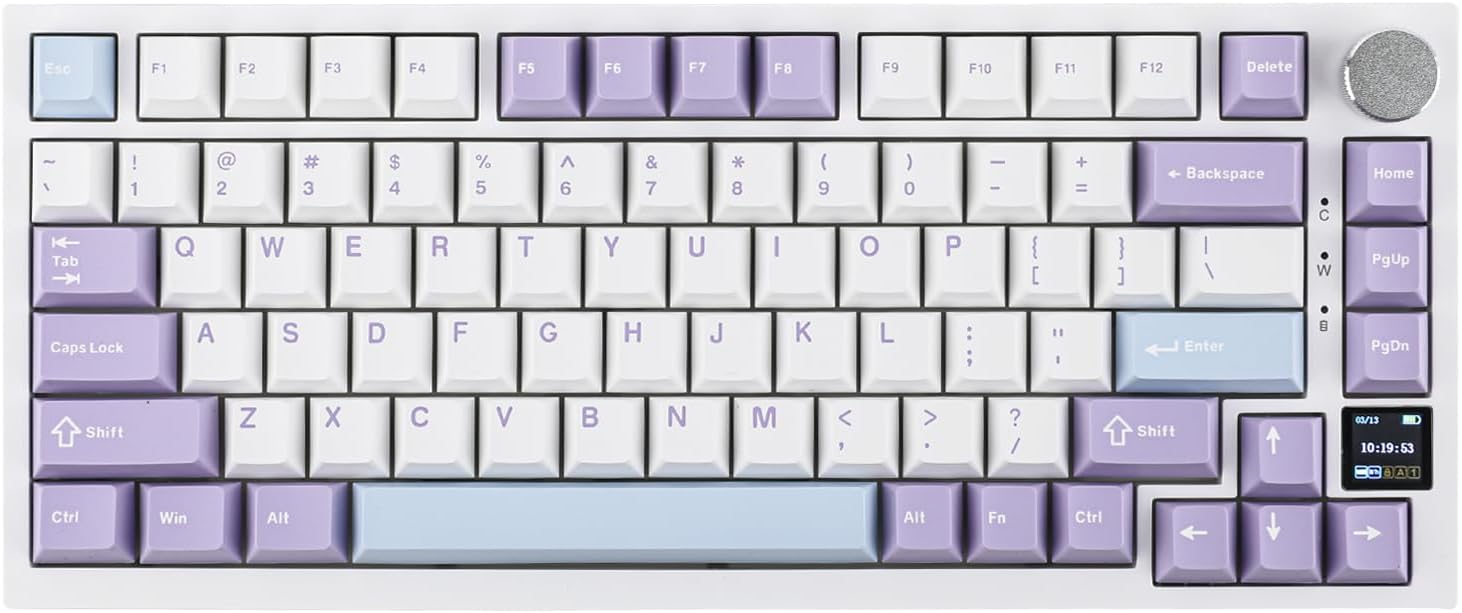
Ajazz AK820 Pro Review: 75% Mechanical Keyboard with Built-In Screen
Ajazz AK820 Pro has 20,000+ reviews on JD.com with a 4.5/5 rating at ¥199 ($28). Users love the innovative LCD screen, g
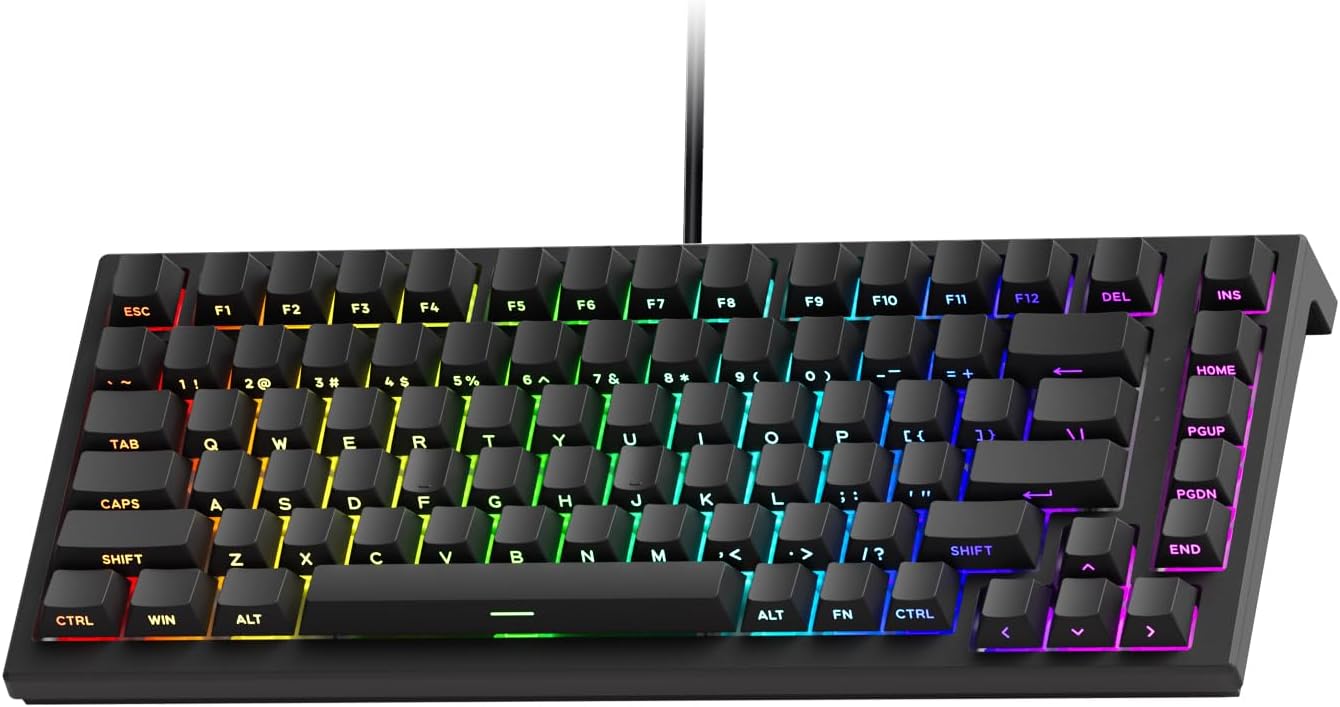
Akko 3068 Plus Review: The Compact 65% with Gasket Mount Comfort
Akko 3068 Plus has 10,000+ reviews on JD.com with a 4.5/5 rating at ¥269 ($38). Users praise the gasket mount typing fee
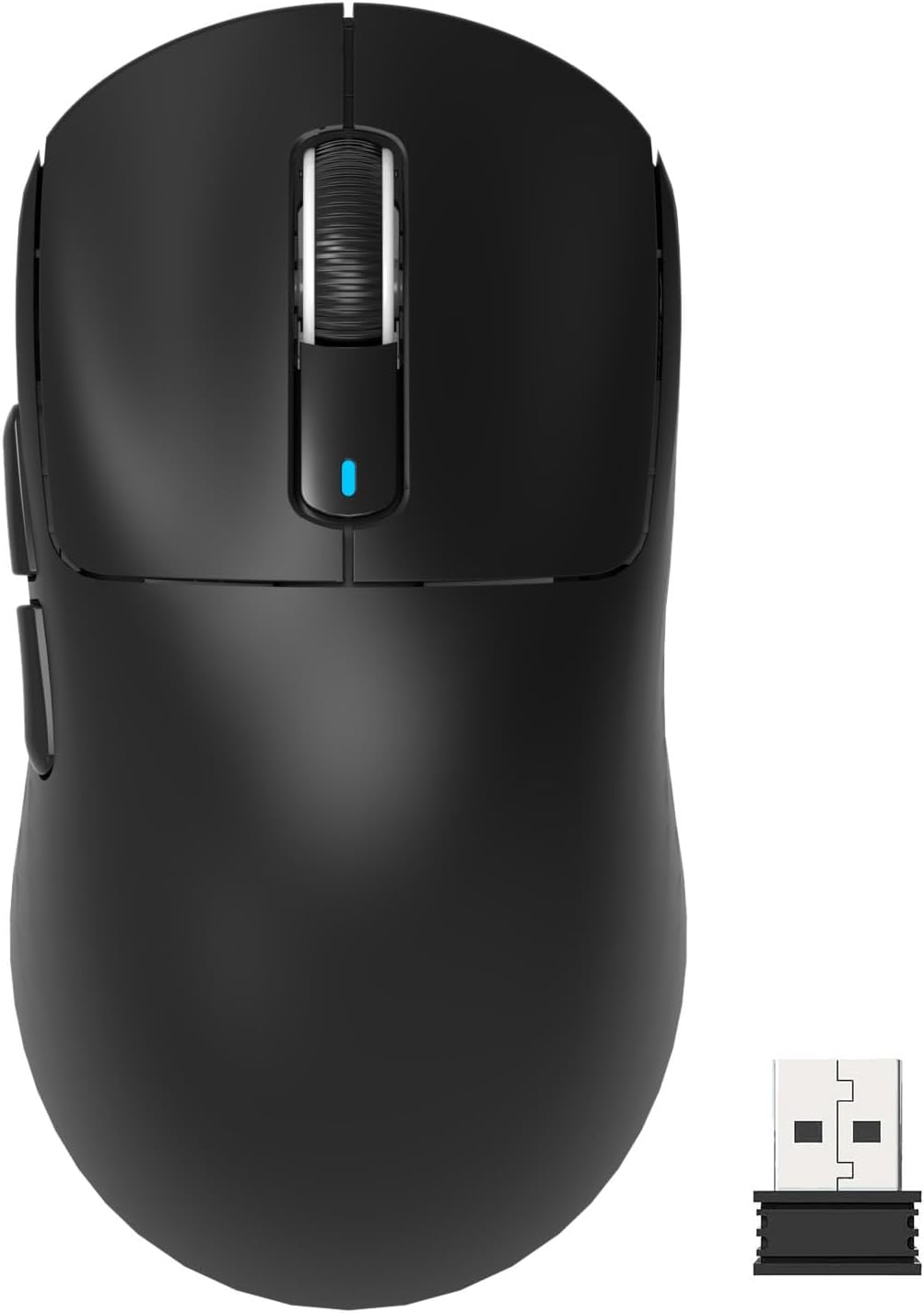
Attack Shark X3 Mouse Review: The Ultra-Budget PAW3395 Gaming Mouse
Attack Shark X3 has 30,000+ reviews on JD.com with a 4.5/5 rating at ¥119 ($17). Users love the unbeatable price for PAW
Baseus Cable Management Box Review: Tame Your Desktop Chaos for ¥39
Baseus Cable Management Box has 40,000+ reviews on JD.com with a 4.5/5 rating at ¥39 ($5.50). Users love how it hides ca
Baseus Desk Mat Review: Washable Waterproof Desk Pad for Clean Workspaces
Baseus Desk Mat has 50,000+ reviews on JD.com with a 4.3/5 rating at ¥69 ($10). Users love the waterproof surface and ea