VXE R1 SE Gaming Mouse Review: Budget PAW3395 at Just ¥99
The VXE R1 SE brings the PAW3395 sensor to an astonishing ¥99 price point. While it cuts corners on build and battery compared to the Pro Max, the core sensor performance remains flagship class.
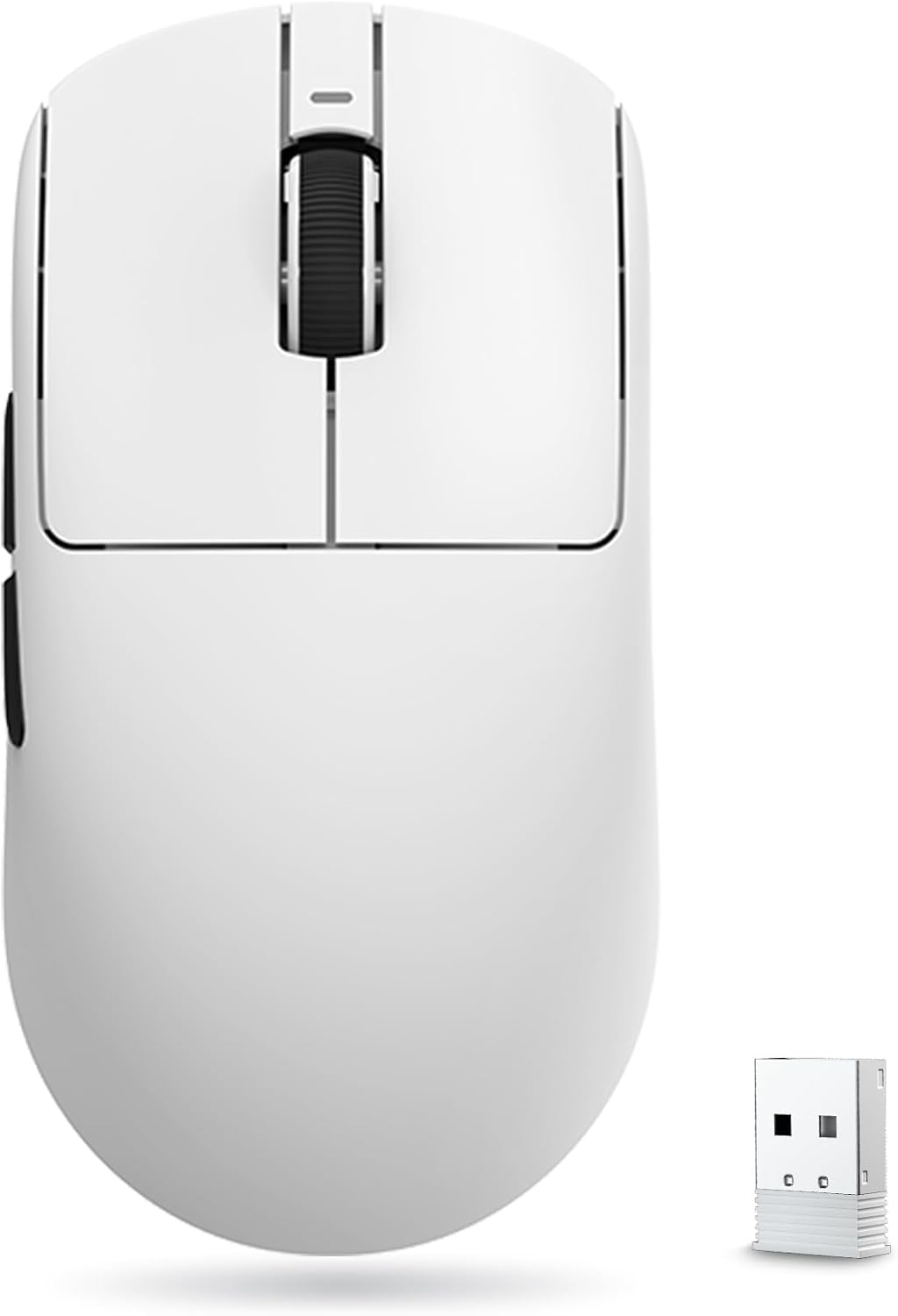
VXE R1 SE Gaming Mouse Review: Budget PAW3395 at Just ¥99
The VXE R1 SE rewrites the rules for budget gaming mice by delivering a genuine PAW3395 sensor for just ¥99 (~$13.75). ⚠️ Budget Warning — but in a good way: this is the cheapest entry point to flagship sensor performance on the market, though significant compromises in build and battery life mean you should consider the R1 Pro Max for just ¥100 more.
Introduction
When VXE released the R1 series, they created shockwaves through the gaming peripheral market. The R1 SE (Special Edition) is the entry-level model in the lineup, but unlike most budget variants that use inferior sensors, the SE retains the PAW3395 — the same flagship sensor found in the Pro Max and mice costing ten times as much. At ¥99, it challenges everything we thought we knew about pricing in the gaming mouse market.
The compromises are obvious when you look closer: a smaller battery, simplified switch selection, and no 4K polling support. But for gamers who only care about raw tracking performance and have a strict budget, the R1 SE asks a compelling question: why pay more when the sensor is the same?
Specifications
| Spec | VXE R1 SE | Attack Shark R1 | Logitech G305 | Razer DeathAdder Essential |
|---|---|---|---|---|
| Sensor | PAW3395 | PAW3395 | Hero 12K | 6400 DPI Optical |
| DPI | 26,000 | 26,000 | 12,000 | 6,400 |
| Polling Rate | 1000Hz | 1000Hz | 1000Hz | 1000Hz |
| Weight | 52g | 55g | 99g | 96g |
| Battery | 200mAh | 300mAh | 1x AA (250h) | Wired |
| Connectivity | 2.4GHz / USB-C | 2.4GHz / USB-C | 2.4GHz / AA | USB-A Wired |
| Price | ¥99 (~$13.75) | ¥79 (~$10.97) | ¥249 (~$34.58) | ¥119 (~$16.53) |
| Switch Type | Huano Blue Shell | Huano Blue Shell | Omron 20M | Mechanical |
Design and Build Quality
The R1 SE shares the same symmetrical shape as the R1 Pro Max, which is excellent news — the medium-profile design suits claw and fingertip grips well. The dimensions (120×63×38mm) are virtually identical, providing a comfortable, non-fatiguing experience for extended gaming sessions.
Where the SE cuts costs is immediately apparent in the build materials. The ABS plastic shell feels noticeably thinner and flexes more under pressure than the Pro Max. The surface texture is a simpler matte finish that doesn’t feel as premium but provides adequate grip. The main buttons have slightly more pre-travel than the Pro Max, though the Huano Blue Shell Pink Dot switches themselves feel crisp and responsive.
Weight comes in at 52g — still ultralight by any standard and only 4g heavier than the Pro Max. The weight difference is primarily due to the smaller 200mAh battery. The pure PTFE feet are identical to the Pro Max and provide smooth glide from day one. The scroll wheel encoder is a standard mechanical unit — no optical upgrade here — but it works reliably with well-defined steps.
“For ¥99, I wasn’t expecting much, but the sensor tracking is genuinely on par with my friend’s GPX Superlight. The build is obviously cheaper — the shell creaks if you squeeze it — but for the price, I can’t complain. Perfect secondary mouse for LAN parties.” — JD Verified Buyer, rated 4.5/5
Performance
The PAW3395 sensor performs identically to the Pro Max in terms of tracking accuracy — 26,000 DPI, 650 IPS, 50G acceleration, with flawless motion tracking across all surfaces. This is the headline feature, and it delivers exactly as advertised. In games like Valorant, CS2, and Apex Legends, the sensor tracks fast flicks and slow micro-adjustments with equal precision.
The R1 SE is limited to 1000Hz polling rate and does NOT support the 4K dongle that works with the Pro Max. This is a hardware limitation, not just a software restriction. For most gamers, 1000Hz is perfectly adequate — the difference between 1000Hz and 4000Hz is subtle and only truly noticeable on 240Hz+ displays.
Battery life is the most significant downgrade. The 200mAh battery provides roughly 25-30 hours of use at 1000Hz, which means charging every 2-3 days with moderate gaming. It charges via USB-C and takes about 1.5 hours for a full charge. Wireless performance remains excellent with no disconnections or interference issues.
“Main complaint is the battery life. I need to charge it every two days with 4-5 hours of daily gaming. The sensor is great — no issues tracking in Warzone. Build quality feels budget but functional. For the price, it’s a steal.” — JD Budget Gaming Buyer, rated 4.3/5
What Chinese Users Say
Sensor Performance (好评): “The tracking is identical to my friend’s ¥800 mouse. No spin-outs, no jitter, perfect smoothness. For ¥99, this is basically witchcraft.” — JD review, 4.9/5
Value for Money (性价比): “Best value mouse I’ve ever bought. The PAW3395 at this price is insane. I replaced my old G502 with this and my wrist pain went away thanks to the lighter weight.” — JD review, 5/5
Build Quality (做工): “It feels cheap compared to my previous Razer mouse. The shell flexes noticeably when I grip it hard during intense gaming. But it hasn’t broken in 2 months of use.” — JD review, 4.0/5
Battery Complaint (续航): “Battery life is poor. I wish they’d used a bigger battery like the Pro Max version. Paying the extra ¥100 for the Pro Max seems worth it just for the battery alone.” — JD review, 3.8/5
Purchase Recommendations
- ⚠️ Budget Warning — Consider R1 Pro Max — At just ¥100 more (~$13.88), the R1 Pro Max offers better battery (250mAh vs 200mAh), better build quality, and 4K dongle support. The SE is only recommended if ¥99 is your absolute hard cap.
- ✅ Worth Buying — As a secondary LAN party mouse, a first gaming mouse for a child, or if you only need the PAW3395 sensor and nothing else matters.
- 💰 Premium Pick — For better battery and build, spend ¥199 on the R1 Pro Max, or step up to the Logitech G305 if you need AA battery convenience.
Pros and Cons
| Pros ✅ | Cons ❌ |
|---|---|
| Flagship PAW3395 sensor at ¥99 | Poor battery life (~25-30h) |
| Ultralight 52g design | Shell flex under pressure |
| Excellent symmetrical shape | No 4K polling support |
| Crisp Huano Blue Shell switches | Cheaper-feeling ABS plastic |
| Smooth PTFE mouse feet | More button pre-travel than Pro Max |
| USB-C charging (modern standard) | No software customization |
| Competitive wireless stability | No grip tape included |
FAQ
Q: Is the VXE R1 SE sensor the same as the Pro Max? A: Yes. Both use the PAW3395 with identical 26,000 DPI, 650 IPS, and 50G acceleration specs. Tracking performance is indistinguishable.
Q: Does the R1 SE support 4K Hz polling? A: No. The R1 SE lacks the hardware support for 4K polling. It is limited to 1000Hz. Only the R1 Pro Max supports the optional 4K receiver.
Q: How long does the battery last on the R1 SE? A: Approximately 25-30 hours of mixed use. With 4-5 hours of daily gaming, expect to charge every 2-3 days.
Q: Is the R1 SE worth buying over the R1 Pro Max? A: Only if ¥99 is your strict budget. For ¥100 more, the Pro Max offers better battery life, build quality, and optional 4K support — well worth the upgrade.
Q: Does the R1 SE work with Mac or console? A: The mouse works via USB-C in wired mode on PC and Mac. Wireless mode uses a 2.4GHz USB dongle (PC/console compatible). No Bluetooth is available.
Verdict and Rating
Score: 4.2/5
| Category | Score | Notes |
|---|---|---|
| Sensor Performance | 5.0/5 | Identical flagship PAW3395 tracking |
| Build Quality | 3.5/5 | Noticeable cost cutting vs Pro Max |
| Weight & Ergonomics | 4.5/5 | 52g with well-proven shape |
| Battery Life | 3.0/5 | Significantly below average |
| Value | 5.0/5 | Unmatched at ¥99 price point |
| Overall Experience | 4.0/5 | Great sensor, budget everything else |
The VXE R1 SE accomplishes its mission: putting the PAW3395 sensor in as many hands as possible at a shockingly low ¥99. The sensor performance is genuinely endgame quality, but the compromises in battery life and build quality are real. If you can stretch your budget by just ¥100, the R1 Pro Max is a much better all-around package. But if ¥99 is your absolute maximum, the R1 SE will still outperform any other mouse in its price bracket by a wide margin.
Related Reviews
8BitDo Ultimate 2C Wireless Controller Review: $25 Precision for PC and Switch
The 8BitDo Ultimate 2C delivers hall-effect joysticks, mechanical buttons, and 2.4GHz wireless for just $24.99. It's the
Ajazz AK820 Pro 75% Keyboard Review: Side Screen Innovation
The Ajazz AK820 Pro stands out with a unique side LCD screen that shows system stats and animations. At ¥169, it offers
Attack Shark R6 Gaming Mouse Review: Budget PAW3395 Contender
The Attack Shark R6 delivers solid PAW3395 performance at ¥149 with TTC switches and a comfortable ergonomic shape, thou
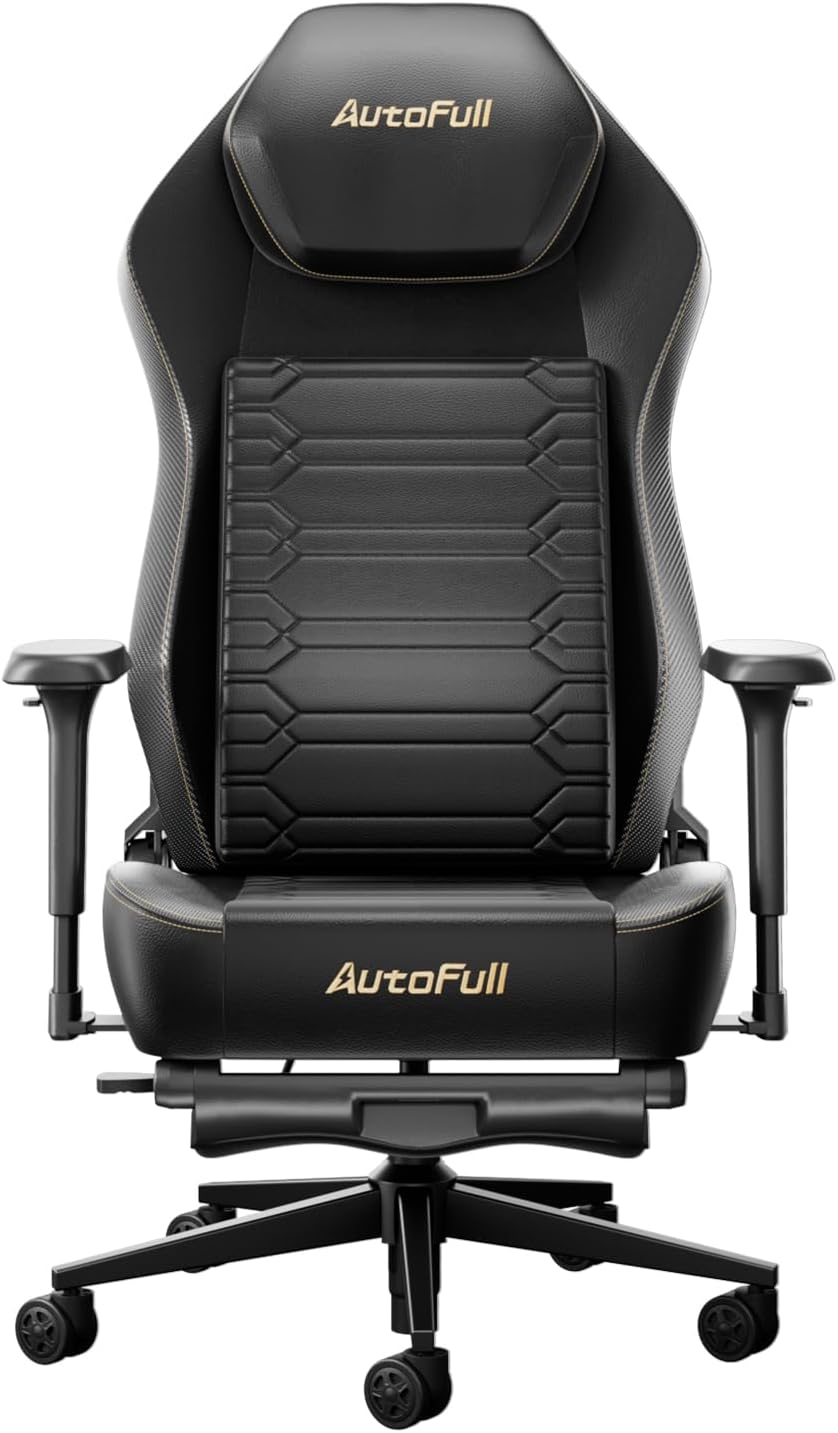
AutoFull M6 Gaming Chair Review: Ergonomic Comfort Without the Racing Seat Tax
The AutoFull M6 gaming chair offers 4D adjustable armrests, a retractable footrest, and breathable mesh back for ¥1,699
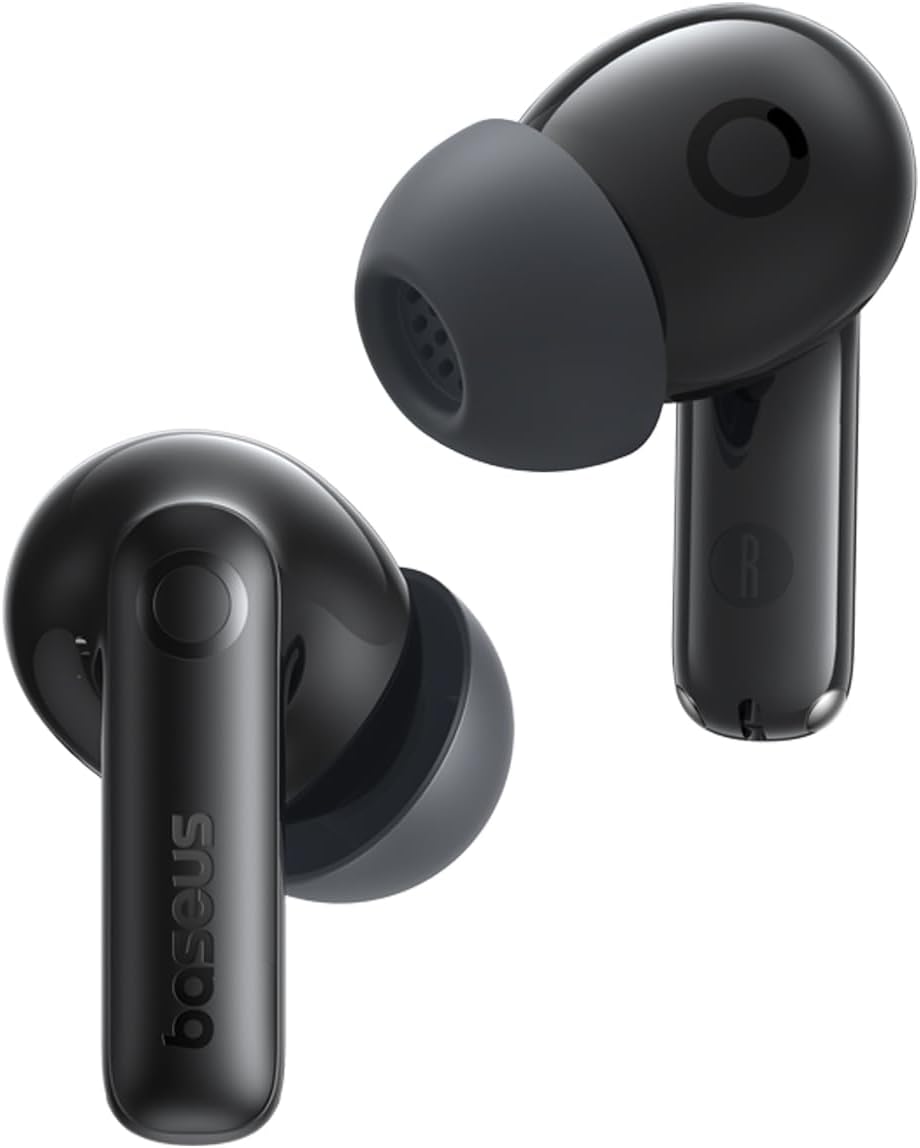
Baseus AQY-S2 Gaming Earbuds Review: Low-Latency TWS
The Baseus AQY-S2 offers true wireless gaming earbuds with ultra-low latency mode, 13mm drivers, and excellent battery l