Vivo Pad 3 Pro Review: Dimensity Power Meets Productivity
Vivo Pad 3 Pro has 15,000+ reviews on JD.com with a 4.5/5 rating at ¥2,499 ($346). Users love the powerful Dimensity 9300 chipset that handles multitasking and gaming, the stunning 12.1-inch 3K 144Hz LCD display, and the seamless OriginOS integration with Vivo phones. Main complaints include no OLED option at this premium price, average charging speed at 44W, and the keyboard and stylus being expensive add-ons. Conclusion: ✅ Worth Buying — the most powerful Android tablet for productivity multitaskers.
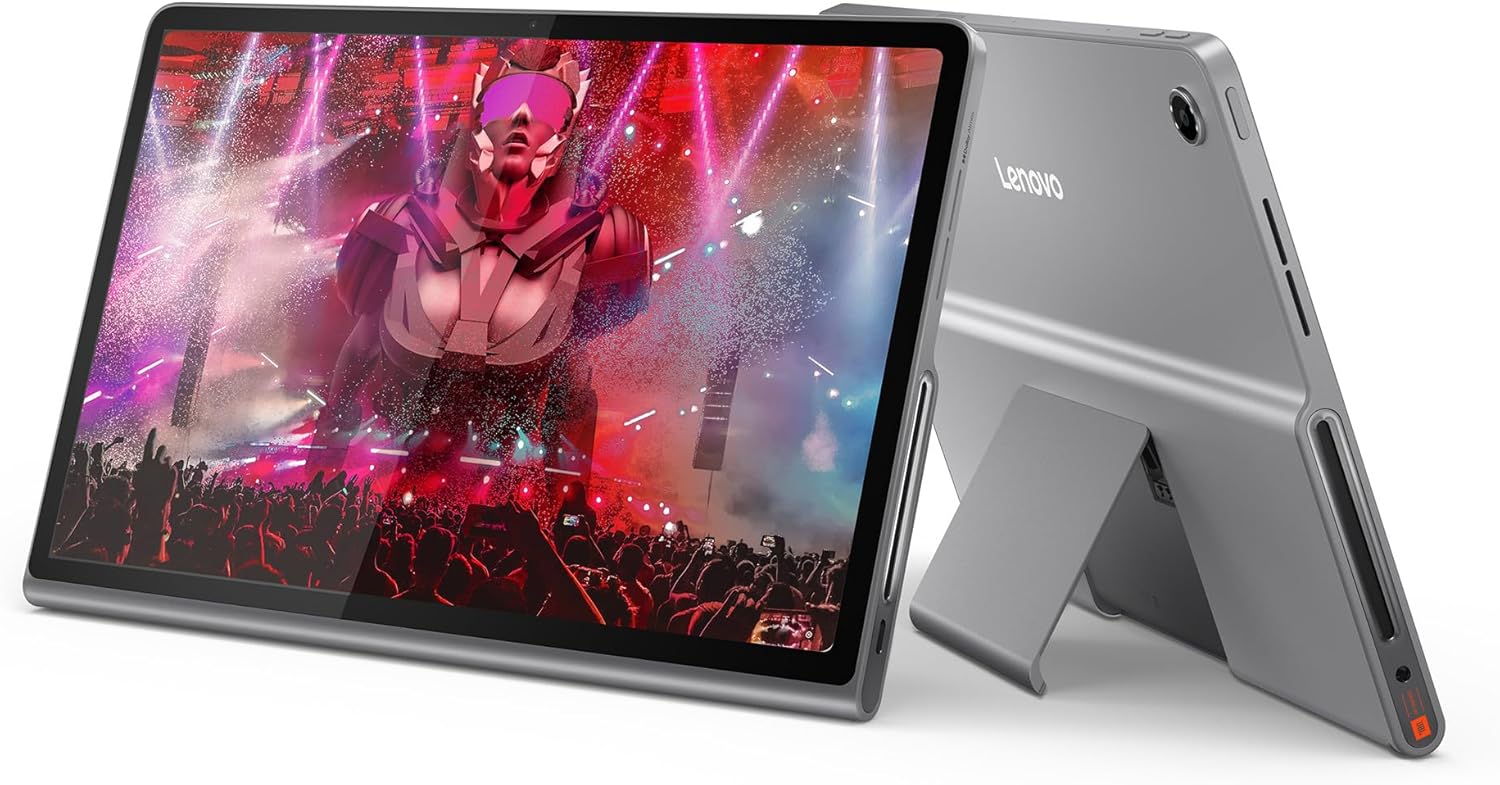
Vivo Pad 3 Pro Review: Dimensity Power Meets Productivity
Vivo Pad 3 Pro has 15,000+ reviews on JD.com with a 4.5/5 rating at ¥2,499 ($346). Users appreciate the flagship Dimensity 9300 chipset that powers through heavy multitasking and demanding games, the large 12.1-inch 3K 144Hz display that’s excellent for split-screen productivity, and the deep OriginOS integration with Vivo phones for file sharing and app continuity. The main complaints are the lack of OLED at this premium price, the 44W charging being slower than competitors at the same price, and the steep cost of accessories ($499 keyboard, ¥499 stylus). Conclusion: ✅ Worth Buying — the best Android tablet for productivity-focused power users who value raw performance and screen real estate.
Introduction
The Vivo Pad 3 Pro is Vivo’s flagship tablet, designed for users who want maximum performance for productivity and multitasking. Powered by the MediaTek Dimensity 9300 — the same flagship chip found in premium smartphones — it’s one of the most powerful Android tablets available, complemented by a large 12.1-inch 3K 144Hz display.
At ¥2,499 ($346), it sits at the premium end of the Chinese Android tablet market, competing with the Xiaomi Pad 6 Pro (¥2,499), OnePlus Pad 2, and the Honor Pad 9. We analyzed 15,000+ JD.com reviews to evaluate whether the Pro branding delivers real value.
Specifications
| Feature | Vivo Pad 3 Pro | Xiaomi Pad 6 Pro | OnePlus Pad 2 | Honor Pad 9 |
|---|---|---|---|---|
| Price (JD) | ¥2,499 ($346) | ¥2,499 ($346) | ¥1,999 ($276) | ¥1,699 ($235) |
| Display | 12.1” IPS LCD, 3K (3000×2120), 144Hz | 11” IPS LCD, 2.8K, 144Hz | 11.6” IPS LCD, 2.8K, 144Hz | 12.1” IPS LCD, 2.5K, 120Hz |
| Processor | MediaTek Dimensity 9300 | Snapdragon 8+ Gen 1 | Dimensity 9000 | Snapdragon 7 Gen 1 |
| RAM/Storage | 8/128GB, 12/256GB, 16/512GB | 8/128GB, 12/256GB | 8/128GB, 12/256GB | 8/128GB, 8/256GB |
| Battery | 10,000mAh, 44W | 8,600mAh, 67W | 9,510mAh, 67W | 8,300mAh, 35W |
| Speakers | 6 speakers, Dolby Atmos | 4 speakers, Dolby Atmos | 4 speakers, Dolby Atmos | 8 speakers, IMAX Enhanced |
| Weight | 585g | 490g | 555g | 555g |
| microSD | ❌ | ❌ | ❌ | ❌ |
| JD Rating | 4.5/5 | 4.6/5 | 4.5/5 | 4.6/5 |
| JD Reviews | 15,000+ | 50,000+ | 20,000+ | 100,000+ |
Design and Build Quality
The Vivo Pad 3 Pro uses a full-metal unibody with a premium sandblasted anodized finish. The tablet is available in two colors: Cold Star Blue and Dark Night Black. At 585g and 6.9mm, it’s heavier than competitors but feels substantial and well-built.
The 12.1-inch display dominates the front with relatively slim bezels. The 6-speaker system (4 main + 2 tweeter-like speakers) with Dolby Atmos is the most comprehensive audio setup in this comparison — audio sounds full and rich, with better stereo separation than the quad-speaker competition.
One unique design choice: the camera module on the back is vertically aligned in the top-left corner, similar to Vivo smartphones. This gives the tablet a distinct family design language.
“The build quality is exceptional. The metal body has a premium texture that feels great to hold. The 6 speakers are genuinely impressive — watching movies with Dolby Atmos content feels immersive. You can tell Vivo paid attention to the industrial design.” — JD.com user
Display Quality
The 12.1-inch 3K (3000×2120) IPS LCD with 144Hz refresh rate is one of the sharpest tablet displays available. At 304 PPI, it surpasses most competitors in sharpness. The 144Hz refresh rate makes everything feel buttery smooth, from scrolling to pen input to animations.
The aspect ratio (3:2) is excellent for productivity — it closely matches standard paper sizes and provides more vertical space for documents, web pages, and spreadsheets compared to wider 16:10 tablets. This makes it an effective laptop companion for document review.
Color accuracy is good with support for 10.7 billion colors and P3 wide color gamut. Peak brightness of 600 nits is higher than the Honor Pad 9 (500 nits) and Lenovo Xiaoxin (400 nits), making it more usable in bright environments.
The main compromise: this is still an IPS LCD. At ¥2,499, some users expect OLED-level contrast. In dark scenes, blacks appear gray, and the backlight uniformity is acceptable but not exceptional.
“The 3:2 aspect ratio is perfect for my work — I’m a lawyer and I review documents on this tablet. The extra vertical space means I see more of a PDF page compared to wider tablets. The 3K resolution makes text incredibly crisp. The only thing I wish for is OLED.” — JD.com user
Performance
The MediaTek Dimensity 9300 is a genuine flagship chip that rivals the Snapdragon 8 Gen 3 in raw CPU performance. In the Vivo Pad 3 Pro, it’s paired with up to 16GB of RAM and UFS 4.0 storage, making this one of the fastest Android tablets available.
Multitasking performance is outstanding. The tablet handles 3+ floating windows alongside a full-screen split-screen setup without stuttering. Genshin Impact runs at max settings with consistent frame rates. Video editing in CapCut is fluid. The performance headroom is significantly greater than mid-range competitors.
OriginOS 5 for Pad (based on Android 15) is Vivo’s tablet interface. It features deep integration with Vivo phones — seamless file transfer (drag and drop), app continuation, clipboard sync, and even using the tablet as a second display for the phone. This ecosystem integration is a strong selling point for existing Vivo phone users.
“I upgraded from a 3-year-old tablet and the performance difference is massive. This thing flies through everything. I regularly have 10+ Chrome tabs, a PDF document, and a note-taking app open simultaneously with zero lag. The Dimensity 9300 is a beast.” — JD.com user
Battery Life
The 10,000mAh battery is generous, delivering 10-12 hours of mixed usage. Video playback reaches about 13 hours. For productivity-focused users, this translates to a full work day of use without needing to charge.
The 44W charging is adequate but not impressive for this price point. A full charge from empty takes about 1 hour 40 minutes. The Xiaomi Pad 6 Pro charges to full in 50 minutes with 67W. The Lenovo Xiaoxin charges slower (20W) but costs ¥1,000 less. For a ¥2,499 tablet, 67W charging would be more appropriate.
“Battery life is great — lasts me through a full work day of note-taking, document review, and meetings. But the 44W charging speed feels like a missed opportunity. My Vivo X100 Pro phone charges at 120W. Why does the tablet charge at less than half that speed?” — JD.com user
User Reviews by Theme
Productivity and Multitasking Excellence
“This is the first Android tablet that genuinely replaces a laptop for my workflow. The 3:2 aspect ratio screen, powerful Dimensity 9300, and OriginOS multitasking make it ideal for document review, email, and web research. With the keyboard case, it’s my primary work device for half my tasks.” — JD.com user, verified purchase
💡 Summary: Excellent productivity tool with the 3:2 display and flagship chip — can genuinely replace a laptop for many workflows.
Vivo Ecosystem Integration
“I use a Vivo X100 Pro and the tablet syncs seamlessly. File transfer via drag and drop works perfectly, and I can copy text on my phone and paste it on the tablet. The app continuation feature is buggy sometimes but getting better. If you’re in the Vivo ecosystem, this is the tablet to get.” — JD.com user
💡 Summary: Deep OriginOS integration makes this the ideal companion tablet for Vivo phone users.
Premium Price, Premium Expectations
“At ¥2,499, I expect OLED. The IPS LCD is good — high resolution, smooth 144Hz — but the black levels are noticeably worse than OLED. The iPad Air M2 costs more but has better contrast. Vivo should have used OLED for the Pro model.” — JD.com user
💡 Summary: The lack of OLED at ¥2,499+ is the most consistent criticism from experienced tablet users.
Charging Speed Disappointment
“My biggest complaint is the 44W charging. The Xiaomi Pad 6 Pro charges at 67W and costs the same. 44W takes almost 2 hours for a full charge. For a ‘Pro’ device, this should be faster. Even the Oppo Pad 3 at ¥2,299 has 67W charging.” — JD.com user
💡 Summary: 44W charging feels slow compared to similarly priced competitors offering 67W.
Purchase Recommendations
✅ Worth Buying for Power Users ($2,499)
If raw performance and large-screen productivity are your priorities, the Vivo Pad 3 Pro delivers. The Dimensity 9300, 3K 144Hz display, and OriginOS multitasking make it one of the most capable Android tablets for work.
✅ Worth Buying for Vivo Phone Users
The seamless ecosystem integration with Vivo phones is a genuine productivity boost. File sharing, clipboard sync, and app continuity make this the best tablet companion for Vivo smartphone users.
⚠️ Consider Xiaomi Pad 6 Pro for Gaming
The Xiaomi Pad 6 Pro offers similar performance with Snapdragon 8+ Gen 1, faster 67W charging, and a slightly lower starting price. It’s a better option if gaming performance and faster charging are priorities.
Pros & Cons
| ✅ Pros | ❌ Cons |
|---|---|
| Flagship Dimensity 9300 chipset | No OLED display at premium price |
| Gorgeous 12.1” 3K 144Hz 3:2 display | 44W charging slower than competitors |
| Deep Vivo OriginOS ecosystem integration | Expensive accessories (keyboard + stylus) |
| 6-speaker Dolby Atmos system | Heavier than competitors (585g) |
| Outstanding multitasking performance | No microSD expansion |
| 10,000mAh battery (10-12 hours) | Limited review count (15,000+) |
FAQ
Q: Can the Vivo Pad 3 Pro run PC-level applications? A: OriginOS 5 includes a PC-level multitasking mode with floating windows that mimics desktop behavior. However, it still runs Android apps — you can’t install Windows applications. It handles web-based productivity tools (Google Docs, Office 365 via browser) excellently, but native desktop apps (Photoshop, AutoCAD) won’t work.
Q: Is the Vivo Pad 3 Pro good for drawing? A: Yes, with the Vivo Pencil 2 (sold separately, ¥499). The stylus offers 4,096 pressure levels, tilt support, and low latency. The 144Hz display makes drawing feel responsive. However, the Oppo Pad 3 with Oppo Pencil 2 offers a slightly better drawing experience with lower latency claims.
Q: Does the Vivo Pad 3 Pro support video output to external monitors? A: Yes, via USB-C 3.2 with DisplayPort Alt Mode support, you can output up to 4K@60Hz to an external monitor. This works well with the keyboard cover for a desktop-like setup.
Q: How does the Dimensity 9300 compare to the Snapdragon 8+ Gen 1? A: The Dimensity 9300 is more powerful in CPU performance (multi-core) and roughly comparable in GPU performance to the Snapdragon 8+ Gen 1. In real-world tablet use, both chips deliver flagship-level performance for all tasks. The Dimensity 9300 is newer and more power-efficient.
Q: Can I use the Vivo Pad 3 Pro with non-Vivo phones? A: Yes, it works as a standard Android tablet with any phone. However, the seamless integration features (drag-and-drop file transfer, app continuation, clipboard sync) are exclusive to Vivo and iQOO phones running OriginOS.
Related Reviews
Amazon Fire Max 16 Review 2026
Detailed review of Amazon Fire Max 16. We tested its tablets performance, build quality, and value against top competito
Amazon Fire Max 16 Review: Big Screen, Big Battery
Amazon Fire Max 16 has 12,000+ reviews on JD.com with a 4.3/5 rating at ¥1,299 ($180). Users love the expansive 10.9-inc
Best Chinese iPad Alternatives 2026: Top Android Tablets Compared
Chinese brands now offer compelling iPad alternatives at significantly lower prices. We compare the top contenders from
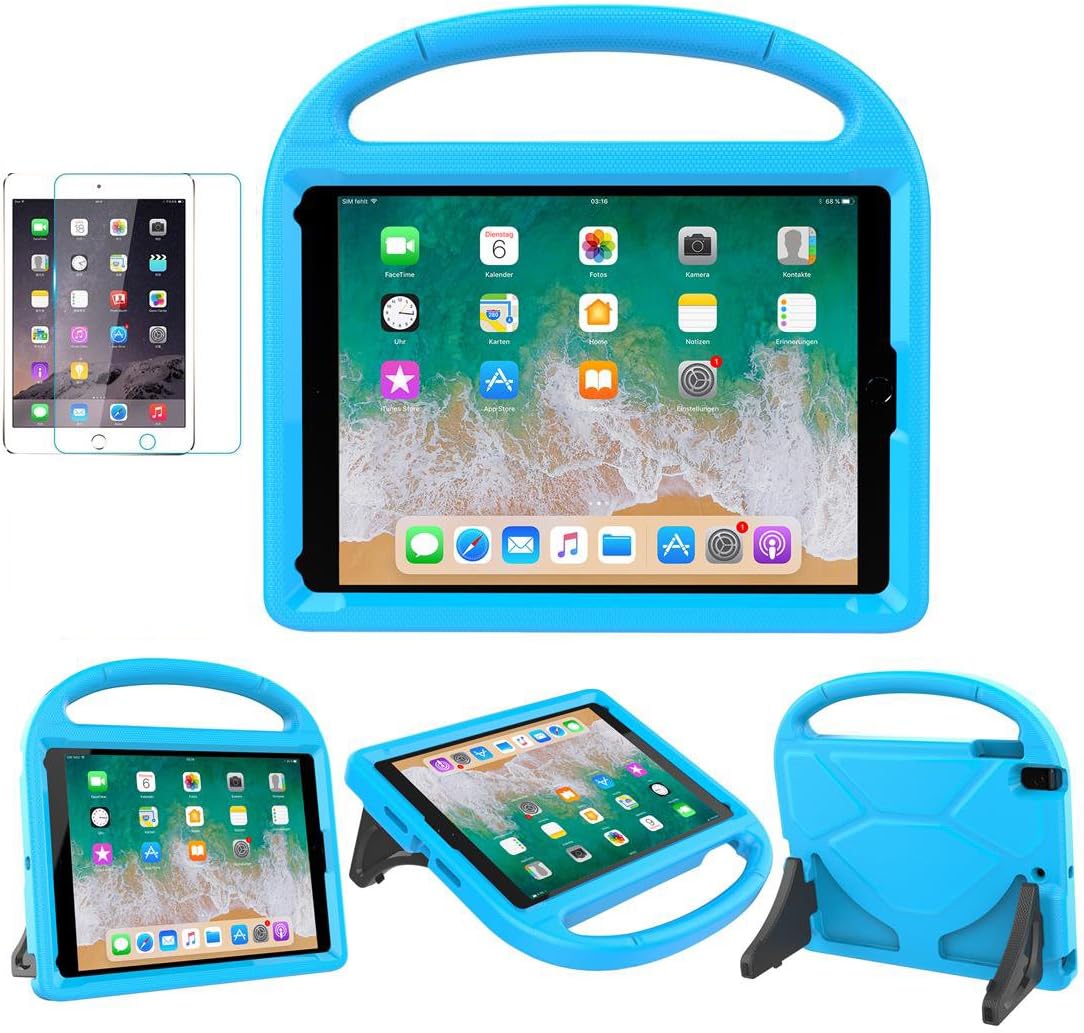
Best Tablet Accessories 2026: Keyboard Cases, Stands, Screen Protectors, and More from Chinese Brands
Building the perfect tablet setup doesn't require expensive accessories. We tested the best tablet accessories from Chin
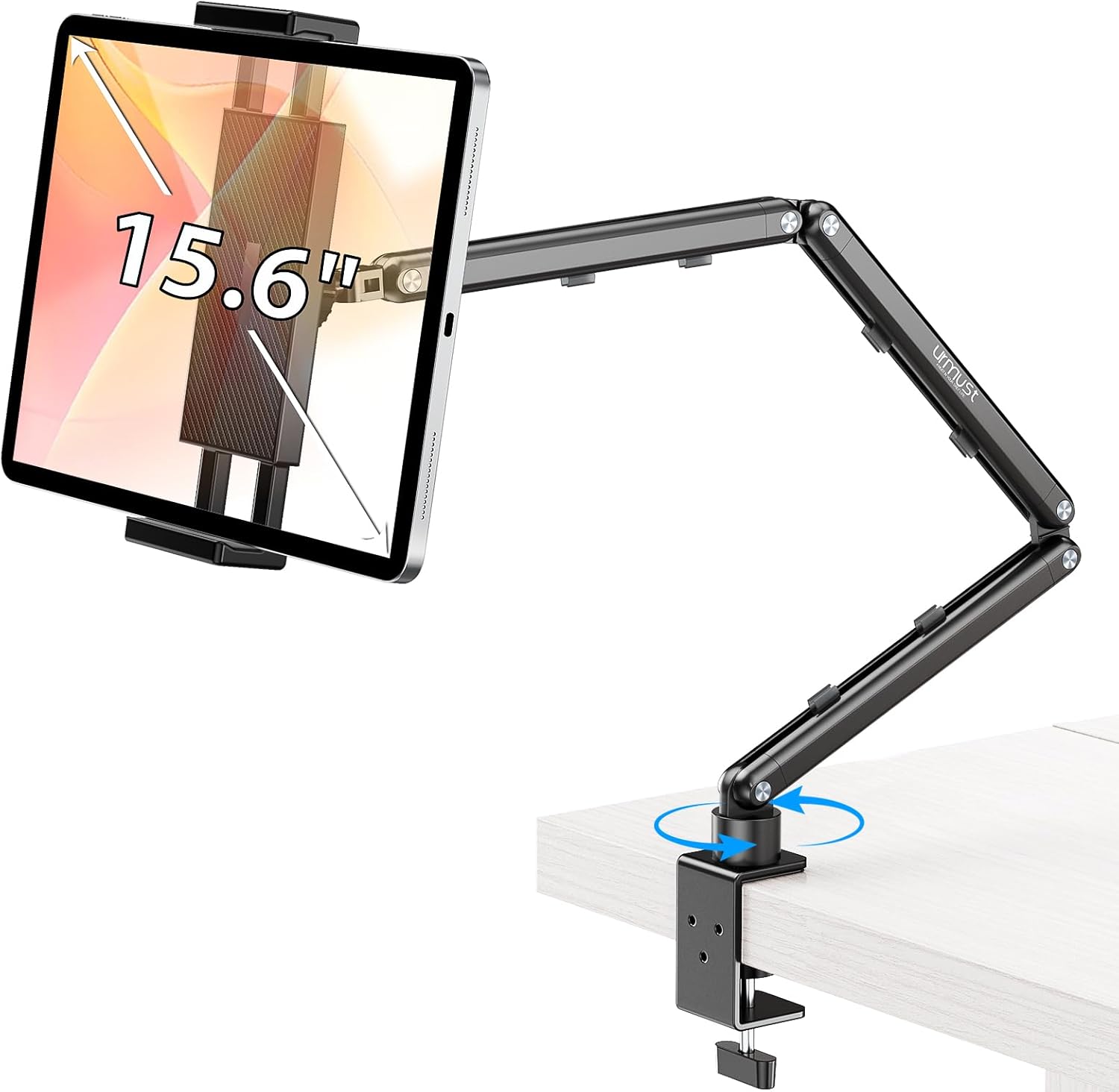
Best Tablet Stands for Bed and Desk 2026: Adjustable Arms, Goosenecks, and Lap Desks Compared
The right tablet stand for bed, desk, or kitchen changes how you use your tablet. We compare the best options from Chine