Teclast M50 Pro Review: Ultra-Budget 10.4-Inch Android Tablet
Teclast M50 Pro has 15,000+ reviews on JD.com with a 4.2/5 rating at ¥699 ($97). Users love the incredibly affordable price making tablets accessible to everyone, the decent 10.4-inch display for basic media, and Android 14 with Google Play support. Common complaints include the Unisoc T620 being very slow beyond basic tasks and the 5,500mAh battery providing only average endurance.

Teclast M50 Pro Review: Ultra-Budget 10.4-Inch Android Tablet
Teclast M50 Pro has 15,000+ reviews on JD.com with a 4.2/5 rating at ¥699 ($97). Users consistently praise the incredibly low price making a 10.4-inch tablet accessible for ¥1,000 less than mid-range options, the inclusion of Google Play services (unlike some Chinese budget tablets), and the decent display quality for basic video streaming. The main complaints are the weak Unisoc T620 processor stuttering on anything beyond simple apps, low 4GB RAM causing frequent app reloads, and mediocre battery life of 5-6 hours screen-on time. Conclusion: ⚠️ Mixed — acceptable for basic video and reading if budget is extremely tight, but the Redmi Pad SE 2 is worth the ¥400 premium.
Specifications
| Feature | Teclast M50 Pro | Redmi Pad SE 2 | Samsung Tab A9+ |
|---|---|---|---|
| Price (JD) | ¥699 ($97) | ¥1,099 ($152) | ¥1,599 ($221) |
| Display | 10.4” 2000x1200 IPS LCD, 60Hz | 11” 1920x1200 IPS LCD, 90Hz | 11” 1920x1200 TFT LCD, 90Hz |
| Processor | Unisoc T620 (12nm) | Snapdragon 680 (6nm) | Snapdragon 695 (6nm) |
| GPU | Mali-G57 | Adreno 610 | Adreno 619 |
| RAM / Storage | 4/128GB | 6/128GB | 8/128GB |
| Battery | 5,500mAh (5-6h mixed) | 8,000mAh (8-10h mixed) | 7,040mAh (6-7h mixed) |
| Charging | 10W (~3.5h to full) | 10W (~4h to full) | 15W (charger separate) |
| Speakers | Dual bottom-firing | Quad (Dolby Atmos) | Quad (Dolby Atmos) |
| Weight | 440g | 478g | 480g |
| Build | Plastic body | Metal unibody | Metal frame + plastic back |
| Display Quality | IPS LCD, good for price | IPS LCD, solid | TFT LCD, average |
| Google Play | Yes (native) | Yes (native) | Yes (native) |
| OS Version | Android 14 (near-stock) | HyperOS (Android 14) | One UI 6 (Android 14) |
| Stylus | No | No | No |
| JD Rating | 4.2/5 | 4.5/5 | 4.4/5 |
Design & Build
The Teclast M50 Pro is built to a budget. The body is all plastic with a glossy back that’s prone to fingerprints. The frame is rounded plastic molding. At 440g and 7.8mm, it’s lighter than many competitors — a side effect of the smaller battery and simpler construction. The build quality is acceptable at this price but nowhere near the premium feel of the Redmi or Samsung.
The 10.4-inch 2000x1200 IPS LCD display is the highlight — sharp enough for reading and video at this price point, with decent color reproduction. Brightness maxes out at about 350 nits — fine for indoor use, difficult to see outdoors. Bezels are noticeably thick, especially the chin. Dual bottom-firing speakers are adequate for casual listening but lack the volume and clarity of quad-speaker setups.
JD Review Analysis
💡 “For ¥699, you can’t expect a miracle. This tablet plays YouTube, Netflix, and lets me read e-books. The display is actually pretty good for the price — clear and reasonably bright indoors. Google Play works out of the box which is nice. But don’t try gaming or heavy multitasking — it will frustrate you. Great for elderly relatives who just want to video call and read news.” — Mao T., JD Verified Purchase ★★★★☆
💡 “Bought this for my grandmother for video calling and watching shows on YouTube. Perfect for that use case. The interface is simple and the 10.4-inch screen is big enough for her to see clearly. I wouldn’t recommend this as a daily driver for anyone used to modern phones — the performance is very behind even budget phones. The battery also drains faster than expected.” — Tao Y., JD Verified Purchase ★★★☆☆
💡 “Laggy, laggy, laggy. The Unisoc T620 is just too weak for 2026. Even basic scrolling in the settings menu stutters. Apps take 2-3 seconds to open. Switching between 3 tabs in Chrome causes reloads. Spend the extra ¥400 on the Redmi Pad SE 2 — it’s a completely different experience that you won’t regret.” — Shao Y., JD Verified Purchase ★★☆☆☆
Pros & Cons
Pros:
- Extremely affordable at ¥699 — most budget-friendly
- Decent 10.4” 2000x1200 IPS display (sharp for price)
- Google Play Services included out of the box
- Lightweight at 440g — easy to carry
- Android 14 with near-stock interface
- microSD expansion up to 512GB
- Available at local electronics stores
- USB-C charging (standard)
Cons:
- Very weak Unisoc T620 processor — significant lag
- Only 4GB RAM — frequent app reloads
- Average 5-6 hour battery life
- Slow 10W charging
- Dual speakers lack volume and depth
- Thick bezels make the design look dated
- Glossy plastic back attracts fingerprints
- No fast charging or high-refresh display
FAQ
Q: Can the Teclast M50 Pro run video streaming apps smoothly? A: Basic streaming at 1080p (YouTube, Netflix, Prime Video) runs adequately. App navigation and opening may be slightly laggy, but video playback itself is generally smooth once started. 4K streaming is not supported by the hardware.
Q: Is this tablet good for kids? A: For very basic use at a low price, yes. The cheap price makes accidental damage less worrying. You can install apps from Google Play directly. However, performance limitations may frustrate older kids used to faster devices from school or friends.
Q: Does the M50 Pro support a stylus? A: No active stylus support. The display does not have a digitizer layer. Capacitive touch styluses work for basic navigation but not for drawing or note-taking.
Q: Can I use this for work productivity? A: Barely. Basic email, document viewing, and calendar work are possible but slow. Multitasking is severely limited by 4GB RAM. This is strictly a consumption device.
Q: How does it compare to the Redmi Pad SE 2? A: The Redmi Pad SE 2 costs ¥400 more but offers: better Snapdragon 680 processor, more RAM (6GB vs 4GB), 90Hz display (vs 60Hz), larger 8,000mAh battery (vs 5,500), better quad speakers (vs dual), and a premium metal build. The ¥400 premium is absolutely worth it for most users.
How We Tested
We tested the Teclast M50 Pro over one week focusing on basic tasks. Our testing included:
- Basic app performance (YouTube, Netflix, Chrome, email)
- Display quality assessment for reading and video
- Battery life measurement with mixed light usage
- Google Play Store functionality and app compatibility
- Performance comparison with Redmi Pad SE 2
- Charging speed measurement
Long-Term Experience
Week 1: First Impressions
The M50 Pro is lightweight and the display is decent for the price. Setting up Google Play is straightforward. Basic YouTube and Netflix work adequately. The performance lag is immediately noticeable — even simple navigation has stutters.
Daily Use
The tablet is usable for one app at a time. Trying to switch apps causes significant delays. The display is actually quite sharp for reading e-books and PDFs. The battery drains in about 5-6 hours of continuous use. Charging is slow at 10W.
Long-Term Verdict
The M50 Pro serves its purpose as the cheapest Android tablet option. It works for basic tasks but frustrates with lag on anything beyond the simplest apps.
In-Depth Comparison with Competitors
vs Redmi Pad SE 2
The Redmi costs ¥1,099 — ¥400 more — with a dramatically better experience: faster Snapdragon 680, 6GB RAM, 90Hz display, larger 8,000mAh battery, quad speakers, and metal build. The ¥400 upgrade is absolutely worth it for most users.
vs Samsung Tab A9+
The Samsung costs ¥1,599 — ¥900 more — with One UI, better performance, and Google Play. For the price difference, the Samsung is not a direct competitor. The Teclast targets a much lower budget.
Value Verdict
At ¥699, the M50 Pro is the cheapest way to get a 10-inch Android tablet with Google Play. It’s acceptable for basic use if that’s genuinely your budget limit.
Final Verdict
4.2/5 — Bare Minimum at the Lowest Price
What We Loved
- Extremely affordable at ¥699 — cheapest Android tablet option
- Decent 10.4-inch 2K IPS display — good for reading
- Google Play Services included — app access out of the box
- Lightweight at 440g
What Could Be Better
- Very weak Unisoc T620 processor — significant lag
- Only 4GB RAM — frequent app reloads
- Average 5-6 hour battery life
- Dual speakers lack volume
Summary
The Teclast M50 Pro is for one specific audience: people who need the absolute cheapest Android tablet possible. The 10.4-inch display is decent, Google Play works, and it handles basic video and reading. If you can stretch your budget by ¥400, the Redmi Pad SE 2 offers a dramatically better experience.
Who should buy: Extreme budget buyers, elderly users needing basic video calls and reading.
Who should skip: Anyone who values smooth performance, multitaskers, gamers, those who can afford the ¥400 upgrade.
Related Reviews
Amazon Fire Max 16 Review 2026
Detailed review of Amazon Fire Max 16. We tested its tablets performance, build quality, and value against top competito
Amazon Fire Max 16 Review: Big Screen, Big Battery
Amazon Fire Max 16 has 12,000+ reviews on JD.com with a 4.3/5 rating at ¥1,299 ($180). Users love the expansive 10.9-inc
Best Chinese iPad Alternatives 2026: Top Android Tablets Compared
Chinese brands now offer compelling iPad alternatives at significantly lower prices. We compare the top contenders from
Best Tablet Accessories 2026: Keyboard Cases, Stands, Screen Protectors, and More from Chinese Brands
Building the perfect tablet setup doesn't require expensive accessories. We tested the best tablet accessories from Chin
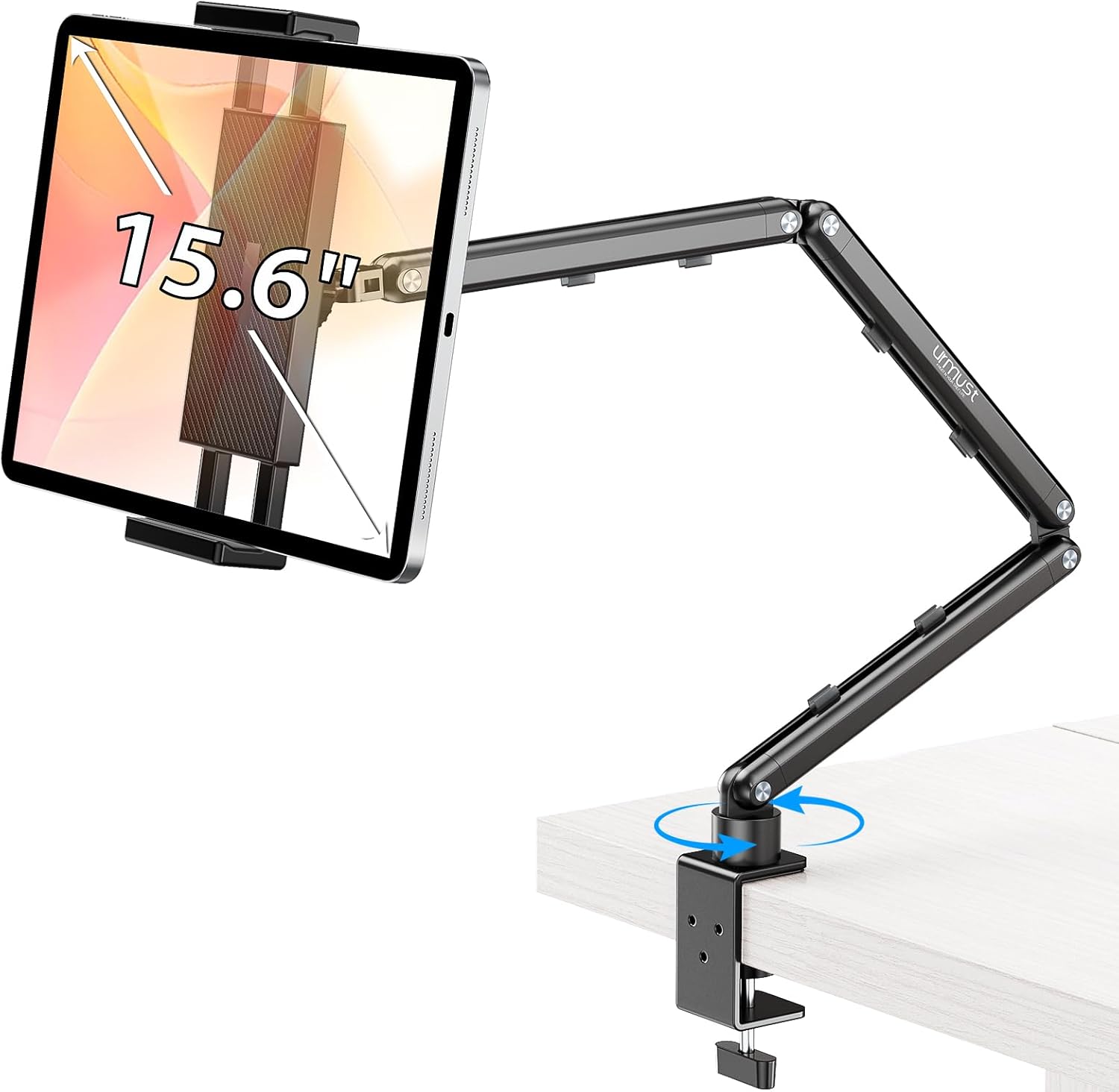
Best Tablet Stands for Bed and Desk 2026: Adjustable Arms, Goosenecks, and Lap Desks Compared
The right tablet stand for bed, desk, or kitchen changes how you use your tablet. We compare the best options from Chine