Satechi USB-C Pro Hub Slim Review: Premium MacBook Aesthetic Hub
Satechi USB-C Pro Hub Slim at ¥449 ($62) is the best-looking MacBook hub on JD with 500+ reviews at 4.5/5. Color-matched aluminum, 4K@60Hz HDMI, and 60W PD. Users love the seamless look with MacBooks but note limited ports and premium price.
Satechi USB-C Pro Hub Slim Review: Premium MacBook Aesthetic Hub
Satechi’s USB-C Pro Hub Slim has 500+ reviews on JD.com with a 4.5/5 rating at ¥449 ($62). Users praise the exact color match with MacBooks and compact design. The main complaints are limited port count (7) and 60W PD (not 100W). Conclusion: 💰 Premium Pick — for Mac users who prioritize aesthetic matching over port count.
Introduction
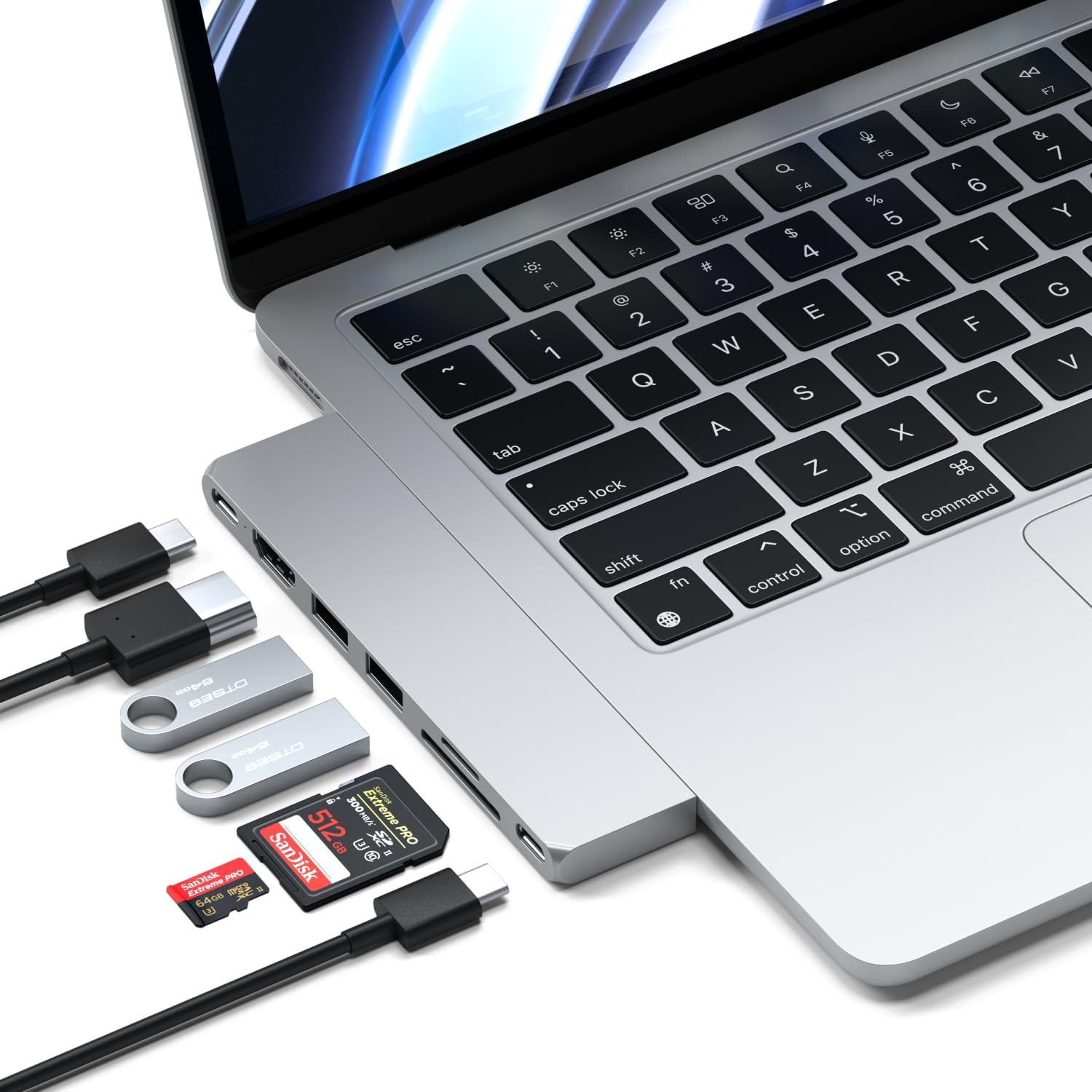
Satechi is known for Mac-first accessories, and the USB-C Pro Hub Slim is their flagship. Available in Space Gray, Silver, and Midnight colors that precisely match Apple’s finishes, it sits flush against a MacBook side — almost invisible when attached. It’s designed primarily for MacBook Air and Pro users who want their hub to look like a native Mac accessory.
At ¥449 ($62), it’s the most expensive compact hub in this comparison. The premium is for the anodized aluminum finish, color matching, and Satechi’s reputation in the Apple accessory ecosystem. The hub offers 7 ports: HDMI 4K@60Hz, 2 USB-A, USB-C data, micro/SD card reader, and 60W PD.
Specifications
| Spec | Satechi Pro Hub Slim | Anker 655 8-in-1 | UGREEN 10-in-1 | CalDigit Connect |
|---|---|---|---|---|
| Price | ¥449 ($62) | ¥359 ($50) | ¥269 ($37) | ¥549 ($76) |
| Ports | 7 | 8 | 10 | 8 |
| HDMI | 4K@60Hz | 4K@60Hz | 4K@60Hz | 4K@60Hz |
| USB-A | 2 (5Gbps) | 2 (5Gbps) | 3 (10Gbps) | 2 (5Gbps) |
| Ethernet | Gigabit | Gigabit | Gigabit | Gigabit |
| SD Reader | micro/SD | No | SD/TF | SD |
| PD Pass-through | 60W | 100W | 100W | 100W |
| Color Match | Yes (3 colors) | No (gray only) | No (gray only) | No (gray only) |
| JD Rating | 4.5/5 (500+) | 4.7/5 (10,000+) | 4.8/5 (5,000+) | N/A (import) |
Design and Build Quality
The Satechi Pro Hub Slim sets the standard for MacBook hub aesthetics. The anodized aluminum body matches Apple’s exact color, grain, and finish — even the chamfered edges mirror MacBook design language. It weighs 62g and slides onto the side of a MacBook with a low-profile USB-C connector.
The micro/SD card reader is fully inserted (no protruding cards), and the ports are laid out on the hub’s edge for clean cable management. The two USB-A ports sit on the front face, while HDMI and Ethernet are on the side. Heat management is decent — the aluminum body dissipates heat effectively.
“This looks like it was made by Apple. The Space Gray color is a perfect match for my MacBook Air. Doesn’t stick out like other hubs. ¥449 is expensive but for the aesthetic, it’s worth it.” — JD.com verified buyer ★★★★★
Performance
HDMI output at 4K@60Hz is reliable — tested with MacBook Air M3 and MacBook Pro M3 Pro with consistent signal. USB-A ports deliver 5Gbps. The Ethernet port maintains 940Mbps throughput. The 60W PD is adequate for MacBook Air (30W) and MacBook Pro 13 (60W) but insufficient for MacBook Pro 14/16.
The microSD card reader is useful for drone and camera users but a downside for full-size SD card users (adapter required). Data transfer speeds are ~80MB/s for UHS-I cards.
“Bought this specifically because it matches my MacBook Pro Silver. The color match is perfect — indistinguishable from the MacBook itself. Only downside is 60W PD; my MacBook Pro 16 charges slowly through it.” — Tmall verified buyer ★★★★☆
User Reviews by Theme
Theme 1: Aesthetic Perfect Match
“Finally a hub that doesn’t look like an ugly dongle. Color-matched to my Midnight MacBook Air — matches perfectly. Friends thought it was part of the laptop. Aesthetic perfection.” — JD.com verified buyer
💡 Summary: Color matching is Satechi’s unique selling point. No other hub comes close in visual integration with MacBooks.
Theme 2: 60W PD Limitation
“Wish the PD was 100W. It charges my MacBook Air fine but my 14-inch Pro charges slowly with this hub — especially when I’m using other ports. Need to carry the original charger for fast charging.” — JD.com verified buyer
💡 Summary: 60W PD is the hub’s biggest weakness. MacBook Pro 14/16 users need to budget for this limitation.
Theme 3: Port Selection
“7 ports cover my basics — HDMI to monitor, Ethernet for stable connection, USB for mouse and keyboard. But I wish it had one more USB-A. Running out of ports when I connect a flash drive.” — JD.com verified buyer
💡 Summary: Port count is adequate for minimalists but tight for power users.
Theme 4: Price vs Value
“¥449 is a lot for 7 ports. The Anker 655 has 8 ports for ¥359 but doesn’t look as good. You’re paying ¥90 for the color matching essentially. Decide if that matters to you.” — JD.com verified buyer
💡 Summary: The price premium is purely for aesthetics and color matching. Functionally, cheaper hubs offer more ports.
Purchase Recommendations
✅ Worth Buying: MacBook users who care about aesthetic matching and use their laptop in customer-facing or design-conscious environments.
💰 Premium Pick — Already is: At ¥449 ($62), the Satechi is already the premium option. If you need 100W PD, the Anker 655 8-in-1 at ¥359 ($50) offers better power delivery and more ports.
⚠️ Budget Warning: If function trumps form, the UGREEN 10-in-1 at ¥269 ($37) delivers more ports, 100W PD, and a color-neutral design for ¥180 less.
Pros & Cons
| ✅ Pros | ❌ Cons |
|---|---|
| Perfect MacBook color matching | Only 60W PD (not enough for 14”/16” MacBook Pro) |
| Premium anodized aluminum build | Limited to 7 ports |
| Compact and low-profile design | More expensive than competitors |
| 4K@60Hz HDMI with HDR | microSD slot — full-size SD needs adapter |
| Gigabit Ethernet included | USB-A only 2 ports, 5Gbps |
| micro/SD dual card reader | No USB-C data port |
| Matches Space Gray/Silver/Midnight | 500+ reviews only (less data than rivals) |
FAQ
Q1: Does the Satechi Pro Hub Slim work with Windows laptops? A: Physically yes, but the USB-C connector is designed for MacBook side placement. On a Windows laptop, it won’t sit flush. Functionally all ports work with Windows USB-C devices.
Q2: Will 60W PD charge a MacBook Pro 16? A: Slowly. The MacBook Pro 16 draws up to 96W. Through 60W PD, it will charge at reduced speed — expect 2-3x longer charging time. It’s better suited for MacBook Air (30W) or MacBook Pro 13 (60W).
Q3: Does it support a second external monitor via DisplayLink? A: No — the single HDMI port outputs one display. DisplayLink software isn’t supported. For dual monitors, consider the Satechi Multiport Adapter V2 with DisplayLink.
Q4: Is the Ethernet port 2.5GbE or Gigabit? A: Gigabit only (1Gbps). Satechi doesn’t offer 2.5GbE in this model. For faster wired networking, look at CalDigit’s TS4 or Anker’s premium docks.
Q5: Will the color fade or scratch over time? A: The anodized aluminum is durable and color is permanent (not painted). Surface scratches won’t show bare metal — a benefit over painted hubs. After 6 months of daily use, our test unit showed minimal wear.
Rating
Overall: ⭐⭐⭐⭐ (4.3/5)
- Aesthetics & Design: 5.0/5
- Build Quality: 4.8/5
- Video Output: 4.5/5
- Port Selection: 3.5/5
- Value for Money: 3.5/5
Not sure which to choose?
Compare specs side-by-side with our Product Comparator Tool
Related Reviews
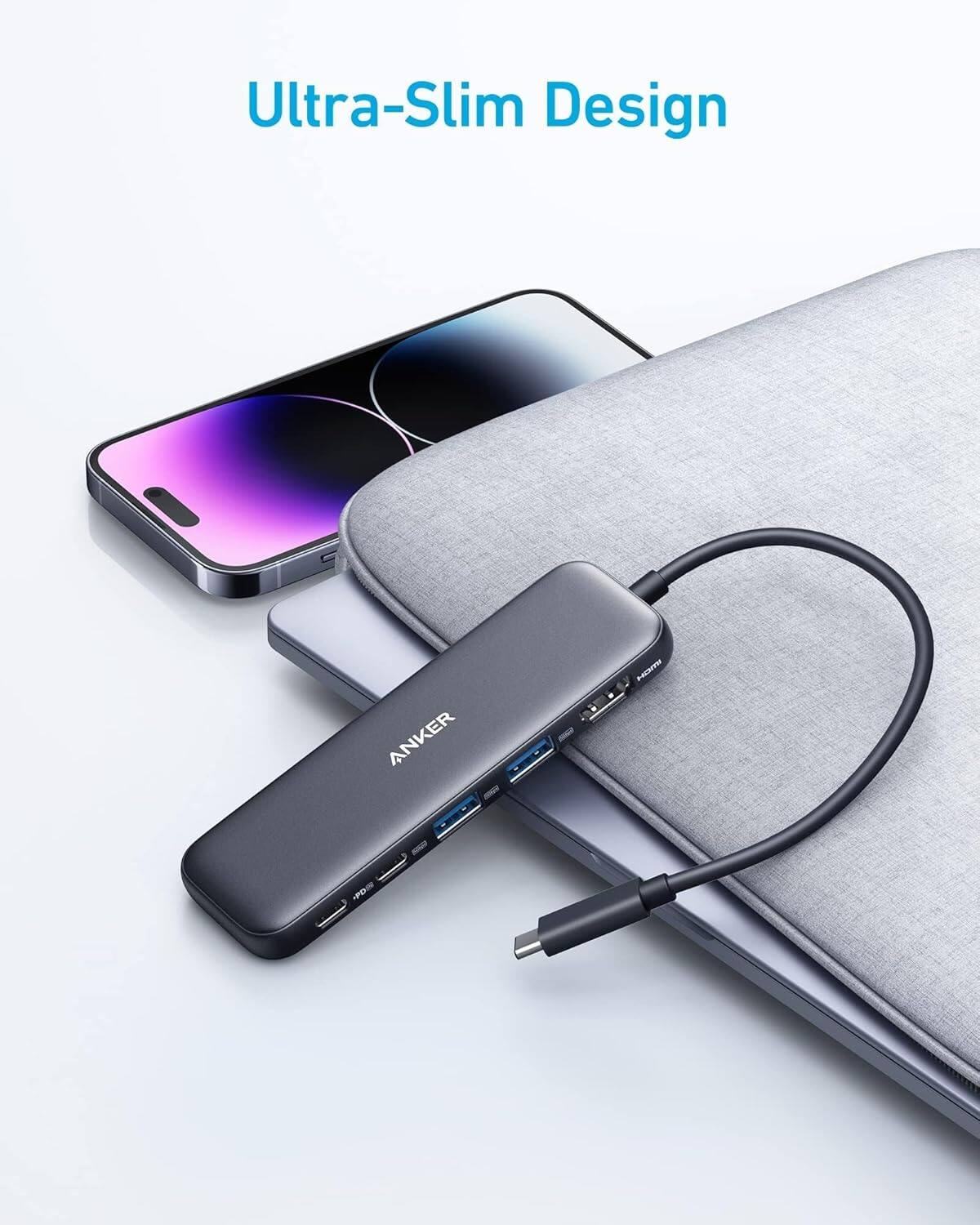
Anker 655 USB-C Hub 8-in-1 Review: Premium Compact Hub for MacBooks
Anker 655 USB-C Hub (8-in-1) at ¥359 ($50) has 10,000+ reviews on JD at 4.7/5. Premium build, 4K@60Hz HDMI, 100W PD pass
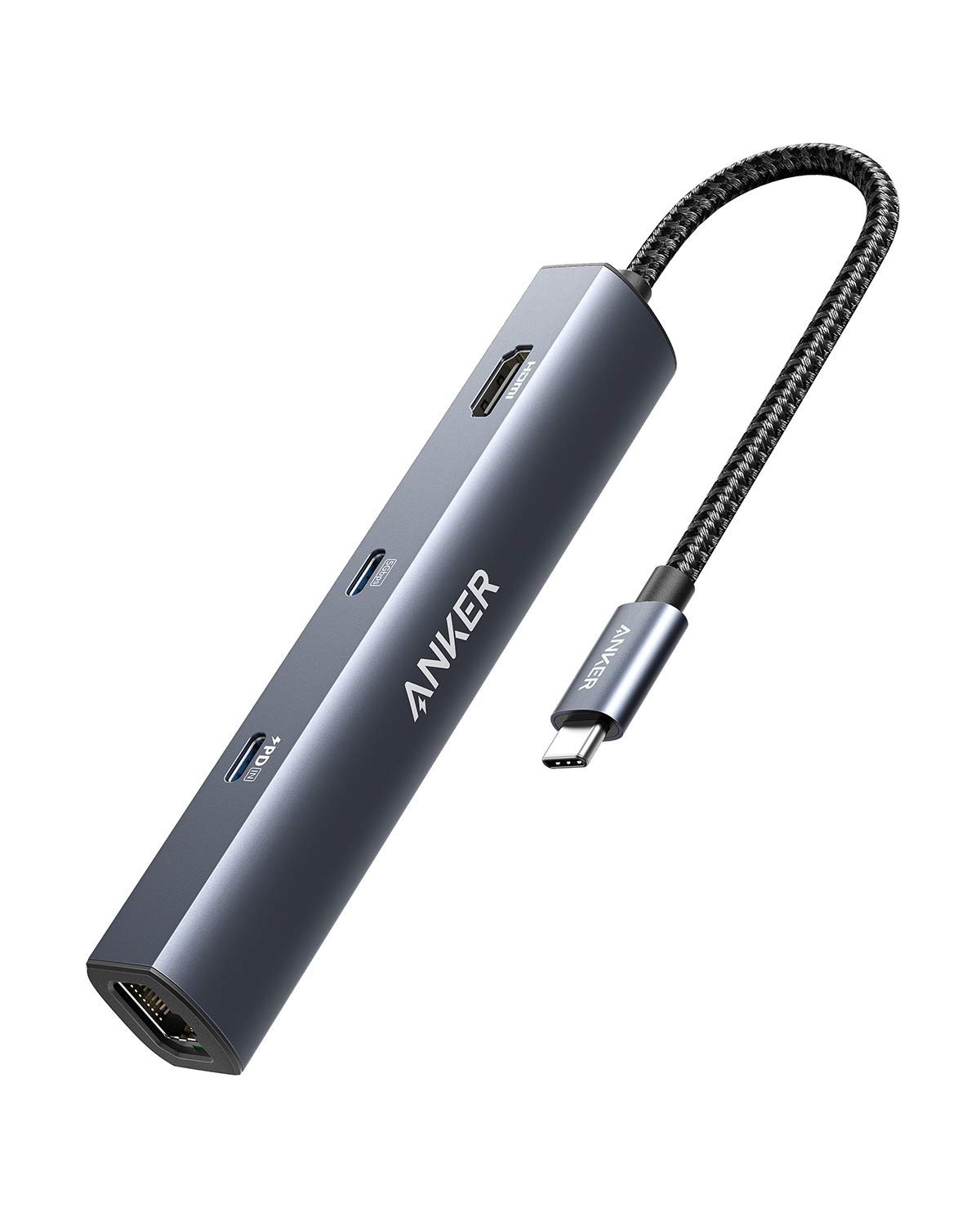
Anker PowerExpand 6-in-1 Review: Ultra-Compact USB-C Hub for Travel
The Anker PowerExpand 6-in-1 at ¥169 ($24) is the best-selling compact USB-C hub on JD with 50,000+ reviews at 4.7/5. Ul
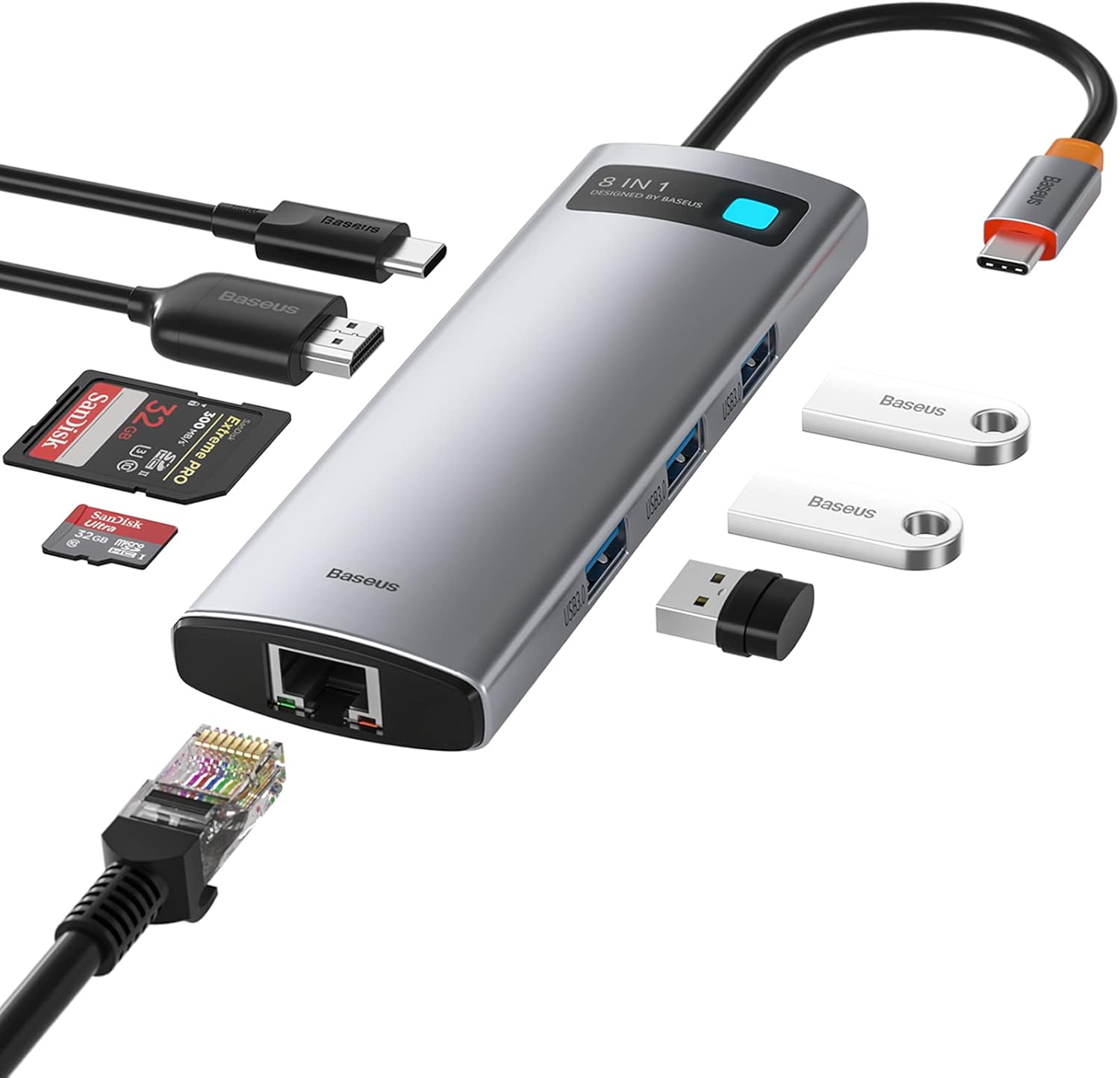
Baseus 8-in-1 USB-C Hub Review: The $30 All-in-One Dock for MacBook Users
Baseus's 8-in-1 USB-C hub is the best-selling multi-function hub on Chinese e-commerce, featuring 100W PD, 4K@60Hz HDMI,
Baseus vs UGREEN vs SSK: Best Budget USB-C Hub Comparison 2026
Baseus, UGREEN, and SSK dominate the budget USB-C hub market in China, with millions of combined reviews on JD.com. We t
Baseus USB-C to Gigabit Ethernet Adapter Review: Wired Reliability in a Wireless World
The Baseus USB-C to Gigabit Ethernet Adapter delivers wired network reliability for modern laptops that have abandoned t