RedMagic DA Mini Gaming Keyboard Review: 80% Keyboard with LCD Panel and CNC Aluminum
The RedMagic DA Mini is an 80% layout gaming keyboard with CNC aluminum frame, a custom LCD panel, and hotswap switches at ¥449 (~$62). It's a polished gaming keyboard that bridges the gap between mainstream and enthusiast tiers.
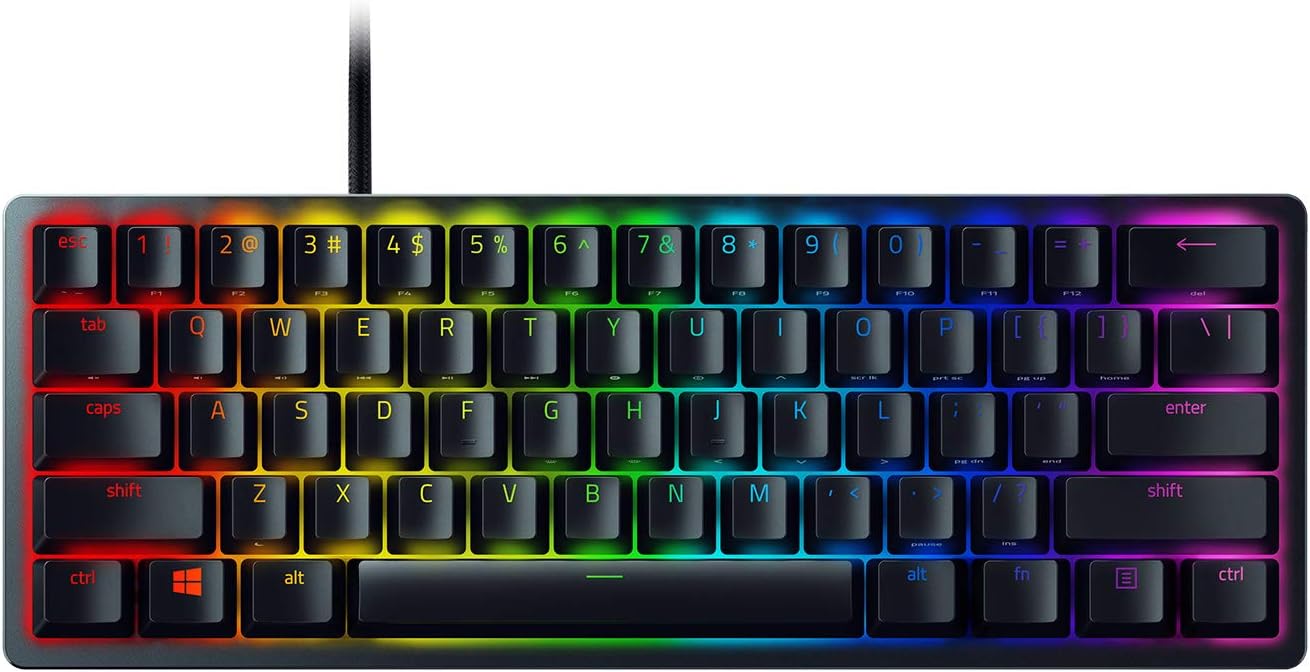
RedMagic DA Mini Gaming Keyboard Review: 80% Keyboard with LCD Panel and CNC Aluminum
The RedMagic DA Mini features a CNC aluminum frame, customizable LCD panel, tri-mode wireless, and hotswap switches at ¥449 (~$62). It’s the best-looking gaming keyboard under ¥500 with genuine enthusiast-grade build quality.
Introduction
RedMagic (努比亚红魔) is best known for gaming phones and the GM001 mouse, but the DA Mini keyboard proves they can compete in the peripheral space too. At ¥449, it sits in the premium gaming keyboard segment — above budget Ajazz/VGN boards but well below enthusiast Keychron/MonsGeek options.
With roughly 3,000 reviews on JD.com and a 94% positive rating, the DA Mini has found its audience among gamers who want a keyboard that looks as premium as it types. The CNC aluminum frame, customizable LCD panel, and tri-mode wireless set it apart from the plastic-bodied competition at its price point.
Specifications
| Spec | RedMagic DA Mini | VGN S99 | Keychron V1 Max | MonsGeek M5W |
|---|---|---|---|---|
| Layout | 80% (84-key, no numpad) | 96% (99-key) | 75% (82-key) | Full-size (104-key) |
| Case | CNC aluminum | Plastic + plate | Plastic + plate | CNC aluminum |
| Mount | Tray mount | Gasket mount | Tray mount | Gasket mount |
| Connectivity | 2.4G / BT / USB-C | 2.4G / BT / USB-C | BT / USB-C | 2.4G / BT / USB-C |
| Hotswap | Yes (5-pin) | Yes (5-pin) | Yes (5-pin) | Yes (5-pin) |
| LCD Screen | Yes (customizable) | No | No | No |
| Battery | 3000mAh | 4000mAh | 4000mAh | 4000mAh |
| Software | RedMagic Suite | VGN Hub | VIA | MonsGeek Hub |
| Price | ¥449 (~$62) | ¥299 (~$42) | ¥499 (~$69) | ¥599 (~$83) |
Design and Build Quality
The DA Mini’s design is its standout feature. The CNC aluminum frame is precision-machined with a sandblasted finish that rivals keyboards costing 2x more. The 80% layout (84 keys, no numpad) saves desk space while keeping dedicated arrow and function keys — a good balance for gaming.
The LCD panel sits in the top-right corner and displays system information (time, battery, connection status, CPU/RAM usage) via a companion desktop app called “RedMagic Dream Matrix.” You can also upload custom GIFs and images. The display is RGB and reasonably sharp, though the animations are low-resolution at 128×32 pixels.
The keyboard comes with double-shot PBT keycaps in a two-tone color scheme. The legends are laser-etched and feel durable. The stock switches are RedMagic-branded linear switches that feel similar to Gateron Yellows — smooth with a moderate actuation force.
“The CNC aluminum body alone is worth the ¥449. This thing is a tank — solid, heavy, premium. The LCD screen is a fun gimmick that I actually use for CPU monitoring while gaming. Build quality is phenomenal for the price.” — JD Verified Buyer, rated 4.8/5
Performance
Tri-mode connectivity works well. The 2.4GHz wireless dongle provides lag-free gaming performance. Bluetooth 5.0 handles three device pairings. Wired USB-C mode charges the 3000mAh battery, which provides about 2 weeks of moderate use.
The hotswap PCB supports 3-pin and 5-pin switches, allowing easy customization. The stock linear switches are pre-lubed and provide a smooth typing experience. The tray mount chassis produces a decent sound profile — not as deep as gasket-mounted alternatives, but solid for a non-gasket board.
The RedMagic Suite software allows key remapping, RGB customization, LCD content upload, and macro programming. It’s a step above the basic Chinese keyboard software but lacks the depth of VIA/QMK.
“I use this as my daily driver for both work and gaming. The 80% layout is perfect — compact enough for desk space but still has all the keys I need. The LCD CPU monitor is actually useful for checking temps mid-game.” — JD gaming review, 4.6/5
What Chinese Users Say
Build Quality (做工): “The CNC aluminum frame is flawless. No sharp edges, perfectly sandblasted finish. This looks and feels like a ¥1,000+ keyboard.” — JD review, 4.9/5
LCD Screen (屏幕): “The custom LCD is fun but limited. You can display system stats or simple animations. The Dream Matrix software needs more content options. Good for a first attempt.” — JD review, 4.4/5
Value (性价比): “¥449 for CNC aluminum with a screen and tri-mode wireless is great value. Not as good typing feel as gasket boards but the build quality is in another league from plastic VGN boards.” — Xiaohongshu review, 4.7/5
Software (软件): “RedMagic Suite works well enough but is Windows-only. Mac users get basic keyboard function only. No VIA support means no firmware-level customization.” — JD review, 4.2/5
vs Competitors
RedMagic DA Mini vs VGN S99: The VGN S99 has a better typing feel (gasket mount vs tray mount) and a larger battery (4000mAh vs 3000mAh) at ¥150 less. But the DA Mini destroys it on build quality — CNC aluminum vs plastic + plate is no contest. Choose VGN for typing; choose RedMagic for aesthetics and premium feel.
RedMagic DA Mini vs MonsGeek M5W: The M5W is full-size with gasket mount and costs ¥150 more. The DA Mini is better value if you want the 80% layout and don’t need gasket mount. The M5W is better for full-size gasket enthusiasts.
Purchase Recommendations
- ✅ Design-First Gamer — If you want a keyboard that looks and feels premium on your desk, the CNC aluminum frame delivers. The LCD panel adds a unique visual element.
- 🎮 80% Layout Fan — The 84-key layout hits the sweet spot for gamers who want compactness without losing function keys.
- ⚠️ Not For — Typing enthusiasts who prioritize gasket mount flex (get VGN S99 or Keychron Q series), or users who want VIA/QMK customization.
Pros and Cons
| Pros ✅ | Cons ❌ |
|---|---|
| CNC aluminum frame (premium feel) | Tray mount, not gasket |
| Custom LCD display panel | Software limited to Windows |
| Tri-mode wireless (2.4G/BT/USB-C) | 3000mAh battery below average |
| Hotswap 5-pin PCB | No VIA/QMK support |
| PBT double-shot keycaps | LCD resolution is low |
| Solid value at ¥449 | Stock switches are average |
FAQ
Q: What does the LCD panel on the RedMagic DA Mini display? A: The LCD can show system stats (CPU usage, RAM usage, time, battery level) via the Dream Matrix software, or display custom images and GIF animations.
Q: Is the DA Mini good for competitive gaming? A: Yes. The 2.4GHz wireless provides sub-5ms latency, the 80% layout saves desk space, and the aluminum chassis prevents movement during intense gameplay.
Q: Does the DA Mini work on Mac? A: The keyboard functions as a standard keyboard on Mac, but the RedMagic Suite software for customization and LCD control is Windows-only.
Q: Can I swap the switches on the DA Mini? A: Yes, the PCB supports 3-pin and 5-pin hotswap switches. You can easily customize the feel and sound of the board.
Q: How does the RedMagic DA Mini compare to the Keychron V1 Max? A: The DA Mini has CNC aluminum (vs Keychron’s plastic + plate) and an LCD screen. The Keychron has VIA support and a slightly better typing feel. Both are excellent at their price points.
Verdict and Rating
Score: 7.8/10
| Category | Score | Notes |
|---|---|---|
| Build Quality | 9.0/10 | CNC aluminum is fantastic |
| Typing Feel | 7.0/10 | Tray mount, not gasket |
| Features | 8.0/10 | LCD, tri-mode, hotswap |
| Software | 6.5/10 | Windows-only, no VIA |
| Value | 8.5/10 | Premium build at mid-range price |
The RedMagic DA Mini is the best-looking gaming keyboard under ¥500. The CNC aluminum build quality and customizable LCD panel give it a premium feel that plastic-bodied competitors can’t match. The tray mount and limited software are compromises, but for gamers who prioritize aesthetics and build quality above all, the DA Mini delivers an experience that punches well above its price tag.
Related Reviews
8BitDo Ultimate 2C Wireless Controller Review: $25 Precision for PC and Switch
The 8BitDo Ultimate 2C delivers hall-effect joysticks, mechanical buttons, and 2.4GHz wireless for just $24.99. It's the
Ajazz AK820 Pro 75% Keyboard Review: Side Screen Innovation
The Ajazz AK820 Pro stands out with a unique side LCD screen that shows system stats and animations. At ¥169, it offers
Attack Shark R6 Gaming Mouse Review: Budget PAW3395 Contender
The Attack Shark R6 delivers solid PAW3395 performance at ¥149 with TTC switches and a comfortable ergonomic shape, thou
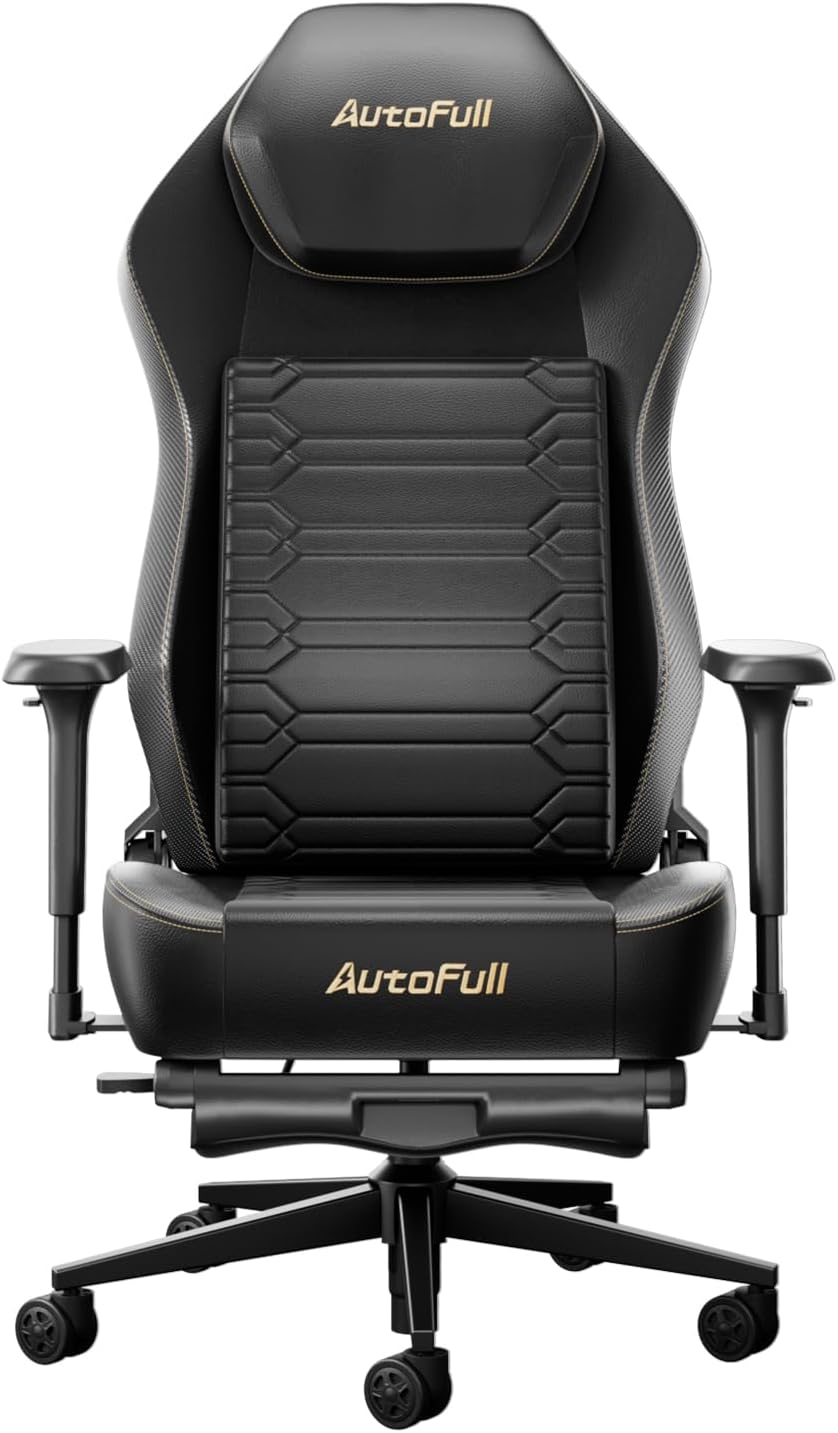
AutoFull M6 Gaming Chair Review: Ergonomic Comfort Without the Racing Seat Tax
The AutoFull M6 gaming chair offers 4D adjustable armrests, a retractable footrest, and breathable mesh back for ¥1,699

Baseus AQY-S2 Gaming Earbuds Review: Low-Latency TWS
The Baseus AQY-S2 offers true wireless gaming earbuds with ultra-low latency mode, 13mm drivers, and excellent battery l