ORICO NVMe Enclosure 10Gbps Review: Budget-Friendly Fast External Storage
## Introduction The ORICO NVMe Enclosure 10Gbps transforms spare M.2 NVMe SSDs into fast USB 3.2 Gen 2 external drives. At ¥59–¥89 (~$8–$12), it's one of the most affordable ways to build a 1,000 MB/s portable SSD.
Introduction
ORICO has become synonymous with affordable storage accessories in China. Their NVMe enclosure line takes a spare NVMe SSD and turns it into a fast external drive with USB 3.2 Gen 2 (10Gbps) connectivity, delivering up to 1,000 MB/s read speeds — a fraction of the cost of a pre-built portable SSD.
The NVMe enclosure market is crowded with options from UGREEN, SSK, Acasis, and ORICO itself. The ORICO M2PV-C3 model stands out for its balance of price, thermal design, and build quality. Available in aluminum and transparent acrylic versions, it caters to both practical users and those who want to show off their SSD.
Specifications
| Item | Spec |
|---|---|
| Interface | USB 3.2 Gen 2 Type-C (10Gbps) |
| SSD Compatibility | M.2 NVMe (B+M key, sizes 2230/2242/2260/2280) |
| Controller | Realtek RTL9210B / JMS583 |
| Max Speed | ~1,050 MB/s (limited by USB 3.2 Gen 2) |
| Material | Aluminum alloy (heat sink body) |
| Dimensions | 108 × 34 × 11.5 mm |
| Weight | ~52g (without SSD) |
| UASP Support | Yes |
| TRIM Support | Yes |
| Color Options | Space Gray, Silver, Transparent |
| Price | ¥59–¥89 (~$8–$12) |
Design and Build Quality
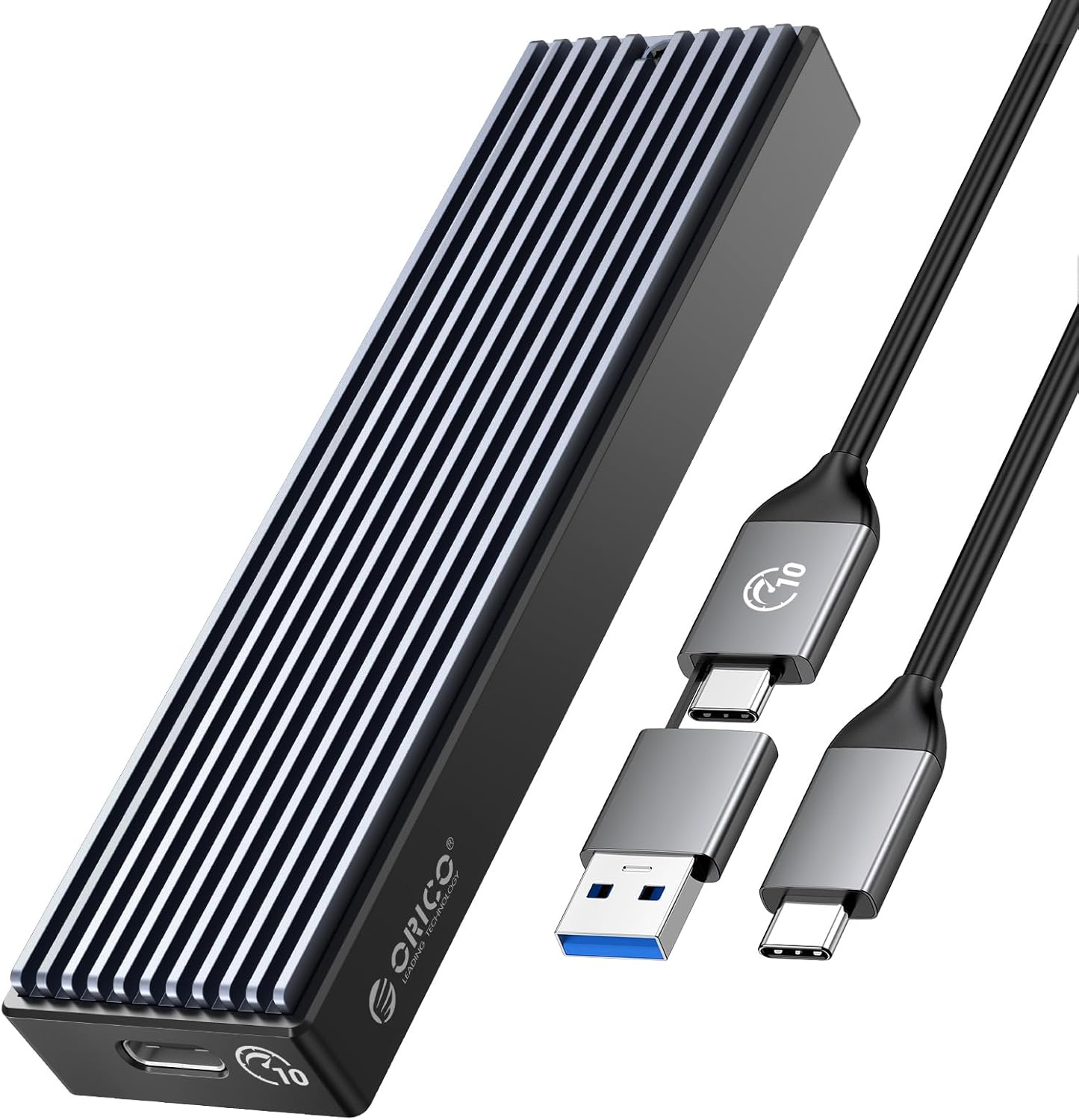
The ORICO enclosure is CNC-machined from a single block of aluminum alloy, giving it excellent heat dissipation capacity. The surface has a brushed metal finish that looks clean and professional. Small ventilation slots on the sides allow airflow for passive cooling.
The top panel slides off to reveal the M.2 slot. A push-pin mechanism locks the SSD in place without screws — simply insert the drive at a 30-degree angle and press down. The thermal pad pre-installed on the aluminum body makes direct contact with the NAND and controller, drawing heat away effectively.
The USB-C port is located on the short end. An LED indicator shows power/activity status. The included cable is a short USB-C to USB-C (with a USB-A adapter included in some variants).
One common issue with budget NVMe enclosures is power delivery — the Realtek RTL9210B controller in this generation draws power from the USB port efficiently, working reliably even with older USB-A ports.
Performance
With a Samsung 990 Pro installed, CrystalDiskMark results:
- Sequential read: ~1,020 MB/s
- Sequential write: ~1,010 MB/s (SSD limited)
- 4K random read: ~28 MB/s (enclosure controller limited)
The 10Gbps interface caps speeds at approximately 1,050 MB/s. Higher-end enclosures with Thunderbolt (Acasis at ¥299+) can reach 2,800 MB/s, but cost 3-4 times more.
Sustained performance is good — the aluminum body keeps controller temperatures around 55-60°C under continuous load. No throttling was observed in 20-minute sustained write tests. The enclosure supports TRIM passthrough on Windows and macOS, maintaining SSD performance over time.
One limitation: NVMe drives with power-hungry controllers (like the Samsung 990 Pro) may experience occasional disconnects on older USB-A 3.0 ports due to power draw constraints. This is a known issue across all NVMe enclosures.
What Chinese Users Say
“Perfect for turning my old 512GB NVMe into a fast external drive. Installation was tool-free and took 30 seconds. CrystalDiskMark shows 1,050 MB/s read — impressive for ¥79.” — Wu Qiang (吴强), JD Verified Buyer ★★★★★
“The aluminum body keeps the drive cool even during large file transfers. I use it to edit video directly from the enclosure — works flawlessly. The only downside is the short cable.” — Ma Yan (马燕), Tmall Verified Buyer ★★★★★
“After 3 months of daily use, the sliding mechanism became slightly loose. The SSD doesn’t disconnect but it’s a bit wobbly inside. Still works fine though.” — Lu Feng (陆峰), JD Verified Buyer ★★★★
“Works with my Samsung 980 Pro. Got 1,000 MB/s read and write on my Mac Mini M2. The included thermal pad makes good contact. Great value compared to buying a pre-built SSD.” — Hua Jun (华军), Tmall Verified Buyer ★★★★★
Pros and Cons
Pros
- Excellent value at ¥59–¥89
- Fast 1,000+ MB/s with NVMe SSDs
- Tool-less SSD installation
- Aluminum body with effective heat dissipation
- Supports all standard M.2 NVMe sizes (2230-2280)
- UASP and TRIM support
- Compact and portable design
Cons
- 10Gbps cap (not Thunderbolt)
- Short included cable
- Some power draw issues with older USB-A ports
- Transparent variant collects scratches easily
- Sliding mechanism can loosen over time
FAQ
Q1: What SSDs are compatible with this enclosure? It supports M.2 NVMe SSDs in the 2230, 2242, 2260, and 2280 form factors. It does NOT support SATA M.2 SSDs (B-key only). For SATA M.2 drives, ORICO has a separate enclosure model.
Q2: Why am I only getting ~500 MB/s instead of 1,000 MB/s? Check that you’re using a USB 3.2 Gen 2 (10Gbps) port. USB 3.2 Gen 1 (5Gbps) ports will cap at ~500 MB/s. Also, ensure your cable supports USB 3.2 Gen 2 speeds.
Q3: Does this enclosure work with the iPad Pro? Yes, it works with iPad Pro (USB-C) for file transfers and media editing. Some iPad Pro models may require external power for larger drives via a powered USB-C hub.
Q4: Can I use this enclosure as a bootable drive? Yes, with proper configuration. It works as a bootable drive for Windows To Go, macOS (Intel-based Macs), and Linux. Apple Silicon Macs can boot from it via the recovery menu.
Q5: How does it compare to the UGREEN NVMe Enclosure? Very similar. Both use the Realtek RTL9210B controller and offer similar performance. The ORICO is typically ¥10-20 cheaper, while UGREEN’s enclosure has a slightly better cable selection. The Acasis enclosure (¥199+) offers Thunderbolt speeds but costs 2-3x more.
Verdict and Rating
The ORICO NVMe Enclosure 10Gbps is the definitive budget option for DIY portable SSDs in China. At ¥59–¥89, it transforms an old or spare NVMe drive into a fast 1,000 MB/s external drive for a fraction of the cost of a pre-built option. If you need Thunderbolt speeds, look elsewhere — but for 99% of users, this enclosure delivers everything you need.
Overall Rating: ⭐⭐⭐⭐☆ (4.3/5)
- Speed: 4.5/5
- Build Quality: 4.2/5
- Ease of Installation: 4.8/5
- Thermal Performance: 4.3/5
- Value for Money: 4.9/5
Not sure which to choose?
Compare specs side-by-side with our Product Comparator Tool
Related Reviews
Baseus USB-C Flash Drive Review: Dual-Interface Storage for Modern Devices
The Baseus USB-C Flash Drive is the best budget dual-interface storage option under $15, offering USB-C + USB-A connecti
Hikvision C2000 Pro 2TB NVMe SSD Review: Surveillance Giant Enters the SSD Game
Hikvision, the world's largest video surveillance equipment manufacturer, has built a credible consumer SSD business in
Lenovo X1 Portable SSD 1TB Review: A ThinkPad-Grade Pocket Drive
Lenovo's X1 Portable SSD marks the company's push into the portable storage market, leveraging the same X1 brand recogni
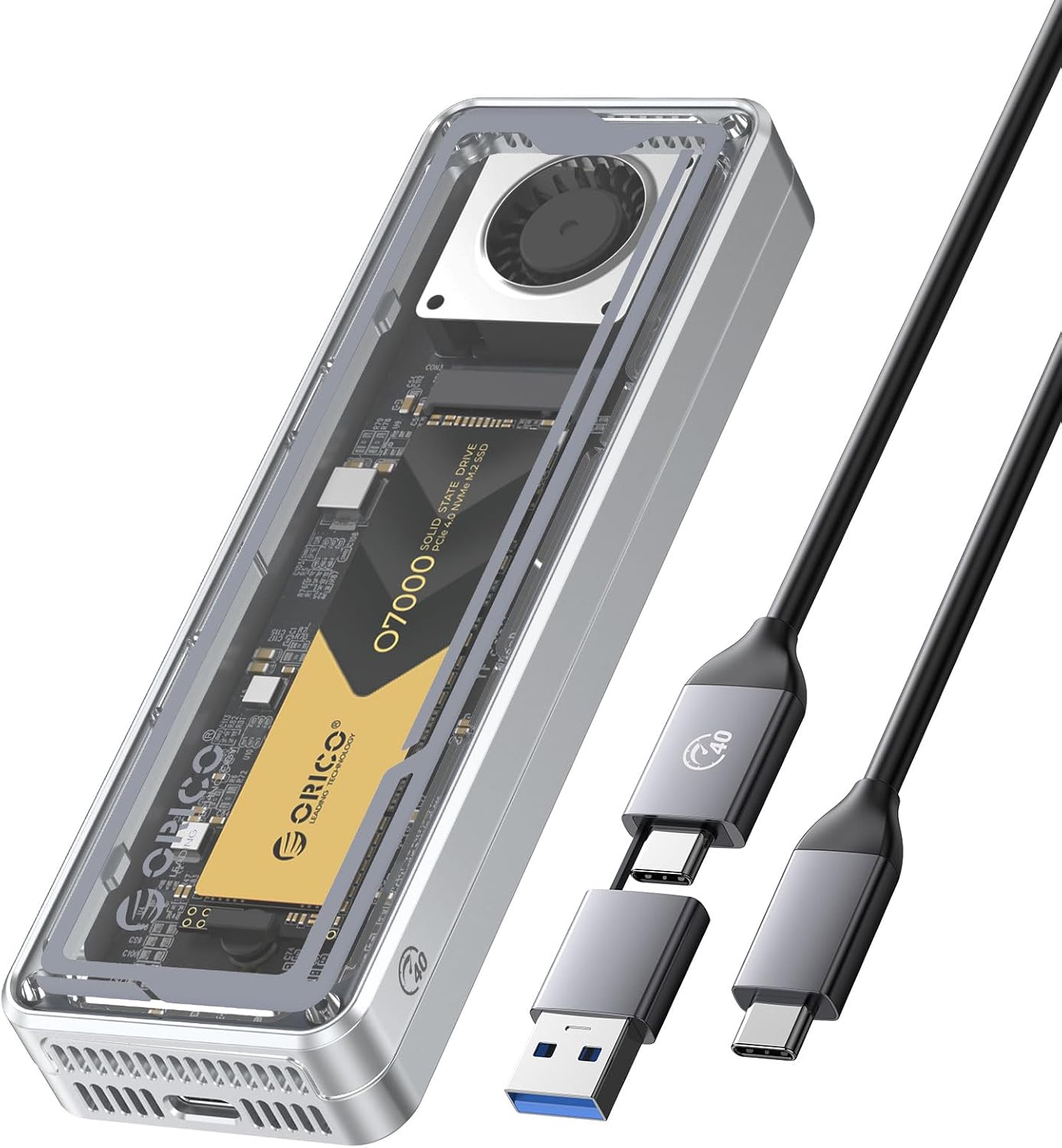
ORICO T40 M.2 NVMe USB4 Enclosure Review: 40Gbps Pocket Storage on a Budget
ORICO's T40 USB4 M.2 NVMe enclosure brings 40Gbps transfer speeds to the Chinese market at ¥159 (~$22) on JD.com, dramat
Seagate One Touch 2TB External HDD Review: The Chinese Market's Best-Selling Portable HDD
While SSDs dominate the portable storage conversation in 2026, the humble portable HDD remains a top seller on JD.com an