Seagate One Touch 2TB External HDD Review: The Chinese Market's Best-Selling Portable HDD
## Introduction While SSDs dominate the portable storage conversation in 2026, the humble portable HDD remains a top seller on JD.com and Taobao — particularly for cold storage and backup. The Seagate One Touch 2TB, currently priced at ¥389 (~$55) on JD.com, is the best-selling portable HDD on the platform. Stacked against its primary Chinese-market competitors — the Western Digital My Passport 2TB (¥429/~$60) and Toshiba Canvio Basics 2TB (¥369/~$52) — the One Touch strikes a balance between brand reliability, included software, and price.
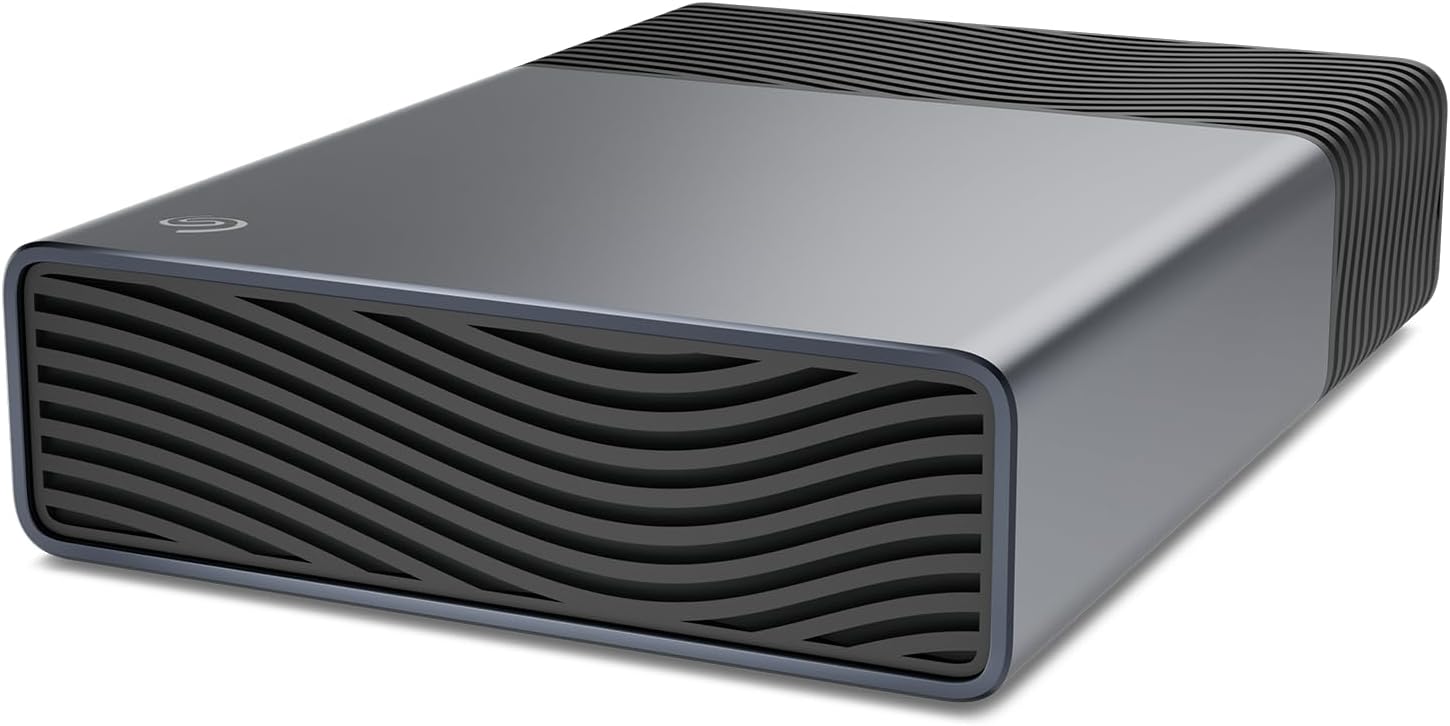
Introduction
While SSDs dominate the portable storage conversation in 2026, the humble portable HDD remains a top seller on JD.com and Taobao — particularly for cold storage and backup. The Seagate One Touch 2TB, currently priced at ¥389 ($55) on JD.com, is the best-selling portable HDD on the platform. Stacked against its primary Chinese-market competitors — the Western Digital My Passport 2TB (¥429/$60) and Toshiba Canvio Basics 2TB (¥369/~$52) — the One Touch strikes a balance between brand reliability, included software, and price.
The One Touch name refers to the included one-click backup button on the drive enclosure, which triggers a Seagate Toolkit software backup — a feature unique to Seagate’s consumer line. The drive is available in 1TB (¥289/$40), 2TB (¥389/$55), 4TB (¥569/$80), and 5TB (¥749/$105) capacities.
Specifications
| Spec | Seagate One Touch 2TB | WD My Passport 2TB | Toshiba Canvio Basics 2TB |
|---|---|---|---|
| Price | ¥389 (~$55) | ¥429 (~$60) | ¥369 (~$52) |
| Capacity | 2TB | 2TB | 2TB |
| Interface | USB 3.2 Gen 1 (5Gbps) | USB 3.2 Gen 1 (5Gbps) | USB 3.2 Gen 1 (5Gbps) |
| RPM | 5,400 | 5,400 | 5,400 |
| Seq Read | ~140 MB/s | ~135 MB/s | ~130 MB/s |
| Seq Write | ~125 MB/s | ~120 MB/s | ~115 MB/s |
| Weight | 139g | 140g | 152g |
| Dimensions | 114 × 75 × 15mm | 110 × 80 × 14mm | 108 × 78 × 19mm |
| Encryption | AES-256 (via Toolkit) | AES-256 (via WD Security) | None |
| Software | Seagate Toolkit | WD Backup/Discovery | None |
| Warranty | 3 years | 3 years | 2 years |
Design and Build Quality
The Seagate One Touch features a fabric-like textured top surface (Seagate calls it “fabric weave”) in four color options — black, silver, blue, and red. The fabric panel is bonded to a plastic base with a slight rubberized coating along the bottom edge for desk grip. The overall build is light and portable at 139g, but the plastic construction feels less rugged than the metal-shelled Toshiba Canvio.
The “One Touch” backup button is a soft-touch rubber button on the top panel. It triggers a Seagate Toolkit backup configuration: after installing the software, the button can be set to backup to a specific folder, sync to cloud (Dropbox, Google Drive, or Microsoft OneDrive), or mirror a specified source folder. The button action is configurable through the Toolkit software.
The included cable is a single USB 3.0 Micro-B to USB-A cable — a notable omission in 2026 when many competitors have moved to USB-C. Seagate offers a separate USB-C cable for ¥29, and the drive itself supports USB-C through an adapter, but the out-of-box experience feels slightly dated.
Performance is standard for a 2.5-inch 5,400 RPM HDD: sequential reads around 140 MB/s and writes around 125 MB/s. Random access times hover at 15–18ms. This is about 12× slower than a NVMe SSD but perfectly serviceable for media storage and archival backups. A 100GB folder of mixed files transfers in about 16 minutes.
The drive is bus-powered — no external power adapter needed — and draws a maximum of 2.5W during active operation, dropping to 0.8W at idle. Power management is good: the drive spins down after 15 minutes of inactivity by default, extending mechanical lifespan.
What Chinese Users Say
“Bought this for backing up my photo collection (about 1.5TB of RAW files over the years). Backed up in about 4 hours. The backup button is actually useful — one press and it syncs. Simple and effective for the price.” — JD.com user
“Compared to my old WD My Passport, this Seagate is noticeably lighter and the fabric top feels nicer. But the Micro-B USB cable is annoying — my laptop only has USB-C ports, so I had to buy an adapter. Should include Type-C by default in 2026.” — Taobao user
“I’ve owned 5 Seagate drives over 10 years. Two died within warranty (both replaced), three are still running. This One Touch at ¥389 is cheap enough that I keep one as a secondary backup. Good reliability for the money.” — SMZDM user
Pros and Cons
Pros
- Low cost per TB at ¥194/GB ($0.028/GB) — unbeatable value for bulk storage
- One-touch backup button with configurable software is genuinely useful for regular backups
- Includes 3-month Mylio subscription for photo organization and 2-month Adobe Creative Cloud
- Lightweight at 139g — easy to pocket carry for transportation
- 3-year warranty with Seagate’s decent RMA process in China
Cons
- Micro-B USB cable in 2026 is outdated — should be USB-C by default
- Plastic build feels less durable than metal-shelled alternatives
- 5,400 RPM 2.5-inch HDD technology is essentially the same as 2016 — no speed improvements
- ToolKit software is Windows-only for the backup button functionality
- Fabric top surface can show dirt and wear over time — more aesthetic than practical
vs Competitors
| Metric | Seagate One Touch 2TB | WD My Passport 2TB | Toshiba Canvio 2TB |
|---|---|---|---|
| Price | ¥389 (~$55) | ¥429 (~$60) | ¥369 (~$52) |
| Read Speed | ~140 MB/s | ~135 MB/s | ~130 MB/s |
| Encryption | AES-256 (via Toolkit) | AES-256 (built-in) | None |
| USB Cable | Micro-B | Micro-B | Micro-B |
| Weight | 139g | 140g | 152g |
The Seagate distinguishes itself with the one-touch backup feature — the only drive in this comparison with a hardware backup button. WD counters with built-in hardware encryption (no software dependency) and a slightly better build quality reputation in Chinese user reviews. Toshiba wins on pure price but offers no software or encryption.
FAQ
Q1: Is 2TB enough for my Mac Time Machine backup? Yes. A 2TB drive is sufficient for Time Machine backups of a 512GB or 1TB MacBook, with room for several months of version history. Format it as Mac OS Extended (Journaled) or APFS through Disk Utility.
Q2: How reliable is the One Touch backup button? The button works via Seagate Toolkit software running in the system tray. It’s reliable when the software is installed and configured. Without the software, the button does nothing. On macOS, the Toolkit software is available but the button function is limited compared to Windows.
Q3: Can I use this drive with a PS5 or Xbox? PS5 only supports external drives up to USB 3.2 for PS4 game storage — PS5 games must run from internal storage. Xbox Series X/S supports full game storage and play from external HDD for backward-compatible titles. The One Touch works on both consoles via USB.
Q4: What’s the lifespan of a portable HDD like this? Typical lifespan for a 2.5-inch portable HDD is 3–5 years with moderate use (weekly backups). Factors that reduce lifespan: frequent physical drops, prolonged high temperatures (above 45°C), and excessive power cycles. Seagate’s 3-year warranty covers manufacturing defects.
Who Should Buy / Who Should Skip
Buy this if: You need bulk cold storage for media, photos, or PC backups at the lowest possible cost per TB. The one-touch backup feature is genuinely useful if you set up a regular backup routine and tend to forget manual backups.
Skip this if: You work primarily with USB-C-only laptops (buy a USB-C adapter or consider the WD My Passport which also offers a USB-C version), need the fastest possible transfer speeds (go SSD), or need to run applications from the drive (HDD random access is too slow).
Rating
Overall: ⭐⭐⭐⭐⭐⭐⭐☆☆☆ (7.0/10)
- Speed: 5.0/10 — adequate for backups, slow for active use
- Build Quality: 7.0/10 — light but plasticky
- Value: 8.5/10 — best cost/TB among reliable brands
- Software: 7.5/10 — Toolkit is decent, limited on Mac
- Portability: 8.0/10 — light and compact for its capacity
Not sure which to choose?
Compare specs side-by-side with our Product Comparator Tool
Related Reviews
Baseus USB-C Flash Drive Review: Dual-Interface Storage for Modern Devices
The Baseus USB-C Flash Drive is the best budget dual-interface storage option under $15, offering USB-C + USB-A connecti
Hikvision C2000 Pro 2TB NVMe SSD Review: Surveillance Giant Enters the SSD Game
Hikvision, the world's largest video surveillance equipment manufacturer, has built a credible consumer SSD business in
Lenovo X1 Portable SSD 1TB Review: A ThinkPad-Grade Pocket Drive
Lenovo's X1 Portable SSD marks the company's push into the portable storage market, leveraging the same X1 brand recogni
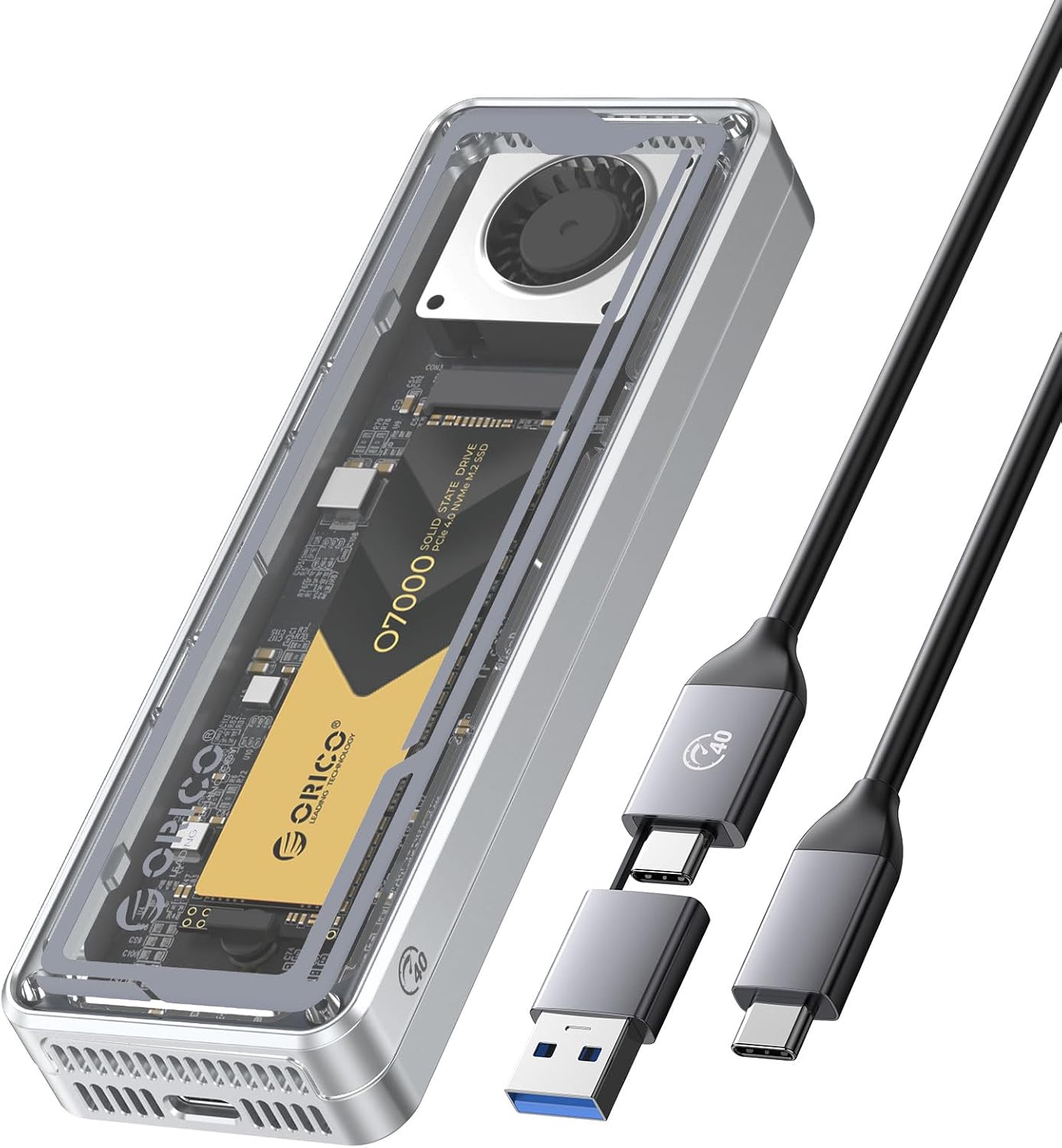
ORICO T40 M.2 NVMe USB4 Enclosure Review: 40Gbps Pocket Storage on a Budget
ORICO's T40 USB4 M.2 NVMe enclosure brings 40Gbps transfer speeds to the Chinese market at ¥159 (~$22) on JD.com, dramat
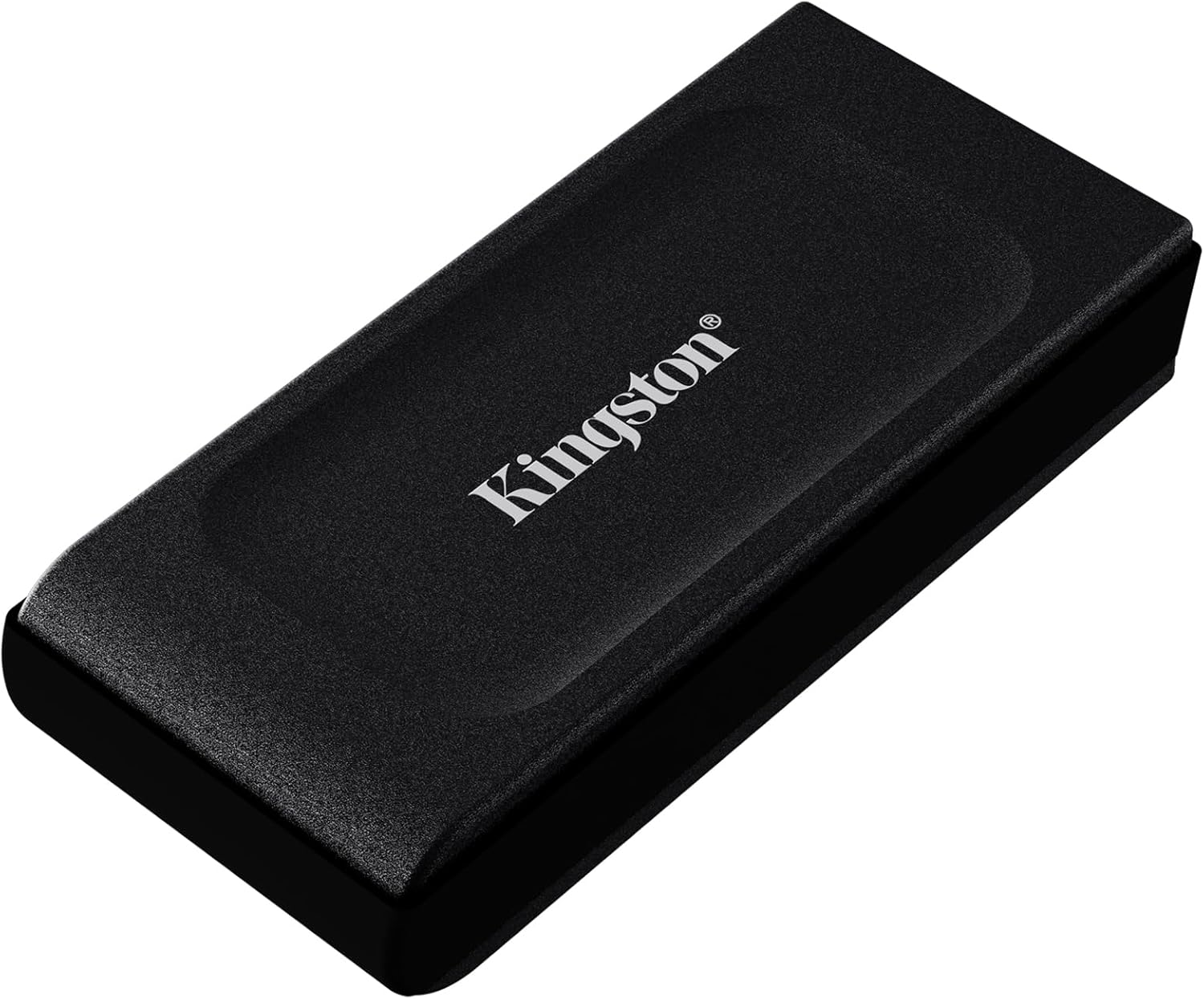
Kingston XS1000 2TB SSD Review: Ultra-Compact Portable Performance
The Kingston XS1000 is one of the most compact portable SSDs on the market, offering 1,050 MB/s speeds in a package bare