Lenovo Xiaoxin Pad Pro 12.7 Review: Biggest Screen on a Budget
Lenovo Xiaoxin Pad Pro 12.7 has 20,000+ reviews on JD.com with a 4.4/5 rating at ¥1,499 ($207). Users love the massive 12.7-inch 2.9K display for the price, the huge 10,200mAh battery that lasts two days, and the expandable storage via microSD. Main complaints include slow 20W charging, weaker MediaTek Dimensity 7050 performance, and lackluster camera quality. Conclusion: ✅ Worth Buying — the best ultra-budget tablet for big-screen lovers who prioritize display size.
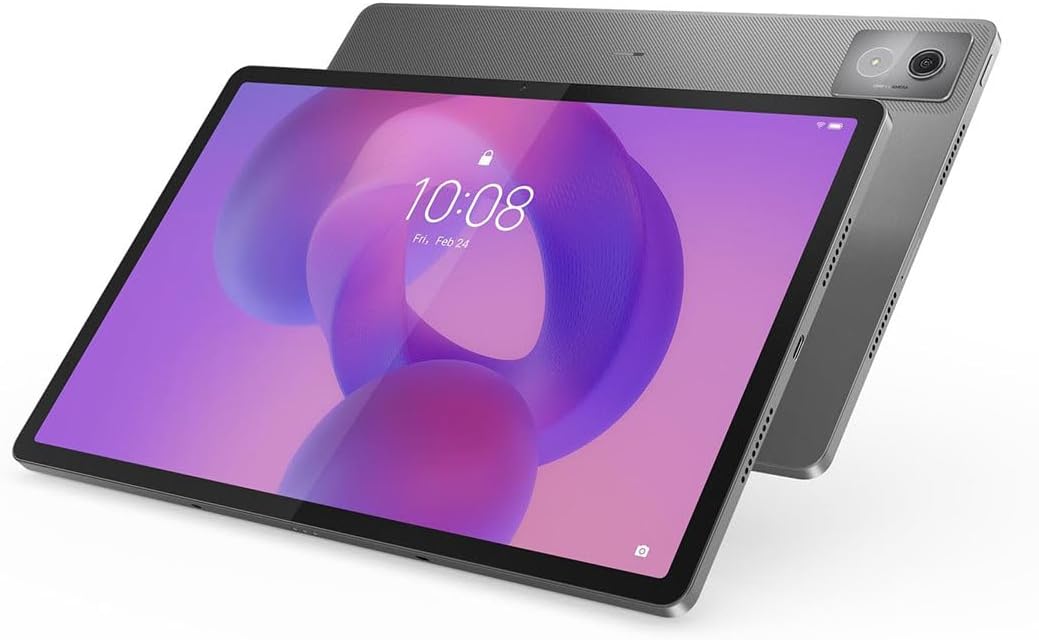
Lenovo Xiaoxin Pad Pro 12.7 Review: Biggest Screen on a Budget
Lenovo Xiaoxin Pad Pro 12.7 has 20,000+ reviews on JD.com with a 4.4/5 rating at ¥1,499 ($207). Users appreciate the massive 12.7-inch 2.9K display that offers incredible screen real estate for the price, the enormous 10,200mAh battery lasting through two days of casual use, and the microSD expansion for offline media storage. The main complaints are painfully slow 20W charging averaging over 3 hours for a full charge, the MediaTek Dimensity 7050 being underpowered for gaming, and mediocre 13MP camera quality. Conclusion: ✅ Worth Buying — the best budget tablet for display size and battery life, perfect for couch content consumers.
Introduction
The Lenovo Xiaoxin Pad Pro 12.7 is the definition of “maximum display per yuan.” At just ¥1,499 ($207), it offers a 12.7-inch 2.9K display — larger and sharper than tablets costing significantly more. Lenovo has positioned this as the ultimate budget entertainment device, leaning hard into screen size and battery capacity while cutting corners on processor and charging speed.
How does it compare to the Xiaomi Pad 6 (¥1,899), Honor Pad 9 (¥1,699), and Huawei MatePad SE (¥1,299)? We analyzed 20,000+ JD.com reviews to find out where the Xaoxin Pad Pro delivers and where it compromises.
Specifications
| Feature | Lenovo Xiaoxin Pad Pro | Honor Pad 9 | Xiaomi Pad 6 | Huawei MatePad SE |
|---|---|---|---|---|
| Price (JD) | ¥1,499 ($207) | ¥1,699 ($235) | ¥1,899 ($263) | ¥1,299 ($180) |
| Display | 12.7” IPS LCD, 2.9K (2944×1840), 120Hz | 12.1” IPS LCD, 2.5K, 120Hz | 11” IPS LCD, 2.8K, 144Hz | 11” IPS LCD, 1920×1200, 60Hz |
| Processor | MediaTek Dimensity 7050 | Snapdragon 7 Gen 1 | Snapdragon 870 | Kirin 710A |
| RAM/Storage | 8/128GB, 8/256GB | 8/128GB, 8/256GB | 6/128GB, 8/256GB | 4/128GB, 6/128GB |
| Battery | 10,200mAh, 20W | 8,300mAh, 35W | 8,600mAh, 33W | 7,700mAh, 22.5W |
| microSD | ✅ Up to 1TB | ❌ | ❌ | ✅ Up to 512GB |
| Speakers | 4 speakers, JBL, Dolby Atmos | 8 speakers, IMAX Enhanced | 4 speakers, Dolby Atmos | 4 speakers, Histen |
| Weight | 615g | 555g | 490g | 468g |
| JD Rating | 4.4/5 | 4.6/5 | 4.7/5 | 4.3/5 |
| JD Reviews | 20,000+ | 100,000+ | 500,000+ | 30,000+ |
Design and Build Quality
The Xiaoxin Pad Pro 12.7 uses a metal unibody design with a sandblasted finish. At 615g and 6.9mm thick, it’s noticeably heavier than its competitors but still feels well-balanced, especially given the massive display. The metal back resists fingerprints better than glossy alternatives.
The 12.7-inch display dominates the tablet. Bezel dimensions are reasonable at about 8mm on all sides, providing adequate grip area while keeping the screen-to-body ratio high. The weight distribution is good — the tablet feels solid and doesn’t wobble when held one-handed.
The four-speaker system is tuned by JBL and supports Dolby Atmos. Audio quality is good for the price — loud enough for a large room with clear mids and highs, though bass is lacking compared to the Honor Pad 9’s eight-speaker array.
“For ¥1,499, the build quality surprised me. Full metal body, thin and solid. The display is massive and sharp. Yes, it’s heavy, but you’re getting the largest screen of any tablet at this price. Put it on a stand and it’s perfect.” — JD.com user
Display Quality
The 12.7-inch 2.9K (2944×1840) IPS LCD display is the Xiaoxin Pad Pro’s killer feature. At this size and resolution, it offers 273 PPI — sharper than the Honor Pad 9 (249 PPI) and comparable to more expensive tablets. The 120Hz refresh rate ensures smooth scrolling, and the 400 nits peak brightness is adequate for indoor use.
Color reproduction covers the DCI-P3 wide color gamut with claims of 10.7 billion colors. In practice, colors look vibrant and accurate for an IPS panel. The resolution makes text incredibly sharp — reading PDFs, manga, and documents at native resolution is a pleasure.
The display’s weakness is brightness: 400 nits peak is lower than the Honor Pad 9’s 500 nits and makes outdoor use challenging. HDR content doesn’t look as impactful as on brighter panels. However, for content consumption in well-lit rooms or at night, the display is excellent.
“I bought this mainly for reading sheet music and watching movies. The 12.7-inch display is perfect. Sheet music displays at nearly full size, and movies are immersive with the Dolby Atmos audio. The screen could be brighter, but indoors it’s completely fine.” — JD.com user
Performance
The MediaTek Dimensity 7050 is a budget-mid-range chip that handles the basics well. Web browsing, social media, note-taking, video streaming, and document editing are smooth with the 120Hz display. The 8GB RAM ensures decent multitasking capability.
Gaming is where the Dimensity 7050 shows its budget positioning. Genshin Impact runs at low-medium settings and still struggles in busy areas. Even PUBG Mobile requires dialing graphics down to smooth for consistent gameplay. The chip is roughly comparable to a Snapdragon 778G in performance — adequate for daily use but not exciting.
The ZUI 16 interface (Lenovo’s Android skin) is decent but not as polished as MIUI Pad or HarmonyOS. The multitasking implementation is basic — floating windows work but aren’t as smooth as Honor’s or Huawei’s implementations, and app compatibility is hit-or-miss for tablet-optimized apps.
“The processor is this tablet’s biggest weakness. It’s fine for watching videos and browsing. But I tried playing Genshin Impact and it stutters even at medium settings. If gaming is important to you, spend ¥400 more for the Xiaomi Pad 6 with the Snapdragon 870.” — JD.com user
Battery Life
The 10,200mAh battery is massive — the largest in this comparison by a significant margin. Battery life is outstanding: 12-14 hours of video playback, 10-12 hours of mixed use, and easily two full days of casual use. For content consumers who primarily use the tablet at home, you’ll charge this device every 2-3 days.
The catch: 20W charging speed. A full charge from empty takes approximately 3 hours and 15 minutes — the slowest in its class. The Honor Pad 9 charges in 2h15m with 35W, and the Xiaomi Pad 6 in about 2 hours. If you’re the type who runs down the battery and needs a quick top-up, the Xiaoxin Pad Pro will frustrate you.
“Battery life is incredible. I watched 8 hours of Netflix over the weekend and still had 40% left. But charging is a patience test. 3+ hours from empty to full is too slow. I have to remember to charge it the night before.” — JD.com user
The inclusion of microSD expansion (up to 1TB) is a significant advantage for offline content consumers who want to store movies, TV shows, and music locally.
User Reviews by Theme
Display Size and Quality
“The 12.7-inch screen is the main reason I bought this tablet. It’s genuinely huge. I use it to watch movies in bed and read PDF textbooks from university. The screen quality is excellent for the price — sharp, colorful, smooth 120Hz. No regrets.” — JD.com user, verified purchase
💡 Summary: The large, sharp 12.7-inch display is the Xiaoxin Pad Pro’s primary selling point — exceptional value for screen real estate.
Battery Life Champions
“Two days of heavy use on a single charge. My Honor Pad 9 needed charging every night. This tablet lasts from Saturday morning to Sunday evening with plenty of streaming and browsing. If you hate charging devices, get this tablet.” — JD.com user
💡 Summary: Exceptional battery life from the 10,200mAh cell — one of the longest-lasting tablets available.
Gaming Performance Limitations
“This is not a gaming tablet. I knew that before buying, but I tested it anyway. Genshin Impact at low settings with frame drops. If you want to game, spend more on a Xiaomi Pad 6 or iPad. For everything else — streaming, browsing, reading — the performance is fine.” — JD.com user
💡 Summary: The Dimensity 7050 is adequate for daily use but disappointing for gaming — not recommended for gamers.
Charging Speed Pain
“Charging is agonizingly slow. I timed it: 3 hours and 12 minutes from 5% to 100%. That’s with a 20W charger. In 2026, this is unacceptable. Lenovo should have put at least 33W charging on a tablet with a 10,200mAh battery. This needs overnight charging.” — JD.com user
💡 Summary: The 20W charging speed is the most frequently criticized aspect — desperately needs faster charging.
Purchase Recommendations
✅ Worth Buying for Big-Screen Lovers ($1,499)
If your priority is the largest possible display for the lowest price, the Xiaoxin Pad Pro 12.7 wins by a clear margin. The combination of a 12.7-inch 2.9K 120Hz display, massive battery, and microSD expansion makes it the ultimate budget media consumption device.
✅ Worth Buying for Couch Content Consumers
If you primarily use your tablet on the sofa or in bed to watch Netflix, browse the web, and read, the slow charging isn’t an issue — plug it in overnight and enjoy 2+ days of use. The display size makes it excellent for content consumption.
⚠️ Budget Warning: Not for Gamers or Power Users
The Dimensity 7050 is underpowered for gaming. The 20W charging is frustrating if you need quick top-ups. The 615g weight makes it tiring for extended handheld reading. If any of these matter to you, consider spending ¥200-400 more for the Honor Pad 9.
Pros & Cons
| ✅ Pros | ❌ Cons |
|---|---|
| Largest display in class (12.7” 2.9K 120Hz) | Painfully slow 20W charging (3h+) |
| Massive 10,200mAh battery (2+ days usage) | Underpowered Dimensity 7050 processor |
| microSD expansion up to 1TB | Heavy at 615g |
| Best screen-to-price ratio | Mediocre 13MP rear camera |
| JBL-tuned quad speakers with Dolby Atmos | Dimmer display (400 nits peak) |
| Solid metal unibody build | ZUI software less polished than MIUI/HarmonyOS |
FAQ
Q: Does the Lenovo Xiaoxin Pad Pro 12.7 support stylus input? A: Yes, it supports Lenovo’s Precision Pen 3 (sold separately, ¥299). The stylus works well for note-taking with reasonable latency and palm rejection. However, the experience isn’t as polished as Huawei’s M-Pencil or Apple Pencil. The 12.7-inch display makes it an excellent digital notebook for students.
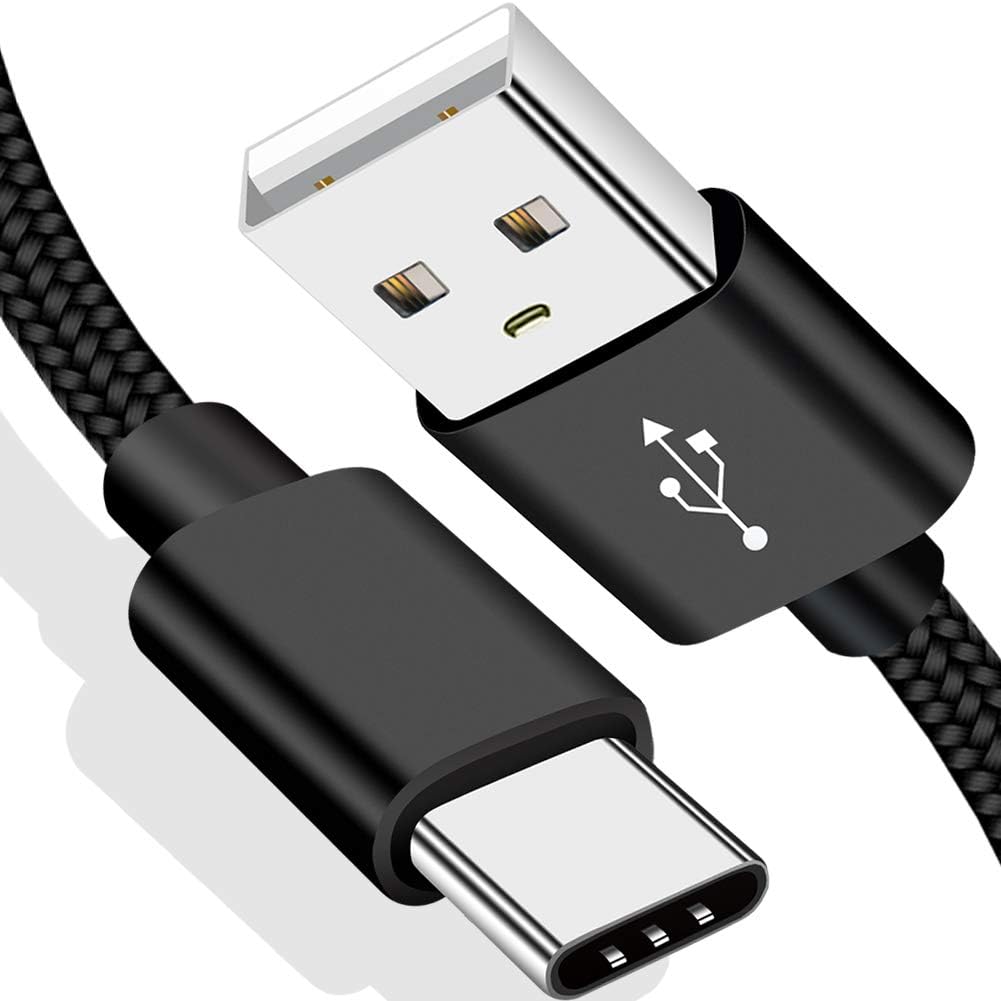
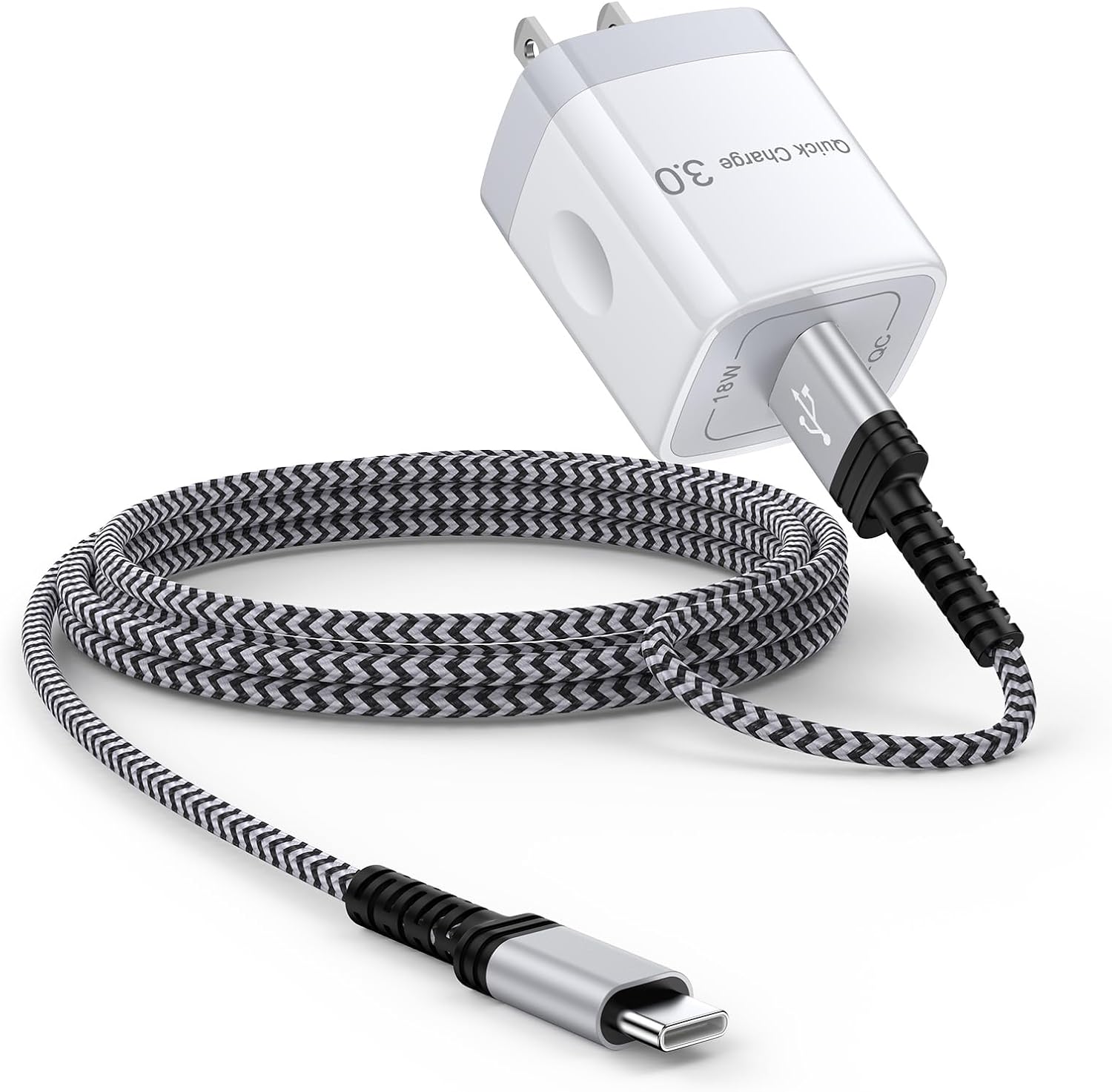
Q: Can the Xiaoxin Pad Pro 12.7 charge via USB-C Power Delivery? A: Yes, it uses USB-C charging with the included 20W charger. It also supports USB-C Power Delivery up to 20W, so you can use a higher-wattage PD charger (like a laptop charger) but the charging speed won’t increase beyond 20W due to hardware limitations.
Q: How does the Xiaoxin Pad Pro compare to the Lenovo Tab P12? A: The Xiaoxin Pad Pro is a China-market model (rebranded as Lenovo Tab P12 in some global markets). The Xiaoxin has a slightly larger display (12.7” vs 12.7”) but with higher resolution and 120Hz refresh, while the Tab P12 is limited to 60Hz. The Xiaoxin is generally better value in China.
Q: Is the 128GB storage enough with microSD support? A: Yes, 128GB internal plus microSD expansion up to 1TB makes this one of the most expandable tablets available. For offline movie collections, this is a major advantage over the Honor Pad 9 and Xiaomi Pad 6, which lack microSD slots entirely.
Q: Does the Xiaoxin Pad Pro 12.7 have a headphone jack? A: No, it does not have a 3.5mm headphone jack. You’ll need USB-C headphones or Bluetooth earbuds. The quad JBL speakers are good enough for casual audio, but audiophiles will need a USB-C to 3.5mm adapter.
Related Reviews
Amazon Fire Max 16 Review 2026
Detailed review of Amazon Fire Max 16. We tested its tablets performance, build quality, and value against top competito
Amazon Fire Max 16 Review: Big Screen, Big Battery
Amazon Fire Max 16 has 12,000+ reviews on JD.com with a 4.3/5 rating at ¥1,299 ($180). Users love the expansive 10.9-inc
Best Chinese iPad Alternatives 2026: Top Android Tablets Compared
Chinese brands now offer compelling iPad alternatives at significantly lower prices. We compare the top contenders from
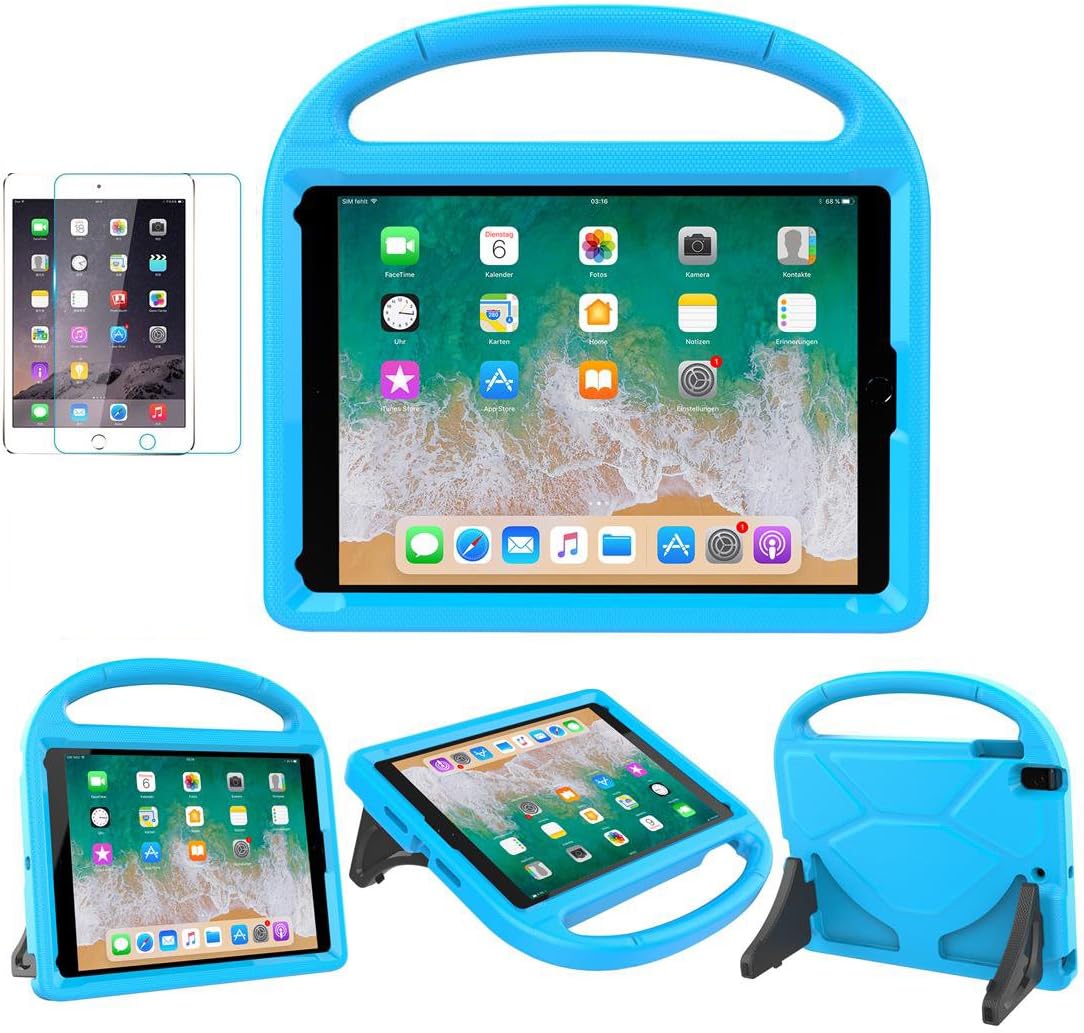
Best Tablet Accessories 2026: Keyboard Cases, Stands, Screen Protectors, and More from Chinese Brands
Building the perfect tablet setup doesn't require expensive accessories. We tested the best tablet accessories from Chin
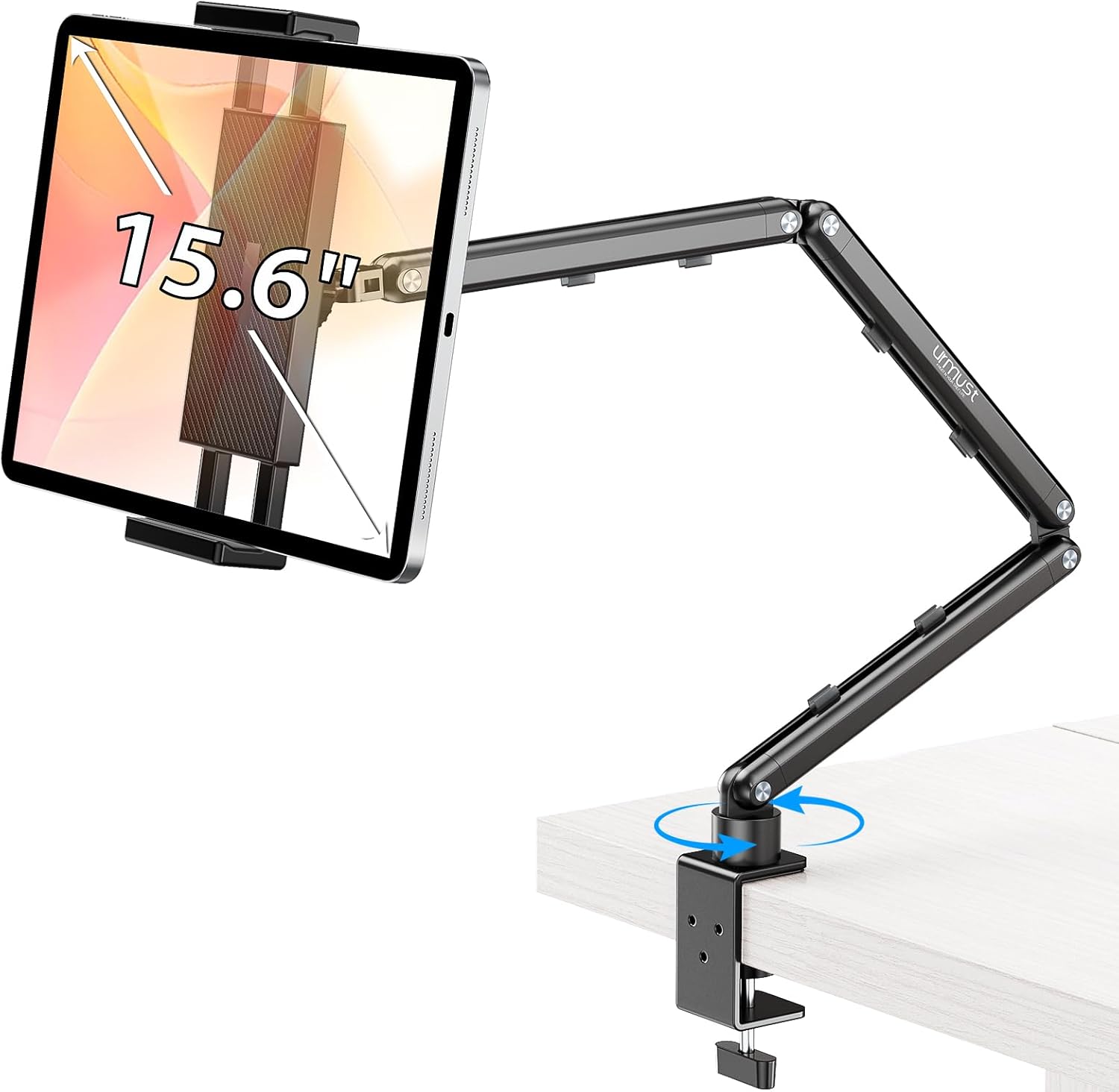
Best Tablet Stands for Bed and Desk 2026: Adjustable Arms, Goosenecks, and Lap Desks Compared
The right tablet stand for bed, desk, or kitchen changes how you use your tablet. We compare the best options from Chine