JSAUX USB-C Hub 6-in-1 Review: Steam Deck's Favorite Companion
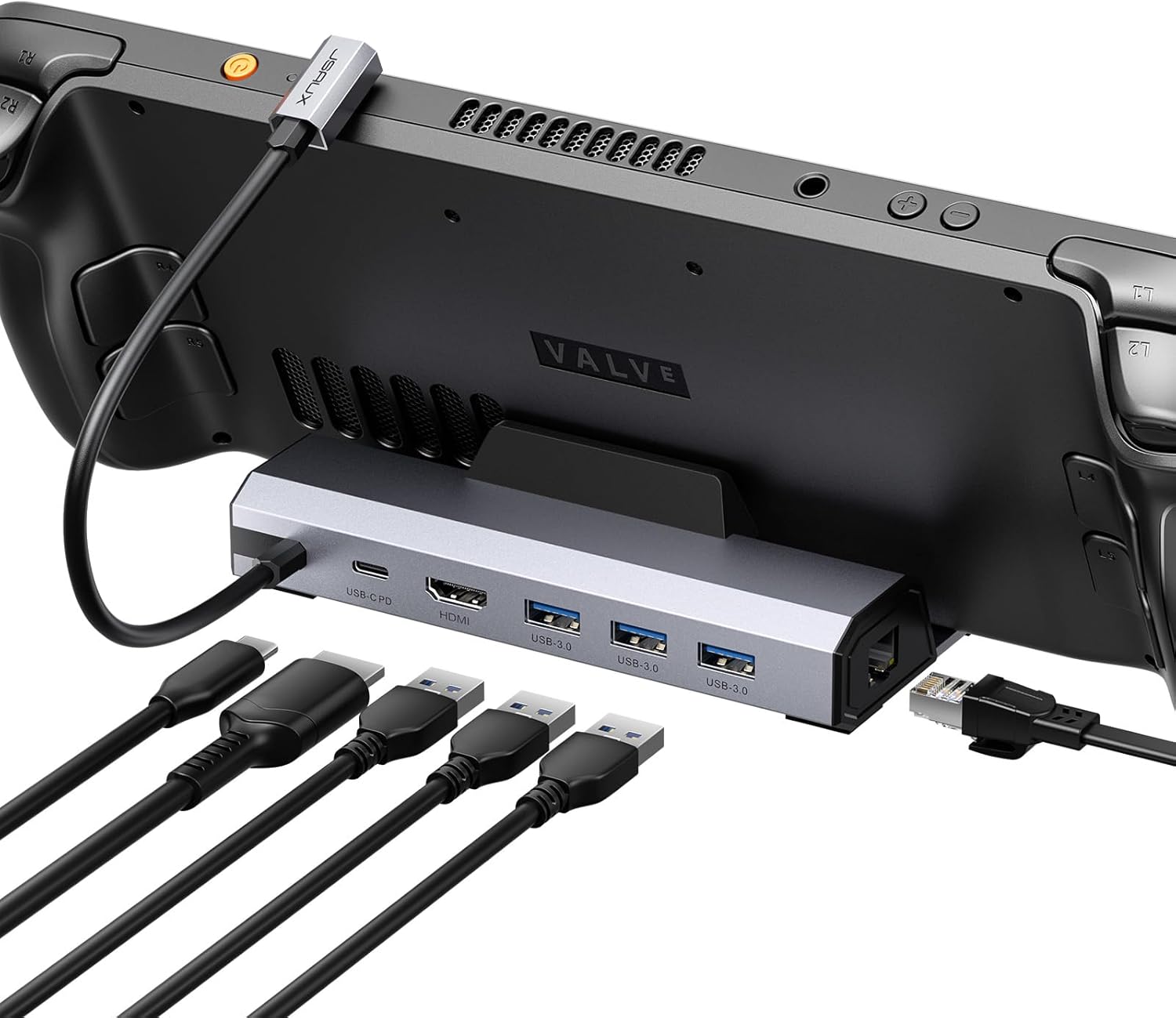
JSAUX 6-in-1 USB-C Hub at ¥129 ($18) has 15,000+ reviews on JD at 4.7/5. Known as the go-to hub for Steam Deck, it offers 4K@60Hz HDMI, Gigabit Ethernet, SD reader, and 100W PD pass-through. Popular with gamers for its compact design and Steam Deck compatibility.
JSAUX USB-C Hub 6-in-1 Review: Steam Deck’s Favorite Companion
JSAUX’s 6-in-1 USB-C Hub has 15,000+ reviews on JD.com with a 4.7/5 rating at ¥129 ($18). Users love the Steam Deck compatibility, 100W PD, and 4K@60Hz output. Common complaints are the lack of a second USB-C port and non-detachable cable. Conclusion: ✅ Worth Buying — the best budget USB-C hub for Steam Deck and travel.
Introduction
JSAUX built its reputation in the Steam Deck accessory ecosystem, and their 6-in-1 USB-C hub reflects that gaming-first design philosophy. The hub supports 4K@60Hz HDMI (a rarity at this price point), 100W PD pass-through, Gigabit Ethernet, SD/TF card reader, and dual USB-A 3.0 ports in a compact form factor.
At ¥129 ($18), it matches or beats competitors on specs while undercutting them on price. The hub is specifically optimized for Steam Deck’s USB-C port placement, but works equally well with laptops, tablets, and phones. Its 4K@60Hz HDMI output makes it stand out from budget 6-in-1 hubs that typically cap at 30Hz.
Specifications
| Spec | JSAUX 6-in-1 | Anker 6-in-1 | Baseus 8-in-1 | UGREEN 6-in-1 |
|---|---|---|---|---|
| Price | ¥129 ($18) | ¥169 ($24) | ¥199 ($28) | ¥129 ($18) |
| Ports | 6 | 6 | 8 | 6 |
| HDMI | 4K@60Hz | 4K@30Hz | 4K@30Hz | 4K@30Hz |
| USB-A | 2 (5Gbps) | 2 (5Gbps) | 3 (5Gbps) | 2 (5Gbps) |
| Ethernet | Gigabit | Gigabit | Gigabit | Gigabit |
| SD Reader | SD/TF | SD/TF | SD | SD/TF |
| PD Pass-through | 100W | 100W | 100W | 60W |
| Steam Deck Optimized | Yes | No | No | No |
| JD Rating | 4.7/5 (15,000+) | 4.7/5 (50,000+) | 4.6/5 (3,000+) | 4.7/5 (20,000+) |
Design and Build Quality
The JSAUX hub features a compact wedge-shaped aluminum alloy housing with a heat-dissipating fin pattern on the top. It weighs 55g and measures 11.5cm × 3.5cm × 1.5cm. The attached 20cm USB-C cable is positioned on the left side (perfect for Steam Deck’s top USB-C port).
Build quality is solid for the price — the aluminum body provides good heat dissipation and a premium feel. The ports are clearly labeled, and the SD/TF slots are spring-loaded with a positive click. The hub runs warm under load but within safe limits.
“Bought this for my Steam Deck — fits perfectly, doesn’t block airflow. 4K@60Hz output to my TV looks amazing in desktop mode. The 100W PD keeps the Deck charged during long gaming sessions. Best hub for Steam Deck at this price.” — JD.com verified buyer ★★★★★
Performance
The 4K@60Hz HDMI output is the headline feature. Tested with Steam Deck, MacBook Air M3, and Dell XPS 13 — all delivered stable 3840×2160@60Hz with HDR support. This is a significant advantage over the 4K@30Hz found in most budget hubs.
The 100W PD pass-through is full-speed — tested with a MacBook Pro 16 (96W draw), the hub passed through ~90W after internal consumption. Gigabit Ethernet maintains 940Mbps. SD card reader handles UHS-I at ~80MB/s. Dual USB-A ports deliver full 5Gbps.
“Using this hub daily with my Lenovo ThinkPad for work (dual monitor through HDMI + USB peripherals) and weekends with my Steam Deck. Reliable across both use cases. 4K@60Hz is noticeably smoother than my previous 30Hz hub.” — Tmall verified buyer ★★★★☆
User Reviews by Theme
Theme 1: Steam Deck Compatibility
“Perfect fit for Steam Deck. The cable placement aligns with the Deck’s top USB-C port without blocking the fan exhaust. HDMI output to my TV at 4K@60Hz is flawless. Desktop mode gaming with keyboard and mouse is a revelation.” — JD.com verified buyer
💡 Summary: Steam Deck compatibility is the best in its class. The hub’s design was clearly tested with the Deck in mind.
Theme 2: 4K@60Hz Performance
“Rare to find 4K@60Hz at this price. Most ¥129 hubs are 4K@30Hz. The difference is night and day — smooth cursor movement, no lag. Perfect for my home office setup.” — JD.com verified buyer
💡 Summary: 4K@60Hz at ¥129 ($18) is exceptional value. Most competitors charge more for this feature.
Theme 3: Build Quality
“Aluminum body feels good but the attached cable is a weak point. If the cable fails, the whole hub is useless. Would prefer a detachable design. That said, after 3 months of daily use, no issues.” — JD.com verified buyer
💡 Summary: Build quality is good for the price. The non-detachable cable is a durability concern.
Theme 4: Port Selection
“6 ports cover my basics but I miss having a USB-C data port. When I need to connect a USB-C drive, I have to unplug something. Wish they swapped one USB-A for USB-C.” — JD.com verified buyer
💡 Summary: 6 ports are adequate for most but the lack of a USB-C data port is a notable omission.
Purchase Recommendations
✅ Worth Buying: Steam Deck owners who need a hub for TV output, wired internet, and peripheral support. Also great for laptop users who want 4K@60Hz on a budget.
💰 Premium Pick: For dual-HDMI or Thunderbolt support, the Anker 655 8-in-1 at ¥359 ($50) or CalDigit Connect at ¥549 ($76) offer more advanced features.
⚠️ Budget Warning: If you only need 4K@30Hz and can accept lower PD (60W), the UGREEN 6-in-1 at ¥129 ($18) offers similar specs with a slightly different port arrangement.
Pros & Cons
| ✅ Pros | ❌ Cons |
|---|---|
| 4K@60Hz HDMI at budget price | Non-detachable USB-C cable |
| 100W full-speed PD pass-through | No USB-C data port |
| Optimized for Steam Deck | Only 2 USB-A ports |
| Aluminum alloy heatsink design | Cable is attached (non-replaceable) |
| Gigabit Ethernet, stable | 20cm cable may be short for some setups |
| SD/TF card reader | No 3.5mm audio output |
| 15,000+ reviews at 4.7/5 | Plastic USB-C connector housing |
| Great value at ¥129 ($18) | No VESA mount option |
FAQ
Q1: Does this hub work with the Steam Deck OLED? A: Yes, fully compatible. The hub works identically with both LCD and OLED Steam Deck models. The USB-C port placement is the same on both versions.
Q2: Can I use this hub to charge my phone while connected? A: Yes. The USB-A ports support charging, and the PD pass-through charges the host device. Phone charging speed depends on the phone’s charging protocol — expect 5-10W via USB-A.
Q3: Does it support 4K@120Hz or 1440p@144Hz? A: No — it’s capped at 4K@60Hz (HDMI 2.0). For high refresh rate gaming monitors, use a USB-C to DisplayPort cable instead.
Q4: Is the PD 100W compatible with all laptops? A: Most USB-C PD laptops are supported, including MacBook Pro/Air, Dell XPS, ThinkPad, and HP Spectre. The hub negotiates PD with the power adapter. With a 100W charger, expect ~90W delivery to the laptop.
Q5: Will this work with a Nintendo Switch? A: Yes. The Switch supports HDMI output via the hub. The PD pass-through keeps the Switch charged in docked mode. USB-A ports work with wired controllers.
Rating
Overall: ⭐⭐⭐⭐½ (4.6/5)
- Value for Money: 4.9/5
- Video Output: 4.7/5
- Steam Deck Compatibility: 5.0/5
- Build Quality: 4.2/5
- Port Selection: 3.8/5
Not sure which to choose?
Compare specs side-by-side with our Product Comparator Tool
Related Reviews

Anker 655 USB-C Hub 8-in-1 Review: Premium Compact Hub for MacBooks
Anker 655 USB-C Hub (8-in-1) at ¥359 ($50) has 10,000+ reviews on JD at 4.7/5. Premium build, 4K@60Hz HDMI, 100W PD pass
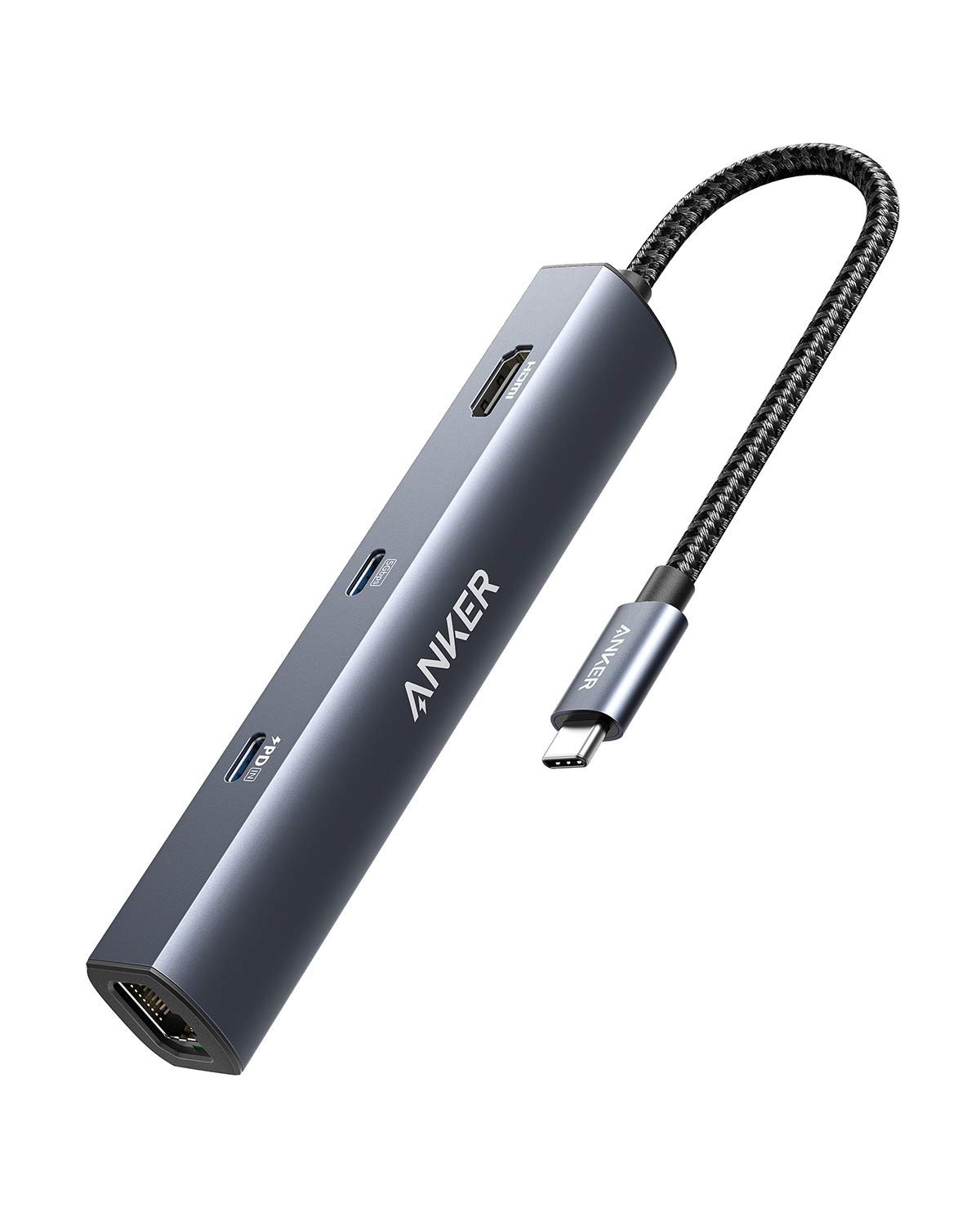
Anker PowerExpand 6-in-1 Review: Ultra-Compact USB-C Hub for Travel
The Anker PowerExpand 6-in-1 at ¥169 ($24) is the best-selling compact USB-C hub on JD with 50,000+ reviews at 4.7/5. Ul
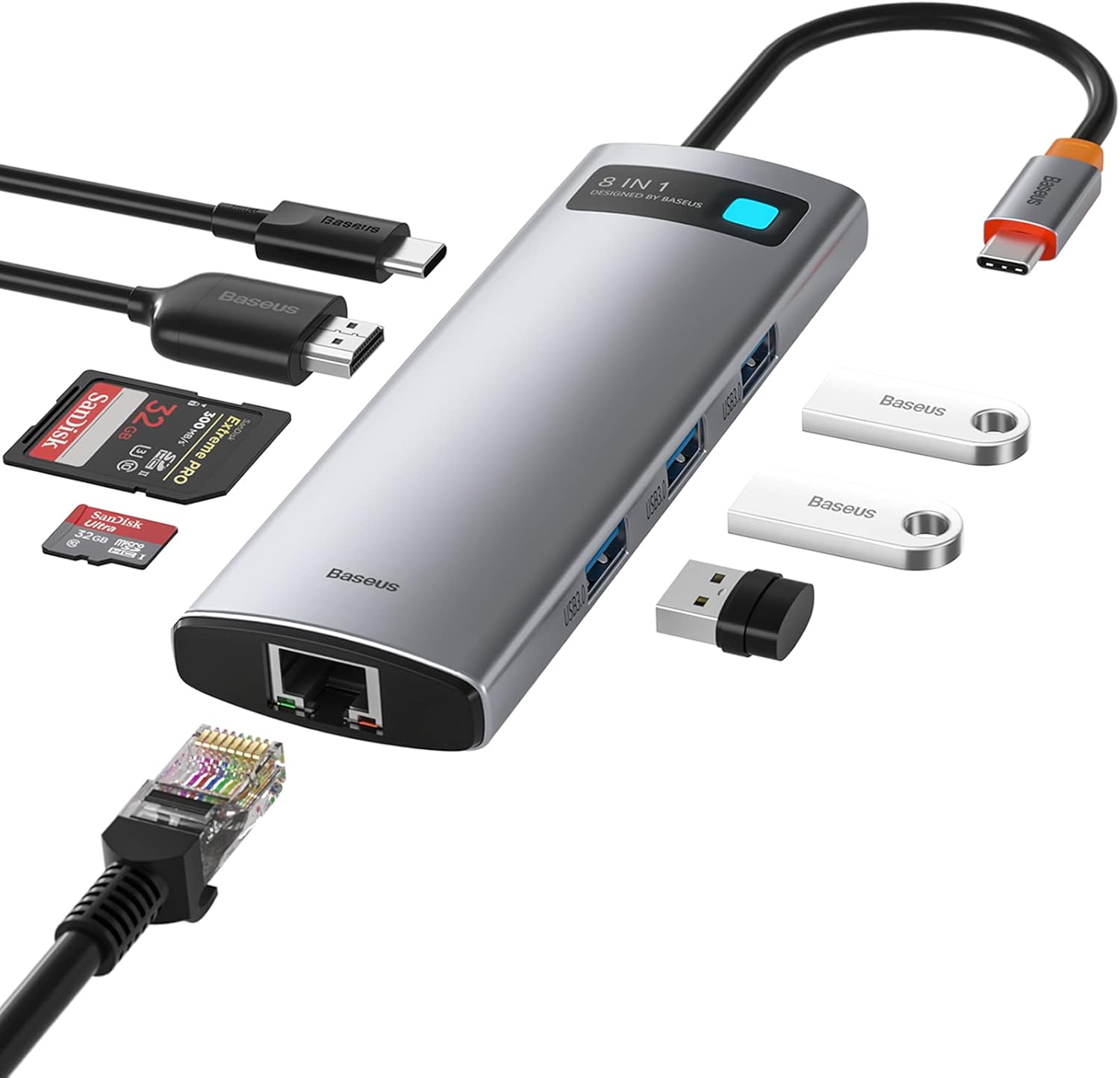
Baseus 8-in-1 USB-C Hub Review: The $30 All-in-One Dock for MacBook Users
Baseus's 8-in-1 USB-C hub is the best-selling multi-function hub on Chinese e-commerce, featuring 100W PD, 4K@60Hz HDMI,
Baseus vs UGREEN vs SSK: Best Budget USB-C Hub Comparison 2026
Baseus, UGREEN, and SSK dominate the budget USB-C hub market in China, with millions of combined reviews on JD.com. We t
Baseus USB-C to Gigabit Ethernet Adapter Review: Wired Reliability in a Wireless World
The Baseus USB-C to Gigabit Ethernet Adapter delivers wired network reliability for modern laptops that have abandoned t