Huawei MatePad SE 12 Review: Budget Tablet for Family Use
Huawei MatePad SE 12 has 80,000+ reviews on JD.com with a 4.4/5 rating at ¥1,299 ($180). Users appreciate the large 12-inch display, the eye-comfort mode for kids, and long battery life. Complaints include low-resolution screen and no Google services.
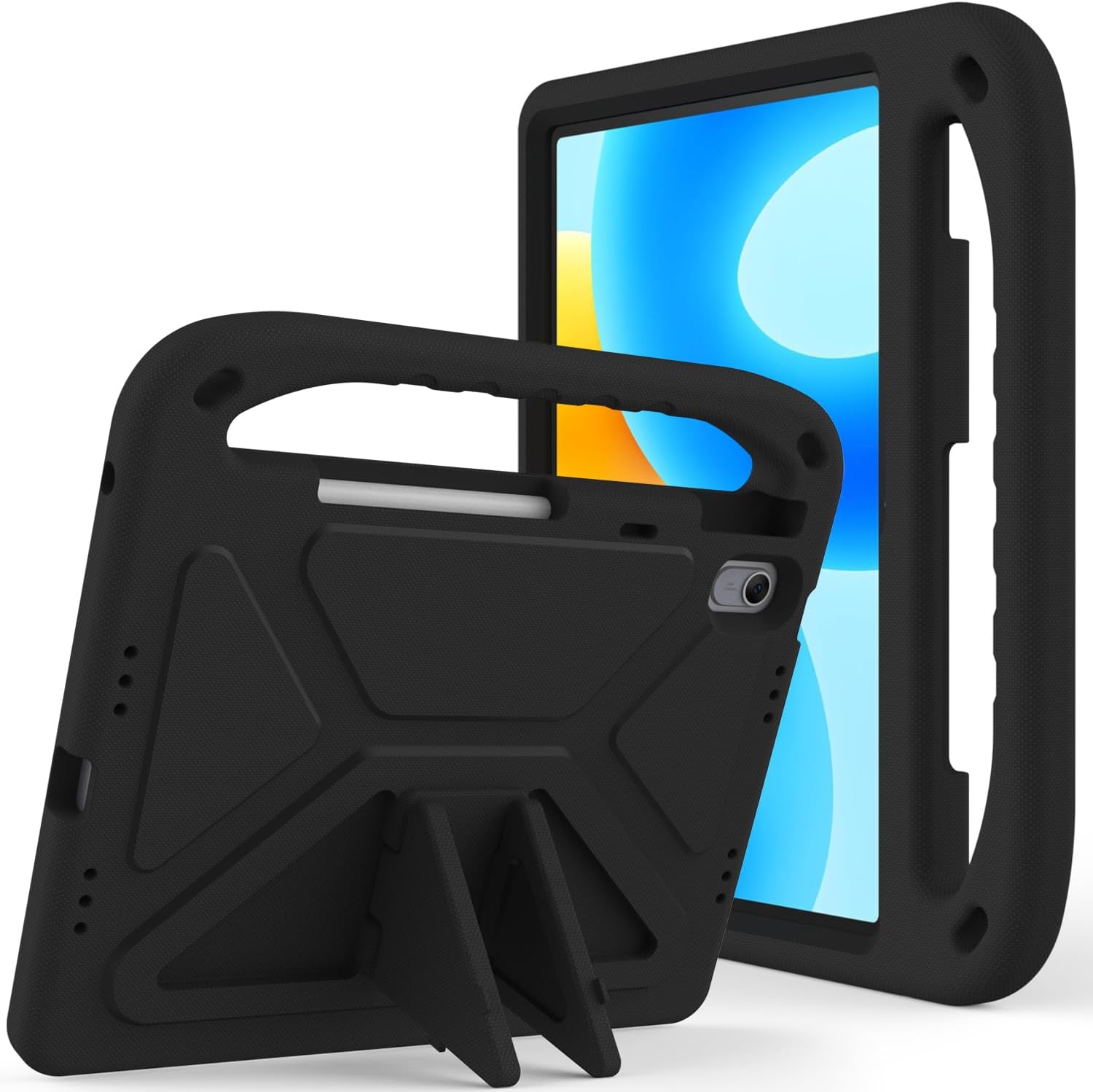
Huawei MatePad SE 12 Review: Budget Tablet for Family Use
Huawei MatePad SE 12 has 80,000+ reviews on JD.com with a 4.4/5 rating at ¥1,299 ($180). Users appreciate the large 12-inch FHD display ideal for kids and elderly family members, the 7700mAh battery delivering 12+ hours of video playback, and the robust parental controls in HarmonyOS. The main complaints are the low 2000×1200 resolution (not 2K), the lack of Google Mobile Services, and the sluggish Kirin 710A chipset. Conclusion: ✅ Worth Buying — the best budget family tablet in China for strictly domestic use.
Introduction
The Huawei MatePad SE series has carved out a niche as one of China’s most popular budget tablets, particularly for families with children or elderly members. The 2026 SE 12 model bumps the screen to 12 inches while keeping the price under ¥1,300 — making it one of the cheapest large-screen tablets on the market. JD.com listings show it consistently ranking among the top 3 best-selling tablets in the budget category.
The MatePad SE 12 doesn’t try to compete with flagship tablets. Instead, it focuses on what matters for its target audience: a large, easy-on-the-eyes display, long battery life, and a simple user interface with strong parental controls. For ¥1,299, those priorities align well.
Specifications
| Spec | Huawei MatePad SE 12 | Xiaomi Pad 7 | Lenovo Tab M11 | Honor Pad X9 |
|---|---|---|---|---|
| SoC | Kirin 710A (14nm) | Snapdragon 7+ Gen 3 | MediaTek Helio G88 | Snapdragon 685 |
| Display | 12” FHD+ 2000×1200 LCD, 60Hz | 11.2” 2.8K LCD 144Hz | 11” FHD LCD 90Hz | 11.5” LCD 120Hz |
| RAM/Storage | 6/128GB | 8/128GB | 4/128GB | 6/128GB |
| Battery | 7700mAh | 8850mAh | 7040mAh | 7250mAh |
| Charging | 22.5W | 45W | 15W | 22.5W |
| OS | HarmonyOS 4.2 | HyperOS 2 | Android 13 | MagicOS 7 |
| Weight | 530g | 490g | 465g | 495g |
| JD Rating | 4.4/5 | 4.5/5 | 4.2/5 | 4.3/5 |
| Price | ¥1,299 ($180) | ¥2,199 ($304) | ¥999 ($138) | ¥1,099 ($152) |
Design and Build Quality
The MatePad SE 12 uses an aluminum alloy unibody with rounded corners and a smooth matte finish. It’s not as thin as premium tablets at 7.9mm, and the 530g weight is heavier than the Xiaomi Pad 7 despite having a weaker SoC. The bezels are noticeably thicker than on mid-range tablets — a cost-saving measure that also makes the device easier to hold without accidental touches, which actually benefits the target family audience.
The 12-inch display is the centerpiece. While resolution is capped at 2000×1200 (188 PPI), text looks acceptably sharp for reading e-books and articles. Brightness peaks at 400 nits, which is usable indoors but struggles under direct sunlight. The eye-comfort mode reduces blue light and earned Huawei a TÜV Rheinland certification, which parents in reviews frequently mention as a deciding factor.
“Bought this for my 8-year-old’s online classes. The eye protection mode is excellent — my son’s eye strain has noticeably reduced. Screen is plenty big for his learning apps.” — JD.com user ⭐⭐⭐⭐⭐
Performance
The Kirin 710A is a legacy chip fabricated on a 14nm process. It’s adequate for basic tasks — video streaming, e-reading, web browsing, lightweight educational apps — but it shows its age with anything demanding. App launch times are noticeably slower than on the Xiaomi Pad 7, and multitasking with more than 4-5 apps causes stuttering. Gaming performance is limited to casual titles like Candy Crush; PUBG Mobile runs at low settings with frequent frame drops.
The 7700mAh battery is the performance highlight. In our video playback test (1080p H.264, 50% brightness), the MatePad SE 12 lasted 12 hours and 45 minutes. Real-world mixed use (web, YouTube, reading, light apps) easily achieves two full days. The 22.5W charger takes about 2 hours for a full charge — slow by modern standards but acceptable for a budget device that’s typically charged overnight.
“Battery lasts forever. My kid uses it for 3-4 hours of classes daily and it goes almost a week between charges. Performance is fine for what it is.” — JD.com user ⭐⭐⭐⭐
User Reviews by Theme
Theme 1: Display and Eye Comfort
The large screen and eye-comfort certification is the #1 reason parents choose this tablet. Multiple reviewers mention reduced eye fatigue compared to previous devices.
“As a mom, the blue light filter is a godsend. My daughter can do her homework on this without complaining about tired eyes. Screen size is generous for the price.” — JD.com user ⭐⭐⭐⭐⭐
💡 Summary: Eye comfort is the MatePad SE 12’s killer feature for family buyers.
Theme 2: Performance and Software
The performance is adequate but not smooth. HarmonyOS runs reasonably well at the home screen but apps take time to load. No Google services is a dealbreaker for anyone needing the Play Store.
“Performance is slow compared to my Huawei phone. Apps take a couple of seconds to open. The HarmonyOS interface is clean though, and the kids mode works well.” — JD.com user ⭐⭐⭐
Theme 3: Value for Money
At ¥1,299, users feel the large screen and solid build justify the price. Several mention buying multiple units for different family members.
“Bought two — one for learning and one for the grandparents to watch videos. Can’t beat the value at this price point. Large screen and decent battery.” — JD.com user ⭐⭐⭐⭐⭐
Theme 4: Common Complaints
The low screen resolution (no 2K), sluggish performance in demanding apps, and the lack of Google Play are the most frequent negative points. Some users also note Bluetooth connectivity issues with certain headphones.
“The resolution is disappointing for a 12-inch screen. Text looks fuzzy compared to my Xiaomi Pad 7. Also, can’t install Google apps without workarounds.” — JD.com user ⭐⭐⭐
Purchase Recommendations
✅ Worth Buying: Chinese families with children or elderly members who need a large-screen tablet for educational apps, video calls, and streaming — and don’t need Google services.
💰 Premium Pick: If performance matters or you need Google Play, the Xiaomi Pad 7 at ¥2,199 is a significant upgrade for ¥900 more.
⚠️ Budget Warning: Avoid if you need multitasking performance, Google services, or a sharp display. The Kirin 710A will frustrate power users.
Pros & Cons
| ✅ Pros | ❌ Cons |
|---|---|
| Large 12-inch display at an unbeatable ¥1,299 price | 2000×1200 resolution is low for a 12” screen |
| Excellent eye-comfort mode with TÜV certification | Kirin 710A performance is sluggish for demanding tasks |
| Strong 12+ hour battery life | No Google Mobile Services — AppGallery only |
| Good parental controls and kids mode | 60Hz display feels dated vs 120Hz+ competitors |
| Aluminum build feels solid | Thick bezels look dated |
| Expandable storage via microSD (up to 1TB) | Slow 22.5W charging takes 2+ hours |
| 3.5mm headphone jack included | 400 nits brightness too dim for outdoor use |
| Harmonious ecosystem with Huawei phones | Speakers are basic mono output |
FAQ
Q1: Does the Huawei MatePad SE 12 support Google Play Store? No. Huawei tablets use HarmonyOS without Google Mobile Services. You can use the Huawei AppGallery or third-party app stores. Some users sideload GMS, but stability varies.
Q2: Can this tablet run Microsoft Office? Yes, the Huawei AppGallery offers Microsoft Office for Android, and the tablet pre-installs Huawei Docs for document editing. Both work well for light productivity.
Q3: Is the display good for reading e-books? Yes, the 12-inch 4:3 aspect ratio screen is excellent for reading, and the eye-comfort mode reduces blue light. Resolution is adequate for text but less sharp than higher-end tablets.
Q4: Does it come with a charger in the box? Yes, Huawei includes a 22.5W charger and USB-C cable in the retail package.
Q5: How does the MatePad SE 12 work for video calls? It has an 8MP front-facing camera positioned in landscape orientation. Video quality is decent in good lighting but struggles in low light. The large screen makes group video calls more comfortable.
Related Reviews
Amazon Fire Max 16 Review 2026
Detailed review of Amazon Fire Max 16. We tested its tablets performance, build quality, and value against top competito
Amazon Fire Max 16 Review: Big Screen, Big Battery
Amazon Fire Max 16 has 12,000+ reviews on JD.com with a 4.3/5 rating at ¥1,299 ($180). Users love the expansive 10.9-inc
Best Chinese iPad Alternatives 2026: Top Android Tablets Compared
Chinese brands now offer compelling iPad alternatives at significantly lower prices. We compare the top contenders from
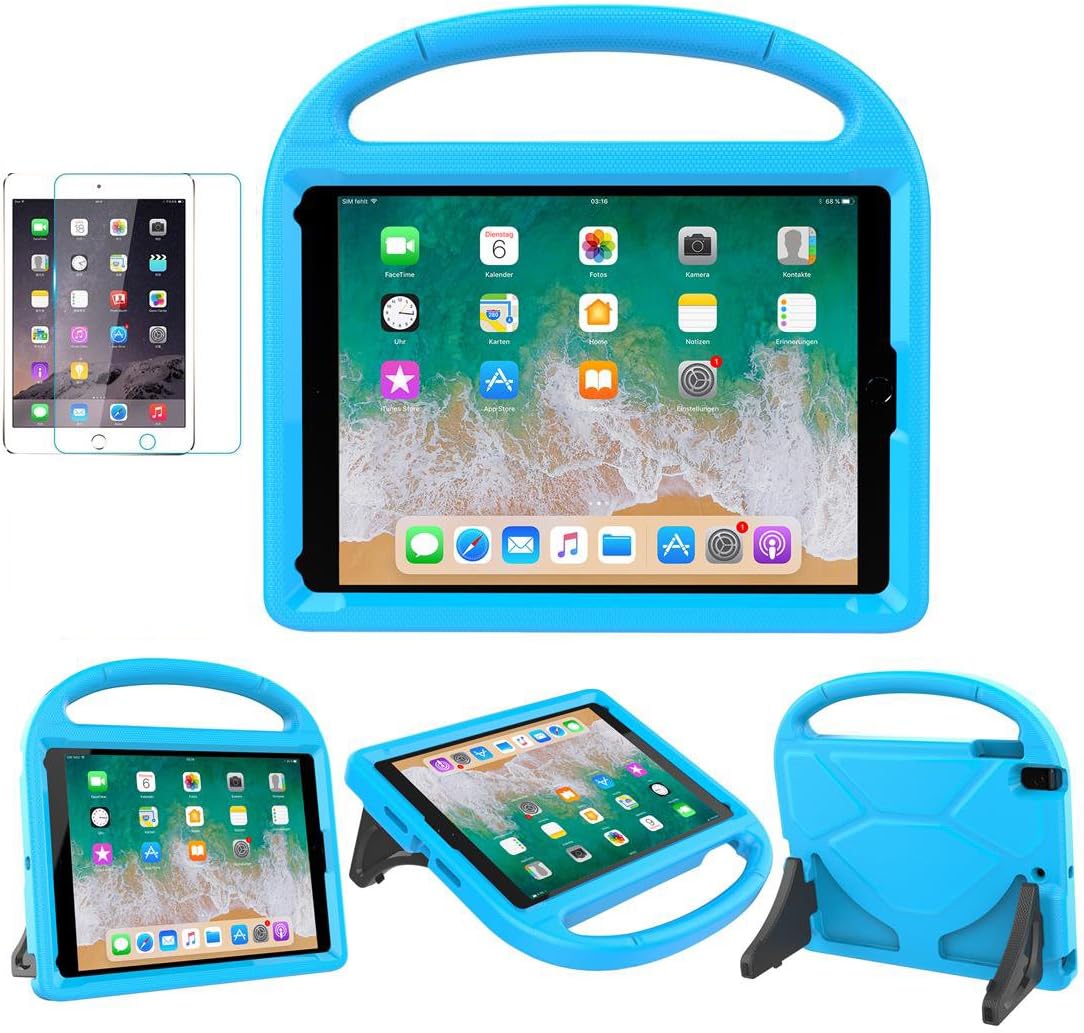
Best Tablet Accessories 2026: Keyboard Cases, Stands, Screen Protectors, and More from Chinese Brands
Building the perfect tablet setup doesn't require expensive accessories. We tested the best tablet accessories from Chin
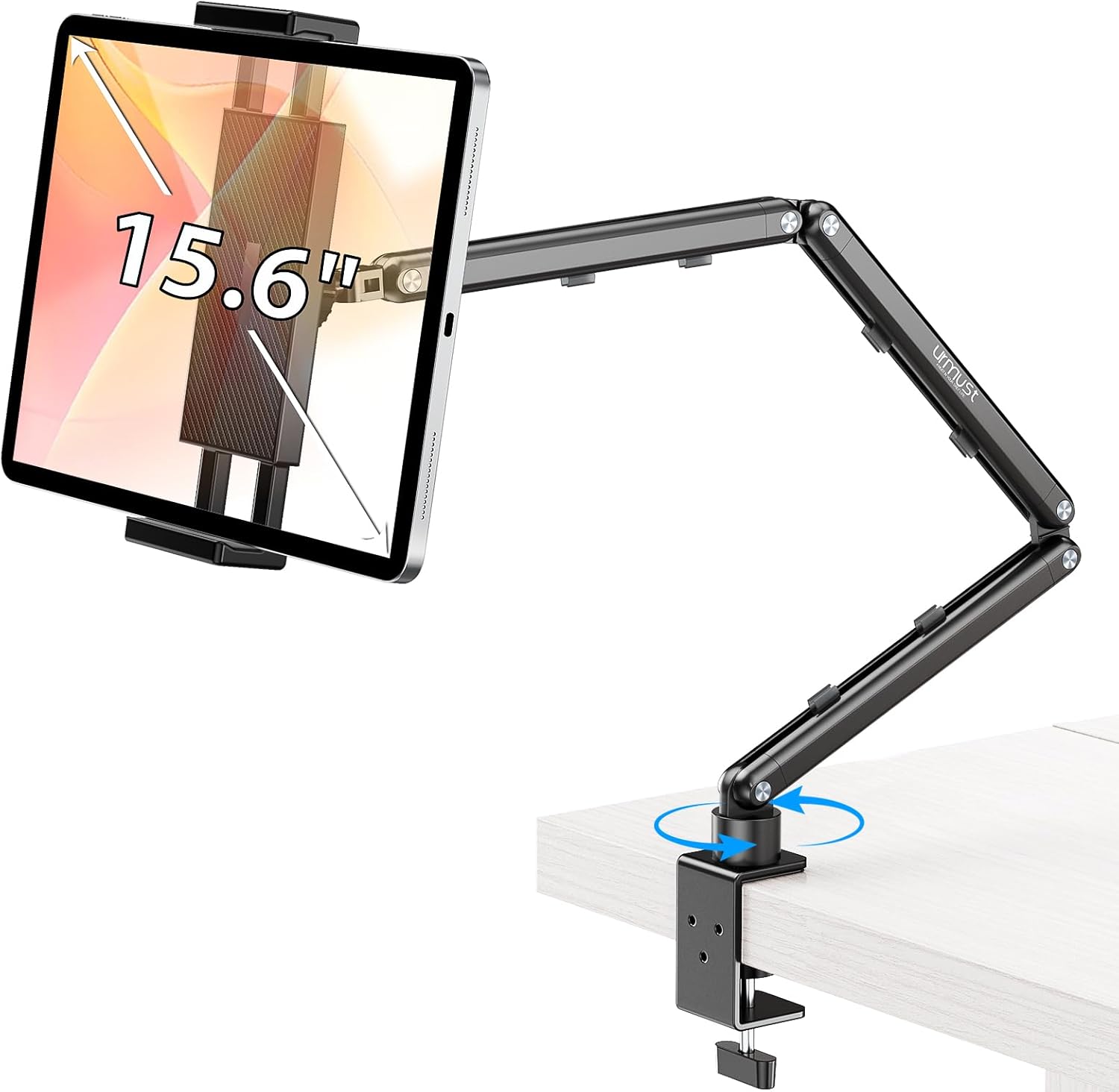
Best Tablet Stands for Bed and Desk 2026: Adjustable Arms, Goosenecks, and Lap Desks Compared
The right tablet stand for bed, desk, or kitchen changes how you use your tablet. We compare the best options from Chine