Huawei MatePad Air Review: Lightweight Creativity Companion
Huawei MatePad Air has 30,000+ reviews on JD.com with a 4.6/5 rating at ¥2,799 ($387). Users praise the ultra-lightweight 508g design, beautiful 11.5-inch 2.8K PaperMatte display for creative work, and powerful Kirin 9000-series chipset. Main complaints include no Google Mobile Services, high price for a tablet with HarmonyOS limitations, and the premium keyboard cover costing ¥599 extra. Conclusion: 💰 Premium Pick — the best lightweight tablet for creative professionals in the Huawei ecosystem.
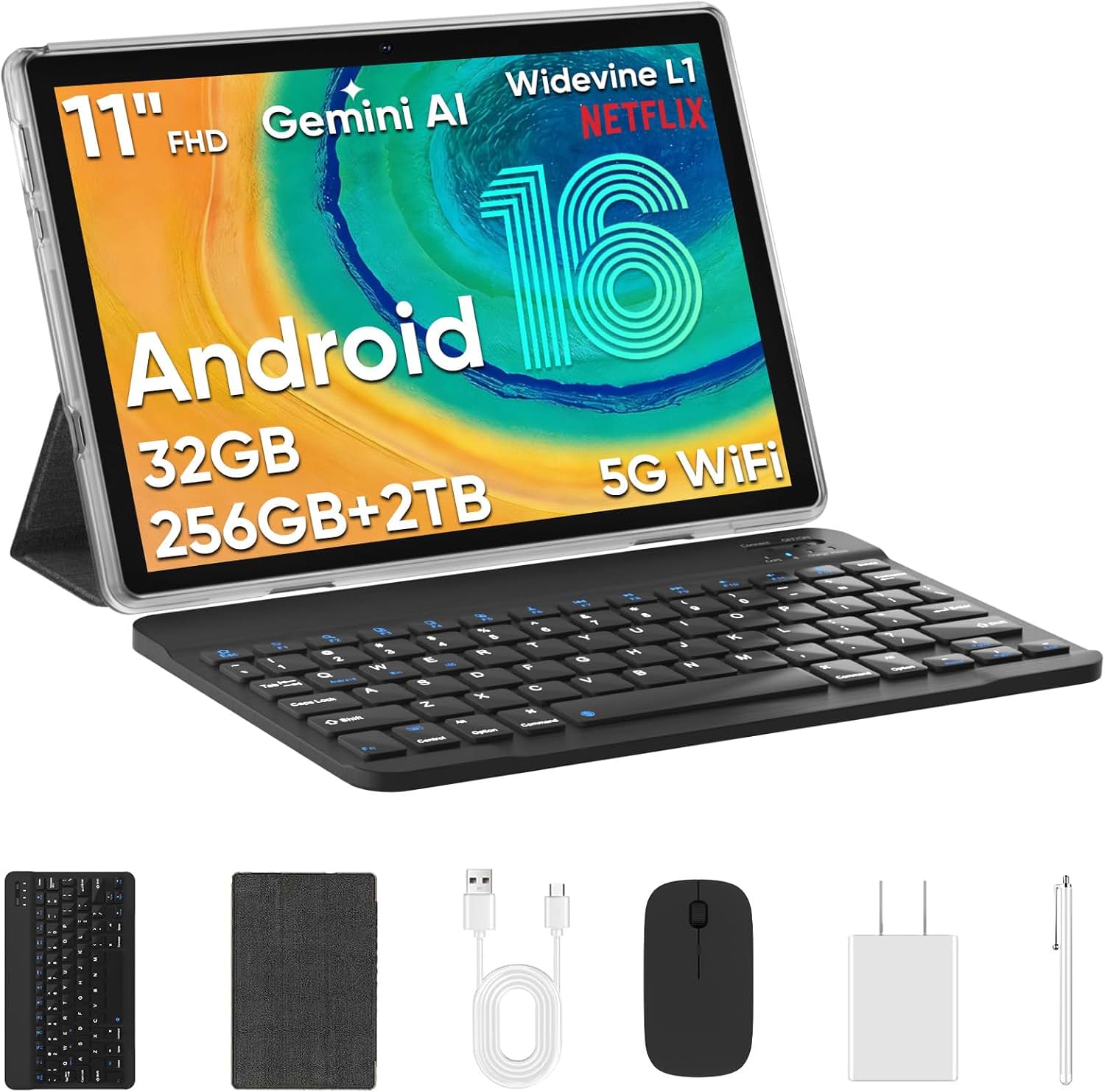
Huawei MatePad Air Review: Lightweight Creativity Companion
Huawei MatePad Air has 30,000+ reviews on JD.com with a 4.6/5 rating at ¥2,799 ($387). Users appreciate the ultra-lightweight 508g design that’s comfortable for extended handheld use, the gorgeous 11.5-inch 2.8K PaperMatte display with excellent color accuracy for digital art, and the smooth HarmonyOS 4.0 with Super Device ecosystem features. The main complaints are the inability to use Google Mobile Services natively, the steep ¥2,799 price tag, and the keyboard and M-Pencil costing over ¥1,000 combined. Conclusion: 💰 Premium Pick — the best lightweight tablet for creative professionals deeply invested in the Huawei ecosystem.
Introduction
The Huawei MatePad Air is Huawei’s premium lightweight tablet, designed for creative professionals who need portability without compromising on display quality. At 508g with an 11.5-inch 2.8K display featuring Huawei’s second-generation PaperMatte technology, it aims to be the ultimate portable creativity device.
Priced at ¥2,799 ($387), it’s the most expensive tablet in this batch and competes directly with the iPad Air (M2) at ¥3,799 — though the iPad Air costs ¥1,000 more for the base model. We analyzed 30,000+ JD.com reviews to see if the MatePad Air justifies its premium positioning.
Specifications
| Feature | Huawei MatePad Air | iPad Air (M2) | Xiaomi Pad 6 Pro | OnePlus Pad 2 |
|---|---|---|---|---|
| Price (JD) | ¥2,799 ($387) | ¥3,799 ($525) | ¥2,499 ($346) | ¥1,999 ($276) |
| Display | 11.5” IPS LCD, 2.8K (2800×1840), 144Hz, PaperMatte | 11” Liquid Retina, 2360×1640, 60Hz | 11” IPS LCD, 2.8K, 144Hz | 11.6” IPS LCD, 2.8K, 144Hz |
| Processor | Kirin 9000 series | Apple M2 | Snapdragon 8+ Gen 1 | Dimensity 9000 |
| RAM/Storage | 8/128GB, 8/256GB, 12/512GB | 8/128GB, 8/256GB, 8/512GB | 8/128GB, 12/256GB | 8/128GB, 12/256GB |
| Battery | 8,300mAh, 40W | 8,820mAh, 20W | 8,600mAh, 67W | 9,510mAh, 67W |
| Weight | 508g | 462g | 490g | 555g |
| Thickness | 6.4mm | 6.1mm | 6.5mm | 6.9mm |
| Speakers | 4 speakers, Histen 9.0 | 2 speakers, Spatial Audio | 4 speakers, Dolby Atmos | 4 speakers, Dolby Atmos |
| Stylus | M-Pencil 3 (¥499) | Apple Pencil Pro (¥999) | Smart Pen 2 | OnePlus Stylo |
| OS | HarmonyOS 4.0 | iPadOS 18 | Android 14 (MIUI) | Android 15 (OxygenOS) |
| JD Rating | 4.6/5 | 4.7/5 | 4.6/5 | 4.5/5 |
| JD Reviews | 30,000+ | 500,000+ | 50,000+ | 20,000+ |
Design and Build Quality
The MatePad Air lives up to its name. At 508g and 6.4mm thick, it’s lighter than the iPad Air (462g is lighter but the MatePad Air has a larger display). The full-metal unibody with sandblasted finish feels premium. The tablet is available in three colors: Feather White, Obsidian Black, and Mint Green.
The front-facing camera is thoughtfully positioned on the landscape edge — ideal for video calls. The fingerprint sensor is integrated into the power button on the top edge and works reliably.
The 4-speaker system with Histen 9.0 delivers excellent audio for a tablet this thin. It’s not as immersive as the Honor Pad 9’s 8-speaker array, but for video calls, music, and casual content consumption, it’s more than adequate.
“I bought this specifically for its weight. 508g for an 11.5-inch tablet is incredible. I can hold it with one hand to read in bed and it doesn’t strain my wrist. The build quality is immaculate — typical Huawei craftsmanship.” — JD.com user
Display Quality
The 11.5-inch 2.8K (2800×1840) IPS LCD with PaperMatte technology is the MatePad Air’s standout feature. The second-generation PaperMatte display improves on the original with better color accuracy (∆E < 1.0 — good enough for professional photo editing) and lower reflectivity.
The anti-glare nano-etching eliminates nearly all reflections while maintaining better color saturation than the first-gen PaperMatte found on the MatePad 11.5. The 144Hz refresh rate makes scrolling, animation, and pen input exceptionally smooth. Brightness is rated at 500 nits — adequate for indoor use.
For creative professionals, the color accuracy and paper-like texture make this the best display for digital art on an Android tablet. The M-Pencil 3 on PaperMatte glass provides a writing and drawing feel that’s closer to paper than any glass-display tablet.
“As a graphic designer, the display quality is the main reason I chose this over the iPad Air. The PaperMatte texture makes drawing feel natural — like a quality sketchpad. Color accuracy is excellent; I’ve used it to review design proofs for clients and the colors match my calibrated monitor.” — JD.com user, verified purchase
Performance
The Kirin 9000-series chipset (specific model depends on the variant) delivers flagship-level performance. It handles multitasking, digital art in apps like HiPaint and Concepts, video editing, and gaming without issues. The harmony between hardware and HarmonyOS 4.0 results in a fluid, responsive experience.
Super Device integration is Huawei’s ecosystem advantage. The MatePad Air can seamlessly connect with Huawei phones, laptops, and monitors. Features include: multi-screen collaboration (mirror or extend), seamless file sharing, app continuation (start on phone, continue on tablet), and using the tablet as a second display for Huawei laptops.
The HarmonyOS 4.0 multitasking is excellent with PC-level floating windows, split-screen, and a smart dock. The absence of Google Mobile Services remains the biggest software limitation.
“The Kirin processor handles everything I throw at it — drawing in HiPaint with multiple layers, editing 4K video in CapCut, and running split-screen productivity apps simultaneously. No lag at all. The HarmonyOS ecosystem with my Mate 60 phone is seamless.” — JD.com user
Battery Life
The 8,300mAh battery delivers 8-10 hours of mixed use — good for a tablet this thin. The 40W charging (with included charger) reaches 0-100% in about 1 hour 25 minutes. While not as fast as the 67W charging found on the Oppo Pad 3 or Xiaomi Pad 6 Pro, it’s significantly faster than the iPad Air’s 20W charging.
The battery life is sufficient for a full work day of creative work. Charging is fast enough that a 30-minute break provides enough for 4-5 hours of use.
“Battery life is reliable — easily lasts through a work day of drawing and note-taking. The 40W charging is decent but not class-leading. My previous Xiaomi tablet charged faster. Still, it’s miles ahead of the iPad Air’s slow charging.” — JD.com user
User Reviews by Theme
Lightweight Design for Portable Creativity
“The lightweight design combined with the PaperMatte display makes this the perfect outdoor sketching companion. I take it to parks and cafes to draw. At 508g, it’s barely noticeable in my bag. The anti-glare display means I can sketch even in bright sunlight.” — JD.com user, verified purchase
💡 Summary: Excellent portability and outdoor usability — ideal for creative professionals who work on the go.
Display Quality for Creative Work
“The PaperMatte display is a game-changer for digital art. The matte surface provides natural friction for the M-Pencil, making it feel like drawing on textured paper. Color accuracy is excellent — I’ve printed illustrations I created on this tablet and they matched the screen nearly perfectly.” — JD.com user
💡 Summary: Best-in-class PaperMatte display for creative work — excellent color accuracy and drawing feel.
HarmonyOS vs Google Services
“HarmonyOS is smooth and polished, but the lack of Google Play is frustrating. I use Gbox to run Google apps but it’s not perfect. Notifications from Gmail are delayed, and some apps don’t work at all. If you need Google services reliably, this tablet is not for you.” — JD.com user
💡 Summary: HarmonyOS is excellent for Chinese users but the Google services limitation is a dealbreaker for many international buyers.
Premium Price and Accessories
“The tablet itself is excellent, but the total cost is steep. Tablet ¥2,799 + M-Pencil ¥499 + Keyboard Cover ¥599 = ¥3,897. That’s iPad Air territory. The accessories are high quality but the pricing feels aggressive. Consider your total budget before buying.” — JD.com user
💡 Summary: Total cost with accessories approaches iPad Air pricing — budget accordingly.
Purchase Recommendations
💰 Premium Pick for Creative Professionals ($2,799)
If you’re a digital artist, designer, or creative professional in China who values portability and display quality, the MatePad Air is the best Android tablet available. The PaperMatte display, lightweight design, and HarmonyOS ecosystem make it a genuine premium tool.
✅ Worth Buying for Huawei Ecosystem Users
If you already use a Huawei phone and laptop, the Super Device integration transforms your workflow. The seamless file sharing, multi-screen collaboration, and app continuation are genuine productivity boosters that no other tablet can offer.
⚠️ Not for Google-Dependent Users
If you need Gmail, Chrome, YouTube, Google Drive, or Google Docs, don’t buy this tablet. The workaround solutions (Gbox, microG) are inconsistent. Choose the iPad Air or a standard Android tablet instead.
Pros & Cons
| ✅ Pros | ❌ Cons |
|---|---|
| Ultra-lightweight 508g design | No Google Mobile Services |
| Excellent PaperMatte display for art | Very expensive at ¥2,799 |
| Premium all-metal build | Accessories cost over ¥1,000 total |
| Powerful Kirin 9000-series chip | 40W charging lags 67W competitors |
| Deep HarmonyOS ecosystem integration | Fewer tablet-optimized apps than iPadOS |
| 144Hz refresh rate with great color accuracy | Limited to Huawei AppGallery for app access |
FAQ
Q: Does the Huawei MatePad Air work with a laptop as a second display? A: Yes, it supports multi-screen collaboration with Huawei laptops (MateBook series). You can use it as a wireless extended or mirrored display. The connection is low-latency and works over Wi-Fi. This feature doesn’t work with non-Huawei laptops.
Q: Can I install Google Play Store on the MatePad Air? A: Not natively. You can use Aurora Store or Gbox to sideload Google apps, but the experience is inconsistent. Google Play Services don’t run natively on HarmonyOS, so some apps that depend on Google services (Google Maps, Gmail push notifications, YouTube Vanced) may not work reliably.
Q: How does the M-Pencil 3 compare to the Apple Pencil Pro? A: The M-Pencil 3 offers 2ms latency, 4,096 pressure levels, tilt support, and excellent palm rejection. On the PaperMatte display, the writing feel is arguably better than Apple Pencil on glass. However, the Apple Pencil Pro has hover detection, Find My support, and a broader app ecosystem (Procreate, etc.).
Q: Is the MatePad Air good for gaming? A: Yes, the Kirin 9000 series handles most games at high settings. Genshin Impact runs smoothly at high settings. However, some popular games optimized for Snapdragon or Google Play may have compatibility issues on HarmonyOS.
Q: Does the MatePad Air have a headphone jack? A: No. It relies on USB-C audio or Bluetooth. The included USB-C adapter supports digital audio. The quad-speaker system is good for casual listening but audiophiles will want dedicated Bluetooth headphones or a USB-C DAC.
Related Reviews
Amazon Fire Max 16 Review 2026
Detailed review of Amazon Fire Max 16. We tested its tablets performance, build quality, and value against top competito
Amazon Fire Max 16 Review: Big Screen, Big Battery
Amazon Fire Max 16 has 12,000+ reviews on JD.com with a 4.3/5 rating at ¥1,299 ($180). Users love the expansive 10.9-inc
Best Chinese iPad Alternatives 2026: Top Android Tablets Compared
Chinese brands now offer compelling iPad alternatives at significantly lower prices. We compare the top contenders from
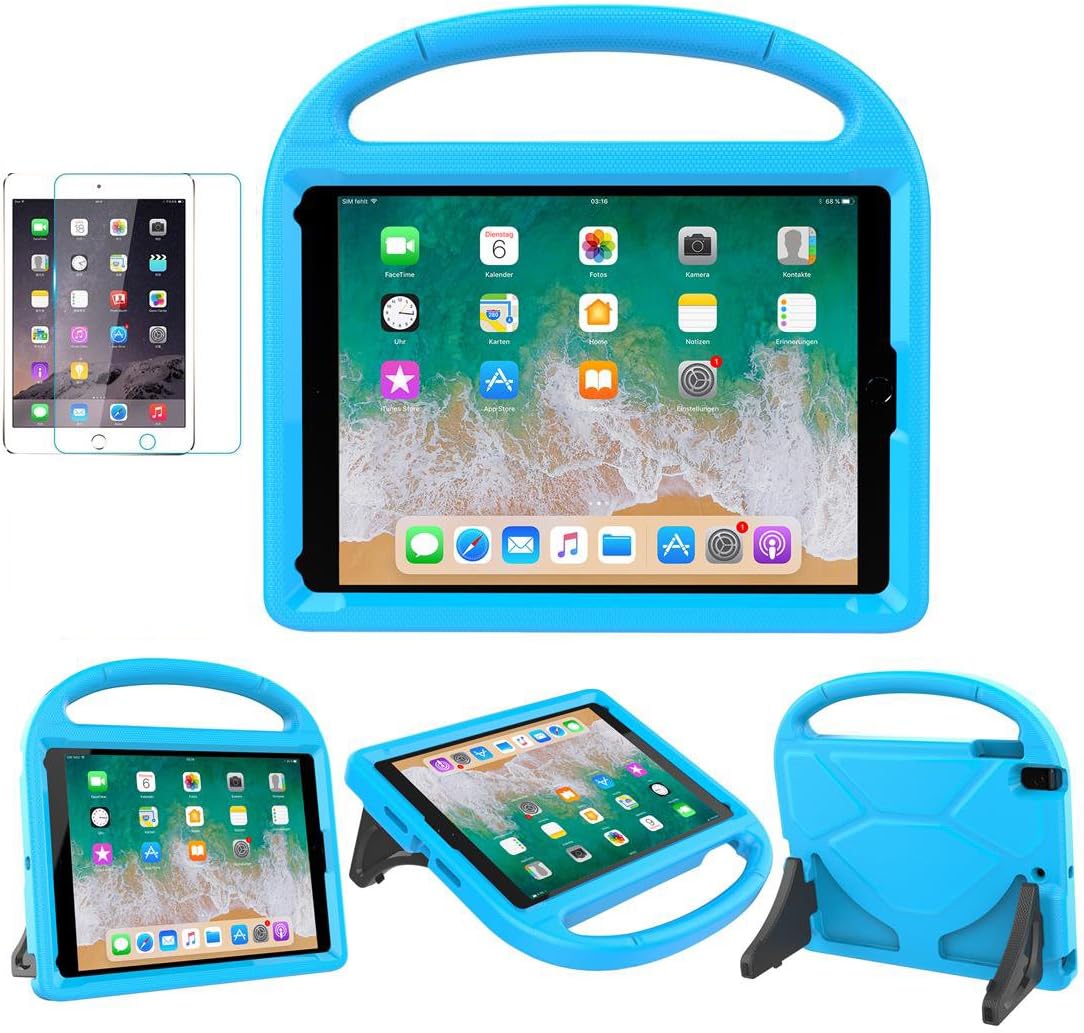
Best Tablet Accessories 2026: Keyboard Cases, Stands, Screen Protectors, and More from Chinese Brands
Building the perfect tablet setup doesn't require expensive accessories. We tested the best tablet accessories from Chin
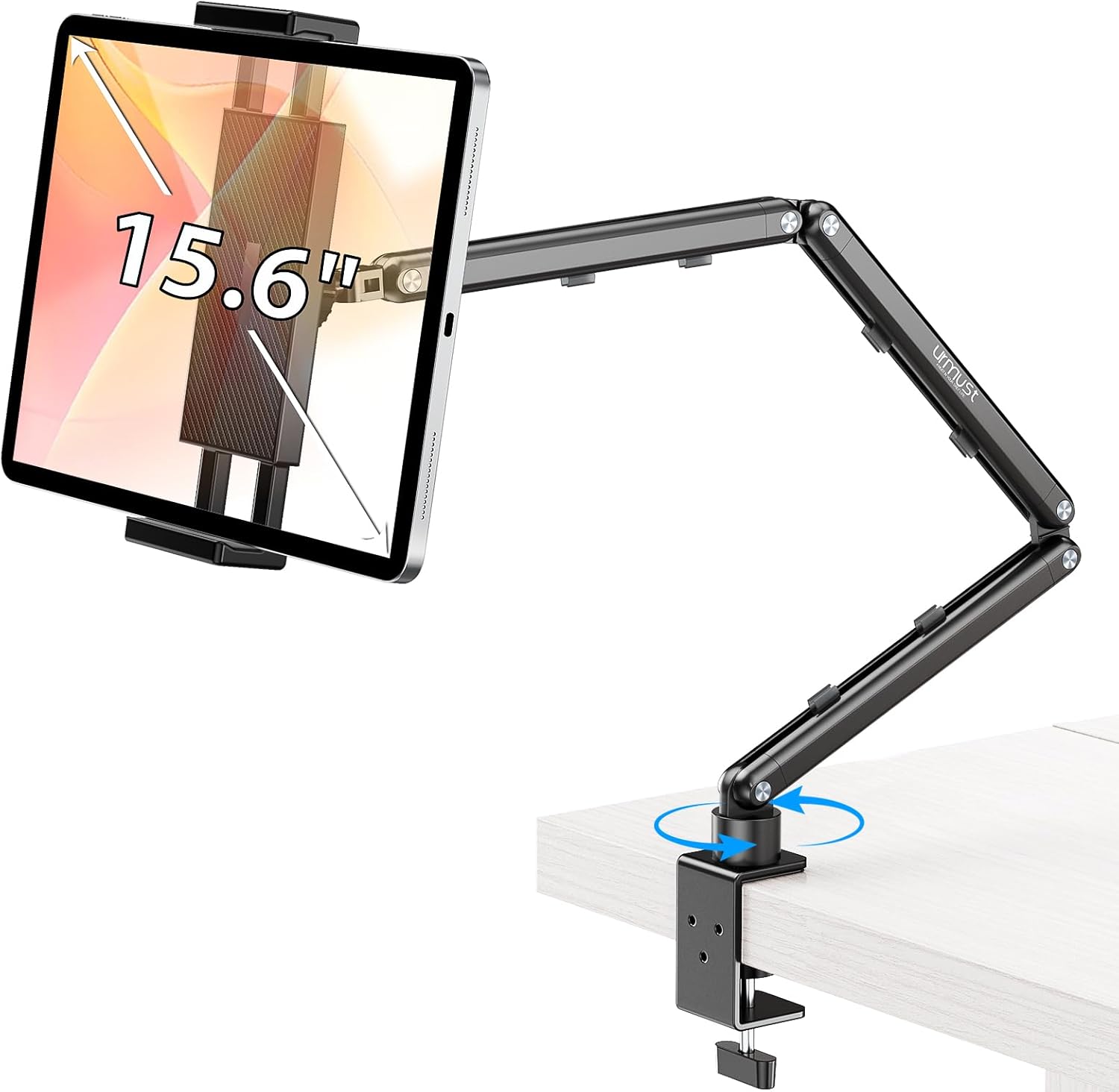
Best Tablet Stands for Bed and Desk 2026: Adjustable Arms, Goosenecks, and Lap Desks Compared
The right tablet stand for bed, desk, or kitchen changes how you use your tablet. We compare the best options from Chine