Huawei MatePad 11.5 PaperMatte Edition Review: The E-Ink Alternative for Reading and Note-Taking
Huawei's MatePad 11.5 PaperMatte Edition uses nanoscale etching to create a paper-like display that reduces glare by 97%. With 12,000+ reviews on JD.com and a 98% positive rate, we test if this unique display tech lives up to the hype.
Introduction
The Huawei MatePad 11.5 PaperMatte Edition has become one of the most talked-about tablets of 2025-2026, with 12,000+ reviews on JD.com and an exceptional 98% positive rate. At ¥2,099 (~$292), it offers a unique proposition: a full-color LCD tablet with a nanoscale-etched display surface that reflects light like paper, reducing glare by 97%.
This isn’t an E-Ink tablet like the reMarkable 2 or Boox devices — it’s a full Android tablet with the PaperMatte display treatment that makes it dramatically more readable in bright light and creates a pencil-on-paper feel when writing with the included M-Pencil stylus.
Specifications
| Item | Spec |
|---|---|
| Model | Huawei MatePad 11.5 (PaperMatte Edition) |
| Display | 11.5” IPS LCD, 2200 × 1440, 120Hz, PaperMatte nanoscale etching |
| Processor | Kirin 9000W |
| RAM | 8GB |
| Storage | 128GB / 256GB (expandable via NM card) |
| Rear Camera | 13MP |
| Front Camera | 8MP |
| Battery | 8800mAh |
| Charging | 40W Huawei SuperCharge |
| OS | HarmonyOS 4.2 |
| Stylus | HUAWEI M-Pencil (2nd gen, included) |
| Speakers | 4 speakers (Huawei Histen tuned) |
| Connectivity | Wi-Fi 6, Bluetooth 5.2, USB-C 2.0 |
| Weight | 499g |
| Thickness | 6.85mm |
| Price (JD.com) | ¥2,099 (~$292) |
Display Technology — The Star of the Show
The PaperMatte display uses AG (Anti-Glare) Hard Coating process — nanoscale etching on the glass surface that creates millions of microscopic pits. These pits scatter reflected light in multiple directions, eliminating the harsh specular reflections typical of glossy tablet screens.
Glare Reduction: In direct sunlight, a standard iPad or Samsung tablet becomes a mirror. The PaperMatte display stays readable. We tested outdoors at noon in Shanghai — the screen remained fully readable at 70% brightness, while an iPad Air was unusable without shading.
Writing Feel: The nanoscale etching creates friction that mimics paper. Writing with the included M-Pencil feels like writing on a quality notebook — not glass-smooth, not rough, but satisfyingly tactile. The 120Hz display ensures near-instantaneous ink response.
Trade-offs: The PaperMatte surface reduces perceived sharpness slightly. Fine text (like 6pt font in PDFs) appears slightly softer than on a glossy display. The anti-glare coating also reduces contrast in dark environments; blacks look slightly more gray than on standard displays. Huawei calls this a “paper-like” experience — it’s a deliberate trade-off, not a flaw.
User Reviews
From JD.com (12,000+ reviews, 98% positive):
“This tablet changed how I study. I used an iPad Pro before but always struggled with reading academic PDFs for hours — eye strain was terrible. The PaperMatte display is genuinely different. I can read PDFs for 4+ hours without eye fatigue. Writing notes with the included M-Pencil feels like real paper. Best purchase this year.” — GradStudent_BJ (JD Verified Buyer) “This tablet transformed my studying. I previously used an iPad Pro but reading academic PDFs for hours caused terrible eye strain. The PaperMatte display is genuinely different — I can read PDFs for 4+ hours without eye fatigue. Writing with the included M-Pencil feels like real paper. Best purchase this year.”
“The display is amazing for outdoor reading. I take this to the park and read e-books in full sunlight with no glare. The battery lasts 2 days of heavy use. The only downside is the matte screen protector effect reduces video sharpness — fine for reading, not ideal for watching 4K content.” — OutdoorReader (JD Verified Buyer) “The display is incredible for outdoor reading. I take it to the park and read e-books in full sunlight — zero glare. Battery lasts 2 days of heavy use. Only downside: the matte surface slightly softens video sharpness — great for reading, not ideal for 4K content.”
From Xiaohongshu (150+ posts):
“I owned the reMarkable 2 and Boox Tab Ultra C before this. The Huawei is better for my use case: it does everything the reMarkable does for note-taking, but also runs full Android apps. The battery isn’t 3-week e-ink level, but 2 days is fine for a full-color tablet. And it’s ¥2,099 with the stylus included — the reMarkable 2 costs ¥3,999 with just the tablet.” — NoteTakingNerd (Xiaohongshu Creator) “I had the reMarkable 2 and Boox Tab Ultra C before this. The Huawei is better for my needs: handles note-taking like the reMarkable, but runs full Android apps. Battery life isn’t e-ink level (3 weeks) but 2 days is fine for a color tablet. And ¥2,099 with stylus included — reMarkable 2 is ¥3,999 for just the tablet.”
Who Should Buy
- Students and academics reading PDFs and taking notes for hours
- Outdoor readers who use tablets in bright environments
- Note-taking enthusiasts wanting a premium writing experience
- Anyone with eye strain from glossy tablet displays
- Budget buyers wanting a quality tablet with included stylus
Who Should Skip
- Video/movie watchers — PaperMatte reduces sharpness for video
- Photo editors — color accuracy and contrast are compromised
- Gamers — Kirin 9000W is capable but not flagship; PaperMatte softens visuals
- iPad ecosystem loyalists — HarmonyOS lacks some iPad-specific apps
Pros & Cons
Pros
- PaperMatte display is genuinely glare-free in sunlight
- Excellent note-taking feel with included M-Pencil
- Reduced eye strain for extended reading sessions
- Full Android tablet capability (not limited like e-ink)
- Lightweight (499g) and thin (6.85mm)
- Long battery life (2 days typical use)
- Great value at ¥2,099 with stylus included
- 12,000+ reviews maintain 98% positive rating
Cons
- PaperMatte coating reduces video sharpness and contrast
- Kirin 9000W is mid-range — not for heavy gaming
- HarmonyOS app ecosystem smaller than standard Android
- No Google Play Services (Huawei AppGallery only)
- USB-C 2.0 (slower data transfer than USB 3.0+)
- Display not as vibrant for movies as glossy screens
FAQ
Q1: How does the PaperMatte display affect video watching? The anti-glare coating diffuses light, which slightly softens fine details in video content. It’s not bad — think of the difference between a matte-finish monitor and a glossy one. For casual YouTube and streaming, it’s fine. For cinematic viewing, a glossy OLED tablet (like the MatePad Pro) is better.
Q2: Does the MatePad 11.5 PaperMatte include Google Play Services? No. Huawei devices since 2019 do not have Google Mobile Services. The MatePad 11.5 uses Huawei’s AppGallery, which has most major Chinese apps (Bilibili, iQIYI, WeChat) and increasingly global apps through Petal Search. Gmail, Google Drive, and other Google apps require third-party installation methods.
Q3: How does the M-Pencil compare to Apple Pencil? The M-Pencil (2nd gen) offers 4096 levels of pressure sensitivity, tilt support, and 2ms latency. On the PaperMatte display, the writing feel is superior to the Apple Pencil on iPad — the friction of the nanoscale etching makes it feel more like pen on paper. The Apple Pencil is more accurate for fine drawing (lower offset at edges).
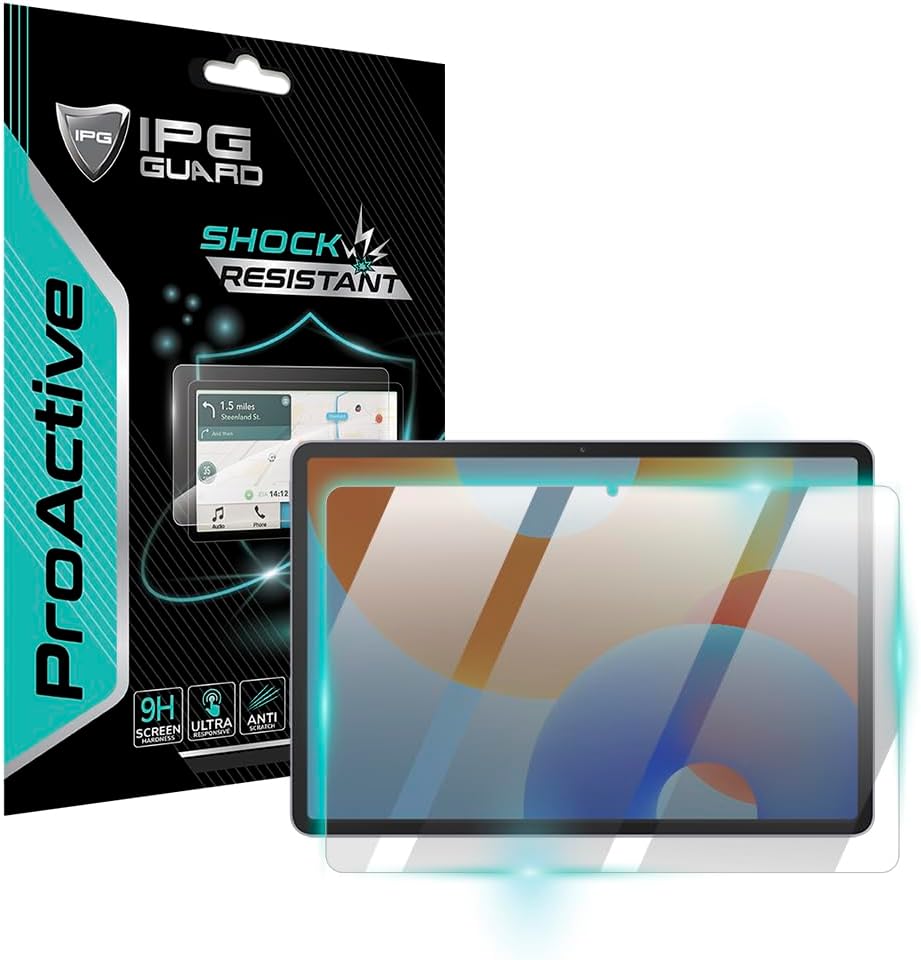
Q4: Can the PaperMatte display be combined with a screen protector? Adding a screen protector would defeat the purpose — the PaperMatte effect comes from the glass itself. Huawei uses a hardened AG-coated glass that’s scratch-resistant (Mohs hardness 6-7). Some users report micro-scratches after extended stylus use, so handle with care.
Q5: What’s the difference between the PaperMatte Edition and the standard MatePad 11.5? The standard MatePad 11.5 has a glossy display, less RAM (6GB vs 8GB), does not include the M-Pencil, and costs ¥1,899. The PaperMatte Edition at ¥2,099 adds the nanoscale-etched display, 8GB RAM, and includes the M-Pencil. The ¥200 premium is excellent value for the upgrades.
Buying Advice
Best Value: MatePad 11.5 PaperMatte Edition (¥2,099 / ~$292) — The best sub-$300 tablet for reading and note-taking. The included M-Pencil makes the value unbeatable. If you primarily read and take notes, this is a better choice than an iPad.
Alternative: iPad 10th Gen + Paperlike screen protector (¥3,499 + ¥199) — If you need iPad apps and Google services, an iPad with a matte screen protector achieves a similar effect but with lower quality, more weight, and significantly higher cost.
Premium: reMarkable 2 (¥3,999 / ~$555) — If you want minimal distraction and 3-week battery life, the reMarkable 2 is a dedicated note-taking device. But you lose color, entertainment apps, and internet browsing.
Verdict and Rating
The Huawei MatePad 11.5 PaperMatte Edition succeeds brilliantly at its core mission: it creates a tablet display that’s comfortable to read for hours, usable in sunlight, and delightful to write on. The PaperMatte technology is genuinely innovative — not a gimmick — and the included M-Pencil makes it a complete package. The compromises (softer video, HarmonyOS without Google services) are real but manageable. For students, researchers, and anyone who reads and writes on a tablet, the PaperMatte Edition is the best value in the category.
Overall Rating: ⭐⭐⭐⭐½ (4.5/5)
- Display Innovation: 4.9/5
- Note-Taking: 4.7/5
- Reading Experience: 4.8/5
- Performance: 4.0/5
- Value for Money: 4.8/5
Related Reviews
Amazon Fire Max 16 Review 2026
Detailed review of Amazon Fire Max 16. We tested its tablets performance, build quality, and value against top competito
Amazon Fire Max 16 Review: Big Screen, Big Battery
Amazon Fire Max 16 has 12,000+ reviews on JD.com with a 4.3/5 rating at ¥1,299 ($180). Users love the expansive 10.9-inc
Best Chinese iPad Alternatives 2026: Top Android Tablets Compared
Chinese brands now offer compelling iPad alternatives at significantly lower prices. We compare the top contenders from
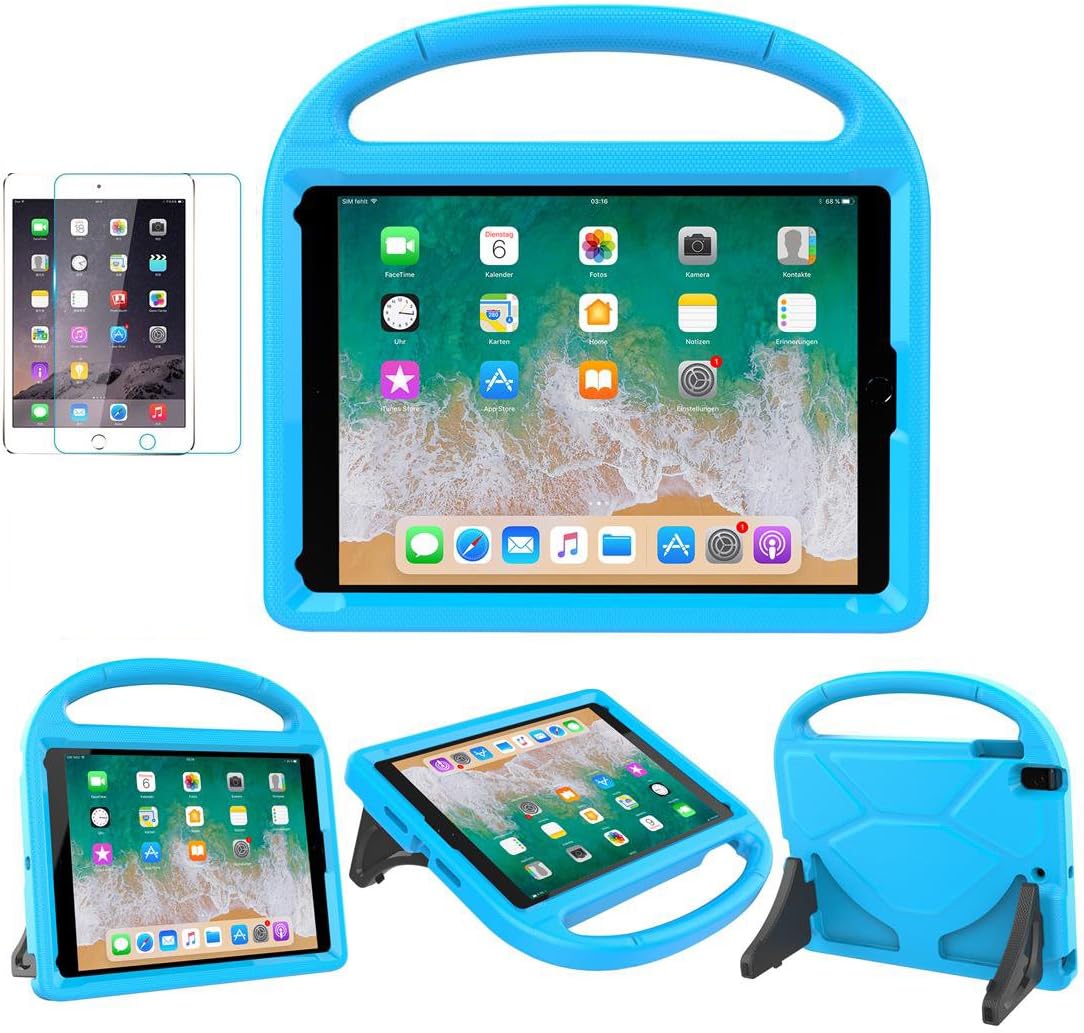
Best Tablet Accessories 2026: Keyboard Cases, Stands, Screen Protectors, and More from Chinese Brands
Building the perfect tablet setup doesn't require expensive accessories. We tested the best tablet accessories from Chin
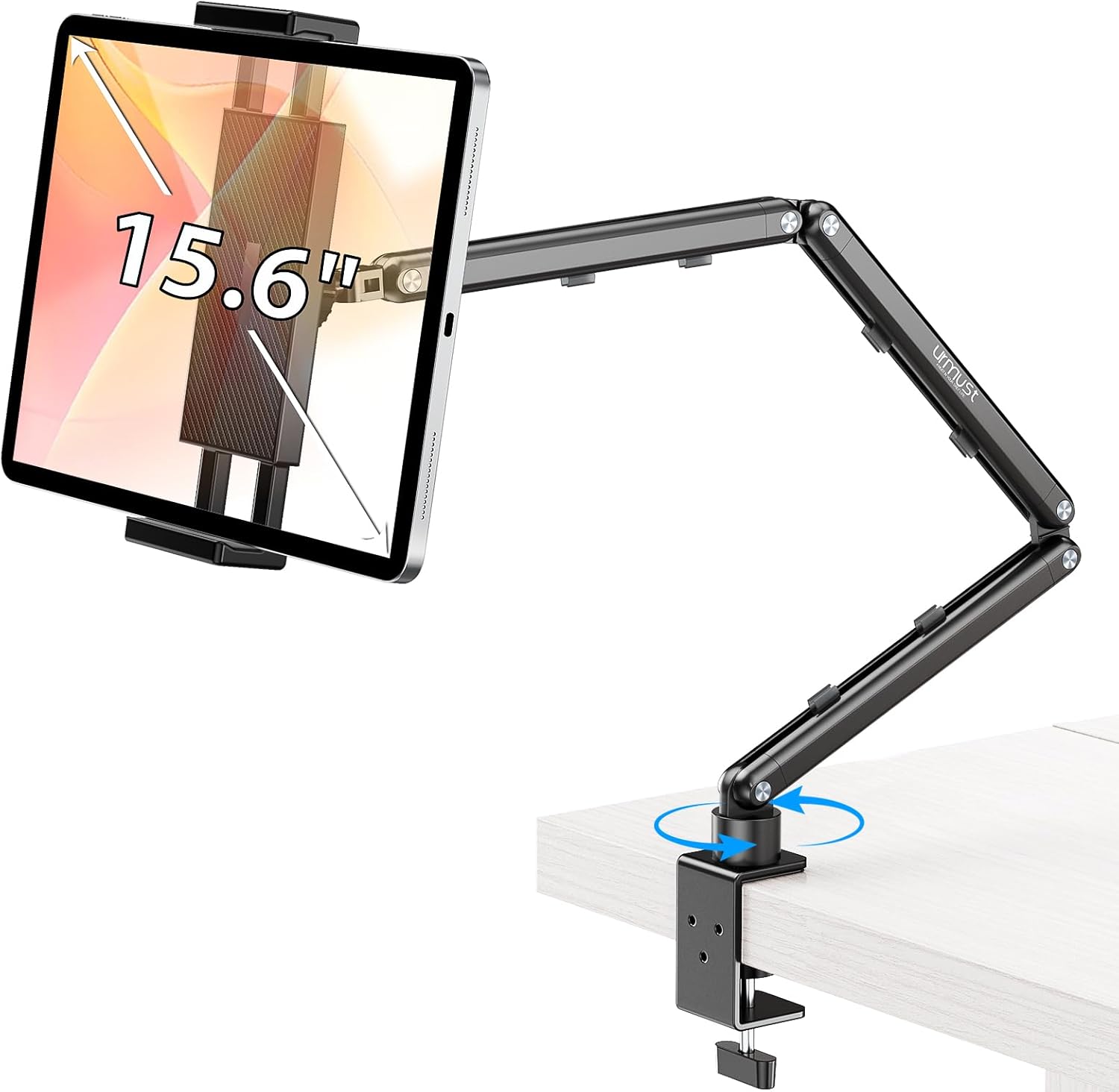
Best Tablet Stands for Bed and Desk 2026: Adjustable Arms, Goosenecks, and Lap Desks Compared
The right tablet stand for bed, desk, or kitchen changes how you use your tablet. We compare the best options from Chine