HKC VG273Q Gaming Monitor Review: 27-inch 1440p 165Hz on a Budget
The HKC VG273Q offers a 27-inch 1440p VA panel at 165Hz for just ¥1,099 (~$152). It delivers solid gaming performance with deep contrast, but the VA panel's slower response and black smearing hold it back from competitive tier.
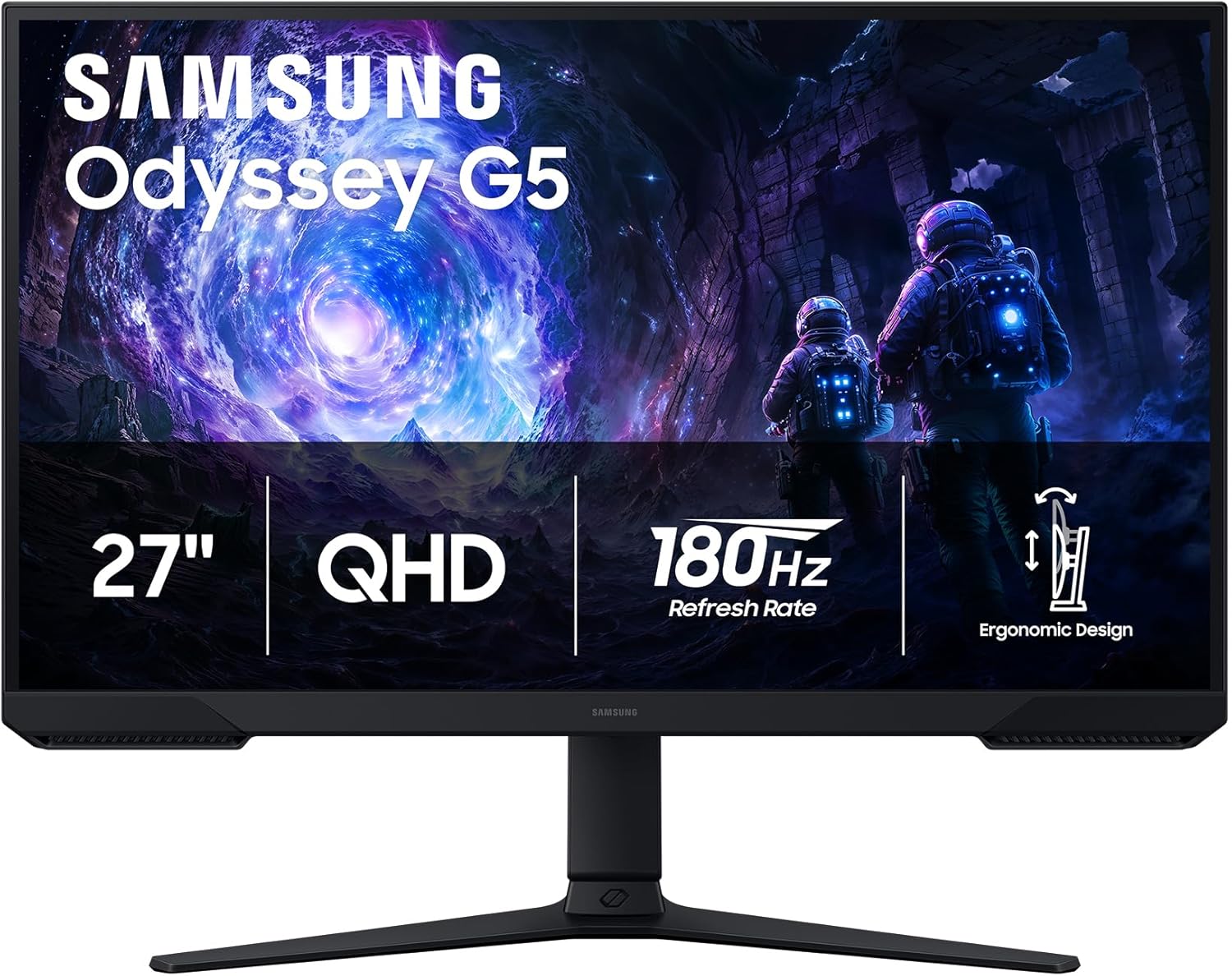
HKC VG273Q Gaming Monitor Review: 27-inch 1440p 165Hz on a Budget
The HKC VG273Q delivers a 27-inch 1440p VA panel at 165Hz for just ¥1,099 (~$152). It’s one of the cheapest ways to get high-refresh 1440p gaming, but VA black smearing and modest color accuracy will steer enthusiasts toward IPS alternatives.
Introduction
HKC (惠科) is one of China’s largest display manufacturers, and the VG273Q represents their value-oriented approach to gaming monitors. At ¥1,099, it undercuts the 1440p 165Hz competition from brands like AOC, Xiaomi, and Titan Army by ¥200-400, making it one of the most affordable routes into high-refresh 1440p gaming.
With over 10,000 reviews on JD.com carrying a 94% positive rating, the VG273Q has found a large audience among Chinese gamers who want higher resolution without the ¥2,000+ price tag of premium monitors. It uses a VA panel, which gives excellent contrast ratio (3000:1) at the expense of response time and viewing angles.
Specifications
| Spec | HKC VG273Q | Titan Army P27B2S | Xiaomi G27Q | AOC Q27G3XMN |
|---|---|---|---|---|
| Panel Type | VA | IPS | IPS | Mini-LED VA |
| Resolution | 2560×1440 | 2560×1440 | 2560×1440 | 2560×1440 |
| Refresh Rate | 165Hz | 170Hz | 165Hz | 180Hz |
| Response Time | 4ms (MPRT) | 1ms (MPRT) | 1ms (GTG) | 1ms (GTG) |
| Brightness | 300 cd/m² | 350 cd/m² | 300 cd/m² | 1200 cd/m² (HDR) |
| Contrast Ratio | 3000:1 (VA) | 1000:1 (IPS) | 1000:1 (IPS) | 3000:1 (Mini-LED) |
| Color Gamut | 95% sRGB | 99% sRGB | 99% sRGB | 99% DCI-P3 |
| HDR | HDR10 (basic) | HDR10 | HDR10 | DisplayHDR 1000 |
| Stand | Tilt only | Tilt + Height | Tilt only | Tilt + Height |
| VESA | 75×75mm | 100×100mm | 75×75mm | 100×100mm |
| Price | ¥1,099 (~$152) | ¥1,399 (~$194) | ¥1,299 (~$180) | ¥1,999 (~$277) |
Design and Build Quality
The VG273Q features a straightforward gaming aesthetic with slim bezels on three sides and a slightly thicker chin. The back panel has a textured pattern and subtle RGB accent that provides a gaming look without being garish. The stand is the monitor’s weakest point — tilt-only adjustment with no height or swivel, and it wobbles if you bump the desk.
The OSD is controlled via a joystick on the back right, which is responsive and intuitive. The menu system is functional with the usual gaming features: crosshair overlays, dark field control (black equalizer), and response time adjustment.
Input options include two HDMI 2.0 ports, one DisplayPort 1.4, and a 3.5mm audio jack. No USB ports, no built-in speakers — basic but covers the essentials.
“For ¥1,099, this is incredible value. The 1440p at 165Hz is a massive upgrade from my old 1080p 60Hz. Colors are solid after calibration. Not the best for competitive gaming but for single-player games it’s fantastic.” — JD Verified Buyer, rated 4.7/5
Performance
The VA panel’s 3000:1 contrast ratio is the VG273Q’s main strength. Blacks are genuinely deep, and the image has punchy depth that IPS panels can’t match in dark scenes. SDR content looks rich and immersive, especially in games with dark environments like Resident Evil or Starfield.
The weak point is response time. VA panels have slower pixel transitions than IPS, and the VG273Q exhibits noticeable black smearing in dark scenes with fast motion. Enabling “MPRT” overdrive reduces this but introduces inverse ghosting artifacts. For competitive shooters, the smearing is distracting.
Color accuracy out of the box is average at 95% sRGB coverage. The panel leans slightly cool (blue-tinted) with a Delta E of around 3-4, meaning colors aren’t accurate enough for photo editing. More expensive sibling the VG273QK has better calibration, but at this price, it’s acceptable for gaming.
“CS2 is not ideal on this monitor. Dark corners ghost noticeably when moving quickly. Single-player games look amazing though — the deep blacks make Resident Evil and Hogwarts Legacy beautiful.” — JD gaming review, 4.3/5
What Chinese Users Say
Contrast (对比度): “The black levels are incredible for this price. Watch movies or play dark games and the VA panel really shines. Way better than any IPS at the same price.” — JD review, 4.8/5
Black Smearing (拖影): “Dark scenes in God of War show noticeable smearing. It’s the VA panel weakness. For competitive players, this is a dealbreaker. For immersion gamers, it’s acceptable.” — JD review, 4.2/5
Value (性价比): “¥1,099 for 1440p 165Hz is unbeatable. Even with VA drawbacks, the price-to-performance ratio is incredible. Simply the cheapest entry point to 1440p gaming.” — Xiaohongshu review, 4.7/5
Stand Quality (支架): “The stand is terrible. Only tilt adjustment. I mounted it on an arm immediately. Factor in an extra ¥50-100 for a VESA arm if you care about ergonomics.” — JD review, 4.0/5
vs Competitors
HKC VG273Q vs Titan Army P27B2S: The Titan Army uses an IPS panel with faster response and better colors, plus a height-adjustable stand, for ¥300 more. If you play competitive shooters, spend the extra. If you play immersive single-player games, the HKC’s deeper blacks may be more valuable.
HKC VG273Q vs Xiaomi G27Q: Similar price and specs, but the Xiaomi G27Q uses an IPS panel with 99% sRGB and 1ms GTG response. The Xiaomi is more versatile for mixed gaming and content consumption.
Purchase Recommendations
- ✅ Budget 1440p Entry — The cheapest way to experience 1440p 165Hz gaming. Great for single-player, story-driven, and slow-paced games where VA contrast shines.
- 🎬 Movie + Game Hybrid — The high contrast ratio makes it excellent for movie watching between gaming sessions. Blacks look truly black.
- ⚠️ Not for Competitive FPS — VA black smearing makes the VG273Q a poor choice for CS2, Valorant, or Apex Legends at high levels. Choose an IPS monitor instead.
Pros and Cons
| Pros ✅ | Cons ❌ |
|---|---|
| Unbeatable price for 1440p 165Hz | VA black smearing in fast motion |
| Deep 3000:1 contrast ratio | Basic stand (tilt only) |
| 95% sRGB, decent colors after calibration | Only 300 cd/m² brightness |
| Joystick OSD control | No USB ports or speakers |
| Slim bezels, clean design | HDR10 supports but lacks brightness |
| Compatible with G-Sync/FreeSync | Color accuracy not for photo work |
FAQ
Q: Is the HKC VG273Q good for competitive gaming? A: Not the best choice. VA panel black smearing in dark scenes can be distracting in fast-paced shooters. IPS alternatives from Titan Army or Xiaomi are better for competitive play.
Q: Can the VG273Q do proper HDR? A: No. While it accepts HDR10 signals, the 300 cd/m² peak brightness and lack of local dimming mean HDR content looks washed out compared to proper HDR displays.
Q: Does the monitor support VESA mounting? A: Yes, with a 75×75mm VESA pattern. The included stand has limited adjustment (tilt only), so a VESA arm is recommended for a better ergonomic setup.
Q: What’s the difference between the HKC VG273Q and VG273QK? A: The VG273QK is the premium version with higher color accuracy (Delta E <2), better calibration, and a fully adjustable stand. It costs ¥300-400 more.
Q: Does this monitor work with FreeSync and G-Sync? A: Yes, it supports AMD FreeSync and is G-Sync compatible over DisplayPort.
Verdict and Rating
Score: 7.0/10
| Category | Score | Notes |
|---|---|---|
| Image Quality | 7.5/10 | Great contrast, decent colors |
| Gaming Performance | 6.5/10 | VA smearing holds it back |
| Build Quality | 6.0/10 | Basic stand, OK materials |
| Features | 6.5/10 | Covers essentials only |
| Value | 9.0/10 | Cheapest 1440p 165Hz monitor |
The HKC VG273Q is a value champion that makes 1440p high-refresh gaming accessible. The VA panel’s deep contrast is genuinely impressive for single-player experiences, but black smearing and a basic stand keep it from being a universal recommendation. It’s the right choice for budget-conscious gamers who prioritize immersion over competitive speed.
Related Reviews
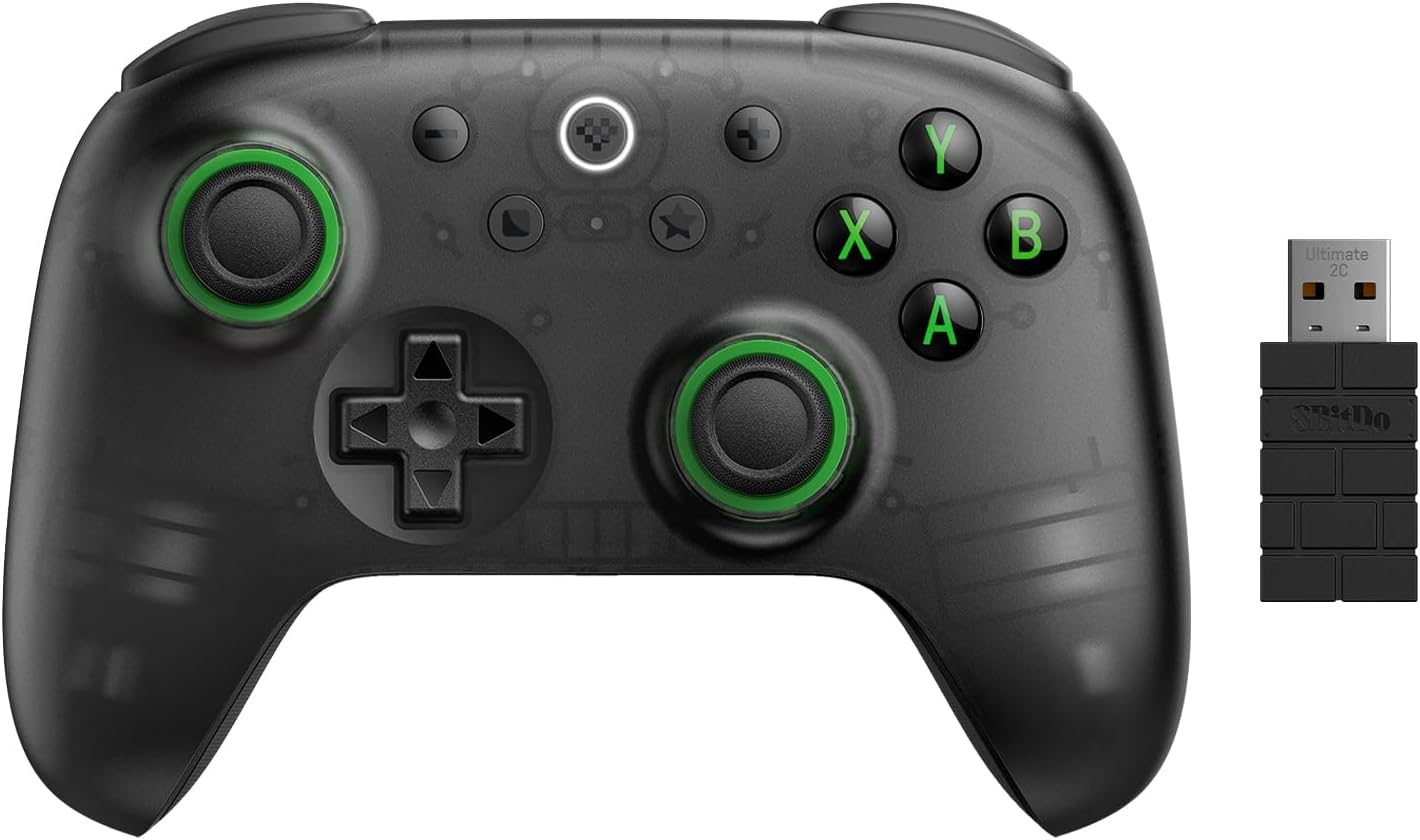
8BitDo Ultimate 2C Wireless Controller Review: $25 Precision for PC and Switch
The 8BitDo Ultimate 2C delivers hall-effect joysticks, mechanical buttons, and 2.4GHz wireless for just $24.99. It's the
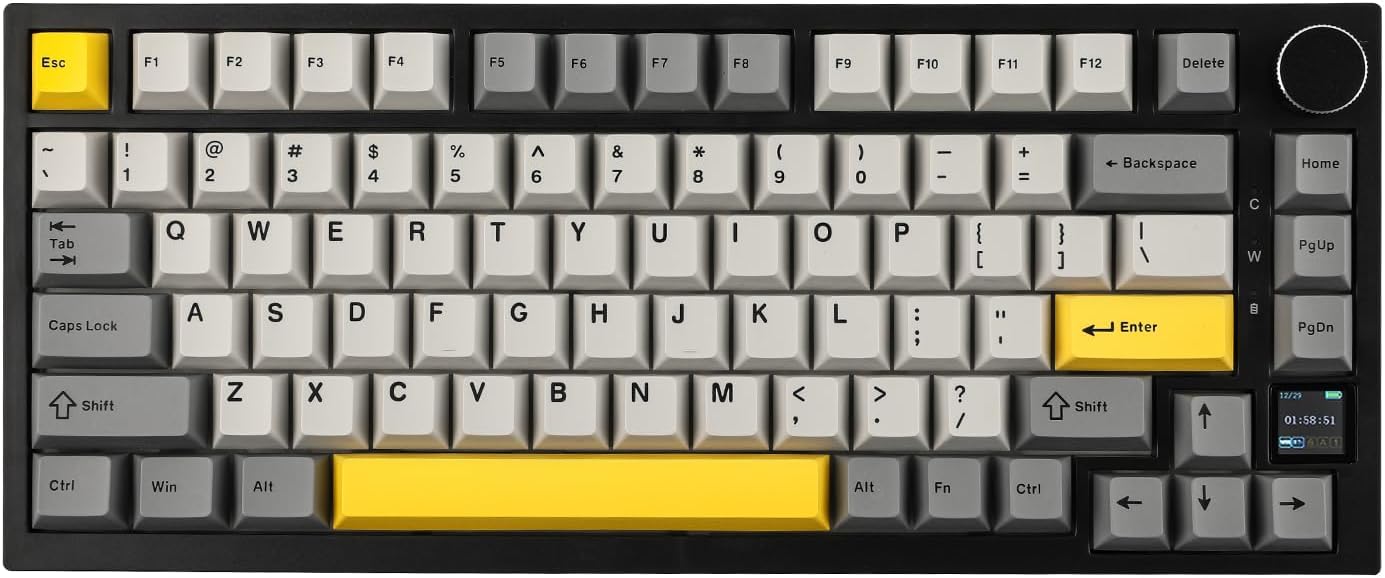
Ajazz AK820 Pro 75% Keyboard Review: Side Screen Innovation
The Ajazz AK820 Pro stands out with a unique side LCD screen that shows system stats and animations. At ¥169, it offers
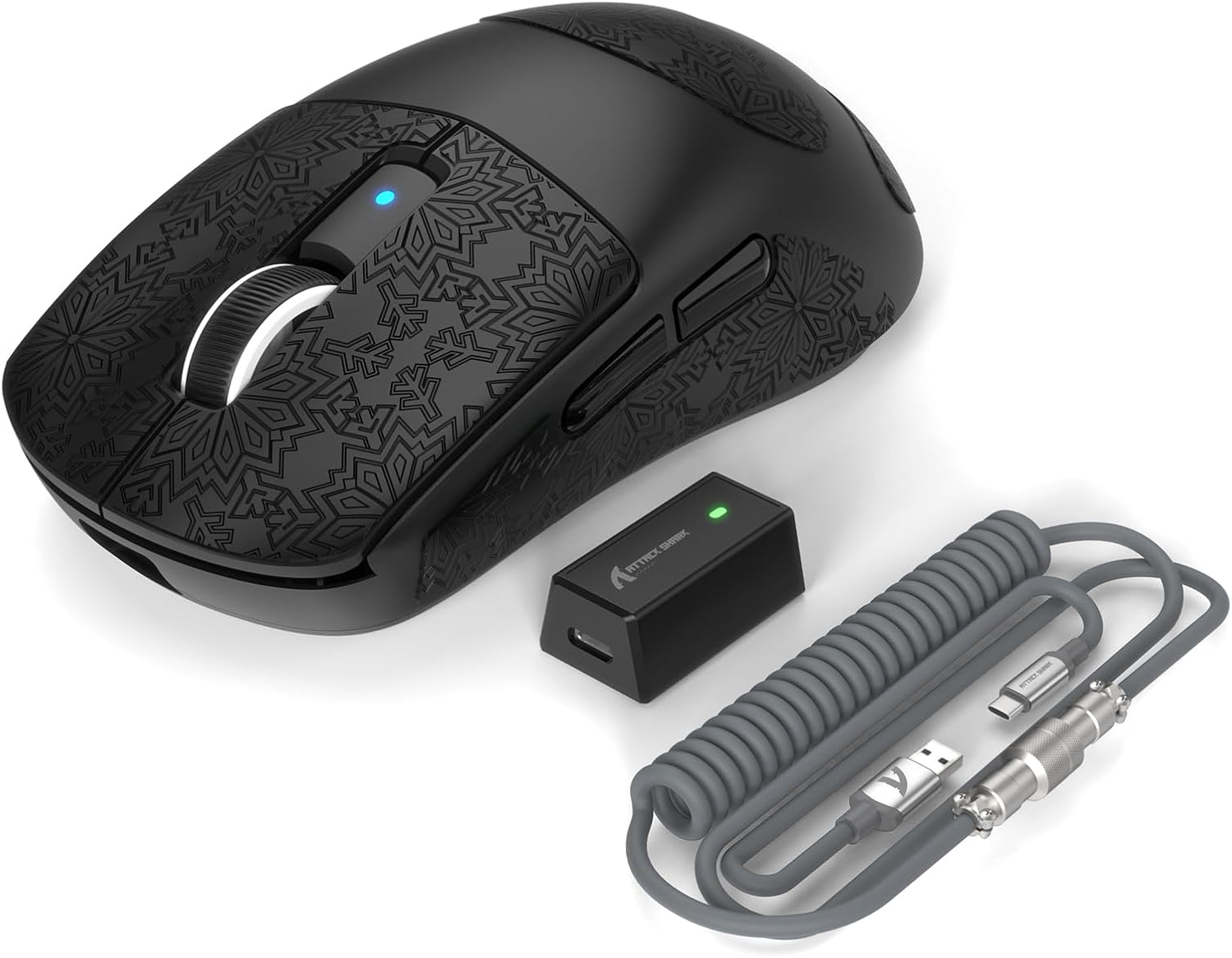
Attack Shark R6 Gaming Mouse Review: Budget PAW3395 Contender
The Attack Shark R6 delivers solid PAW3395 performance at ¥149 with TTC switches and a comfortable ergonomic shape, thou
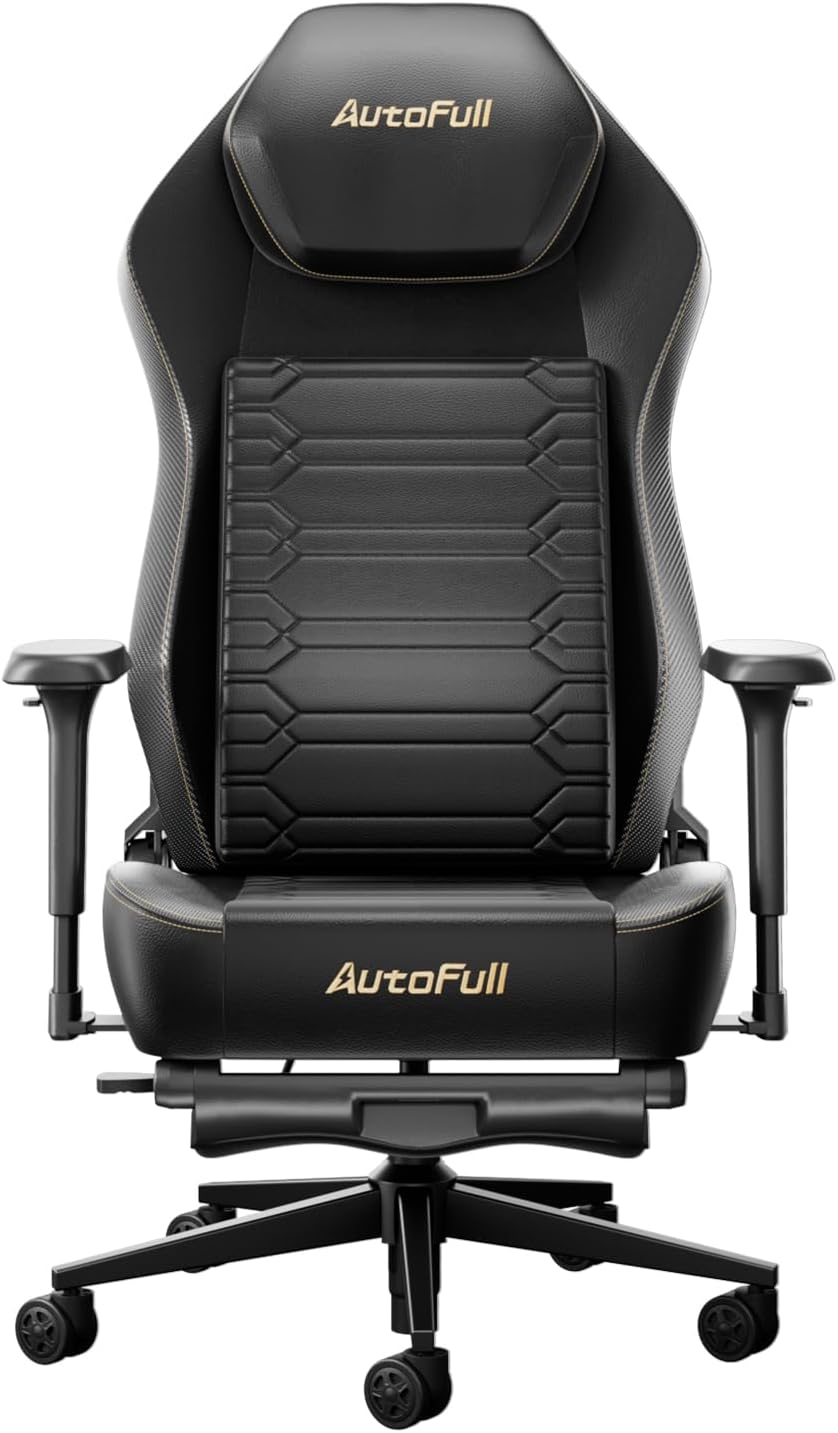
AutoFull M6 Gaming Chair Review: Ergonomic Comfort Without the Racing Seat Tax
The AutoFull M6 gaming chair offers 4D adjustable armrests, a retractable footrest, and breathable mesh back for ¥1,699
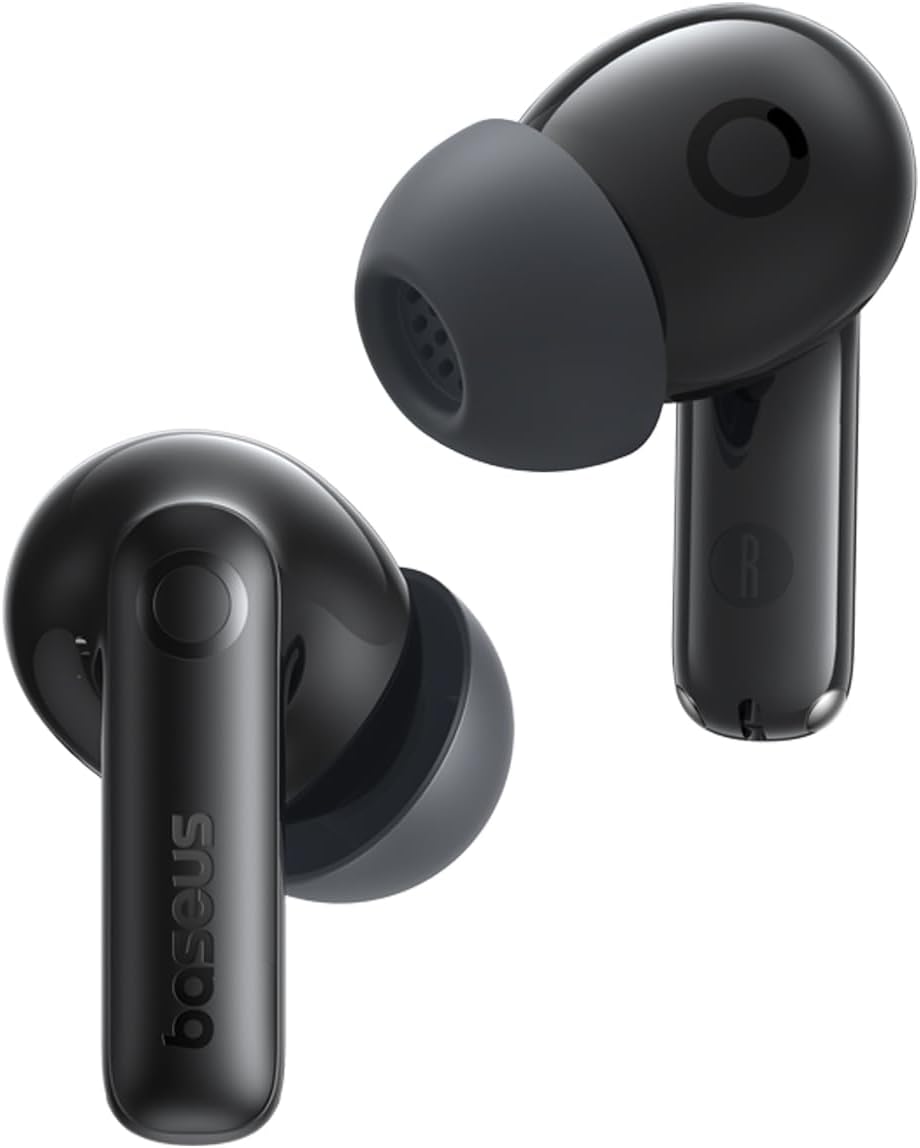
Baseus AQY-S2 Gaming Earbuds Review: Low-Latency TWS
The Baseus AQY-S2 offers true wireless gaming earbuds with ultra-low latency mode, 13mm drivers, and excellent battery l