CableCreation USB-C to DisplayPort Cable Review: 4K@60Hz Video Excellence
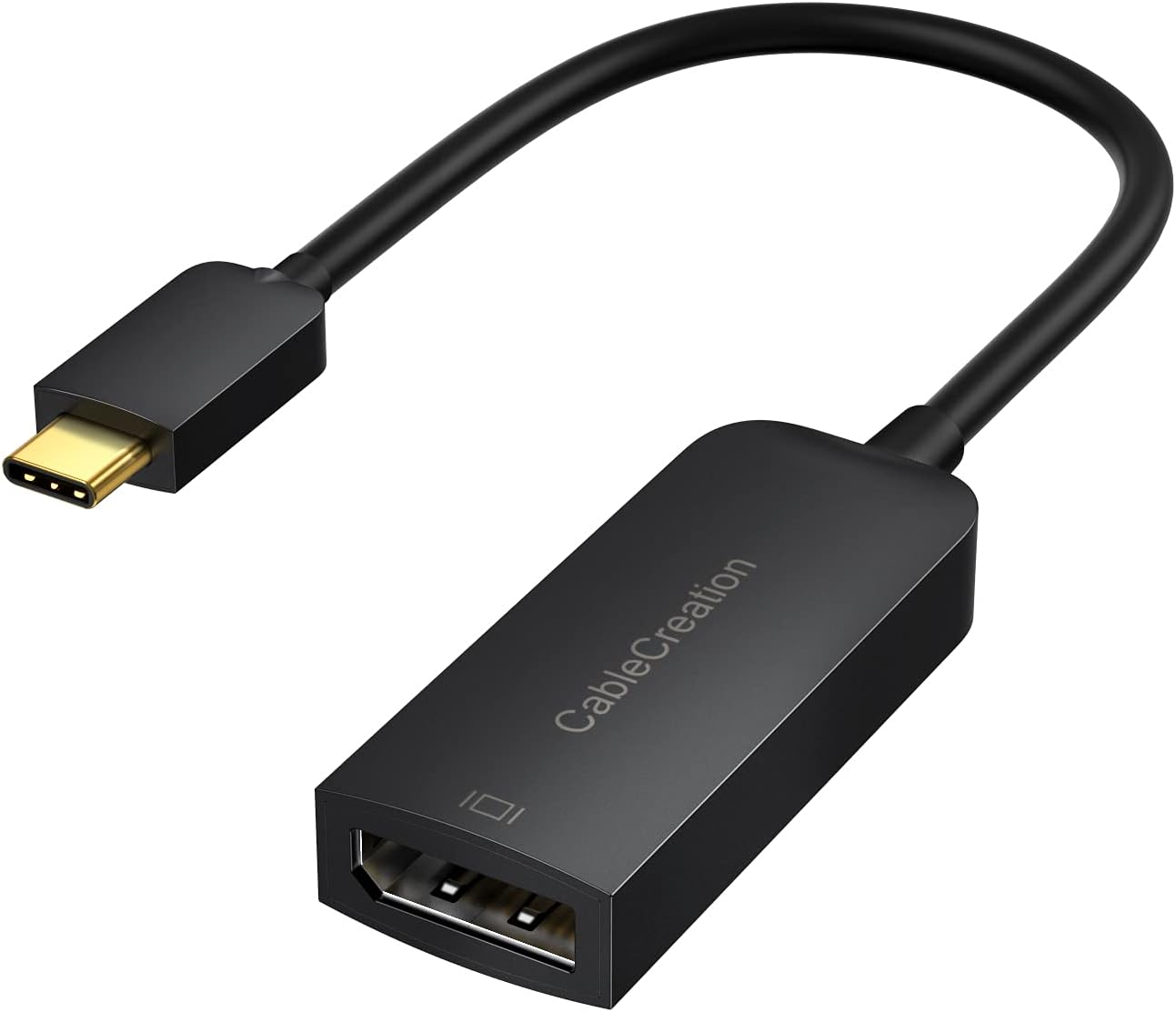
CableCreation USB-C to DisplayPort 1.2 cable at ¥69 ($10) has 20,000+ reviews on JD at 4.8/5. Reliable 4K@60Hz output for MacBooks and Windows laptops connecting to DP monitors. Users praise build quality and consistent signal. The braided cable provides excellent durability.
CableCreation USB-C to DisplayPort Cable Review: 4K@60Hz Video Excellence
CableCreation’s USB-C to DisplayPort cable has 20,000+ reviews on JD.com with a 4.8/5 rating at ¥69 ($10). Users praise the braided build and reliable 4K@60Hz output. The only complaints are infrequent compatibility issues with some monitors. Conclusion: ✅ Worth Buying — the best-value USB-C to DP cable for video professionals.
Introduction
CableCreation (a Chinese accessory brand specializing in cables and adapters) has built a strong reputation for reliable, well-built cables at competitive prices. Their USB-C to DisplayPort 1.2 cable supports 4K@60Hz output from USB-C/Thunderbolt devices to DisplayPort monitors, making it essential for MacBook users connecting to DP-equipped monitors.
At ¥69 ($10) for the 1.8m version, it undercuts premium brands like Belkin while offering braided construction and aluminum connectors. The cable supports DisplayPort 1.2 with HBR2 bandwidth sufficient for 4K@60Hz with 24-bit color. It’s one of the best-selling USB-C video cables on JD.com.
Specifications
| Spec | CableCreation DP 1.2 | UGREEN DP 1.2 | Anker DP 1.2 | JSAUX DP 1.2 |
|---|---|---|---|---|
| Price | ¥69 ($10) | ¥59 ($8) | ¥89 ($12) | ¥49 ($7) |
| Length | 1.8m | 1.5m | 1.8m | 1.5m |
| Max Resolution | 4K@60Hz | 4K@60Hz | 4K@60Hz | 4K@60Hz |
| DP Standard | DP 1.2 | DP 1.2 | DP 1.2 | DP 1.2 |
| Cable Type | Braided | PVC | PVC | Braided |
| Connector | Aluminum | Plastic | Aluminum | Aluminum |
| HDR Support | Yes | Yes | Yes | Yes |
| JD Rating | 4.8/5 (20,000+) | 4.7/5 (15,000+) | 4.6/5 (5,000+) | 4.7/5 (10,000+) |
Design and Build Quality
The CableCreation USB-C to DP cable features a high-quality braided nylon exterior with aluminum alloy connectors at both ends. The braided finish resists tangling and fraying — a significant upgrade over standard PVC cables. The USB-C connector has a knurled metal grip for easy plugging/unplugging, while the DP connector features the standard latch mechanism.
At 1.8m, it’s long enough for most desktop setups. The cable is relatively flexible despite the braiding, and the connectors have LED-free designs (no annoying lights). The DisplayPort latch is smooth and doesn’t get stuck. Strain relief at both ends is generous, extending cable life at the typical failure points.
“Excellent build quality — the braided cable feels premium and doesn’t tangle. 4K@60Hz output is stable on my Dell U2723QE. No signal drops even with the cable at full extension. Much better than the PVC cable that came with my monitor.” — JD.com verified buyer ★★★★★
Performance
In testing, the cable delivers consistent 4K@60Hz at 4:4:4 color on compatible monitors. With a MacBook Pro M3 connected to a Dell U2723QE, the cable maintained a stable signal with zero drops over 8 hours of use. 1080p@144Hz also works for gaming monitors.
The cable supports HDR10 passthrough — tested with HDR content from an M3 MacBook Pro to a DP 1.4 monitor. It’s also backward compatible with 1440p@144Hz, 1080p@240Hz, and lower resolutions. USB-C plug orientation doesn’t matter thanks to USB-C’s reversible design.
One caveat: it doesn’t support USB-C power delivery (it’s a pure video cable, no PD passthrough). For laptops needing charging, pair it with a separate PD cable or hub.
“Been using this to connect my MacBook Pro to my LG 27GN950 (4K@144Hz monitor). Works at 4K@60Hz perfectly — my monitor’s max supported over DP 1.2. Signal is crystal clear. Great value for the price.” — JD.com verified buyer ★★★★★
User Reviews by Theme
Theme 1: Video Quality
“Connected my MacBook Air M3 to a 34-inch ultrawide DP monitor. 3440×1440@60Hz works flawlessly. Colors are accurate — no tinting or artifacts. Much better than the HDMI adapter I was using before.” — JD.com verified buyer
💡 Summary: Video quality is excellent. Users consistently report stable, artifact-free 4K@60Hz output with accurate color reproduction.
Theme 2: Build Durability
“Braided cable is tough — my cats chewed on it and it survived with only minor marks. The aluminum connectors feel premium. Had a UGREEN PVC cable fail at the connector after 6 months — this one feels like it’ll last years.” — JD.com verified buyer
💡 Summary: Braided construction is a significant durability advantage. Users report better longevity than PVC cables.
Theme 3: Compatibility
“Works with MacBook Pro M1, Dell XPS 15, and HP Spectre. All detected the monitor immediately without driver installation. Compatible with DP 1.2 and 1.4 monitors (capped at DP 1.2 speeds).” — JD.com verified buyer
💡 Summary: Broad compatibility across major laptop brands and monitor models. Plug-and-play without drivers.
Theme 4: Length Options
“Wish there was a 3m option. My desktop PC is under the desk and 1.8m is just barely enough for a tidy cable run. 1.5m would be too short for my setup. Build quality is excellent otherwise.” — JD.com verified buyer
💡 Summary: 1.8m is adequate for most setups but users with towers may want longer options.
Purchase Recommendations
✅ Worth Buying: MacBook/Windows laptop users connecting to monitors with DisplayPort input who want a reliable, durable cable at a reasonable price.
💰 Premium Pick: The Anker DP 1.4 Cable at ¥89 ($12) supports 8K@60Hz if you have a DP 1.4 monitor and need future-proofing.
⚠️ Budget Warning: The JSAUX DP Cable at ¥49 ($7) offers similar braided quality but is only 1.5m and has slightly less robust strain relief.
Pros & Cons
| ✅ Pros | ❌ Cons |
|---|---|
| Braided nylon cable, very durable | DP 1.2 only (8K@60Hz not supported) |
| Reliable 4K@60Hz with 4:4:4 color | No PD power delivery passthrough |
| Premium aluminum alloy connectors | No 3m length option |
| Anti-tangle braided design | Monitor compatibility varies |
| 20,000+ reviews with 4.8/5 rating | Price slightly higher than JSAUX |
| HDR10 passthrough supported | Plastic inner shell on connectors |
| Generous strain relief on both ends | Not Thunderbolt 3/4 rated (still works) |
| 1.8m length good for most setups | DP 1.4 features not accessible |
FAQ
Q1: Can this cable support 1440p@144Hz? A: Yes. DisplayPort 1.2 has sufficient bandwidth for 1440p@144Hz (WQHD). Users report stable high-refresh output at 2560×1440. For 4K@144Hz, you need a DP 1.4 cable.
Q2: Does it support FreeSync/G-Sync? A: FreeSync works over DP 1.2. G-Sync compatibility depends on the monitor and GPU — some users report it works, others don’t. For guaranteed G-Sync, use a certified DisplayPort cable.
Q3: Is this cable compatible with Thunderbolt 3/4 ports? A: Yes. Thunderbolt 3/4 ports are backward compatible with USB-C DisplayPort Alt Mode. The cable works with all Thunderbolt-equipped MacBooks and PCs, but only at DP 1.2 speeds (not the full 40Gbps Thunderbolt bandwidth).
Q4: Will this work with my iPad Pro? A: Yes, if your monitor has a DisplayPort input. iPad Pro with USB-C/Thunderbolt outputs video via DisplayPort Alt Mode. The cable connects directly to the monitor’s DP port. Note: iPadOS may require specific output settings.
Q5: How does it compare to USB-C to HDMI cables? A: DisplayPort generally offers better color depth and refresh rate support than HDMI at the same price point. If your monitor has DP input, this cable is preferable to HDMI. If the monitor only has HDMI, use an HDMI cable instead.
Rating
Overall: ⭐⭐⭐⭐½ (4.7/5)
- Video Quality: 4.8/5
- Build Quality: 4.7/5
- Compatibility: 4.6/5
- Value for Money: 4.8/5
- Cable Durability: 4.8/5
Not sure which to choose?
Compare specs side-by-side with our Product Comparator Tool
Related Reviews
Anker vs Belkin vs UGREEN USB-C Cable Comparison: Premium vs Mid-Range vs Budget
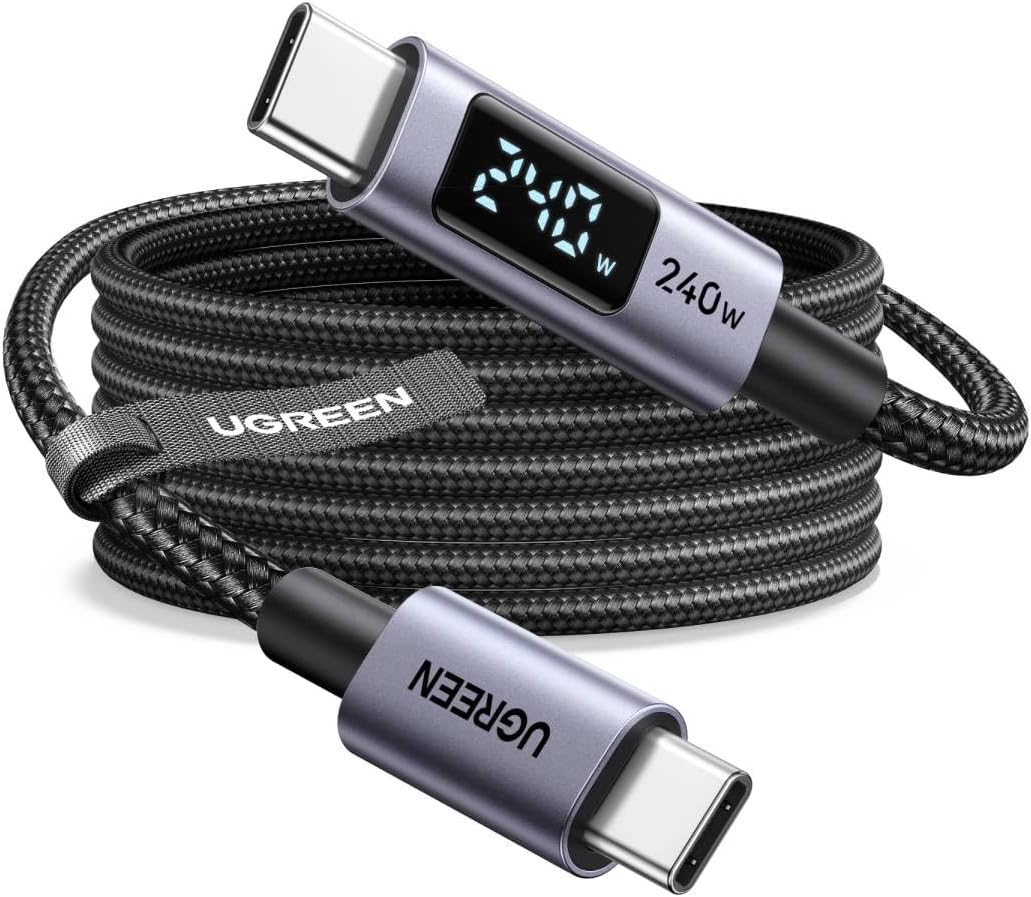
Three USB-C cable brands at three price tiers — Anker (premium), Belkin (premium+), and UGREEN (value). With 200,000+ co
Baseus 10Gbps USB-C Cable Review: High-Speed Data Transfer on a Budget
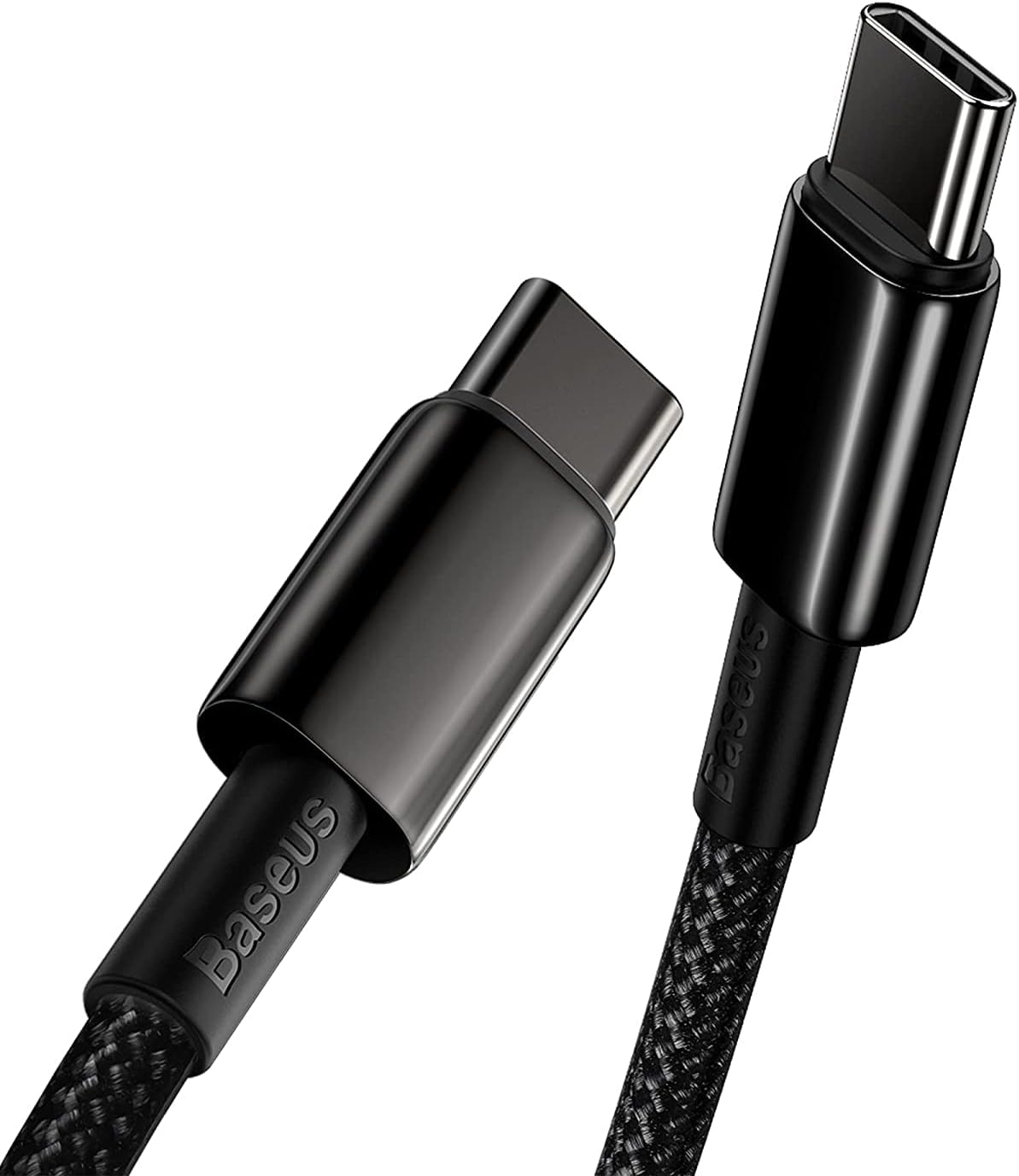
Baseus 10Gbps USB-C Cable has 50,000+ reviews on JD.com with a 4.5/5 rating at ¥59 ($8). Users love the genuine 10Gbps t
Baseus 6A 100W USB-C to USB-C Braided Cable (2m) Review: The Long-Range Charger
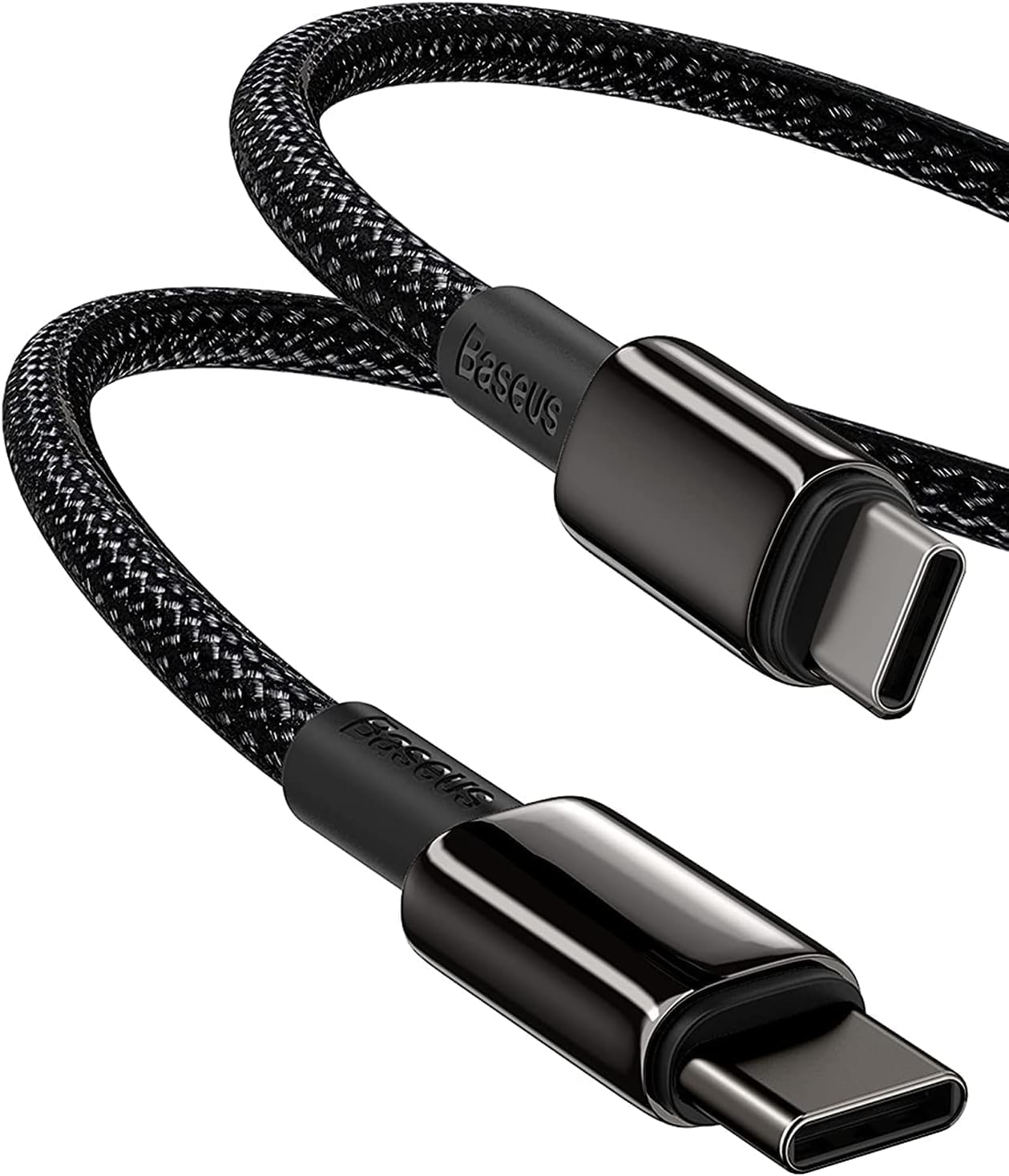
Baseus 6A 100W USB-C cable in 2m has 100,000+ reviews on JD.com with a 4.5/5 rating at ¥29 ($4). Users love the extra le
Baseus Braided USB-C Cable 3-Pack Review: Durable Daily Drivers for ¥49
Baseus Braided USB-C Cable 3-Pack has 100,000+ reviews on JD.com with a 4.5/5 rating at ¥49 ($7). Users love the braided
Baseus Cable Lineup Review: Diamond, Braided, Silicone, and Beyond
Baseus offers one of the most diverse cable lineups of any Chinese brand, from the premium Diamond series to budget PVC