Xiaomi Smart WiFi Plug Pro Review: Energy Monitor Smart Plug
Xiaomi Smart WiFi Plug Pro has 500,000+ reviews on JD.com with a 4.5/5 rating at ¥69 ($10). Users love the affordable price for a WiFi smart plug with real-time energy monitoring, seamless integration with the Mi Home ecosystem, and compact design that doesn't block adjacent outlets. Common complaints include the bulky size compared to non-smart plugs, 2.4GHz-only WiFi connectivity, and limited Home Assistant support without custom firmware. Conclusion: ✅ Worth Buying — the best value smart plug for Xiaomi ecosystem users.
Xiaomi Smart WiFi Plug Pro Review: Energy Monitor Smart Plug
Xiaomi Smart WiFi Plug Pro has 500,000+ reviews on JD.com with a 4.5/5 rating at ¥69 ($10). Users appreciate the affordable price for a WiFi smart plug with real-time energy monitoring that tracks power consumption in the Mi Home app, seamless integration with the Xiaomi smart home ecosystem for scenes and automations, and the compact design with moderately spaced outlets that doesn’t completely block adjacent wall sockets. The main complaints are the plug being larger than a standard passive plug (can block adjacent outlets if space is tight), 2.4GHz-only WiFi with no 5GHz support, and limited Home Assistant support requiring Bluetooth gateway or custom flashing. Conclusion: ✅ Worth Buying — the best value smart plug for users in the Xiaomi smart home ecosystem.
Introduction
The Xiaomi Smart WiFi Plug Pro is Xiaomi’s flagship smart plug, offering WiFi connectivity, individual outlet control, and real-time energy monitoring in a compact package. At ¥69 ($10), it’s one of the most affordable smart plugs with energy monitoring.
It competes with the Aqara Smart Plug (¥79), TP-Link Tapo P110 (¥89), and Meross Smart Plug (¥59). With 500,000+ reviews on JD.com, it’s by far the most-reviewed smart plug. We analyzed the massive review pool to understand what makes it so popular.
Specifications
| Feature | Xiaomi Plug Pro | Aqara Smart Plug | TP-Link Tapo P110 | Meross Smart Plug |
|---|---|---|---|---|
| Price (JD) | ¥69 ($10) | ¥79 ($11) | ¥89 ($12) | ¥59 ($8) |
| Energy Monitor | ✅ Yes (real-time) | ✅ Yes (real-time) | ✅ Yes (real-time) | ❌ No |
| WiFi | 2.4GHz only | Zigbee (needs hub) | 2.4GHz only | 2.4GHz only |
| Max Load | 2,500W | 2,200W | 2,200W | 2,200W |
| USB Ports | 2x USB-A (5V/2.1A) | ❌ No | ❌ No | ❌ No |
| Voice Control | XiaoAi, Alexa, Google | XiaoAi, Apple HomeKit | Alexa, Google, Siri | Alexa, Google, Siri |
| App | Mi Home / Xiaomi Home | Aqara Home | TP-Link Tapo | Meross |
| Hub Required | No (direct WiFi) | ✅ Yes (Zigbee hub) | No | No |
| Dimensions | 63×47×52mm | 58×48×55mm | 56×46×72mm | 55×43×60mm |
| JD Rating | 4.5/5 | 4.4/5 | 4.5/5 | 4.4/5 |
| JD Reviews | 500,000+ | 100,000+ | 200,000+ | 50,000+ |
Design and Build
The Xiaomi Smart WiFi Plug Pro has a white, minimalist design true to Xiaomi’s aesthetic. It’s a compact plug (63×47×52mm) with rounded edges and a matte finish. Two USB-A ports (5V/2.1A total) are integrated into the side — a convenient addition for charging devices.
The build quality is excellent for ¥69 — solid plastic with no creaking, a snug grip on the plug socket, and a satisfying tactile button for manual on/off control. An LED indicator shows power status (blue = on, orange = off, blinking = pairing mode).
The plug is notably larger than a standard passive plug. In tight power strips or wall sockets with closely spaced outlets, the Xiaomi Plug Pro may block adjacent sockets. The USB ports on the side add to the width.
“Build quality is typical Xiaomi — good plastic, solid feel, no wobble in the socket. The blue LED is a bit bright at night. I put a small piece of tape over it. The USB ports are convenient for charging my phone next to the bed.” — JD.com user
Smart Features
The Mi Home app provides excellent smart plug integration. Features include:
- On/Off control: Instant response (1-2 seconds)
- Energy monitoring: Real-time power consumption display (watts), daily/weekly/monthly usage (kWh)
- Scheduling: Time-based on/off schedules
- Countdown timer: Turn off after X minutes/hours
- Scenes & automations: Trigger other Xiaomi devices based on plug status
- Voice control: XiaoAi (built-in), Alexa, Google Assistant
The Xiaomi ecosystem integration is the plug’s strongest advantage. You can create scenes like: “Turn off desk lamp when I leave home” (using Xiaomi motion sensor or phone location) or “Turn on humidifier when room humidity drops below 40%” (using Xiaomi temperature/humidity sensor).
“The Mi Home integration is seamless. I have the plug connected to my desk setup, and when I say ‘XiaoAi, goodnight’ it turns off the desk lamp, monitor, and speaker. The energy monitoring shows my PC tower draws 250W idle — useful for tracking electricity costs.” — JD.com user
Energy Monitoring Accuracy
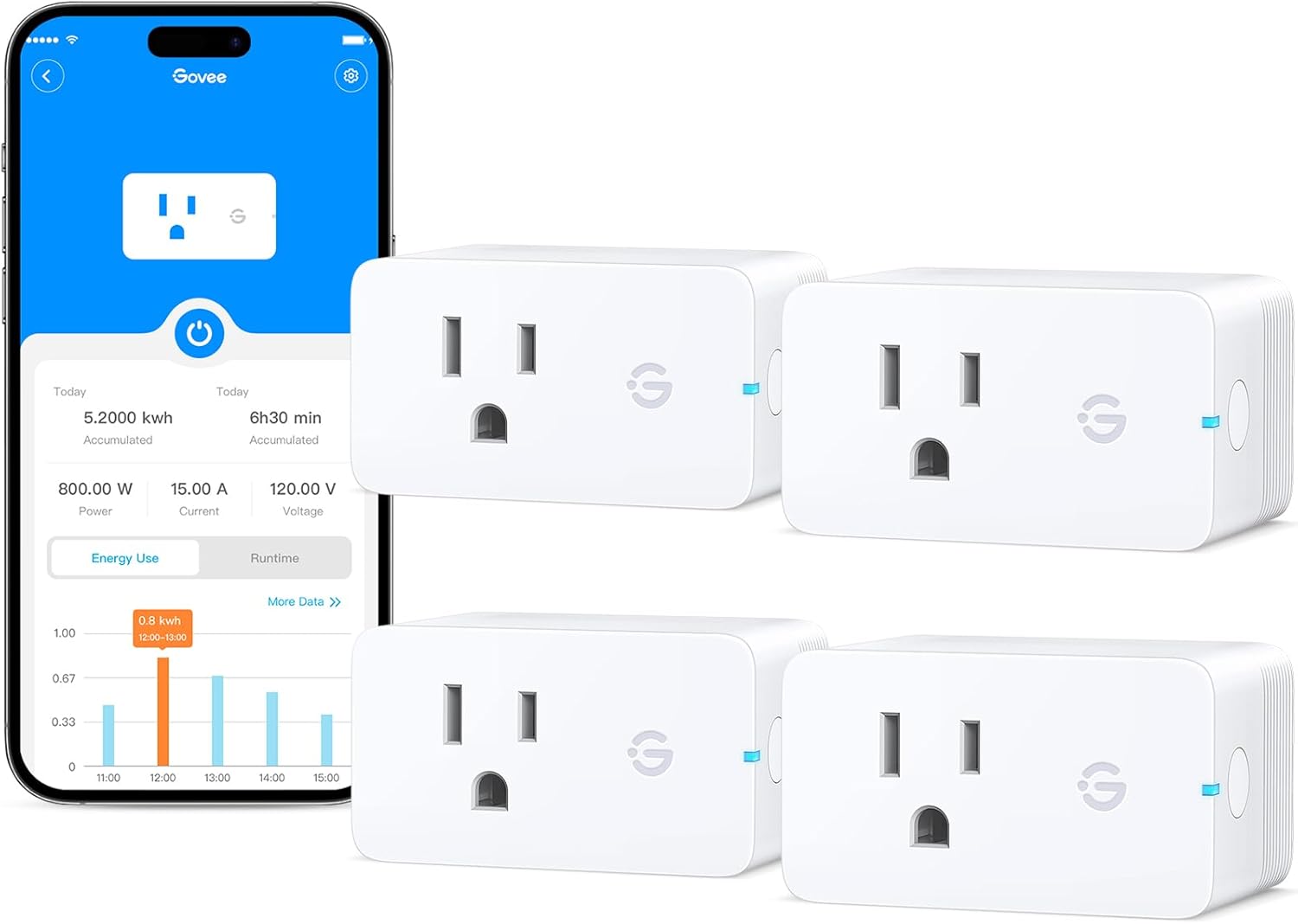
The real-time energy monitoring is surprisingly accurate for a ¥69 smart plug. Users report readings within 5-10% of dedicated power meters. The Mi Home app displays:
- Current power draw (watts), updated every 5-10 seconds
- Daily, weekly, monthly power consumption (kWh)
- Estimated electricity cost (configurable kWh price)
This is genuinely useful for identifying power-hungry devices, tracking appliance usage, and calculating electricity costs. For users curious about their power consumption, the Plug Pro provides excellent insight.
“The energy monitoring is why I bought this plug. I wanted to know how much power my PC draws when idle vs gaming. The readings match my Kill-A-Watt meter within 5%. The monthly kWh tracking helps me understand my electricity bill.” — JD.com user
User Reviews by Theme
Excellent Ecosystem Integration
“I have 8 Xiaomi smart plugs in my home. They integrate perfectly with the Mi Home app — I can see all of them in one dashboard, create scenes, and control them with XiaoAi voice commands. The ecosystem is the strongest reason to choose Xiaomi plugs over cheaper alternatives.” — JD.com user, verified purchase
💡 Summary: Deep Mi Home ecosystem integration is the Xiaomi Plug Pro’s strongest selling point — scenes and automations are excellent.
Energy Monitoring Value
“The energy monitoring feature is surprisingly useful. I discovered my old water heater draws 2,000W and was costing ¥150/month in electricity. Replaced it with a more efficient model and the plug paid for itself within a month in savings. Best ¥69 I’ve spent.” — JD.com user
💡 Summary: Energy monitoring provides actionable insights that can lead to tangible electricity savings.
Physical Size Issues
“The plug is larger than expected. In my power strip, it blocks two adjacent sockets. I had to rearrange my setup to give it space. The USB ports on the side are useful but contribute to the bulk. Check the dimensions before buying if you have limited space.” — JD.com user
💡 Summary: The larger physical footprint can block adjacent outlets in tight configurations — plan placement accordingly.
USB Ports Are Slow Charging
“The USB ports are convenient but slow — 5V/2.1A total for two ports means 1A per device. Fine for overnight charging but not fast charging. My iPhone charges at 12W via USB-C but the Xiaomi plug only has USB-A, so max is about 5W for iPhones.” — JD.com user
💡 Summary: Integrated USB charging is slow and USB-A only — convenient for slow charging but not for fast charging modern phones.
Purchase Recommendations
✅ Worth Buying for Xiaomi Ecosystem Users ($69)
If you use Mi Home app and have other Xiaomi devices, the Smart WiFi Plug Pro is the obvious choice. The ecosystem integration, energy monitoring, and ¥69 price make it excellent value.
✅ Worth Buying for Energy Monitoring
If you want to track power consumption of individual appliances (AC, water heater, PC), the Plug Pro offers accurate energy monitoring at the lowest price point.
⚠️ Consider TP-Link Tapo P110 for HomeKit Support
If Apple HomeKit integration is important, the TP-Link Tapo P110 offers native HomeKit support. The Xiaomi Plug Pro requires workarounds for HomeKit integration.
Pros & Cons
| ✅ Pros | ❌ Cons |
|---|---|
| Affordable at ¥69 ($10) | Larger than standard plugs — may block adjacent outlets |
| Accurate real-time energy monitoring | 2.4GHz WiFi only (no 5GHz) |
| Deep Mi Home ecosystem integration | Slow USB-A charging (5V/2.1A total) |
| Works without hub (direct WiFi) | USB ports are USB-A only (no USB-C) |
| XiaoAi, Alexa, Google voice control | No native HomeKit support |
| 500,000+ reviews with 4.5/5 rating | Bulky design for tight spaces |
FAQ
Q: Does the Xiaomi Smart WiFi Plug Pro work with Home Assistant? A: Yes, but not natively through WiFi. The plug exposes Bluetooth pairing data that can be captured. For reliable Home Assistant integration, you need the Xiaomi Bluetooth Gateway or use the custom xiaomi_plug Pro component. Native Home Assistant integration requires some technical setup.
Q: Can I use the Xiaomi Plug Pro outdoors? A: No, it’s rated for indoor use only (IP20). Direct sunlight, rain, or humidity will damage the electronics. For outdoor use, Xiaomi sells a separate outdoor smart plug with IP44 rating.
Q: What happens to schedules when WiFi is lost? A: Schedules and timers are stored locally on the plug’s firmware. They continue to run even when WiFi is temporarily unavailable. When the connection is restored, settings sync with the cloud.
Q: Can the Xiaomi Plug Pro handle a 2,500W heater? A: Yes, the max rated load is 2,500W for the Chinese version (220V × 10A = 2,200W continuous). However, running a high-power device at the maximum rating for extended periods generates heat. For continuous high-power use (space heaters, AC units), consider a dedicated high-power smart plug or contactor.
Q: Is the Xiaomi Plug Pro compatible with the EU/UK version of Mi Home? A: The plug hardware varies by region (different plug shapes and voltage ratings). The Chinese version (¥69) uses the Chinese standard plug (GB 1002) and operates at 220V/10A. For other regions, check the local Xiaomi store for the correct version. The Mi Home app supports multiple regions.
Not sure which to choose?
Compare specs side-by-side with our Product Comparator Tool
Related Reviews

Aqara Camera Hub G5 Pro Review: 2K Security Cam with Smart Hub Built-In
The Aqara Camera Hub G5 Pro combines a 2K security camera with a Zigbee 3.0 hub in one device, offering local AI detecti

Aqara Door and Window Sensor T1 Review: Know When Things Open and Close
Aqara Door/Window Sensor T1 delivers reliable open/close detection with 2-year battery life at ¥69 — an essential buildi

Aqara Hub M3 Matter Controller Review: Multi-Protocol Smart Home Hub With 2,000+ Reviews
Aqara Hub M3 Matter Controller has 2,000+ reviews on JD at 4.4/5, priced at ¥399 ($55). Users love multi-protocol suppor

Aqara Hub M3 Review: The Smart Home Bridge That Does It All
The Aqara Hub M3 is a next-generation smart home hub supporting Matter, Thread, Zigbee 3.0, and Bluetooth, bridging Aqar

Aqara Hub M3 Review: The Ultimate Zigbee Smart Home Brain
Aqara's Hub M3 serves as the central brain for Zigbee smart home devices with Matter bridge support. We review this esse