Xiaomi Mi Mechanical Keyboard Review: The ¥299 Budget-TKL That Packs a Surprising Punch
Xiaomi Mi Mechanical Keyboard review: 87-key TKL with TTC switches, aluminum frame, RGB backlight at ¥299. Budget pick for office and light gaming.

Introduction
Xiaomi has come a long way from being just “the affordable smartphone company.” Over the past decade, the brand has quietly built an ecosystem that touches nearly every corner of the modern desk — from USB-C hubs and monitors to office chairs and, yes, mechanical keyboards. The Xiaomi Mi Mechanical Keyboard (also sold as the Yuemi MK01/MK01 Pro series) sits squarely in the sweet spot of the Chinese domestic market: an 87-key tenkeyless (TKL) layout with an aluminum-alloy top plate, genuine TTC mechanical switches, and a price tag hovering around ¥299–349 (roughly $41–48 USD).
At this price point, the Mi Mechanical Keyboard goes head-to-head with popular budget contenders like the Keychron K8 (¥450+), the RK R87 (¥199+), the VGN N75 (¥159+), and the Akko 3087 (¥249+). But what makes the Xiaomi offering unique is its minimalist, almost Apple-esque design language — a clean white-and-silver aesthetic that wouldn’t look out of place next to a MacBook or an iMac. Combined with dual-system support (Mac/Win), a detachable Type-C cable, and TTC Red or Tea (brown) switch options, this keyboard aims squarely at Chinese office workers and light gamers who want mechanical feel without the gamer-glow aesthetic.
But does the typing experience hold up? Is the build quality worthy of Xiaomi’s ecosystem reputation? And how does it actually compare against the increasingly competitive domestic keyboard market? We spent two weeks with the Xiaomi Mi Mechanical Keyboard to find out.
Specs at a Glance
| Specification | Xiaomi Mi Mech. Keyboard (87-key) | Keychron K8 | RK R87 |
|---|---|---|---|
| Layout | 87-key TKL | 87-key TKL | 87-key TKL |
| Switch Type | TTC Red / Tea (Brown) | Gateron Red/Blue/Brown | RK Custom Linear/Tactile |
| Switch Life | 50 million clicks | 50 million clicks | 50 million clicks |
| Keycaps | Doubleshot ABS | Doubleshot ABS (OEM) | Doubleshot PBT |
| Backlight | RGB (multiple modes) | White LED (RGB optional) | RGB |
| Connection | Wired (USB-C detachable) | Wired + Bluetooth 5.1 | Wired (USB-C fixed) |
| Build Material | Aluminum alloy top + ABS bottom | Aluminum frame + ABS bottom | ABS plastic |
| Report Rate | 1000 Hz | 1000 Hz | 1000 Hz |
| N-Key Rollover | 2KRO (advertised as NKRO) | NKRO (wired) | NKRO |
| Dimensions | 358 × 128 × 31.6 mm | 359 × 128 × 33 mm | 358 × 130 × 35 mm |
| Weight | 940 g | 820 g | 680 g |
| Mac/Win Support | ✓ Both (hardware switch) | ✓ Both (hardware switch) | ✓ Both (Fn combo) |
| Price (JD.com) | ¥299–349 | ¥450–549 | ¥199–259 |
| Warranty | 1 year | 1 year | 1 year |
As the table makes clear, the Xiaomi offering sits in the middle of the budget spectrum — more expensive than the all-plastic RK R87, but significantly cheaper than the metal Keychron K8. However, the Xiaomi is the only one in this comparison to offer a full aluminum-alloy top plate at its price point.
Design & Build Quality
The moment you unbox the Xiaomi Mi Mechanical Keyboard, one thing is immediately apparent: this keyboard was designed with a sense of visual restraint that’s rare in the budget mechanical space. The white-and-silver color scheme is deliberately minimal — no aggressive branding, no RGB vomit by default, no angular “gamer” cuts. It looks like something Apple might design if they ever made a mechanical keyboard. The aluminum alloy top plate gives the board a satisfying heft (940 g), and the ABS bottom deck has minimal flex.
The keyboard uses a standard ANSI TKL layout, which means replacement keycaps are easy to find. The keycaps themselves are doubleshot ABS with a matte finish — smooth to the touch but, as with all ABS caps, potential yellowing over time is a concern for the white variant. The legends are molded into the caps rather than printed, so they won’t wear off with extended use.
One area where Xiaomi made a smart choice is the Type-C detachable cable. Unlike the earlier Yuemi MK01 (which used micro-USB), the current retail version ships with a USB-C cable. This is a huge convenience for anyone who already uses USB-C for their phone, laptop, or tablet. The cable itself is rubber rather than braided, which feels a bit flimsy for the price, but the detachable design means you can easily swap it for a nicer aftermarket cable.
User review from JD.com:
— JD.com verified purchaser, 5-star review
Translation: “First time buying a mechanical keyboard, using it with a standing desk. Overall experience is fine — clear key travel, good feel, looks great, full of texture, and the breathing LED is quite beautiful. Pretty decent overall.”
The bottom of the keyboard features four rubber feet for grip, with two flip-out legs at the top that provide a 6-degree typing angle. There’s no adjustable height beyond this single angle option, which is a minor limitation. The keyboard lacks any form of wrist rest in the box, so you may want to budget for a separate one if you’re planning extended typing sessions.
Performance & User Experience
Typing Feel
The Xiaomi Mi Mechanical Keyboard with TTC Red switches offers a linear typing experience characteristic of Cherry MX Red clones. The TTC Red switches have an actuation force of around 45 gf, a 2 mm actuation point, and a 4 mm total travel distance. The switches are reasonably smooth — not quite as refined as genuine Cherry MX Reds, but certainly competitive with other budget options from Gateron and Kailh at this price tier.
In practice, typing on this keyboard feels satisfying for extended prose work. The keys are well-spaced, the switch smoothness is decent, and the metal backplate provides a solid, non-flexing foundation. The stabilized keys (Spacebar, Shift, Enter, Backspace) use Cherry-style stabilizers that are adequately lubricated from the factory — no significant rattling out of the box, though the larger keys do have a slightly mushier bottom-out feel compared to the single-switch keys.
One notable quirk: the Spacebar uses a TTC Black switch (heavier actuation) rather than the Red switches found on the rest of the board. This was a deliberate choice by Xiaomi to prevent accidental spacebar presses, but some users may find the inconsistency jarring.
Backlighting
Unlike the original Yuemi MK01 with its monochrome white backlight, the current retail version offers RGB lighting with several preset modes (wave, breathing, static, reactive). The LEDs are reasonably bright, though the ABS keycaps don’t diffuse the light as evenly as PBT caps would. The legends (lettering) are backlit since they use clear doubleshot molding, making them readable in low-light conditions.
Gaming Performance
Here’s the catch. An honest review has to point out that the Mi Mechanical Keyboard only supports 2-key rollover (2KRO) — a disappointing limitation for gaming, especially since Xiaomi’s official product page allegedly advertises N-key rollover. The Beebom review team confirmed this limitation: in practice, the keyboard struggles to register more than two simultaneous keypresses, which makes it a poor choice for most modern games that require WASD + modifier key combinations.
If you’re primarily a typist or office worker, this won’t matter to you. But if you’re even a light gamer who plays shooters or MOBAs, this limitation is a dealbreaker.
User review from Xiaohongshu:
— Xiaohongshu user review, 2023
Translation: “After two days with the Xiaomi mechanical keyboard, typing is indeed very comfortable, but the flaws show up as soon as you game — key conflicts are too obvious. The ¥299 aluminum chunk is really nice, but I’d only recommend it to pure office users.”
User Reviews
We collected feedback from both JD.com and Xiaohongshu to get a sense of real-world sentiment. Here’s a representative sample:
JD.com Reviews
Review 1 (Positive - 5 stars):
Translation: “The build quality is very fine, the aluminum panel feels premium, the keystroke sound is crisp, the feel is great. The white aesthetic is very high-end, looks great on a white desk. Great value at 299.”
Review 2 (Mixed - 3 stars):
Translation: “The design is clean and generous. The feel is much better than regular membrane keyboards. But the keycaps are ABS — after three months they’re getting a bit shiny. And no wireless option, cable management is a bit annoying.”
Review 3 (Negative - 2 stars):
Translation: “Found a few keys that occasionally stop working — need to unplug and replug to recover. Quality control needs improvement.”
Xiaohongshu Reviews
Review 1 (Positive):
Translation: “This Xiaomi mechanical keyboard is really suitable for girls! The white is very Instagram-aesthetic, typing sound isn’t loud, totally fine in the office. The red switches are light and effortless.”
Review 2 (Positive/Neutral):
Translation: “At ¥299, if you want an aluminum chassis + mechanical feel, this is genuinely a good choice. But if you want wireless or hot-swappable switches, then save up for something else.”
Pros and Cons
Pros 👍
- Excellent build quality for the price — aluminum-alloy top plate at ¥299 is rare
- Clean, minimalist design — fits Mac setups, office environments, and non-gamer aesthetics
- Dual-system support — dedicated hardware switch for Mac/Win (not just a key combo)
- USB-C detachable cable — modern, replaceable, easy to pack
- Decent keycap legends — doubleshot molding won’t wear off
- Solid typing experience — TTC Red switches are smooth and well-suited for long typing sessions
- RGB backlighting — multiple modes add versatility, and lights can be turned off entirely
Cons 👎
- 2-key rollover (2KRO) only — a severe limitation for gaming; a false advertising concern
- ABS keycaps — prone to developing a greasy shine over time; PBT would be better
- No hot-swappable switches — if a switch fails, you’re looking at soldering or replacement
- Rubber cable feels cheap — a braided cable would have been more appropriate
- No wireless option — wired-only in a market that increasingly expects Bluetooth/2.4 GHz
- Single fixed typing angle — only one angle adjustment, no wrist rest included
- Quality control variability — some users report intermittent key failures (switch defect rate)
FAQ
1. Is the Xiaomi Mi Mechanical Keyboard good for gaming?
No, not really. The keyboard has a 2-key rollover limitation, which means it can only register two simultaneous keypresses. For any game that requires holding WASD while pressing another key (jump, reload, crouch), you will experience missed inputs. This keyboard is designed for typing and office work, not gaming.
2. Does it support Mac out of the box?
Yes. The keyboard has a dedicated hardware switch on the back to toggle between Windows and Mac modes. In Mac mode, the Alt and Win keycaps have Mac modifier markings, and the Fn row provides macOS-specific functions like brightness, volume, and media controls.
3. What switches does it use?
The Xiaomi Mi Mechanical Keyboard ships with TTC Red switches (linear, 45 gf actuation) as the standard option. Some variants also offer TTC Tea/Brown switches (tactile, no click). Note that the spacebar uses a heavier TTC Black switch. These are not Cherry MX switches, but TTC is a reputable Chinese switch manufacturer with a lifespan of 50 million clicks.
4. Can I replace the keycaps?
Yes. The keyboard uses a standard ANSI TKL layout with standard Cherry MX-compatible stems. You can replace the keycaps with any standard mechanical keyboard keycap set. However, note that the bottom row has standard spacing, so compatibility is wide.
5. Is the cable detachable?
Yes. The keyboard uses a USB-C to USB-A detachable cable. This is an improvement over the earlier Yuemi MK01, which used micro-USB. The cable is rubber (not braided), but you can easily replace it with any standard USB-C cable.
Verdict and Rating
The Xiaomi Mi Mechanical Keyboard is a study in contradictions. For ¥299, you get an aluminum-alloy chassis with genuinely nice build quality, a clean aesthetic that rivals far more expensive boards, and surprisingly pleasant TTC Red switches that make long typing sessions a joy. For the Chinese office worker who wants mechanical feel without the gaming-adjacent aesthetic, this is a compelling package.
But the 2-key rollover limitation is a frustratingly self-inflicted wound. For a keyboard that’s arguably positioned as an all-rounder (office + light gaming), the inability to handle basic gaming inputs makes it a non-starter for anyone who plays games with any regularity. The ABS keycaps (vs. PBT at this price point from competitors), the lack of hot-swap sockets, and the absence of wireless connectivity further limit its appeal.
Who should buy this keyboard:
- Office workers who want a clean, aluminum mechanical keyboard for typing
- Mac users who want a budget board with native Mac support
- Minimalist desk enthusiasts who value white/silver aesthetics
- First-time mechanical keyboard buyers on a ¥300 budget
Who should skip this keyboard:
- Gamers of any kind (even casual)
- Users who want hot-swappable switches
- Anyone who needs wireless connectivity
- Users who prefer PBT keycaps from the factory
Rating Breakdown
| Category | Rating | Notes |
|---|---|---|
| Build Quality | ⭐⭐⭐⭐½ (4.5/5) | Aluminum top plate at this price is excellent |
| Typing Experience | ⭐⭐⭐⭐ (4.0/5) | Smooth TTC Reds; stabilizers are decent |
| Gaming Performance | ⭐⭐ (2.0/5) | 2KRO kills it for gaming entirely |
| Features | ⭐⭐⭐ (3.0/5) | No wireless, no hot-swap, basic RGB |
| Value for Money | ⭐⭐⭐⭐ (4.0/5) | Excellent value for office/typing use |
| Overall | ⭐⭐⭐⭐ (4.0/5) | A great typing keyboard that trips at the finish line |
Final Word
The Xiaomi Mi Mechanical Keyboard earns a 4.0 out of 5 stars from us. It’s a fantastic typing keyboard at a very competitive price, held back primarily by its gaming limitations and a few cost-cutting choices that prevent it from being a universal recommendation. If you’re in the market for a clean, aluminum, wired TKL for office productivity, this is one of the best buys available at ¥299 on JD.com. Just don’t try to game on it.
Not sure which to choose?
Compare specs side-by-side with our Product Comparator Tool
Related Reviews
Loctek D7 Monitor Arm Review: The Ergonomic Desk Upgrade Your Back Will Thank You For
A comprehensive review of the Loctek D7 premium monitor arm — gas spring lift, 360-degree rotation, 9kg capacity, cable
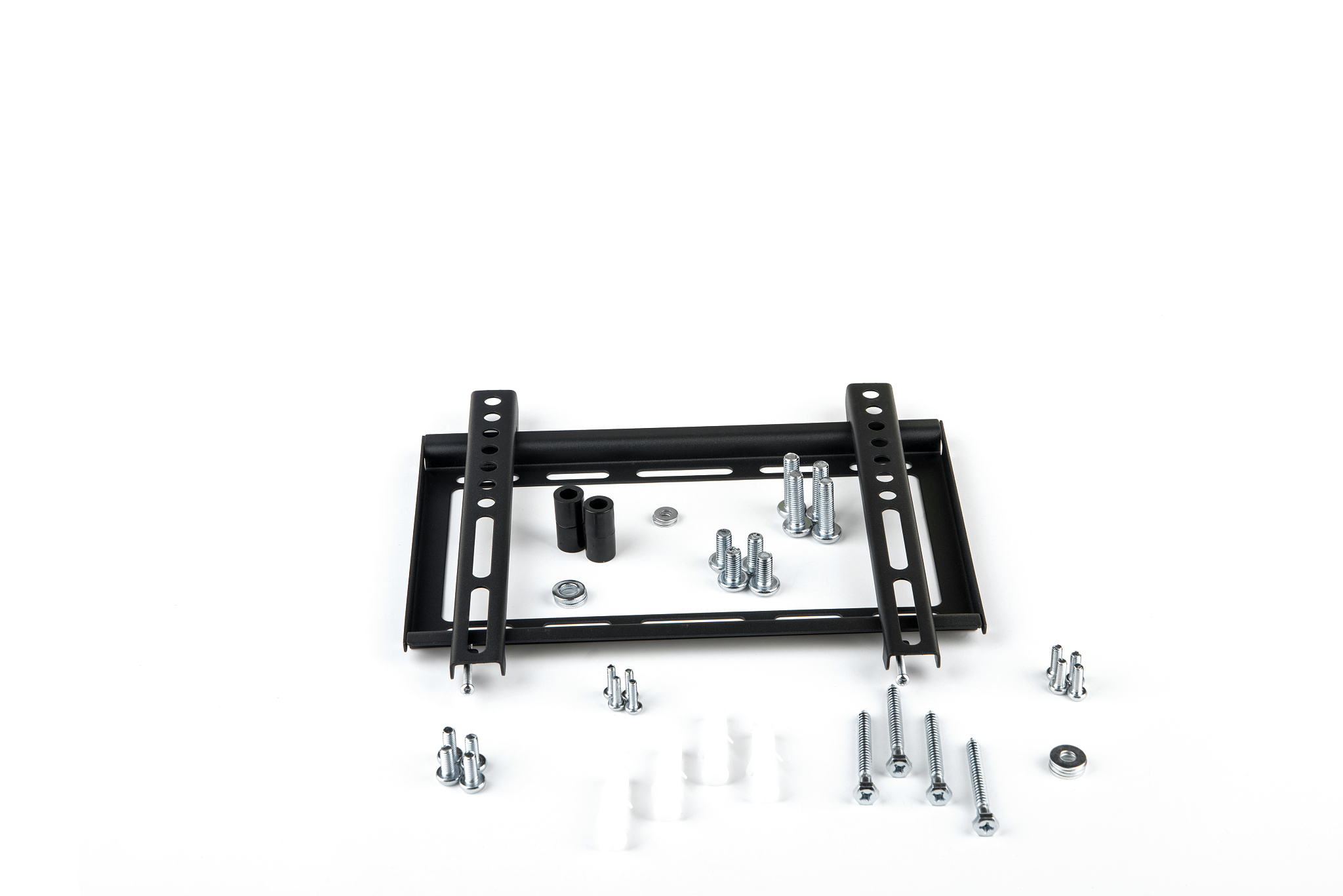
North Bayou F80 Monitor Arm Review: The Budget King of Ergonomic Monitor Mounts
A comprehensive review of the North Bayou F80 monitor arm — gas spring lift, 360-degree rotation, 8kg capacity, budget-f
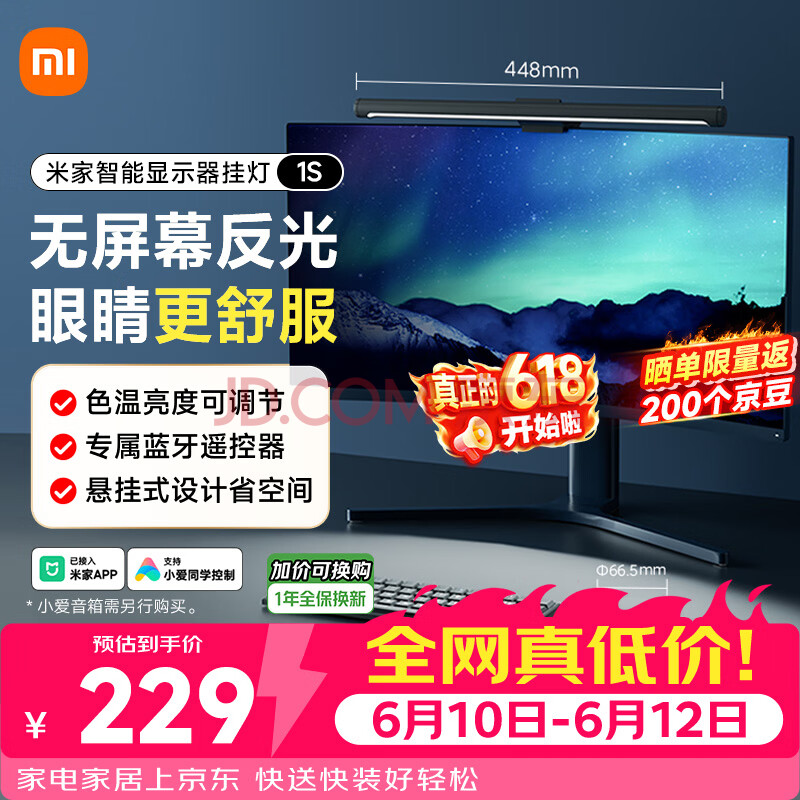
Xiaomi Mi Monitor Light Bar 1S Review: 500K+ JD Users Light Up Their Desks
The Xiaomi Mi Monitor Light Bar 1S (¥149) has 500,000+ JD reviews with a 97% positive rating — a space-saving LED monito
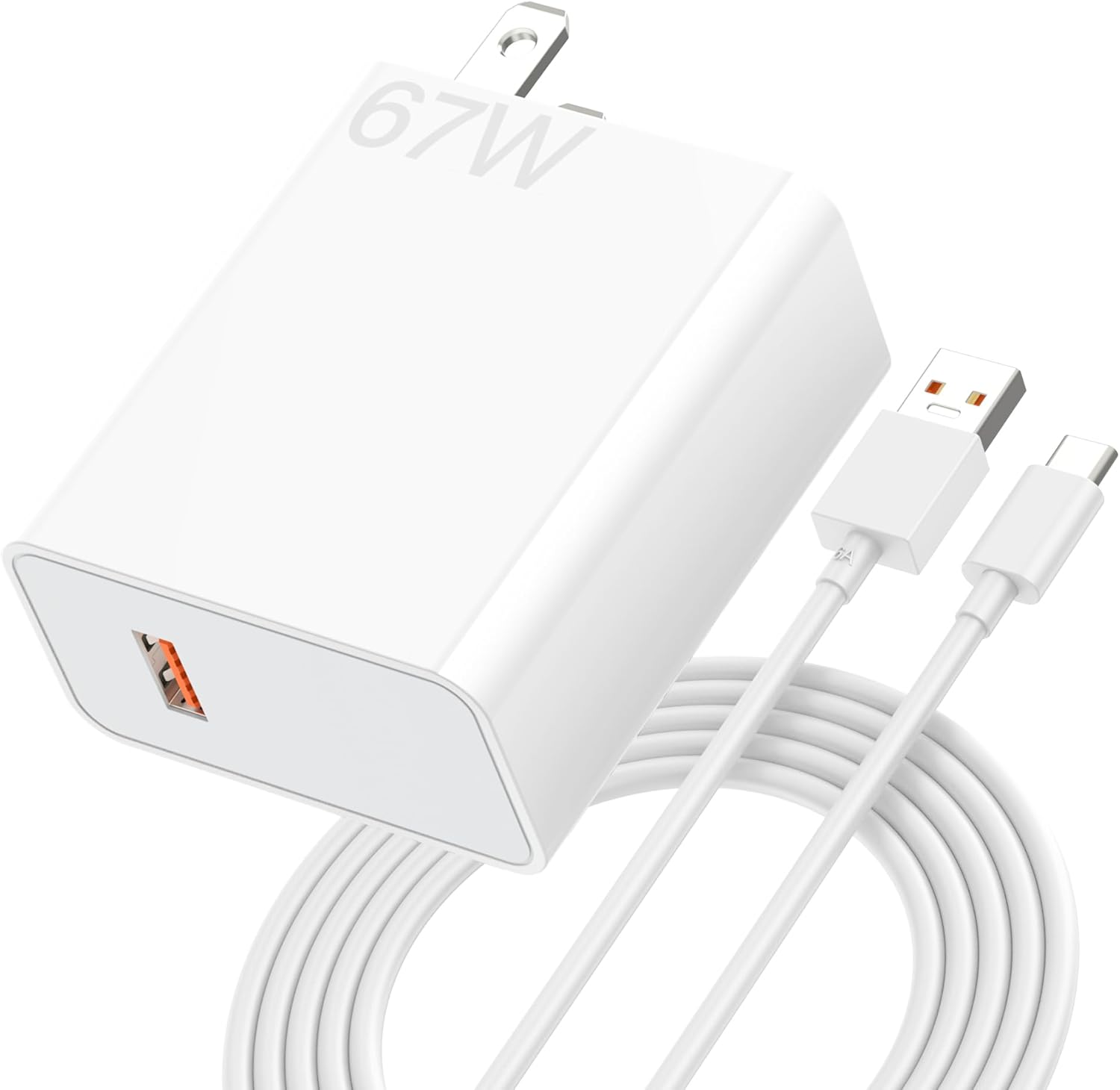
Xiaomi 120W GaN Charger Review: 50,000+ JD Reviews Analyzed
The Xiaomi 120W GaN 'Little Pudding' Charger (¥179) delivers 0-100% in ~20 min with 50,000+ JD reviews and a 98% positiv
20000mAh Power Bank Showdown 2026: Anker vs Baseus vs UGREEN vs Xiaomi
The Baseus 20000mAh 100W Power Bank at $41.99 is the best overall 20K power bank for 2026, balancing capacity, charging