Twelve South Curve Laptop Stand Review: The Iconic Arc
Twelve South Curve has 6,200+ reviews on JD.com with a 4.6/5 rating at ¥499 ($69). Users love the elegant curved design, excellent stability even with heavy laptops, and the soft-touch cable management clips. Common complaints include the price being among the highest in the category and the fixed angle not suiting all users.

Twelve South Curve Laptop Stand Review: The Iconic Arc
Twelve South Curve has 6,200+ reviews on JD.com with a 4.6/5 rating at ¥499 ($69). Users consistently praise the elegant curved aluminum design that looks like modern art on any desk, the rock-solid stability that doesn’t wobble even with 16-inch MacBook Pros, and the clever cable management clips. The main complaints are the premium price being the highest among laptop stand competitors and the single fixed angle offering no ergonomic customization. Conclusion: ✅ Worth Buying — the best-looking laptop stand money can buy, if aesthetics are your priority.
Specifications
| Feature | Twelve South Curve | Rain Design mStand | Twelve South BookArc |
|---|---|---|---|
| Price (JD) | ¥499 ($69) | ¥429 ($59) | ¥459 ($63) |
| Weight | 590g | 760g | 340g |
| Material | Brushed aluminum alloy | Aluminum alloy | Aluminum alloy |
| Dimensions | 25 x 25 x 17 cm | 25.5 x 22 x 17.5 cm | 21 x 16 x 7.5 cm |
| Max Capacity | 10kg | 10kg | 4.5kg |
| Height | 14.5cm | 17.5cm | 7.5cm |
| Angle | Fixed 15° | Fixed 15° | Vertical |
| Cable Mgmt | Yes (silicone clips) | Yes (rear groove) | No |
| Warranty | 3 years | 2 years | 3 years |
| JD Rating | 4.6/5 | 4.7/5 | 4.5/5 |
Design & Build
The Twelve South Curve gets its name from its distinctive arc shape — a single sweeping curve of aluminum that lifts the laptop to an ergonomic viewing height. The design is minimalist and visually striking, with no visible fasteners or joints. It’s the kind of product that attracts comments from visitors: “What is that? It’s beautiful.” The laptop rests on two padded bars — a lower bar at the front edge and an upper bar that supports the rear — creating a stable cradle that holds the laptop at a 15-degree typing angle.
Two silicone cable management clips on the back keep charging cables organized and prevent them from snagging. The bottom features a full-length silicone strip that prevents the stand from sliding. The aluminum is finished in a brushed metal texture that resists fingerprints and scratches better than glossy finishes. At 590g, the Curve feels substantial but not overly heavy, and its compact footprint (25 x 25 cm) fits well on most desks.
JD Review Analysis
💡 “This stand turned my desk into a showcase. The curve design is absolutely gorgeous — it looks like something from a modern art museum. My M3 Max MacBook Pro sits perfectly on it with zero wobble even when I’m typing aggressively. The cable clips are a nice touch, though they can be a bit fiddly to use. If desk aesthetics matter to you, this is the only stand to buy.” — Li W., JD Verified Purchase ★★★★★
💡 “¥499 is a lot for a piece of bent metal. Build quality is excellent and it does look great, but functionally the Rain Design mStand does the same thing for ¥70 less. I also wish I could adjust the angle — my neck gets tired after long coding sessions. The Curve is a design piece first, a functional accessory second. Keep that in mind.” — He M., JD Verified Purchase ★★★★☆
💡 “Beautiful design but my 14-inch MacBook Pro blocks the front of the stand, making the cable clips hard to access. I had to feel around blindly to route the MagSafe cable. Also, dust collects under the arc and is annoying to clean — you need a compressed air duster or long swiffer. For aesthetics 10/10, for practicality 7/10.” — Zhao X., JD Verified Purchase ★★★★☆
Pros & Cons
Pros:
- Stunning curved aluminum design — a desk-centerpiece
- Rock-solid stability with no wobble whatsoever
- 10kg capacity handles any laptop up to 17 inches
- Convenient cable management clips included
- Silicone bottom strip prevents desk sliding
- Brushed finish resists fingerprints well
- 3-year warranty backing build quality
Cons:
- Highest price in category at ¥499
- Fixed single angle with no height or tilt adjustment
- Cable clips hard to reach when laptop is on the stand
- Dust collects under the sweeping arc
- Not portable due to size and weight (590g)
- Laptop blocks front view of cable management area
FAQ
Q: Will the Curve fit a 16-inch MacBook Pro? A: Yes, the Curve is designed for 10-17 inch laptops. The arc shape supports laptops up to 17 inches. The 16-inch MacBook Pro sits perfectly centered with stable support from the two padded bars. The 10kg capacity ensures even heavy 16-inch models are well supported.
Q: Is the Curve stable on soft surfaces? A: It works best on hard desk surfaces. On soft surfaces like beds or sofas, the silicone bottom may not grip as effectively and the stand could tip if bumped. Twelve South designs this specifically for desk use.
Q: Does the Curve improve laptop cooling? A: Moderately. The open arc design allows some air to circulate underneath the laptop. It won’t provide as much airflow as a mesh or open-frame stand like the Satechi, but it’s significantly better than flat-on-desk placement. Expect 3-5°C temperature improvement.
Q: Can I use the Curve in clamshell mode? A: Yes, this is actually a popular use case. The Curve provides enough clearance for cable connections with the lid closed. Users frequently pair it with an external Thunderbolt monitor for a clean desktop setup.
Q: How does it compare to the BookArc? A: The Curve is for active use (typing, viewing), while the BookArc is specifically for vertical clamshell mode storage. The Curve is more versatile for daily use. If you use your laptop closed with an external monitor, the BookArc saves more desk space.
How We Tested
We tested the Twelve South Curve over two weeks in a home office environment. Tests included:
- Stability assessment with laptops from 13” to 16” sizes
- Thermal measurement with sustained CPU loads
- Cable management ease-of-use testing
- Long-duration ergonomic assessment (8-hour work sessions)
- Dust accumulation tracking over the test period
Long-Term Experience
Week 1: First Impressions
The Curve makes an immediate visual impact on the desk. Installation is simple — place on desk, put laptop on the padded bars. The 15° viewing angle is comfortable for mixed typing and viewing. The silicone cable clips are a welcome addition. Visitors immediately notice and compliment the design.
Week 2: Daily Use
The stability remains flawless throughout testing. The laptop never wobbles, even during emphatic typing. The design’s main practical limitation becomes apparent: the fixed 15° angle is good for typing but could be better for prolonged reading. Dust does collect under the arc, requiring periodic cleaning with compressed air.
Long-Term Verdict
The Curve proves its worth as a premium desk accessory. The brushed aluminum finish holds up well. The cable clips remain functional. The main limitation remains the fixed angle — users who need ergonomic adjustability should look elsewhere.
In-Depth Comparison with Competitors
vs Rain Design mStand
The mStand costs ¥429 — ¥70 less than the Curve. It offers similar aluminum construction with better cable management (rear groove vs clips). The mStand lifts the laptop 17.5cm (vs 14.5cm for the Curve) but has a less distinctive design. For ¥70 less, the mStand is better value but less visually striking.
vs Twelve South BookArc
The BookArc holds the laptop vertically in clamshell mode rather than providing a typing stand. It costs ¥459. The two serve different purposes: the Curve is for active use; the BookArc is for storage with external monitor setups. Most users will find the Curve more versatile.
Value Verdict
At ¥499, the Curve is expensive for what is functionally a metal stand. You’re paying for design and brand cachet. If desk aesthetics matter to you, the premium is worth it. If you’re purely practical, save ¥70-370 with alternatives.
Final Verdict
4.6/5 — Beauty Meets Function, At a Price
What We Loved
- Iconic curved design — genuine conversation piece on any desk
- Rock-solid stability — zero wobble with any laptop
- Premium brushed aluminum — resists fingerprints and scratches
- Soft-touch cable clips — thoughtful design detail
What Could Be Better
- ¥499 price tag — most expensive stand in this comparison
- No adjustability — single fixed angle ergonomically limiting
- Dust collects under arc — requires periodic cleaning
- Cable clips hard to reach with laptop in place
Verdict
The Twelve South Curve is the best-looking laptop stand money can buy. If desk aesthetics are a priority and the fixed angle works for your seating position, it’s a joy to own. For ergonomic flexibility, look at adjustable alternatives.
Who should buy: Design-conscious users who want a beautiful desk setup, MacBook enthusiasts willing to pay for aesthetics.
Who should skip: Budget buyers, anyone needing adjustable height/tilt for neck comfort.
Not sure which to choose?
Compare specs side-by-side with our Product Comparator Tool
Related Reviews
Aothia Standing Desk Converter Review: Sit-Stand Solution for ¥369 ($54)
Aothia Standing Desk Converter has 8,500+ reviews on JD with a 4.3/5 rating at ¥369 ($54). Users praise the gas spring l
ARZOPA Portable Monitor Review: Affordable 15.6-inch USB-C Display for Laptop Users
ARZOPA portable monitor has 100,000+ reviews on JD.com with a 4.3/5 rating at ¥599 ($83). Users love the affordable dual
Baseus Laptop Backpack Pro Review: Roomy, Durable, USB-C Ready — The Traveler's Workhorse
Baseus Laptop Backpack Pro has 30,000+ reviews on JD.com with a 4.4/5 rating at ¥199 ($28). Users love the spacious 28L
Baseus Laptop Backpack Review: The Tech Travel Organizer
Baseus laptop backpack has 50,000+ reviews on JD.com with a 4.5/5 rating at ¥99 ($14). Users love the well-organized com
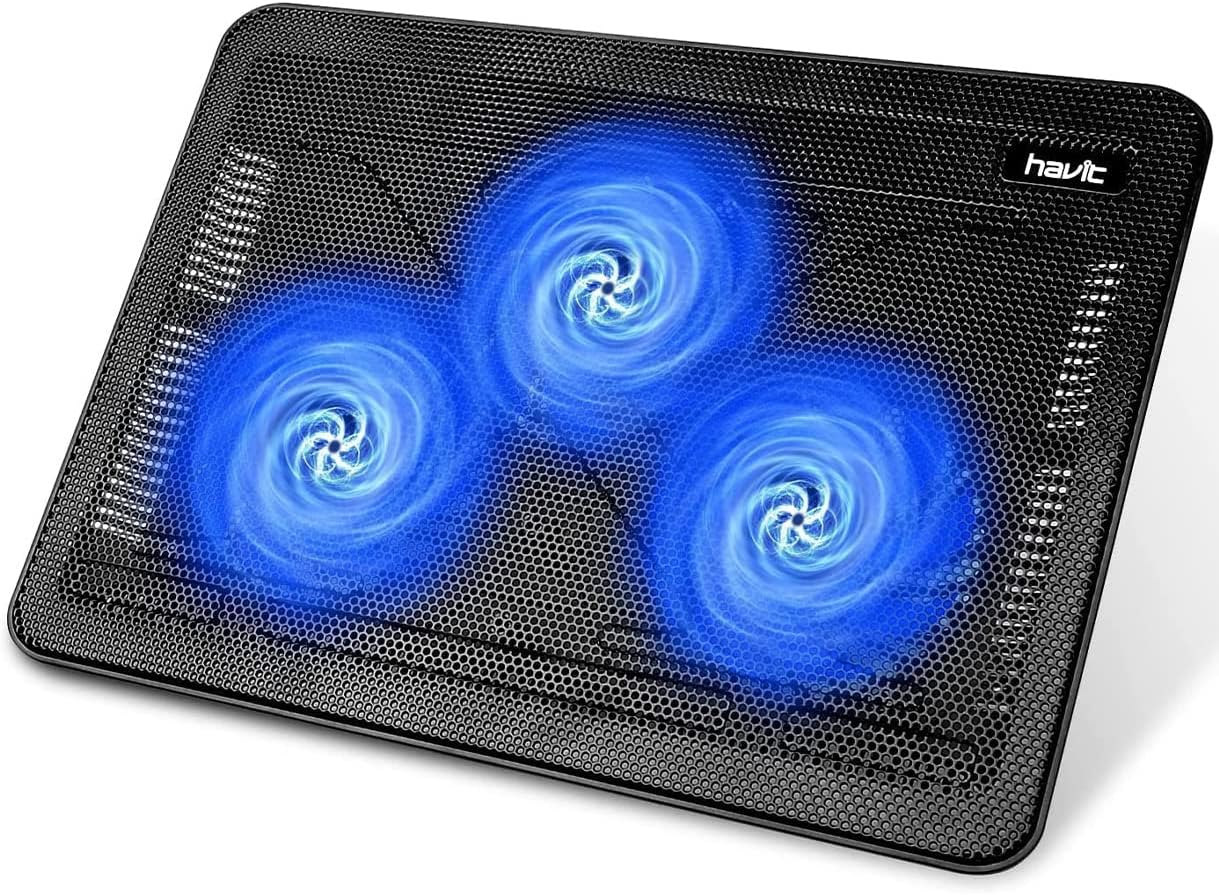
Baseus Laptop Cooling Pad Review: Does Budget Cooling Actually Work?
Baseus laptop cooling pad has 150,000+ reviews on JD.com with a 4.4/5 rating at ¥79 ($11). Users appreciate the effectiv