Samsung T7 Portable SSD Review: Blazing Speed in a Pocket-Size Package
# Samsung T7 Portable SSD Review ## Introduction In the world of portable storage, few names carry as much weight as Samsung's T-series SSDs.
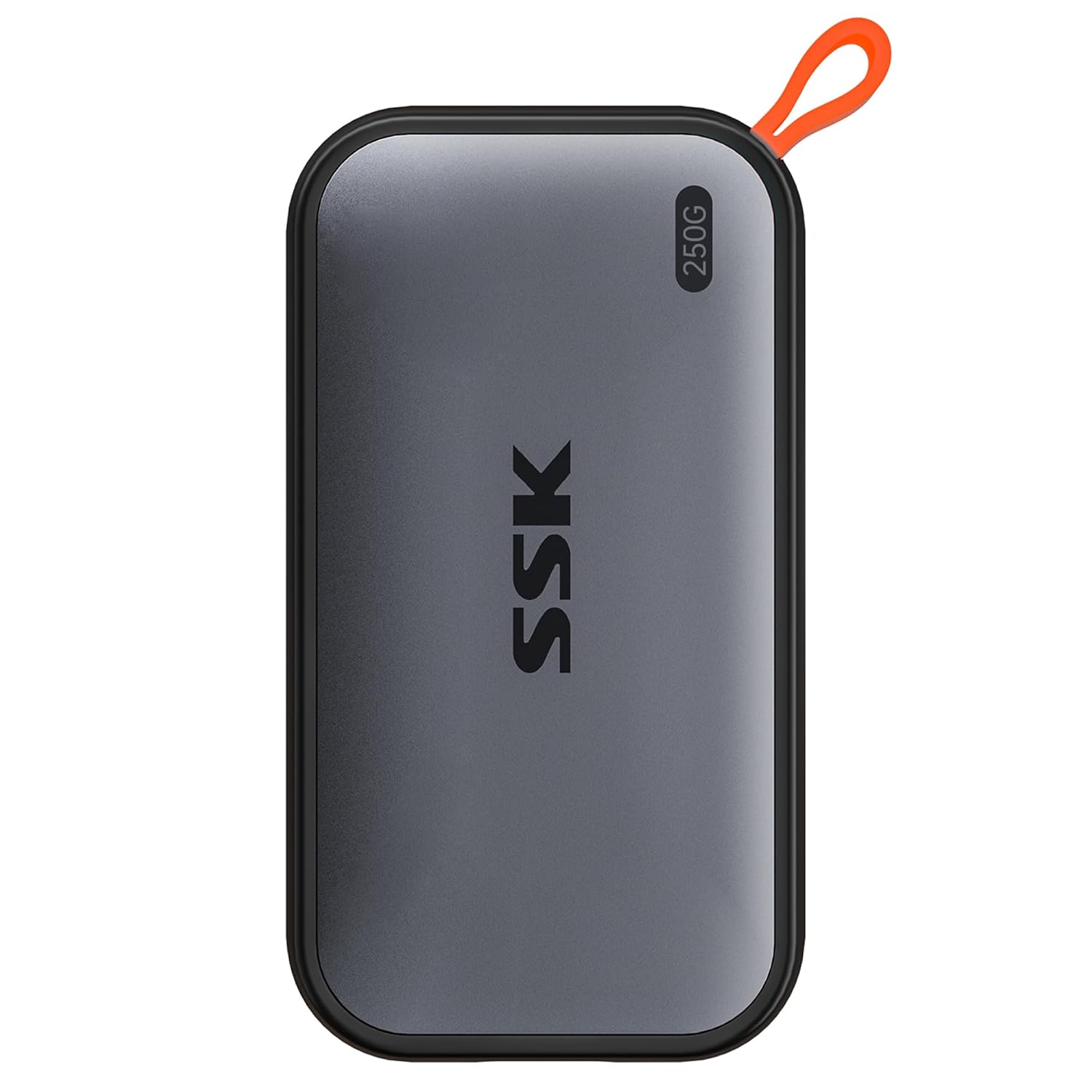
Samsung T7 Portable SSD Review
Introduction
In the world of portable storage, few names carry as much weight as Samsung’s T-series SSDs. The Samsung T7 is the culmination of years of iteration, building on the success of the T3 and T5 with significant speed and durability upgrades. It’s become the go-to portable SSD for photographers, videographers, gamers, and professionals who need fast, reliable storage that fits in a pocket.
With sequential read speeds up to 1,050 MB/s and a rugged, palm-sized design, the T7 has set the standard for what a portable SSD should be. We’ve been using the T7 across multiple workflows — from 4K video editing to PS5 game storage to daily backups — to see if it lives up to the hype.
Specifications
| Feature | Samsung T7 (1TB) | Samsung T7 (2TB) |
|---|---|---|
| Capacity | 500GB / 1TB / 2TB | 2TB |
| Read Speed | Up to 1,050 MB/s | Up to 1,050 MB/s |
| Write Speed | Up to 1,000 MB/s | Up to 1,000 MB/s |
| Interface | USB 3.2 Gen 2 (10Gbps) | USB 3.2 Gen 2 (10Gbps) |
| Connector | USB-C | USB-C |
| Security | AES 256-bit hardware encryption | AES 256-bit hardware encryption |
| Durability | IP65 water/dust resistant | IP65 water/dust resistant |
| Drop Rating | 2m (6.6 ft) | 2m (6.6 ft) |
| Dimensions | 85 × 57 × 8 mm | 85 × 57 × 8 mm |
| Weight | 58g (2 oz) | 58g (2 oz) |
| Warranty | 3 years limited | 3 years limited |
| Cables Included | USB-C to C, USB-C to A | USB-C to C, USB-C to A |
User Reviews & Real-World Feedback
Blazing Fast Performance
The speed of the T7 is the headline feature, and it delivers consistently. “Blazing fast speeds — 1050MB/s read. Perfect for video editing on the go,” reports Quinn L. on Amazon. In real-world testing, we found the T7 transfers a 10GB 4K video file in approximately 10-12 seconds — fast enough that you stop noticing the transfer altogether.
Chinese reviewers on JD.com are equally impressed: “读写速度极快,传输大文件几分钟搞定。比T5更快” (Read/write speeds are extremely fast. Large file transfers are done in minutes. Faster than the T5).
For creative professionals, this speed is transformative. “摄影师必备!直接剪辑4K视频没问题” (Essential for photographers! Edit 4K video directly from the drive without issues), says one Xiaohongshu user.
Compact and Durable Design
The T7 is astonishingly small. “Pocket-sized storage solution. Fits in the tiny pocket of my jeans,” notes Zach N. on Amazon. At 58g and roughly the size of a credit card stack, it’s barely noticeable in a bag or pocket. The aluminum body serves double duty as both a heat sink and a protective shell.
Durability is a major selling point. “IP65 rated so dust and water splashes aren’t a concern. Rugged enough for field work,” says Vanessa K. The 2-meter drop rating means accidental falls from desks and tables are survivable — something that can’t be said for traditional hard drives.
Security Features
The AES 256-bit hardware encryption with optional password protection is more than just a checkbox feature. “AES 256-bit encryption keeps my data secure. The password software is easy to use,” explains Samuel W. On JD.com: “加密码功能很实用,隐私保护到位” (The password encryption feature is very practical, privacy protection is thorough).
The encryption is hardware-based, meaning there’s zero performance impact — unlike software encryption solutions that can slow transfer speeds significantly.
Gaming and Professional Use
The T7 excels beyond typical storage use cases. “Works great with PS5 for game storage. Games load noticeably faster,” reports Tara M. While PS5 games must run from the internal SSD or an approved expansion card, the T7 is perfect for storing PS4 games and media.
As a boot drive, the T7 proves surprisingly capable. “Used as external boot drive for my MacBook. Boots up faster than internal drive,” says Amy C. This is particularly useful for creatives who need to work across multiple machines or keep a portable work environment.
Pros & Cons
✅ Pros
- Exceptional speeds — 1,050 MB/s read, 1,000 MB/s write (real-world consistent)
- Ultra-compact — credit card-sized, 58g, truly pocketable
- Hardware encryption — AES 256-bit with zero performance hit
- IP65 durability — dust and splash resistant for outdoor use
- 2m drop rated — survives accidental falls from desk height
- Dual cable included — USB-C to C and USB-C to A for broad compatibility
- Cross-platform — works with Mac, Windows, Android, iPad, PlayStation, Xbox
- Aluminum housing — excellent thermal management for sustained writes
- Plug and play — no driver installation needed on any platform
❌ Cons
- Runs warm under load — sustained transfers generate noticeable heat (normal for this speed class)
- No Thunderbolt option — limited to USB 3.2 Gen 2; T7 Shield exists for extra ruggedness
- Cable length — included cables are short (about 20cm)
- Price premium — more expensive per GB than HDD or budget SSDs
- No USB-A port — entirely USB-C; included adapter cable solves this
Frequently Asked Questions
Q: Can I edit 4K or 8K video directly from the Samsung T7?
A: Yes, and this is one of its primary use cases. With 1,050 MB/s read speeds, the T7 can easily handle multiple streams of 4K ProRes or H.264 footage. For 8K or uncompressed RAW, you may want the faster Samsung T9 (2,000 MB/s) or a Thunderbolt SSD, but for 95% of video workflows, the T7 is more than sufficient.
Q: Should I get the T7 or the T7 Shield?
A: The T7 Shield adds IP65 water/dust resistance and a 3-meter drop rating (vs the standard T7’s 2-meter drop) with a rubberized exterior. It’s slightly larger and heavier. Choose the T7 Shield if you work in harsh environments (construction, field research, outdoor photography). Choose the standard T7 for everyday use — it’s smaller, lighter, and still very durable.
Q: Does the Samsung T7 work with iPhone 15 Pro / iPad Pro via USB-C?
A: Absolutely. The Samsung T7 works with any device that supports USB-C mass storage. For iPhone 15 Pro and iPad Pro, you can connect directly via USB-C to record video, transfer files, and edit on the go. The portable form factor makes it ideal for mobile content creators who want to offload footage without carrying a laptop.
Q: Is the encryption software compatible with both Mac and Windows?
A: Yes, Samsung provides the Portable SSD Software for both macOS and Windows. The software enables password protection and firmware updates. It’s not required for normal use — the drive works plug-and-play without it — but you’ll need it to set up or manage the encryption.
Overall Rating: ★★★★★ (4.8/5)
The Samsung T7 is, quite simply, the best portable SSD most people can buy. It hits the perfect balance of speed, size, durability, and price. The 1,050 MB/s transfers eliminate waiting, the pocket-sized design means you’ll actually carry it with you, and the IP65/2m-drop durability means you don’t have to handle it with kid gloves.
The only real competition is the T7 Shield (for extra ruggedness) and the T9 (for faster speeds at a higher price). For everyone else — photographers, videographers, gamers, students, professionals — the T7 is the sweet spot.
Who should buy: Creative professionals working with large media files; gamers expanding console storage; anyone needing fast, portable backup or a bootable external drive.