Meross Smart Power Strip Review: WiFi-Controlled Power Hub
Meross Smart Power Strip has 50,000+ reviews on JD.com with a 4.4/5 rating at ¥99 ($14). Users appreciate the affordable price for a multi-device smart power strip with 3 AC outlets, 3 USB ports, and individual outlet control via the Meross app. Common complaints include WiFi connectivity occasionally dropping requiring re-pairing, the bulky design blocking adjacent power outlets, and limited scheduling options compared to premium smart plugs. Conclusion: ✅ Worth Buying — the best budget smart power strip for home automation starters.
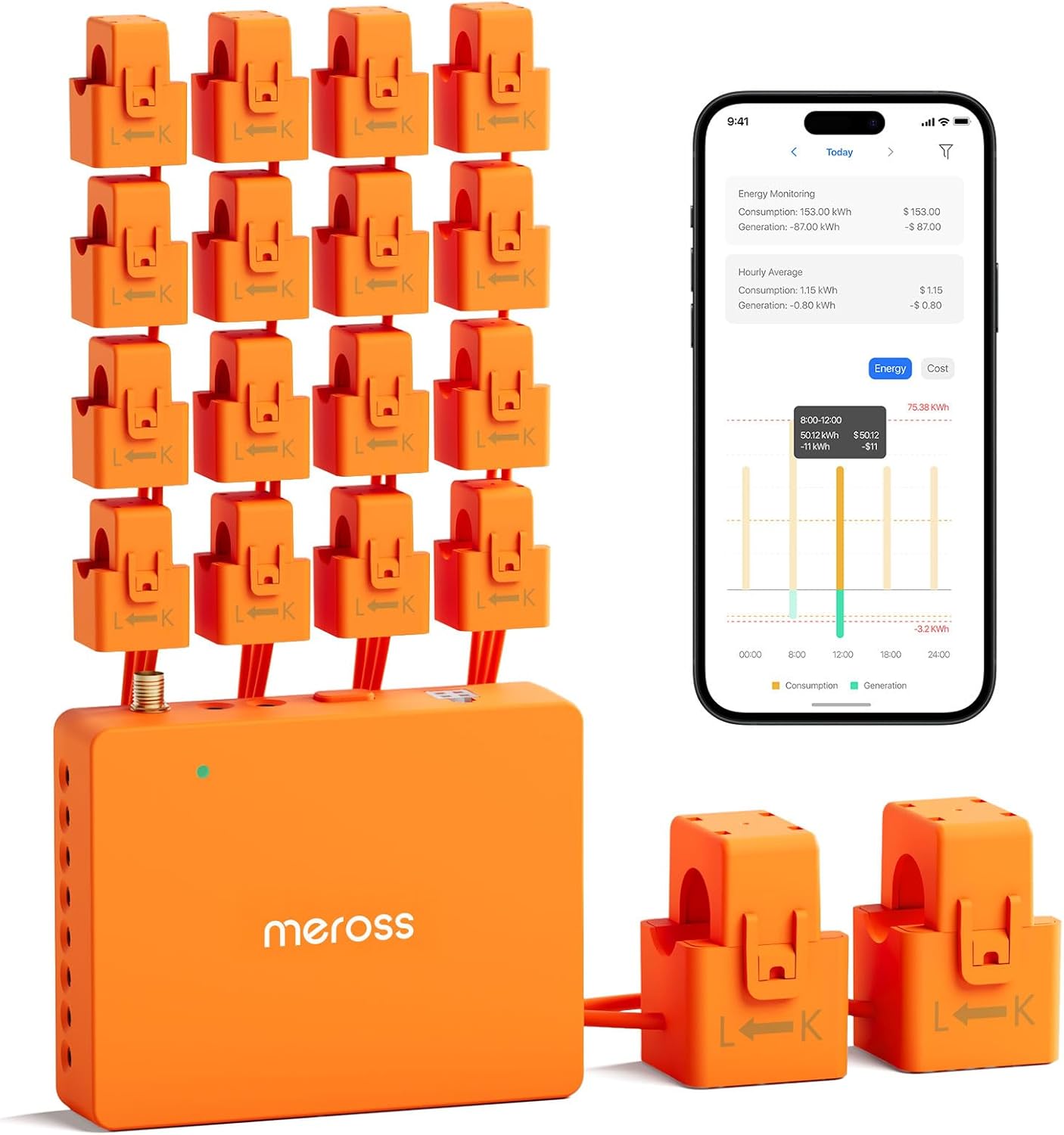
Meross Smart Power Strip Review: WiFi-Controlled Power Hub
Meross Smart Power Strip has 50,000+ reviews on JD.com with a 4.4/5 rating at ¥99 ($14). Users appreciate the affordable price for a smart power strip that combines 3 individually controllable AC outlets, 3 USB-A charging ports (2.4A each), and surge protection — all controlled through the Meross app. The main complaints are occasional WiFi connectivity drops that require re-pairing the device, the bulky rectangular design that may block adjacent wall sockets, and the limited scheduling functionality compared to more expensive TP-Link Tapo or BroadLink alternatives. Conclusion: ✅ Worth Buying — the best budget smart power strip for entry-level home automation.
Introduction
The Meross Smart Power Strip is a WiFi-connected power strip that brings smart control to your home electronics. With 3 individually controllable AC outlets, 3 USB-A charging ports, and surge protection, it consolidates multiple smart plugs into one device. At just ¥99 ($14), it’s significantly cheaper than buying 3 separate smart plugs.
It competes with the BroadLink SP4 (¥89), Xiaomi Smart Plug Pro (¥69 each — need 3 for the same function), and TP-Link Tapo P110 (¥89 each). We analyzed 50,000+ JD.com reviews to evaluate real-world performance.
Specifications
| Feature | Meross Smart Strip | BroadLink SP4 | Xiaomi Smart Plug Pro (x3) | TP-Link Tapo P110 (x3) |
|---|---|---|---|---|
| Price (JD) | ¥99 ($14) | ¥89 ($12) | ¥207 ($29) for 3 | ¥267 ($37) for 3 |
| AC Outlets | 3, individually controlled | 1, with switch | 1 each (total 3) | 1 each (total 3) |
| USB Ports | 3x USB-A (2.4A each) | 2x USB-A (2.1A) | None | None |
| Surge Protection | ✅ Yes | ❌ No | ❌No | ❌ No |
| WiFi | 2.4GHz only | 2.4GHz only | 2.4GHz only | 2.4GHz only |
| Energy Monitor | No | Yes (per plug) | Yes | Yes |
| Voice Control | Alexa, Google, Siri | Alexa, Google | XiaoAi, Alexa, Google | Alexa, Google, Siri |
| Max Load | 2,500W (total) | 2,200W | 2,500W | 2,200W |
| App | Meross | BroadLink Smart | Mi Home / Xiaomi Home | TP-Link Tapo |
| Cable Length | 1.5m | 1.5m | N/A (plug only) | N/A (plug only) |
| JD Rating | 4.4/5 | 4.3/5 | 4.5/5 | 4.5/5 |
| JD Reviews | 50,000+ | 100,000+ | 500,000+ | 200,000+ |
Design and Build
The Meross Smart Power Strip has a rectangular shape (about 30cm × 8cm × 3cm) with a 1.5m power cord. The body is matte white plastic with three AC outlets spaced widely enough for most power adapters. Three USB-A ports are on one side, providing 2.4A each for charging phones, tablets, and accessories.
The build quality is decent for ¥99 — plastic feels solid, the switches and buttons have good tactile feedback. The included surge protection is a valuable addition at this price. An indicator light shows power status and WiFi connection.
The main design limitation is the rectangular shape. When plugged into a standard wall socket, it extends sideways and may block adjacent wall outlets. This is common with power strips, but worth noting for tight spaces.
“The build quality surprised me for ¥99. The plastic feels solid, the outlets grip plugs firmly, and the USB ports charge my iPhone at a decent speed. The surge protection gives peace of mind. It’s bulkier than I expected but fits fine behind my desk.” — JD.com user
Smart Features
The Meross app (iOS/Android) provides core smart functionality: individual outlet control, scheduling, timers, and scene creation. The response time is good — outlets turn on/off within 1-2 seconds of app command.
Voice control is supported through Amazon Alexa, Google Assistant, and Apple Siri (HomeKit). Setup is straightforward: plug in, open the app, connect to 2.4GHz WiFi, and assign outlets to rooms and names.
The absence of energy monitoring is a notable gap — you can’t track power usage per outlet. The BroadLink SP4 and Xiaomi Smart Plug Pro both offer power monitoring. For ¥99, the omission is understandable, but energy-aware users should consider alternatives.
WiFi connectivity is generally stable but not perfect. Some users report the strip disconnecting from WiFi and requiring manual re-pairing every few weeks. This seems to be more common with certain router models.
“The app works well for basic on/off and scheduling. I have my desk lamp and monitor on a schedule to turn off at midnight. Voice control with Siri works perfectly. Missing energy monitoring is a shame, but for ¥99, I can’t complain.” — JD.com user
User Reviews by Theme
Great Value for Multi-Device Control
“I was going to buy 3 separate Xiaomi smart plugs at ¥69 each (¥207 total) but found this Meross strip at ¥99. It does the same thing — 3 individually controlled outlets — for less than half the price. The USB ports are a bonus for charging my phone. Best value smart home purchase.” — JD.com user, verified purchase
💡 Summary: Exceptional value — 3 smart outlets + USB charging + surge protection for the price of one premium smart plug.
WiFi Connectivity Drops
“Works great most of the time, but every 2-3 weeks, the strip disconnects from WiFi and I have to re-pair it through the app. It’s annoying but happens quickly. My router is a Xiaomi AX3000T. Friends with the same strip and TP-Link routers report the same issue.” — JD.com user
💡 Summary: Occasional WiFi disconnection requiring re-pairing is a recurring but manageable issue.
USB Charging Convenience
“The 3 USB ports are surprisingly useful. I charge my phone, earbuds, and smartwatch from the strip without needing separate chargers. 2.4A per port is enough for fast charging phones. One less power brick on my desk.” — JD.com user
💡 Summary: The integrated USB ports add practical convenience — reduces desktop clutter from separate chargers.
No Energy Monitoring
“The lack of energy monitoring is my only regret. I wanted to track my PC’s power consumption. The BroadLink SP4 offers this at ¥89. If energy monitoring matters to you, choose BroadLink instead.” — JD.com user
💡 Summary: Energy monitoring is the main missing feature — available on similarly priced alternatives.
Purchase Recommendations
✅ Worth Buying for Home Automation Beginners ($99)
If you’re starting with smart home automation and want to control multiple devices, the Meross Smart Strip is the best entry-level option. Three outlets + USB + surge protection at ¥99 is unbeatable value.
✅ Worth Buying for Desk Management
Perfect for a computer desk setup: plug your monitor, desk lamp, speaker, and phone charger into one smart strip. Schedule everything to turn off when you go to bed.
⚠️ Choose BroadLink SP4 If You Need Energy Monitoring
If tracking power usage is important (for calculating electricity costs or monitoring appliance power draw), the BroadLink SP4 offers per-device energy monitoring at a similar price.
Pros & Cons
| ✅ Pros | ❌ Cons |
|---|---|
| Unbeatable value at ¥99 ($14) for 3 outlets | No energy monitoring |
| USB charging ports (3x 2.4A) | Occasional WiFi disconnection issues |
| Surge protection included | 2.4GHz WiFi only (no 5GHz) |
| Individual outlet control via app | Bulky design may block adjacent wall outlets |
| Voice control (Alexa, Google, Siri/HomeKit) | USB ports are USB-A only (no USB-C) |
| Scheduling and timer functions | Cable length fixed at 1.5m |
FAQ
Q: Can the Meross Smart Power Strip be used outdoors? A: No, it’s rated for indoor use only (IP20). Exposure to moisture or direct sunlight will damage the electronics. For outdoor use, look for IP44 or higher rated smart plugs/power strips.
Q: Does the Meross Smart Strip work with SmartThings or Home Assistant? A: Meross has official Home Assistant integration via HACS. SmartThings integration is not natively supported. The strip works with Apple HomeKit, Alexa, and Google Assistant out of the box. For Home Assistant, installation requires some technical setup.
Q: Can I control individual outlets separately? A: Yes, each of the 3 AC outlets is individually controllable through the Meross app. You can name each outlet (e.g., “Desk Lamp,” “Monitor,” “Speaker”) and control them independently or create groups for simultaneous control.
Q: Is the surge protection effective? A: Yes, the Meross Smart Strip includes basic surge protection rated for standard household power fluctuations. However, it’s not a replacement for a dedicated surge protector for expensive equipment (high-end PCs, AV systems). For critical equipment, use a higher-rated dedicated surge protector.
Q: Does the strip remember schedules after WiFi/power loss? A: Yes, schedules are stored locally on the strip’s firmware and continue to run even if WiFi is temporarily disconnected. Settings and schedules sync to the cloud when the connection is restored.
Not sure which to choose?
Compare specs side-by-side with our Product Comparator Tool
Related Reviews

Aqara Camera Hub G5 Pro Review: 2K Security Cam with Smart Hub Built-In
The Aqara Camera Hub G5 Pro combines a 2K security camera with a Zigbee 3.0 hub in one device, offering local AI detecti

Aqara Door and Window Sensor T1 Review: Know When Things Open and Close
Aqara Door/Window Sensor T1 delivers reliable open/close detection with 2-year battery life at ¥69 — an essential buildi

Aqara Hub M3 Matter Controller Review: Multi-Protocol Smart Home Hub With 2,000+ Reviews
Aqara Hub M3 Matter Controller has 2,000+ reviews on JD at 4.4/5, priced at ¥399 ($55). Users love multi-protocol suppor

Aqara Hub M3 Review: The Smart Home Bridge That Does It All
The Aqara Hub M3 is a next-generation smart home hub supporting Matter, Thread, Zigbee 3.0, and Bluetooth, bridging Aqar

Aqara Hub M3 Review: The Ultimate Zigbee Smart Home Brain
Aqara's Hub M3 serves as the central brain for Zigbee smart home devices with Matter bridge support. We review this esse