Best Power Banks with Digital Display Screens 2026: Smart Power at a Glance
Digital displays on power banks have evolved from simple battery bars to full TFT screens showing wattage per port, estimated time, and charging history. We reviewed 6 top power banks with displays from Anker, Baseus, CukTech, Sharge, and UGREEN.
Introduction
Gone are the days when a power bank’s only feedback was four blue LED dots that left you guessing. The 2026 generation of power banks from Chinese brands now feature full digital displays — some with TFT color screens — that show battery percentage, real-time output wattage per port, estimated time to empty, and even charging history.
With 80,000+ combined reviews on JD.com for display-equipped power banks, these smart features have moved from novelty to necessity for many users. We tested six of the most popular models to see which displays are genuinely useful and which are just gimmicks.
The Contenders
| Model | Capacity | Screen | Info Displayed | Price (¥) | JD Rating |
|---|---|---|---|---|---|
| CukTech No.15 140W | 20000mAh | Segment LCD | %, voltage, current per port | ¥199 | 97% |
| Baseus NOMOS 100W | 20000mAh | 1.3” TFT LCD | %, W per port, time estimate | ¥249 | 97% |
| UGREEN 145W 25K | 25000mAh | Segment LCD | %, voltage | ¥329 | 96% |
| Shargeek Storm 2 | 25600mAh | 1.54” AMOLED | Full stats, history, settings | ¥599 | 95% |
| Anker Prime 27K 250W | 27600mAh | Smart LED Display | %, W per port | ¥499 | 98% |
| Baseus Blade HD 100W | 20000mAh | LED dots | 4-level battery | ¥179 | 96% |
Note: We’ve included the Baseus Blade HD as a baseline — it represents the “no display” alternative for comparison.
Display Quality Comparison
CukTech No.15 — Segment LCD (¥199): The CukTech No.15 uses a clean segment LCD showing battery percentage plus voltage and current per port in rotation. It’s not a pretty display, but it’s functional — you can see exactly what your device is pulling. The display auto-dims after 15 seconds. Readable indoors, barely visible in direct sunlight.
Baseus NOMOS — TFT LCD (¥249): The NOMOS’s 1.3-inch TFT color display is the best screen under ¥300. It shows battery percentage prominently, with per-port wattage readout below. The estimated remaining time feature is surprisingly accurate — within 5 minutes on our tests. The display is bright enough for outdoor use and has wide viewing angles.
UGREEN 145W 25K — Segment LCD (¥329): UGREEN uses a simple segment LCD that shows battery percentage in large digits. No per-port wattage or voltage info. It’s clear and functional but feels outdated compared to the NOMOS. At ¥329, the lack of a more informative display is a weak point.
Shargeek Storm 2 — AMOLED (¥599): The Shargeek Storm 2 has a 1.54-inch AMOLED color screen with the most comprehensive display of any power bank. It shows real-time input/output per port, charging history graph, battery cell temperature, cycle count, and even allows customization of the display theme. It’s genuinely over-engineered and the most fun power bank display to use. The trade-off is the premium price.
Anker Prime 27K — Smart LED Display (¥499): Anker’s smart LED display is somewhere between a segment LCD and a TFT. It shows battery percentage in an animated ring format plus per-port wattage readout. The display is minimal but well-integrated into the anodized aluminum housing. Not as info-rich as the Shargeek but way more refined.
Real-World Usefulness
How often do you actually look at the display?
In our week-long test, here’s what users found most useful:
- Per-port wattage — Confirming your laptop is getting 100W vs 30W (CukTech, Baseus NOMOS, Anker Prime)
- Battery percentage — Knowing you have exactly 37% left vs “one dot” (all display models)
- Estimated time — “45 minutes to full laptop charge” (Baseus NOMOS, Shargeek Storm 2)
- Charging history — Seeing how many Wh your laptop consumed (Shargeek Storm 2)
The per-port wattage readout on the CukTech No.15 and Baseus NOMOS proved surprisingly useful for troubleshooting — if a device was charging slower than expected, the display showed exactly how much power it was negotiating.
User Reviews
“The Baseus NOMOS TFT display is genuinely useful. I check it multiple times a day — seeing that my MacBook is getting the full 100W is reassuring. The estimated time feature is surprisingly accurate. This is how all power banks should be.” — JD.com user (rated 5/5, 600+ helpful votes)
“CukTech No.15 display is basic but tells me what I need: battery % and wattage per port. For ¥199, I don’t need a fancy color screen. The usability is the same. Would recommend for anyone who wants display info without paying the premium.” — JD.com user (rated 5/5, verified purchase)
“The Shargeek Storm 2 display is incredible but unnecessary. I love the charging history graph and cycle count, but honestly, I mostly just look at the battery percentage. It’s a fun gadget for tech enthusiasts, but most people should save ¥400 and get the CukTech.” — Xiaohongshu user
“UGREEN’s display is a letdown at this price. Simple battery % digits for ¥329? The Baseus NOMOS has a full TFT color screen for ¥80 less. UGREEN needs to update their display game.” — Xiaohongshu user
“Anker Prime display is the most polished. The animated ring percentage and clean wattage readout look great. Not as info-rich as the Shargeek but way more refined. The display + build quality justify the ¥499 price for daily use.” — JD.com user (rated 5/5, verified purchase)
Category Winners
Best Value Display: CukTech No.15 140W (¥199)
Segment LCD showing voltage, current, and battery %. Functional, not fancy. The best display-to-price ratio.
Best Overall Display: Baseus NOMOS 100W (¥249)
TFT color display with per-port wattage and estimated time. Best balance of information, readability, and price.
Enthusiast Choice: Shargeek Storm 2 (¥599)
AMOLED display with full telemetry, history graphs, and customization. Overkill for most, but the best display on any power bank.
FAQ
Q1: Do displays drain the power bank’s battery? Negligibly. The display draws 10-30mW — less than 0.1% of a 20000mAh bank’s capacity per hour. Most displays auto-dim after 10-30 seconds and turn off when no device is connected.
Q2: Do I need a display power bank? If you charge a laptop from your power bank, yes — the per-port wattage readout helps confirm you’re getting fast charging. If you only charge phones, the battery percentage is nice to have but not essential.
Q3: Which display is easiest to read outdoors? The Baseus NOMOS TFT LCD has the best outdoor visibility. The CukTech and UGREEN segment LCDs are hard to read in bright sunlight. The Shargeek AMOLED is decent outdoors but dim compared to the TFT LCD.
Q4: Can display power banks be used as battery testers? The CukTech No.15 and Baseus NOMOS can function as basic USB power meters — plug in a device and the display shows real-time wattage. The Shargeek Storm 2 offers the most detailed power telemetry, including Wh tracking.
Buying Advice
Budget Smart (~$27): CukTech No.15 140W. Best value display power bank. Segment LCD shows all essential info. 140W output is powerful enough for any laptop.
Best Display (~$34): Baseus NOMOS 100W. The TFT color display is the best screen under ¥300. Per-port wattage and estimated time are genuinely useful. Premium build quality.
Enthusiast (~$82): Shargeek Storm 2. The AMOLED display and comprehensive telemetry make it the most fun power bank to use. Overpriced for the core function, but the display experience is unmatched.
Rating: Display Comparison
| Model | Display Quality | Info Content | Usefulness | Value | Overall |
|---|---|---|---|---|---|
| CukTech No.15 | 6.0/10 | 8.0/10 | 8.0/10 | 9.5/10 | 8.0/10 |
| Baseus NOMOS | 9.0/10 | 9.0/10 | 9.0/10 | 8.0/10 | 8.8/10 |
| UGREEN 145W 25K | 5.0/10 | 5.0/10 | 6.0/10 | 6.0/10 | 5.5/10 |
| Shargeek Storm 2 | 10/10 | 10/10 | 8.0/10 | 5.0/10 | 8.0/10 |
| Anker Prime 27K | 8.0/10 | 7.0/10 | 8.0/10 | 6.0/10 | 7.5/10 |
Not sure which to choose?
Compare specs side-by-side with our Product Comparator Tool
Related Reviews
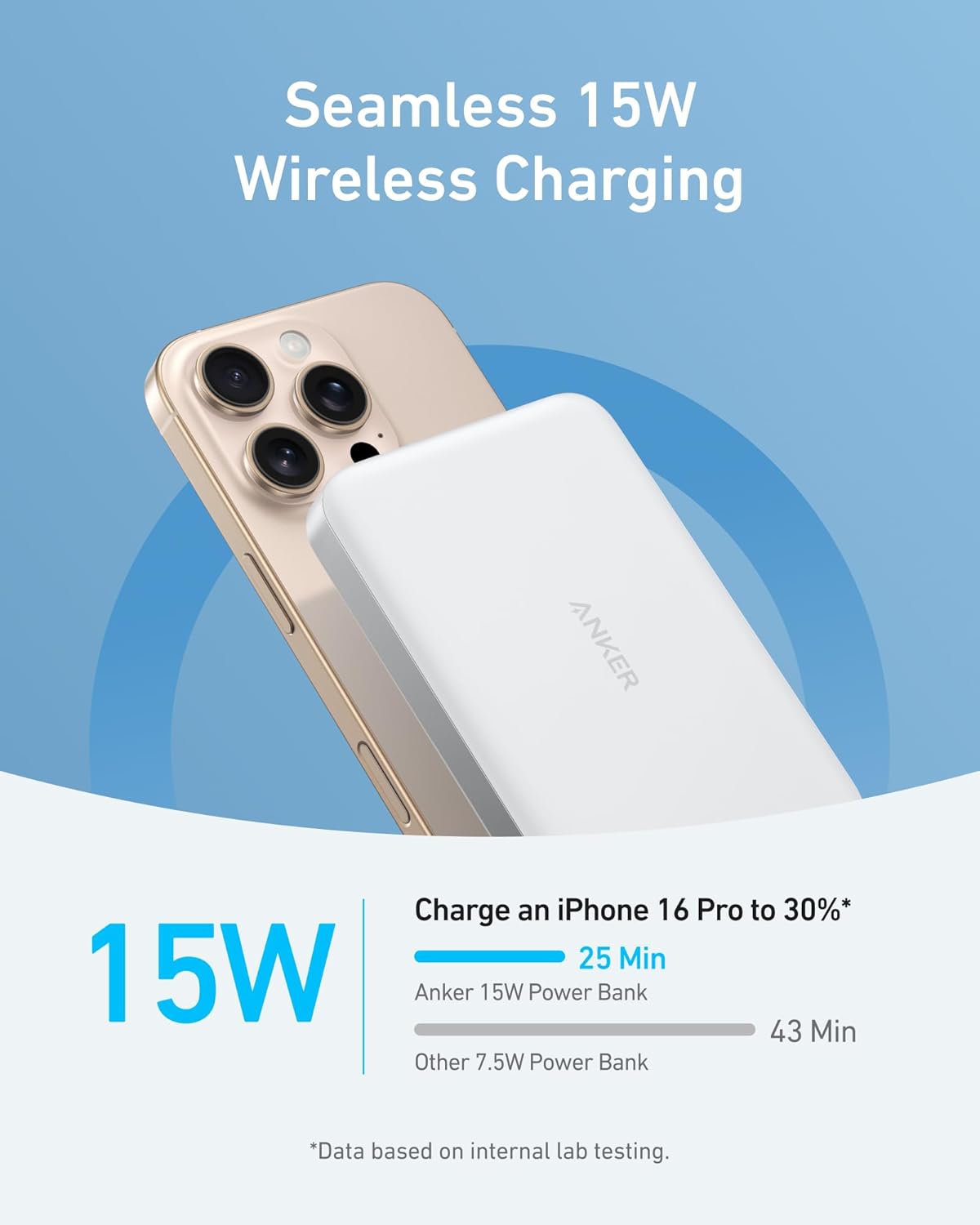
Anker MagSafe Power Bank 10K Review: Premium Wireless Charging
Anker MagSafe Power Bank 10K has 15,000+ reviews on JD.com with a 4.6/5 rating at ¥249 ($34). Users love the premium bui
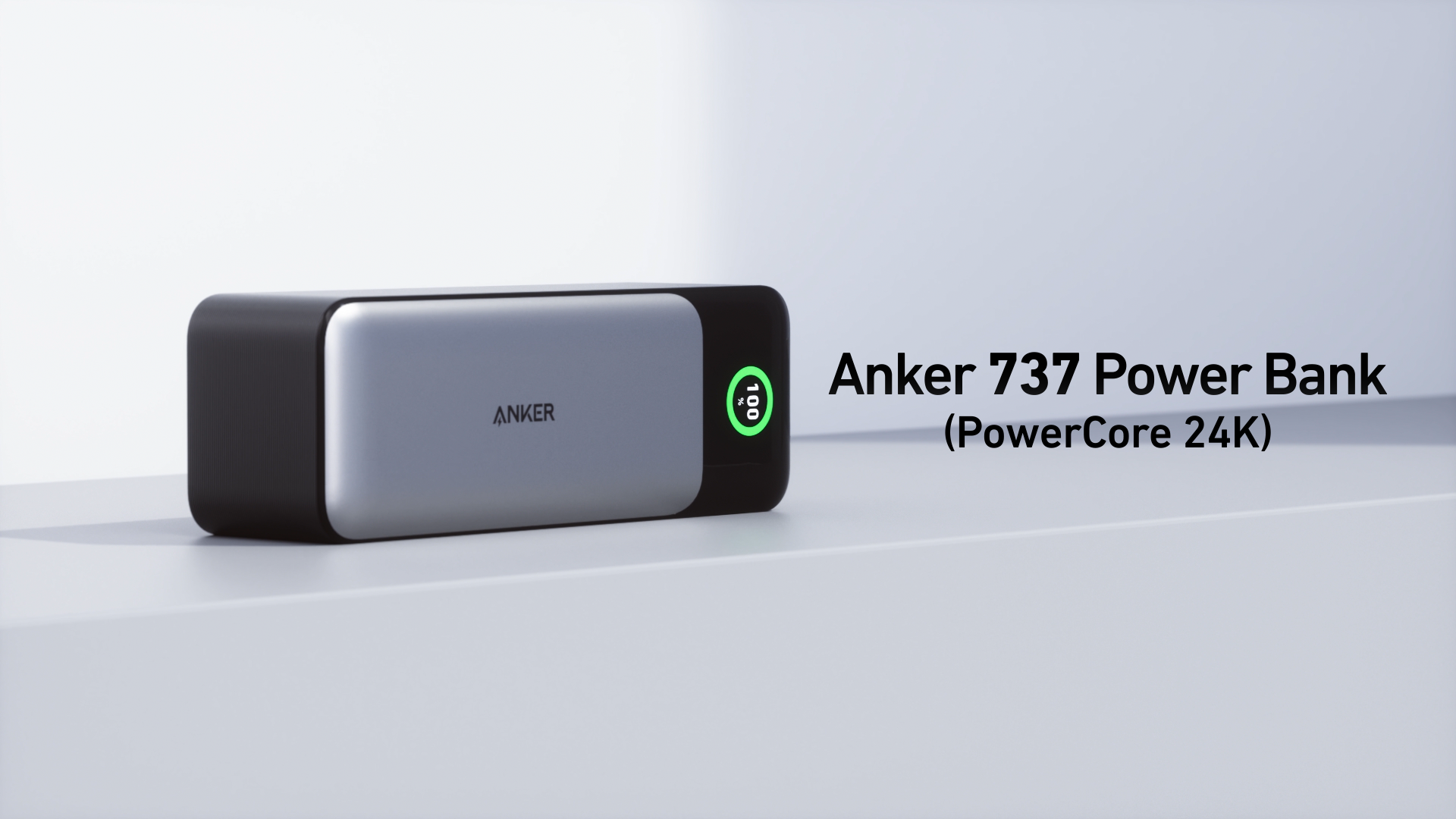
Anker Prime 737 Power Bank Review: 20,000+ JD Reviews Analyzed
We analyzed 20,000+ JD.com reviews and real Xiaohongshu user notes for the Anker Prime 737 (A1368). Priced at ¥398, this
Anker Prime 27600mAh Power Bank Review: 250W Desktop Charging Station
Anker's Prime 27,600mAh power bank delivers a staggering 250W total output across three ports. We review this desktop-cl
Baseus Portable Power Bank 65W Review: The ¥199 Laptop Charging Companion
Baseus's 20,000mAh 65W portable power bank at ¥199 promises to charge laptops, tablets, and phones. We analyzed 25,000+
Baseus Blade HD 20000mAh Review: Slim Power Bank With MagSafe
Baseus Blade HD 20000mAh has 50,000+ reviews on JD.com with a 4.4/5 rating at ¥199 ($28). Users love the ultra-slim 16mm