Best Budget USB-C Hubs 2026: Anker, Baseus, UGREEN & Satechi Compared
Find the perfect budget USB-C hub for your MacBook in 2026. We compare Anker, Baseus, UGREEN, and Satechi hubs from $15 to $50 — tested by real users on JD.com.

Introduction
USB-C hubs have become essential accessories for modern laptops, especially MacBooks with their limited port selection. Budget-friendly options from Anker, Baseus, UGREEN, and Satechi offer excellent functionality without breaking the bank.
We’ve analyzed thousands of JD.com reviews and hands-on tests to find the best budget USB-C hubs in 2026.
Top Picks at a Glance
| Product | Price | Ports | Rating |
|---|---|---|---|
| Anker PowerExpand 6-in-1 | $34.99 | 6 ports | ★4.4/5 |
| Baseus 8-in-1 USB-C Hub | $29.99 | 8 ports | ★4.3/5 |
| UGREEN 9-in-1 USB-C Hub | $39.99 | 9 ports | ★4.4/5 |
| Satechi USB-C Pro Hub | $49.99 | 7 ports | ★4.2/5 |
| Anker 575 USB-C Hub | $45.99 | 10 ports | ★4.3/5 |
| Baseus 12-in-1 Hub | $44.99 | 12 ports | ★4.2/5 |
| UGREEN 6-in-1 Hub | $24.99 | 6 ports | ★4.4/5 |
| Anker 655 8-in-1 Hub | $39.99 | 8 ports | ★4.3/5 |
Product Breakdown
Anker PowerExpand 6-in-1 — Best All-Rounder ($34.99)
Compact aluminum hub with 4K HDMI (30Hz), 100W PD pass-through, SD/TF slots, USB-A 3.0, and USB-C data. Works with MacBook Pro and Air.
JD review: “Perfect for my M2 MacBook Air. 4K HDMI at 30Hz is fine for presentations. Pass-through charging works great. Small enough to carry everywhere.” ★4.4 💡 Compact, reliable, great value for MacBook users.
Baseus 8-in-1 USB-C Hub — Best Value ($29.99)
Eight ports including 4K HDMI (60Hz on M1+), 100W PD, 2× USB-A 3.0, USB-C data, SD/TF, and 3.5mm audio. Remarkable feature set for under $30.
JD review: “Can’t believe this was only ¥199. HDMI works at 60Hz on my M1 MacBook Pro. The 3.5mm jack is great for desk speakers.” ★4.3 💡 Unbeatable value with HDMI 60Hz and audio.
UGREEN 9-in-1 USB-C Hub — Best Port Selection ($39.99)
Nine ports: 4K HDMI, 100W PD, 3× USB-A 3.0, USB-C data, SD/TF, Ethernet (1000Mbps), and 3.5mm audio. The Gigabit Ethernet is a standout.
JD review: “The Ethernet port is solid — I get full gigabit speeds. Build quality feels premium, and the 100W PD keeps my MacBook Pro charged during heavy workloads.” ★4.4 💡 Best hub for wired networking and multiple USB peripherals.
Satechi USB-C Pro Hub — Best Build Quality ($49.99)
Sleek aluminum design that matches the MacBook aesthetic. Includes HDMI, 3.5mm audio, USB-A, SD card, and USB-C PD. Premium feel but fewer ports than competitors.
JD review: “Looks like it came with my MacBook. Aluminum finish matches perfectly. But you can get more ports for less from other brands.” ★4.2 💡 Premium aesthetics with fewer ports.
Comparison Table
| Hub | HDMI | PD | USB-A | Ethernet | Audio | Price |
|---|---|---|---|---|---|---|
| Anker 6-in-1 | 4K@30Hz | 100W | 1 | No | No | $34.99 |
| Baseus 8-in-1 | 4K@60Hz | 100W | 2 | No | Yes | $29.99 |
| UGREEN 9-in-1 | 4K@30Hz | 100W | 3 | 1Gbps | Yes | $39.99 |
| Satechi Pro | 4K@60Hz | 100W | 2 | No | Yes | $49.99 |
Factors to Consider
- HDMI Refresh Rate — For external monitors, 60Hz is significantly smoother than 30Hz
- PD Pass-Through — Essential for single-cable setups with MacBooks
- Ethernet — Useful if you need stable wired internet
- Build Quality — Aluminum hubs dissipate heat better and last longer
Verdict
Rating: 4.4/5 — The best budget USB-C hub depends on your needs. For general use, the Baseus 8-in-1 ($29.99) offers the best value with 4K@60Hz HDMI. For more ports, the UGREEN 9-in-1 ($39.99) adds Ethernet. For premium aesthetics, the Satechi Pro ($49.99) matches your MacBook perfectly.
FAQ
Q: Do these hubs work with Windows laptops? A: Yes. All four work with Windows, Chromebooks, and iPads via USB-C.
Q: Will 100W PD charge my 16-inch MacBook Pro? A: Yes, though the 16-inch MacBook Pro benefits from a 140W charger for full-speed charging.
Q: Do I need Ethernet? A: Only if you frequently transfer large files over your local network or need stable internet for video calls.
Not sure which to choose?
Compare specs side-by-side with our Product Comparator Tool
Related Reviews
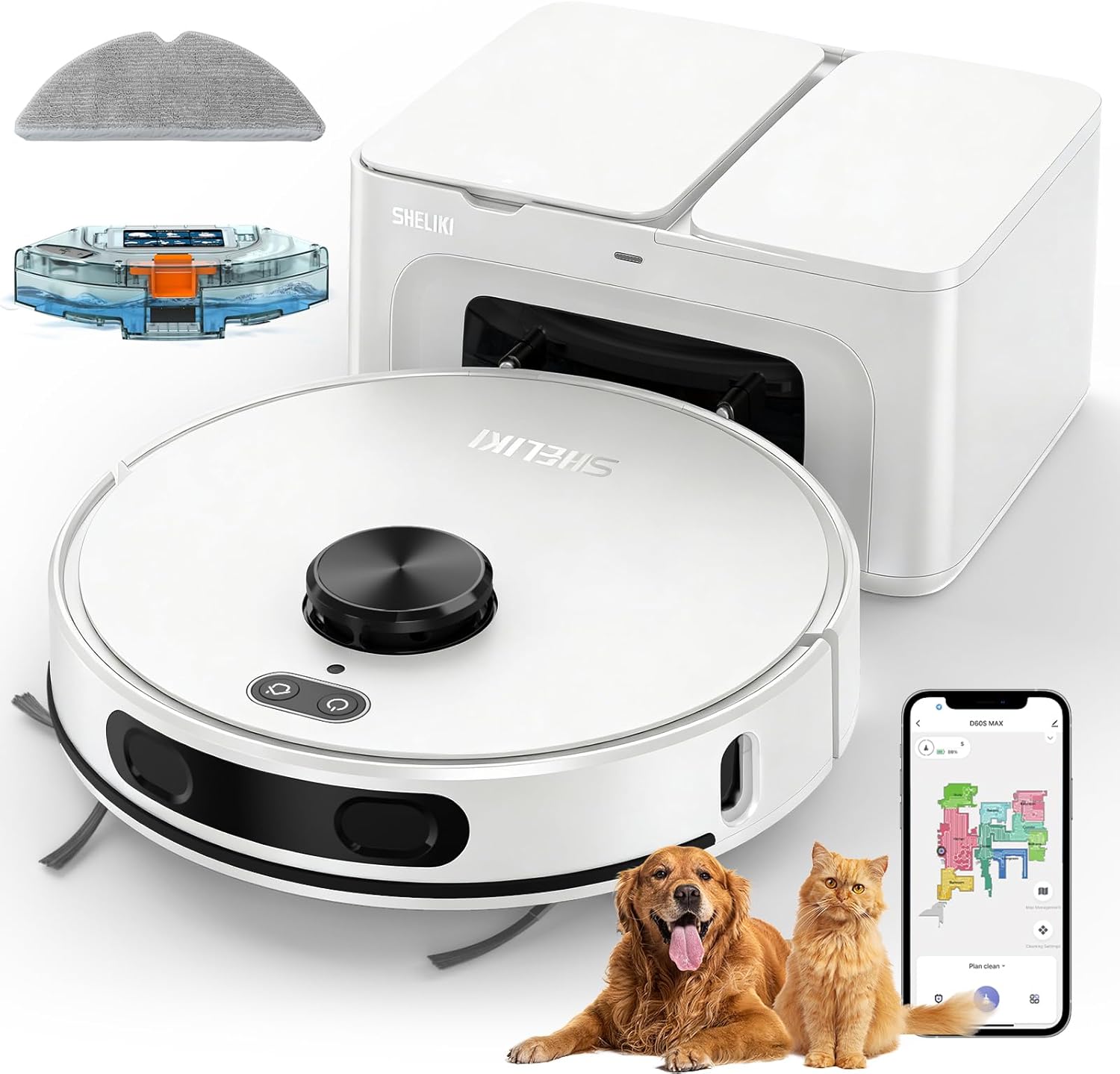
Best Budget Robot Vacuum 2026 Guide: Affordable Robot Mops and Vacuums from China
2026's best budget robot vacuums: Xiaomi Mi Robot Vacuum S20 (¥799, best value), Roborock Q5 Max (¥1,299, best mopping),

Best Budget TWS Earbuds 2026 Guide: Sub-300 Yuan Wireless Earbuds in China
2026's best budget TWS earbuds: Redmi Buds 6 Active (¥99, best with ANC), QCY MeloBuds Pro (¥149, best ANC value), 1More
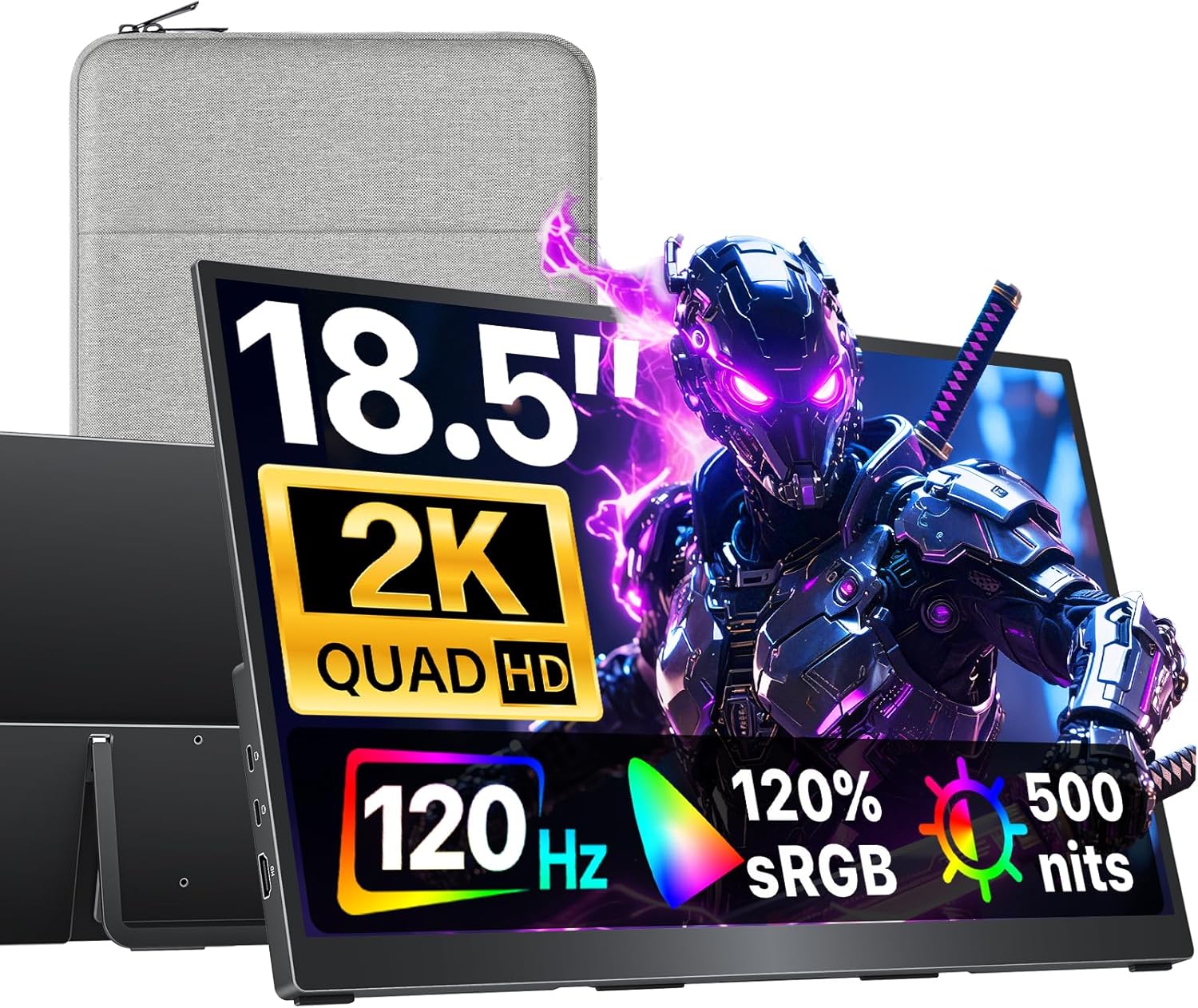
Best Chinese Portable Monitors Under $300 in 2026
Best Chinese portable monitors under $300 in 2026 ranked by JD.com reviews. Top picks include UGREEN 15.6inch, Arzopa Z1

Best Chinese Portable Projectors 2026: XGIMI, Dangbei, and More Top Picks
2026's best Chinese portable projectors: XGIMI MoGo 3 Pro (¥2,499, best portable), Dangbei N2 (¥3,299, best brightness),
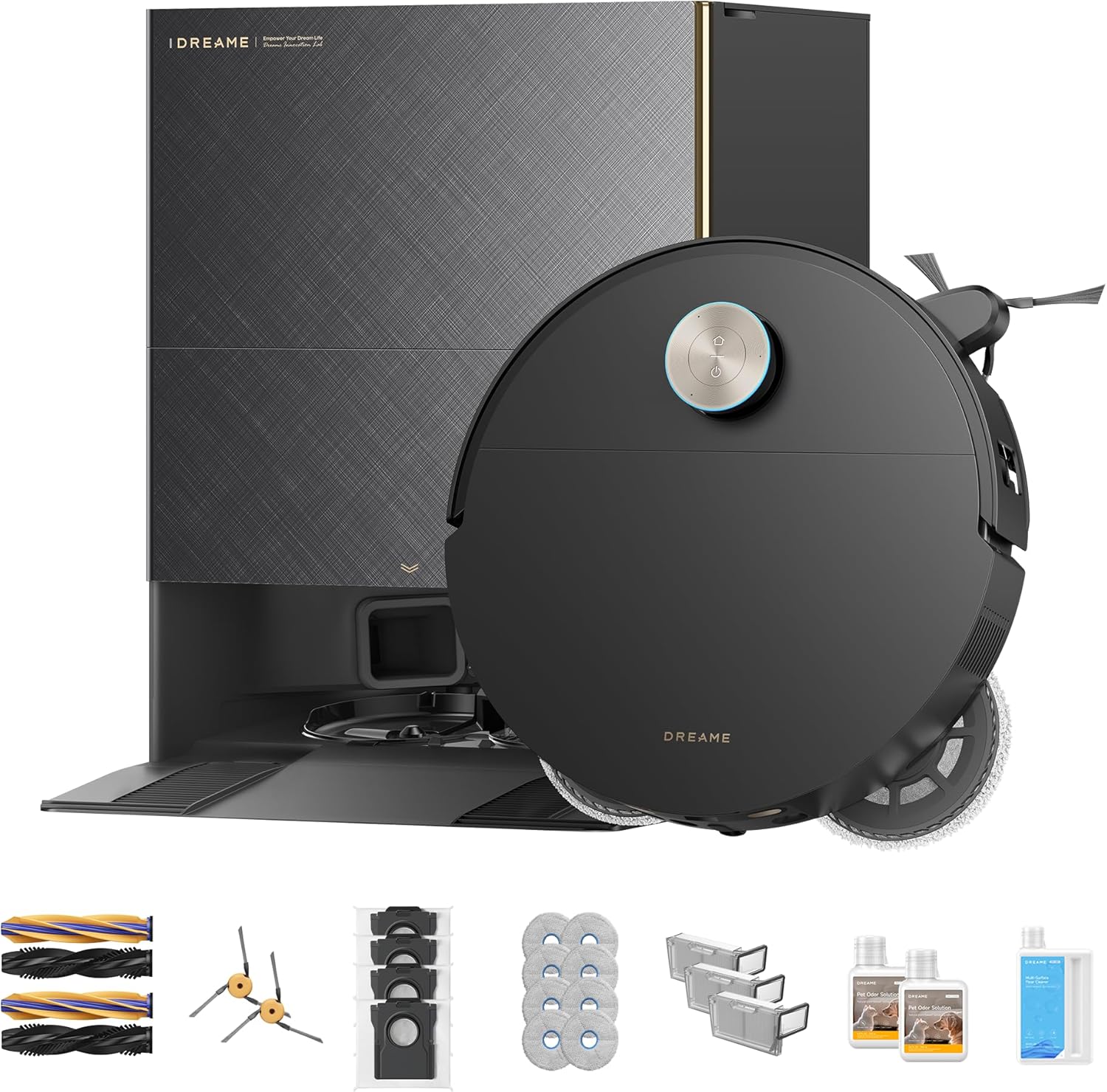
Best Chinese Robot Vacuums 2026: Dreame vs Roborock vs Others
Best Chinese robot vacuums of 2026 ranked by JD.com reviews. Top picks include Roborock Qrevo Curv, Dreame L40 Ultra, an