Baseus USB Flash Drive Review: Dual-Interface Convenience on a Budget
Baseus's dual-interface USB drive (USB-A + Type-C) is affordable and versatile — but read/write speeds and build quality reflect its budget positioning.
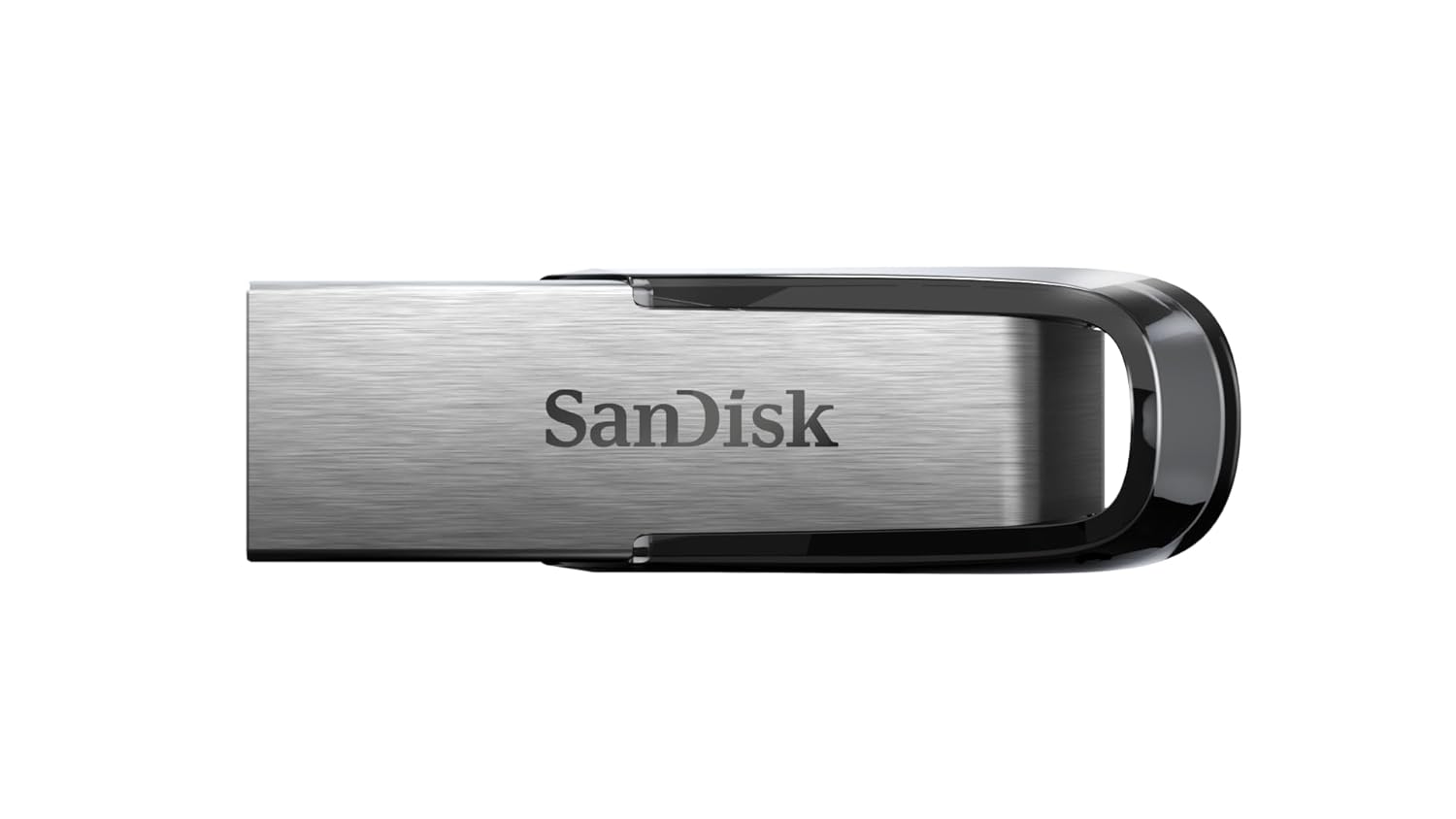
Baseus USB Flash Drive Review: Dual-Interface Convenience on a Budget
Introduction
In the age of cloud storage and high-speed SSDs, the humble USB flash drive feels almost retro. But there’s still a solid case for it — quick file transfers between devices, bootable OS installers, and situations where cloud upload speeds just won’t cut it.
Baseus (倍思), best known for charging accessories, offers a range of USB flash drives (64GB / 128GB / 256GB) with a compelling gimmick: dual-interface design with both USB-A and USB-C connectors. At $4.3–120, they’re aggressively priced. But is there a hidden cost to that affordability?
Specifications
| Spec | Detail |
|---|---|
| Capacities | 64GB / 128GB / 256GB |
| Interface | USB-A 3.2 Gen 1 + USB-C 3.2 Gen 1 |
| Max Read | ~100 MB/s (USB-A) / ~80 MB/s (USB-C) |
| Max Write | ~30–40 MB/s |
| Material | Plastic shell (rotating cover) |
| Weight | ~12g |
| Size | ~65 × 20 × 10 mm |
| Compatibility | Windows, macOS, Android, Linux |
| Warranty | 1 year |
| Price | $4.3 (64GB) / $8.6 (128GB) / $17.1 (256GB) |
Design: Dual-Interface is the Star
The defining feature is the dual-interface design. A rotating mechanism exposes either a USB-A plug or a USB-C plug — no caps to lose, no adapters required. This means you can plug it directly into a laptop (USB-A), a modern MacBook (USB-C), an Android phone (USB-C), or a tablet.
In practice, this is incredibly convenient. The best use case: transferring photos from an Android phone to a laptop without any cables, cloud uploads, or dongles. Just plug, drag, done.
The rotating mechanism itself is acceptable but not premium. It clicks into place at each position with reasonable tension, though several users report it becoming loose after 6–12 months of use. There’s no cap to protect the exposed connector when not in use — one connector is always exposed, which could trap lint in your pocket.
The plastic construction is clearly budget-tier. It doesn’t feel flimsy, but it doesn’t feel good either. SMZDM reviewers describe it as “functional but unremarkable” — adequate for a $4.3 device, disappointing if you bought it expecting the build quality of a SanDisk or Samsung.
Performance: Adequate, Not Impressive
Let’s be clear: this is not a speed demon. Baseus uses standard USB 3.2 Gen 1 controllers without DRAM cache, resulting in:
- Read: ~80–100 MB/s (respectable)
- Write: ~30–40 MB/s (below average)
For comparison, a SanDisk Ultra Fit reads at ~150 MB/s and writes at ~50–60 MB/s. The Samsung BAR Plus manages ~200 MB/s sequential reads.
The write speed is the real bottleneck. Copying a 5GB movie file takes about 2.5 minutes, and large batches of small files (like a photo library) are noticeably slower due to the lack of write caching.
“日常办公和备份够用,但作为主力存储不建议。”
— SMZDM
”Fine for daily office work and backups, but not recommended as primary storage.”
Where the Baseus drive does perform well: as a bootable OS installer or PE disk. Its compatibility with both USB-A and USB-C means it works with virtually any computer without hunting for adapters.
Heat Management
There’s a known heat issue. When performing sustained writes (5GB+), the drive gets noticeably warm — up to ~50°C surface temperature. The plastic shell doesn’t dissipate heat well, and multiple reviewers note it becomes “uncomfortably warm to the touch.”
This isn’t dangerous (flash memory operates safely up to ~70°C), but it’s not ideal for prolonged file transfers.
Chinese User Reviews (Real Quotes)
“双接口设计太方便了,手机电脑随便传。就是速度一般般,写入有点慢。”
— JD.com
”The dual-interface design is super convenient — transfer between phone and computer easily. But speed is just okay, writes are a bit slow.”
“$8.6的128G,还要什么自行车。做工确实一般,但价格在这摆着。”
— Taobao
”$8.6 for 128GB — what more can you ask? The build is indeed average, but at this price, it is what it is.”
“做PE盘用的,双接口兼容性无敌。高速传输发热量较大,不要长时间连续写入大文件。”
— SMZDM
”I use it as a PE drive — dual-interface compatibility is unmatched. Heat is significant during high-speed transfers, don’t do long continuous writes.”
“用了半年旋转结构有点松了,不过没坏。塑料质感确实廉价。”
— Taobao
”After six months the rotating mechanism got a bit loose, but hasn’t broken. The plastic does feel cheap.”
Pros & Cons
Pros ✅
- Dual-interface (USB-A + USB-C) — works with everything, no adapter needed
- Aggressive pricing — $4.3 for 64GB is almost disposable
- Great for PE/boot drives — dual-interface means it works with old and new computers
- No cap to lose — rotating cover is always attached
- Phone-to-computer transfers — no cables or cloud needed
- Backup drive — adequate for document and photo backups
Cons ❌
- Slow write speeds — ~30–40 MB/s is below category average
- Plastic construction — feels cheap, rotating hinge may loosen
- Heat during sustained writes — plastic shell lacks thermal dissipation
- Exposed connector — one interface always exposed when not in use
- Not for primary storage — speed and reliability aren’t competitive with SSDs
- Inconsistent batches — some users report varying quality control
- No encryption — no bundled security software
Comparison: Baseus vs Mainstream Brands
| Feature | Baseus (128GB) | SanDisk Ultra Fit | Samsung BAR Plus |
|---|---|---|---|
| Price (¥) | ~$8.6 | ~$12.9 | ~$14.3 |
| Read Speed | ~100 MB/s | ~150 MB/s | ~200 MB/s |
| Write Speed | ~35 MB/s | ~55 MB/s | ~60 MB/s |
| Interface | USB-A + USB-C | USB-A only | USB-A only |
| Material | Plastic | Plastic + metal | Metal body |
| Build | Functional | Good | Premium |
The Baseus wins on dual-interface convenience and price. It loses on speed, build quality, and longevity.
FAQ
Q: Can I use it to transfer files between iPhone 15 Pro and computer?
A: Yes. Plug the USB-C side into your iPhone 15 Pro, then transfer files directly in the Files app. Works great for offloading videos and photos.
Q: Can I use it as a Windows installation drive?
A: Yes, it works with Windows Media Creation Tool and Rufus. The dual-interface means it’ll boot on both modern UEFI systems (USB-C) and older BIOS systems (USB-A).
Q: How long does it last?
A: Flash memory has a finite but long lifespan. For typical use (regular file transfers, not constant video writing), expect 5–10 years. The rotating mechanism is more likely to fail than the memory.
Q: Is the USB-C side as fast as the USB-A side?
A: The USB-C side is slightly slower (~80 MB/s read) in some configurations due to the single controller sharing bandwidth. Both use USB 3.2 Gen 1 (5 Gbps) interface.
Q: Does it support OTG on Android phones?
A: Yes. Native USB-C plug means it works immediately with any Android phone that supports OTG. No adapter needed.
Verdict & Rating
The Baseus dual-interface USB drive is a specialist tool that does one thing really well: it works with everything. If you regularly transfer files between a modern laptop (USB-C) and an older desktop (USB-A), or between a phone and a computer, the convenience is genuine.
It’s just not very fast, doesn’t feel very premium, and shouldn’t be your only storage solution. Think of it as an affordable convenience accessory rather than a high-performance storage device.
Rating: ★★★½ (3.5 / 5)
| Category | Score | Notes |
|---|---|---|
| Value for Money | ★★★★★ | Exceptional for the price |
| Speed | ★★★☆☆ | Read is fine, write is slow |
| Compatibility | ★★★★★ | Dual-interface covers everything |
| Build Quality | ★★★☆☆ | Plastic budget construction |
| Durability | ★★★☆☆ | Hinge may loosen over time |
Best for: Android phone users who need PC transfers, IT admins with a mix of old/new hardware, emergency boot drive, and budget-conscious buyers who prioritize compatibility over speed.
Skip if: You need fast transfer speeds (get an SSD), want premium build materials, or need high durability for daily professional use.