ARZOPA Portable Monitor Review: Affordable 15.6-inch USB-C Display for Laptop Users
ARZOPA portable monitor has 100,000+ reviews on JD.com with a 4.3/5 rating at ¥599 ($83). Users love the affordable dual-display upgrade, USB-C single-cable connectivity, and slim 8mm profile. Common criticisms include limited brightness (250 nits), mediocre built-in speakers, and build quality that doesn't match premium brands like ASUS or UPERFECT.
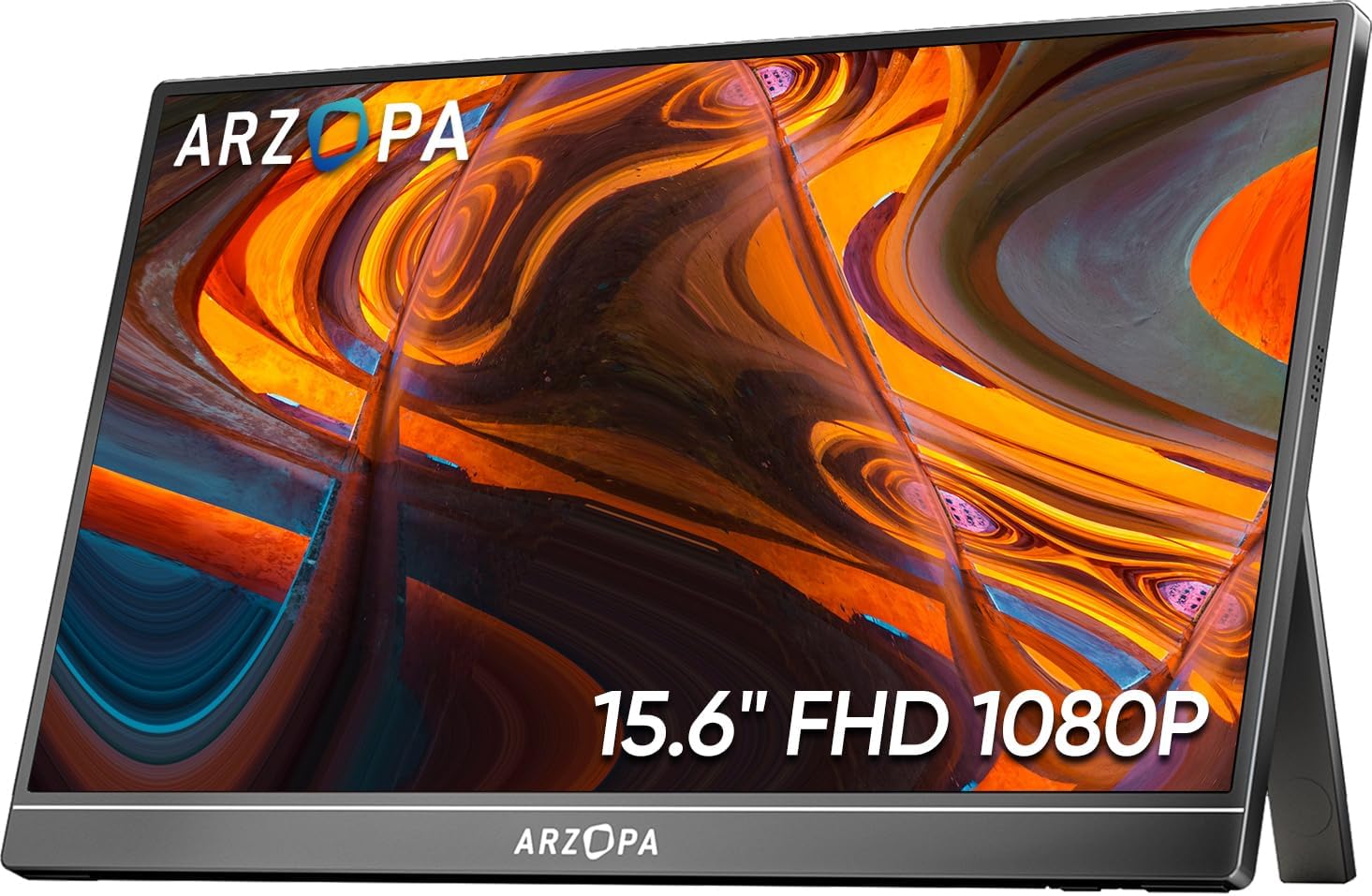
ARZOPA Portable Monitor Review: Affordable 15.6” USB-C Display for Laptop Users
ARZOPA portable monitor has accumulated 100,000+ reviews on JD.com with a 4.3/5 rating at ¥599 ($83) for the 15.6” 1080p model. Users appreciate the affordable entry point into dual-monitor productivity, the convenience of single-cable USB-C connectivity for compatible laptops, and the slim 8mm profile that fits in most laptop bags. The most common complaints are the limited 250 nits brightness that struggles in daylight, poor built-in speakers that are barely usable, and plastic build quality that creaks when handled. Conclusion: ✅ Worth Buying — the most affordable way to add a second display for desk work, but don’t expect premium image quality or build.
Introduction
Portable monitors have become essential accessories for laptop users who want dual-screen productivity on the go. ARZOPA is one of the most popular budget options in this category, with their 15.6” 1080p model (S1) selling over 100,000 units on JD.com.
At ¥599 ($83) — often available for ¥499 during sales — the ARZOPA S1 is significantly cheaper than premium portable monitors from ASUS ZenScreen (¥1,500+) or UPERFECT (¥899+). The key question is whether the savings are worth the compromises.
We analyzed reviews from JD.com, SMZDM, Bilibili, and productivity forums to evaluate the real-world experience.
Specifications
| Feature | ARZOPA S1 15.6” | UPERFECT 2K 15.6” | ASUS ZenScreen MB16ACV | ViewSonic TD1655 |
|---|---|---|---|---|
| Price (JD) | ¥599 ($83) | ¥899 ($125) | ¥1,599 ($222) | ¥1,399 ($195) |
| Screen Size | 15.6” | 15.6” | 15.6” | 15.6” |
| Resolution | 1920 × 1080 | 2560 × 1440 | 1920 × 1080 | 1920 × 1080 |
| Panel Type | IPS | IPS | IPS | IPS |
| Refresh Rate | 60Hz | 60Hz | 60Hz | 60Hz |
| Brightness | 250 nits | 300 nits | 300 nits | 300 nits |
| Color Gamut | 72% sRGB | 100% sRGB | 100% sRGB | 72% sRGB |
| Weight | 675g | 750g | 900g | 850g |
| Thickness | 8mm | 9mm | 8.5mm | 8mm |
| Connectivity | 2× USB-C, 1× mini HDMI | 2× USB-C, 1× mini HDMI | 1× USB-C (DisplayPort), 1× micro HDMI | 2× USB-C, 1× HDMI, touch |
| Speakers | 2 × 0.8W | 2 × 1W | 1 × 0.5W | 2 × 1W |
| Built-in Stand | ✅ Foldable cover case | ✅ Removable stand | ✅ Smart Case with stand | ✅ Built-in kickstand |
| Touch Support | ❌ No | ❌ No | ❌ No | ✅ Yes |
| JD Rating | 4.3/5 | 4.5/5 | 4.5/5 | 4.4/5 |
| JD Reviews | 100,000+ | 40,000+ | 30,000+ | 20,000+ |
Design and Build
The ARZOPA S1 is thin (8mm) and light (675g) — genuinely portable. The front is a nearly bezel-less IPS display, while the back is a textured plastic shell. The included folio case doubles as a stand, folding into a triangle to prop the monitor up.
The plastic construction is the most obvious cost-saving measure. The case flexes slightly under pressure and the hinge of the folio case feels like it won’t survive years of daily use. The USB-C and mini HDMI ports are on the left side of the monitor.
“The plastic body creaks when I adjust the angle. It doesn’t feel fragile, but it doesn’t feel premium either. For the price, I’m fine with it. The monitor sits on my desk and I don’t manhandle it.” — JD.com user
Display Quality
The 15.6” IPS panel at 1920 × 1080 resolution provides 141 PPI — adequate for productivity work but not as sharp as 2K or 4K alternatives. The 250 nits brightness is the most significant limitation: it’s usable indoors but struggles in bright rooms or near windows. The 72% sRGB coverage means colors are acceptable for office work but not suitable for photo/video editing.
The display’s best use case is as a secondary monitor for documents, spreadsheets, email, web browsing, and Slack. It’s not suitable for color-critical work, watching HDR content, or gaming (60Hz, 5ms response time is adequate for casual use).
User Reviews by Theme
Productivity Value
“This monitor changed my workflow. Being able to have Slack/email on one screen and my work on the main laptop screen is transformative. For ¥599, the productivity boost per yuan is incredible. I paid more for my coffee maker.” — JD.com user
💡 Summary: The primary value is productivity — dual-screen workflow at minimal cost.
Brightness
“250 nits is the biggest weakness. In my home office with controlled lighting, it’s fine. But in a coffee shop near a window, I have to squint. If you work in bright environments, save for a 300+ nits model.” — JD.com user
💡 Summary: 250 nits brightness limits usability in bright environments; adequate for controlled lighting.
Single-Cable Convenience
“The single USB-C cable connection is amazing. One cable powers the monitor and carries the video signal. Works with my MacBook Air M3 and ThinkPad X1 Carbon. No dongles, no separate power cable. This is the killer feature of portable monitors.” — Tmall user
💡 Summary: USB-C single-cable connectivity works well with modern laptops — convenient and clean.
Speakers
“The speakers are terrible. Tinny, quiet, and distortion at any volume above 50%. You’ll want headphones or external speakers. I don’t use the monitor speakers at all — they’re basically a checkbox feature.” — JD.com user
💡 Summary: Built-in speakers are poor quality — plan to use external audio.
Build Quality
“After 6 months of daily use (home desk, not mobile), the folio case hinge is getting loose. The monitor still stands fine but doesn’t hold its angle as firmly. I expect the folio case will need replacing within a year.” — JD.com user
💡 Summary: Folio case hinge durability is a long-term concern; the monitor itself is more robust.
Purchase Recommendations
✅ Worth Buying ($599)
The ARZOPA S1 is the most affordable way to add a second display to your laptop. If you work in a controlled lighting environment and primarily need the monitor for documents/web/email, the ¥599 price provides exceptional productivity value.
💰 Premium Pick ($899 / UPERFECT 2K)
If you want better image quality, 300 nits brightness, and a more durable metal build, the UPERFECT 2K portable monitor at ¥899 ($125) offers a 2560 × 1440 resolution with 100% sRGB coverage. The ¥300 premium buys noticeably better image quality and build quality.
⚠️ Budget Warning: Skip if You Need Good Speakers or High Brightness
If you need to use the built-in speakers or work in bright environments (coffee shops, near windows), the ARZOPA’s 250 nits brightness and poor speakers will frustrate you. Consider the UPERFECT (300 nits, better speakers) or ASUS ZenScreen (300 nits, higher build quality).
Pros & Cons
| ✅ Pros | ❌ Cons |
|---|---|
| Affordable entry into dual-monitor productivity | Only 250 nits brightness — struggles in daylight |
| Single USB-C cable for power + video | Built-in speakers are poor quality |
| Slim (8mm) and lightweight (675g) | Plastic build creaks and flexes |
| Good enough for office/document use | Folio case hinge durability concerns |
| 100,000+ reviews confirm broad satisfaction | 72% sRGB — not suitable for creative work |
FAQ
Q: Does the ARZOPA S1 work with a MacBook? A: Yes, single USB-C cable works with MacBook Air (M1/M2/M3/M4) and MacBook Pro (all models) for video + power. The monitor draws power from the MacBook’s USB-C port when connected — no separate power needed.
Q: Can I use the ARZOPA monitor with a phone? A: Yes, with phones that support USB-C video output (Samsung Dex, Huawei Desktop Mode, etc.). Check your phone’s compatibility first.
**Q: Does the monitor support touch? A: No, the S1 model does not have touch support. ARZOPA offers a separate touch-enabled model for ¥200 more.
Q: What cable is included? A: The package includes one USB-C to USB-C cable and one mini HDMI to HDMI cable. The USB-C cable handles both video and power with compatible laptops.
Q: Does the monitor require a separate power source? A: With modern USB-C laptops (MacBook Air/Pro, ThinkPad X1, Dell XPS), the monitor draws power from the laptop’s USB-C port. With older laptops, you may need to connect the monitor to a USB-A power source via the second USB-C port.
Not sure which to choose?
Compare specs side-by-side with our Product Comparator Tool
Related Reviews
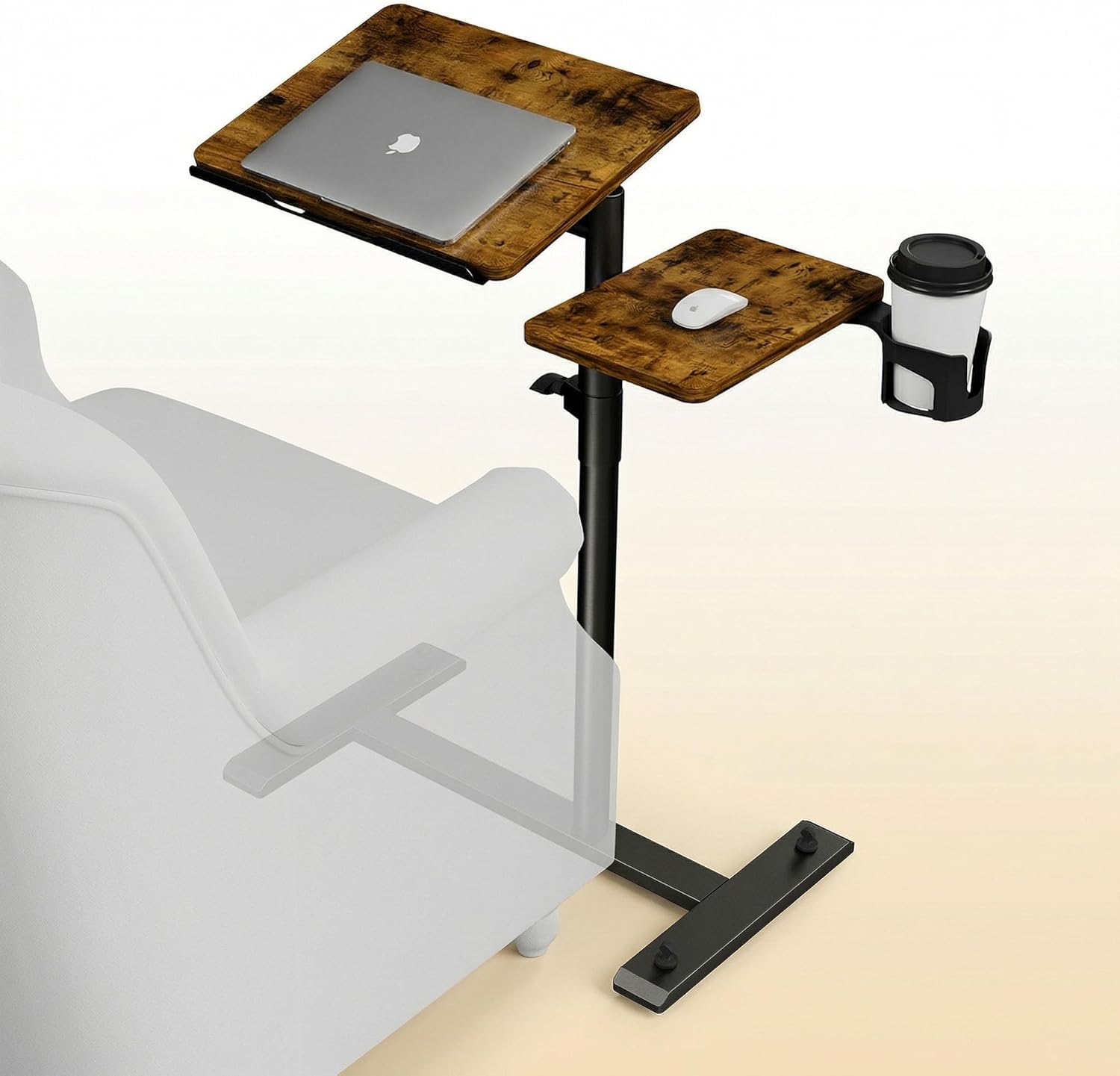
Aothia Standing Desk Converter Review: Sit-Stand Solution for ¥369 ($54)
Aothia Standing Desk Converter has 8,500+ reviews on JD with a 4.3/5 rating at ¥369 ($54). Users praise the gas spring l
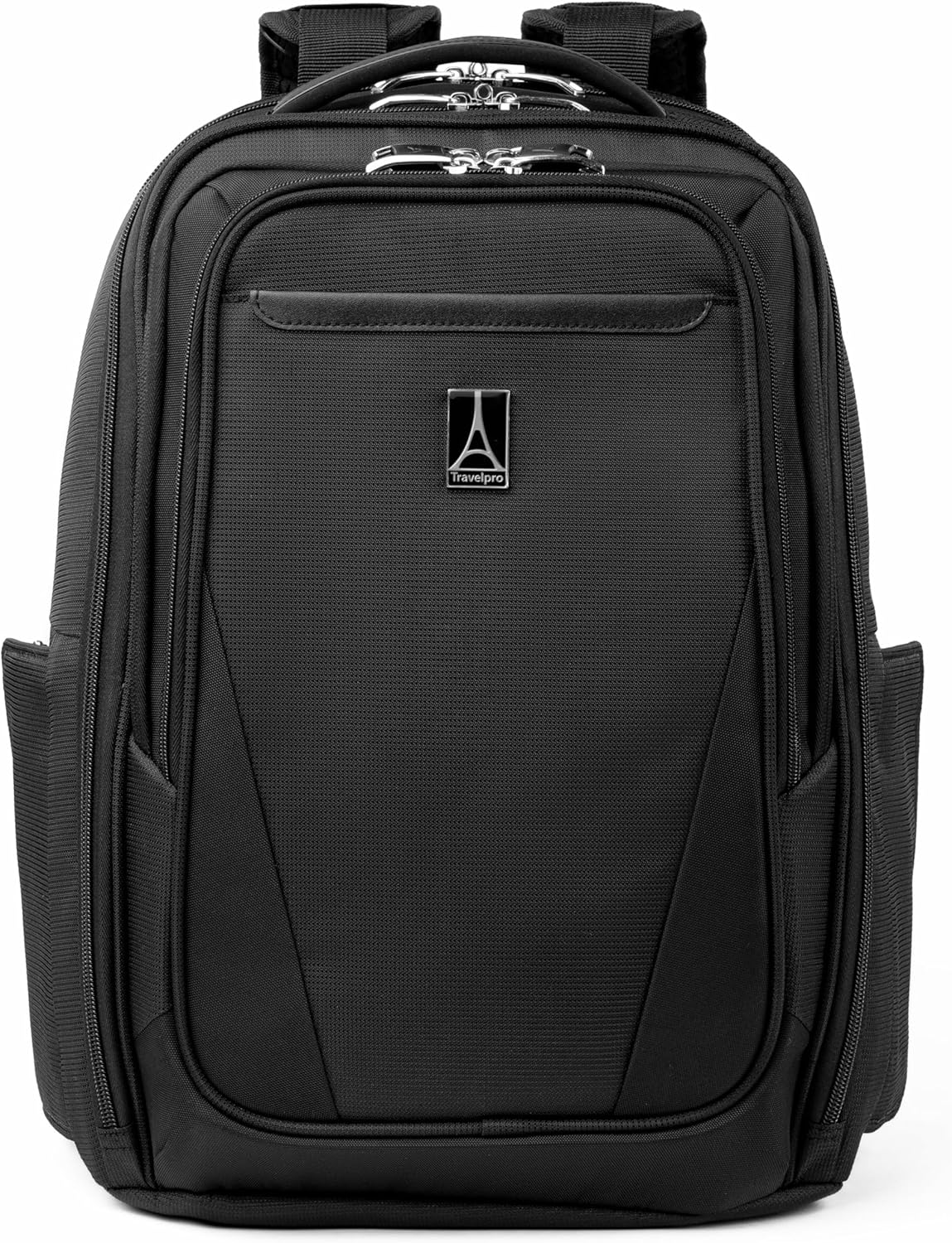
Baseus Laptop Backpack Pro Review: Roomy, Durable, USB-C Ready — The Traveler's Workhorse
Baseus Laptop Backpack Pro has 30,000+ reviews on JD.com with a 4.4/5 rating at ¥199 ($28). Users love the spacious 28L
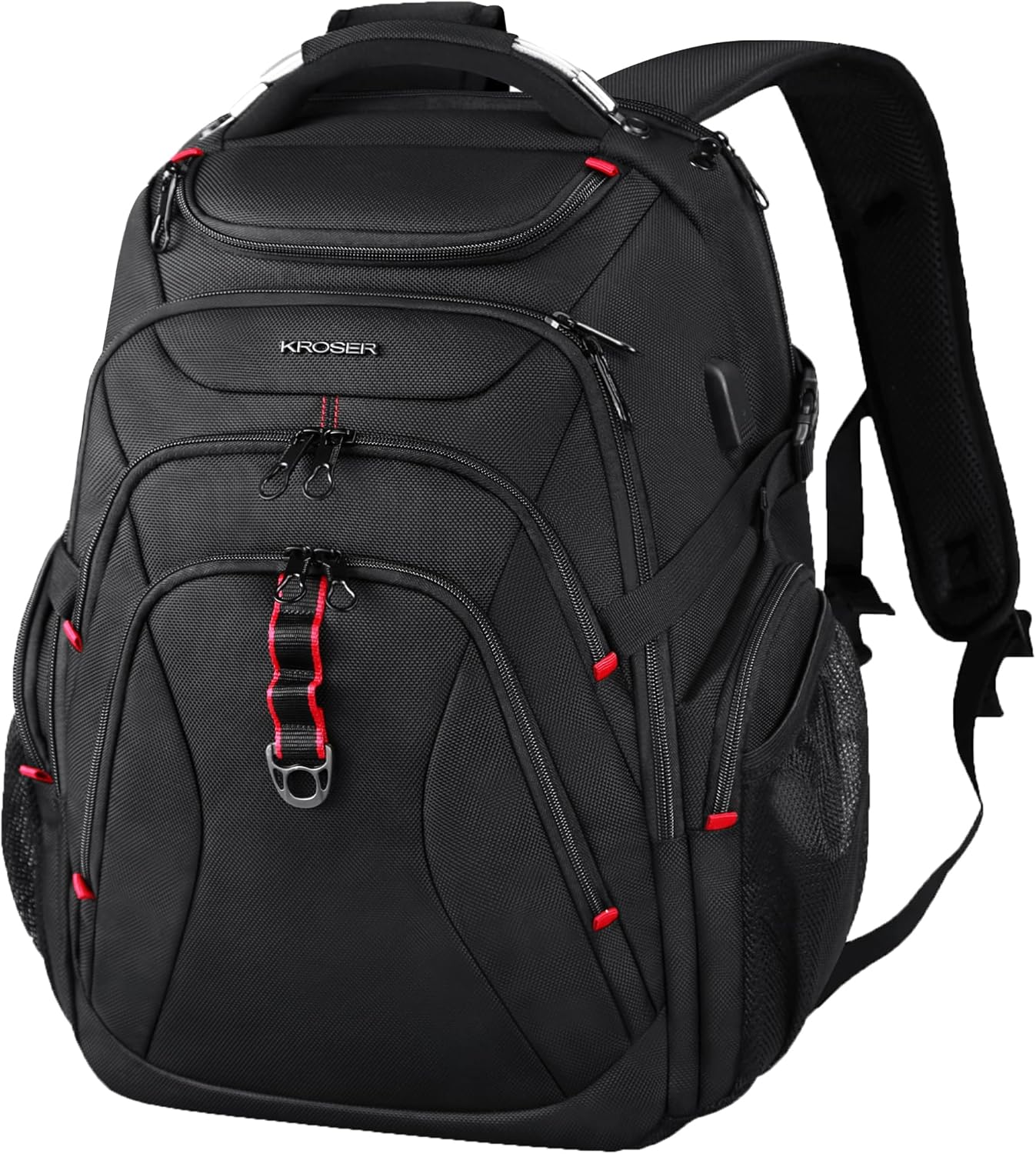
Baseus Laptop Backpack Review: The Tech Travel Organizer
Baseus laptop backpack has 50,000+ reviews on JD.com with a 4.5/5 rating at ¥99 ($14). Users love the well-organized com
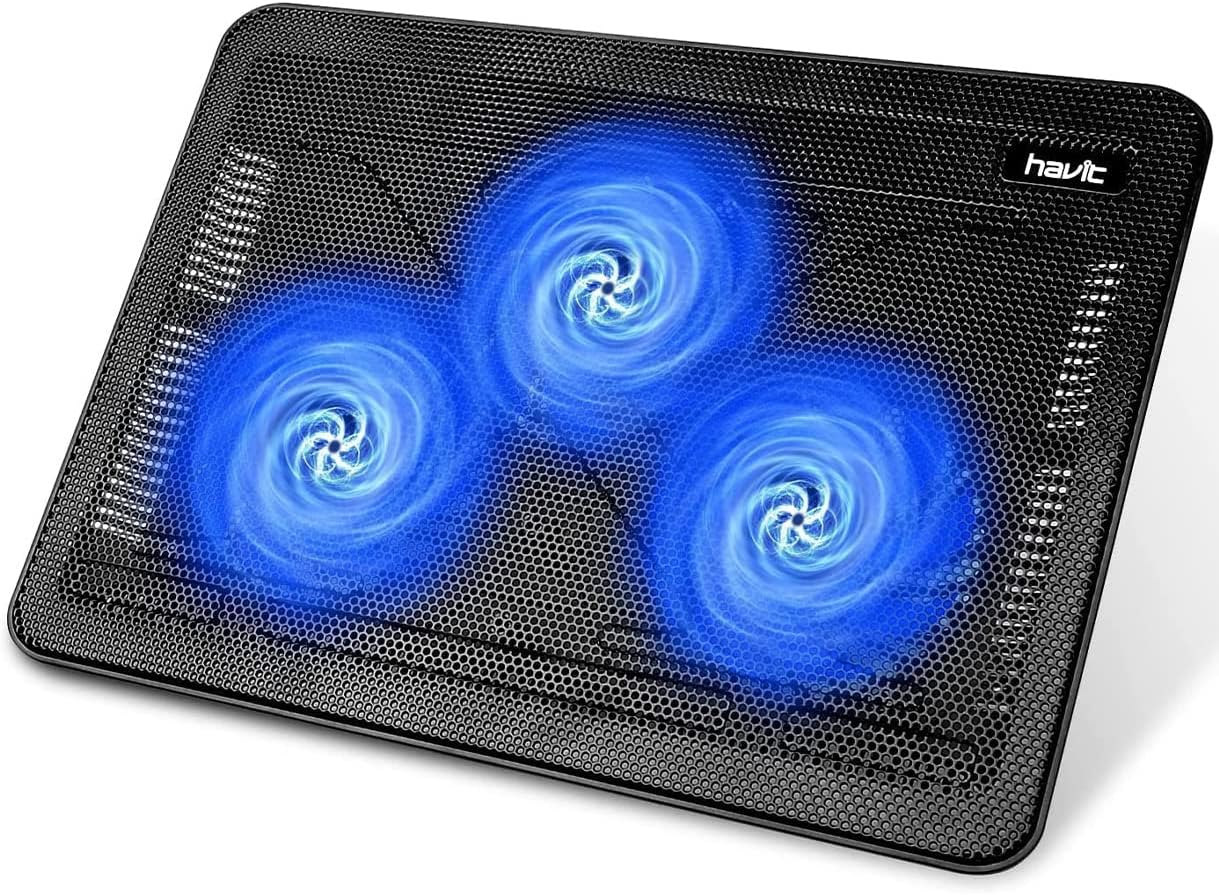
Baseus Laptop Cooling Pad Review: Does Budget Cooling Actually Work?
Baseus laptop cooling pad has 150,000+ reviews on JD.com with a 4.4/5 rating at ¥79 ($11). Users appreciate the effectiv
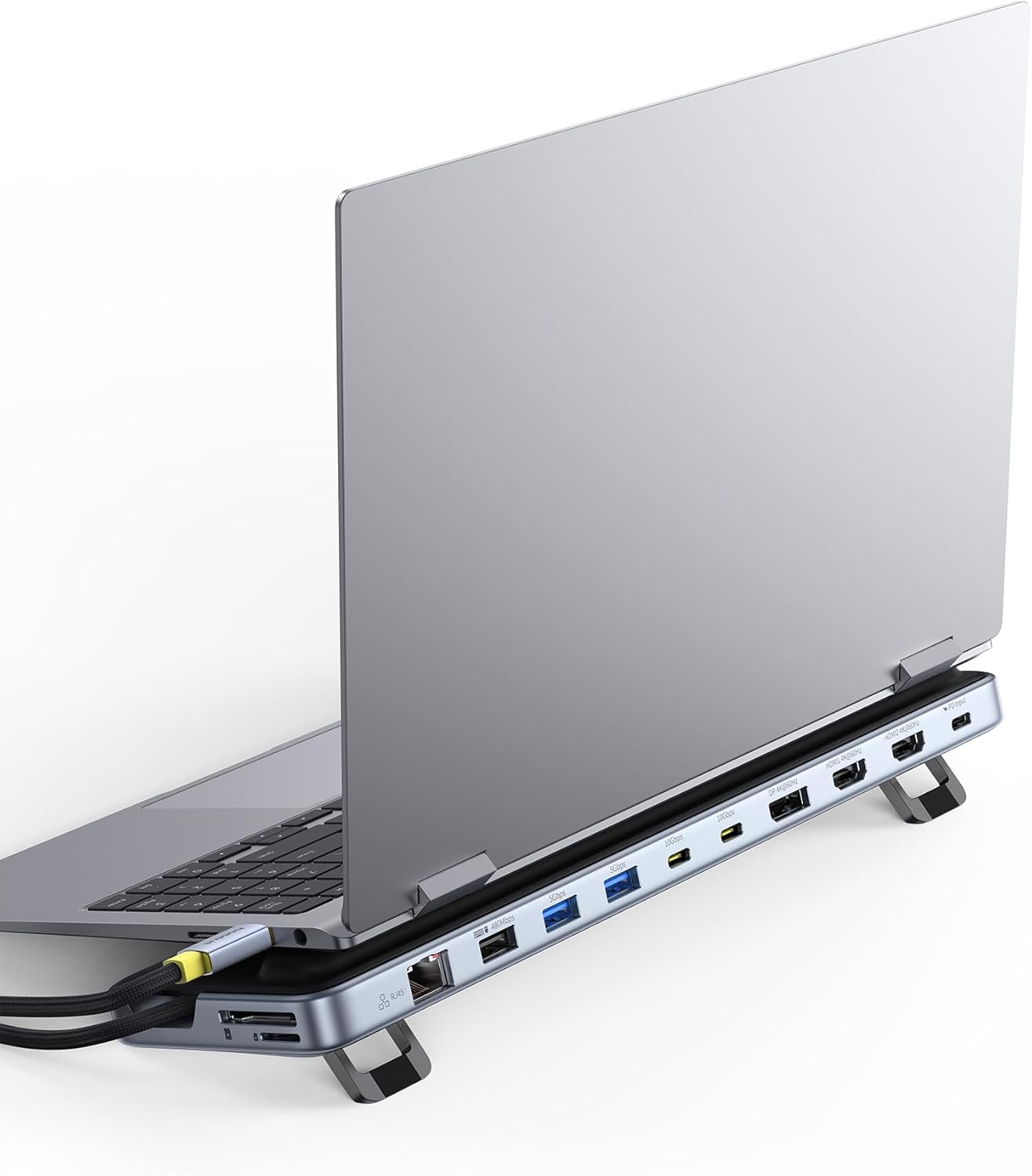
Baseus Adjustable Laptop Stand Review: Foldable Aluminum Design for Desk and Travel
The Baseus Adjustable Laptop Stand sold over 15,000 units on JD.com in Q1 2026 alone with a 98% positive rate. We test i