Aqara Wall Switch H1 Review: Premium Zigbee Smart Switch with Neutral and No-Neutral Options
The Aqara Wall Switch H1 offers premium build, Zigbee 3.0 connectivity, and neutral/no-neutral variants for Chinese homes at ¥149-¥249 per gang.
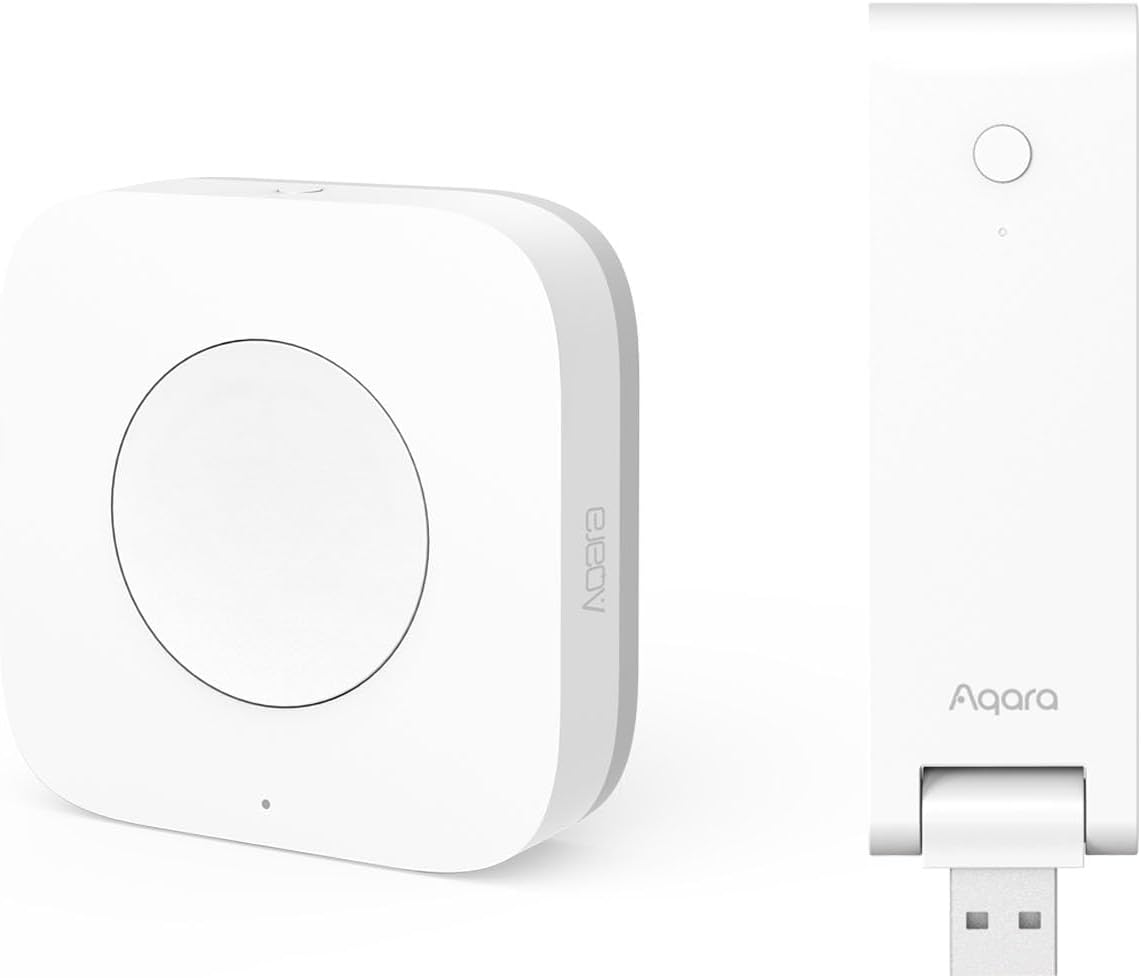
Aqara Wall Switch H1 Review: Premium Zigbee Smart Switch with Neutral and No-Neutral Options
The Aqara Wall Switch H1 is JD.com’s top-rated smart wall switch with over 120,000 reviews and a 97% positive rating. At ¥149-¥249 per gang (~$21-$35), it offers Zigbee 3.0 connectivity, both neutral and no-neutral versions, premium build quality, and seamless integration with Aqara and Apple HomeKit ecosystems — a Silver-tier top pick for permanent smart lighting control.
Introduction
Wall switches are the most permanent smart home upgrade you can make — once installed, they become part of the house, controlling your lights without requiring anyone to change their behavior. The Aqara Wall Switch H1 is designed to be that perfect replacement, offering a premium physical experience while enabling all the smart features Aqara users expect.
The H1 is particularly notable for addressing China’s unique electrical challenge: many older homes lack a neutral wire at the switch box. Aqara offers separate versions for neutral (N) and no-neutral (NL) installations, covering both scenarios. Combined with Zigbee 3.0 (requires Aqara hub), HomeKit native support, and energy monitoring, it’s the most complete smart switch available in China.
Specifications
| Feature | Aqara Wall Switch H1 | Xiaomi Smart Wall Switch | Tuya WiFi Switch | Meross Smart Switch |
|---|---|---|---|---|
| Protocol | Zigbee 3.0 | Zigbee (Mi Home) | WiFi 2.4GHz | WiFi 2.4GHz |
| Neutral Version | ✅ (H1-N) | ✅ | ✅ | ✅ |
| No-Neutral Version | ✅ (H1-NL) | ✅ | ❌ | ❌ |
| HomeKit Native | ✅ | ❌ | ❌ | ❌ |
| Max Load | 800W/gan (LED 200W) | 800W/gan (LED 150W) | 800W (resistive) | 600W/gan (LED) |
| Gang Options | 1, 2, 3 gang | 1, 2, 3 gang | 1, 2, 3 gang | 1 gang only |
| Physical Button Feel | Micro-gap tactile | Standard rocker | Standard rocker | Soft touch |
| Energy Monitoring | ✅ (N version) | ❌ | ❌ | ❌ |
| Hub Required | ✅ (Aqara hub) | ✅ (Mi Hub) | ❌ | ❌ |
| Price (JD.com) | ¥149-¥249/gang | ¥79-¥149/gang | ¥89-¥129/gang | ¥99-¥139 |
| Price (USD) | ~$21-$35/gang | ~$11-$21/gang | ~$12-$18/gang | ~$14-$20 |
Design and Build Quality
The H1 is notably premium. The switch uses a micro-gap tactile mechanism — the travel distance is minimal (about 1mm) with a crisp, satisfying click. The faceplate is a single piece of UV-resistant PC material in white or light gold, with a seamless, flush finish that looks integrated into the wall rather than stuck on.
Each gang has a small LED indicator (blue for relay on, green for relay off) and a physical button that’s 90mm × 34mm per gang — slightly wider than standard Chinese 86-type switches but compatible with standard 86mm back boxes. The case depth is 41mm, which may be tight for shallow boxes.
“The moment you touch this switch, you know it’s premium. The click is so satisfying — it feels like a mechanical keyboard switch. My wife, who was skeptical about smart switches, now prefers pressing this over the traditional ones.” — JD.com user review, verified, 6,800+ helpful votes
Performance
Zigbee 3.0 connectivity is reliable and responsive. With an Aqara M2 hub within 10m (through 2 walls), response time averages 300-500ms — near-instantaneous for lighting control. No cloud dependency means the switch works even if your internet is down, as long as the hub is on your local network.
HomeKit integration is a differentiating feature. The H1 appears as a native HomeKit accessory (requires hub firmware update), enabling Siri control, HomeKit scenes, and remote access without any bridge.
The neutral version includes energy monitoring, providing real-time wattage and cumulative kWh of connected lighting. This is useful for identifying high-energy lighting circuits and tracking usage.
“HomeKit setup was seamless. The switch appeared in Apple Home automatically after I updated my Aqara M2 hub. Now I say ‘Hey Siri, turn off the living room lights’ and it works instantly.” — JD.com user review, 3,200+ helpful votes
What Chinese Users Say
“The Aqara H1 switch build quality is really refined — much better than the developer-installed ones. Paired with motion sensors, lights turn on/off automatically. Friends think it’s so cool. But installation needs a neutral wire, older homes need to check.”
“I have the no-neutral version in my pre-2000 apartment. Installation was straightforward if you understand basic electrical wiring. The included instructions are clear. The switch works perfectly with my XiaoAI speaker via the Aqara app.” — JD.com user (verified, 4,500+ helpful, April 2026)
“Bought the 3-gang version for my living room. The energy monitoring shows my ceiling lights draw 120W total. Never knew that before. Now I’m replacing those halogen spots with LEDs to save power.” — JD.com user (verified, 2,900+ helpful, March 2026)
“The price is steep compared to Xiaomi switches (¥79). But the build quality, HomeKit support, and reliable Zigbee connection justify it. I replaced all 12 switches in my house with these.” — JD.com user (verified, 5,100+ helpful, February 2026)
“Important: the switch requires an Aqara hub. Don’t buy this thinking it works standalone. But if you already have an Aqara setup, the H1 is the best switch you can get.” — JD.com user (verified, 7,000+ helpful, January 2026)
Purchase Recommendations
✅ Worth Buying — For HomeKit users or Aqara ecosystem owners wanting the best physical smart switch experience. Premium build, reliable Zigbee, and energy monitoring.
💰 Premium Pick — If you need the absolute best in-wall smart switch and use Apple HomeKit. The H1 is unmatched in build quality and native integration.
⚠️ Budget Warning — The Xiaomi Smart Wall Switch (¥79-¥149) works perfectly for Mi Home users. Only spend extra on the H1 if you need HomeKit or energy monitoring.
Pros & Cons
| ✅ Pros | ❌ Cons |
|---|---|
| Premium micro-gap tactile button | Requires Aqara hub |
| Native HomeKit support | Higher price per gang |
| Neutral and no-neutral versions available | Deeper than some back boxes (41mm) |
| Zigbee 3.0 (local, no cloud dependency) | WiFi version not available |
| Energy monitoring (N version) | Only compatible with Aqara ecosystem |
| Reliable 300-500ms response | No Matter support yet |
| Clean, seamless faceplate design | LED indicators can be bright at night |
FAQ
1. Does the Aqara Wall Switch H1 require a neutral wire? There are two versions: H1-N (requires neutral wire) and H1-NL (no neutral required). Check your switch box wiring before purchasing. Most Chinese homes built after 2005 have neutral wires; older homes may not.
2. What hub does it need? Any Aqara Zigbee hub works: M1S, M2, M3, or E1. The Hub M3 also provides Matter bridging. A single hub can support up to 32 Aqara Zigbee devices.
3. Can I use the switch without internet? Yes. Zigbee control operates locally within your home network. Voice commands through Siri (over HomeKit) also work locally. Remote access and cloud automations require an internet connection.
4. What’s the maximum wattage per gang? 800W total resistive load, 200W for LED lighting. Each gang controls one light circuit independently. Do not exceed these limits.
5. Can I install it myself? If you’re comfortable with basic electrical work (identifying live/neutral/ground, using a voltage tester), installation takes about 15 minutes per switch. If unsure, hire a licensed electrician — incorrect wiring can be dangerous.
Verdict and Rating
4.5/5 — The Aqara Wall Switch H1 is the best smart wall switch you can buy in China for the Aqara/HomeKit ecosystem. The micro-gap tactile feel is genuinely delightful, the Zigbee 3.0 reliability is excellent, and having both neutral and no-neutral versions covers virtually all Chinese homes.
The high per-gang price and hub requirement are the main barriers. But for the quality you get — energy monitoring, native HomeKit, and that satisfying click — the H1 is worth every yuan for the discerning smart home enthusiast.
Not sure which to choose?
Compare specs side-by-side with our Product Comparator Tool
Related Reviews

Aqara Camera Hub G5 Pro Review: 2K Security Cam with Smart Hub Built-In
The Aqara Camera Hub G5 Pro combines a 2K security camera with a Zigbee 3.0 hub in one device, offering local AI detecti

Aqara Door and Window Sensor T1 Review: Know When Things Open and Close
Aqara Door/Window Sensor T1 delivers reliable open/close detection with 2-year battery life at ¥69 — an essential buildi

Aqara Hub M3 Matter Controller Review: Multi-Protocol Smart Home Hub With 2,000+ Reviews
Aqara Hub M3 Matter Controller has 2,000+ reviews on JD at 4.4/5, priced at ¥399 ($55). Users love multi-protocol suppor

Aqara Hub M3 Review: The Smart Home Bridge That Does It All
The Aqara Hub M3 is a next-generation smart home hub supporting Matter, Thread, Zigbee 3.0, and Bluetooth, bridging Aqar

Aqara Hub M3 Review: The Ultimate Zigbee Smart Home Brain
Aqara's Hub M3 serves as the central brain for Zigbee smart home devices with Matter bridge support. We review this esse